IoT and AI Building Edge AI with AI- YoloSharp Client

Introduction

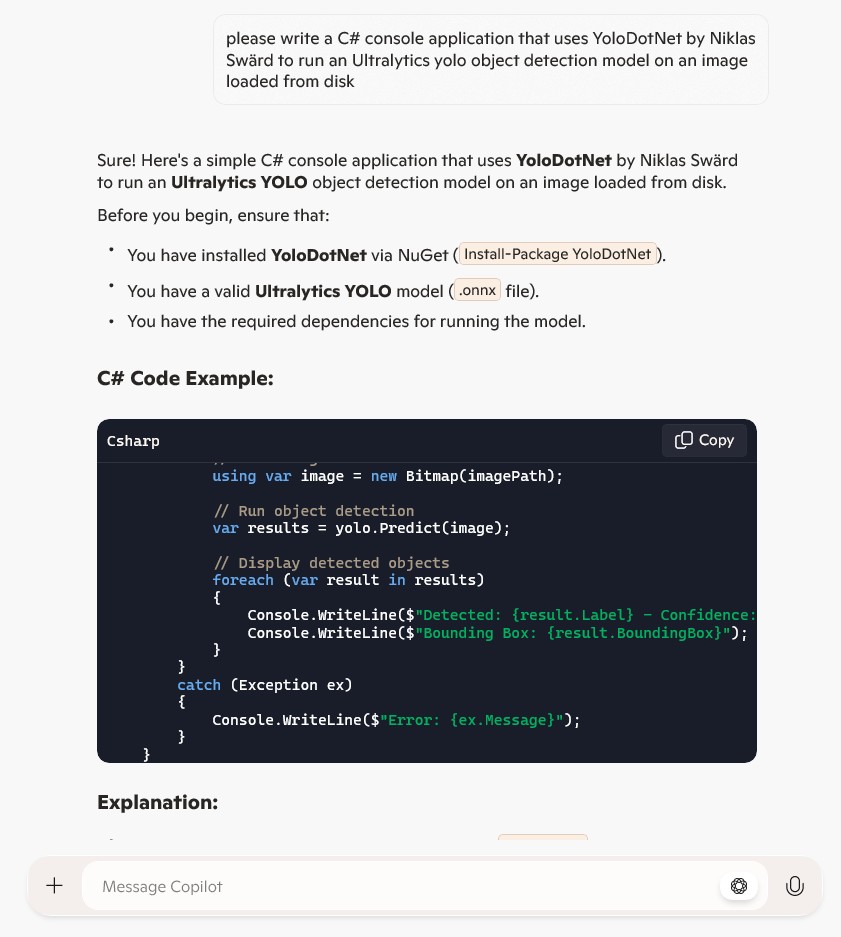
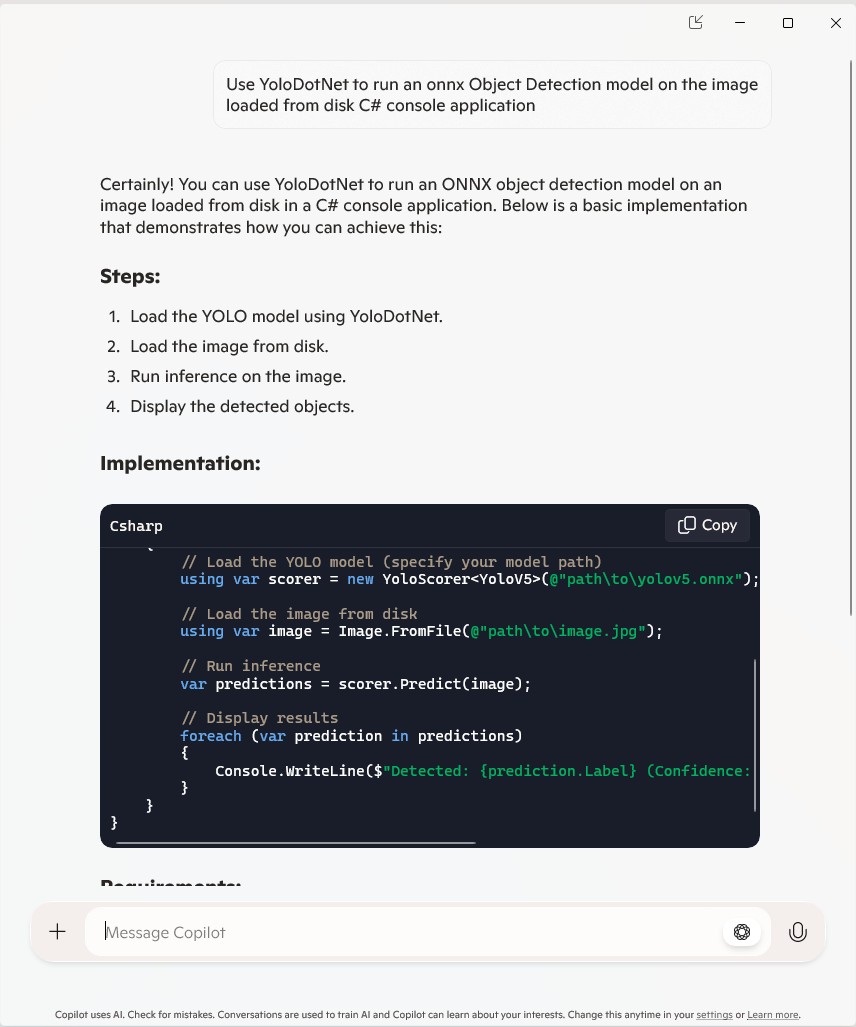
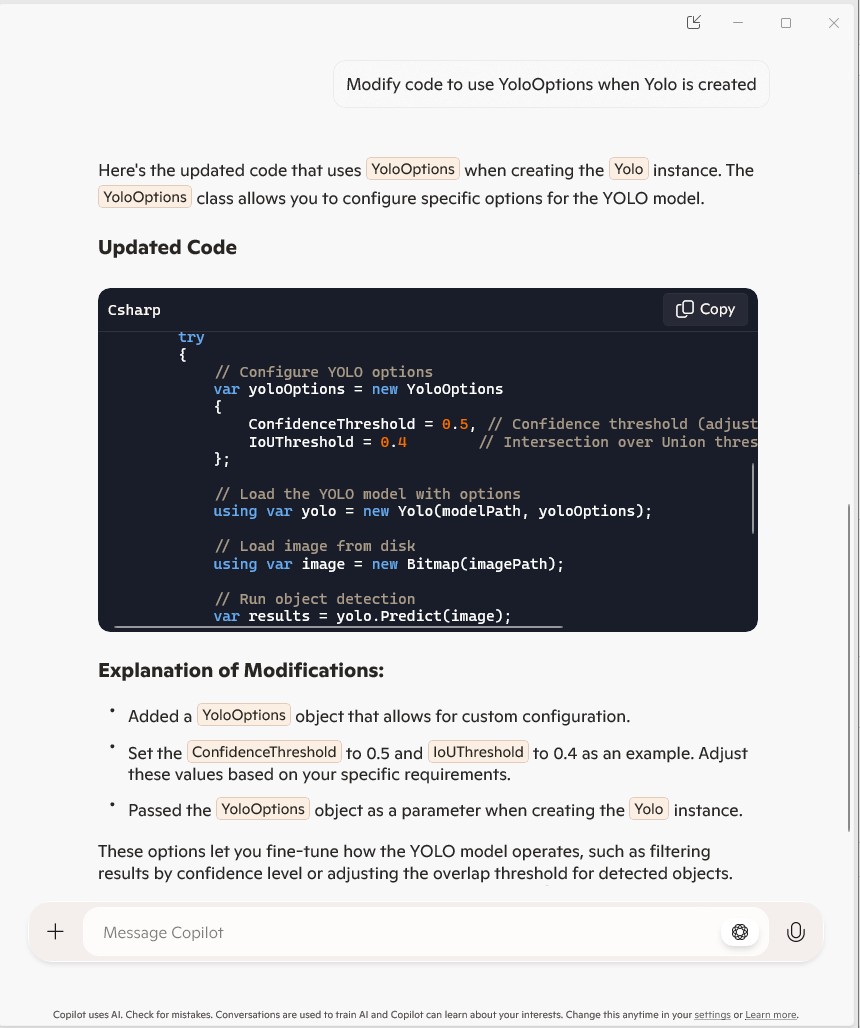
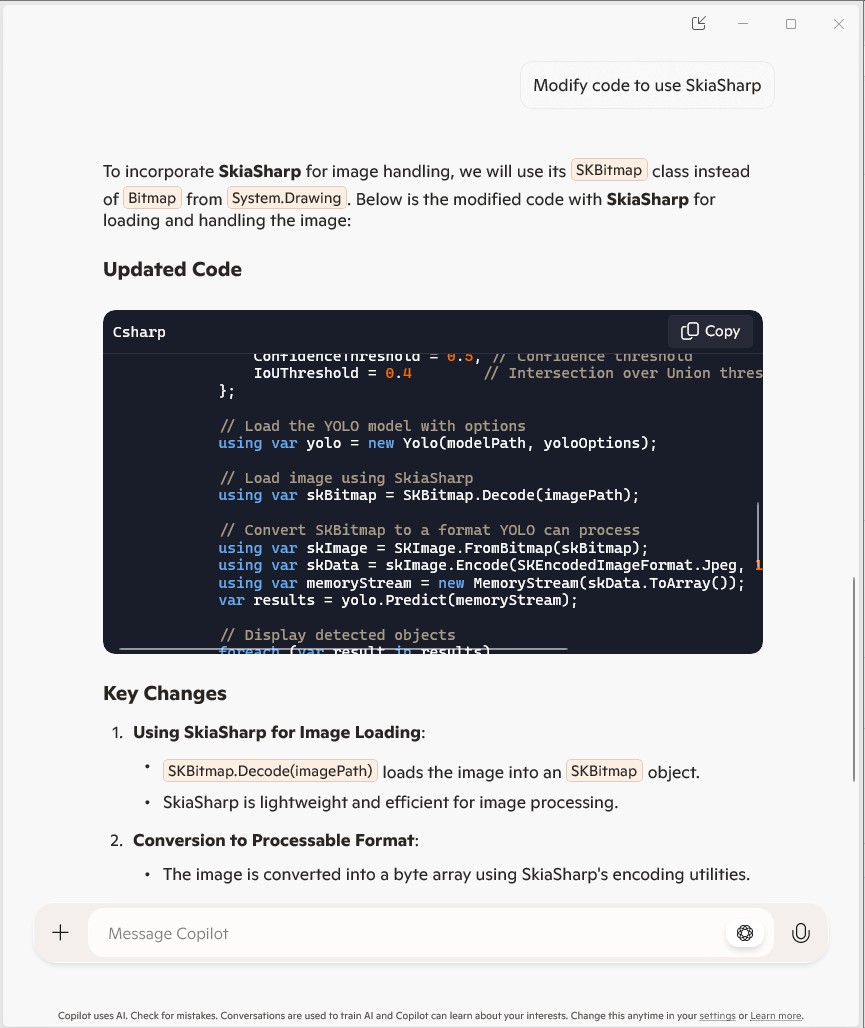
Using Copilot to generate the code to retrieve an image from a security camera went surprisingly well so next step was something a bit more complex. For this post I have used Copilot prompts to generate code which uses Ultralytics YoloV8 and Compunet YoloSharp for object detection, object classification, pose estimation, and instance segmentation

using System;
using System.Drawing;
using YOLOSharp;

class Program
{
    static void Main(string[] args)
    {
        string modelPath = "path/to/yolov8.onnx"; // Replace with the path to your YOLOv8 model
        string imagePath = "path/to/image.jpg"; // Replace with the path to your image

        // Load the YOLOv8 model
        var yolo = new YOLO(modelPath);

        // Load the image from disk
        using (var image = Image.FromFile(imagePath))
        {
            // Run the YOLOv8 model on the image
            var results = yolo.Predict(image);

            // Display the results
            foreach (var result in results)
            {
                Console.WriteLine($"Label: {result.Label}, Confidence: {result.Confidence}, BoundingBox: {result.BoundingBox}");
            }
        }
    }
}
In this example:

Replace path/to/yolov8.onnx with the actual path to your YOLOv8 model file.

Replace path/to/image.jpg with the actual path to your image file.

This application loads the YOLOv8 model using YOLOSharp, loads an image from disk, runs the model on the image, and displays the results, including the label, confidence, and bounding box for each detected object.

Happy coding! 🚀

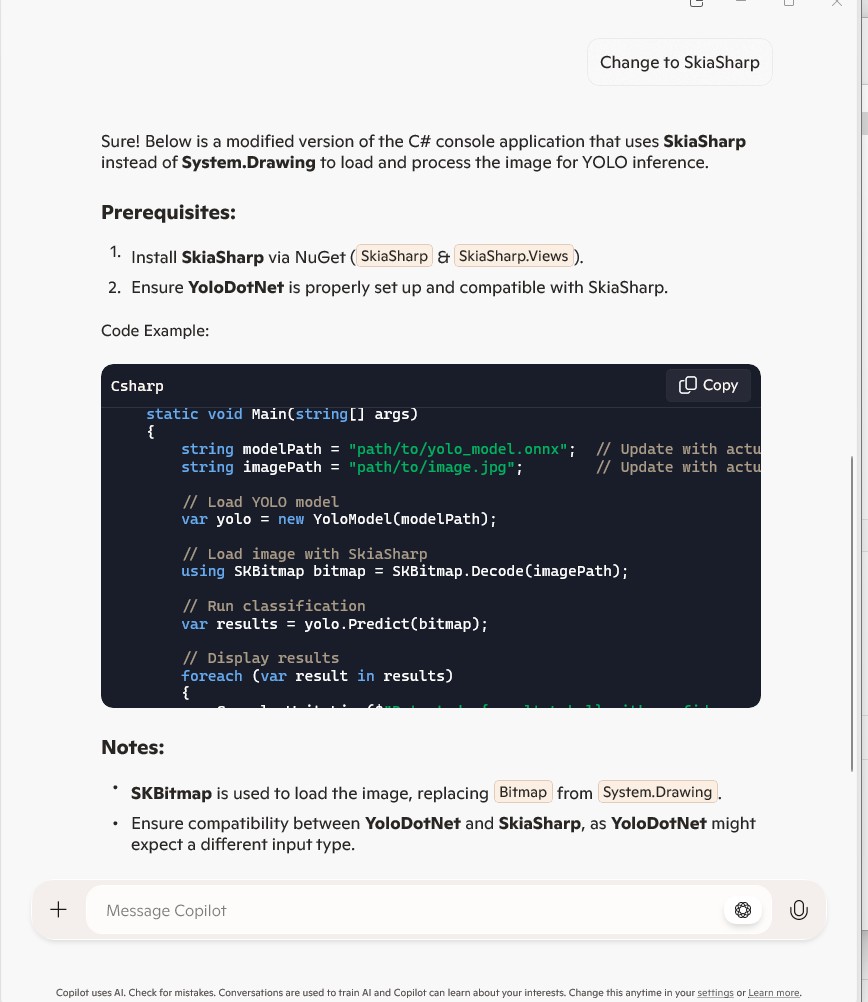
Copilot had “assumed” I meant object detection(reasonable) with YoloSharp and the code didn’t compile.

Object Detection

After some minor fixes and shifting the configuration to an appsettings file the application compiled.

using Compunet.YoloSharp;
using Microsoft.Extensions.Configuration;
using SixLabors.ImageSharp;

class Program
{
   static void Main(string[] args)
   {
      Model.ApplicationSettings applicationSettings;

      Console.WriteLine($"{DateTime.UtcNow:yy-MM-dd HH:mm:ss} 0.3.CameraHTTPClient starting");
#if RELEASE
       Console.WriteLine("RELEASE");
#else
      Console.WriteLine("DEBUG");
#endif
      // load the app settings into configuration
      var configuration = new ConfigurationBuilder()
           .AddJsonFile("appsettings.json", false, true)
      .Build();

      applicationSettings = configuration.GetSection("ApplicationSettings").Get<Model.ApplicationSettings>();

      // Load the YOLOv8 model
      var yolo = new YoloPredictor(applicationSettings.ModelPath);

      // Load the image from disk
      using (var image = Image.Load(applicationSettings.ImagePath))
      {
         // Run the YOLOv8 model on the image
         var results = yolo.Detect(image);

         // Display the results
         foreach (var result in results)
         {
            Console.WriteLine($"Label: {result.Name}, Confidence: {result.Confidence}, BoundingBox: {result.Bounds}");
         }
      }
   }
}

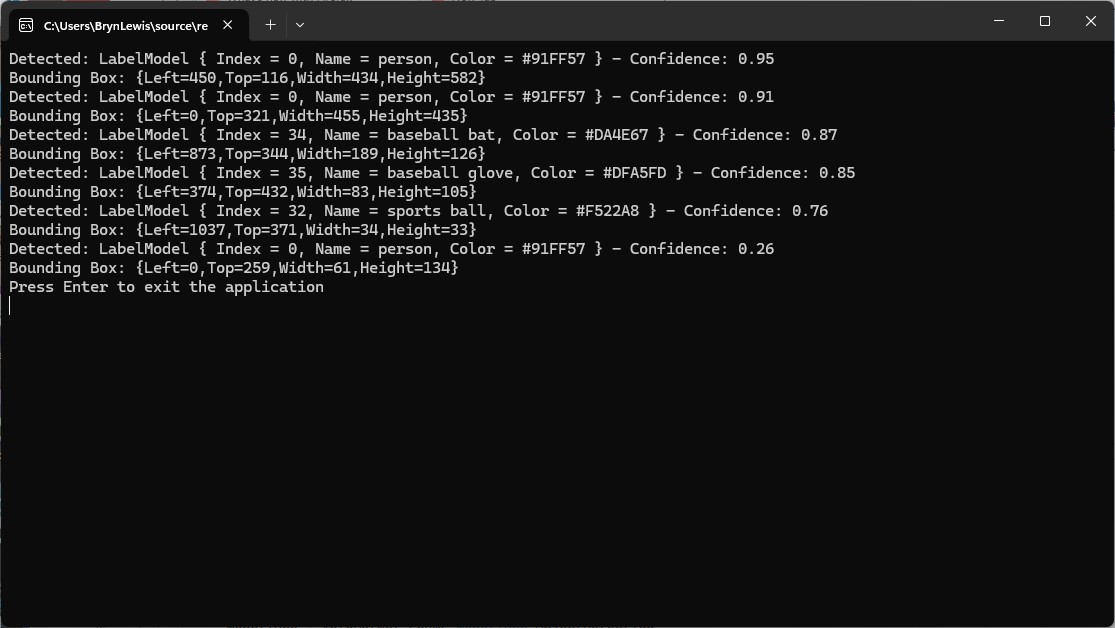
I tested the implementation with sample “sports” image from the YoloSharp Github repository

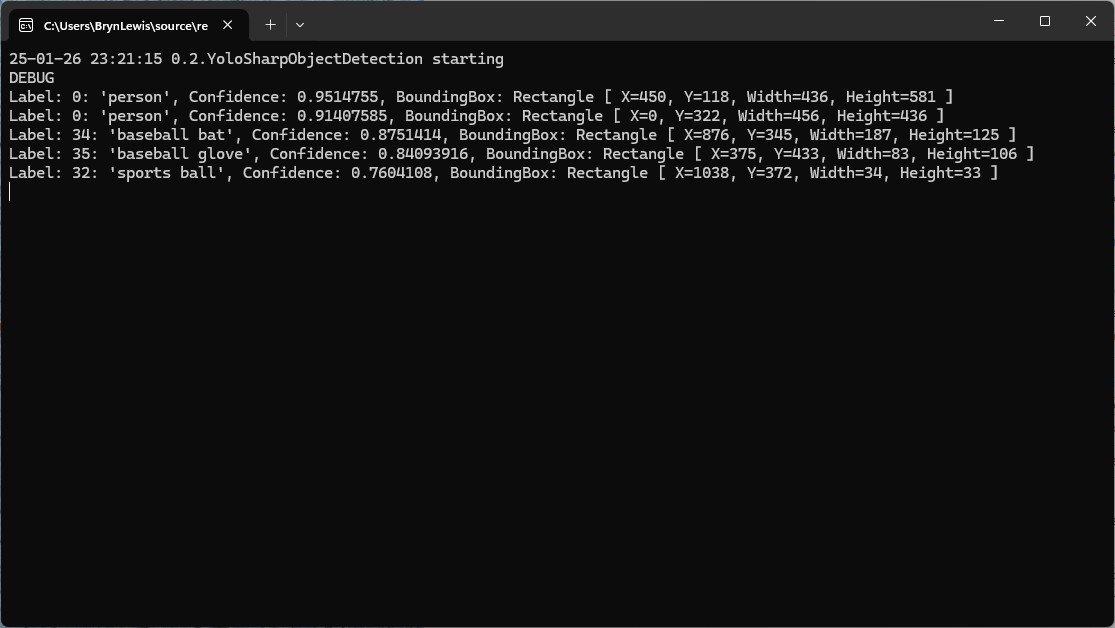
The console application output looked reasonable

I manually compared the output of the console application with the Ultralytics Hub model preview tab and the results looked close enough.

Pose

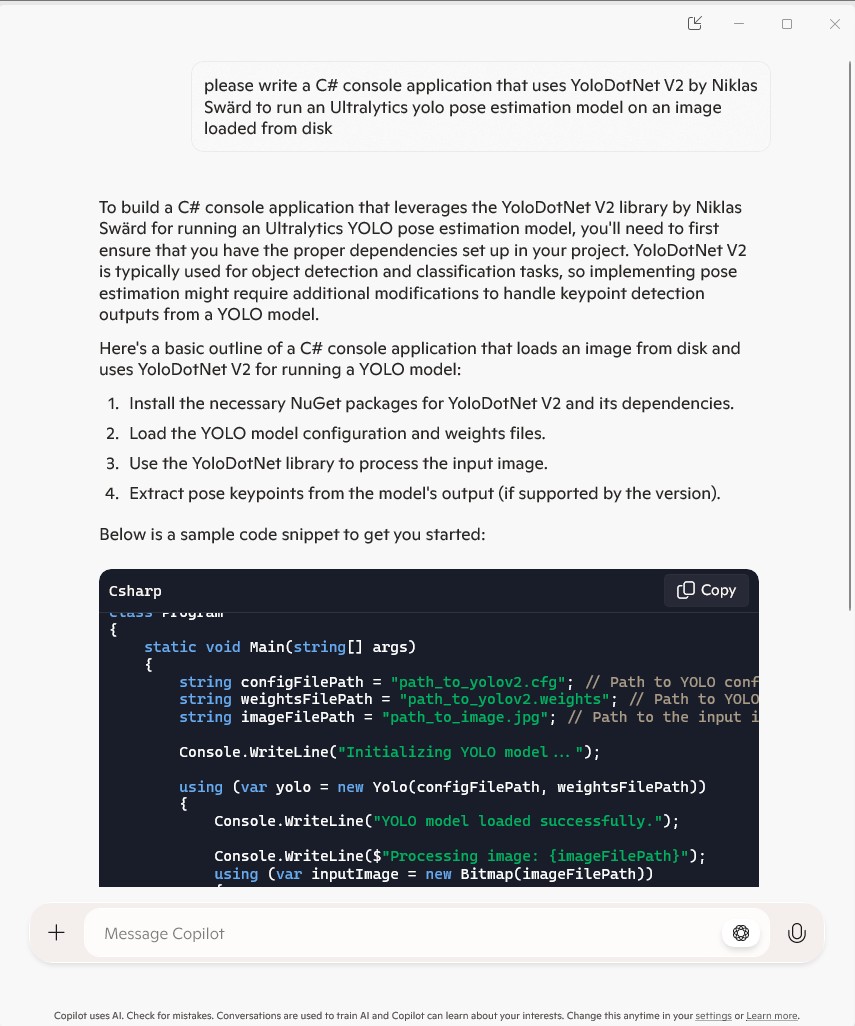
My Copilot prompt

please write a C# console application that uses Compunet YoloSharp to run a yolov8 pose model on an image loaded from disk
using Compunet.YoloSharp;
using Microsoft.Extensions.Configuration;
using SixLabors.ImageSharp;

class Program
{
   static void Main(string[] args)
   {
      Model.ApplicationSettings applicationSettings;

      Console.WriteLine($"{DateTime.UtcNow:yy-MM-dd HH:mm:ss} 0.3.CameraHTTPClient starting");
#if RELEASE
       Console.WriteLine("RELEASE");
#else
      Console.WriteLine("DEBUG");
#endif
      // load the app settings into configuration
      var configuration = new ConfigurationBuilder()
           .AddJsonFile("appsettings.json", false, true)
      .Build();

      applicationSettings = configuration.GetSection("ApplicationSettings").Get<Model.ApplicationSettings>();

      // Load the YOLOv8 pose model
      var yolo = new YoloPredictor(applicationSettings.ModelPath);

      // Load the image from disk
      using (var image = Image.Load(applicationSettings.ImagePath))
      {
         // Run the YOLOv8 pose model on the image
         var results = yolo.Pose(image);

         // Display the results
         foreach (var result in results)
         {
            Console.WriteLine($"Label: {result.Name.Name}, Confidence: {result.Confidence}, BoundingBox: {result.Bounds}");
            Console.WriteLine("Keypoints:");
            foreach (var keypoint in result)
            {
               Console.WriteLine($"  - {keypoint.Point}");
            }
         }
      }
   }
}

After some minor fixes and shifting the configuration to an appsettings file the application compiled. I tested the implementation with sample “sports” image from the YoloSharp Github repository

The console application output looked reasonable

I manually compared the output of the console application with the Ultralytics Hub model preview tab and the results were reasonable

Classification

My Copilot prompt

please write a C# console application that uses Compunet YoloSharp to run a yolov8 pose model on an image loaded from disk
using Compunet.YoloSharp;
using Microsoft.Extensions.Configuration;
using SixLabors.ImageSharp;

class Program
{
   static void Main(string[] args)
   {
      Model.ApplicationSettings applicationSettings;

      Console.WriteLine($"{DateTime.UtcNow:yy-MM-dd HH:mm:ss} 0.3.CameraHTTPClient starting");
#if RELEASE
       Console.WriteLine("RELEASE");
#else
      Console.WriteLine("DEBUG");
#endif

      // load the app settings into configuration
      var configuration = new ConfigurationBuilder()
           .AddJsonFile("appsettings.json", false, true)
      .Build();

      applicationSettings = configuration.GetSection("ApplicationSettings").Get<Model.ApplicationSettings>();

      // Load the YOLOv8 classification model
      var yolo = new YoloPredictor(applicationSettings.ModelPath);

      // Load the image from disk
      using (var image = Image.Load(applicationSettings.ImagePath))
      {
         // Run the YOLOv8 classification model on the image
         var results = yolo.Classify(image);

         // Display the results
         foreach (var result in results)
         {
             Console.WriteLine($"Label: {result.Name.Name}, Confidence: {result.Confidence}");
         }
      }
   }
}

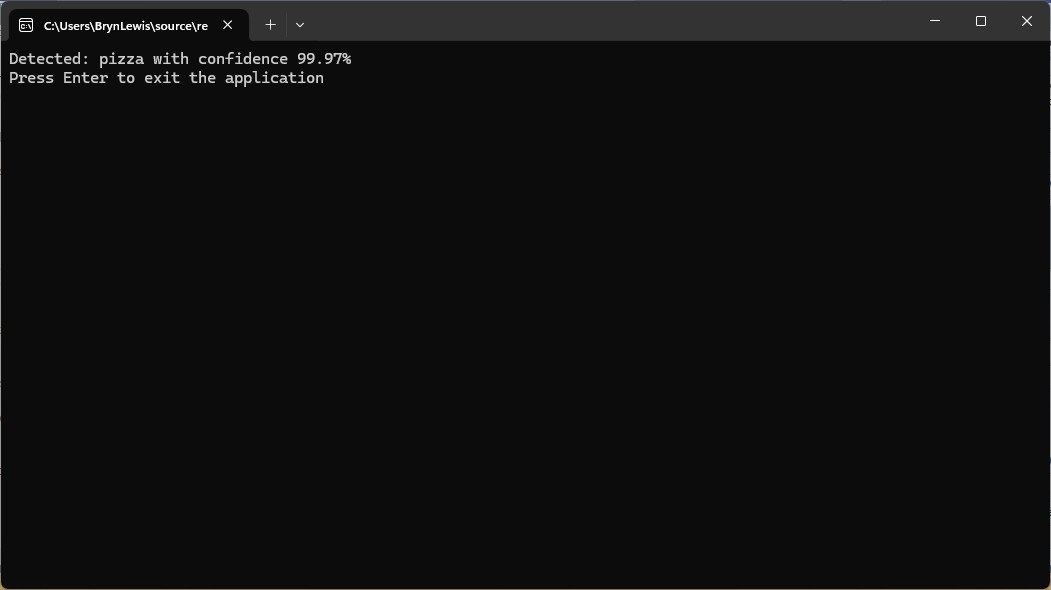
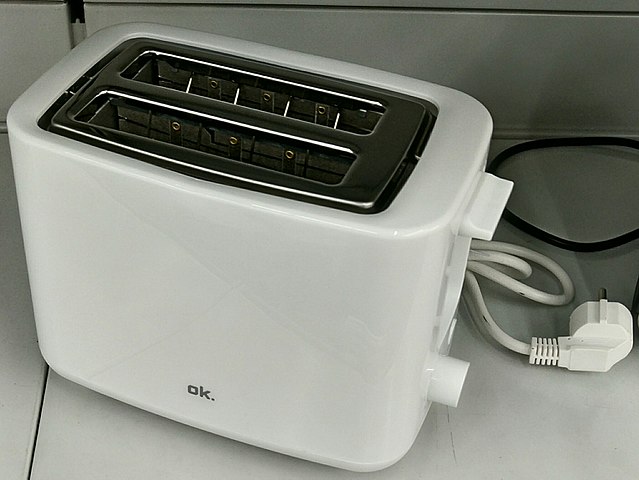
After some minor fixes and shifting the configuration to an appsettings file the application compiled. I tested the implementation with sample “toaster” image from the YoloSharp Github repository

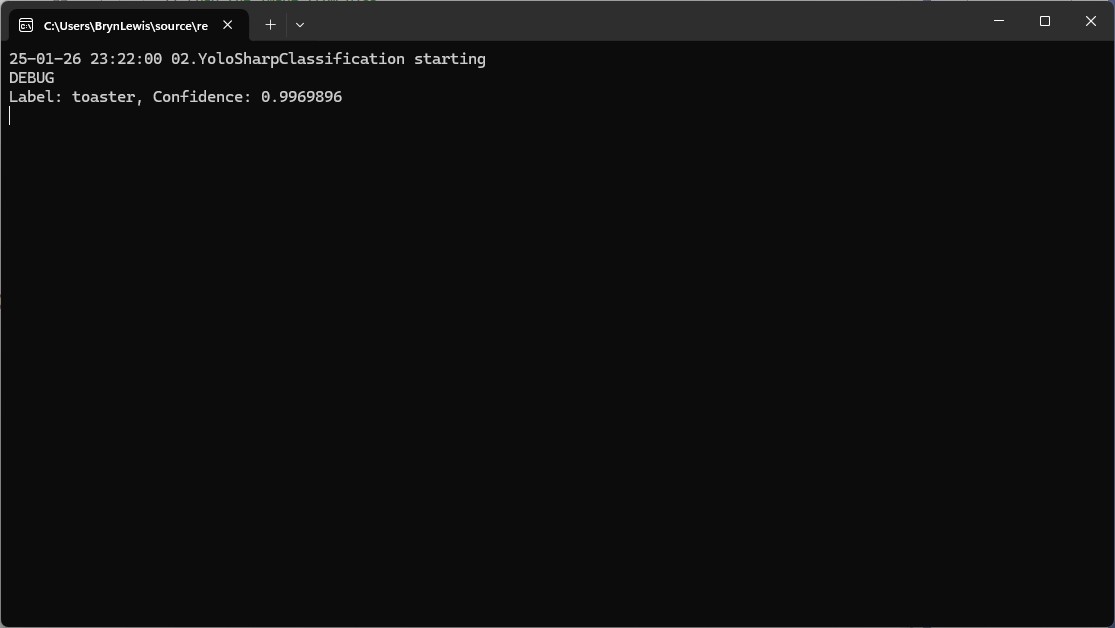
The console application output looked reasonable

I’m pretty confident the input image was a toaster.

Summary

The Copilot prompts to generate code which uses Ultralytics YoloV8 and Compunet YoloSharp and may have produced better code with some “prompt engineering”. Using Visual Studio intellisense the generated code was easy to fix.

The Copilot generated code in this post is not suitable for production

IoT and AI Building Edge AI with AI- Introduction

Introduction

Recently, there have been mainstream media articles (Forbes, Wired-Video games , Wired-Copilot, BBC, The Guardian etc.), about how Artificial Intelligence (AI) could soon replace developers.

I have been using Github Copilot, mainly for “enhanced” Visual Studio IntelliSense, code snippets, and refactoring. I have also found Github Copilot generated code samples and more context aware searching of documentation really useful. Overall, the experience has been positive with limited hallucinations and my productivity has got better as my “prompt engineer” skills improved.

Initially, I started building “hobbyist” AI applications for the edge with an Azure Percept and for customer projects use Ultralytics Yolo, Azure Machine Learning, Azure Cognitive Services, ML.Net, Open Neural Network Exchange (ONNX), Nvidia Jeston Modules, Seeedstudio reComputer Industrial J3011 – Fanless Edge AI Devices etc.

After some discussion with my co-workers I decided to explore how much Github Copilot helped building a “non-trivial” computer vision Proof of Concept (PoC). In previous blog posts I have written about capturing still images from a Security Camera so figured that was a good place to start.

Even though I have been using Copilot for a while I still say please.

using System;
using System.IO;
using System.Net.Http;
using System.Threading.Tasks;

class Program
{
    static async Task Main(string[] args)
    {
        string cameraUrl = "http://your-security-camera-url/image.jpg"; // Replace with your security camera URL
        string savePath = "C:\\path\\to\\save\\image.jpg"; // Replace with the path where you want to save the image

        using (HttpClient client = new HttpClient())
        {
            try
            {
                HttpResponseMessage response = await client.GetAsync(cameraUrl);
                response.EnsureSuccessStatusCode();

                byte[] imageBytes = await response.Content.ReadAsByteArrayAsync();
                await File.WriteAllBytesAsync(savePath, imageBytes);

                Console.WriteLine("Image retrieved and saved successfully.");
            }
            catch (Exception ex)
            {
                Console.WriteLine($"An error occurred: {ex.Message}");
            }
        }
    }
}

The generated code compiled first time, looked “ok” and worked with some of my security cameras when the cameraurl and save path were modified

I then modified the code so “sensitive” information was not stored in code or configuration files.

//using System;
//using System.IO;
//using System.Net.Http;
//using System.Reflection;
//using System.Threading.Tasks;

using Microsoft.Extensions.Configuration;

class Program
{
   static async Task Main(string[] args)
   {
      //string cameraUrl = "http://your-security-camera-url/image.jpg"; // Replace with your security camera URL
      //string savePath = "C:\\path\\to\\save\\image.jpg"; // Replace with the path where you want to save the image
      Model.ApplicationSettings applicationSettings;

   Console.WriteLine($"{DateTime.UtcNow:yy-MM-dd HH:mm:ss} 0.2.CameraHTTPClient starting");
#if RELEASE
         Console.WriteLine("RELEASE");
#else
      Console.WriteLine("DEBUG");
#endif
      // load the app settings into configuration
      var configuration = new ConfigurationBuilder()
           .AddJsonFile("appsettings.json", false, true)
      .AddUserSecrets<Program>()
      .Build();

      applicationSettings = configuration.GetSection("ApplicationSettings").Get<Model.ApplicationSettings>();

      using (HttpClient client = new HttpClient())
      {
         try
         {
            HttpResponseMessage response = await client.GetAsync(applicationSettings.CameraUrl);
            response.EnsureSuccessStatusCode();

            byte[] imageBytes = await response.Content.ReadAsByteArrayAsync();
            await File.WriteAllBytesAsync(applicationSettings.SavePath, imageBytes);

            Console.WriteLine("Image retrieved and saved successfully.");
         }
         catch (Exception ex)
         {
            Console.WriteLine($"An error occurred: {ex.Message}");
         }
      }
   }
}

namespace Model
{
   public class ApplicationSettings
   {
      public string CameraUrl { get; set; } = "";

      public string SavePath { get; set; } = "Images";
   }
}

Several of my security cameras (e.g. HILook T250H) required client to authentication so I added NetworkCredential my Copilot prompt.

// please write c# console application that uses httpclient and an httpget to retrieve image from security camera with NetworkCredential security
//
// Sure! Here's a C# console application that uses HttpClient and HttpGet to retrieve an image from a security camera with NetworkCredential security: 
// In this example:
//
// Replace http://your-security-camera-url/image.jpg with the actual URL of your security camera's image.
//
// Replace C:\\path\\to\\save\\image.jpg with the path where you want to save the retrieved image.
//
// Replace your-username and your-password with your actual credentials.
//
// This application uses HttpClient with NetworkCredential to authenticate the request, retrieves the image as a byte array, and saves it to the specified path. If there's an error during the process, it will be caught and displayed in the console.
//
// Happy coding! 🚀
//using System;
//using System.IO;
using System.Net;
//using System.Net.Http;
//using System.Threading.Tasks;

using Microsoft.Extensions.Configuration;

class Program
{
   static async Task Main(string[] args)
   {
      //string cameraUrl = "http://your-security-camera-url/image.jpg"; // Replace with your security camera URL
      //string savePath = "C:\\path\\to\\save\\image.jpg"; // Replace with the path where you want to save the image
      //string username = "your-username"; // Replace with your username
      //string password = "your-password"; // Replace with your password
      Model.ApplicationSettings applicationSettings;

      Console.WriteLine($"{DateTime.UtcNow:yy-MM-dd HH:mm:ss} 0.3.CameraHTTPClient starting");
#if RELEASE
         Console.WriteLine("RELEASE");
#else
      Console.WriteLine("DEBUG");
#endif
      // load the app settings into configuration
      var configuration = new ConfigurationBuilder()
           .AddJsonFile("appsettings.json", false, true)
      .AddUserSecrets<Program>()
      .Build();

      applicationSettings = configuration.GetSection("ApplicationSettings").Get<Model.ApplicationSettings>();

      using (HttpClientHandler handler = new HttpClientHandler { Credentials = new NetworkCredential(applicationSettings.Username, applicationSettings.Password) })
      using (HttpClient client = new HttpClient(handler))
      {
         try
         {
            HttpResponseMessage response = await client.GetAsync(applicationSettings.CameraUrl);
            response.EnsureSuccessStatusCode();

            byte[] imageBytes = await response.Content.ReadAsByteArrayAsync();
            await File.WriteAllBytesAsync(applicationSettings.SavePath, imageBytes);

            Console.WriteLine("Image retrieved and saved successfully.");
         }
         catch (Exception ex)
         {
            Console.WriteLine($"An error occurred: {ex.Message}");
         }
      }
   }
}

namespace Model
{
   public class ApplicationSettings
   {
      public string CameraUrl { get; set; } = "";

      public string SavePath { get; set; } = "Images";

      public string Username { get; set; } = "";

      public string Password { get; set; } = "";
   }
}

My Visual Studio 2022 solution with a project for each Copilot generated sample.

Summary

The Copilot generated code for my three “trivial” PoC applications compiled and worked with minimal modifications.

The Copilot generated code in this post is not suitable for production

RTSP Camera Nager.VideoStream Startup Latency

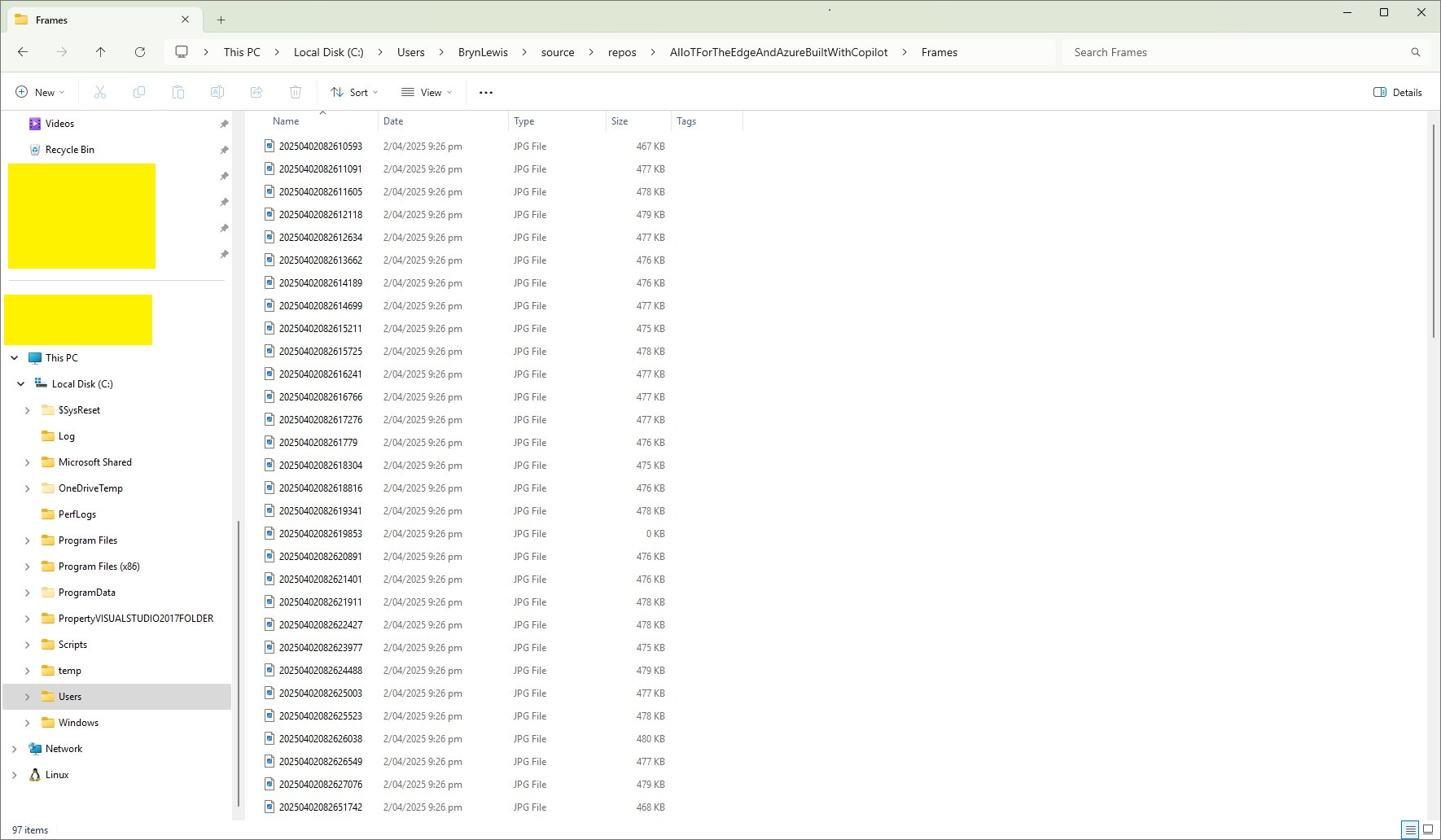
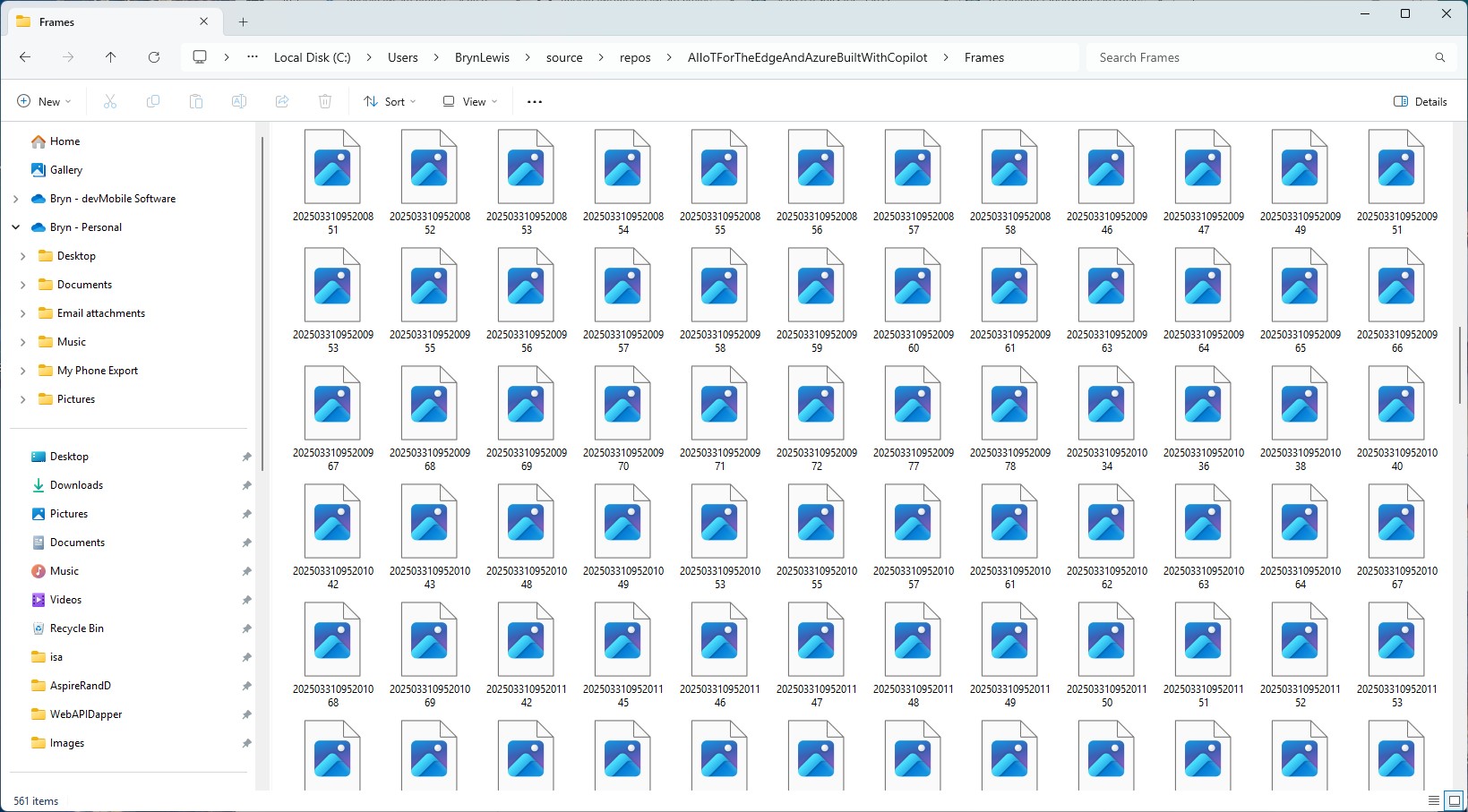
While working on my RTSPCameraNagerVideoStream project I noticed that after opening the Realtime Streaming Protocol(RTSP) connection with my HiLook IPCT250H Security Camera it took a while for the application to start writing image files.
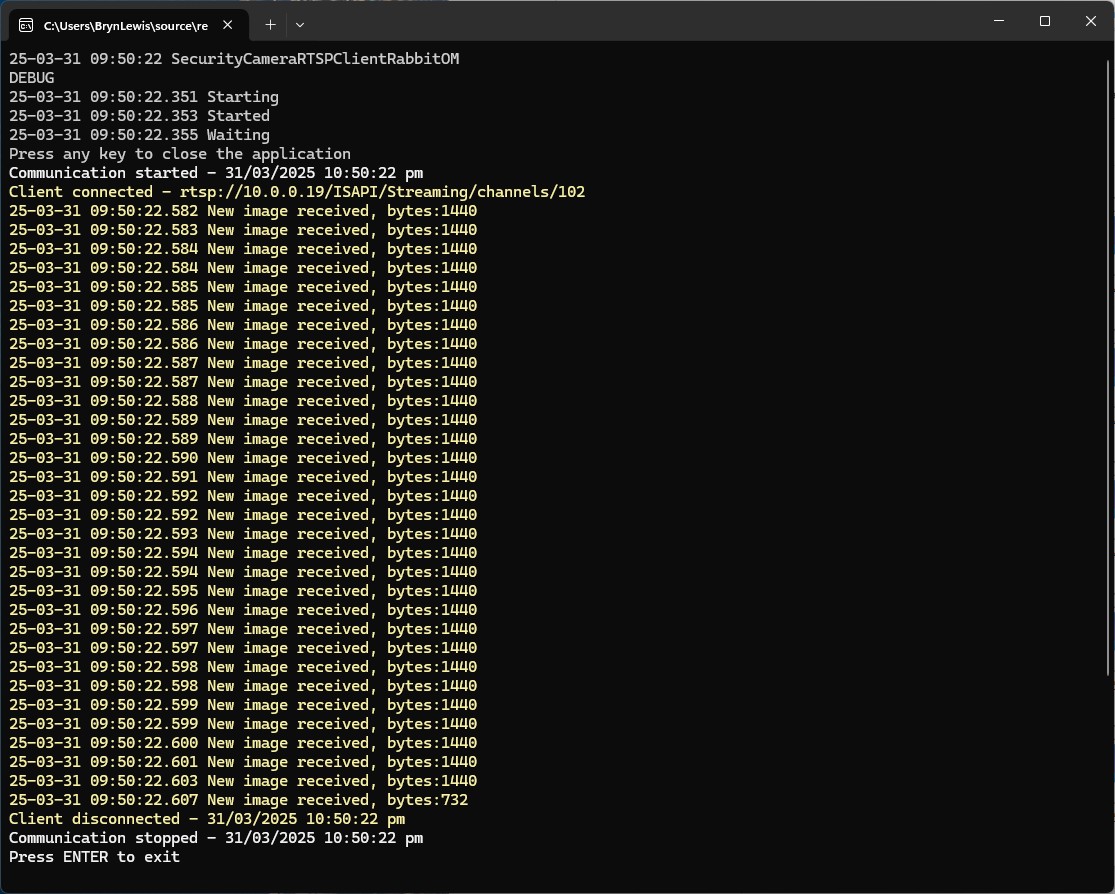
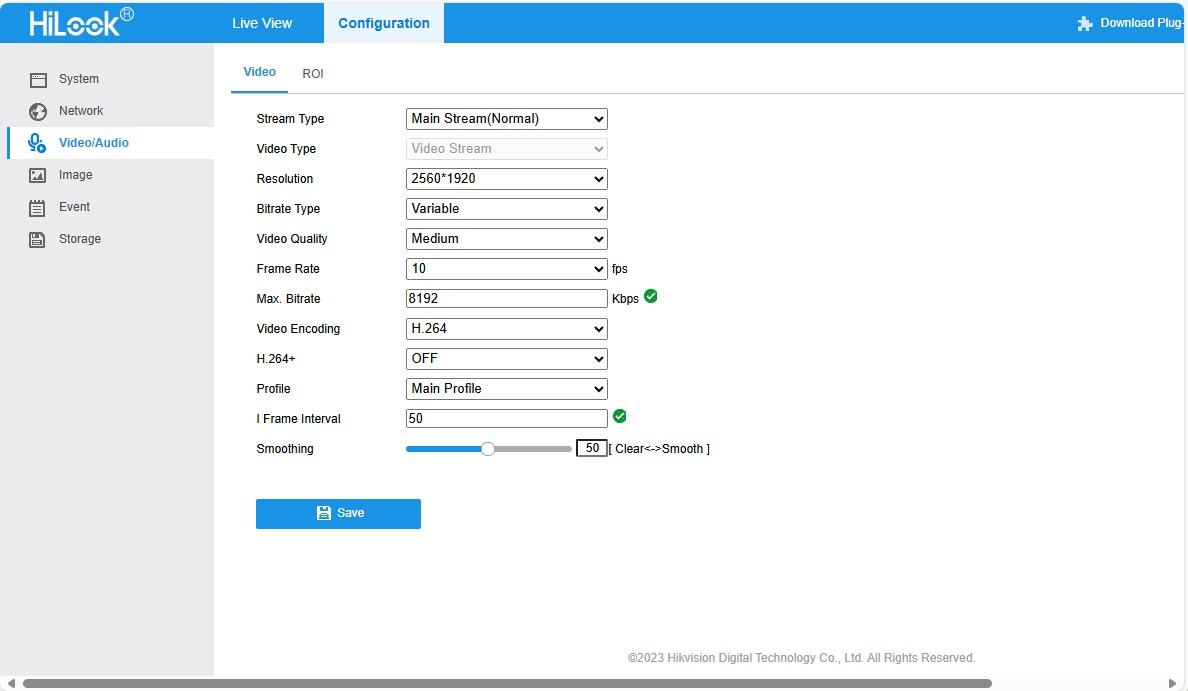
HiLook IPCT250H Camera configuration
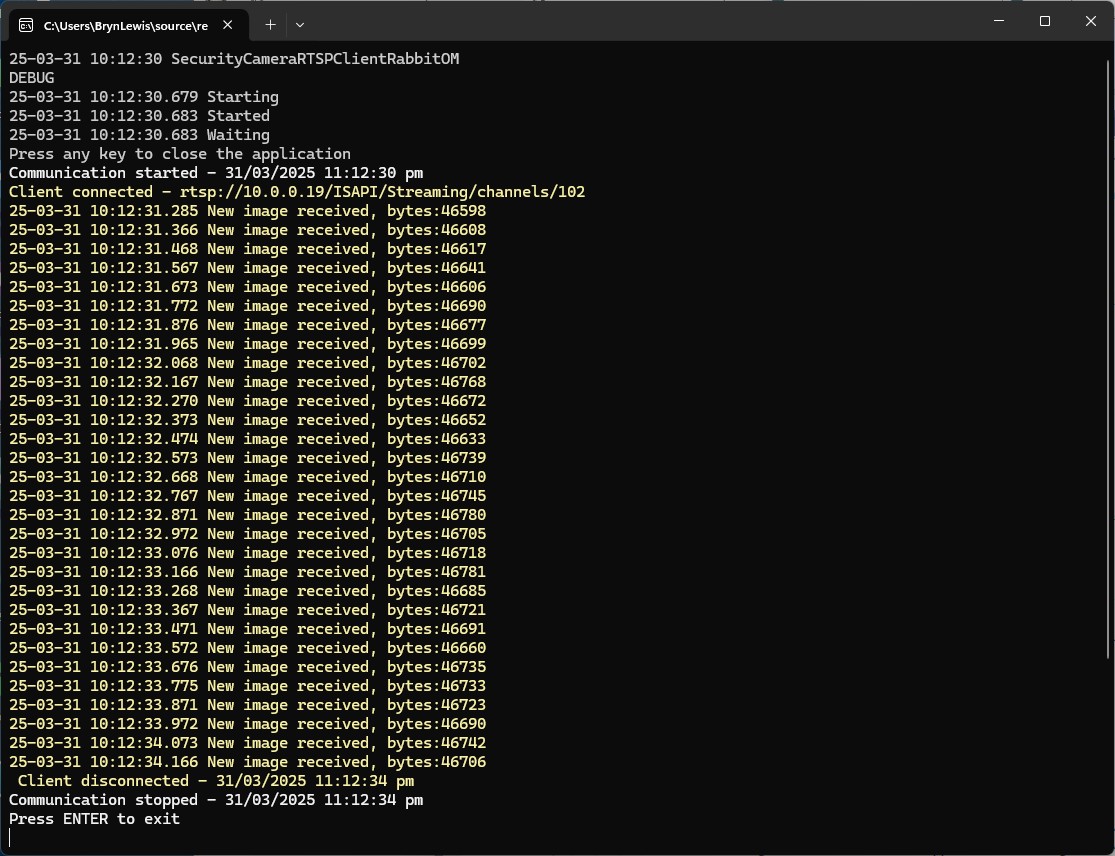
My test harness code was “inspired” by the Nager.VideoStream.TestConsole application with a slightly different file format for the start-stop marker text and camera images files.
private static async Task StartStreamProcessingAsync(InputSource inputSource, CancellationToken cancellationToken = default)
{
   Console.WriteLine("Start Stream Processing");
   try
   {
      var client = new VideoStreamClient();

      client.NewImageReceived += NewImageReceived;
#if FFMPEG_INFO_DISPLAY
      client.FFmpegInfoReceived += FFmpegInfoReceived;
#endif
      File.WriteAllText(Path.Combine(_applicationSettings.ImageFilepathLocal, $"{DateTime.UtcNow:yyyyMMdd-HHmmss.fff}.txt"), "Start");

      await client.StartFrameReaderAsync(inputSource, OutputImageFormat.Png, cancellationToken: cancellationToken);

      File.WriteAllText(Path.Combine(_applicationSettings.ImageFilepathLocal, $"{DateTime.UtcNow:yyyyMMdd-HHmmss.fff}.txt"), "Finish");

      client.NewImageReceived -= NewImageReceived;
#if FFMPEG_INFO_DISPLAY
      client.FFmpegInfoReceived -= FFmpegInfoReceived;
#endif
      Console.WriteLine("End Stream Processing");
   }
   catch (Exception exception)
   {
      Console.WriteLine($"{exception}");
   }
}

private static void NewImageReceived(byte[] imageData)
{
   Debug.WriteLine($"{DateTime.UtcNow:yy-MM-dd HH:mm:ss.fff} NewImageReceived");

   File.WriteAllBytes( Path.Combine(_applicationSettings.ImageFilepathLocal, $"{DateTime.UtcNow:yyyyMMdd-HHmmss.fff}.png"), imageData);
}

I used Path.Combine so no code or configuration changes were required when the application was run on different operating systems (still need to ensure ImageFilepathLocal in the appsettings.json is the correct format).

Developer Desktop

I used my desktop computer a 13th Gen Intel(R) Core(TM) i7-13700 2.10 GHz with 32.0 GB running Windows 11 Pro 24H2.

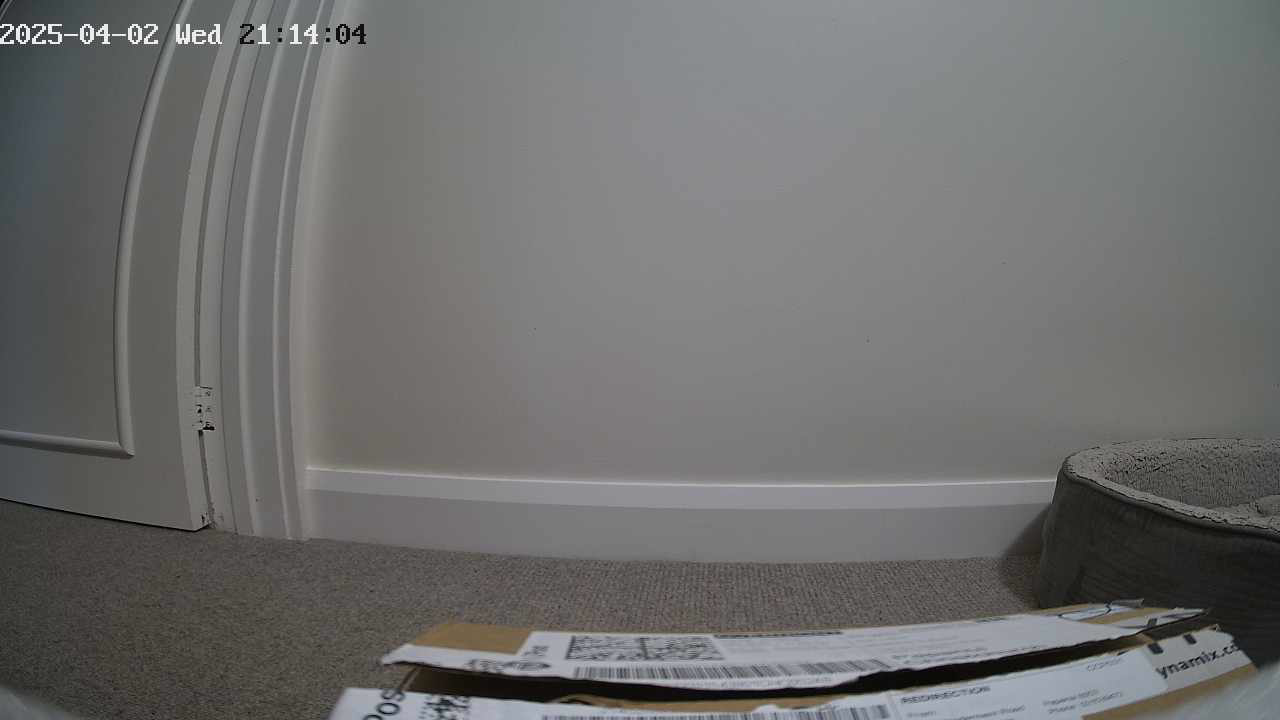
In the test results below (representative of multiple runs while testing) the delay between starting streaming and the first image file was on average 3.7 seconds with the gap between the images roughly 100mSec.

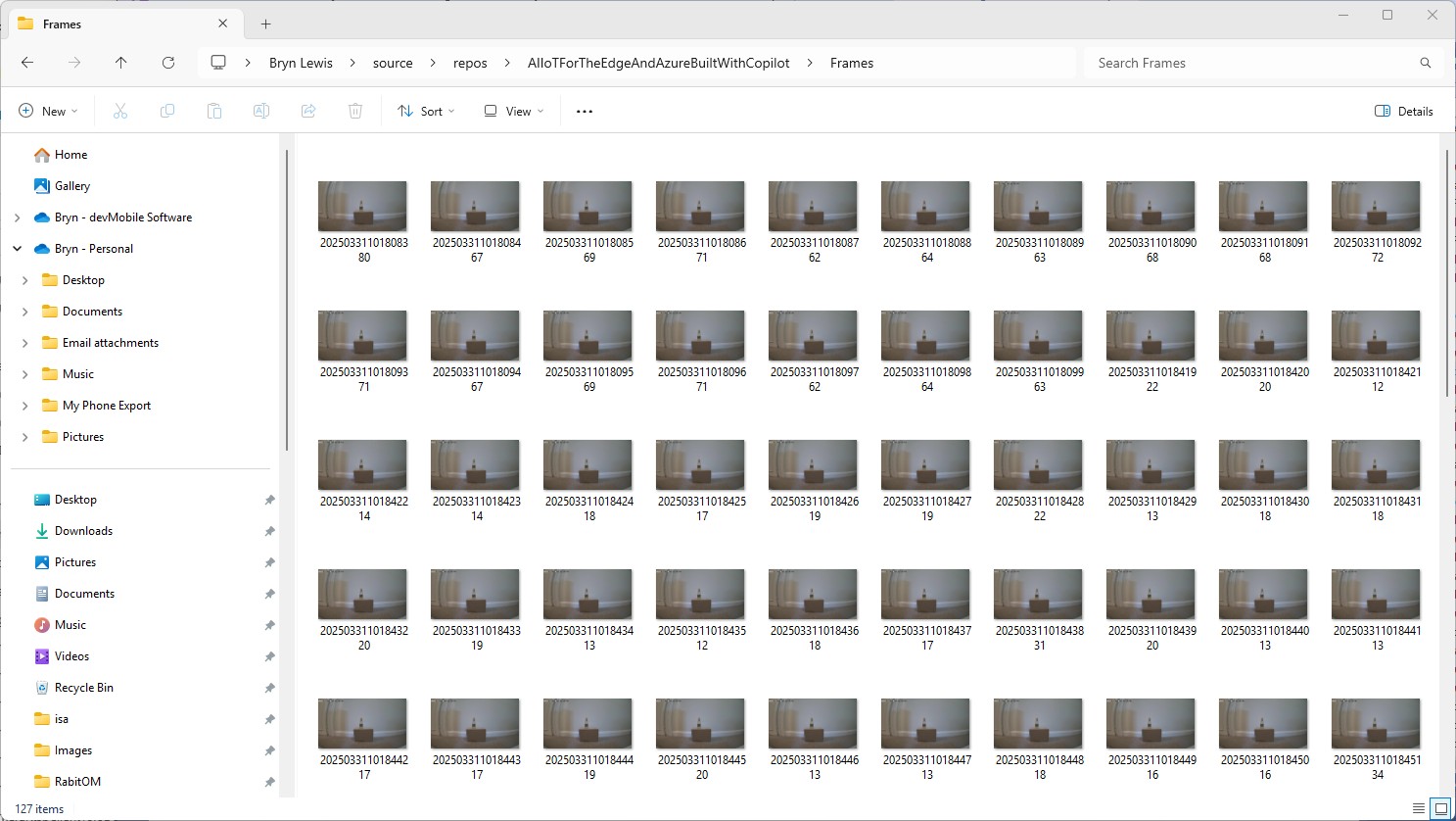
Files written by NagerVideoStream timestamps roughly 100mSec apart, but 3

Industrial Computer

I used a reComputer J3011 – Edge AI Computer with NVIDIA® Jetsonâ„¢ Orinâ„¢ Nano 8GB running Ubuntu 22.04.5 LTS (Jammy Jellyfish)

In the test results below (representative of multiple runs while testing) the delay between starting streaming and the first image file was on average roughly 3.7 seconds but the time between images varied a lot from 30mSec to >300mSec.

At 10FPS the results for my developer desktop were more consistent, and the reComputer J3011 had significantly more “jitter”. Both could cope with 1oFPS so the next step is to integrate YoloDotNet library to process the video frames.

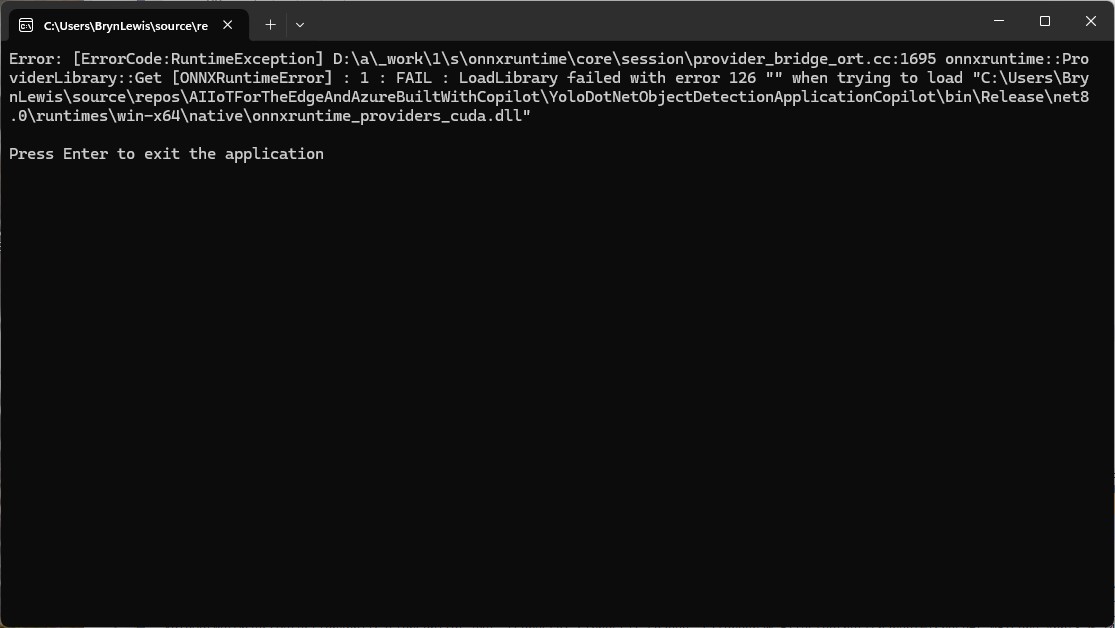
NickSwardh NuGet Nvidia Jetson Orin Nanoâ„¢ GPU CUDA Inferencing

My Seeedstudio reComputer J3011 has two processors an ARM64 CPU and an Nividia Jetson Orin 8G coprocessor. YoloDotNet by NickSwardh V2 (uses SkiaSharp) was significantly faster when run on the ARM64 CPU so I wanted to try inferencing with the Nividia Jetson Orin 8G coprocessor.

Performance of YoloDotNet by NickSwardh V2 running on the ARM64 CPU

Performance of YoloDotNet by NickSwardh V2 running on the Nividia Jetson Orin 8G with Compute Unified Device Architecture (CUDA) enabled.

Enabling CUDA reduced the total image scaling, pre-processing, inferencing, and post processing time from 115mSec to 36mSec which is a significant improvement.

Timer, using, Garbage Collection & Await

Initially my Ultralytics YoloV8 based unicorn/not unicorn classification model test application would run overnight processing images retrieved from a Security Camera using an HTTP GET.

A unicorn with 86% confidence
Test Application DEBUG build

When I changed to a release build the System.Threading.Timer TimerCallback would only be called once

Test Application RELEASE build failure

After some debugging I found that if I added a using statement the TimerCallback was called reliably.

static async Task Main()
{
   Console.WriteLine($"{DateTime.UtcNow:yy-MM-dd HH:mm:ss} SecurityCameraImage starting");
#if RELEASE
   Console.WriteLine("RELEASE");
#else
   Console.WriteLine("DEBUG");
#endif
   try
   {
      // load the app settings into configuration
      var configuration = new ConfigurationBuilder()
            .AddJsonFile("appsettings.json", false, true)
      .AddUserSecrets<Program>()
      .Build();

      _applicationSettings = configuration.GetSection("ApplicationSettings").Get<Model.ApplicationSettings>();

      Console.WriteLine($" {DateTime.UtcNow:yy-MM-dd HH:mm:ss} press <ctrl^c> to exit Due:{_applicationSettings.ImageTimerDue} Period:{_applicationSettings.ImageTimerPeriod}");

      NetworkCredential networkCredential = new(_applicationSettings.CameraUserName, _applicationSettings.CameraUserPassword);

      using (_httpClient = new HttpClient(new HttpClientHandler { PreAuthenticate = true, Credentials = networkCredential }))
      {
#if true
         Console.WriteLine("Using - NO");
         Timer imageUpdatetimer = new(ImageUpdateTimerCallback, null, _applicationSettings.ImageTimerDue, _applicationSettings.ImageTimerPeriod); // Debug only
#else
         Console.WriteLine("Using - YES");
         using Timer imageUpdatetimer = new(ImageUpdateTimerCallback,null, _applicationSettings.ImageTimerDue, _applicationSettings.ImageTimerPeriod); // Release works
#endif
         {
            try
            {
               await Task.Delay(Timeout.Infinite);
            }
            catch (TaskCanceledException)
            {
               Console.WriteLine($"{DateTime.UtcNow:yy-MM-dd HH:mm:ss} Application shutown requested");
            }
         }
      }
   }
   catch (Exception ex)
   {
      Console.WriteLine($"{DateTime.UtcNow:yy-MM-dd HH:mm:ss} Application shutown failure {ex.Message}", ex);
   }
}

private static async void ImageUpdateTimerCallback(object? state)
{
   Console.WriteLine("Timer start");

   // Just incase - stop code being called while photo already in progress
   if (_cameraBusy)
   {
      return;
   }
   _cameraBusy = true;

   try
   {
      Console.WriteLine($" {DateTime.UtcNow:yy-MM-dd HH:mm:ss.fff} Security Camera Image download start");

      using (Stream cameraStream = await _httpClient.GetStreamAsync(_applicationSettings.CameraUrl))
      using (FileStream fileStream = File.Open(_applicationSettings.ImageInputPath, FileMode.Create))
      {
         await cameraStream.CopyToAsync(fileStream);
      }

      Console.WriteLine($" {DateTime.UtcNow:yy-MM-dd HH:mm:ss:fff} Security Camera Image download done");
   }
   catch (Exception ex)
   {
      Console.WriteLine($"{DateTime.UtcNow:yy-MM-dd HH:mm:ss} Security camera image download failed {ex.Message}");
   }
   finally
   {
      _cameraBusy = false;
   }
   Console.WriteLine("Timer done");
}

I assume that in release build the code was “optimised” and the Garbage Collector(GC) was more aggressively freeing resources.

Test Application RELEASE Build running

YoloV8 NuGet on a diet – Part 1

Recently most of my YoloV8 projects inference on edge devices or in Azure and do not use Graphics Processing Unit(GPU) hardware. Most of my projects use the dme-compunet YoloV8 NuGet and for compatibility (Removal of extended CUDA & TensorRT configuration functionality) reasons this post uses version 4.2 of the source.

The initial version of the YoloV8.dll in the version 4.2 of the NuGet was 96.5KB. Most of my applications deployed to edge devices and Azure do not require plotting functionality so I started by commenting out (not terribly subtle).

The intermediate version of the YoloV8.dll in the version 4.2 of the NuGet on a “diet” with the plotting functionality “commented out” also meant the SixLabors.ImageSharp.Drawing NuGet could be removed.

The final release version of the YoloV8.dll in the version 4.2 of the NuGet was 64.0 KB. The main purpose of this process was to remove any unnecessary functionality to see how hard it would be to replace the SixLabors.ImageSharp and SixLabors.ImageSharp.Drawing with libraries that have better performance.

Azure Function SendGrid Binding Fail

This post is for Azure Function developers having issues with the SendGrid binding throwing exceptions like the one below.

System.Private.CoreLib: Exception while executing function: Functions.AzureBlobFileUploadEmailer. Microsoft.Azure.WebJobs.Extensions.SendGrid: A 'To' address must be specified for the message

My Azure BlobTrigger Function sends an email (with SendGrid) when a file is uploaded to an Azure Blob Storage Container(a couple of times a day).

public class FileUploadEmailer(ILogger<FileUploadEmailer> logger, IOptions<EmailSettings> emailSettings)
{
   private readonly ILogger<FileUploadEmailer> _logger = logger;
   private readonly EmailSettings _emailSettings = emailSettings.Value;

   [Function(nameof(AzureBlobFileUploadEmailer))]
   [SendGridOutput(ApiKey = "SendGridAPIKey")]
   public string Run([BlobTrigger("filestobeprocesed/{name}", Connection = "upload-file-storage")] Stream stream, string name)
   {
      _logger.LogInformation("FileUploadEmailer Blob trigger function Processed blob Name:{0} start", name);

      try
      {
         var message = new SendGridMessage();

         message.SetFrom(_emailSettings.From);
         message.AddTo(_emailSettings.To);
         message.Subject = _emailSettings.Subject;

         message.AddContent(MimeType.Html, string.Format(_emailSettings.BodyFormat, name, DateTime.UtcNow));

         // WARNING - Use Newtonsoft JSON serializer to produce JSON string. System.Text.Json won't work because property annotations are different
         var messageJson = Newtonsoft.Json.JsonConvert.SerializeObject(message);

         _logger.LogInformation("FileUploadEmailer Blob trigger function Processed blob Name:{0} finish", name);

         return messageJson;
      }
      catch (Exception ex)
      {
         _logger.LogError(ex, "FileUploadEmailer Blob trigger function Processed blob Name: {0}", name);

         throw;
      }
   }
}

I missed the first clue when I looked at the JSON and missed the Tos, Ccs, Bccs property names.

{
"From":{"Name":"Foo","Email":"bryn.lewis@devmobile.co.nz"},
"Subject":"Hi 30/09/2024 1:27:49 pm",
"Personalizations":[{"Tos":[{"Name":"Bar","Email":"bryn.lewis@devmobile.co.nz"}],
"Ccs":null,
"Bccs":null,
"From":null,
"Subject":null,
"Headers":null,
"Substitutions":null,
"CustomArgs":null,
"SendAt":null,
"TemplateData":null}],
"Contents":[{"Type":"text/html","Value":"\u003Ch2\u003EHello AssemblyInfo.cs\u003C/h2\u003E"}],
"PlainTextContent":null,
"HtmlContent":null,
"Attachments":null,
"TemplateId":null,
"Headers":null,
"Sections":null,
"Categories":null,
"CustomArgs":null,
"SendAt":null,
"Asm":null,
"BatchId":null,
"IpPoolName":null,
"MailSettings":null,
"TrackingSettings":null,
"ReplyTo":null,
"ReplyTos":null
}

I wasn’t paying close enough attention to the sample code and used the System.Text.Json rather than Newtonsoft.Json to serialize the SendGridMessage object. They use different attributes for property names etc. so the JSON generated was wrong.

Initially, I tried adding System.Text.Json attributes to the SendGridMessage class

namespace SendGrid.Helpers.Mail
{
   /// <summary>
   /// Class SendGridMessage builds an object that sends an email through Twilio SendGrid.
   /// </summary>
   [JsonObject(IsReference = false)]
   public class SendGridMessage
   {
      /// <summary>
      /// Gets or sets an email object containing the email address and name of the sender. Unicode encoding is not supported for the from field.
      /// </summary>
      //[JsonProperty(PropertyName = "from")]
      [JsonPropertyName("from")]
      public EmailAddress From { get; set; }

      /// <summary>
      /// Gets or sets the subject of your email. This may be overridden by personalizations[x].subject.
      /// </summary>
      //[JsonProperty(PropertyName = "subject")]
      [JsonPropertyName("subject")]
      public string Subject { get; set; }

      /// <summary>
      /// Gets or sets a list of messages and their metadata. Each object within personalizations can be thought of as an envelope - it defines who should receive an individual message and how that message should be handled. For more information, please see our documentation on Personalizations. Parameters in personalizations will override the parameters of the same name from the message level.
      /// https://sendgrid.com/docs/Classroom/Send/v3_Mail_Send/personalizations.html.
      /// </summary>
      //[JsonProperty(PropertyName = "personalizations", IsReference = false)]
      [JsonPropertyName("personalizations")]
      public List<Personalization> Personalizations { get; set; }
...
}

SendGridMessage uses other classes like EmailAddress which worked because the property names matched the JSON

namespace SendGrid.Helpers.Mail
{
    /// <summary>
    /// An email object containing the email address and name of the sender or recipient.
    /// </summary>
    [JsonObject(IsReference = false)]
    public class EmailAddress : IEquatable<EmailAddress>
    {
        /// <summary>
        /// Initializes a new instance of the <see cref="EmailAddress"/> class.
        /// </summary>
        public EmailAddress()
        {
        }

        /// <summary>
        /// Initializes a new instance of the <see cref="EmailAddress"/> class.
        /// </summary>
        /// <param name="email">The email address of the sender or recipient.</param>
        /// <param name="name">The name of the sender or recipient.</param>
        public EmailAddress(string email, string name = null)
        {
            this.Email = email;
            this.Name = name;
        }

        /// <summary>
        /// Gets or sets the name of the sender or recipient.
        /// </summary>
        [JsonProperty(PropertyName = "name")]
        public string Name { get; set; }

        /// <summary>
        /// Gets or sets the email address of the sender or recipient.
        /// </summary>
        [JsonProperty(PropertyName = "email")]
        public string Email { get; set; }
...
}

Many of the property name “mismatch” issues were in the Personalization class with the Toos, Ccs, bccs etc. properties

namespace SendGrid.Helpers.Mail
{
    /// <summary>
    /// An array of messages and their metadata. Each object within personalizations can be thought of as an envelope - it defines who should receive an individual message and how that message should be handled. For more information, please see our documentation on Personalizations. Parameters in personalizations will override the parameters of the same name from the message level.
    /// https://sendgrid.com/docs/Classroom/Send/v3_Mail_Send/personalizations.html.
    /// </summary>
    [JsonObject(IsReference = false)]
    public class Personalization
    {
        /// <summary>
        /// Gets or sets an array of recipients. Each email object within this array may contain the recipient’s name, but must always contain the recipient’s email.
        /// </summary>
        [JsonProperty(PropertyName = "to", IsReference = false)]
        [JsonConverter(typeof(RemoveDuplicatesConverter<EmailAddress>))]
        public List<EmailAddress> Tos { get; set; }

        /// <summary>
        /// Gets or sets an array of recipients who will receive a copy of your email. Each email object within this array may contain the recipient’s name, but must always contain the recipient’s email.
        /// </summary>
        [JsonProperty(PropertyName = "cc", IsReference = false)]
        [JsonConverter(typeof(RemoveDuplicatesConverter<EmailAddress>))]
        public List<EmailAddress> Ccs { get; set; }

        /// <summary>
        /// Gets or sets an array of recipients who will receive a blind carbon copy of your email. Each email object within this array may contain the recipient’s name, but must always contain the recipient’s email.
        /// </summary>
        [JsonProperty(PropertyName = "bcc", IsReference = false)]
        [JsonConverter(typeof(RemoveDuplicatesConverter<EmailAddress>))]
        public List<EmailAddress> Bccs { get; set; }

        /// <summary>
        /// Gets or sets the from email address. The domain must match the domain of the from email property specified at root level of the request body.
        /// </summary>
        [JsonProperty(PropertyName = "from")]
        public EmailAddress From { get; set; }

        /// <summary>
        /// Gets or sets the subject line of your email.
        /// </summary>
        [JsonProperty(PropertyName = "subject")]
        public string Subject { get; set; }
...
}

After a couple of failed attempts at decorating the SendGrid SendGridMessage, EmailAddress, Personalization etc. classes I gave up and reverted to the Newtonsoft.Json serialiser.

Note to self – pay closer attention to the samples.

YoloV8-NuGet Performance ARM64 CPU

To see how the dme-compunet, updated YoloDotNet and sstainba NuGets performed on an ARM64 CPU I built a test rig for the different NuGets using standard images and ONNX Models.

I started with the dme-compunet YoloV8 NuGet which found all the tennis balls and the results were consistent with earlier tests.

The YoloDotNet by NickSwardh NuGet update had some “breaking changes” so I built “old” and “updated” test harnesses.

The YoloDotNet by NickSwardh V1 and V2 results were slightly different. The V2 NuGet uses SkiaSharp which appears to significantly improve the performance.

Even though the YoloV8 by sstainba NuGet hadn’t been updated I ran the test harness just in case

The dme-compunet YoloV8 and NickSwardh YoloDotNet V1 versions produced the same results, but the NickSwardh YoloDotNet V2 results were slightly different.

  • dme-Compunet 291 mSec
  • NickSwardV1 480 mSec
  • NickSwardV2 115 mSecs
  • SStainba 422 mSec

Like in the YoloV8-NuGet Performance X64 CPU post the NickSwardV2 implementation which uses SkiaSharp was significantly faster so it looks like Sixlabors.ImageSharp is the issue.

To support Compute Unified Device Architecture (CUDA) or TensorRT inferencing with NickSwardV2(for SkiaSharp) will need some major modifications to the code so it might be better to build my own YoloV8 Nuget.

YoloV8-NuGet Performance X64 CPU

When checking the dme-compunet, YoloDotNet, and sstainba and NuGets I noticed YoloDotNet readme.md detailed some performance enhancements…

What’s new in YoloDotNet v2.0?

YoloDotNet 2.0 is a Speed Demon release where the main focus has been on supercharging performance to bring you the fastest and most efficient version yet. With major code optimizations, a switch to SkiaSharp for lightning-fast image processing, and added support for Yolov10 as a little extra 😉 this release is set to redefine your YoloDotNet experience:

Changing the implementation to use SkiaSharp caught my attention because in previous testing manipulating images with the Sixlabors.ImageSharp library took longer than expected.

I built a test rig for comparing the performance of the different NuGets using standard images and ONNX Models.

I started with the dme-compunet YoloV8 NuGet which found all the tennis balls and the results were consistent with earlier tests.

dme-compunet test harness image bounding boxes

The YoloDotNet by NickSwardh NuGet update had some “breaking changes” so I built “old” and “updated” test harnesses. The V1 version found all the tennis balls and the results were consistent with earlier tests.

NickSwardh V1 test harness image bounding boxes

The YoloDotNet by NickSwardh NuGet update had some “breaking changes” so there were some code changes but the V1 and V2 results were slightly different.

NickSwardh V2 test harness image bounding boxes

Even though the YoloV8 by sstainba NuGet hadn’t been updated I ran the test harness just in case and the results were consistent with previous tests.

sstainba test harness image bounding boxes

The dme-compunet YoloV8 and NickSwardh YoloDotNet V1 versions produce the same results, but the NickSwardh YoloDotNet V2 results were slightly different. The YoloV8 by sstainba results were unchanged.

  • dme-Compunet 71 mSec
  • NickSwardV1 76 mSec
  • NickSwardV2 33 mSecs
  • SStainba 82mSec

The NickSwardV2 implementation was significantly faster, but I need to investigate the slight difference in the bounding boxes. It looks like Sixlabors.ImageSharp might be the issue.