Introduction
For this post I’ll be using GitHub Copilot to generate code for a console application that uses a Faster R-CNN ONNX model to process an image loaded from disk.
please write a C# console application that uses Onnx to run a ONNX Faster-RCNN object detection model on an image loaded from disk

I added the System.Drawing.Common and Microsoft.ML.OnnxRuntime NuGet packages, required using directives then the code compiled. The ProcessOutput method was stubbed out so I will need to figure out the format of the output tensor
static void Main(string[] args)
{
   string modelPath = "FasterRCNN-10.onnx";
   string imagePath = "sports.jpg";

   using var session = new InferenceSession(modelPath);
   using var image = new Bitmap(imagePath);

   var inputTensor = ExtractTensorFromImage(image);
   var inputs = new List<NamedOnnxValue>
   {
       NamedOnnxValue.CreateFromTensor("image", inputTensor)
   };

   using IDisposableReadOnlyCollection<DisposableNamedOnnxValue> results = session.Run(inputs);
   var output = results.First().AsEnumerable<float>().ToArray();

   // Process the output (e.g., draw bounding boxes on the image)
   ProcessOutput(output, image);

   image.Save("output.jpg", ImageFormat.Jpeg);
   Console.WriteLine("Object detection completed. Output saved as output.jpg");
}

private static DenseTensor<float> ExtractTensorFromImage(Bitmap image)
{
   int width = image.Width;
   int height = image.Height;
   var tensor = new DenseTensor<float>(new[] { 1, 3, height, width });

   for (int y = 0; y < height; y++)
   {
      for (int x = 0; x < width; x++)
      {
         Color pixel = image.GetPixel(x, y);
         tensor[0, 0, y, x] = pixel.R / 255.0f;
         tensor[0, 1, y, x] = pixel.G / 255.0f;
         tensor[0, 2, y, x] = pixel.B / 255.0f;
      }
   }

   return tensor;
}

private static void ProcessOutput(float[] output, Bitmap image)
{
   // Implement the logic to process the output and draw bounding boxes on the image
   // This is a placeholder for the actual implementation
}
I fixed the paths to the ONNX model and image files, so the application ran but there was an error.

The dimensions of the input tensor were wrong because the declaration included a batch id.
Change dimensions of tensor by removing batch from declaration
private static DenseTensor<float> ExtractTensorFromImage(Bitmap image)
{
   int width = image.Width;
   int height = image.Height;
   var tensor = new DenseTensor<float>(new[] { 3, height, width });

   for (int y = 0; y < height; y++)
   {
      for (int x = 0; x < width; x++)
      {
         Color pixel = image.GetPixel(x, y);
         tensor[0, y, x] = pixel.R / 255.0f;
         tensor[1, y, x] = pixel.G / 255.0f;
         tensor[2, y, x] = pixel.B / 255.0f;
      }
   }

   return tensor;
 }
GitHub Copilot fixed the tensor declaration by removing the batch id. The application also used System.Drawing which is not supported on my target embedded platforms.
change from System.Drawing to ImageSharp
I added the SixLabors.ImageSharp and removed System.Drawing.Common NuGets. Then updated the using directives as required.
using var image = Image.Load<Rgb24>(imagePath);
...
private static DenseTensor<float> ExtractTensorFromImage(Image<Rgb24> image)
{
   int width = image.Width;
   int height = image.Height;
   var tensor = new DenseTensor<float>(new[] { 3, height, width });

   image.ProcessPixelRows(accessor =>
   {
      for (int y = 0; y < height; y++)
      {
         var pixelRow = accessor.GetRowSpan(y);
         for (int x = 0; x < width; x++)
         {
            tensor[0, y, x] = pixelRow[x].R / 255.0f;
            tensor[1, y, x] = pixelRow[x].G / 255.0f;
            tensor[2, y, x] = pixelRow[x].B / 255.0f;
         }
      }
   });

   return tensor;
}
The application ran but there was an error as the dimensions of the input image were wrong.

Based on the Faster R-CNN documentation I used ImageSharp to resize the image
Use ImageSharp to resize the image such that both height and width are within the range of [800, 1333], such that both height and width are divisible by 32.
 private static void ResizeImage(Image<Rgb24> image)
 {
    const int minSize = 800;
    const int maxSize = 1333;

    int originalWidth = image.Width;
    int originalHeight = image.Height;

    float scale = Math.Min((float)maxSize / Math.Max(originalWidth, originalHeight), (float)minSize / Math.Min(originalWidth, originalHeight));
    int newWidth = (int)(originalWidth * scale);
    int newHeight = (int)(originalHeight * scale);

    // Ensure dimensions are divisible by 32
    newWidth = (newWidth / 32) * 32;
    newHeight = (newHeight / 32) * 32;

    image.Mutate(x => x.Resize(newWidth, newHeight));
 }
The application ran but the results were bad, so I checked format of the input tensor and figured out the R,G,B values need to be adjusted.
Apply mean to each channel
private static DenseTensor<float> ExtractTensorFromImage(Image<Rgb24> image)
{
   int width = image.Width;
   int height = image.Height;
   var tensor = new DenseTensor<float>(new[] { 3, height, width });

   // Mean values for each channel
   float[] mean = { 0.485f, 0.456f, 0.406f };

   image.ProcessPixelRows(accessor =>
   {
      for (int y = 0; y < height; y++)
      {
         var pixelRow = accessor.GetRowSpan(y);
         for (int x = 0; x < width; x++)
         {
            tensor[0, y, x] = (pixelRow[x].R / 255.0f) - mean[0];
            tensor[1, y, x] = (pixelRow[x].G / 255.0f) - mean[1];
            tensor[2, y, x] = (pixelRow[x].B / 255.0f) - mean[2];
         }
      }
   });

   return tensor;
 }
The application ran but the results were still bad, so I checked format of the input tensor and figured out the Resnet50 means had be used and the input tensor was BGR rather than RGB
Use FasterRCNN means not resnet ones
Change to B,G,R
private static DenseTensor<float> ExtractTensorFromImage(Image<Rgb24> image)
{
   int width = image.Width;
   int height = image.Height;
   var tensor = new DenseTensor<float>(new[] { 3, height, width });

   // Mean values for each channel for FasterRCNN
   float[] mean = { 102.9801f, 115.9465f, 122.7717f };

   image.ProcessPixelRows(accessor =>
   {
      for (int y = 0; y < height; y++)
      {
         var pixelRow = accessor.GetRowSpan(y);
         for (int x = 0; x < width; x++)
         {
            tensor[0, y, x] = pixelRow[x].B - mean[0];
            tensor[1, y, x] = pixelRow[x].G - mean[1];
            tensor[2, y, x] = pixelRow[x].R - mean[2];
         }
      }
   });

   return tensor;
}
When I inspected the values in the output tensor in the debugger they looked “reasonable” so got GitHub Copilot to add the code required to display the results.
Display label, confidence and bounding box
The application ran but there was an exception because the names of the output tensor “dimensions” were wrong.
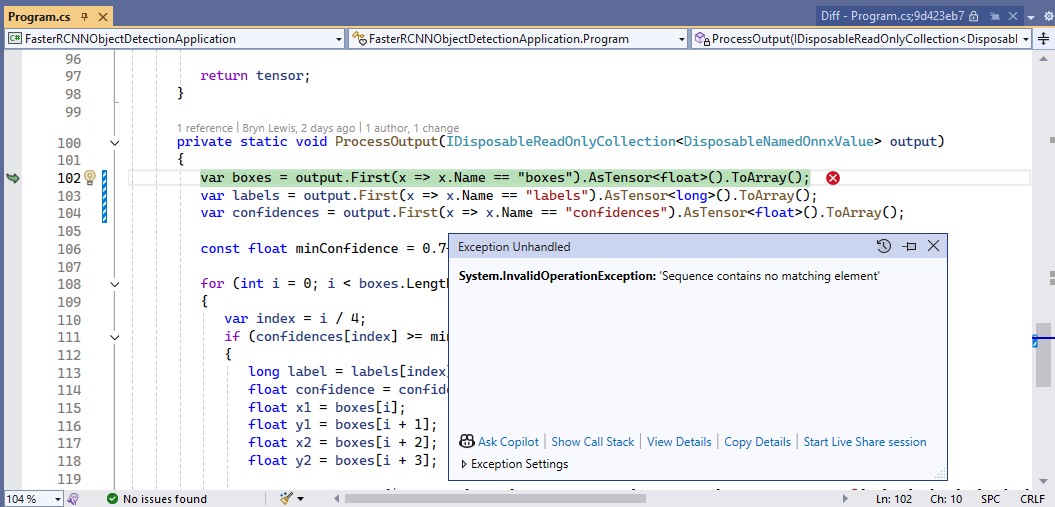
I used Netron to get the correct output tensor “dimension” names.
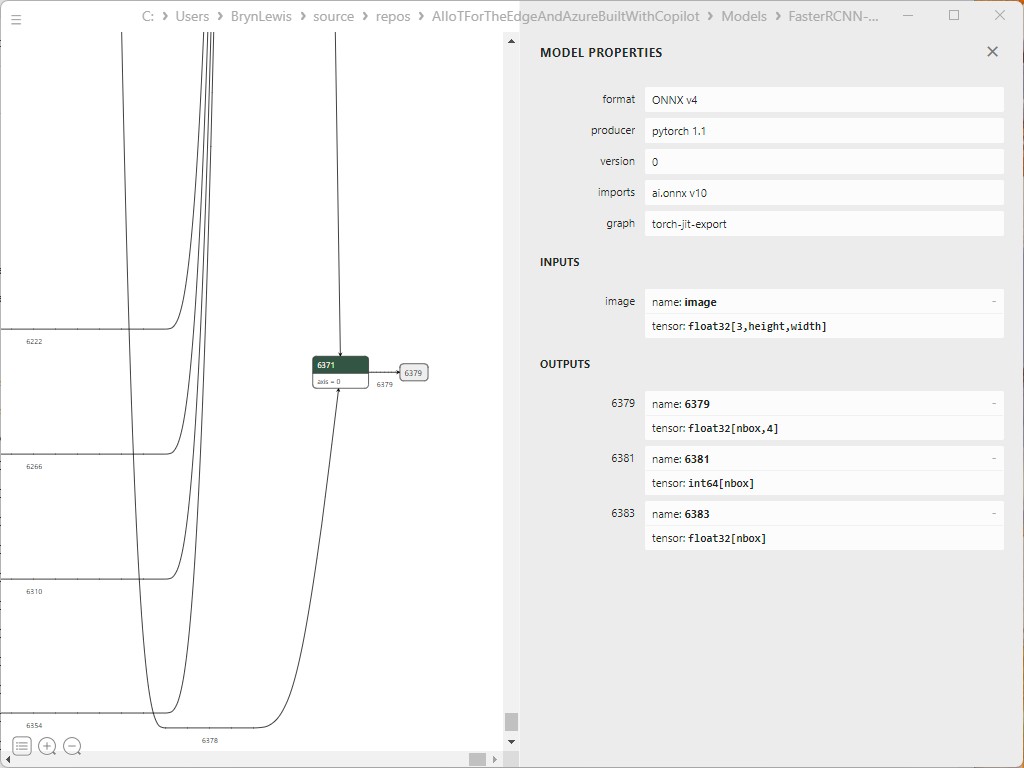
I then manually fixed the output tensor “dimension” names
private static void ProcessOutput(IDisposableReadOnlyCollection<DisposableNamedOnnxValue> output)
{
   var boxes = output.First(x => x.Name == "6379").AsTensor<float>().ToArray();
   var labels = output.First(x => x.Name == "6381").AsTensor<long>().ToArray();
   var confidences = output.First(x => x.Name == "6383").AsTensor<float>().ToArray();

   const float minConfidence = 0.7f;

   for (int i = 0; i < boxes.Length; i += 4)
   {
      var index = i / 4;
      if (confidences[index] >= minConfidence)
      {
         long label = labels[index];
         float confidence = confidences[index];
         float x1 = boxes[i];
         float y1 = boxes[i + 1];
         float x2 = boxes[i + 2];
         float y2 = boxes[i + 3];

         Console.WriteLine($"Label: {label}, Confidence: {confidence}, Bounding Box: [{x1}, {y1}, {x2}, {y2}]");
      }
   }
}
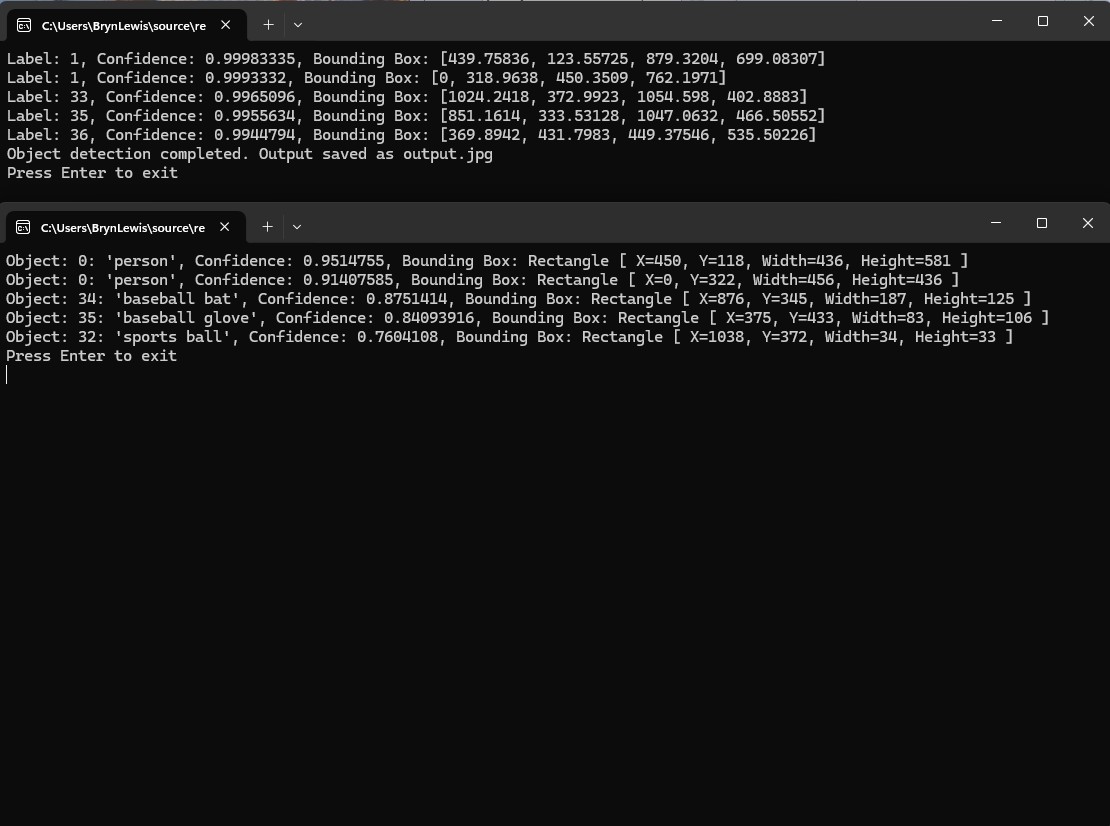
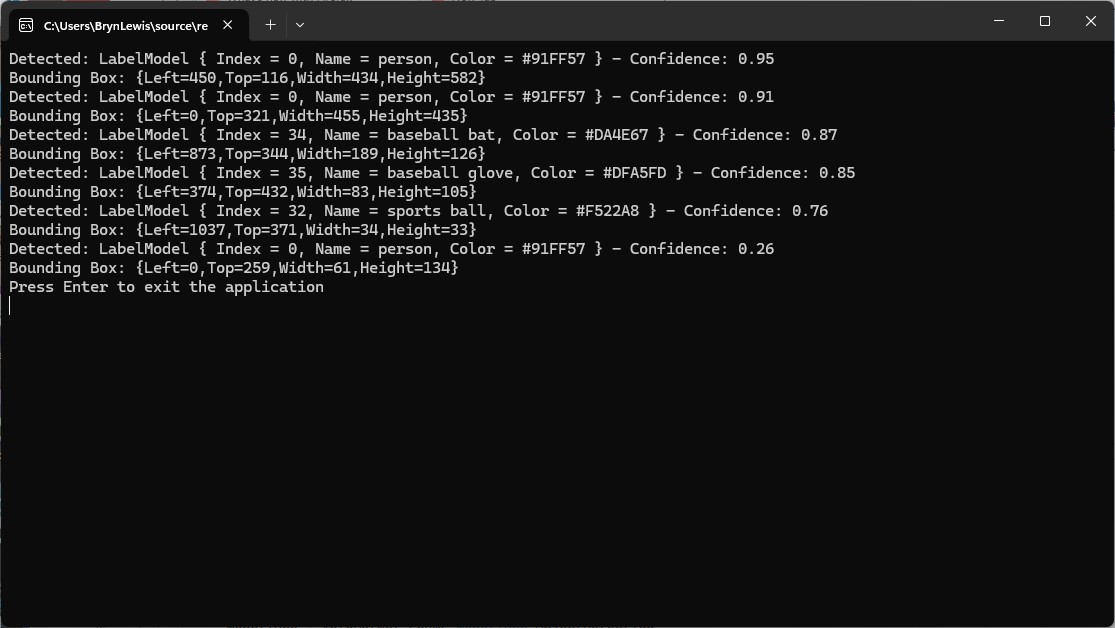
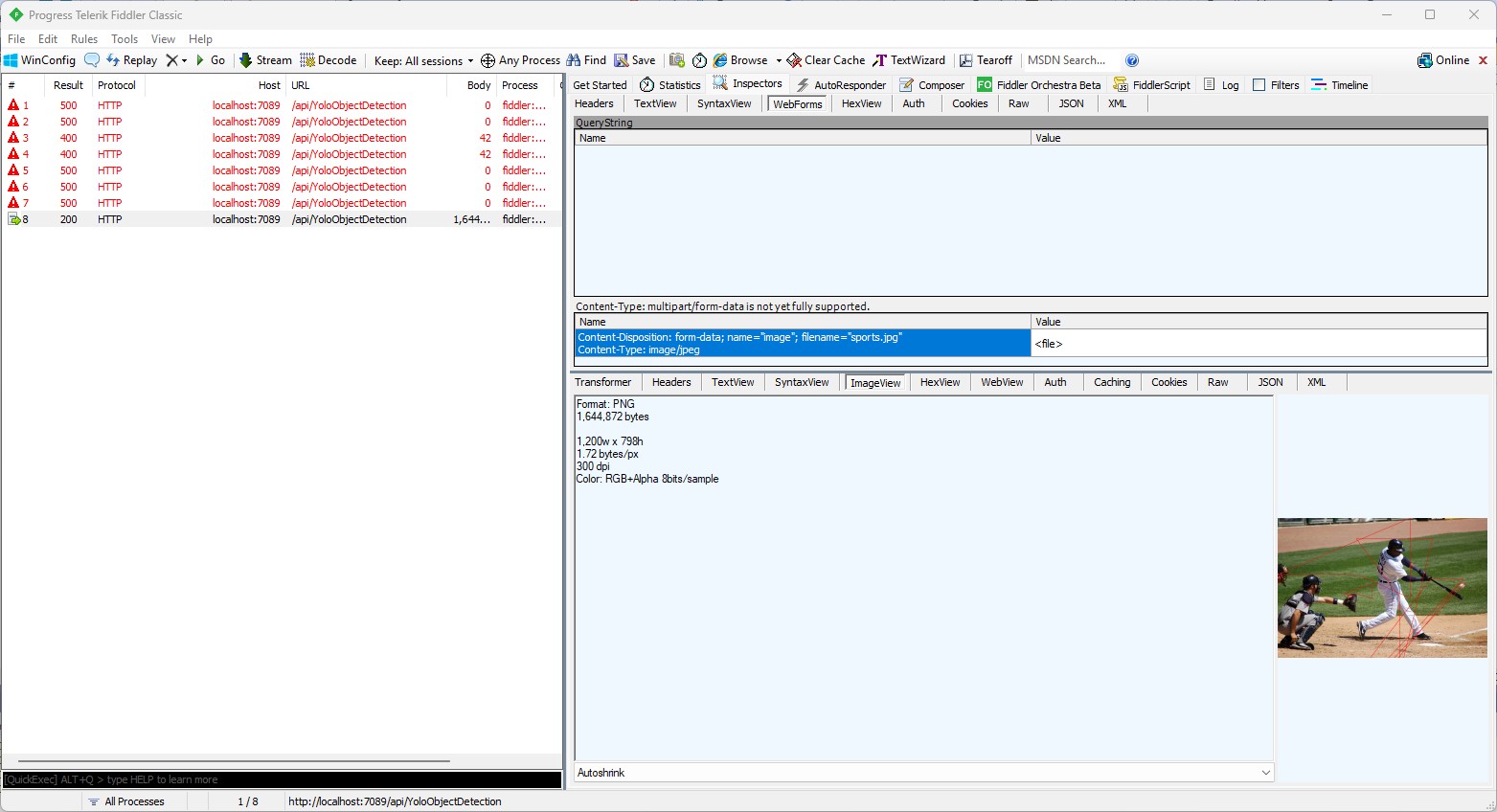
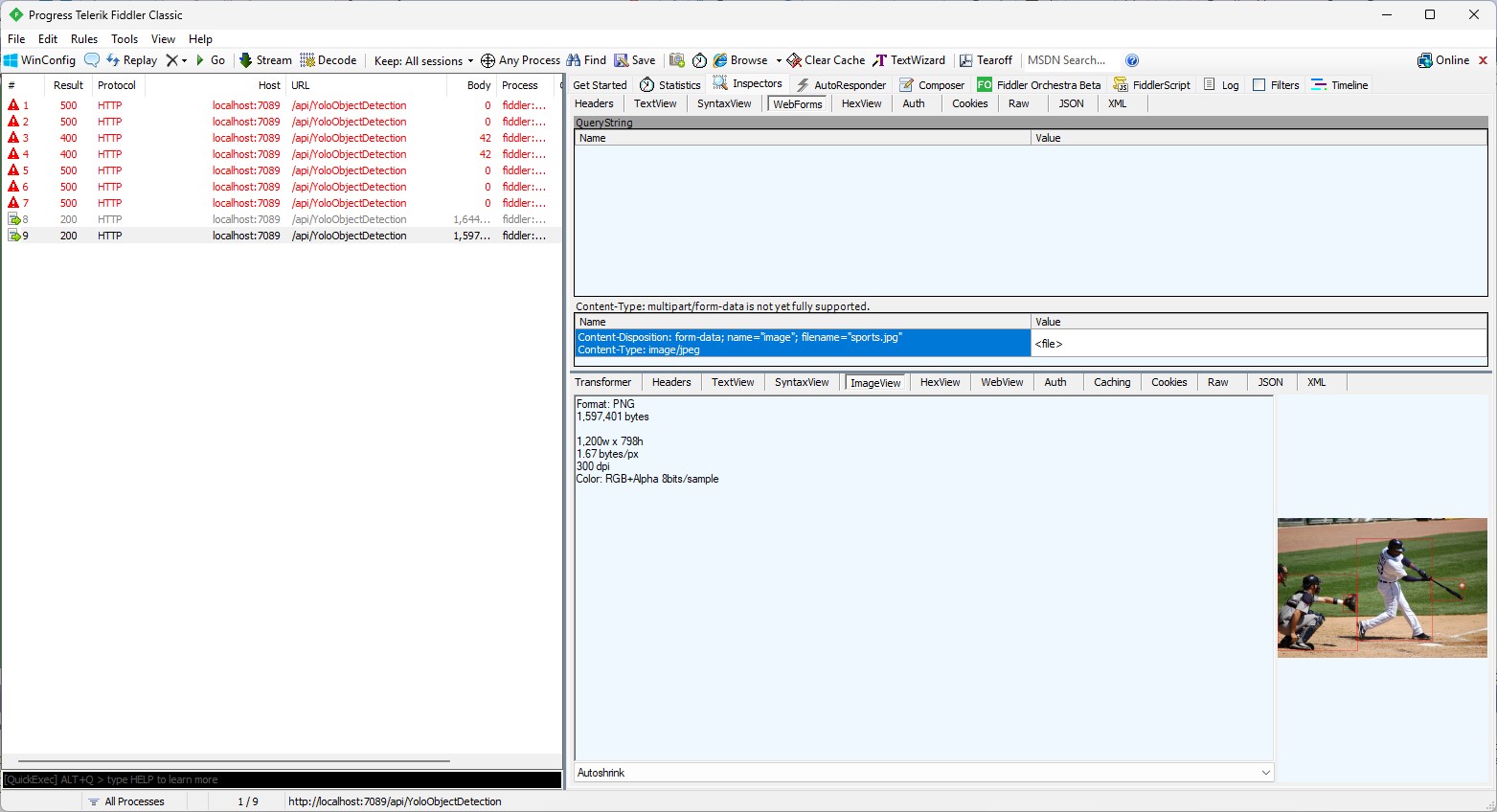
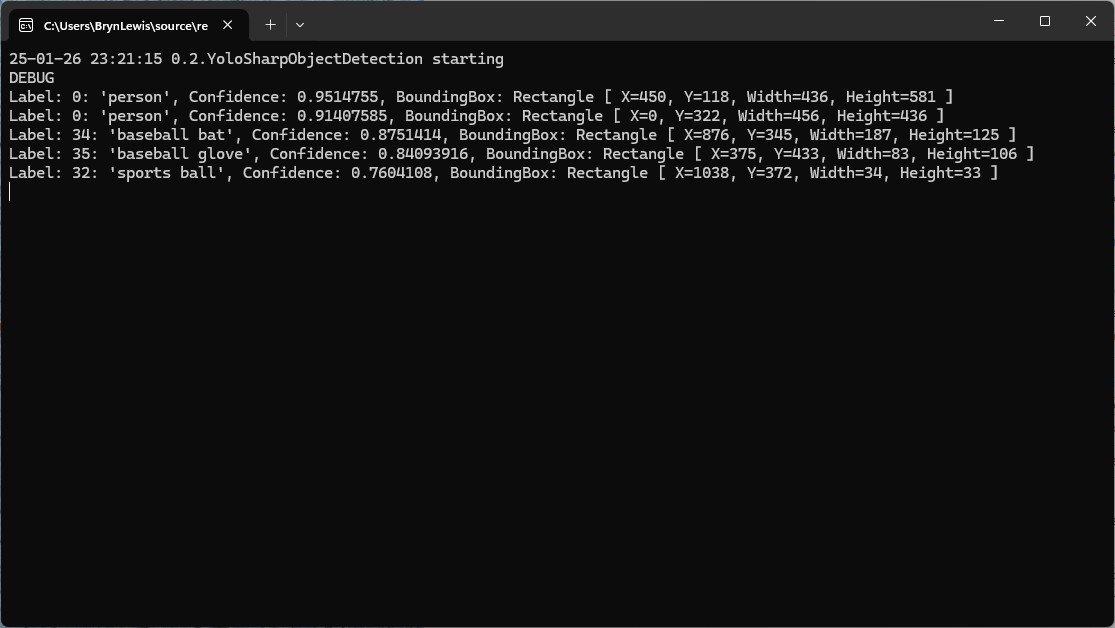
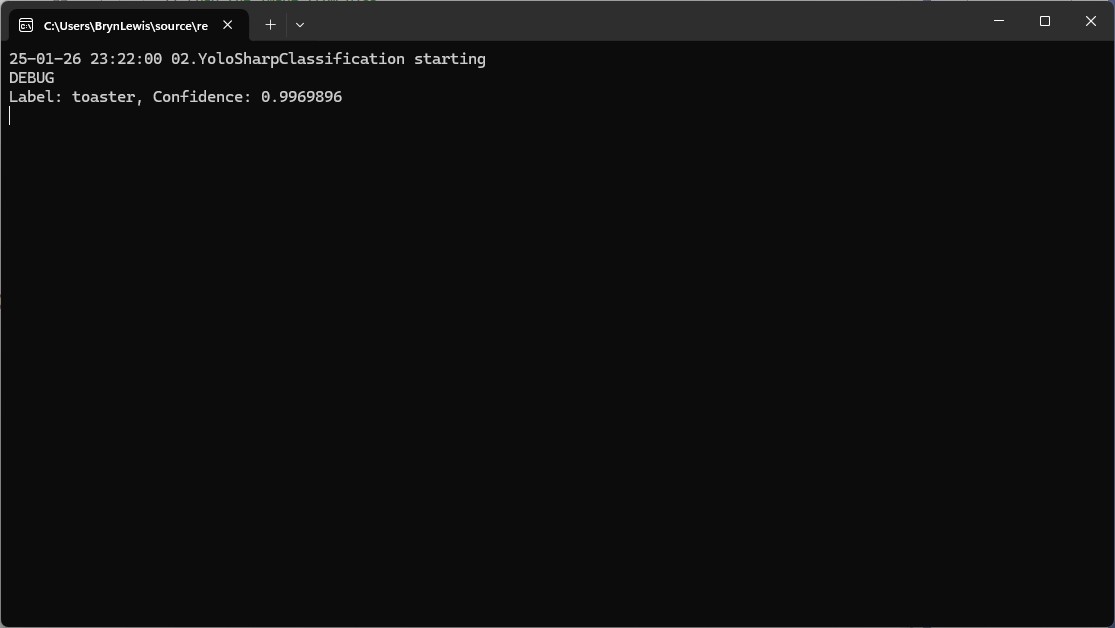
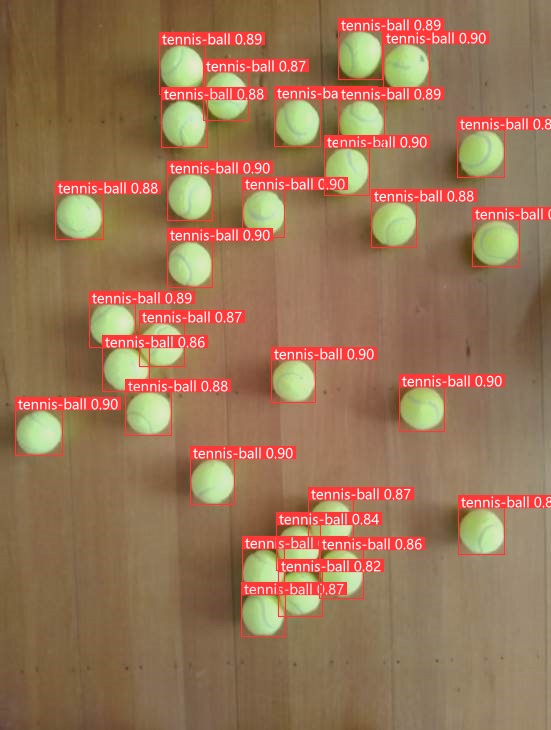
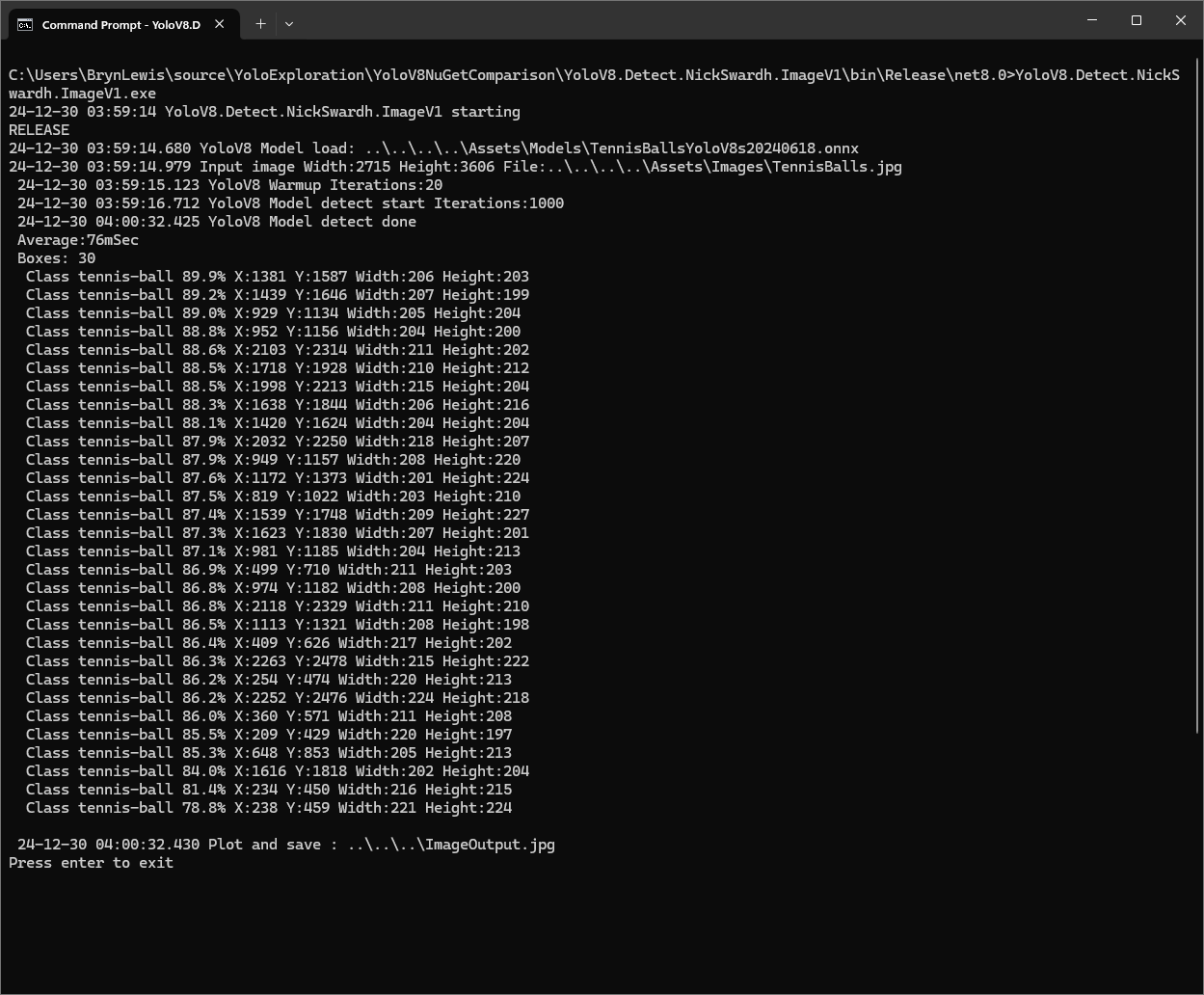
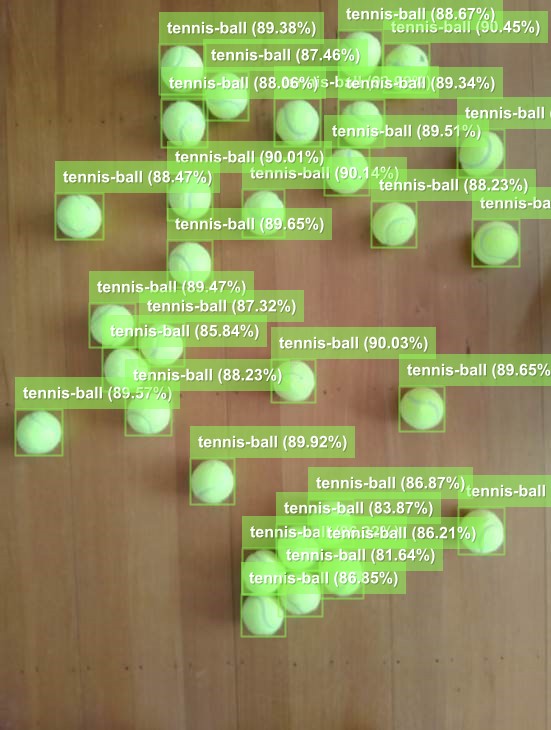
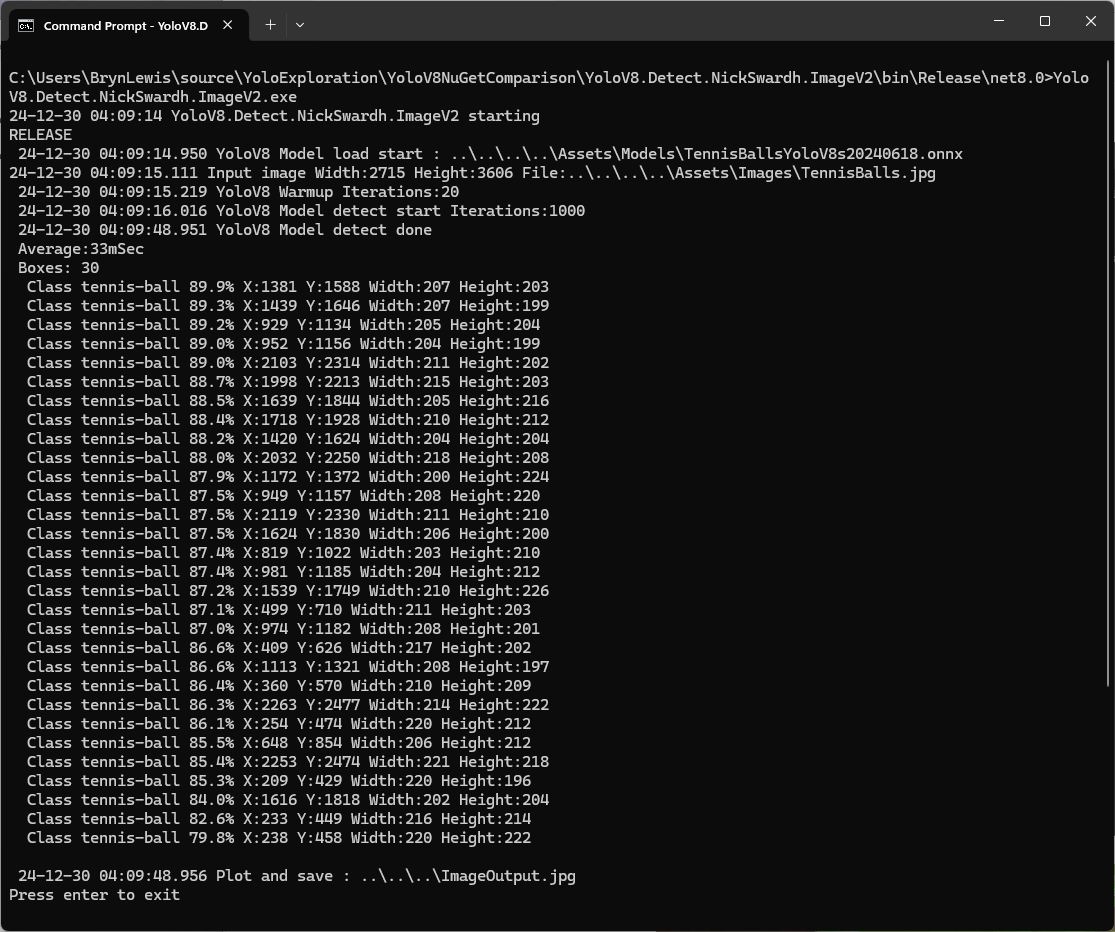
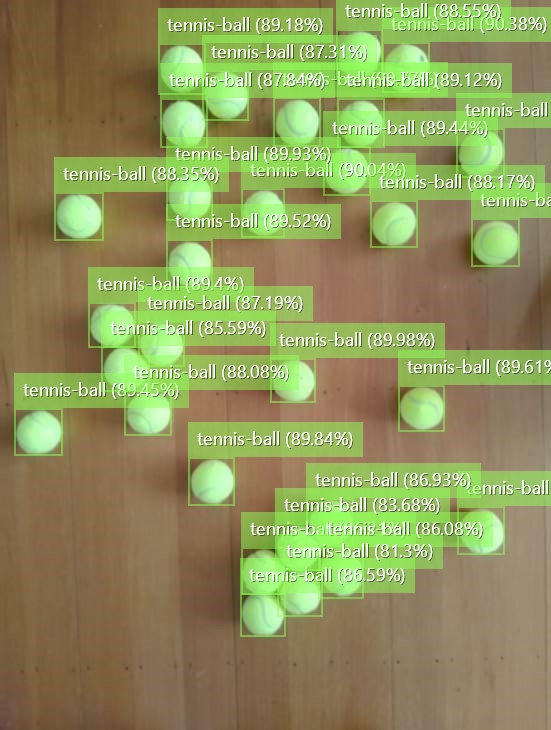
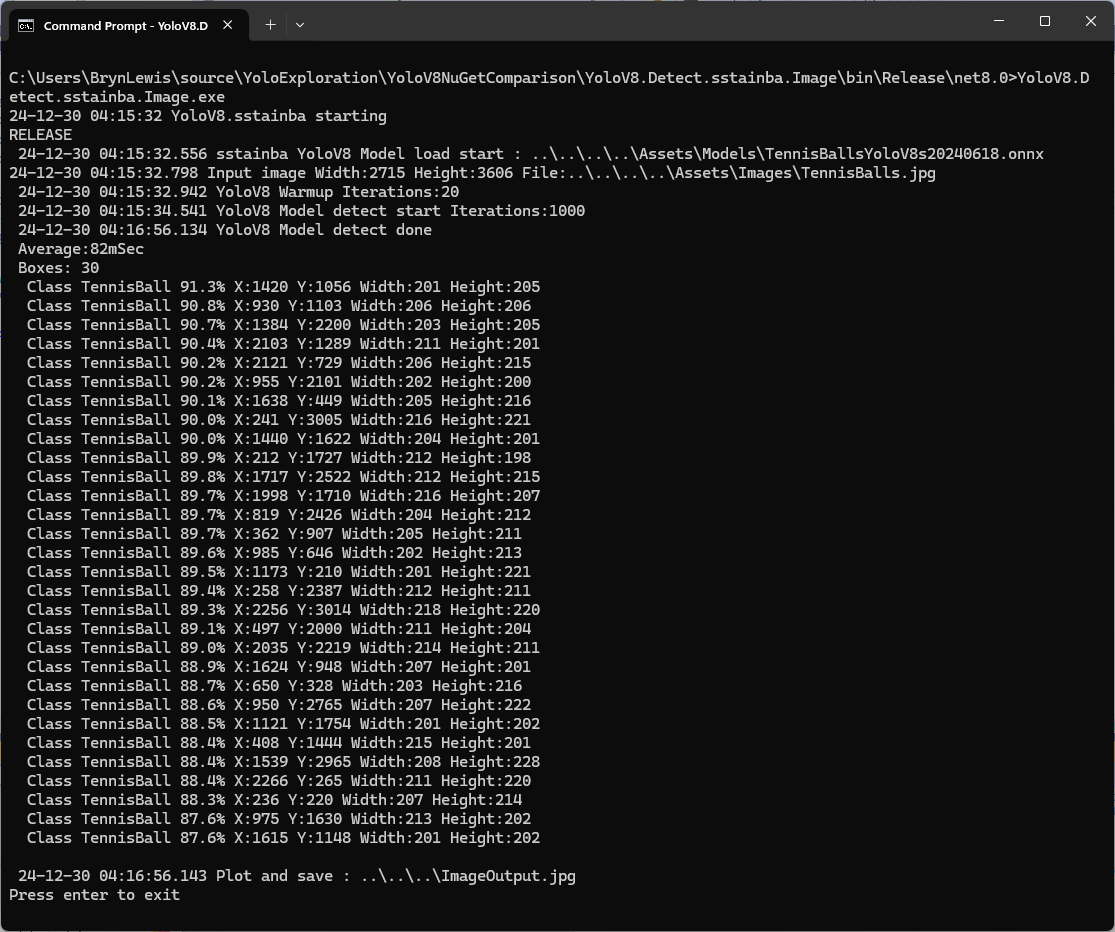
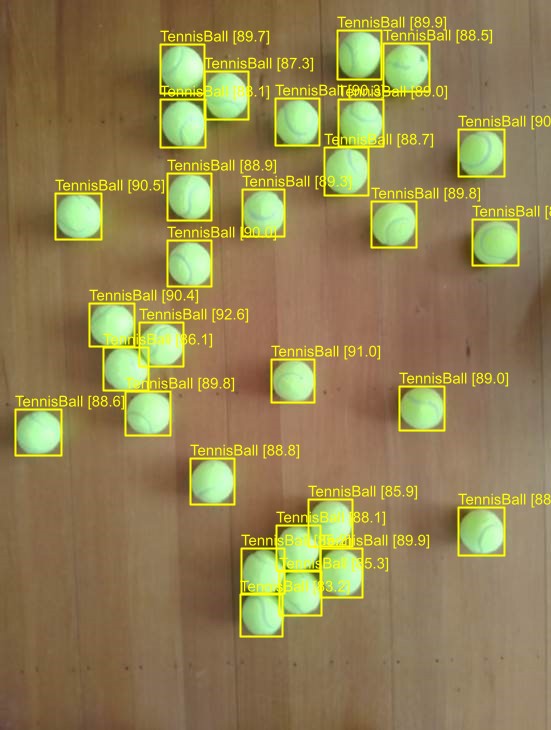
I manually compared the output of the console application with equivalent YoloSharp application output and the results looked close enough.
Summary
The Copilot prompts required to generate code were significantly more complex than previous examples and I had to regularly refer to the documentation to figure out what was wrong. The code wasn’t great and Copilot didn’t add much value
The Copilot generated code in this post is not suitable for production



























 devMobile's blog
