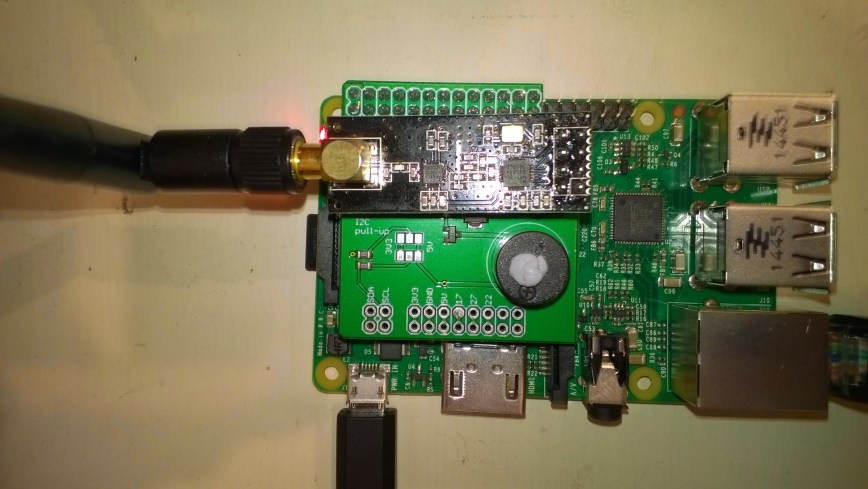
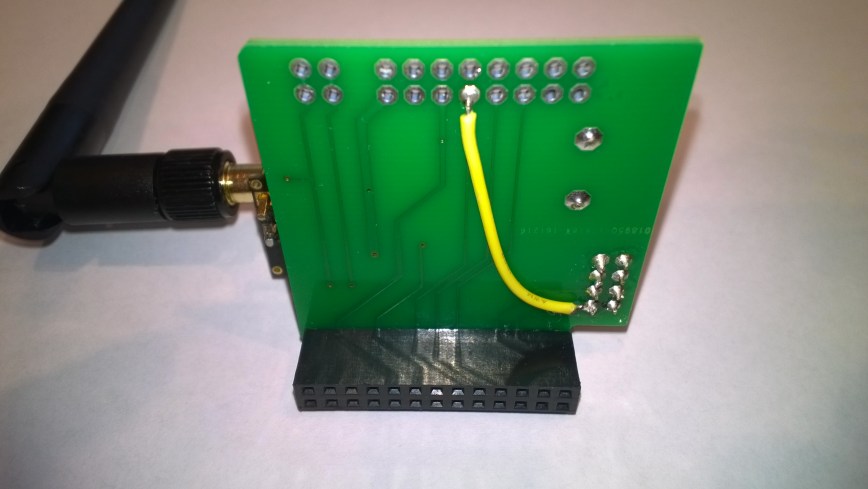
My first live deployment of the nRF24L01 Windows 10 IoT Core field gateway is now scheduled for mid Q1 2018 so time for a reboot. After digging out my Raspbery PI 2/3 devices and the nRF24L01+ shield (with modifications detailed here) I have a basic plan with some milestones.
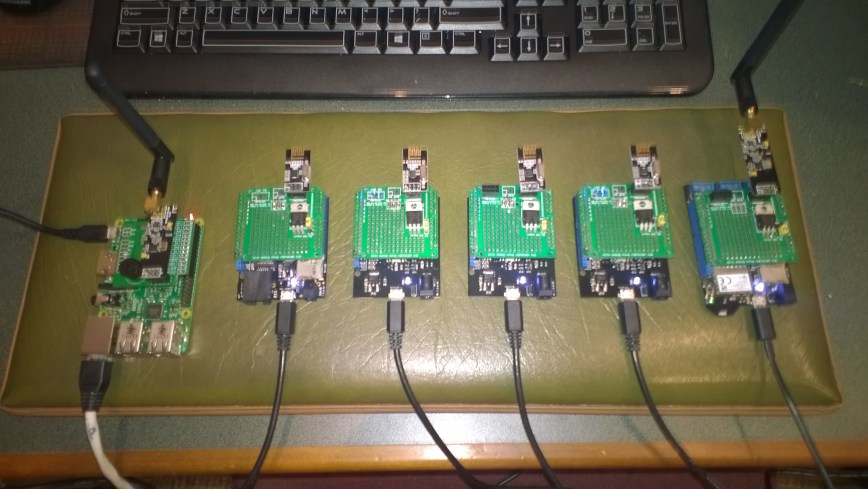
My aim is to be able to wirelessly acquire data from several dozen Arduino, devduino, seeeduino, and Netduino devices, Then, using a field gateway on a Raspberry PI running Windows 10 IoT Core upload it to Microsoft IoT Central
- Windows 10 IoT Core background application to test nRF24 shield
- Windows console application to explore IoT Central connectivity
- Windows 10 IoT Core background task for NRF24 library testing
- Basic devDuino V2.2 client with AM2315 temperature&humidity sensor
- Seeeduino V4.2 client with Embedded Coolness shield and Seeedstudio temperature&humidity sensor
- Netduino V2/3 clients with Embedded Coolness shield and Seeedstudio temperature&humidity sensor.
- Windows 10 IoT Core background task to explore IoT Central connectivity
- Windows 10 IoT Core background task with the nRF24 library and IoT Central connectivity integrated
- devDuino V2.2 with power conservation and provisioning functionality
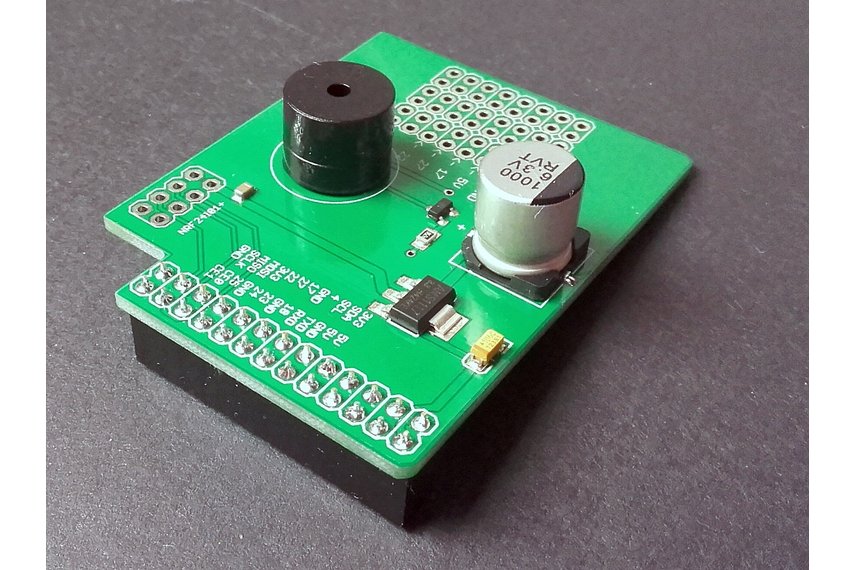
First bit of code – Bleepy a simple background application to test the piezo beeper on the RPI NRF24 Shield
namespace devmobile.IoTCore.Bleepy
{
   public sealed class StartupTask : IBackgroundTask
   {
      private BackgroundTaskDeferral deferral;
      private const int ledPinNumber = 4;
      private GpioPin ledGpioPin;
      private ThreadPoolTimer timer;

      public void Run(IBackgroundTaskInstance taskInstance)
      {
         var gpioController = GpioController.GetDefault();
         if (gpioController == null)
         {
            Debug.WriteLine("GpioController.GetDefault failed");
            return;
         }

         ledGpioPin = gpioController.OpenPin(ledPinNumber);
         if (ledGpioPin == null)
         {
            Debug.WriteLine("gpioController.OpenPin failed");
            return;
         }

         ledGpioPin.SetDriveMode(GpioPinDriveMode.Output);

         this.timer = ThreadPoolTimer.CreatePeriodicTimer(Timer_Tick, TimeSpan.FromMilliseconds(500));

         deferral = taskInstance.GetDeferral();

         Debug.WriteLine("Rum completed");
      }

      private void Timer_Tick(ThreadPoolTimer timer)
      {
         GpioPinValue currentPinValue = ledGpioPin.Read();

         if (currentPinValue == GpioPinValue.High)
         {
            ledGpioPin.Write(GpioPinValue.Low);
         }
         else
         {
            ledGpioPin.Write(GpioPinValue.High);
         }
      }
   }
}
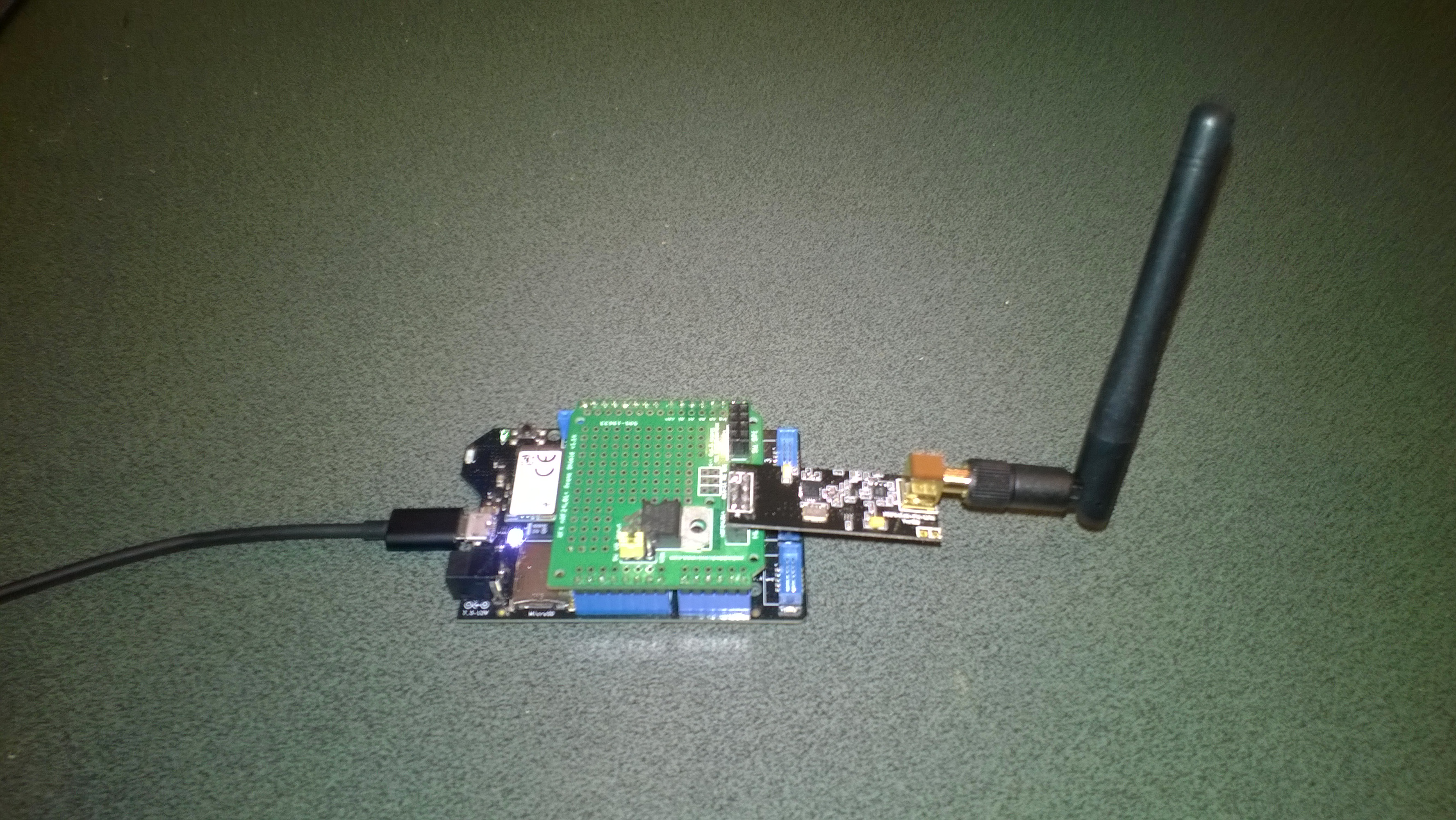
Note the blob of blu tack over the piezo beeper to mute noise




 devMobile's blog