This application was inspired by one of teachers I work with wanting to count ducks in the stream on the school grounds. The school was having problems with water quality and the they wanted to see if the number of ducks was a factor. (Manually counting the ducks several times a day would be impractical).
I didn’t have a source of training images so built an image classifier using my son’s Lego for testing. In a future post I will build an object detection model once I have some sample images of the stream captured by my Windows 10 IoT Core time lapse camera application.
To start with I added the Azure Cognitive Services Custom Vision API NuGet packages to a new Visual Studio 2017 Windows IoT Core project.
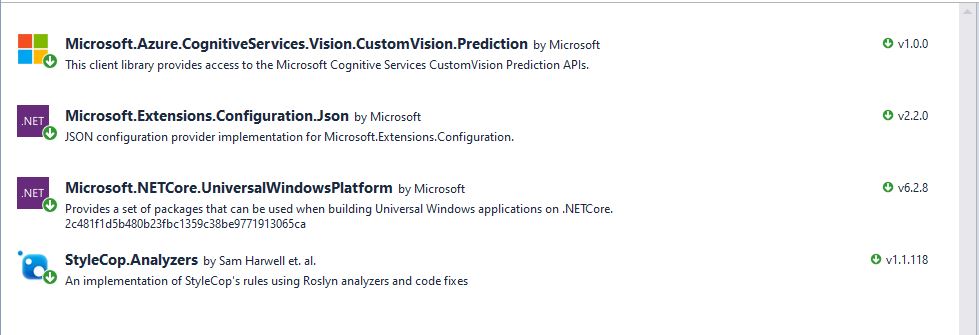
Then I initialised the Computer Vision API client
try
{
	this.customVisionClient = new CustomVisionPredictionClient(new System.Net.Http.DelegatingHandler[] { })
	{
		ApiKey = this.azureCognitiveServicesSubscriptionKey,
		Endpoint = this.azureCognitiveServicesEndpoint,
	};
}
catch (Exception ex)
{
	this.logging.LogMessage("Azure Cognitive Services Custom Vision Client configuration failed " + ex.Message, LoggingLevel.Error);
	return;
}
Every time the digital input is strobed by the infra red proximity sensor or touch button an image is captured, uploaded for processing, and results displayed in the debug output.
For testing I have used a simple multiclass classifier that I trained with a selection of my son’s Lego. I tagged the brick size height x width x length (1x2x3, smallest of width/height first) and colour (red, green, blue etc.)
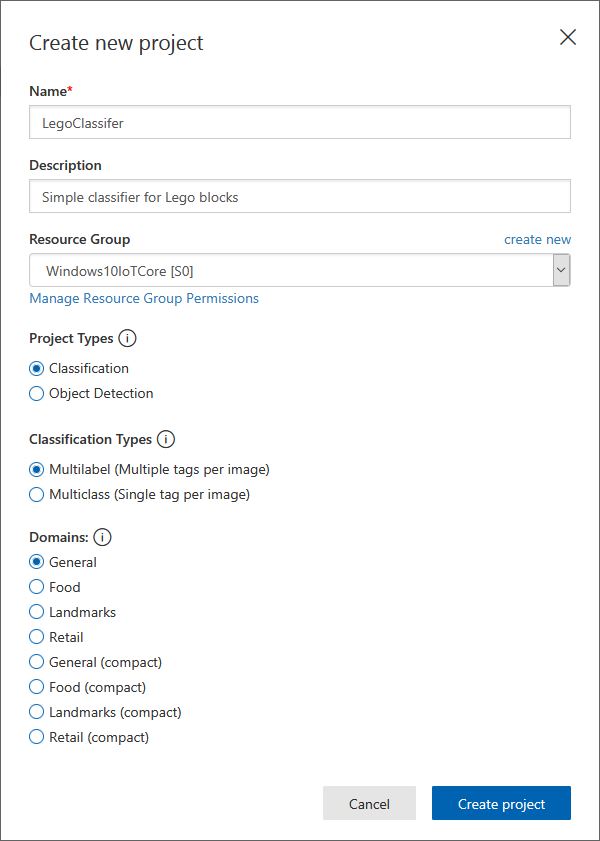
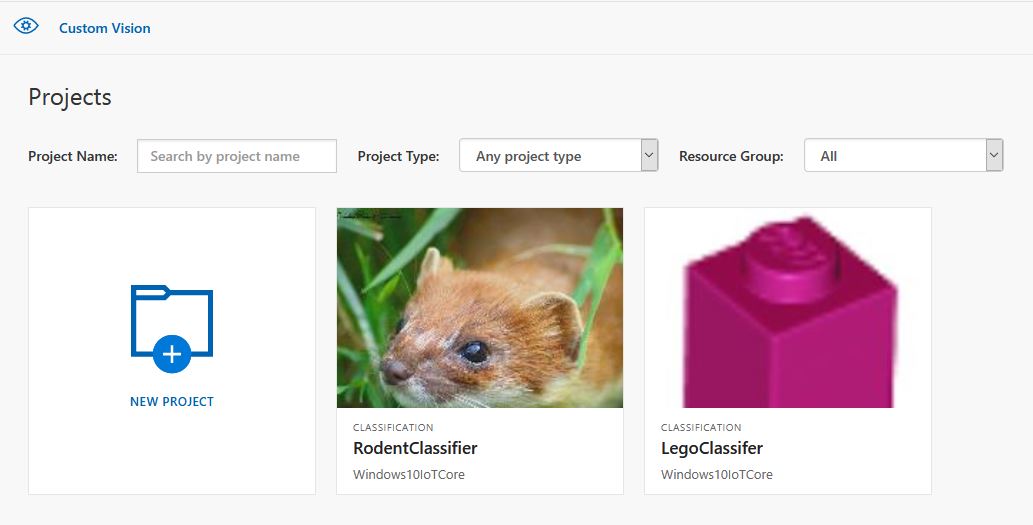
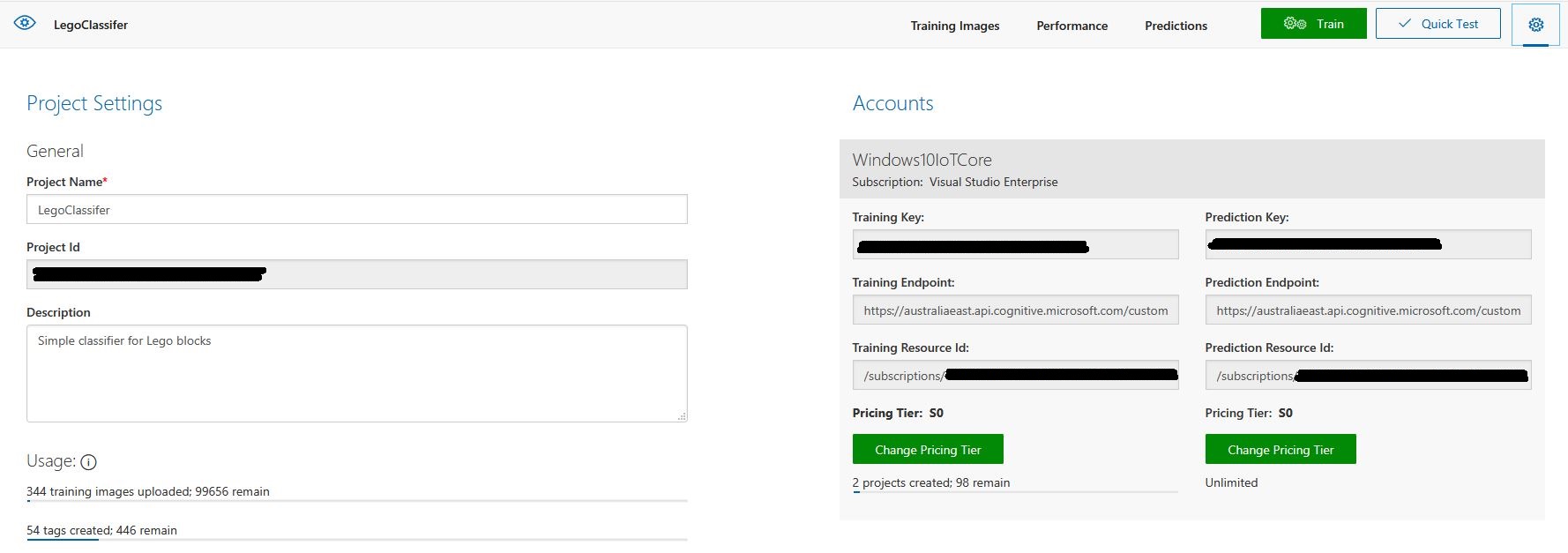
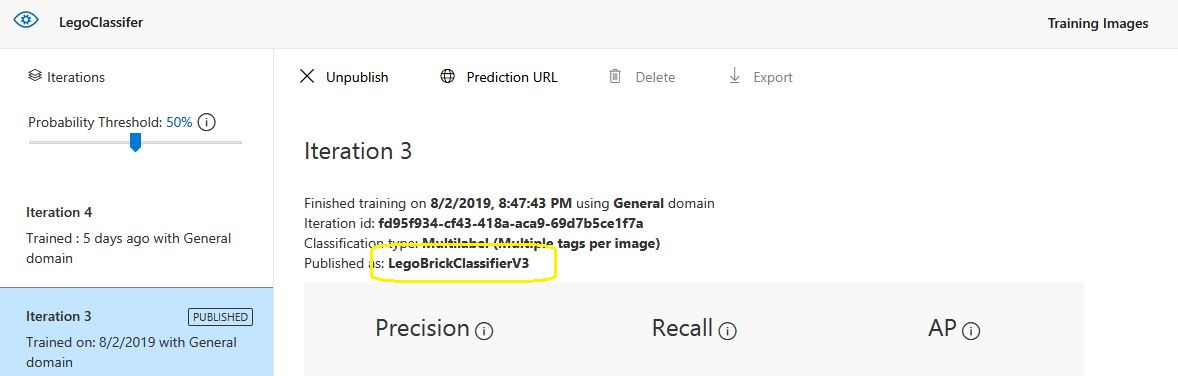
The projectID, AzureCognitiveServicesSubscriptionKey (PredictionKey) and PublishedName (From the Performance tab in project) in the app.settings file come from the custom vision project properties.
{
  "InterruptPinNumber": 24,
  "interruptTriggerOn": "RisingEdge",
  "DisplayPinNumber": 35,
  "AzureCognitiveServicesEndpoint": "https://australiaeast.api.cognitive.microsoft.com",
  "AzureCognitiveServicesSubscriptionKey": "41234567890123456789012345678901s,
  "DebounceTimeout": "00:00:30",
  "PublishedName": "LegoBrickClassifierV3",
  "TriggerTag": "1x2x4",
  "TriggerThreshold": "0.4",
  "ProjectID": "c1234567-abcdefghijklmn-1234567890ab"
}
The sample application only supports one trigger tag + probability and if this condition satisfied the Light Emitting Diode (LED) is turned on for 5 seconds. If an image is being processed or the minimum period between images has not passed the LED is illuminated for 5 milliseconds .
private async void InterruptGpioPin_ValueChanged(GpioPin sender, GpioPinValueChangedEventArgs args)
{
	DateTime currentTime = DateTime.UtcNow;
	Debug.WriteLine($"Digital Input Interrupt {sender.PinNumber} triggered {args.Edge}");

	if (args.Edge != this.interruptTriggerOn)
	{
		return;
	}

	// Check that enough time has passed for picture to be taken
	if ((currentTime - this.imageLastCapturedAtUtc) < this.debounceTimeout)
	{
		this.displayGpioPin.Write(GpioPinValue.High);
		this.displayOffTimer.Change(this.timerPeriodDetectIlluminated, this.timerPeriodInfinite);
		return;
	}

	this.imageLastCapturedAtUtc = currentTime;

	// Just incase - stop code being called while photo already in progress
	if (this.cameraBusy)
	{
		this.displayGpioPin.Write(GpioPinValue.High);
		this.displayOffTimer.Change(this.timerPeriodDetectIlluminated, this.timerPeriodInfinite);
		return;
	}

	this.cameraBusy = true;

	try
	{
		using (Windows.Storage.Streams.InMemoryRandomAccessStream captureStream = new Windows.Storage.Streams.InMemoryRandomAccessStream())
		{
			this.mediaCapture.CapturePhotoToStreamAsync(ImageEncodingProperties.CreateJpeg(), captureStream).AsTask().Wait();
			captureStream.FlushAsync().AsTask().Wait();
			captureStream.Seek(0);

			IStorageFile photoFile = await KnownFolders.PicturesLibrary.CreateFileAsync(ImageFilename, CreationCollisionOption.ReplaceExisting);
			ImageEncodingProperties imageProperties = ImageEncodingProperties.CreateJpeg();
			await this.mediaCapture.CapturePhotoToStorageFileAsync(imageProperties, photoFile);

			ImageAnalysis imageAnalysis = await this.computerVisionClient.AnalyzeImageInStreamAsync(captureStream.AsStreamForRead());

			Debug.WriteLine($"Tag count {imageAnalysis.Categories.Count}");

			if (imageAnalysis.Categories.Intersect(this.categoryList, new CategoryComparer()).Any())
			{
				this.displayGpioPin.Write(GpioPinValue.High);

				// Start the timer to turn the LED off
				this.displayOffTimer.Change(this.timerPeriodFaceIlluminated, this.timerPeriodInfinite);
					}

					LoggingFields imageInformation = new LoggingFields();

					imageInformation.AddDateTime("TakenAtUTC", currentTime);
					imageInformation.AddInt32("Pin", sender.PinNumber);
					Debug.WriteLine($"Categories:{imageAnalysis.Categories.Count}");
					imageInformation.AddInt32("Categories", imageAnalysis.Categories.Count);
					foreach (Category category in imageAnalysis.Categories)
					{
						Debug.WriteLine($" Category:{category.Name} {category.Score}");
						imageInformation.AddDouble($"Category:{category.Name}", category.Score);
					}

					this.logging.LogEvent("Captured image processed by Cognitive Services", imageInformation);
				}
			}
			catch (Exception ex)
			{
				this.logging.LogMessage("Camera photo or save failed " + ex.Message, LoggingLevel.Error);
			}
			finally
			{
				this.cameraBusy = false;
			}
		}

		private void TimerCallback(object state)
		{
			this.displayGpioPin.Write(GpioPinValue.Low);
		}

		internal class CategoryComparer : IEqualityComparer<Category>
		{
			public bool Equals(Category x, Category y)
			{
				if (string.Equals(x.Name, y.Name, StringComparison.OrdinalIgnoreCase))
				{
					return true;
				}

				return false;
			}

			public int GetHashCode(Category obj)
			{
				return obj.Name.GetHashCode();
			}
		}
I found my small model was pretty good at tagging images of Lego bricks as long as the ambient lighting was consistent and the background fairly plain.
When tagging many bricks my ability to distinguish pearl light grey, light grey, sand blue and grey bricks was a problem. I should have started with a limited palette (red, green, blue) of colours and shapes for my models while evaluating different tagging approaches.
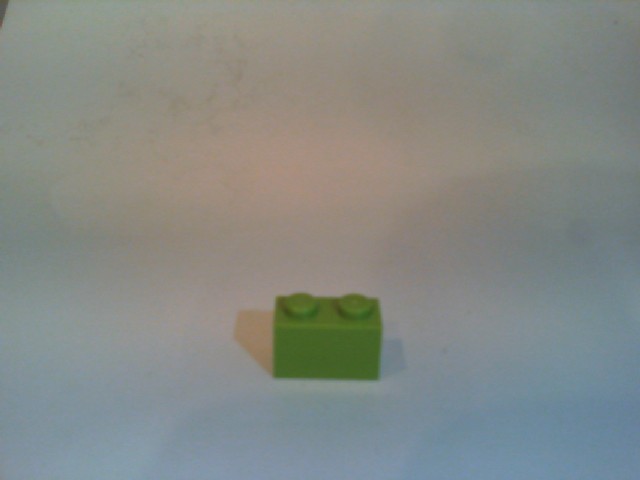
The debugging output of the application includes the different categories identified in the captured image.
Digital Input Interrupt 24 triggered RisingEdge
Digital Input Interrupt 24 triggered FallingEdge
Prediction count 54
 Tag:Lime 0.529844046
 Tag:1x1x2 0.4441353
 Tag:Green 0.252290249
 Tag:1x1x3 0.1790101
 Tag:1x2x3 0.132092983
 Tag:Turquoise 0.128928885
 Tag:DarkGreen 0.09383947
 Tag:DarkTurquoise 0.08993266
 Tag:1x2x2 0.08145093
 Tag:1x2x4 0.060960535
 Tag:LightBlue 0.0525473
 Tag:MediumAzure 0.04958712
 Tag:Violet 0.04894981
 Tag:SandGreen 0.048463434
 Tag:LightOrange 0.044860106
 Tag:1X1X1 0.0426577441
 Tag:Azure 0.0416654423
 Tag:Aqua 0.0400410332
 Tag:OliveGreen 0.0387720577
 Tag:Blue 0.035169173
 Tag:White 0.03497391
 Tag:Pink 0.0321456343
 Tag:Transparent 0.0246597622
 Tag:MediumBlue 0.0245670844
 Tag:BrightPink 0.0223842952
 Tag:Flesh 0.0221406389
 Tag:Magenta 0.0208457354
 Tag:Purple 0.0188888311
 Tag:DarkPurple 0.0187285
 Tag:MaerskBlue 0.017609369
 Tag:DarkPink 0.0173041821
 Tag:Lavender 0.0162359159
 Tag:PearlLightGrey 0.0152829709
 Tag:1x1x4 0.0133710662
 Tag:Red 0.0122602312
 Tag:Yellow 0.0118704
 Tag:Clear 0.0114340987
 Tag:LightYellow 0.009903331
 Tag:Black 0.00877647
 Tag:BrightLightYellow 0.00871937349
 Tag:Mediumorange 0.0078356415
 Tag:Tan 0.00738664949
 Tag:Sand 0.00713921571
 Tag:Grey 0.00710422
 Tag:Orange 0.00624707434
 Tag:SandBlue 0.006215865
 Tag:DarkGrey 0.00613187673
 Tag:DarkBlue 0.00578308525
 Tag:DarkOrange 0.003790971
 Tag:DarkTan 0.00348462746
 Tag:LightGrey 0.00321317
 Tag:ReddishBrown 0.00304117263
 Tag:LightBluishGrey 0.00273489812
 Tag:Brown 0.00199119
I’m going to run this application repeatedly, adding more images and retraining the model to see how it performs. Once the model is working wll I’ll try downloading it and running it on a device
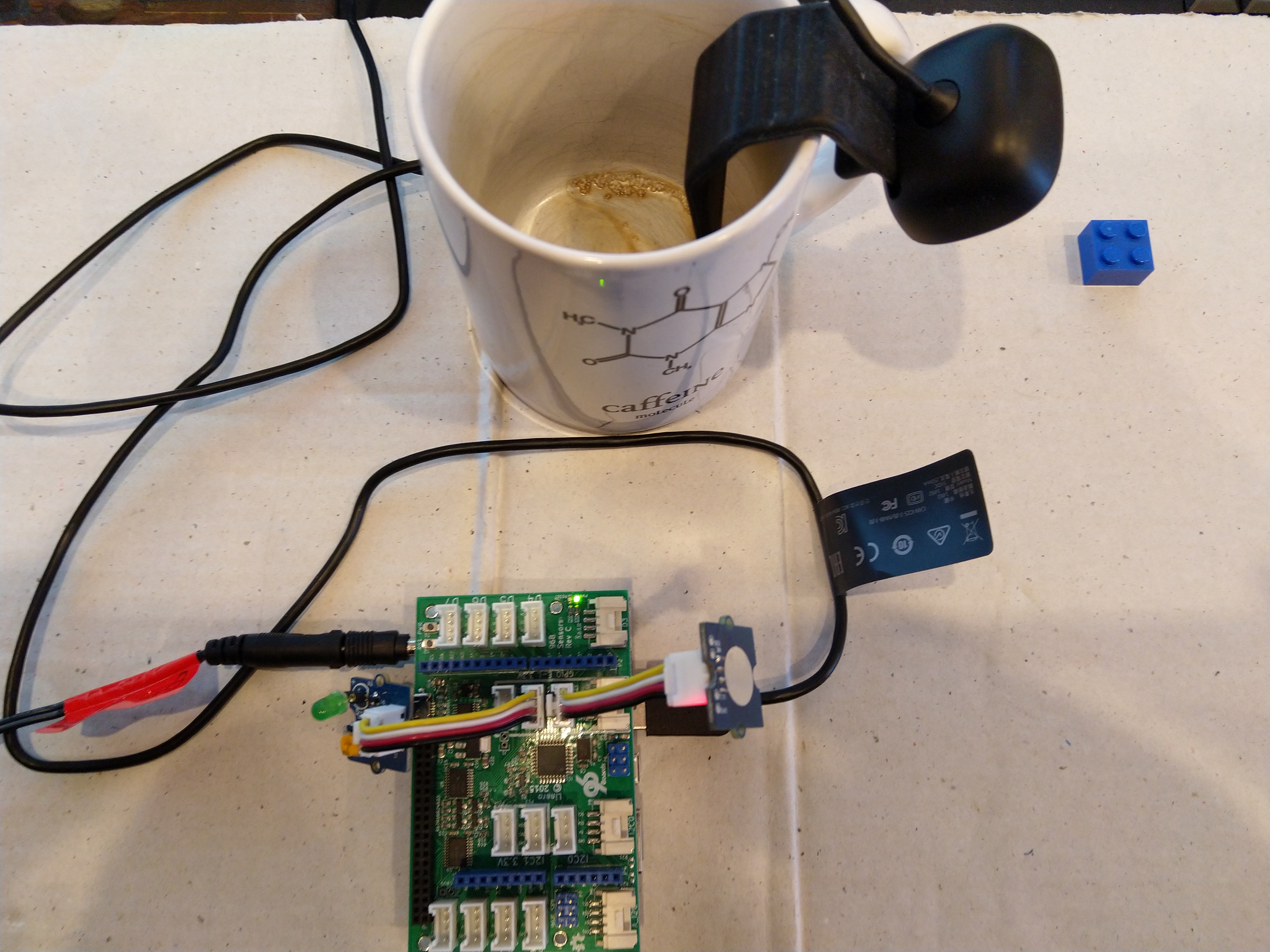
This sample could be used as a basis for projects like this cat door which stops your pet bringing in dead or wounded animals. The model could be trained with tags to indicate whether the cat is carrying a “present” for their human and locking the door if it is.

 devMobile's blog