netduino Plus + nerf supersoaker

A few weeks ago my 6 year old son took his Nerf SuperSoaker to the beach and the salt water damaged the battery pack. Yesterday he pulled it apart to see how it worked and after a couple of quick tests with the multimeter we worked out the switch on the battery pack was the problem.

While it was dismantled we decided to “enhance” it with a Netduino+ and an ultrasonic range finder so it squirted water automatically when a target got with 2.5m. The code for the Ultrasonic range finder was adapted from Dave’s code on Netduino.com

Netduino SuperSoaker++

Bill of Materials

Some fun with a Netduino Plus and the icndb

A chat with some co-workers about displaying the status of the team’s Jenkins build process led to bit of research into calling RESTful services and JSON support on NetMF devices. Previously this had required a bit of hand crafted code but now it looks like the library support has matured a bit. I don’t run Jenkins at home so I decided to build a NetduinoPlus client for the internet Chuck Norris database which has a RESTful API.

This API returns Chuck Norris “facts”…

“Chuck Norris doesn’t read books. He stares them down until he gets the information he wants.”
“There is no theory of evolution, just a list of creatures Chuck Norris allows to live.”
“Some people wear Superman pajamas. Superman wears Chuck Norris pajamas.”
“Chuck Norris can slam a revolving door.”

The icndb API returns JSON

{ "type": "success", "value": { "id": 109, "joke": "It takes Chuck Norris 20 minutes to watch 60 Minutes.", "categories": [] } }

I used the NetMF system.HTTP libraries to initiate the request and Json.NetMF to unpack the response. This snippet illustrates how I processed the request/response

using (HttpWebRequest request = (HttpWebRequest)WebRequest.Create(@"http://api.icndb.com/jokes/random"))
{
   //request.Proxy = proxy;
   request.Method = "GET";
   request.KeepAlive = false;
   request.Timeout = 5000;
   request.ReadWriteTimeout = 5000;

   using (var response = (HttpWebResponse)request.GetResponse())
   {
      if (response.StatusCode == HttpStatusCode.OK)
      {
         byte[] buffer = new byte[response.ContentLength];

         using (Stream stream = response.GetResponseStream())
         {
            stream.Read(buffer, 0, (int)response.ContentLength);

            string json = new string(Encoding.UTF8.GetChars(buffer));

            Hashtable jsonPayload = JsonSerializer.DeserializeString(json) as Hashtable;

            Hashtable value = jsonPayload["value"] as Hashtable ;
            Debug.Print(value["joke"].ToString());
         }
      }
   }
}

icndb Netduino client

Bill of materials

HTTPS with NetMF calling an Azure Service Bus endpoint

Back in Q1 of 2013 I posted a sample application which called an Azure Service Bus end point just to confirm that the certificate configuration etc. was good.

Since I published that sample the Azure Root certificate has been migrated so I have created a new project which uses the Baltimore Cyber Trust Root certificate.

The sample Azure ServiceBus client uses a wired LAN connection (original one used wifi module) and to run it locally you will have to update the Date information around line 24.

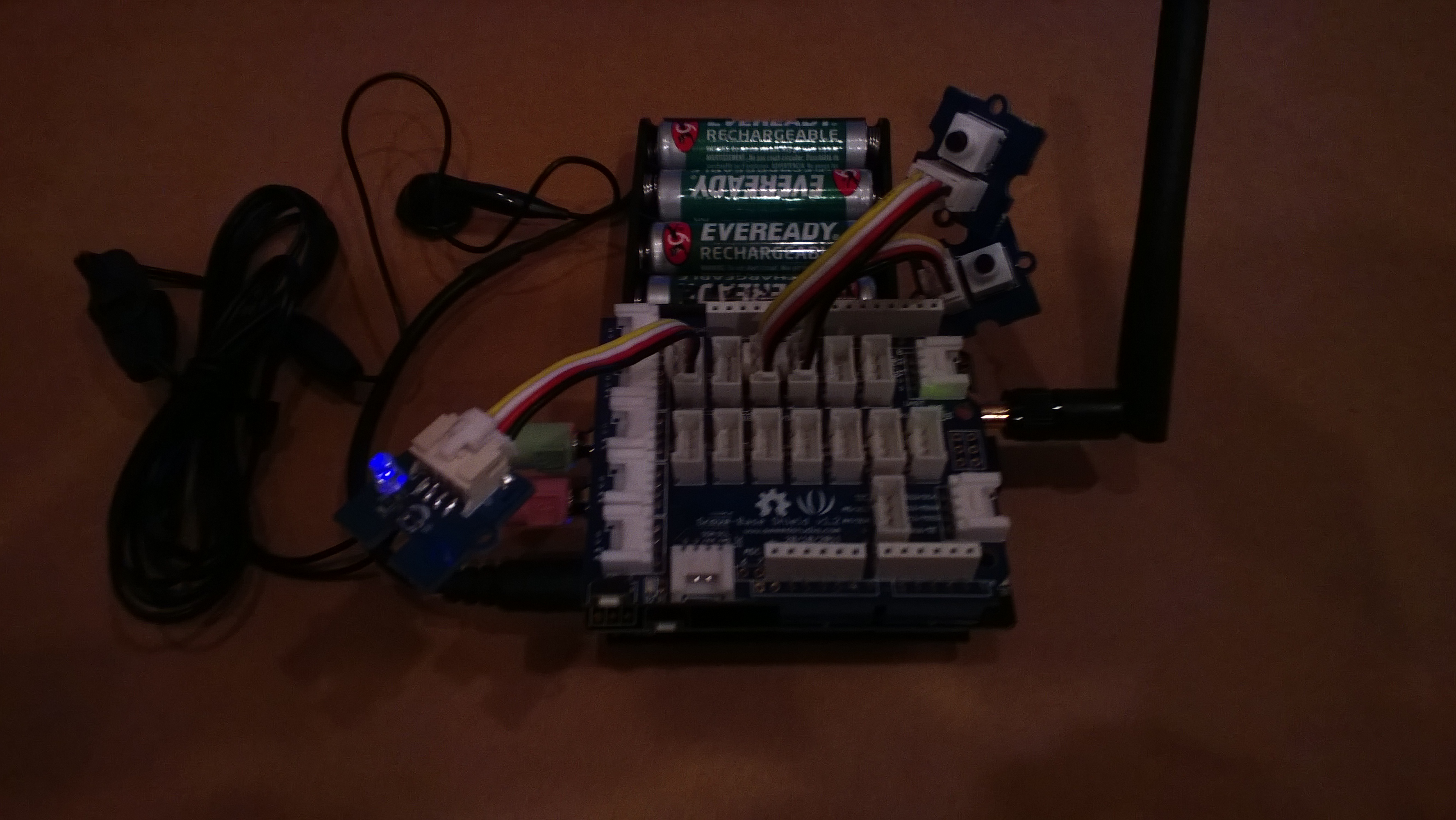
MyFirst mobile phone for Code club

One of my co-workers is involved with a group that run “code clubs” at local schools teaching high school students how to code.

We got talking about projects which would appeal to the students and I suggested making a mobile phone. This is my prototype

Image

It’s more Nokia 5110 than Nokia Lumia 820

If you want to build your own (the parts list will grow as I add GPS, accelerometer, compass, screen etc..)

For V0.1 of code one button sends and SMS to my mobile, the other button initiates a voice call to my mobile. The initial version of the code was based on the SeeedStudio GSM Shield Netduino driver on codeplex.

The later versions are based on the CodeFreakout Seeedstudio GPRS Shield drivers which are available via NuGet. I have added some functionality for dialling and hanging up voice calls which I will post for others to use once I have tested it some more.

Someone else has a working NetMF Quadcopter

So according to cuno and co NetMF is a viable processing platform for a quadcopter. I was worried about the GC and it looks like as long as I’m really careful about allocating memory (strings, buffers etc.) I should be okay. It will be like writing code for embedded micro controllers (V25 & HC11) in C not long after I left university,

Have also been reading up about proportional-integral-derivative controllers (PID controller) here and building a basic C# implementation.

Next step some PWM code for interfacing to my Turnigy Multistar 10 Amp ESCs. I wonder if my larger scale quadcopter will cause any issues?

Netduino Plus 2 Interrupt Performance

I had been considering using the Quadcopter IMU to drive the execution of the orientation and stabilisation algorithms. The MPU 6050 has an interrupt output which can be configured to trigger when there is data available to be read etc.

I had read discussions about the maximum frequency which the Netduino & the NetMF could cope with and just wanted to check for myself. For this test I assumed that the PWM outputs (once initialised) consume little or no CPU and that with only an InterlockedIncrement in the interrupt handler that these would be the maximum possible values.

Netduino Plus 2 Interrupt Testing

I used the onboard PWM (D3) to drive an interrupt (D1) and then had a background thread display the number calls to the interrupt handler in the last second. The button (D4) in the picture above allowed me to increase the frequency of the PWM output in 100Hz steps. The desired count and actual count where displayed using Debug.Print and the .Net Microframework deployment tool

100 101
200 107
700 453
1000 867
1500 1225
1800 1629
2100 1943
2900 2470
3200 3093
3600 3432
4000 3799
4000 4020
4000 4021
4000 4020

The counts seemed to be reasonably accurate until roughly 13KHz then there would be major memory allocation issues and the device would crash.


MPU 6050 I2C read rates using Netduino plus 2

The quadcopter will need to determine it’s orientation then update the thrust to be delivered by each motor many times a second. So I was interested to see how fast my Nedtduino plus 2 could read data from the MPU 6050 accelerometer & gyroscope. I stumbled across this blog and it appears that they are building a Quadcopter as well(Google translation was hard work to read).

There was also some very useful C# NetMF code which I used as the basis for my performance test harness.

10,000 readings of 16bit values from the Accelerometer (X,Y,Z) Gyroscope (X,Y,Z) and temperature sensor. The initial run didn’t look to positive

21.78, 21.77, 21.77, 21.77, 21.77, 21.77, 21.77,21.77,21.77,21.77 sec Avg 21.77

Which is roughly 460/sec

I then had a look at the I2C interface code and noticed that the bus speed was set to 100KHz so I increased it to 400KHz

10.33, 10.23, 10.23,10.23,10.23,10.23,10.23,10.23,10.72,10.23 Avg 10.29

Which is roughly 970/sec

I then had a look at the I2C interface code and changed the way that the register values were read so the array of registers to read didn’t have to be loaded.

8.55,8.57,8.55,8.57,8.55,8.57,8.57,8.57,8.55,8.57 Avg 8.56

I think 1170/sec should be sufficient, but I’m going to have a look at the Digital Motion Processor (DMP) capabilities of the MPU6050. This will require significant effort as there currently (June 2013) doesn’t appear to be any NetMF support for this approach.

Quadcopter MPU 6050 IMU mounting board ordered

For testing I’m going to need a shield to mount my MPU 6050 breakout board and connectors for the four motor speed controllers so a protoshield looked like an ideal solution. The netduino plus 2 I am planning to use for the Quadcopter controller has a slightly different I2C setup to the original Netduino & Netduino plus. After some research it looks like the Netduino plus 2 arrangement is the same as the Arduino Uno & Arduino Leonardo with the I2C SDA & SCL pins next to the AREF pin. I did consider using a software based I2C implementation but discounted this because I was worried about performance and additional complexity.

Many of the Arduino/Netduino protoshields currently on sale (June 2013) don’t have the necessary SDA & SCL pins e.g. Sparkfun, Freetronics, Adafruit, Makershed, ladyada etc.

I have sourced 2 x Leoshield from GorillaBuilderz in Australia which look suitable.

MPU 6050 Quadcopter IMU has arrived

The  3 x MPU 6050 breakout boards (GY521) I ordered on Alibaba arrived from China yesterday. I’m looking at using a device which has both an accelerometer & gyroscope in one package rather than an IMU assembled from several discrete devices to make the software simpler (only one I2C bus address).

To make the Microsoft I2C implementation work with multiple discrete devices usually requires a layer of abstraction like commonly used AbstractI2CDevice class which I was wanting to avoid in this project.

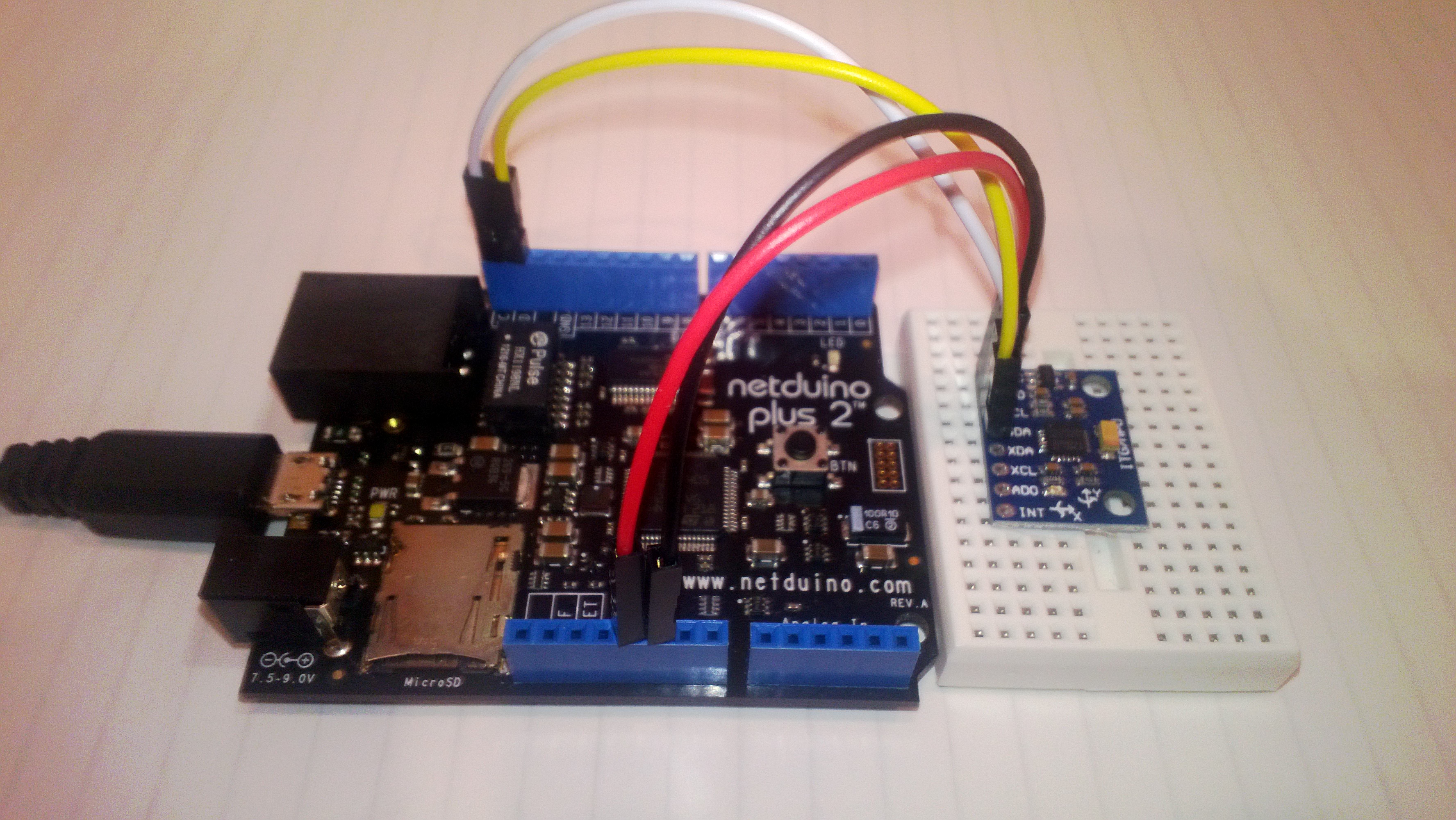
The test rig for my light weight high performance driver, a netduino 2 plus & breakout board.

Image

If I need a compass to make the Quadcopter controller work I’ll upgrade to an MPU 9150.

I2C read rates on Netduino Plus vs Netduino plus 2

As part of my quadcopter project I purchased a Netduino Plus 2 for the flight controller. The increased performance 48MHz vs. 168MHz CPU and other improvements looked like it could make it possible to implement most or all of the control algorithms in C#.

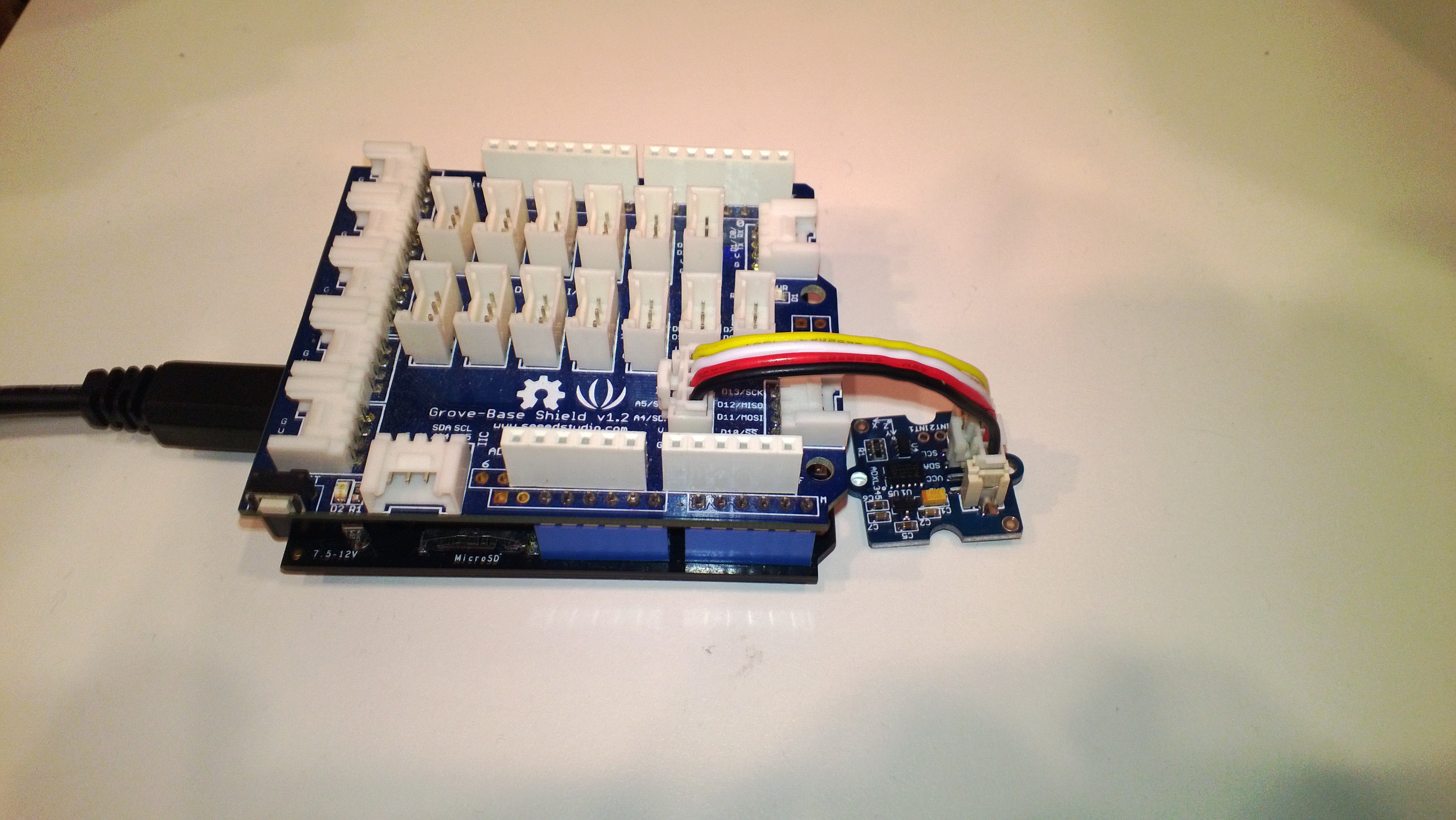
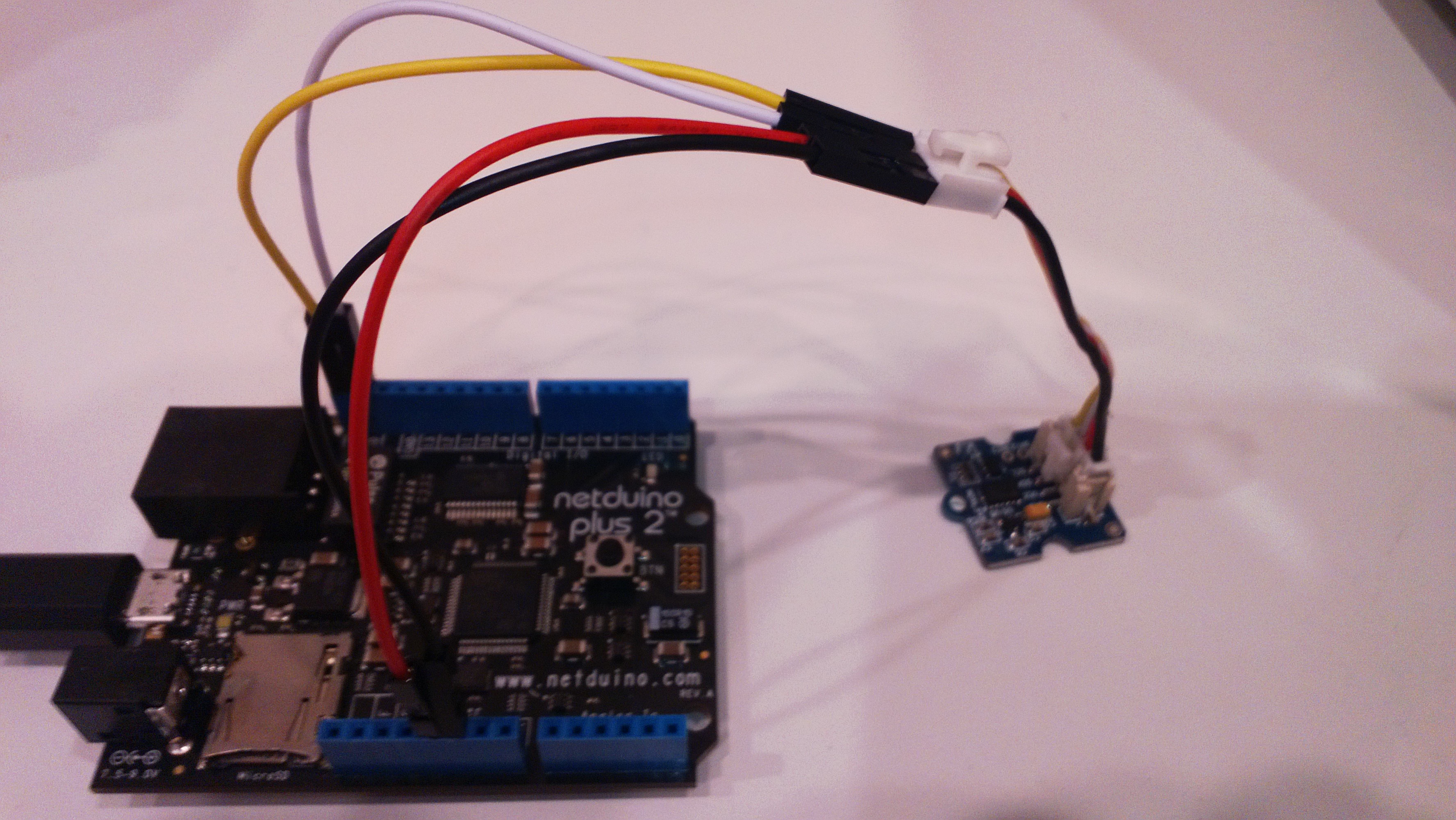
So I could compare the performance of the I2C interfaces I setup two test rigs which polled an ADXL345 Accelerometer (using the Love Electronics sample code) 10,000 times for X,Y & Z acceleration values.

NetduinoPlusAccelerometer

The different I2C pins on the Netduino plus 2 required some jumper cables

Netduino2PlusAccelerometer

Both devices were running NetMF 4.2 and I monitored the output of the test harness using MF Deploy.

Netduino Plus

22.2797,22.3126,22.3313,22.3129,22.3590,22.3689,22.3497,22.3049,22.3649,22.3836

Average 22.3 seconds roughly 450/sec

Netduino Plus 2

6.8312,6.8059,6.8003,6.8051,6.8319,6.7999,6.8104,6.8194,6.8233,6.8096

Average 6.8 seconds roughly 1470/sec