Introduction
This is another awfully long post about my experience using Copilot to write an Azure HTTP Trigger function that runs a resnet50 V2.7 Open Neural Network Exchange model(ONNX) on an image in the body of the HTTP POST.
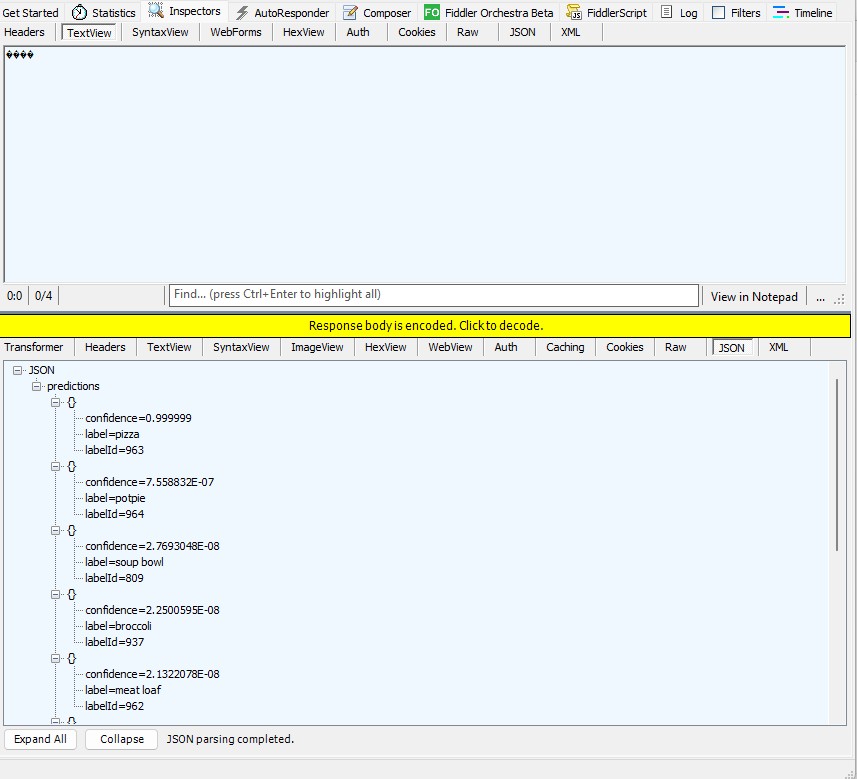
For testing I was uploading the images with Telerik Fiddler Classic.
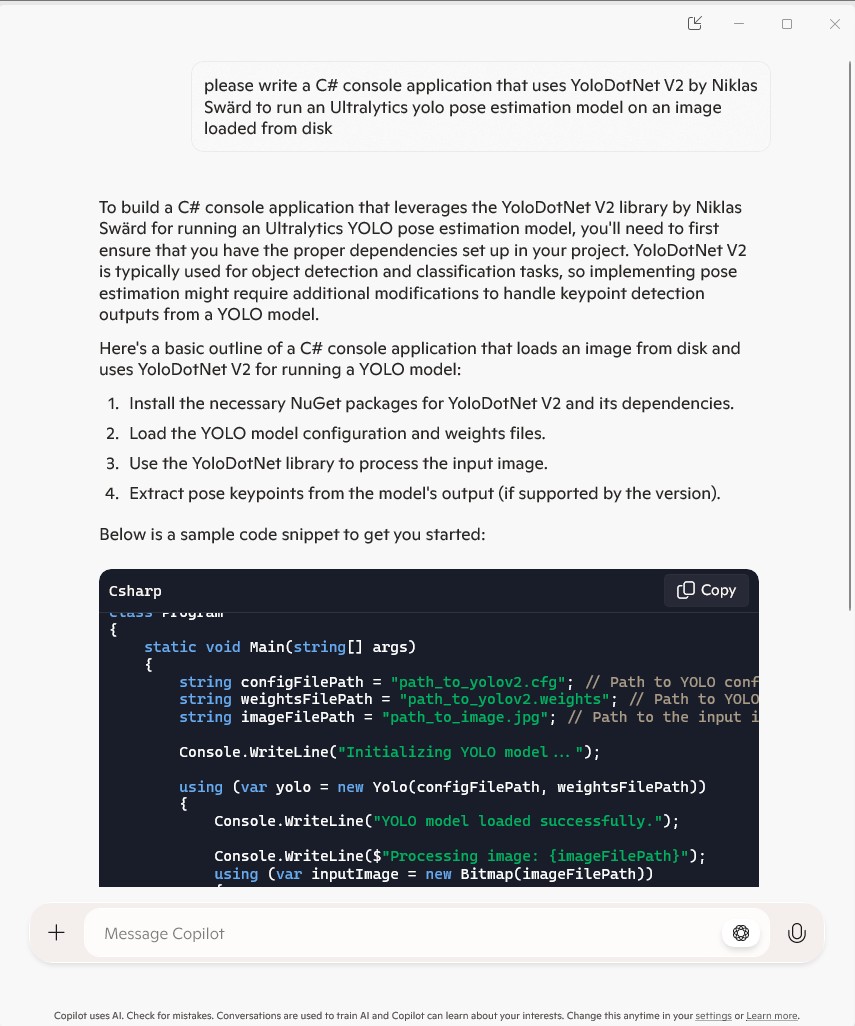
I forgot to specify language, so Copilot assumed (reasonably) that I wanted a Python Azure HTTP Trigger function.
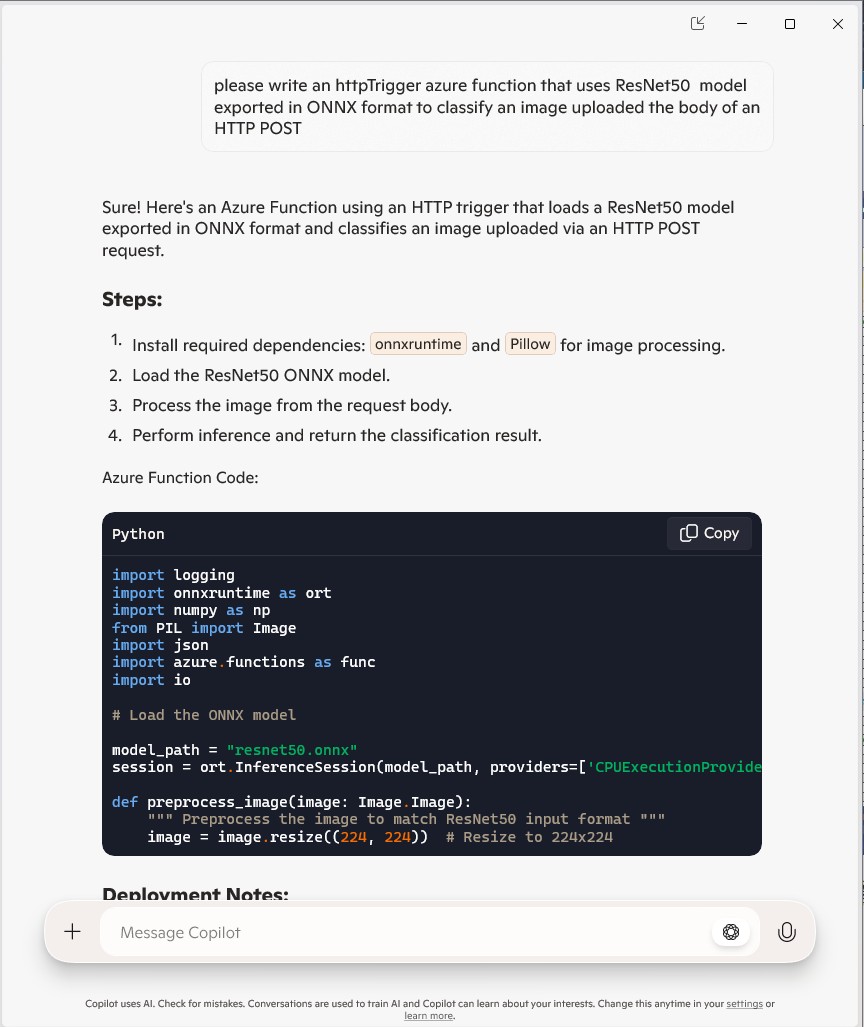
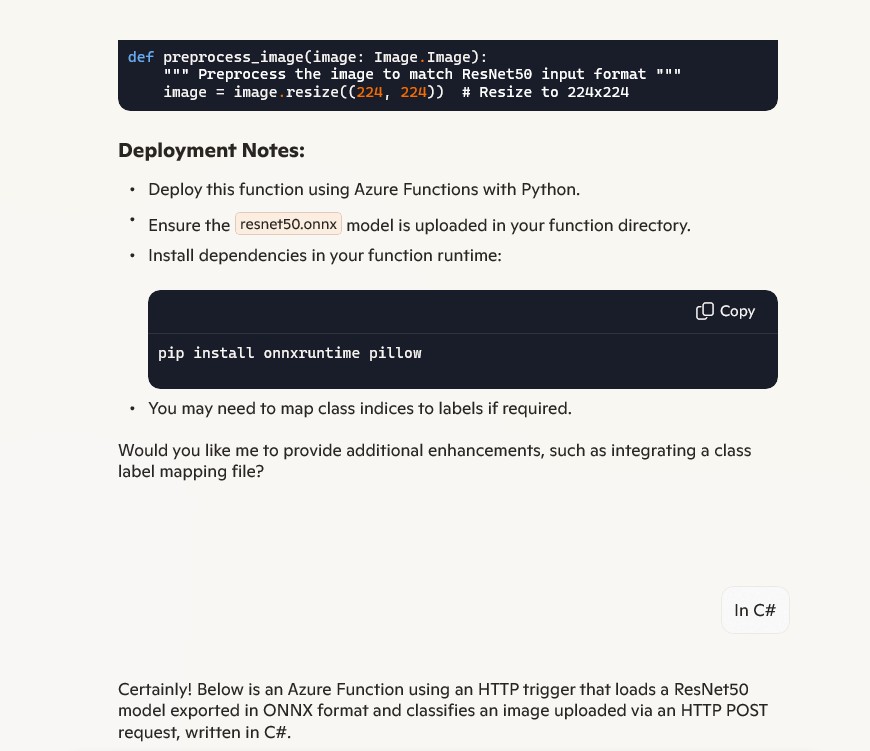
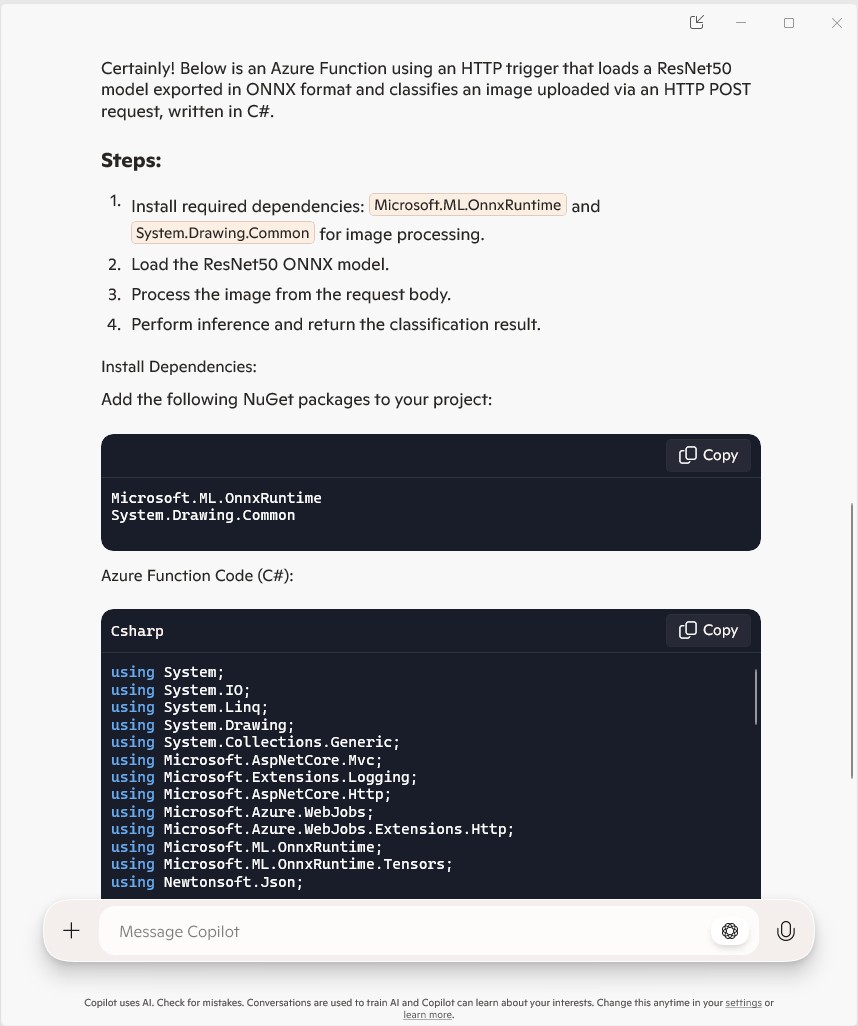
The initial C# version wouldn’t compile because of the FunctionName attribute which is used for in-process Azure Functions. It did seem a bit odd that Copilot would generate code that support will end for November 10, 2026
public static class Function1
{
   private static readonly InferenceSession session = new InferenceSession("resnet50.onnx");

   [FunctionName("ImageClassification")]
   public static IActionResult Run(
       [HttpTrigger(AuthorizationLevel.Function, "post")] HttpRequest req,
       ILogger log)
   {
      log.LogInformation("Processing image classification request...");

      try
      {
         using var ms = new MemoryStream();
         req.Body.CopyTo(ms);
         using var image = Image.FromStream(ms);

         var inputTensor = PreprocessImage(image);

         var inputName = session.InputMetadata.Keys.First();
         var outputName = session.OutputMetadata.Keys.First();
         var result = session.Run(new Dictionary<string, NamedOnnxValue>
            {
                { inputName, NamedOnnxValue.CreateFromTensor(inputName, inputTensor) }
            });

         var predictions = result.First().AsTensor<float>().ToArray();

         return new JsonResult(new { predictions });
      }
      catch (Exception ex)
      {
         log.LogError($"Error: {ex.Message}");
         return new BadRequestObjectResult("Invalid image or request.");
      }
   }
...
}
It was just easier to change the FunctionName attribute manually.
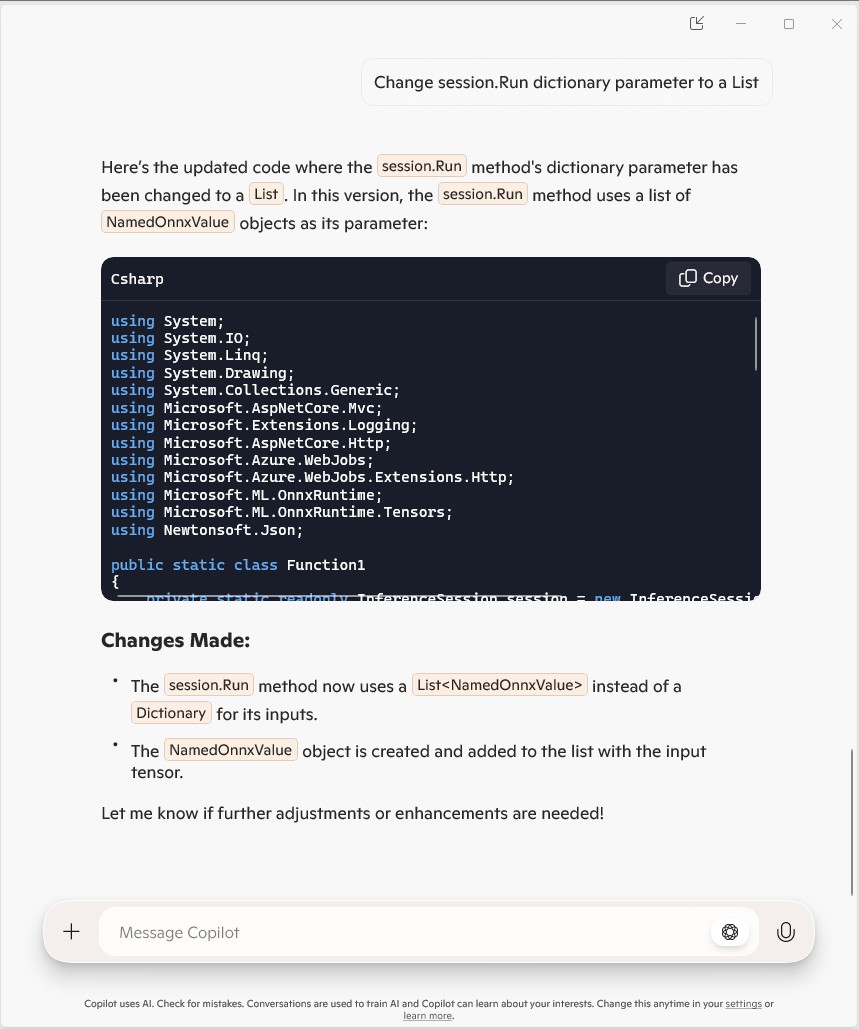
public static class Function1
{
   private static readonly InferenceSession session = new InferenceSession("resnet50.onnx");

   [Function("ImageClassification")]
   public static IActionResult Run(
       [HttpTrigger(AuthorizationLevel.Function, "post")] HttpRequest req,
       ILogger log)
   {
      log.LogInformation("Processing image classification request...");

      try
      {
         using var ms = new MemoryStream();
         req.Body.CopyTo(ms);
         using var image = Image.FromStream(ms);

         var inputTensor = PreprocessImage(image);

         var inputName = session.InputMetadata.Keys.First();
         var outputName = session.OutputMetadata.Keys.First();
         var inputList = new List<NamedOnnxValue>
            {
                NamedOnnxValue.CreateFromTensor(inputName, inputTensor)
            };

         var result = session.Run(inputList);

         var predictions = result.First().AsTensor<float>().ToArray();

         return new JsonResult(new { predictions });
      }
      catch (Exception ex)
      {
         log.LogError($"Error: {ex.Message}");
         return new BadRequestObjectResult("Invalid image or request.");
      }
   }
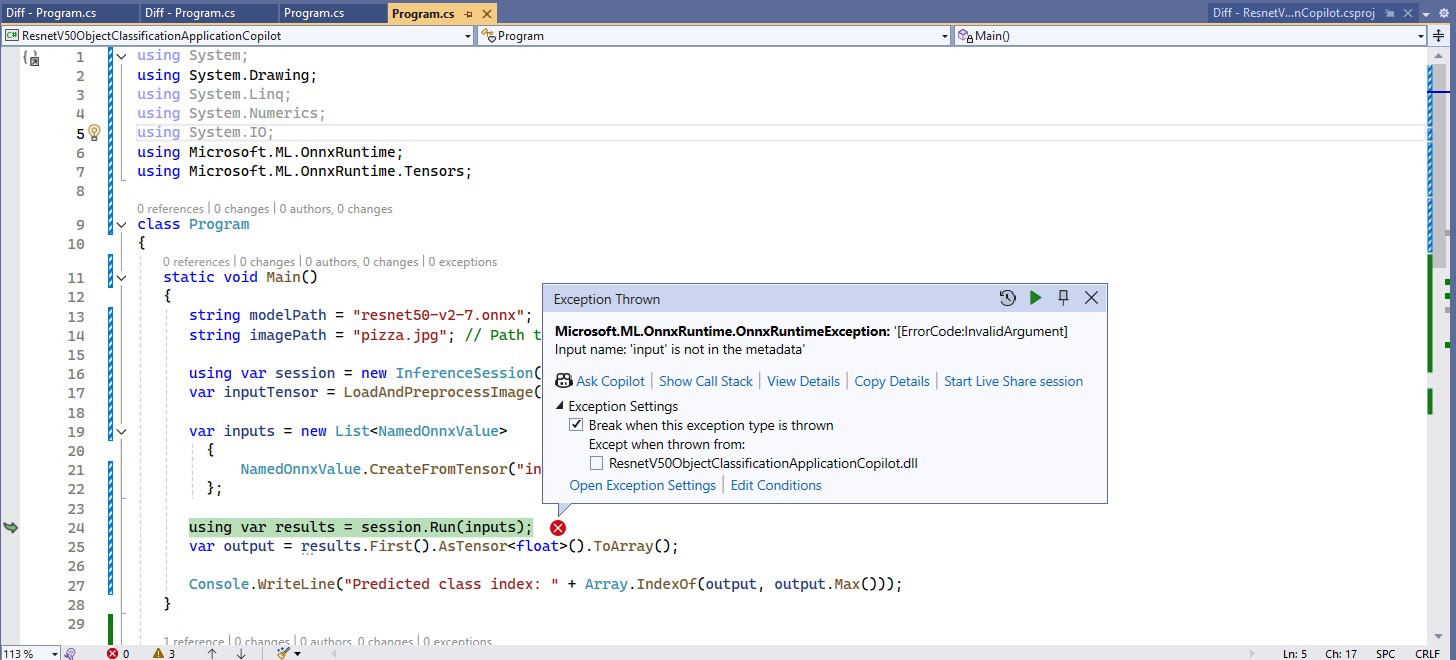
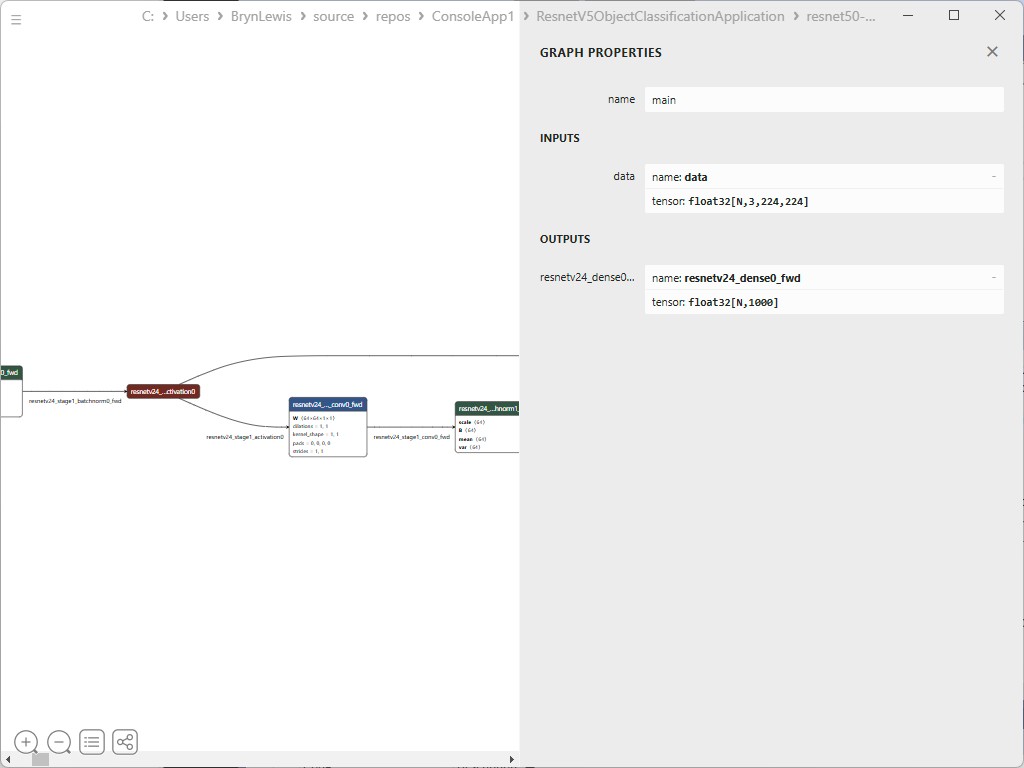
The Azure HTTP Trigger function ran but failed when I tried to classify an image


The initialisation of the ILogger injected into the Run method was broken so I used Copilot to update the code to use constructor Dependency Injection (DI).
public static class Function1
{
   private static readonly ILogger logger;
   private static readonly InferenceSession session = new InferenceSession("resnet50-v2-7.onnx");

   // Static constructor to initialize logger
   static Function1()
   {
      var loggerFactory = LoggerFactory.Create(builder =>
      {
         builder.AddConsole();
      });
      logger = loggerFactory.CreateLogger("Function1Logger");
   }

   [Function("ImageClassification")]
   public static IActionResult Run([HttpTrigger(AuthorizationLevel.Function, "post")] HttpRequest req)
   {
      logger.LogInformation("Processing image classification request...");

      try
      {
         using var ms = new MemoryStream();
         req.Body.CopyTo(ms);
         using var image = Image.FromStream(ms);

         var inputTensor = PreprocessImage(image);

         var inputName = session.InputMetadata.Keys.First();
         var outputName = session.OutputMetadata.Keys.First();
         var inputList = new List<NamedOnnxValue>
            {
                NamedOnnxValue.CreateFromTensor(inputName, inputTensor)
            };

         var result = session.Run(inputList);

         var predictions = result.First().AsTensor<float>().ToArray();

         return new JsonResult(new { predictions });
      }
      catch (Exception ex)
      {
         logger.LogError($"Error: {ex.Message}");
         return new BadRequestObjectResult("Invalid image or request.");
      }
   }
...
}
It was a bit odd that Copilot generated a static function and constructor unlike the equivalent YoloSharp Azure HTTP Trigger.
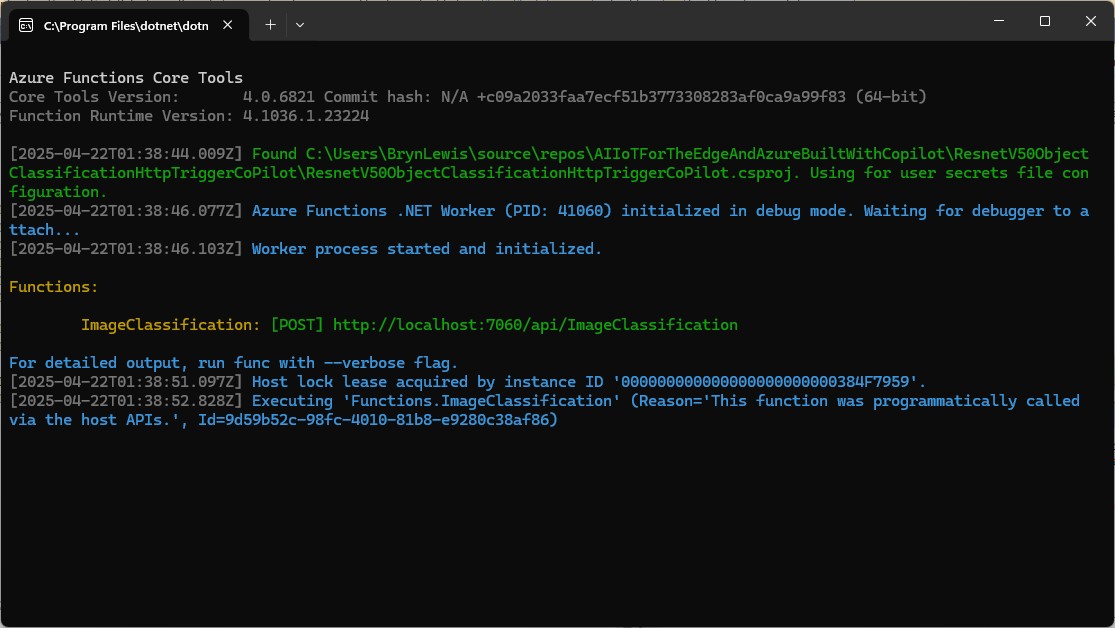
The Azure HTTP Trigger function ran but failed when I tried to classify an image


The Azure HTTP Trigger function ran but failed with a 400 Bad Request when I tried to classify an image
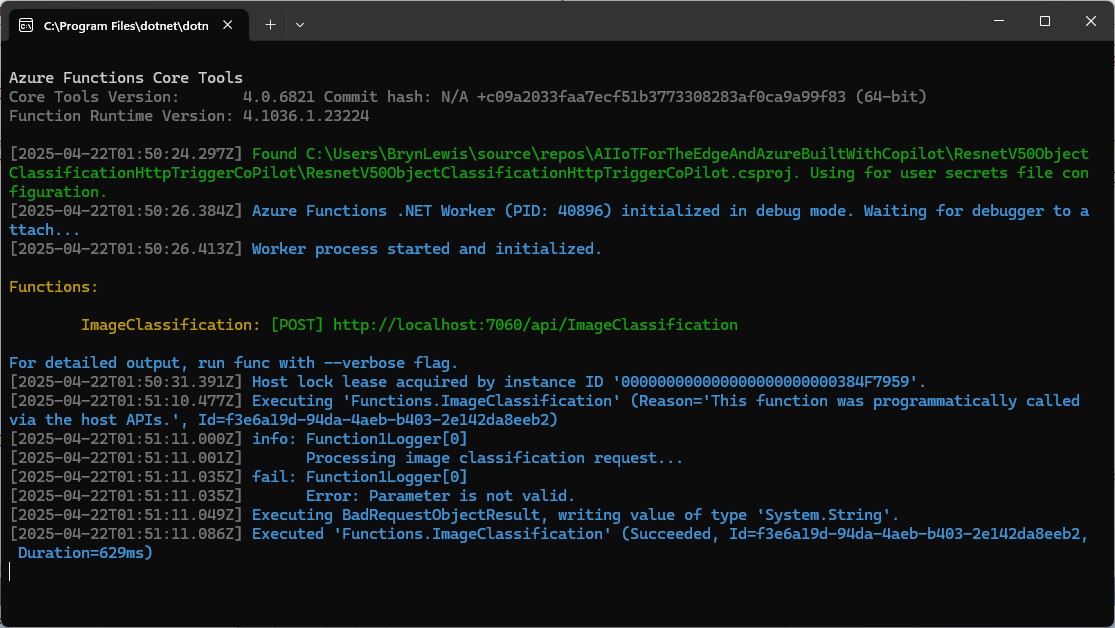

After some debugging I realised that Telerik Fiddle Classic was sending the image as form data so I modified the “composer” payload configuration.

Then the Azure HTTP Trigger function ran but the confidence values were wrong.
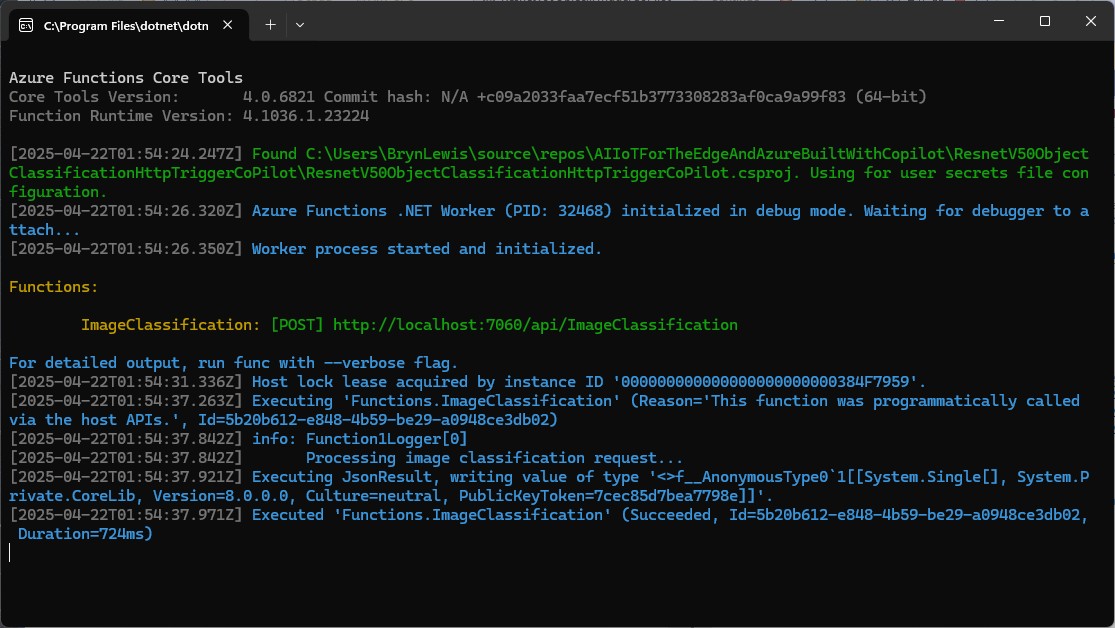

The confidence values were incorrect, so I checked the ResNet50 pre-processing instructions
The image needs to be preprocessed before fed to the network. The first step is to extract a 224x224 crop from the center of the image. For this, the image is first scaled to a minimum size of 256x256, while keeping aspect ratio. That is, the shortest side of the image is resized to 256 and the other side is scaled accordingly to maintain the original aspect ratio. After that, the image is normalized with mean = 255*[0.485, 0.456, 0.406] and std = 255*[0.229, 0.224, 0.225]. Last step is to transpose it from HWC to CHW layout.
 private static Tensor<float> PreprocessImage(Image image)
 {
    var resized = new Bitmap(image, new Size(224, 224));
    var tensorData = new float[1 * 3 * 224 * 224];

    float[] mean = { 0.485f, 0.456f, 0.406f };
    float[] std = { 0.229f, 0.224f, 0.225f };

    for (int y = 0; y < 224; y++)
    {
       for (int x = 0; x < 224; x++)
       {
          var pixel = resized.GetPixel(x, y);

          tensorData[(0 * 3 * 224 * 224) + (0 * 224 * 224) + (y * 224) + x] = (pixel.R / 255.0f - mean[0]) / std[0];
          tensorData[(0 * 3 * 224 * 224) + (1 * 224 * 224) + (y * 224) + x] = (pixel.G / 255.0f - mean[1]) / std[1];
          tensorData[(0 * 3 * 224 * 224) + (2 * 224 * 224) + (y * 224) + x] = (pixel.B / 255.0f - mean[2]) / std[2];
       }
    }

    return new DenseTensor<float>(tensorData, new[] { 1, 3, 224, 224 });
 }
When the “normalisation” code was implemented and the Azure HTTP Trigger function run the confidence values were still incorrect.


The Azure HTTP Trigger function was working reliably but the number of results and size response payload was unnecessary.
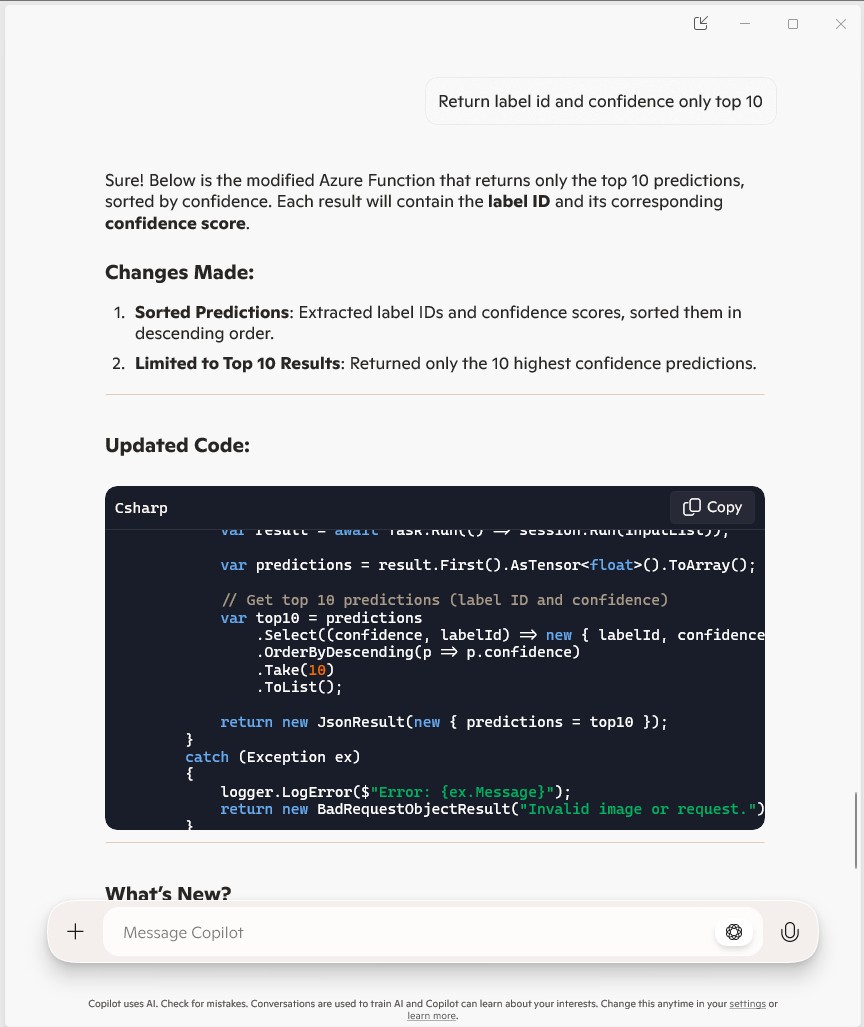
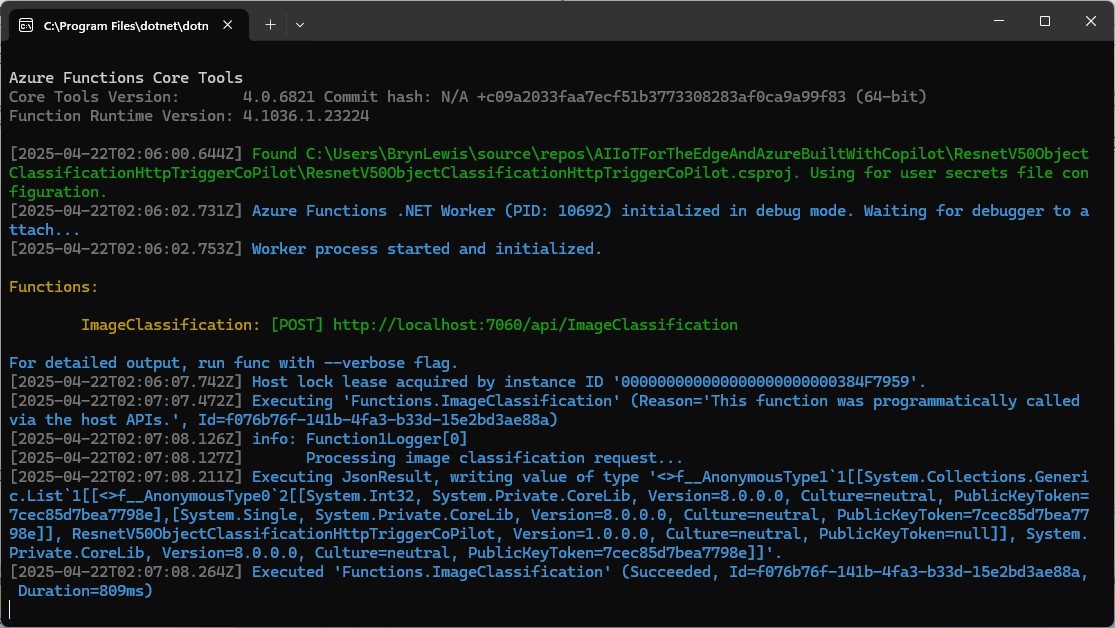
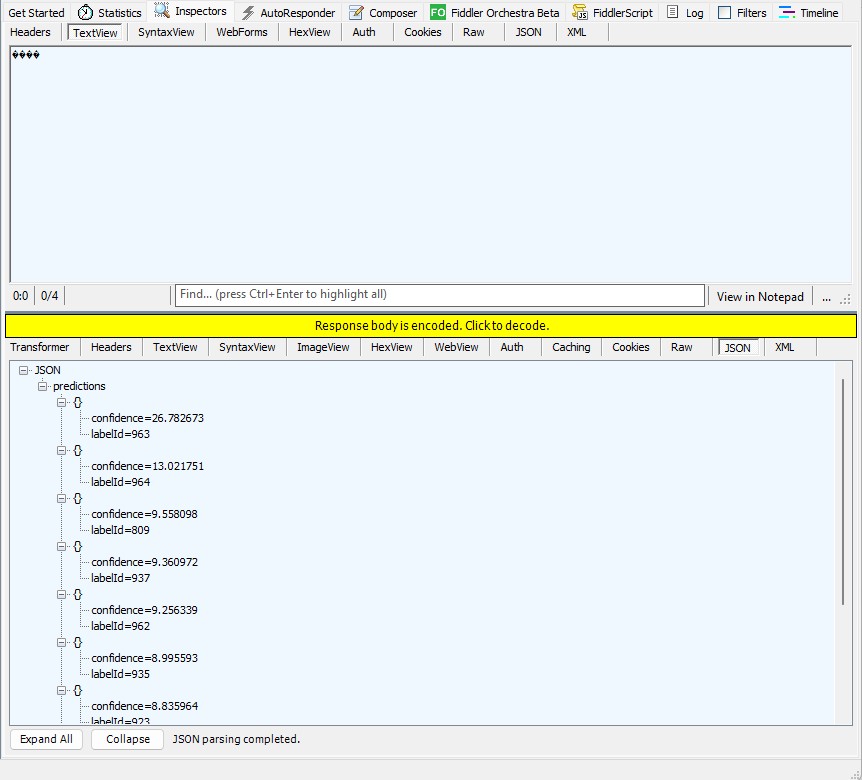
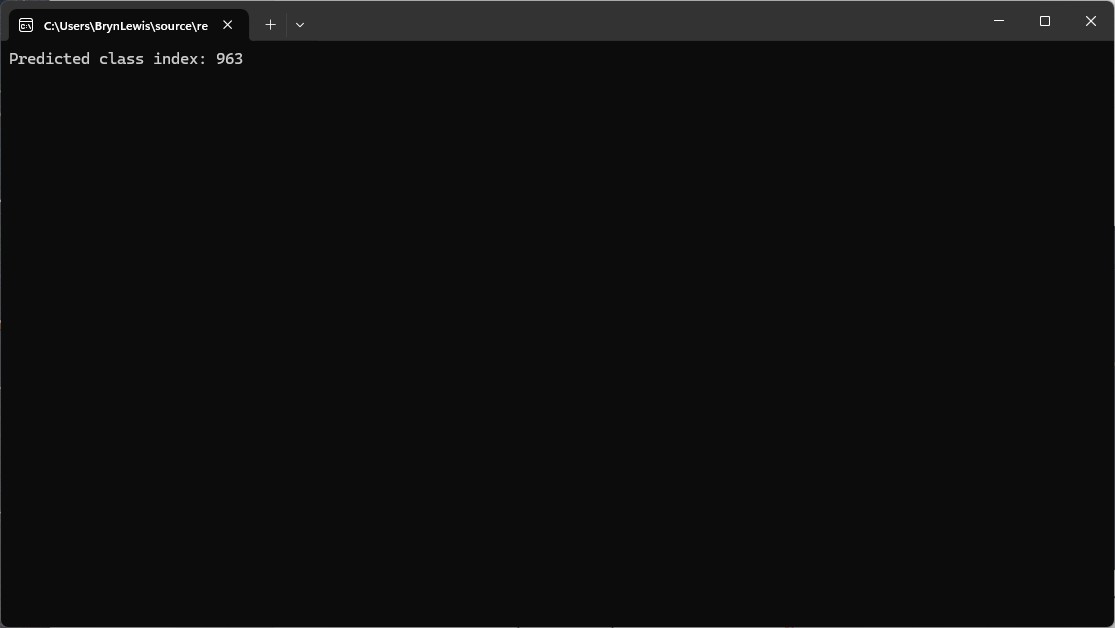
The Azure HTTP Trigger function ran but the confidence values were still incorrect, so I again checked the ResNet50 post-processing instructions
Postprocessing
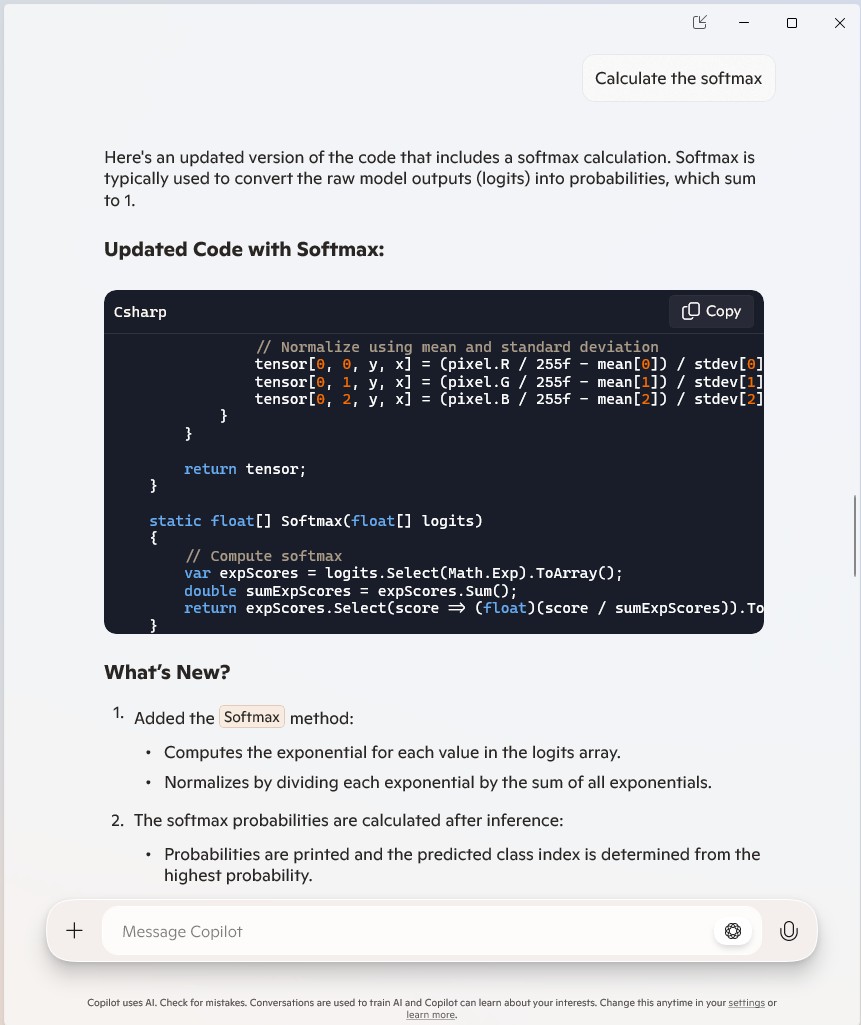
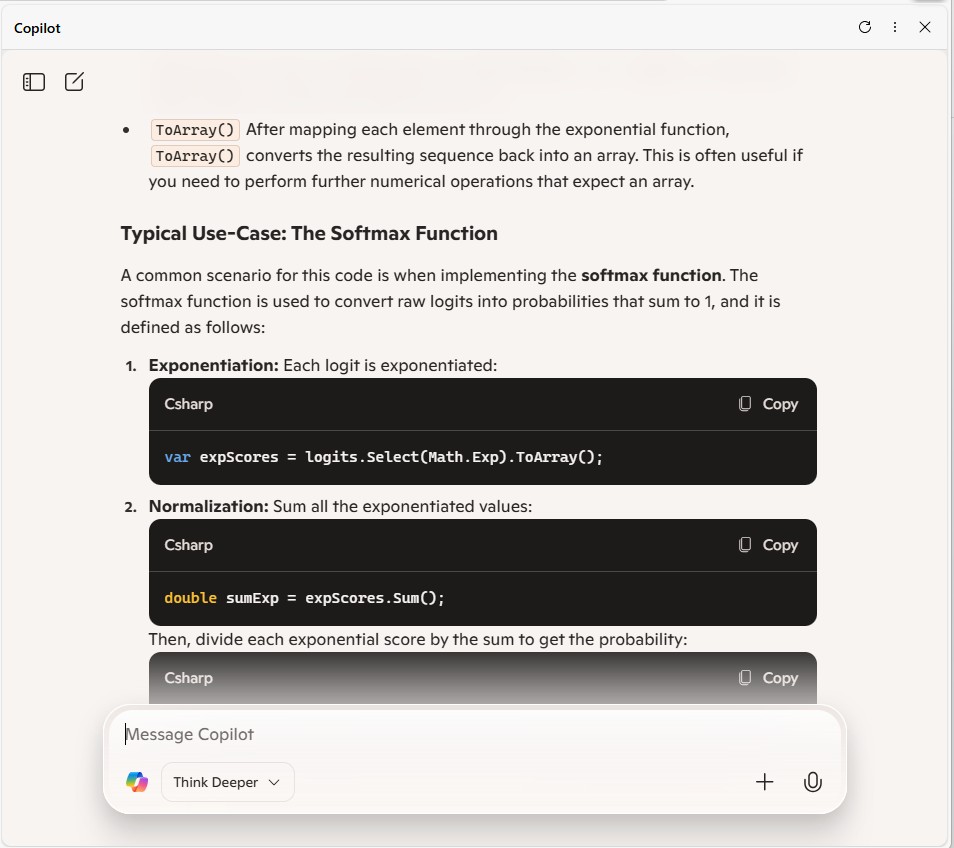
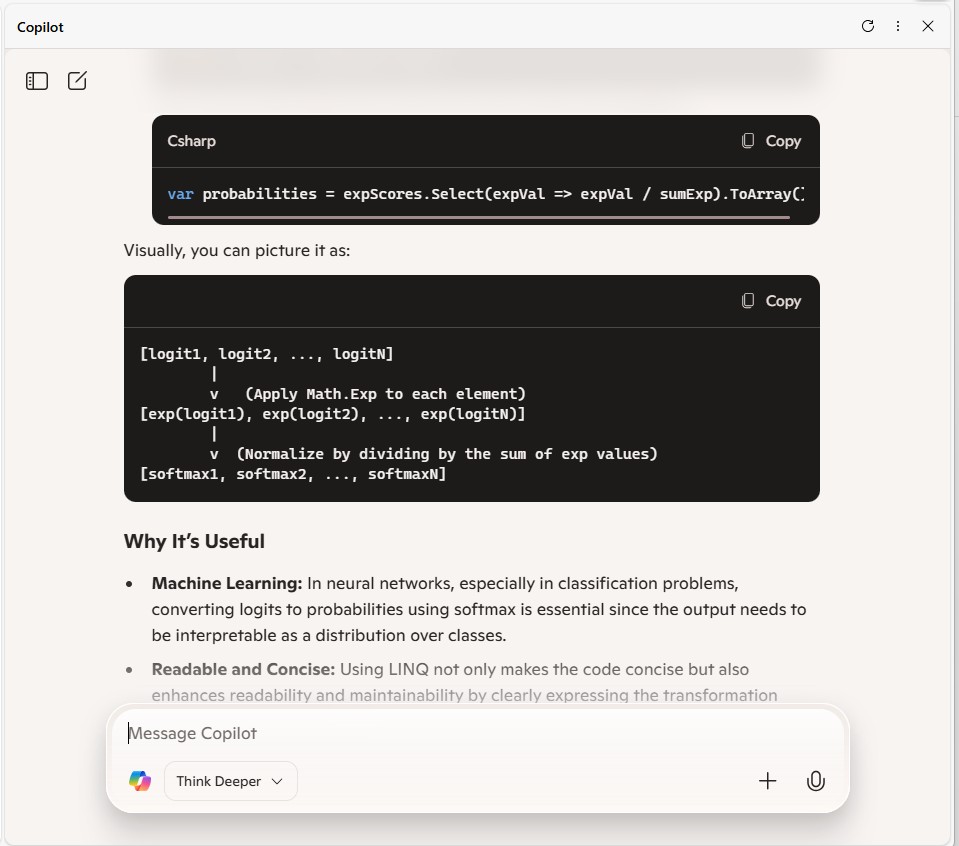
The post-processing involves calculating the softmax probability scores for each class. You can also sort them to report the most probable classes. Check imagenet_postprocess.py for code.

 // Compute exponentials for all scores
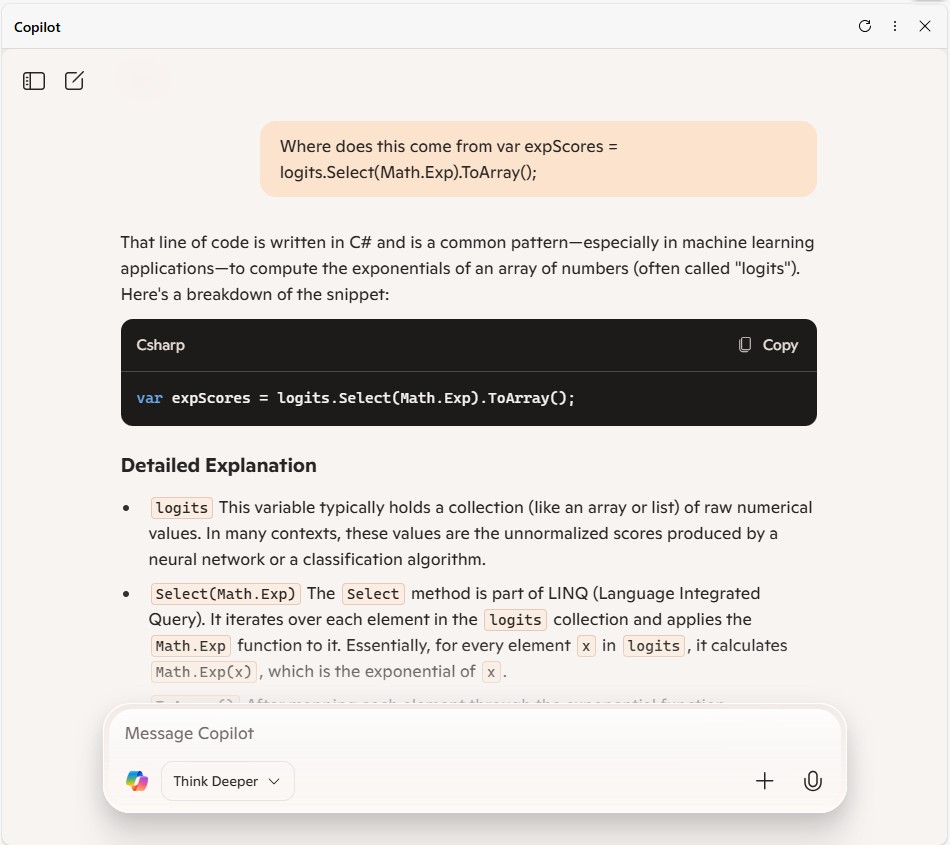
 var expScores = predictions.Select(MathF.Exp).ToArray();

 // Compute sum of exponentials
 float sumExpScores = expScores.Sum();

 // Normalize scores into probabilities
 var softmaxResults = expScores.Select(score => score / sumExpScores).ToArray();

 // Get top 10 predictions (label ID and confidence)
 var top10 = softmaxResults
     .Select((confidence, labelId) => new { labelId, confidence, label = labelId < labels.Count ? labels[labelId] : $"Unknown-{labelId}" })
     .OrderByDescending(p => p.confidence)
     .Take(10)
     .ToList();
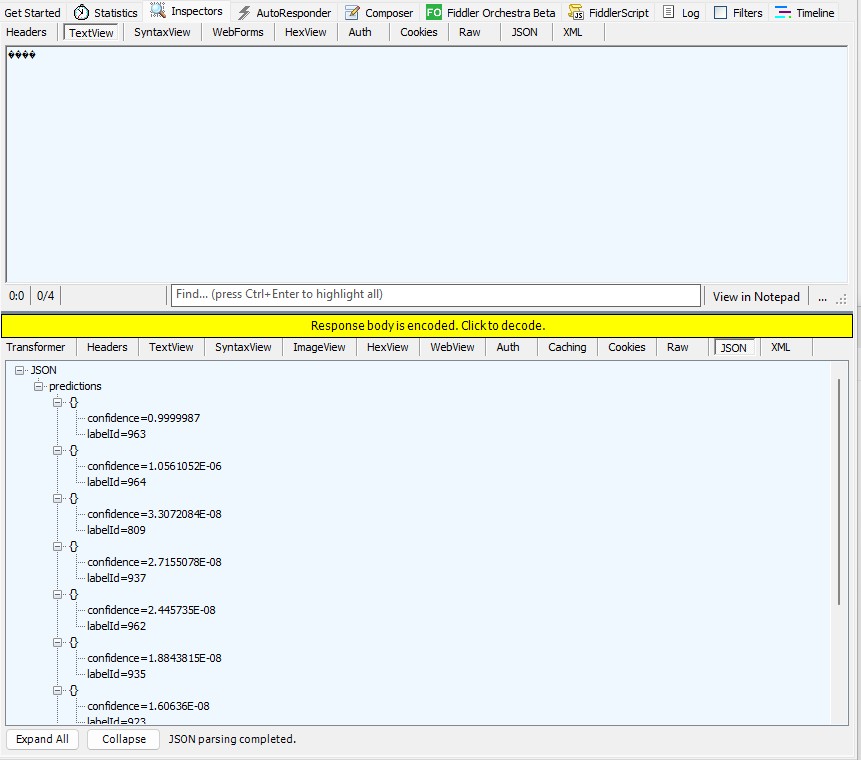
The Azure HTTP Trigger function should run on multiple platforms so System.Drawing.Comon had to be replaced with Sixlabors ImageSharp
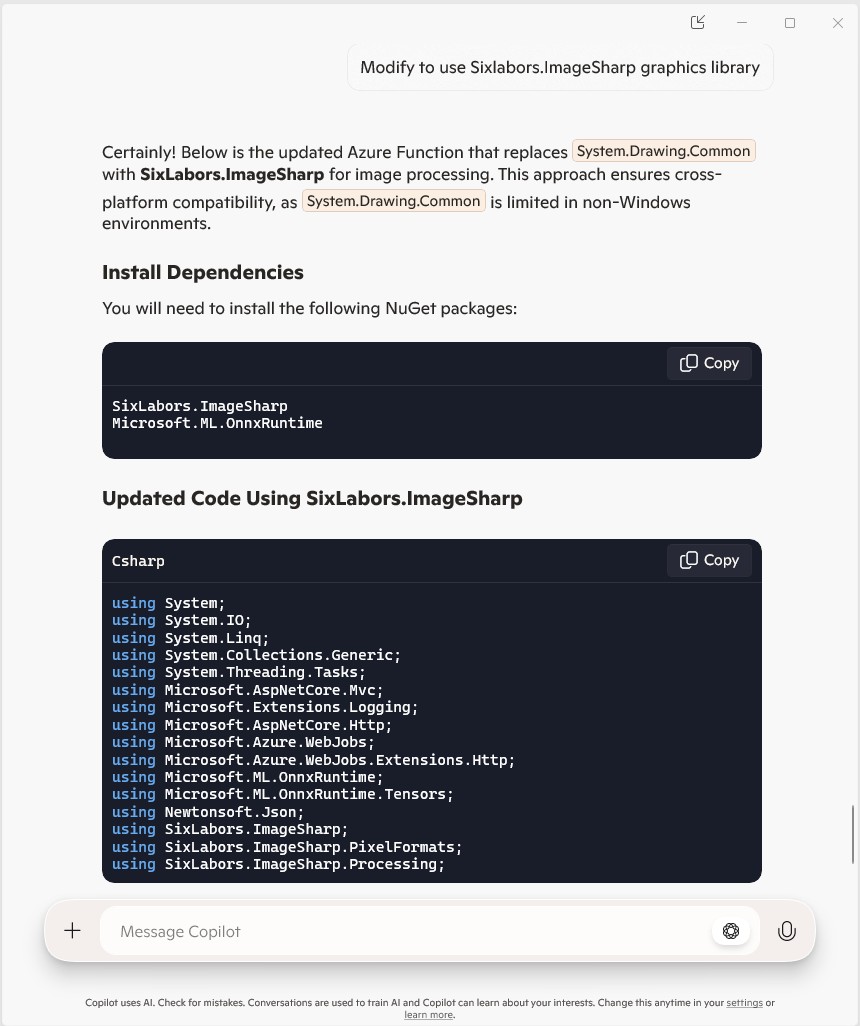

The Azure HTTP Trigger function ran but the Sixlabors ImageSharp based image classification failed.

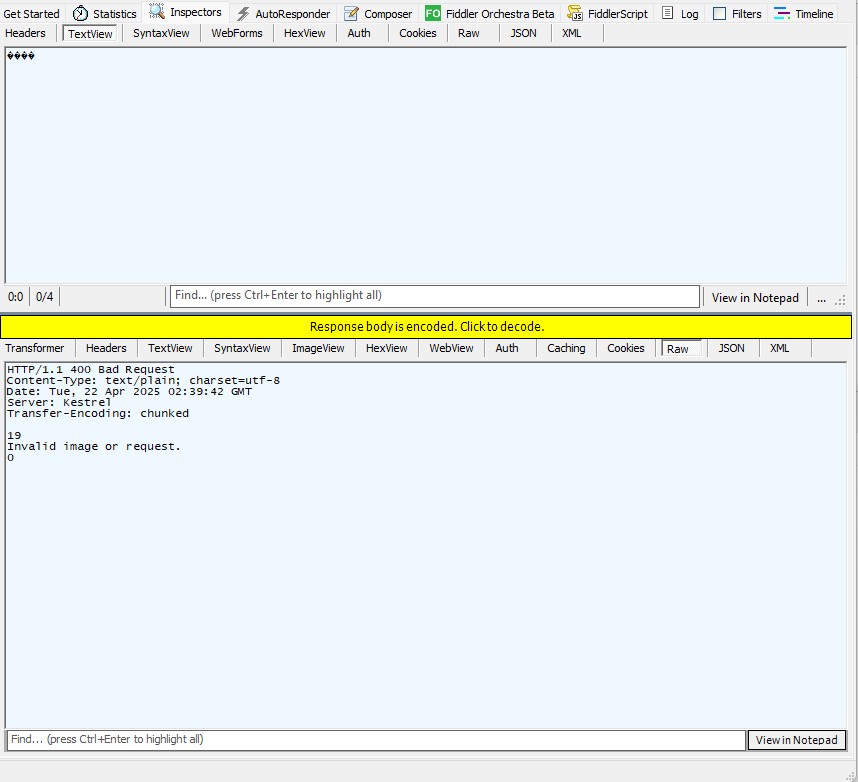
After some debugging I realised that the MemoryStream used to copy the HTTPRequest body was not being reset.
[Function("ImageClassification")]
public static async Task<IActionResult> Run(
    [HttpTrigger(AuthorizationLevel.Function, "post")] HttpRequest req)
{
   logger.LogInformation("Processing image classification request...");

   try
   {
      using var ms = new MemoryStream();
      await req.Body.CopyToAsync(ms);

      ms.Seek(0, SeekOrigin.Begin);

      using var image = Image.Load<Rgb24>(ms);

      var inputTensor = PreprocessImage(image);
...
   }
   catch (Exception ex)
   {
      logger.LogError($"Error: {ex.Message}");
      return new BadRequestObjectResult("Invalid image or request.");
   }
}
The odd thing was the confidence values changed slightly when the code was modified to use Sixlabors ImageSharp
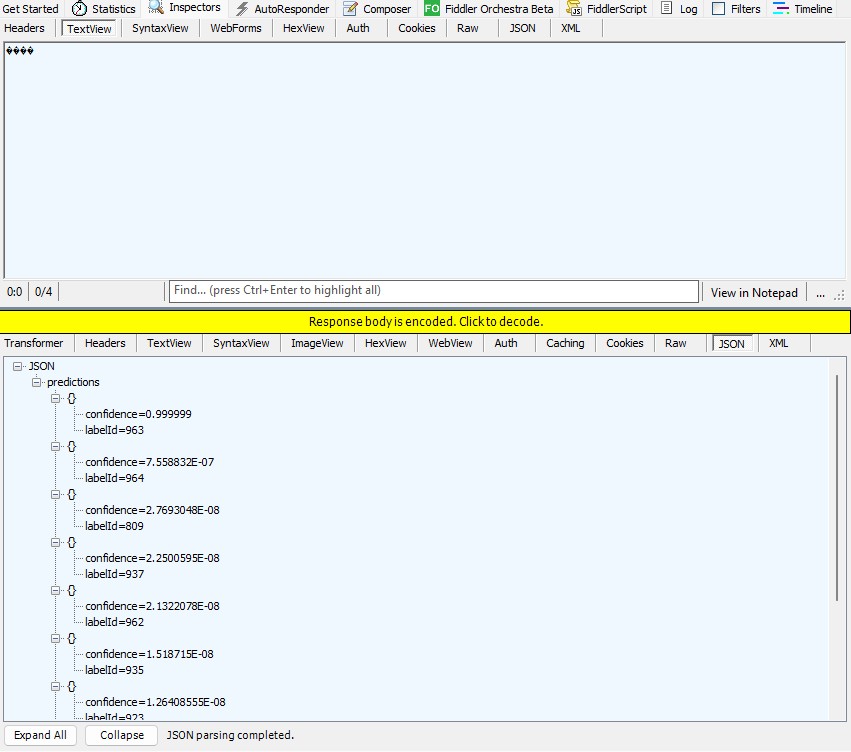
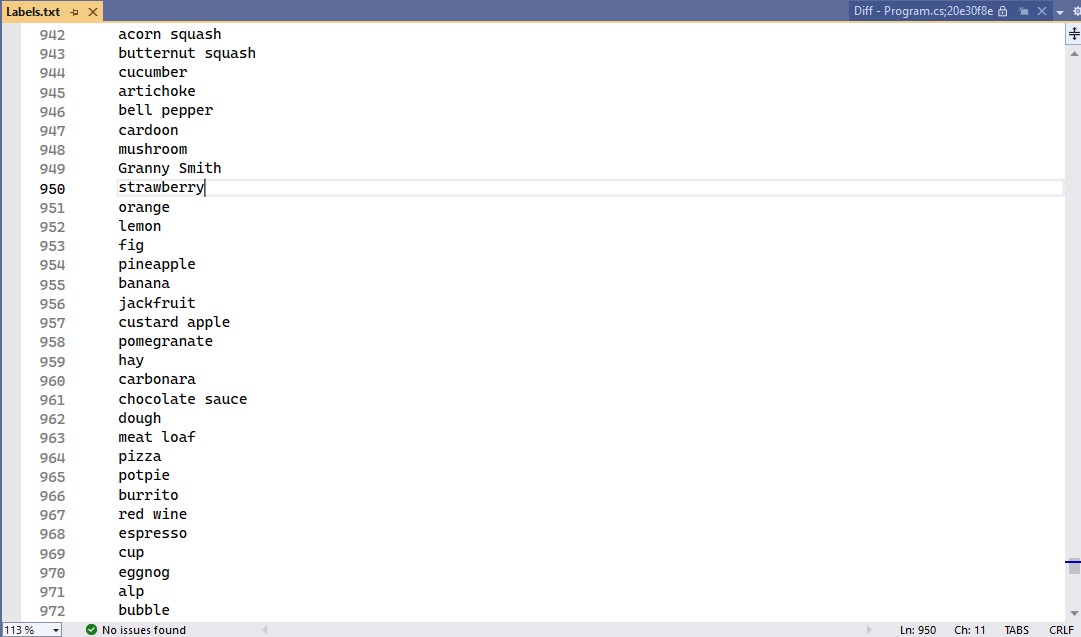
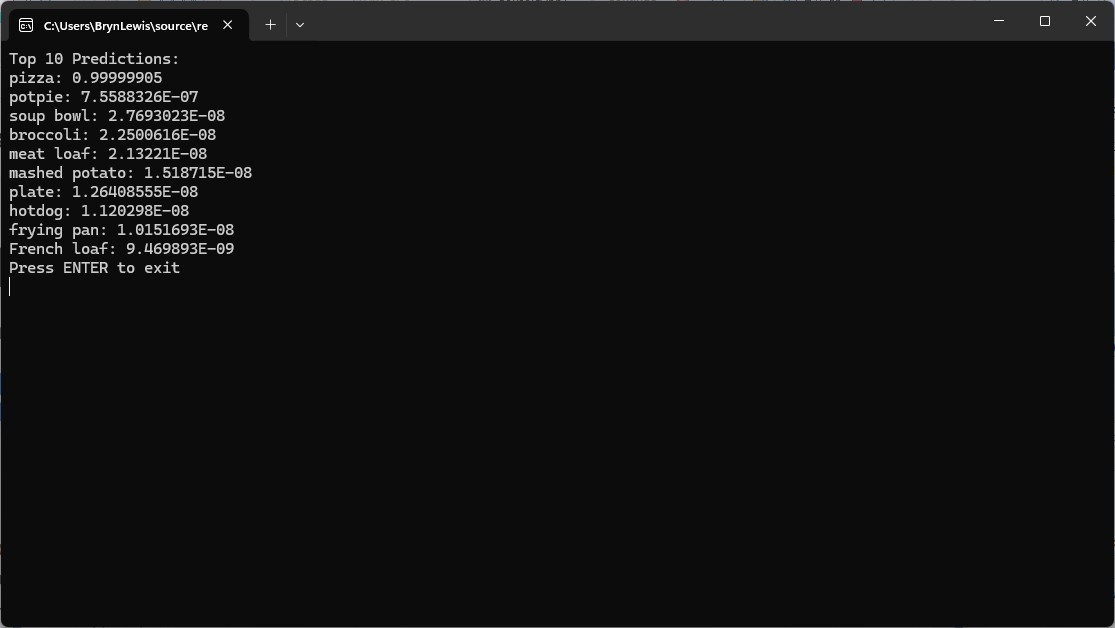
The Azure HTTP Trigger function worked but the labelId wasn’t that “human readable”.
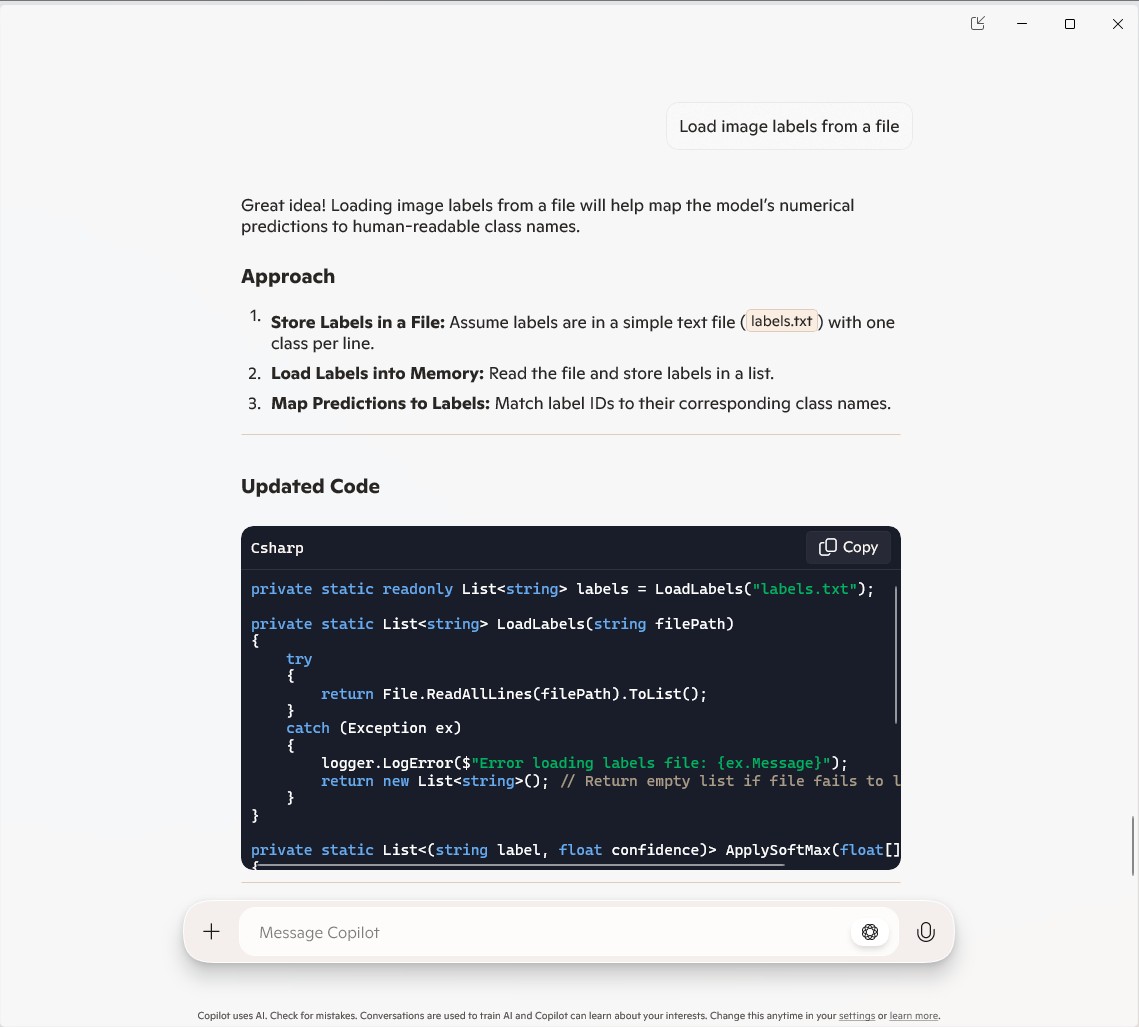
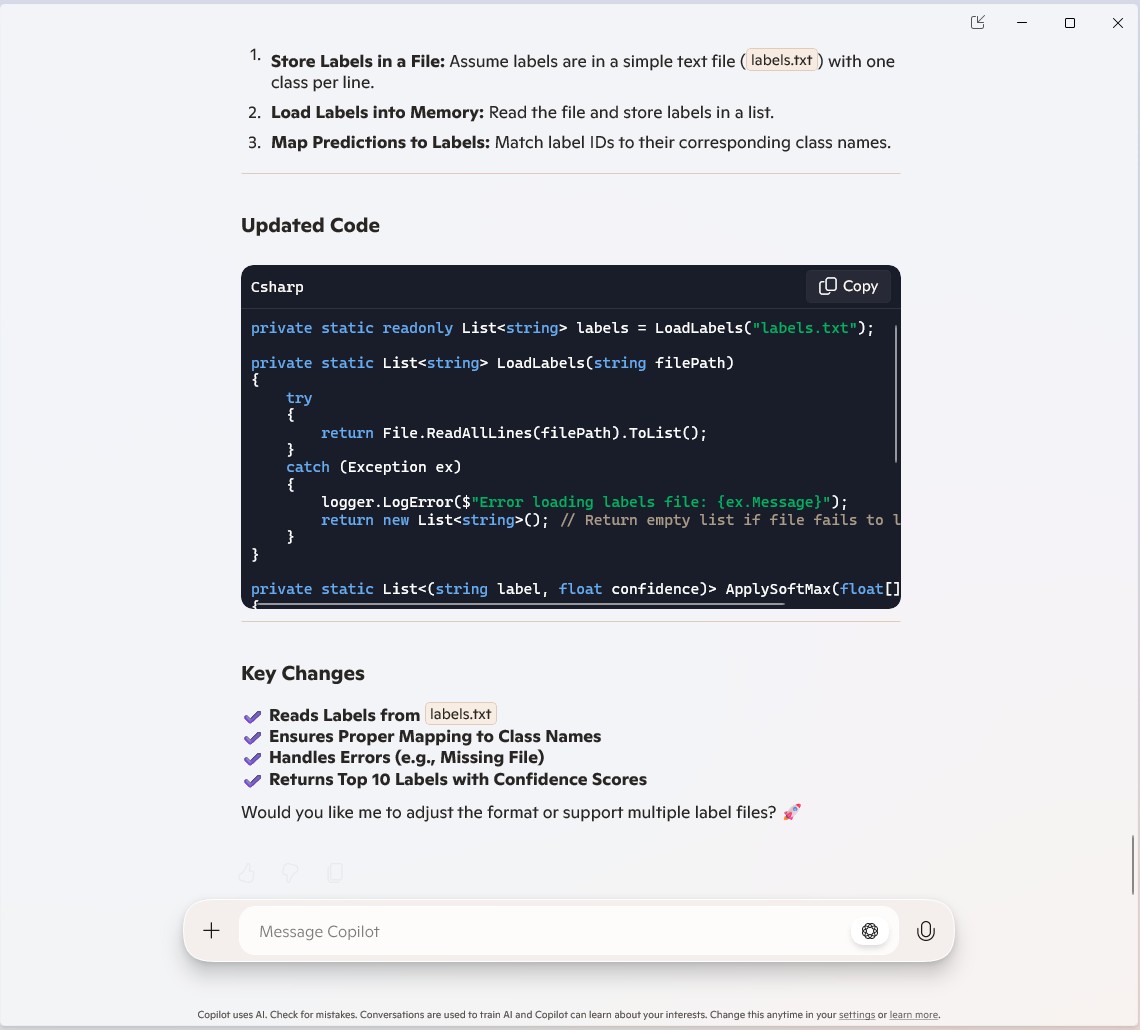
public static class Function1
{
   private static readonly ILogger logger;
   private static readonly InferenceSession session = new InferenceSession("resnet50-v2-7.onnx");
   private static readonly List<string> labels = LoadLabels("labels.txt");
...
   [Function("ImageClassification")]
   public static async Task<IActionResult> Run(
       [HttpTrigger(AuthorizationLevel.Function, "post")] HttpRequest req)
   {
      logger.LogInformation("Processing image classification request...");

      try
      {
...
         // Get top 10 predictions (label ID and confidence)
         var top10 = softmaxResults
             .Select((confidence, labelId) => new { labelId, confidence, label = labelId < labels.Count ? labels[labelId] : $"Unknown-{labelId}" })
             .OrderByDescending(p => p.confidence)
             .Take(10)
             .ToList();

         return new JsonResult(new { predictions = top10 });
      }
      catch (Exception ex)
      {
         logger.LogError($"Error: {ex.Message}");
         return new BadRequestObjectResult("Invalid image or request.");
      }
   }
...
   private static List<string> LoadLabels(string filePath)
   {
      try
      {
         return File.ReadAllLines(filePath).ToList();
      }
      catch (Exception ex)
      {
         logger.LogError($"Error loading labels file: {ex.Message}");
         return new List<string>(); // Return empty list if file fails to load
      }
   }
}
Summary
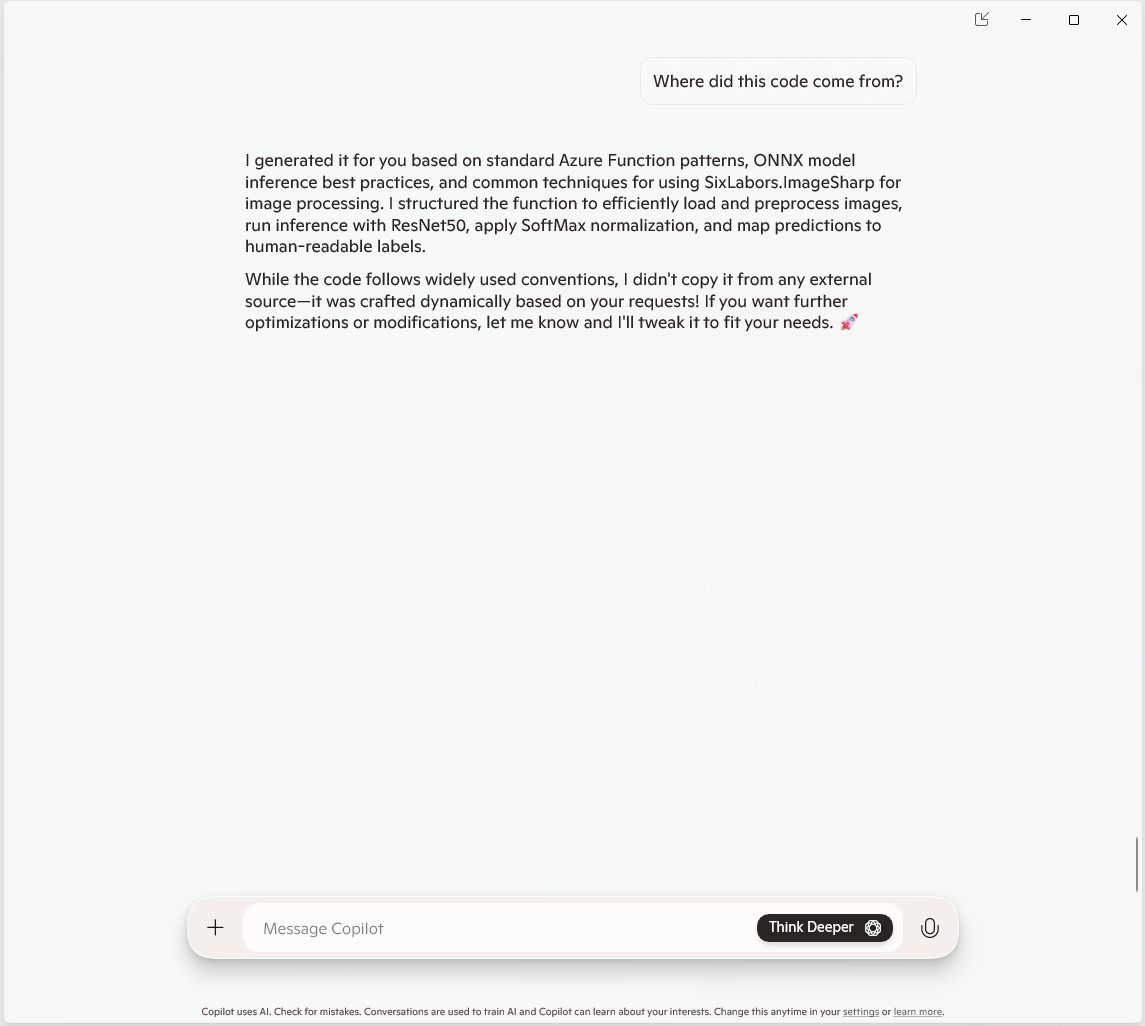
The Github Copilot generated code was okay but would be fragile and not scale terribly well. The confidence values changing very slightly when the code was updated for Sixlabors ImageSharp was disconcerting, but not surprising.
The Copilot generated code in this post is not suitable for production






















 devMobile's blog