The Myriota connector supports the use of Azure IoT Hub Connection Strings and the Azure IoT Hub Device Provisioning Service(DPS) for device management. I use Alastair Crabtree’s LazyCache to store Azure IoT Hub connections which are opened the first time they are used.
 public async Task<DeviceClient> GetOrAddAsync(string terminalId, object context)
 {
     DeviceClient deviceClient;

     switch (_azureIoTSettings.AzureIoTHub.ConnectionType)
     {
         case Models.AzureIotHubConnectionType.DeviceConnectionString:
             deviceClient = await _azuredeviceClientCache.GetOrAddAsync(terminalId, (ICacheEntry x) => AzureIoTHubDeviceConnectionStringConnectAsync(terminalId, context));
             break;
         case Models.AzureIotHubConnectionType.DeviceProvisioningService:
             deviceClient = await _azuredeviceClientCache.GetOrAddAsync(terminalId, (ICacheEntry x) => AzureIoTHubDeviceProvisioningServiceConnectAsync(terminalId, context));
             break;
         default:
             _logger.LogError("Uplink- Azure IoT Hub ConnectionType unknown {0}", _azureIoTSettings.AzureIoTHub.ConnectionType);

             throw new NotImplementedException("AzureIoT Hub unsupported ConnectionType");
     }

     return deviceClient;
 }
The IAzureDeviceClientCache.GetOrAddAsync method returns an open Azure IoT Hub DeviceClient connection or uses the method specified in the application configuration.
Azure IoT Hub Device Connection String
The Azure IoT Hub delegate uses a Device Connection String which is retrieved from the application configuration.
{
  "ConnectionStrings": {
    "ApplicationInsights": "...",
    "UplinkQueueStorage": "...",
    "PayloadFormattersStorage": "..."
  },
  "AzureIoT": {
    "AzureIoTHub": {
      "ConnectionType": "DeviceConnectionString",
      "connectionString": "HostName=....azure-devices.net;SharedAccessKeyName=device;SharedAccessKey=...",
        }
   }
 ...
}

private async Task<DeviceClient> AzureIoTHubDeviceConnectionStringConnectAsync(string terminalId, object context)
{
    DeviceClient deviceClient = DeviceClient.CreateFromConnectionString(_azureIoTSettings.AzureIoTHub.ConnectionString, terminalId, TransportSettings);

    await deviceClient.OpenAsync();

    return deviceClient;
 }

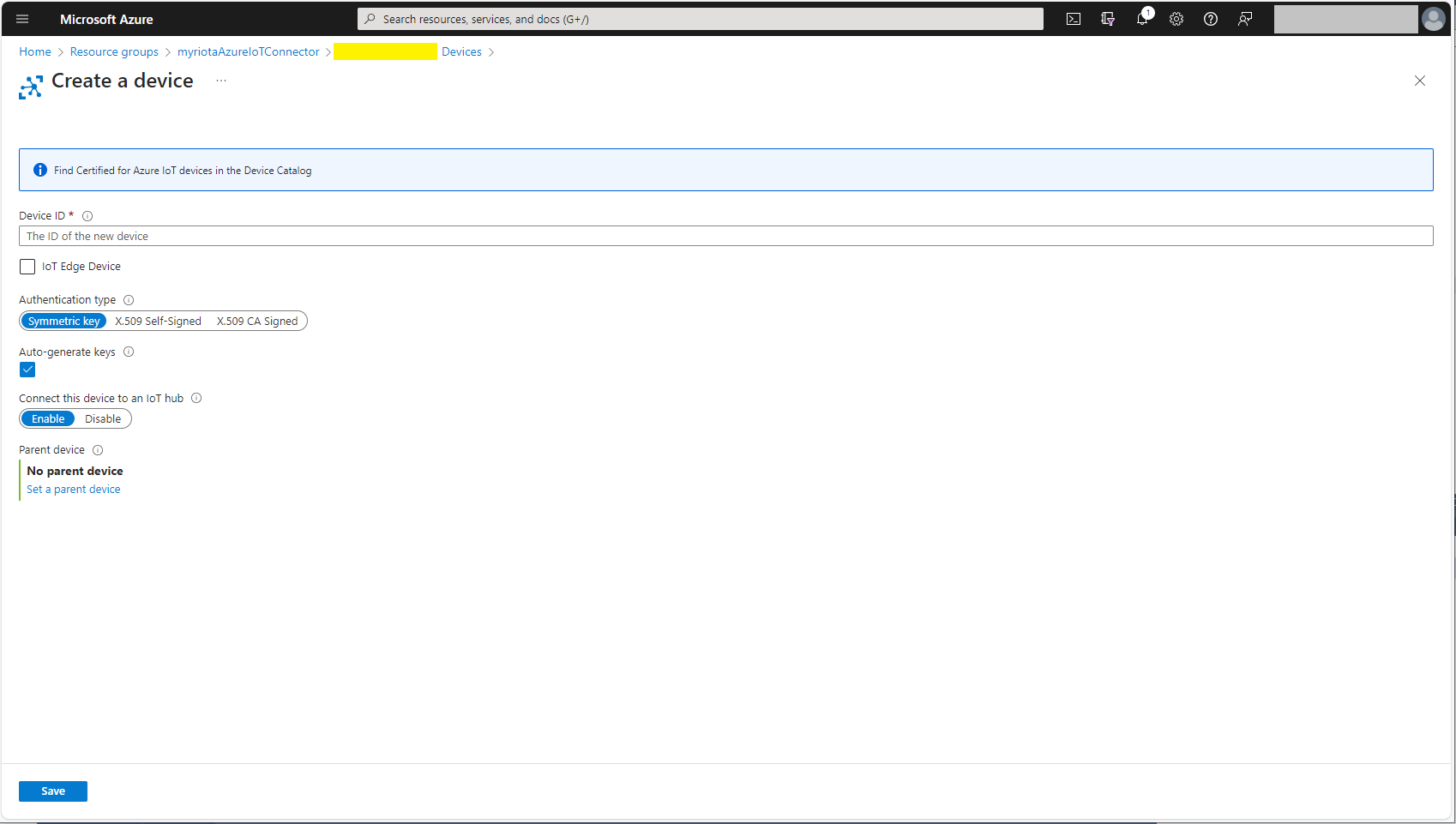
One of my customers uses an Azure Logic Application to manage Myriota and Azure IoT Connector configuration.
Azure IoT Hub Device Provisioning Service
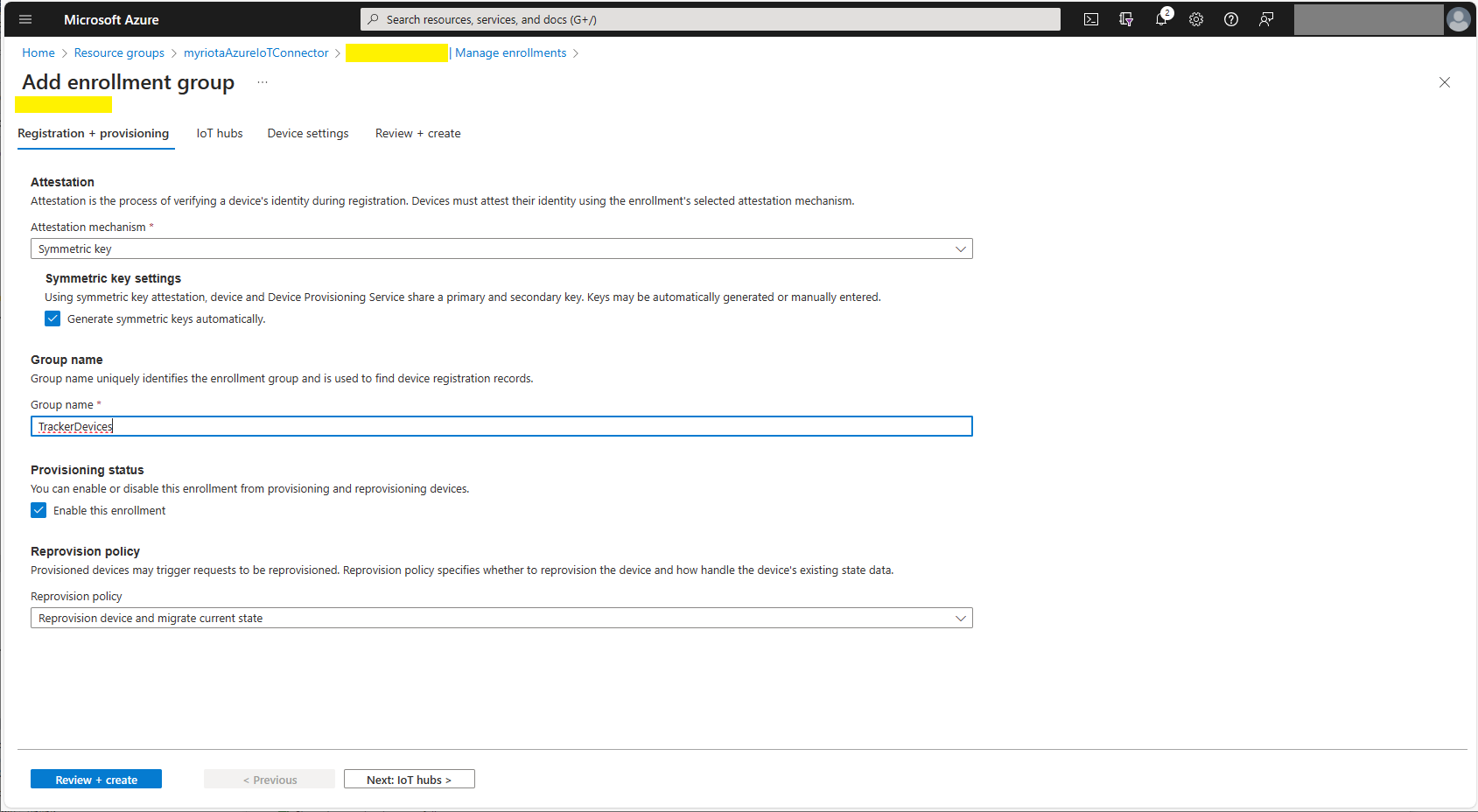
The Azure IoT Hub Device Provisioning Service(DPS) delegate uses Symmetric Key Attestation with the Global Device Endpoint, ID Scope and Group Enrollment Key retrieved from the application configuration.
{
  "ConnectionStrings": {
    "ApplicationInsights": "...",
    "UplinkQueueStorage": "...",
    "PayloadFormattersStorage": "..."
  },
  "AzureIoT": {
      "ConnectionType": "DeviceProvisioningService",
      "DeviceProvisioningServiceIoTHub": {
        "GlobalDeviceEndpoint": "global.azure-devices-provisioning.net",
        "IDScope": ".....",
        "GroupEnrollmentKey": "...."
      }
   }
}

Symmetric key attestation with the Azure IoT Hub Device Provisioning Service(DPS) is performed using the same security tokens supported by Azure IoT Hubs to securely connect devices. The symmetric key of an enrollment group isn’t used directly by devices in the provisioning process. Instead, devices that provision through an enrollment group do so using a derived device key.
private async Task<DeviceClient> AzureIoTHubDeviceProvisioningServiceConnectAsync(string terminalId, object context)
{
    DeviceClient deviceClient;

    string deviceKey;
    using (var hmac = new HMACSHA256(Convert.FromBase64String(_azureIoTSettings.AzureIoTHub.DeviceProvisioningService.GroupEnrollmentKey)))
    {
        deviceKey = Convert.ToBase64String(hmac.ComputeHash(Encoding.UTF8.GetBytes(terminalId)));
    }

    using (var securityProvider = new SecurityProviderSymmetricKey(terminalId, deviceKey, null))
    {
        using (var transport = new ProvisioningTransportHandlerAmqp(TransportFallbackType.TcpOnly))
        {
            DeviceRegistrationResult result;

            ProvisioningDeviceClient provClient = ProvisioningDeviceClient.Create(
                _azureIoTSettings.AzureIoTHub.DeviceProvisioningService.GlobalDeviceEndpoint,
                _azureIoTSettings.AzureIoTHub.DeviceProvisioningService.IdScope,
                securityProvider,
                transport);

            result = await provClient.RegisterAsync();

            if (result.Status != ProvisioningRegistrationStatusType.Assigned)
            {
                _logger.LogWarning("Uplink-DeviceID:{0} RegisterAsync status:{1} failed ", terminalId, result.Status);

                throw new ApplicationException($"Uplink-DeviceID:{0} RegisterAsync status:{1} failed");
            }

            IAuthenticationMethod authentication = new DeviceAuthenticationWithRegistrySymmetricKey(result.DeviceId, (securityProvider as SecurityProviderSymmetricKey).GetPrimaryKey());

            deviceClient = DeviceClient.Create(result.AssignedHub, authentication, TransportSettings);
        }
    }

    await deviceClient.OpenAsync();

    return deviceClient;
}
The derived device key is a hash of the device’s registration ID and is computed using the symmetric key of the enrollment group. The device can then use its derived device key to sign the SAS token it uses to register with DPS.


For initial development and testing I ran the function application in the desktop emulator and simulated Myriota Device Manager webhook calls with Azure Storage Explorer and modified sample payloads.

I then used Azure IoT Explorer to configure devices, view uplink traffic etc.

When I connected to my Azure IoT Hub shortly after starting the Myriota Azure IoT Connector Function my test devices started connecting as messages arrived.

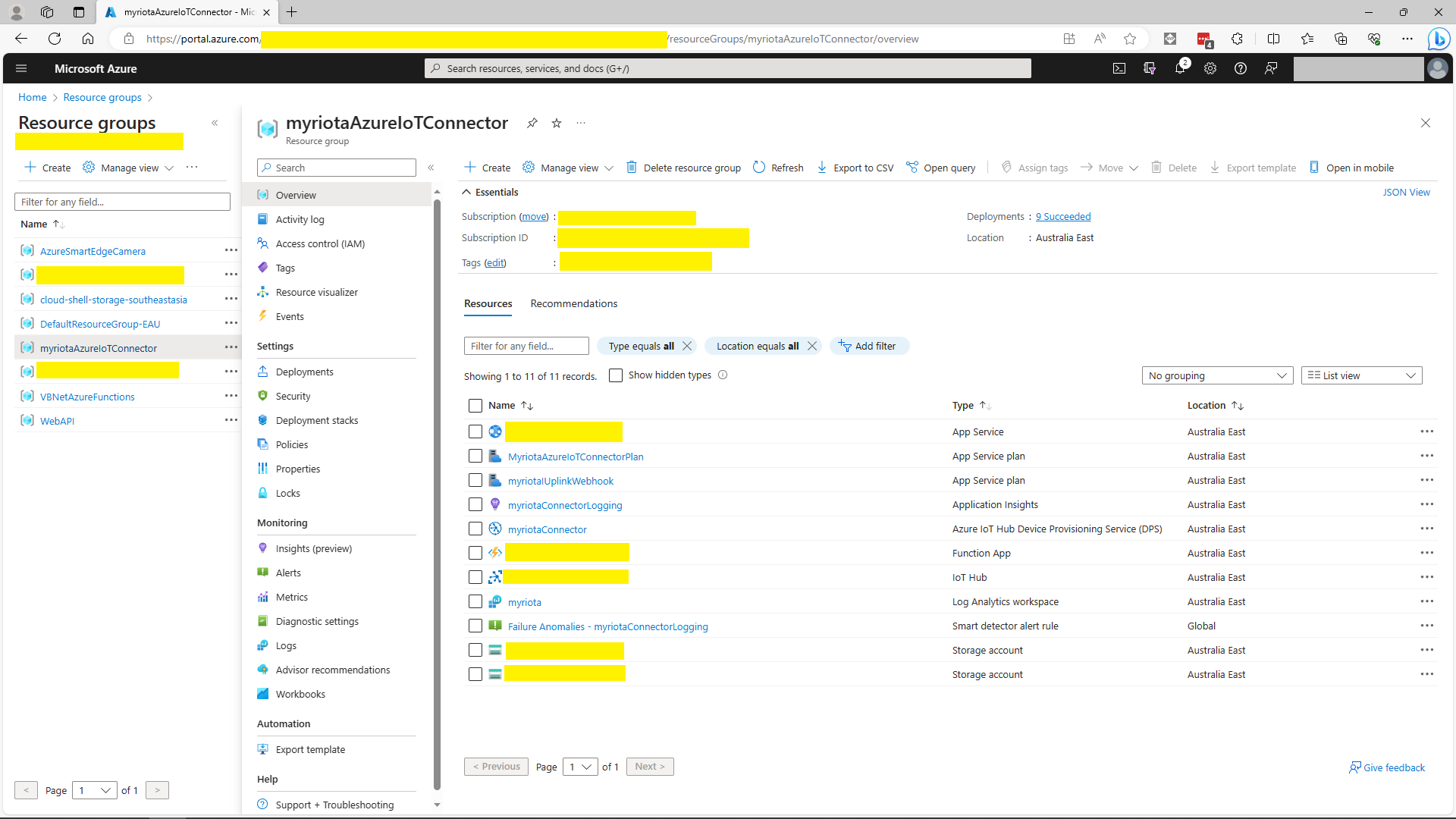
I then deployed my function to Azure and configured the Azure IoT Hub connection string, Azure Application Insights connection string etc.
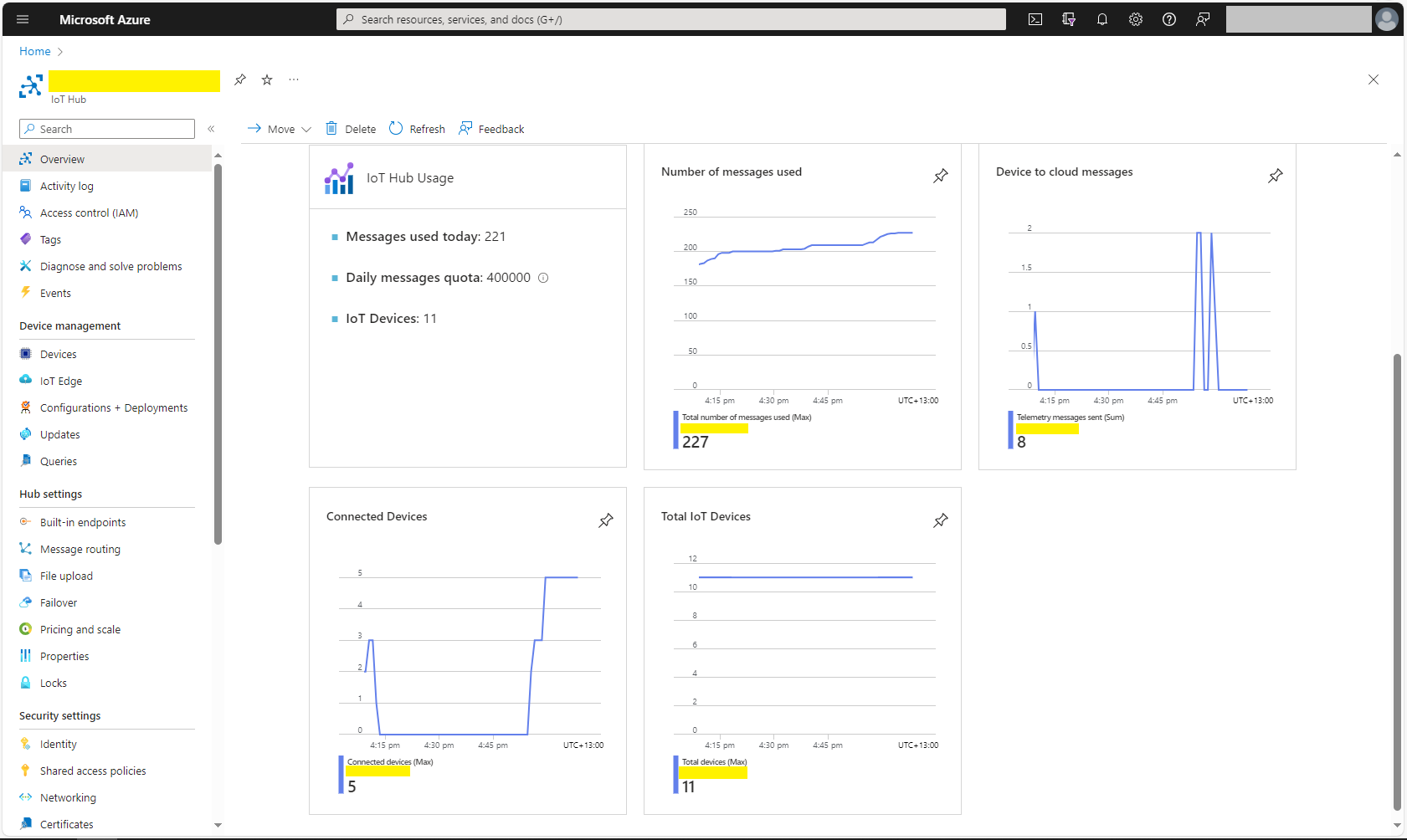
There was often a significant delay for the Device Status to update. which shouldn’t be a problem.













 devMobile's blog