Training a model with Azure AI Machine Learning

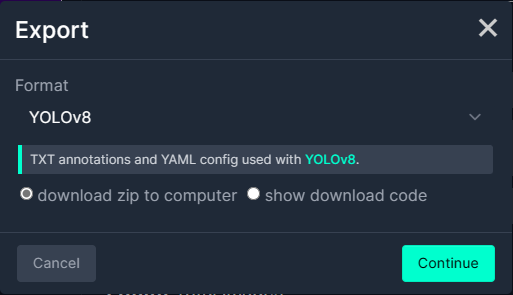
I exported the Tennis Ball by Ugur Ozdemir dataset in a suitable format I could use it to train a model using the Visual Studio 2022 ML.Net support. The first step was to export the Tennis Ball dataset in COCO (Common Objects in Context) format.
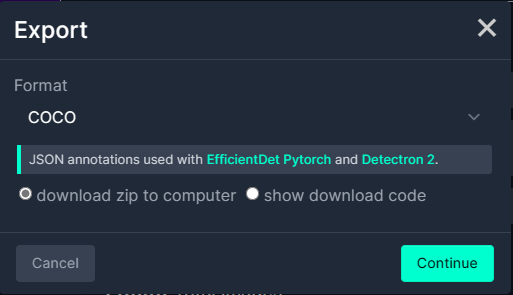
Exporting Tennis ball dataset in COCO format

My development box doesn’t have a suitable Local(GPU) and Local(CPU) training failed
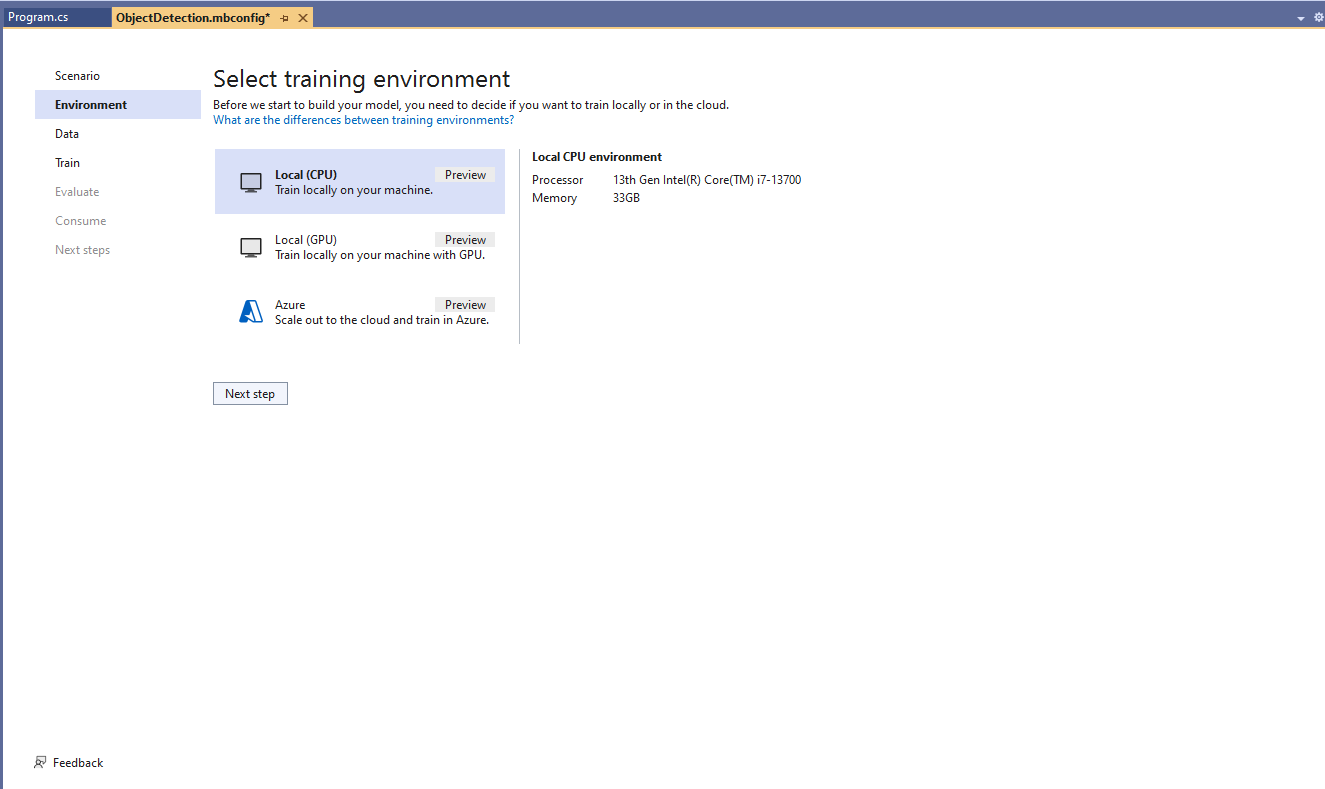
Local CPU selected for model training

After a couple of hours training the in the Visual Studio 2022 the output “Loss” value was NaN and the training didn’t end successfully.
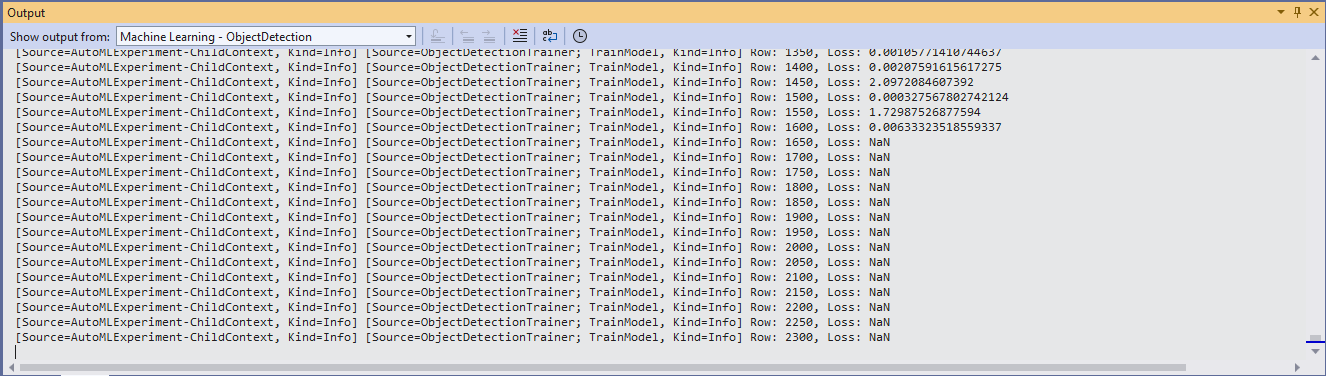
Local CPU model training failure

Training with Local(CPU) failed so I then tried again with ML.Net Azure Machine Learning option.

Azure Machine Learning selected for model training

The configuration of my Azure Machine Learning experiment which represent the collection of trials used took much longer than expected.

Insufficient SKUs available in Australia East

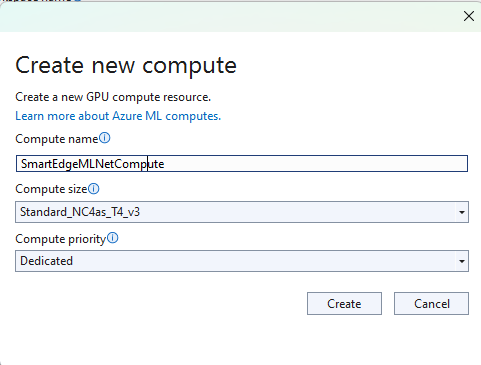
Initially my subscription had Insufficient Standard NC4as_T4_v3 SKUs in Australia East so I had to request a quota increase which took a couple of support tickets.
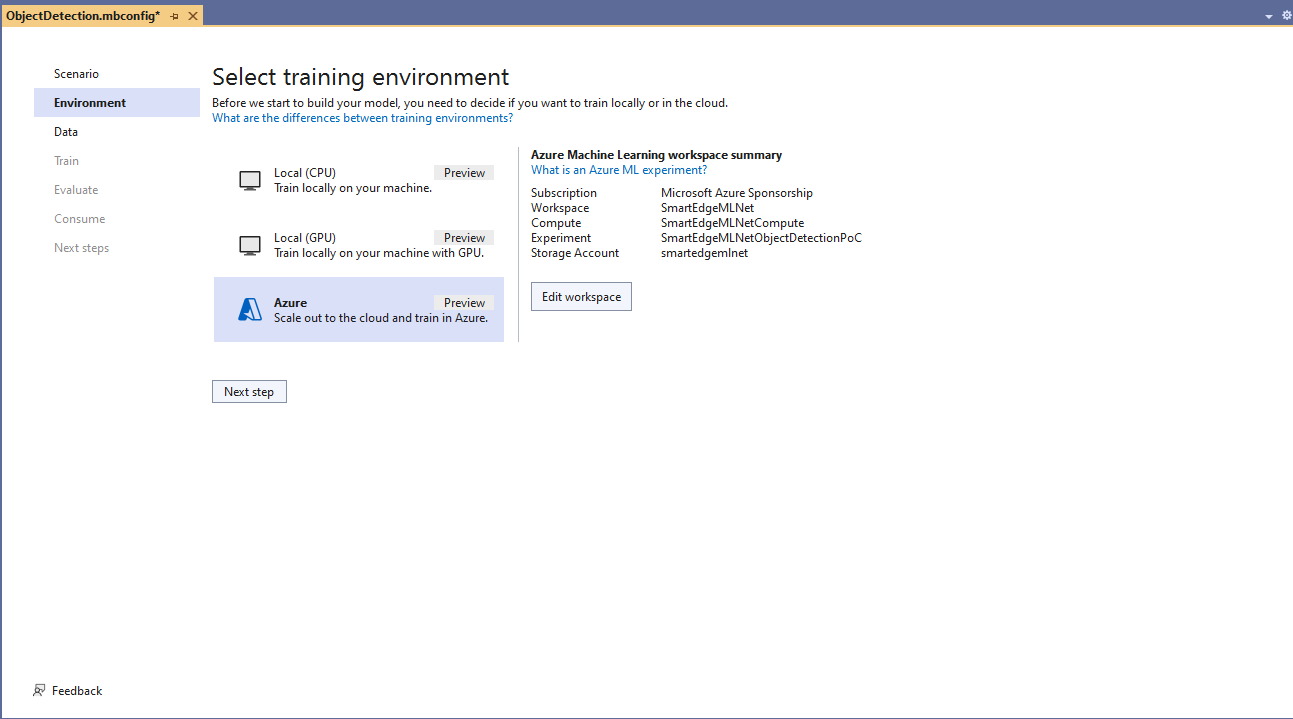
Training Environment Provisioned
Uploading the model training dataset

I do wonder why they include Microsoft’s Visual Object Tagging Tool(VOTT) format as an option because there has been no work done on the project since late 2021.

Uploading the model validation dataset

I need to check how the Roboflow dataset was loaded (I think possibly only the training dataset was loaded, so that was split into training and test datasets) and trial different configurations.

I like the machine generated job names “frank machine”, “tough fowl” and “epic chicken”.

Azure Machine Learning Job list

I found my Ultralytics YoloV8 model coped better with different backgrounds and tennis ball colours.
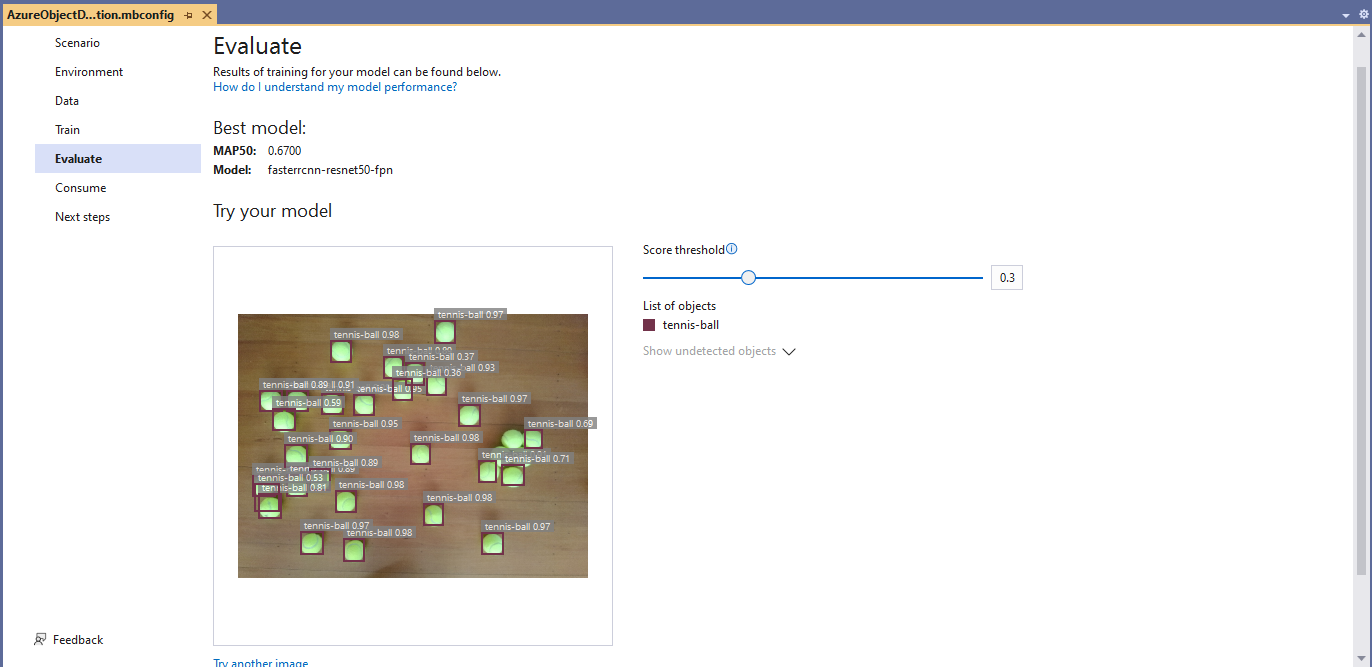
Evaluating model with tennis balls on my living room floor
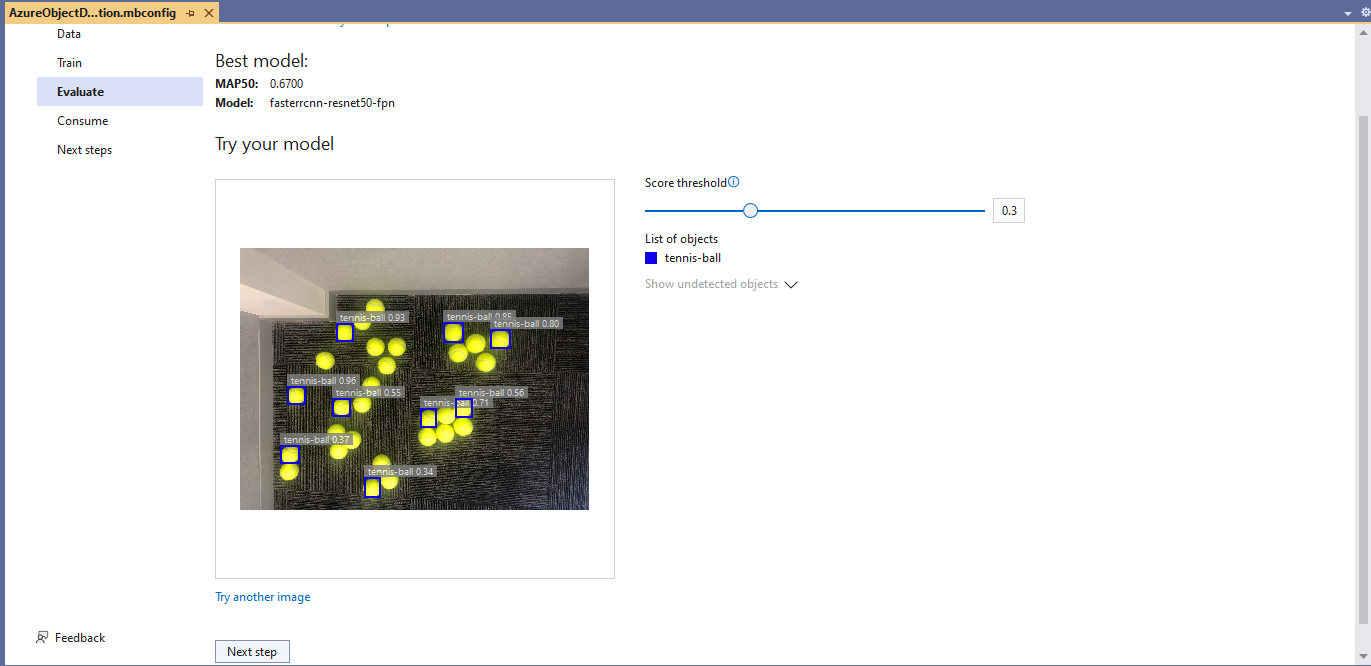
Evaluating model with tennis balls on the office floor

I used the “generated” code to consume the model with a simple console application.
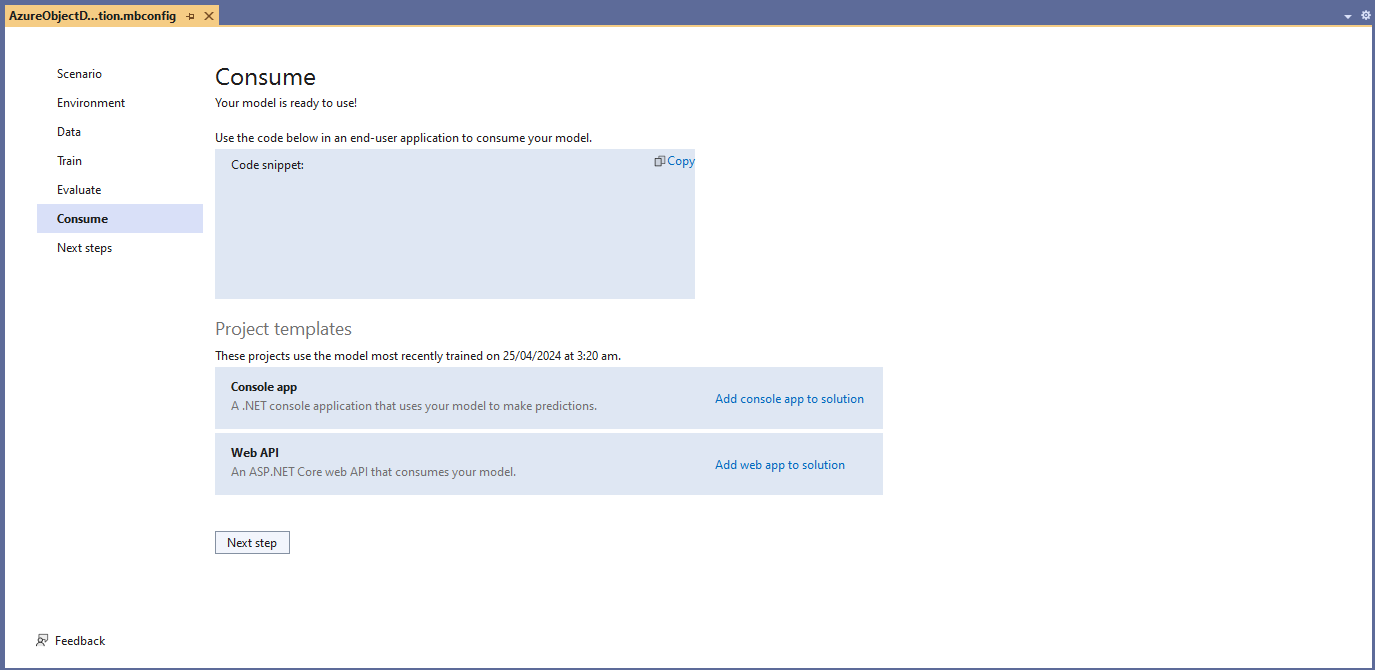
Visual Studio 2022 ML.Net Integration client code generation
static async Task Main()
{
   Console.WriteLine($"{DateTime.UtcNow:yy-MM-dd HH:mm:ss} FasterrCNNResnet50 client starting");

   try
   {
      // load the app settings into configuration
      var configuration = new ConfigurationBuilder()
            .AddJsonFile("appsettings.json", false, true)
      .Build();

      Model.ApplicationSettings _applicationSettings = configuration.GetSection("ApplicationSettings").Get<Model.ApplicationSettings>();

      // Create single instance of sample data from first line of dataset for model input
      var image = MLImage.CreateFromFile(_applicationSettings.ImageInputPath);

      AzureObjectDetection.ModelInput sampleData = new AzureObjectDetection.ModelInput()
      {
         ImageSource = image,
      };

      // Make a single prediction on the sample data and print results.
      var predictionResult = AzureObjectDetection.Predict(sampleData);

      Console.WriteLine("Predicted Boxes:");
      Console.WriteLine(predictionResult);
   }
   catch (Exception ex)
   {
      Console.WriteLine($"{DateTime.UtcNow:yy-MM-dd HH:mm:ss} MQTTnet.Publish failed {ex.Message}");
   }

   Console.WriteLine("Press ENTER to exit");
   Console.ReadLine();
}

The initial model was detecting only 28 (with much lower confidences) of the 30 tennis balls in the sample images.
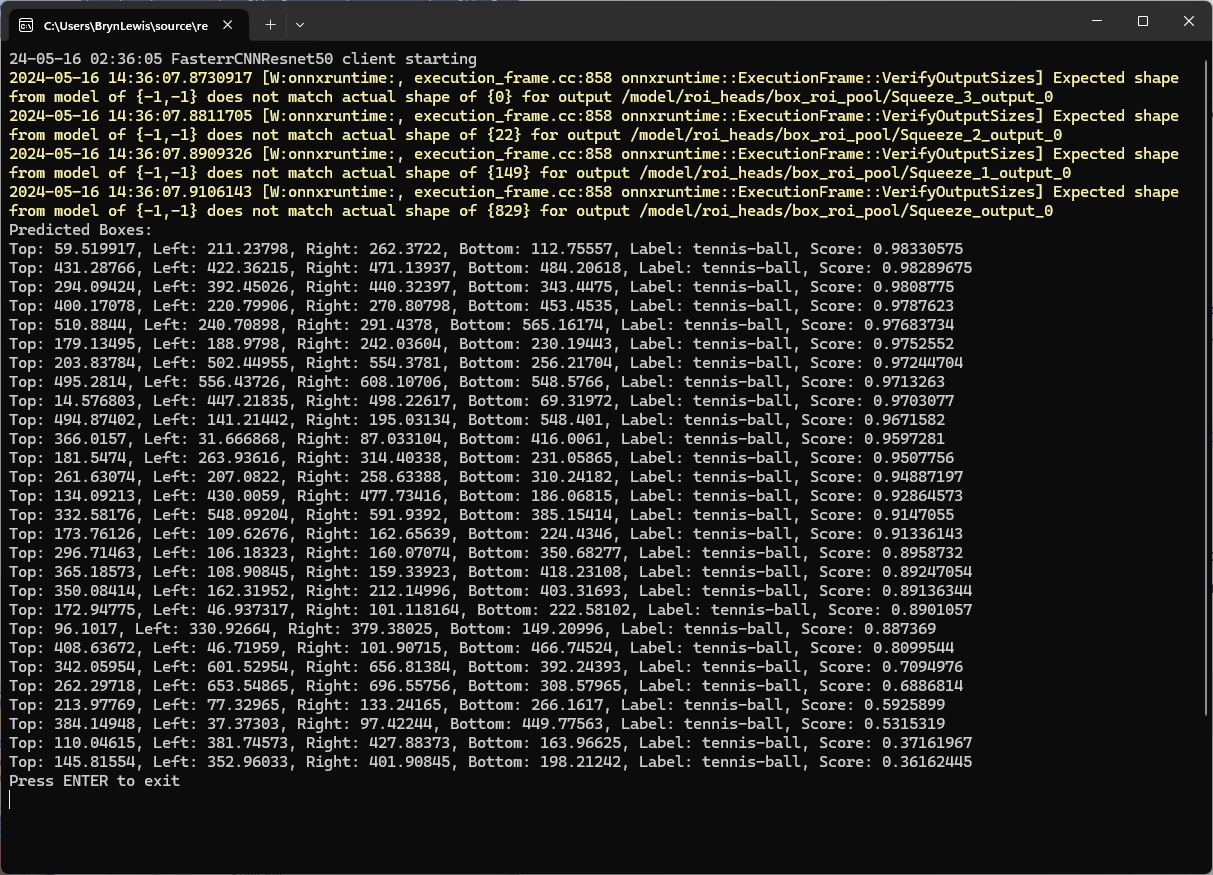
Output of console application with object detection information

I used the “default configuration” settings and ran the model training for 17.5 hours overnight which cost roughly USD24.

Azure Pricing Calculator estimate for my training setup

This post is not about how train a “good” model it is the approach I took to create a “proof of concept” model for a demonstration.
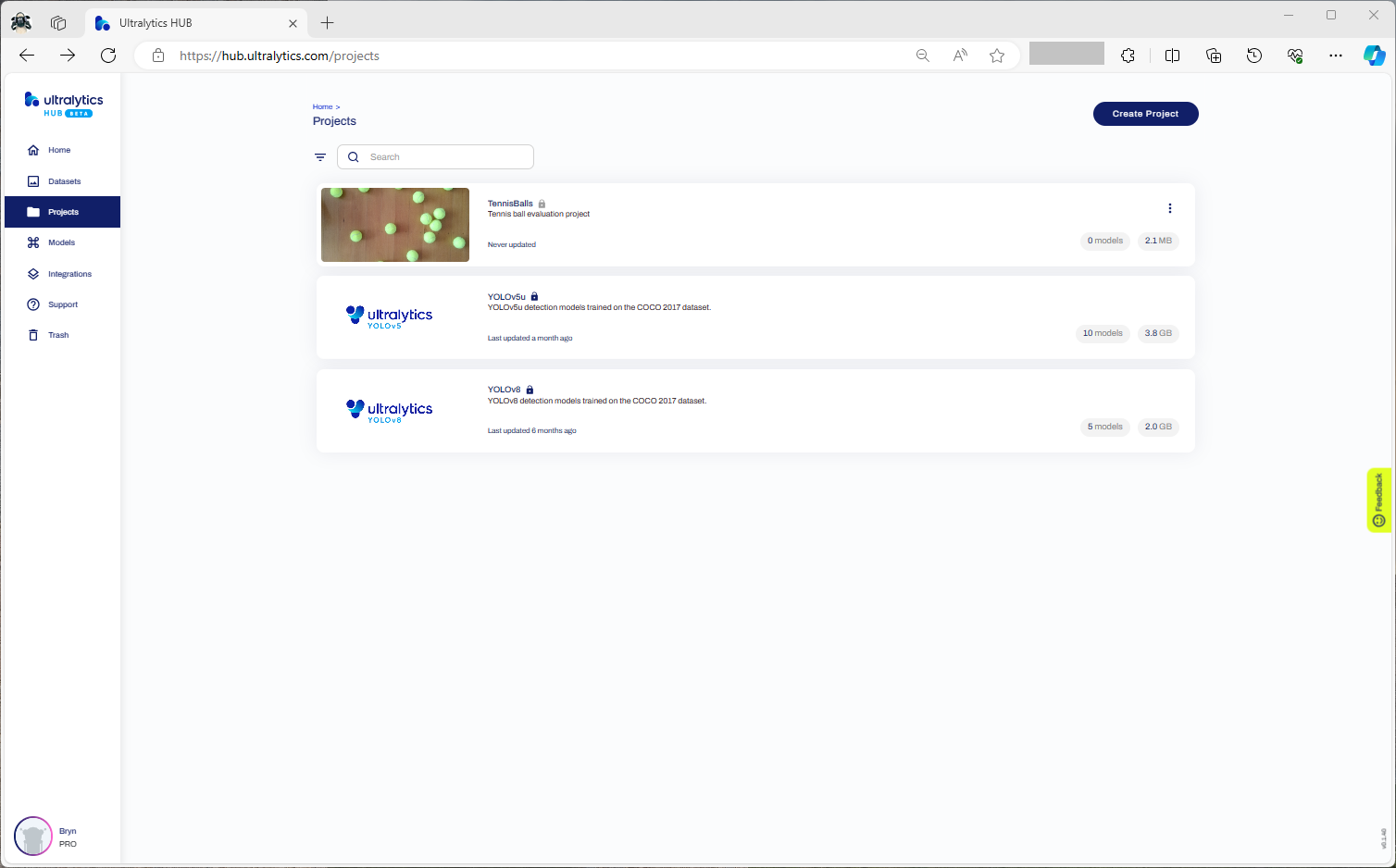
YoloV8-Training a model with Ultralytics Hub

After uploading the roboflow Tennis Ball dataset from my previous post to an Ultralytics Hub dataset. I then used my Ultralytics Pro plan to train a proof of concept(PoC) YoloV8 model.

Creating a new Ultralytics project
Selecting training type the dataset to upload
Checking the Tennis Ball dataset upload
Confirming the number of classes and splits of the training dataset
Selecting the output model architecture (YoloV8s).
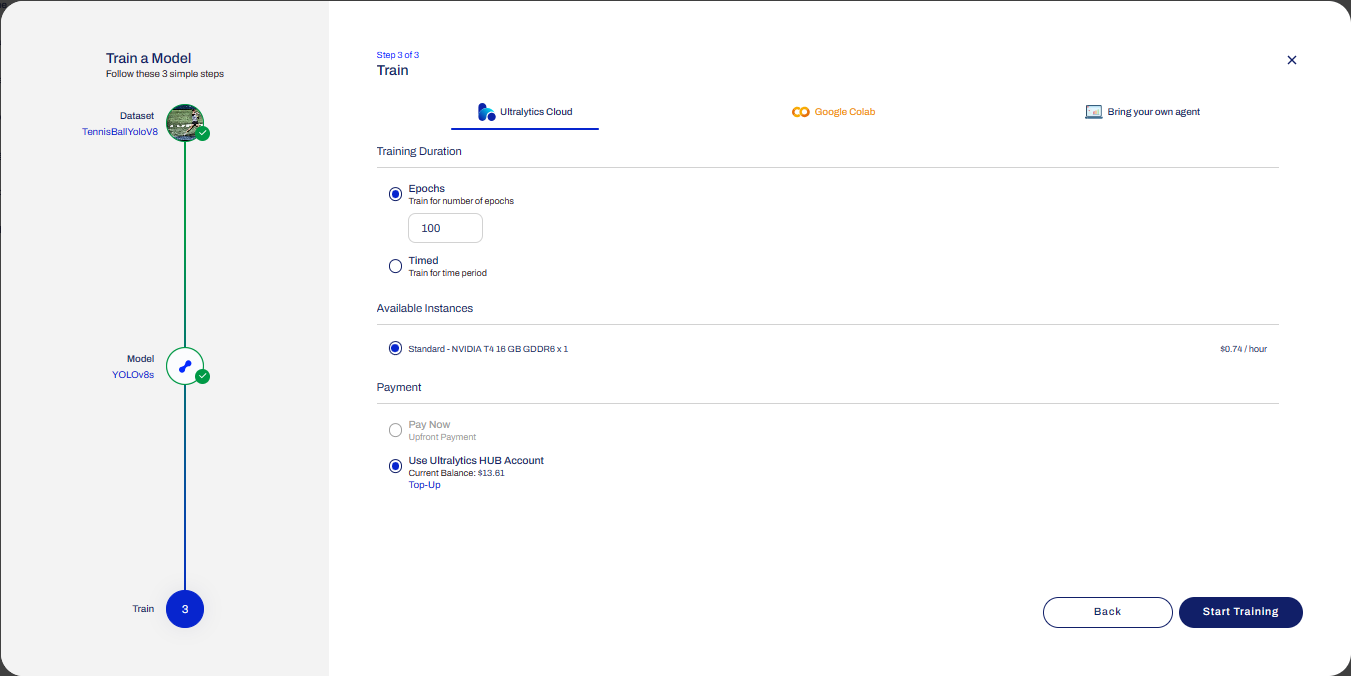
Configuring the number of epochs and payment method
Preparing the cloud instance(s) for training
The midpoint of the training process
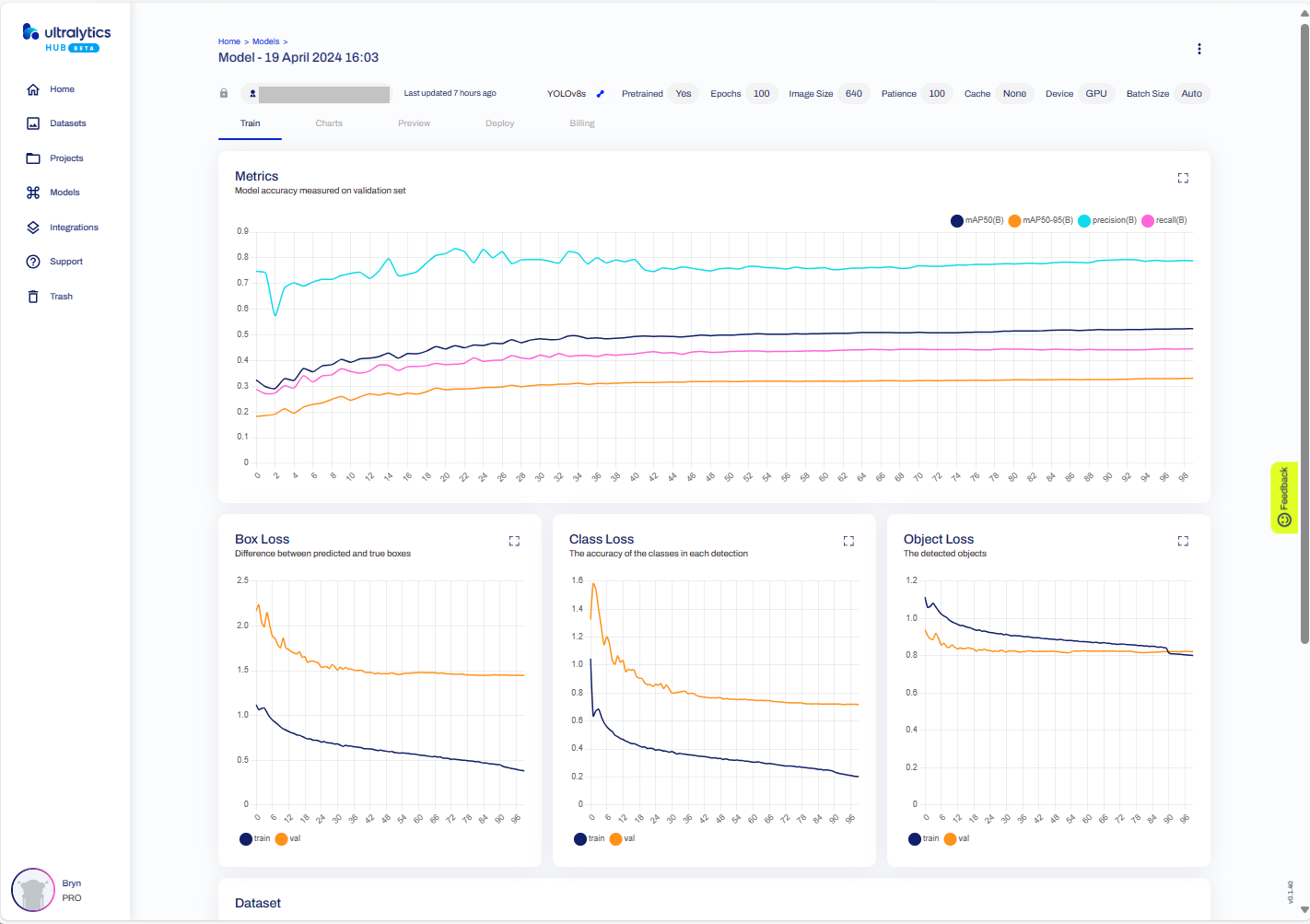
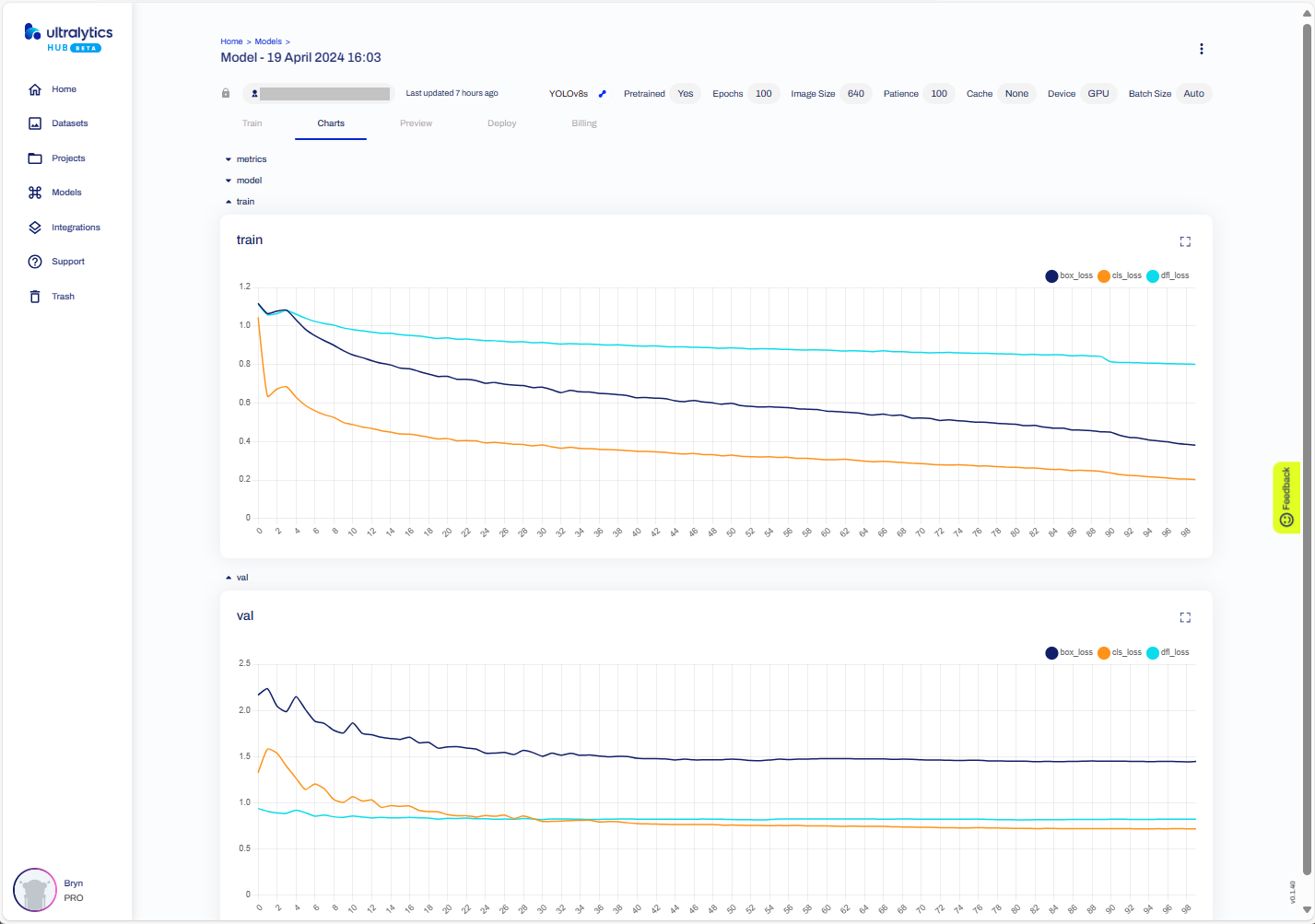
The training process completed with some basic model metrics.
The resources used and model accuracy metrics.
Model training metrics.
Testing the trained model inference results with my test image.
Exporting the trained YoloV8 model in ONNX format.
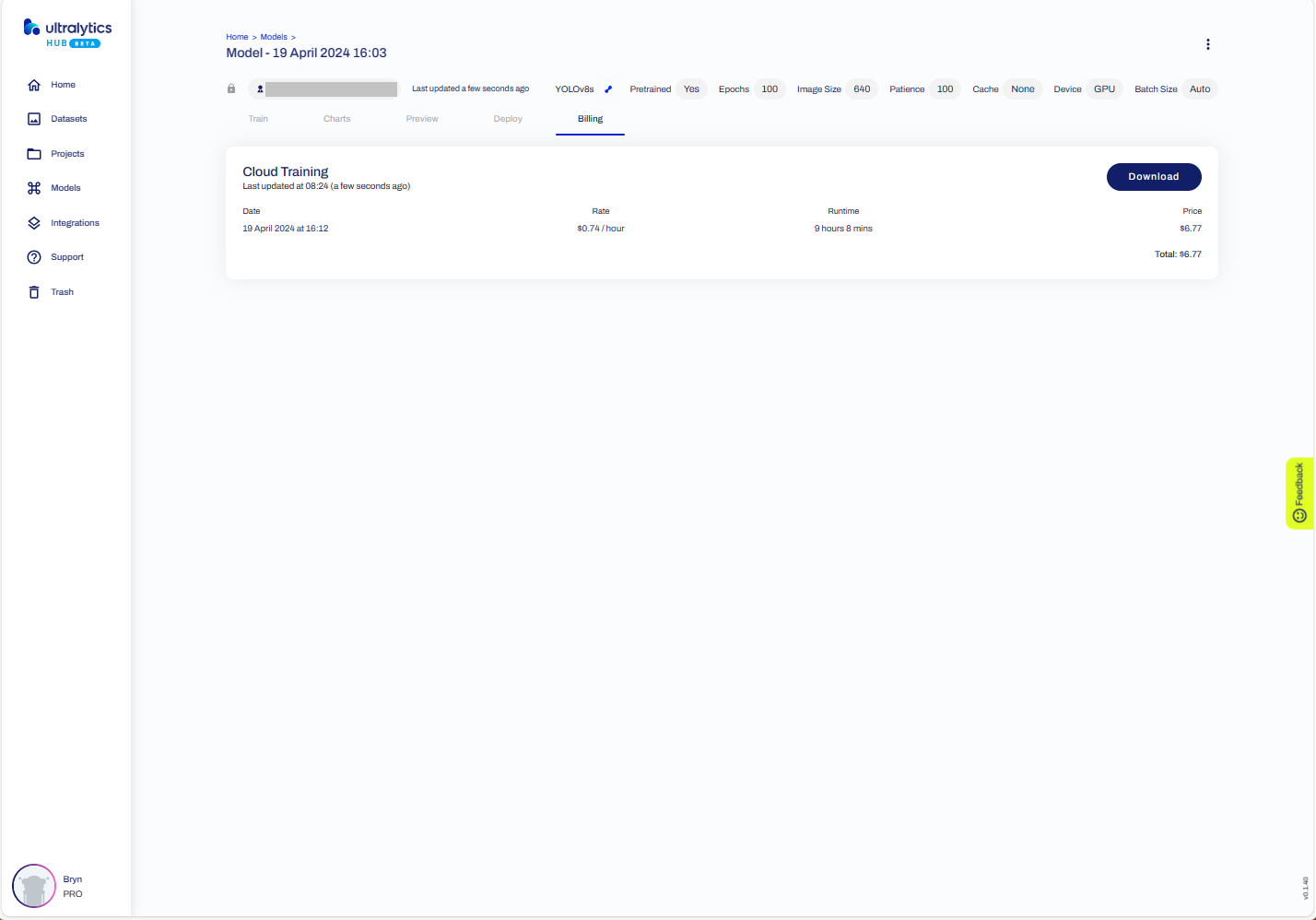
The duration and cost of training the model.
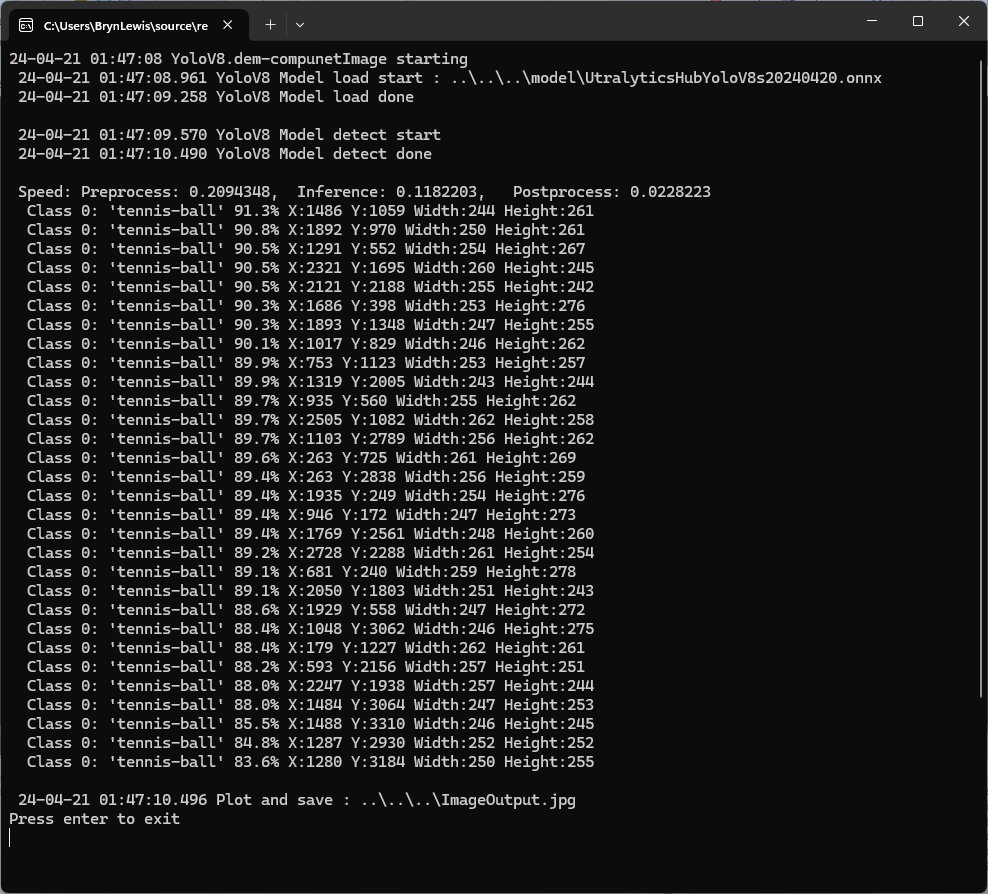
Testing the YoloV8 model with the dem-compunet.Image console application
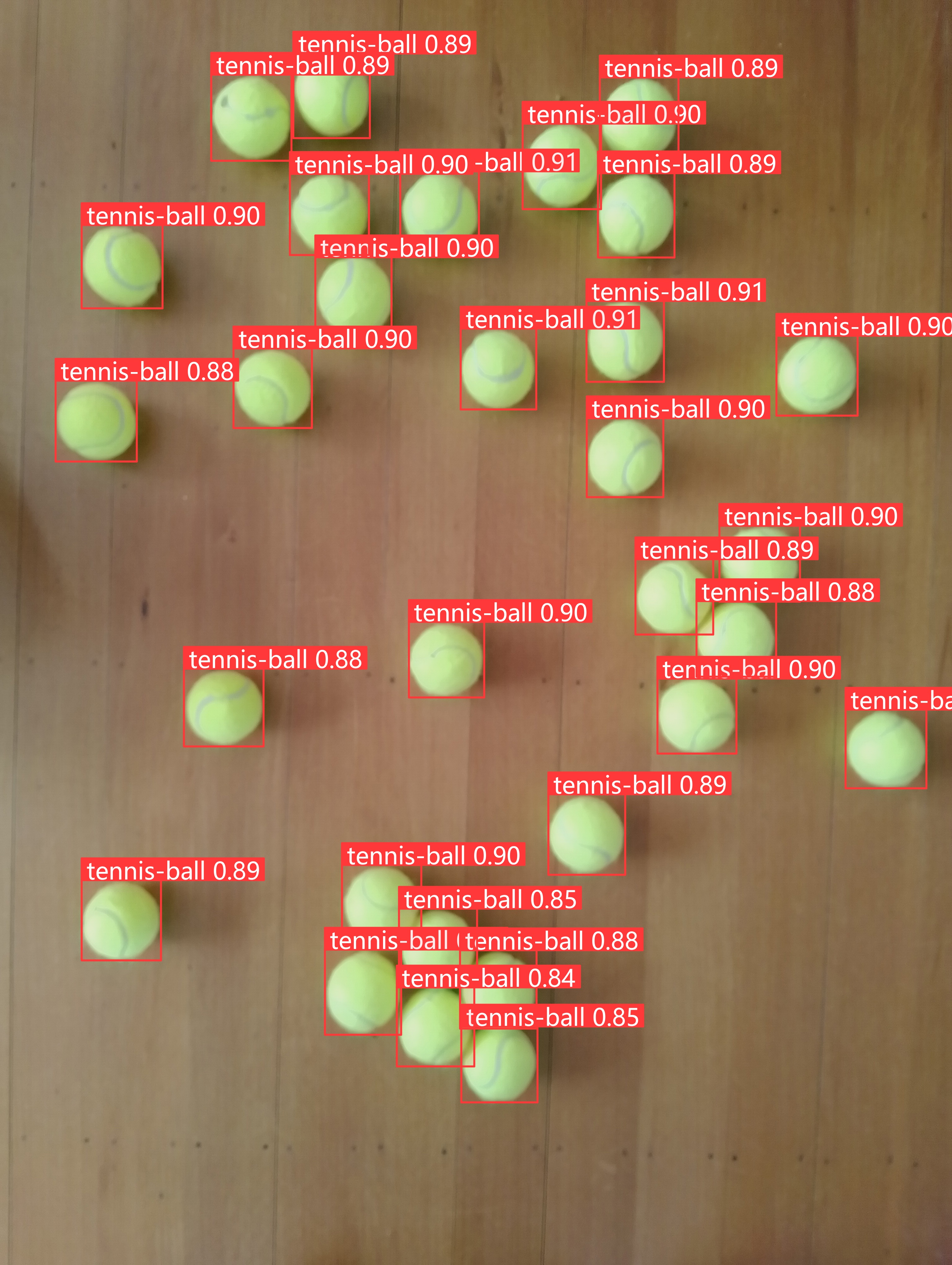
Marked-up image generated by the dem-compunet.Image console application.

In this post I have not covered YoloV8 model selection and tuning of the training configuration to optimise the “performance” of the model. I used the default settings and then ran the model training overnight which cost USD6.77

This post is not about how create a “good” model it is the approach I took to create a “proof of concept” model for a demonstration.

YoloV8-Selecting a roboflow dataset

To comply with the Ultralytics AGPL-3.0 License and to use an Ultralytics Pro plan the source code and models for an application have to be open source. Rather than publishing my YoloV8 model (which is quite large) this is the first in a series of posts which detail the process I used to create it. (which I think is more useful)

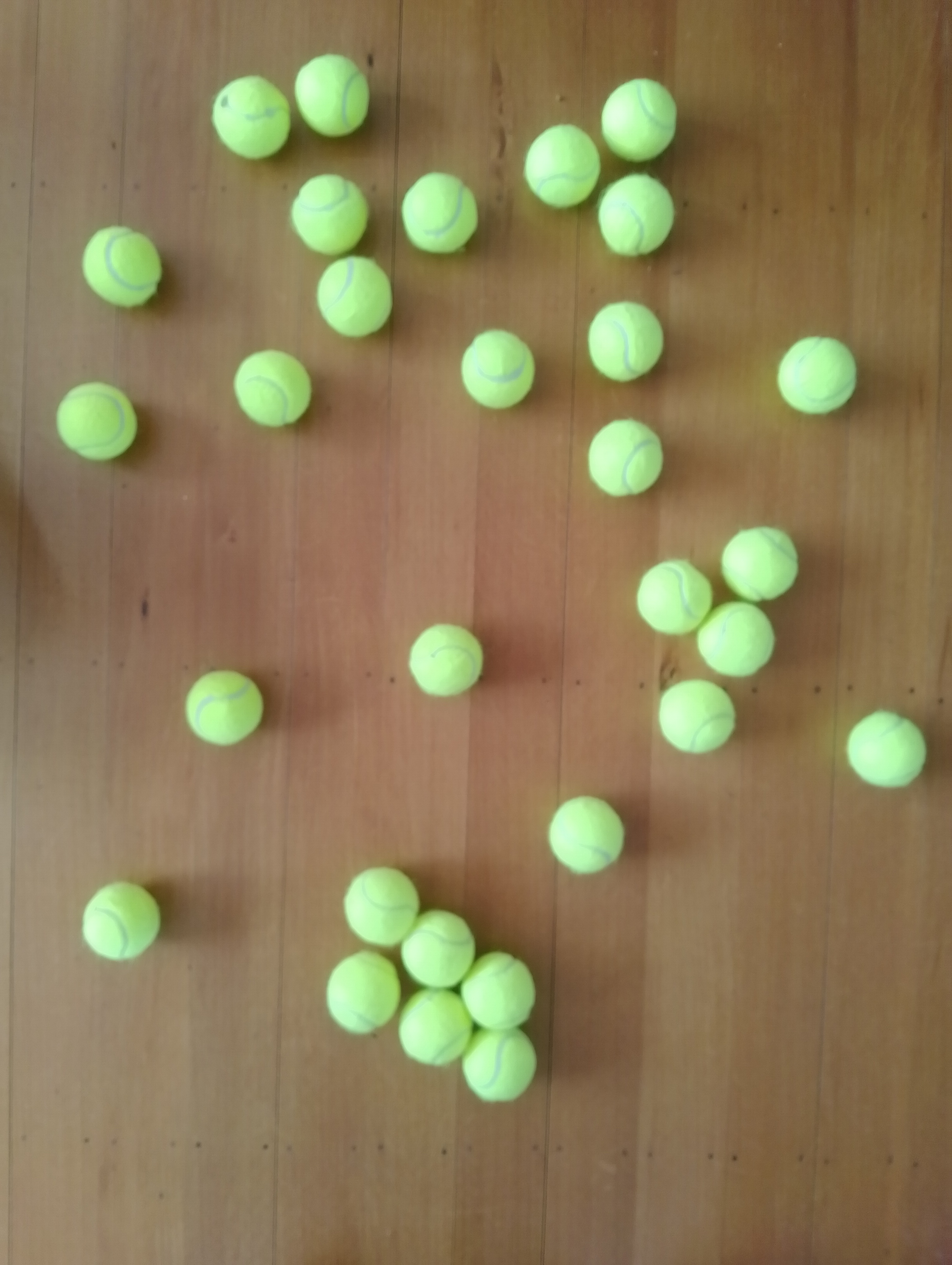
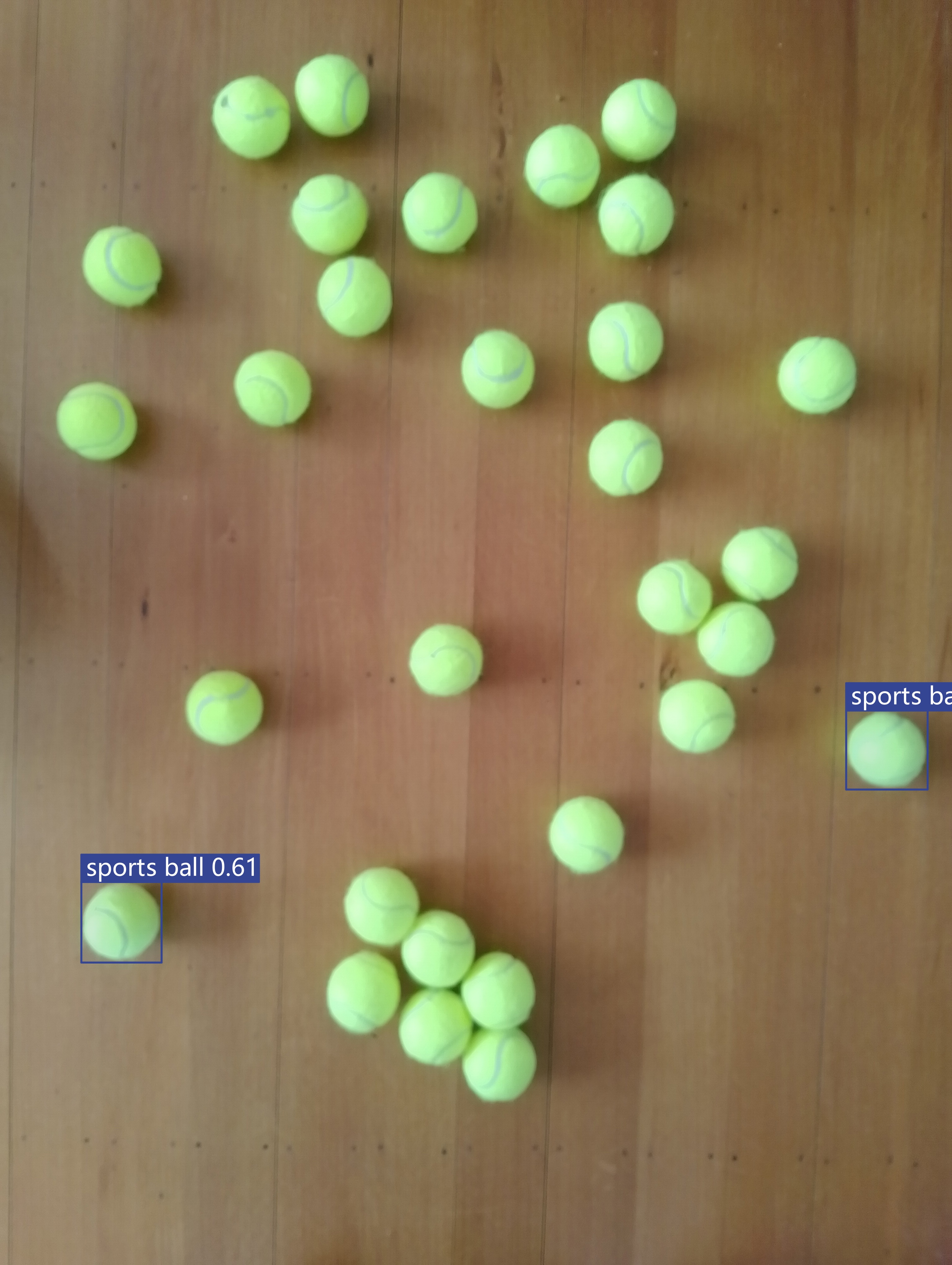
The single test image (not a good idea) is a photograph of 30 tennis balls on my living room floor.

Test image of 30 tennis balls on my living room floor

I stared with the “default” yolov8s.onnx model which is included in the YoloV8 nuget package Github repository YoloV8.Demo application.

YoloV8s.Onnx Tennis ball object detection results

The object detection results using the “default” model were pretty bad, but this wasn’t a surprise as the model is not optimised for this sort of problem.

Roboflow has a suite of tools for annotating, automatic labelling, training and deployment of models as well as a roboflow universe which (according to their website) is “The largest resource of computer vision datasets and pre-trained models”.

roboflow universe open-source model dataset search

I have used datasets from roboflow universe which is a great resource for building “proof of concept” applications.

roboflow universe dataset search

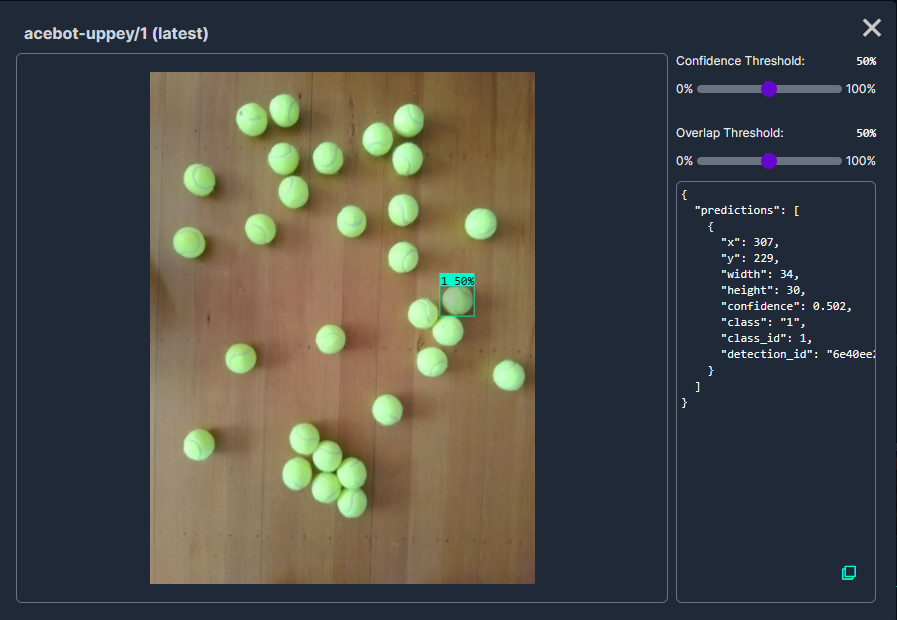
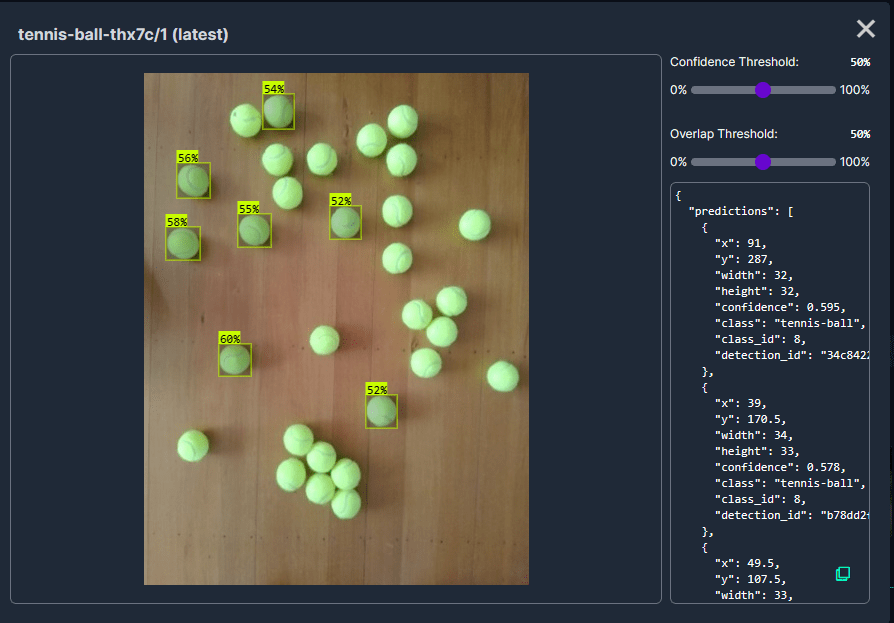
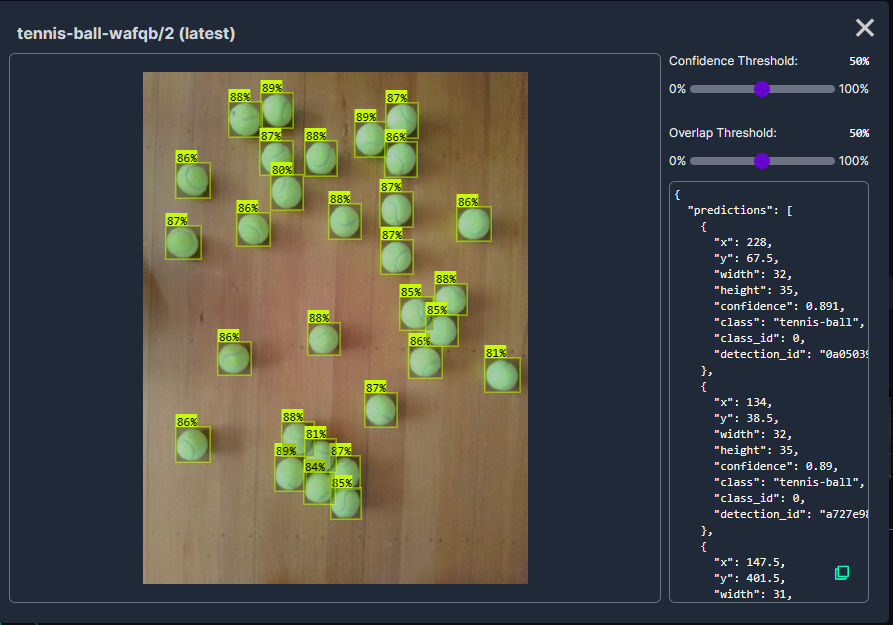
The first step was to identify some datasets which would improve my tennis ball object detection model results. After some searching (with tennis, tennis-ball etc. classes) and filtering (object detection, has a model for faster evaluation, more the 5000 images) to reduce the search results to a manageable number, I identified 5 datasets worth further evaluation.

In my scenario the performance of the Acebot by Mrunal model was worse than the “default” yolov8s model.

In my scenario the performance of the tennis racket by test model was similar to the “default” yolov8s model.

In my scenario the performance of the Tennis Ball by Hust model was a bit better than the “default” yolov8s mode

In my scenario the performance of the roboflow_oball by ahmedelshalkany model was pretty good it detected 28 of the 30 tennis balls.

In my scenario the performance of the Tennis Ball by Ugur Ozdemir model was good it detected all of the 30 tennis balls.

I then exported the Tennis Ball by Ugur Ozdemir dataset in a YoloV8 compatible format so I could use it on the Ultralytics Hub service with my Ultralytics Pro plan to train a model.

This post is not about how create a “good” dataset it is the approach I took to create a “proof of concept” dataset for a demonstration.