Basic JSON Deserialisation
This is the second in a series of posts about building an HTTP Integration for a The Things Network(TTN) application.
I used JSON2Csharp and a payload I downloaded in Part 1 to generate C# classes which would deserialise my minimalist messages.
// First version of classes for unpacking HTTP payload https://json2csharp.com/
public class GatewayV1
{
   public string gtw_id { get; set; }
   public int timestamp { get; set; }
   public DateTime time { get; set; }
   public int channel { get; set; }
   public int rssi { get; set; }
   public double snr { get; set; }
   public int rf_chain { get; set; }
   public double latitude { get; set; }
   public double longitude { get; set; }
   public int altitude { get; set; }
}

public class MetadataV1
{
   public string time { get; set; }
   public double frequency { get; set; }
   public string modulation { get; set; }
   public string data_rate { get; set; }
   public string coding_rate { get; set; }
   public List<GatewayV1> gateways { get; set; }
}

public class PayloadV1
{
   public string app_id { get; set; }
   public string dev_id { get; set; }
   public string hardware_serial { get; set; }
   public int port { get; set; }
   public int counter { get; set; }
   public bool confirmed { get; set; }
   public string payload_raw { get; set; }
   public MetadataV1 metadata { get; set; }
   public string downlink_url { get; set; }
}
I added a new to controller to my application which used the generated classes to deserialise the body of the POST from the TTN Application Integration.
[Route("[controller]")]
[ApiController]
public class ClassSerialisationV1 : ControllerBase
{
   private static readonly ILog log = log4net.LogManager.GetLogger(System.Reflection.MethodBase.GetCurrentMethod().DeclaringType);

   public string Index()
   {
      return "move along nothing to see";
   }

   [HttpPost]
   public IActionResult Post([FromBody] PayloadV1 payload)
   {
      // Check that the post data is good
      if (!this.ModelState.IsValid)
      {
         log.WarnFormat("ClassSerialisationV1 validation failed {0}", this.ModelState.Messages());

         return this.BadRequest(this.ModelState);
      }
      log.Info($"DevEUI:{payload.hardware_serial} Payload Base64:{payload.payload_raw}");

      return this.Ok();
   }
}
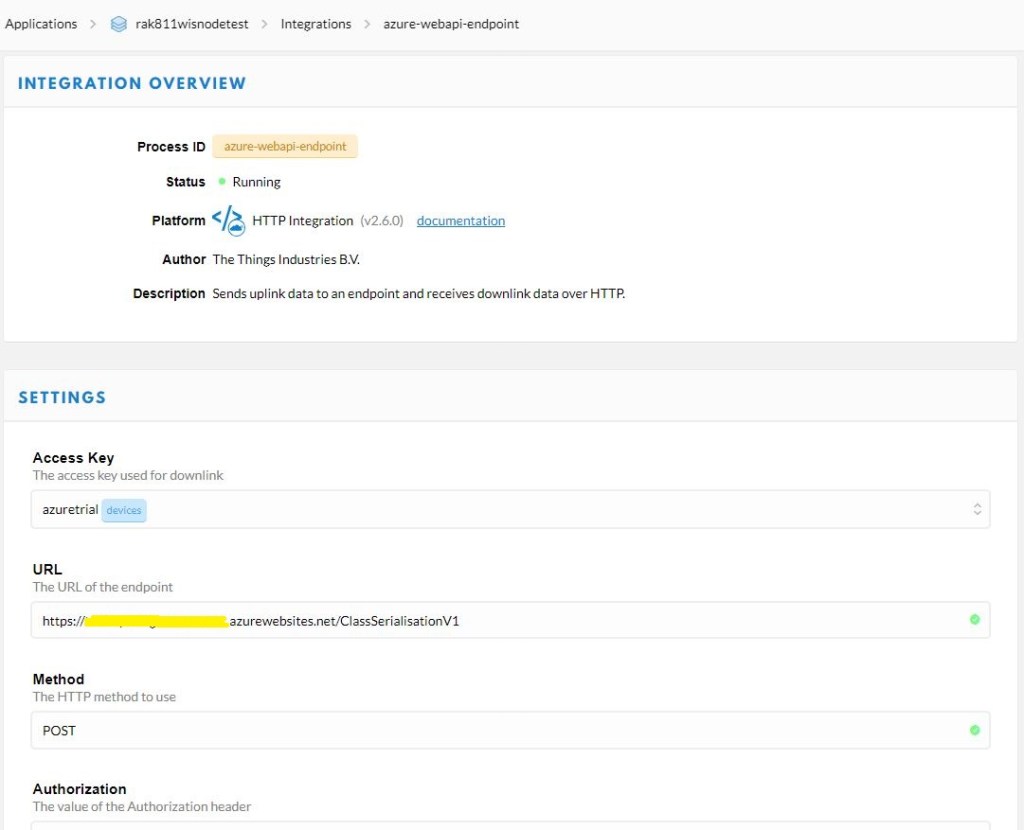
I then updated the TTN application integration to send messages to my new endpoint.
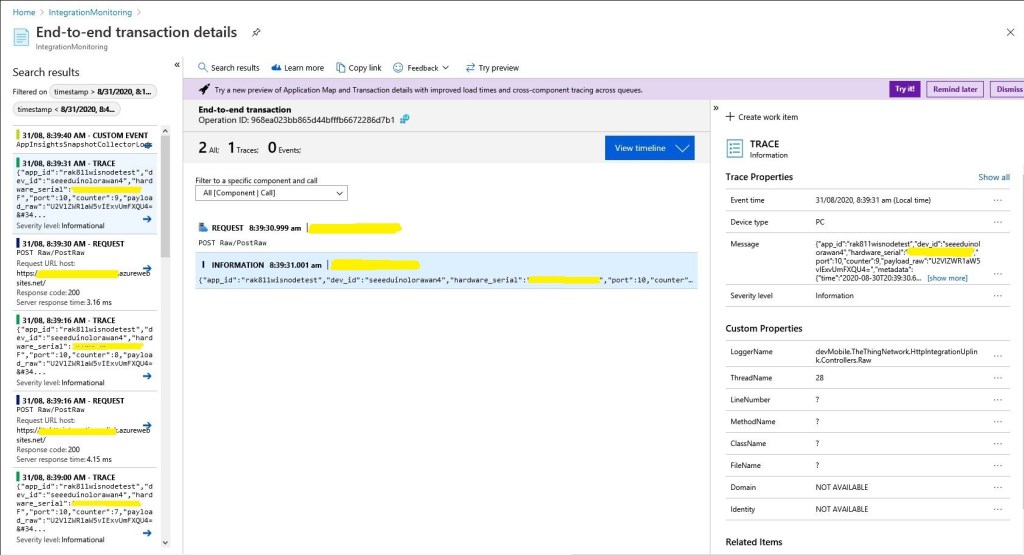
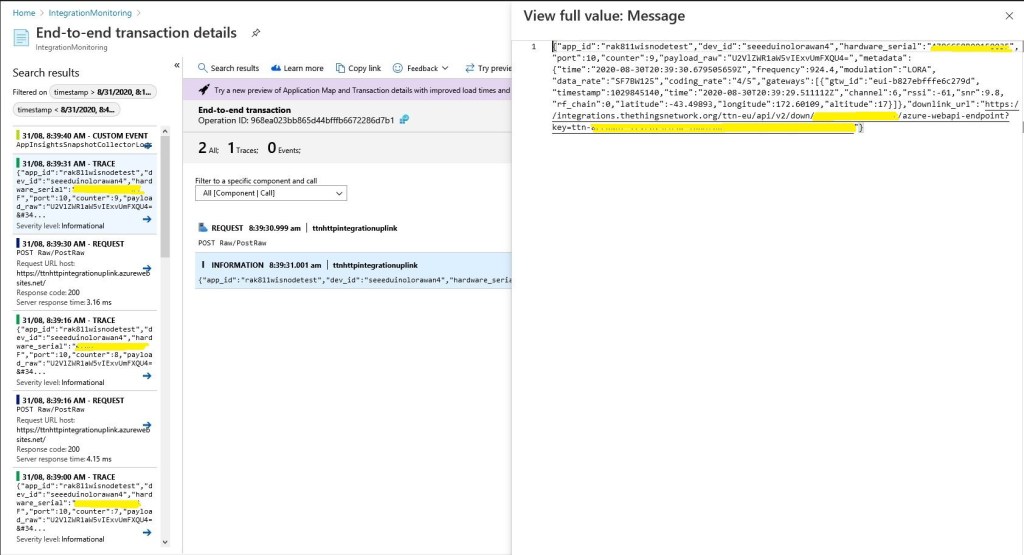
In the body of the Application Insights events I could see the devEUI, port, and the raw payload had been extracted from the message.
DevEUI:1234567890123456 Port:1 Payload Base64:VGlueUNMUiBMb1JhV0FO
I then added another controller which decoded the Base64 encoded payload_raw.
[Route("[controller]")]
[ApiController]
public class ClassSerialisationV2Base64Decoded : ControllerBase
{
   private static readonly ILog log = log4net.LogManager.GetLogger(System.Reflection.MethodBase.GetCurrentMethod().DeclaringType);

   public string Index()
   {
      return "move along nothing to see";
   }

   [HttpPost]
   public IActionResult Post([FromBody] PayloadV2 payload)
   {
      // Check that the post data is good
      if (!this.ModelState.IsValid)
      {
         log.WarnFormat("ClassSerialisationV2BCDDecoded validation failed {0}", this.ModelState.Messages());

         return this.BadRequest(this.ModelState);
      }

      log.Info($"DevEUI:{payload.hardware_serial} Port:{payload.port} Payload:{ Encoding.UTF8.GetString(Convert.FromBase64String(payload.payload_raw))}");

      return this.Ok();
   }
}
DevEUI:1234567890123456 Port:1 Payload:TinyCLR LoRaWAN
Then after a while the deserialisation started to fail with an HTTP 400-Bad request. When I ran the same request with Telerik Fiddler on my desktop the raw response was
HTTP/1.1 400 Bad Request
Transfer-Encoding: chunked
Content-Type: application/problem+json; charset=utf-8
Server: Microsoft-IIS/10.0
Request-Context: appId=cid-v1:f4f72f2e-1144-4578-923f-d3ebdcfb7766
X-Powered-By: ASP.NET
Date: Mon, 31 Aug 2020 09:07:30 GMT

17a
{"type":"https://tools.ietf.org/html/rfc7231#section-6.5.1",
"title":"One or more validation errors occurred.",
"status":400,
"traceId":"00-45033ec030b63d4ebb82b95b67cb8142-9fc52a18be202848-00",
"errors":{
"$.metadata.gateways[0].timestamp":["The JSON value could not be converted to System.Int32.
Path: $.metadata.gateways[0].timestamp | LineNumber: 21 | BytePositionInLine: 35."]}}
0
The line in the payload was the gateway timestamp. The value was 2,426,973,100 which larger than 2,147,483,647 the maximum number that can be stored in a signed 32 bit integer. The JSON2CSharp generator had made a reasonable choice of datatype but in this case the range was not sufficient.
public class GatewayV2
{
   public string gtw_id { get; set; }
   public ulong timestamp { get; set; }
   public DateTime time { get; set; }
   public int channel { get; set; }
   public int rssi { get; set; }
   public double snr { get; set; }
   public int rf_chain { get; set; }
   public double latitude { get; set; }
   public double longitude { get; set; }
   public int altitude { get; set; }
}
I checked the TTN code where the variable was declared as an unsigned 64 bit integer.
This issue could occur for other variables so I need to manually check all the generated classes.
 devMobile's blog