Random wanderings through Microsoft Azure esp. PaaS plumbing, the IoT bits, AI on Micro controllers, AI on Edge Devices, .NET nanoFramework, .NET Core on *nix and ML.NET+ONNX
public class Config
{
   public const string DeviceID = "RAK11200-RAK19001";
   public const string SasSignature = "..."; // sig
   public const string SasExpiryTime = "..."; // se

   public const string AzureIoTHubHostName = "..";
   public const string Ssid = "...";
   public const string Password = "..";
   ...
}
 _httpClient = new HttpClient
{
   SslProtocols = System.Net.Security.SslProtocols.Tls12,
   HttpsAuthentCert = new X509Certificate(Config.DigiCertBaltimoreCyberTrustRoot),
   BaseAddress = new Uri($"https://{Config.AzureIoTHubHostName}.azure-devices.net/devices/{Config.DeviceID}/messages/events?api-version=2020-03-13"),
};

string sasKey = $"SharedAccessSignature sr={Config.AzureIoTHubHostName}.azure-devices.net%2Fdevices%2F{Config.DeviceID}&sig={Config.SasSignature}&se={Config.SasExpiryTime}";

_httpClient.DefaultRequestHeaders.Add("Authorization", sasKey);
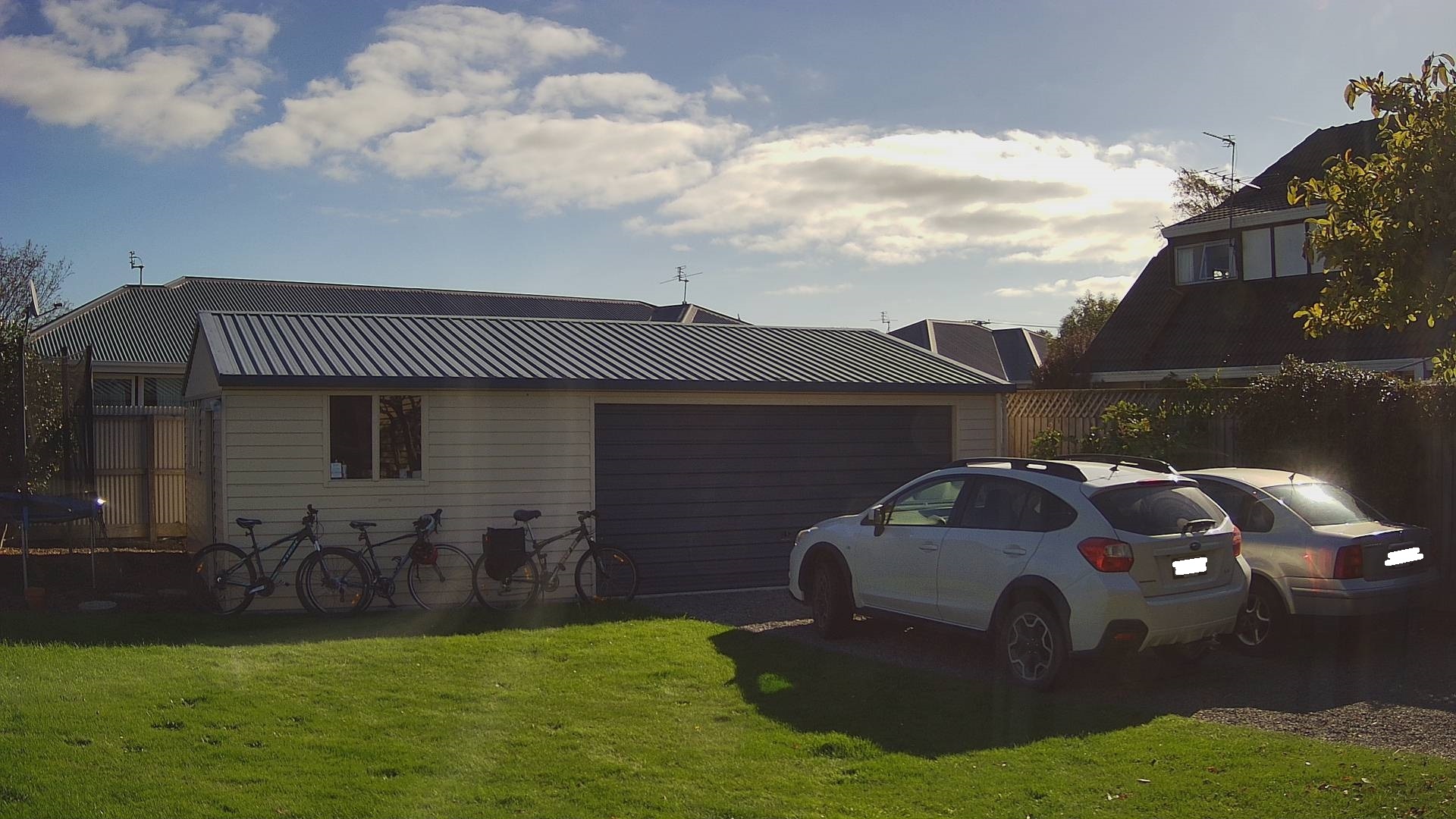
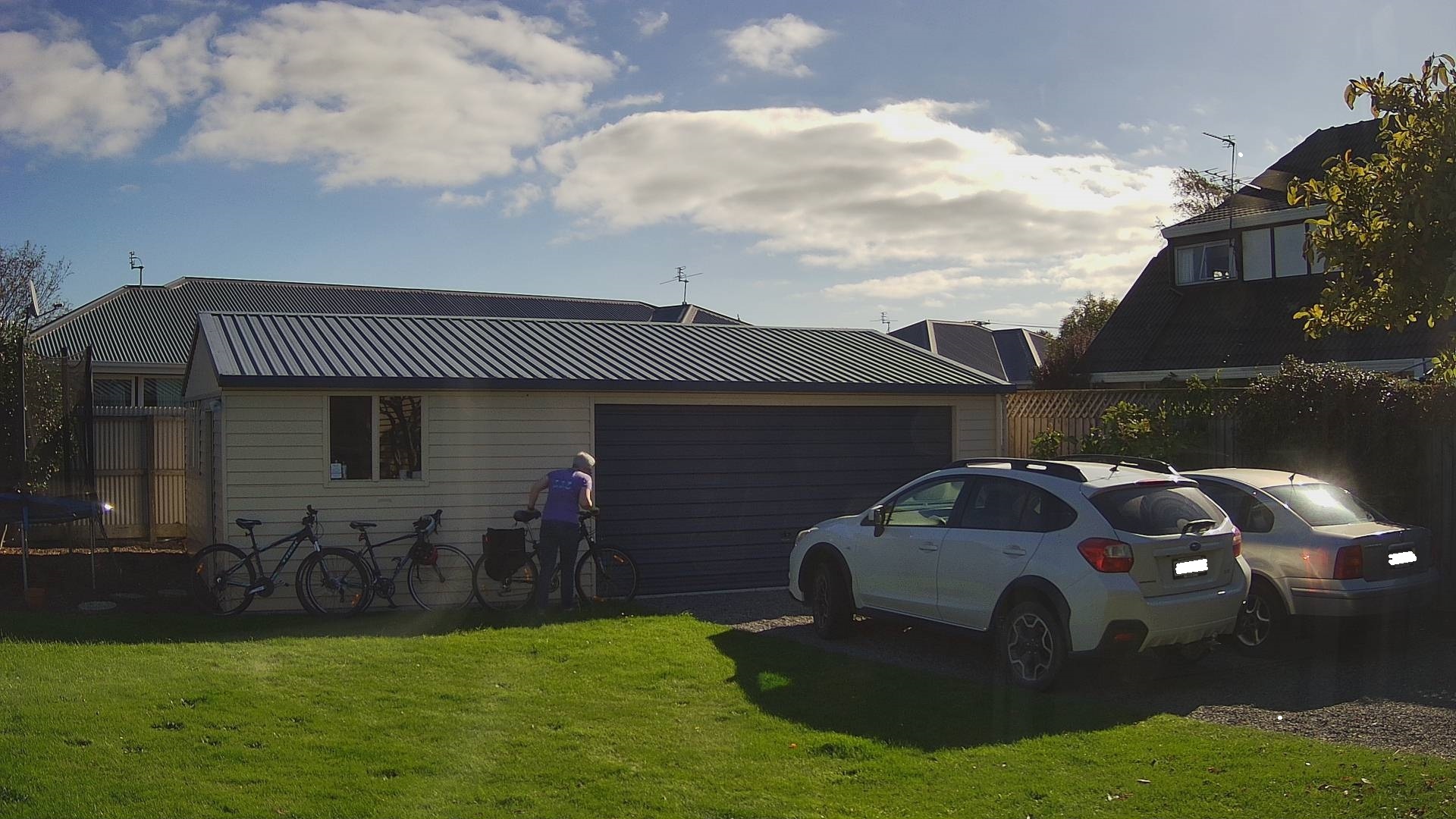
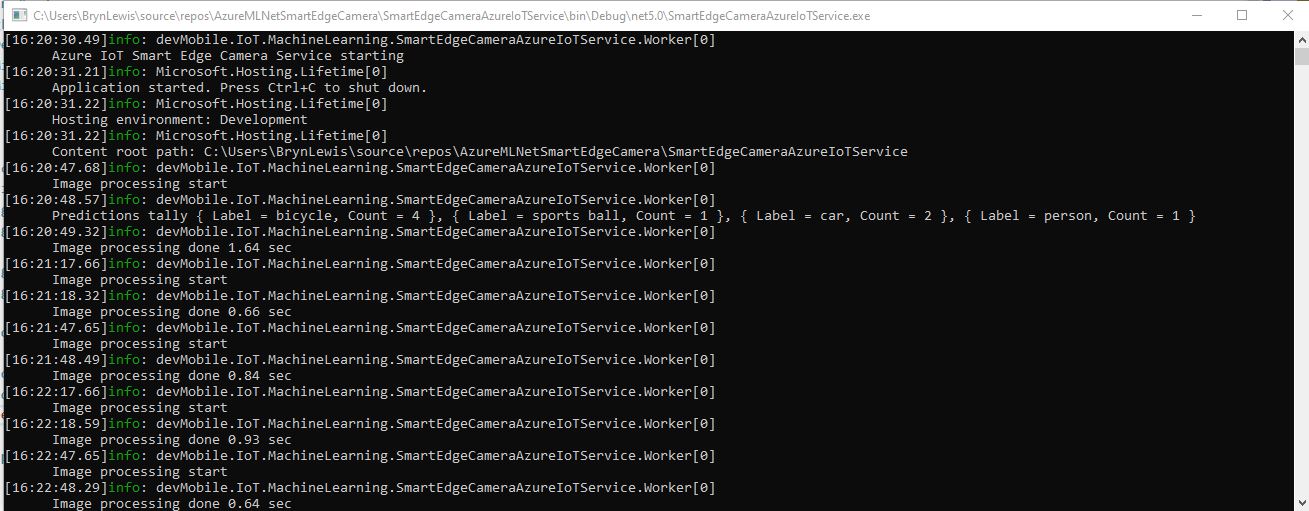
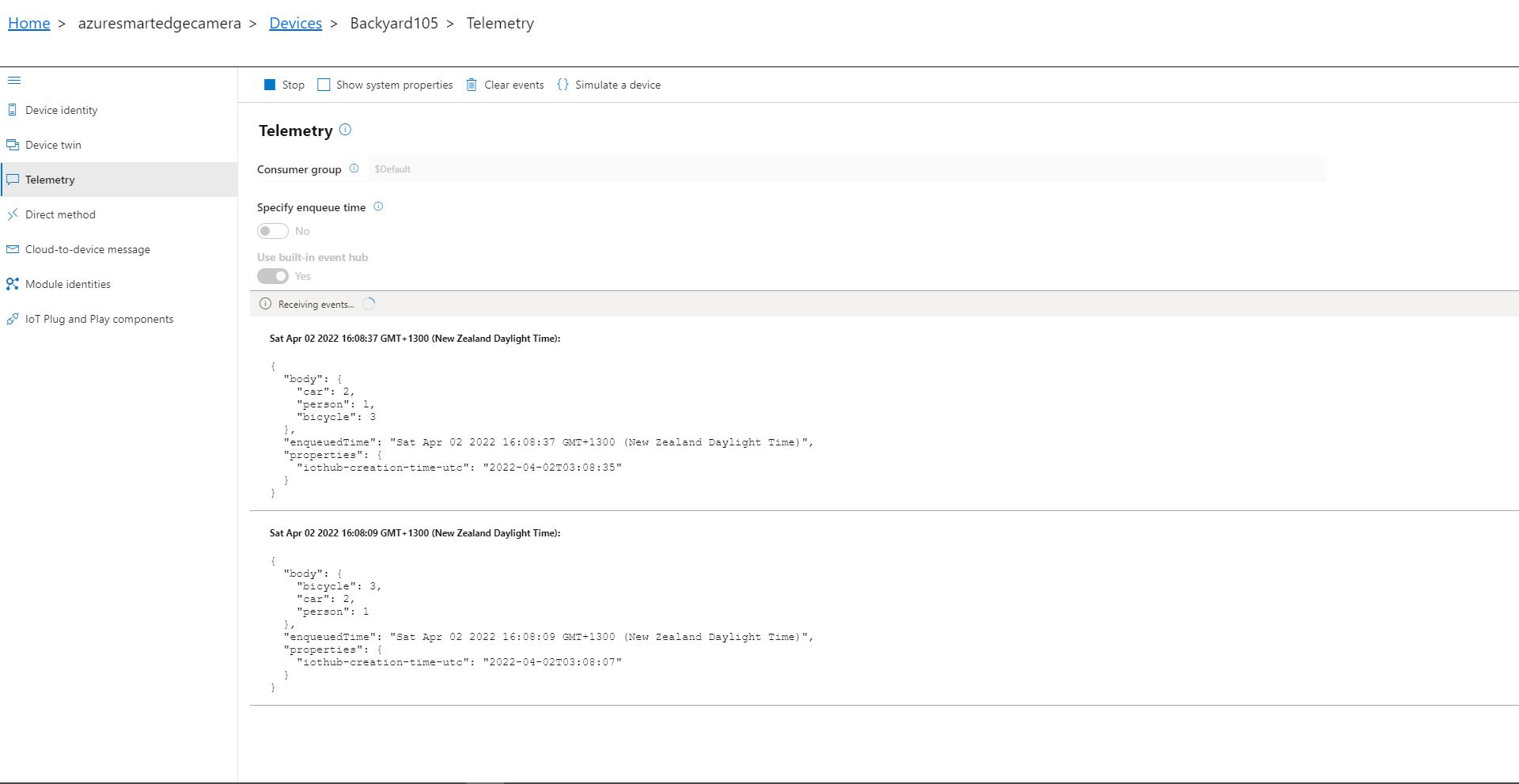
If there is an object with a label in the PredictionLabelsOfInterest list, a tally of each of the different object classes is sent to an Azure IoT Hub.
Cars and bicycles in my backyard with no object(s) of interest
SmartEdgeCameraAzureIoTService no object(s) of interest
Cars and bicycles in my backyard with one object of interest
SmartEdgeCameraAzureIoTService one object of interest
Azure IoT Explorer Telemetry with one object of interest
After the You Only Look Once(YOLOV5)+ML.Net+Open Neural Network Exchange(ONNX) plumbing has loaded a timer with a configurable due time and period is started. Using some Language Integrated Query (LINQ) code any predictions with a score < PredictionScoreThreshold are discarded, then the list of predictions is checked to see if there are any in the PredictionLabelsOfInterest. If there are any matching predictions a count of the instances of each class is generated with more LINQ code.
private async void ImageUpdateTimerCallback(object state)
{
	DateTime requestAtUtc = DateTime.UtcNow;

	// Just incase - stop code being called while photo already in progress
	if (_cameraBusy)
	{
		return;
	}
	_cameraBusy = true;

	_logger.LogInformation("Image processing start");

	try
	{
#if CAMERA_RASPBERRY_PI
		RaspberryPIImageCapture();
#endif
#if CAMERA_SECURITY
		SecurityCameraImageCapture();
#endif
		List<YoloPrediction> predictions;

		using (Image image = Image.FromFile(_applicationSettings.ImageCameraFilepath))
		{
			_logger.LogTrace("Prediction start");
			predictions = _scorer.Predict(image);
			_logger.LogTrace("Prediction done");
		}

		if (_logger.IsEnabled(LogLevel.Trace))
		{
			_logger.LogTrace("Predictions {0}", predictions.Select(p => new { p.Label.Name, p.Score }));
		}

		var predictionsOfInterest = predictions.Where(p => p.Score > _applicationSettings.PredicitionScoreThreshold)
										.Select(c => c.Label.Name)
										.Intersect(_applicationSettings.PredictionLabelsOfInterest, StringComparer.OrdinalIgnoreCase);

		if (predictionsOfInterest.Any())
		{
			if (_logger.IsEnabled(LogLevel.Trace))
			{
				_logger.LogTrace("Predictions of interest {0}", predictionsOfInterest.ToList());
			}

			var predictionsTally = predictions.GroupBy(p => p.Label.Name)
									.Select(p => new
									{
										Label = p.Key,
										Count = p.Count()
									});

			if (_logger.IsEnabled(LogLevel.Information))
			{
				_logger.LogInformation("Predictions tally {0}", predictionsTally.ToList());
			}

			JObject telemetryDataPoint = new JObject();

			foreach (var predictionTally in predictionsTally)
			{
				telemetryDataPoint.Add(predictionTally.Label, predictionTally.Count);
			}

			using (Message message = new Message(Encoding.ASCII.GetBytes(JsonConvert.SerializeObject(telemetryDataPoint))))
			{
				message.Properties.Add("iothub-creation-time-utc", requestAtUtc.ToString("s", CultureInfo.InvariantCulture));

				await _deviceClient.SendEventAsync(message);
			}
		}
	}
	catch (Exception ex)
	{
		_logger.LogError(ex, "Camera image download, post processing, telemetry failed");
	}
	finally
	{
		_cameraBusy = false;
	}

	TimeSpan duration = DateTime.UtcNow - requestAtUtc;

	_logger.LogInformation("Image processing done {0:f2} sec", duration.TotalSeconds);
}
There have been blog posts showing how to build Azure Percept integrations with Power BI, Azure Logic Appsetc. with “zero code”. But what do you do if your Azure Percept based solution needs some “glue” to connect to other systems?
I work on a SmartAg computer vision based application that uses security cameras to monitor the flow of cattle through stockyards. It has to control some local hardware, display real-time dashboards, and integrate with an existing application so a “zero code” solution wouldn’t work.
The initial plan was to take the Azure Percept to a piggery to see if I could build a Proof of Concept(PoC) of a product that the CEO and I had been discussing for a couple of weeks.
But shortly after I started working on this series of blog posts New Zealand went into strict lockdown. Only essential shops like supermarkets and petrol stations were open, our groceries were being delivered, and schools were closed.
I needed a demonstration application which used props I could source from home and the local petrol station. In addition my teenage son’s school was closed so he could be the project “intern”.
While at the local petrol station to buy milk I observed that they had a large selection of confectionary so we decided to build a series of object detection models to count different types of chocolates.
In a retail scenario this could be counting products on shelves, pallets in a cold store, or at the SmartAg start-up I work for counting cattle in a yard.
Configuring The Test Environment
I have not included screen shots of the hardware configuration process as this has been covered by other bloggers. Though, for projects like this I always create a new resource group so I can easily delete all the resources so my Azure invoice doesn’t cause “bill shock”.
Azure Resource Group Creation blade
I also created the Azure IoT Hub before configuring the Percept device rather than via the Device provisioning process.
Azure Percept configuration assigning an Azure IoT Hub
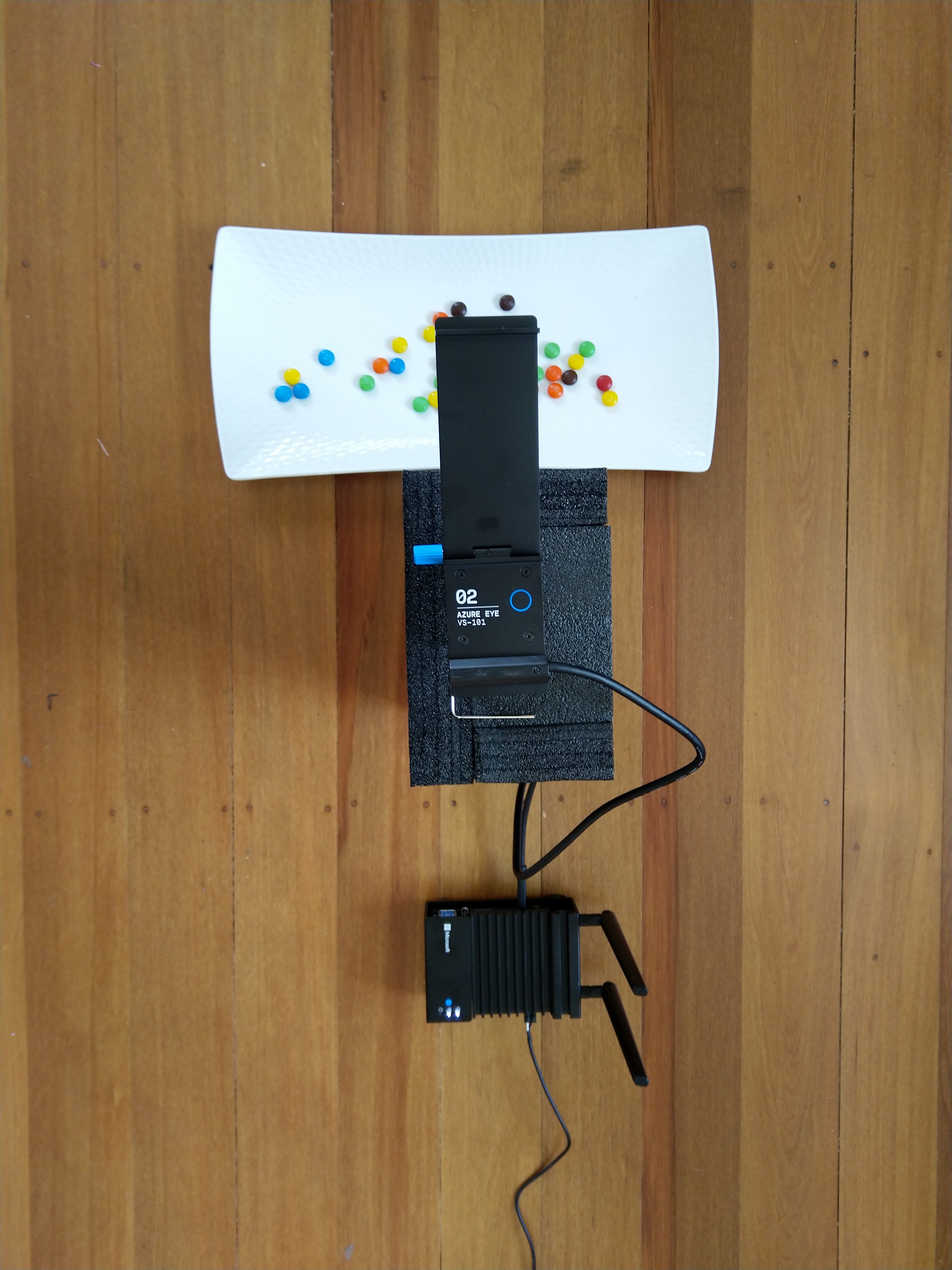
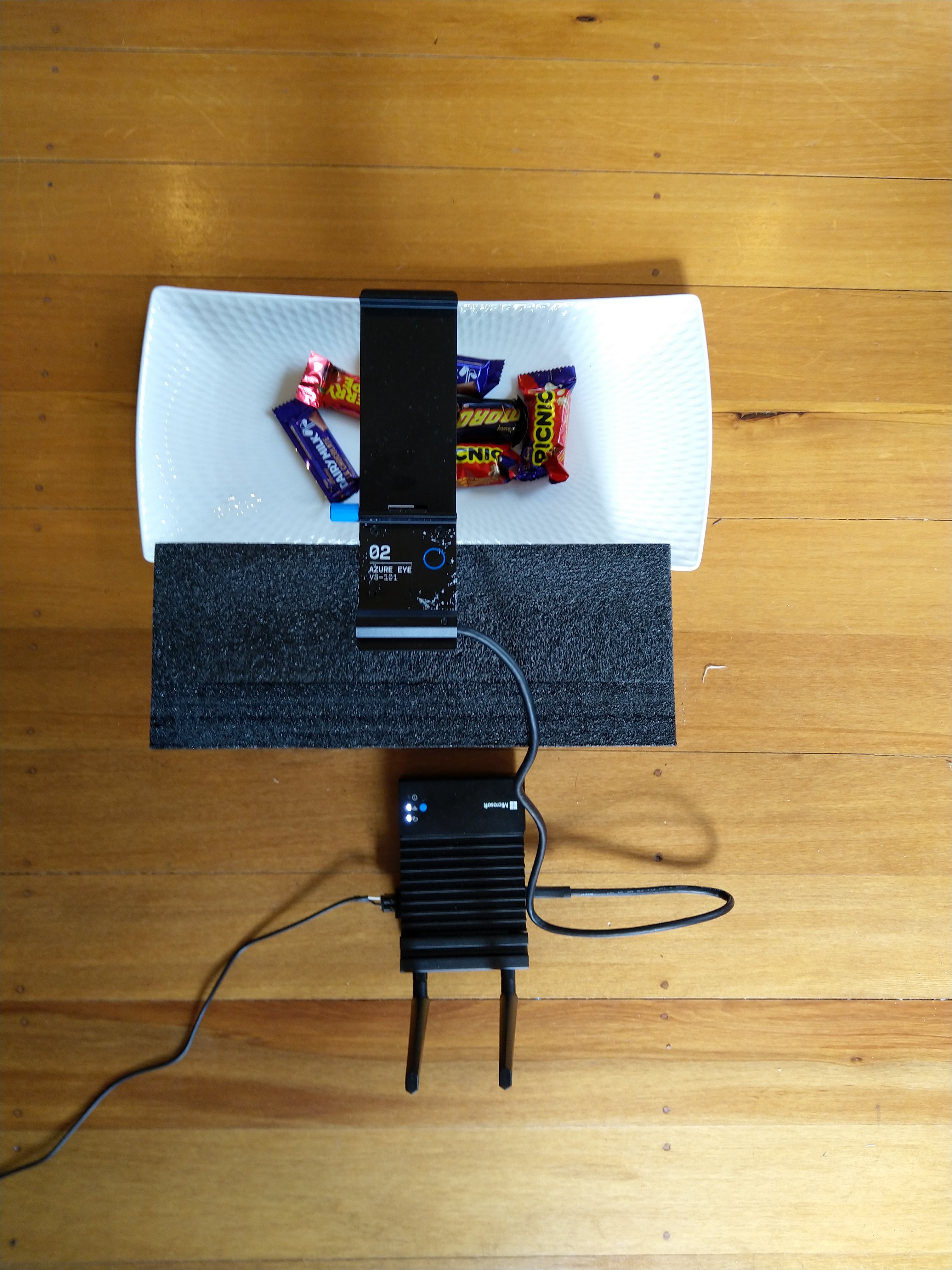
The intern trialed different trays, camera orientations, and lighting as part of building a test rig on the living room floor. After some trial and error, he identified the optimal camera orientation (on top of the packing foam) and lighting (indirect sunlight with no shadows) for reliable inferencing. As this was a proof-of-concept project we limited the number of variables so we didn’t have to collect lots of images which the intern would then have to mark up.
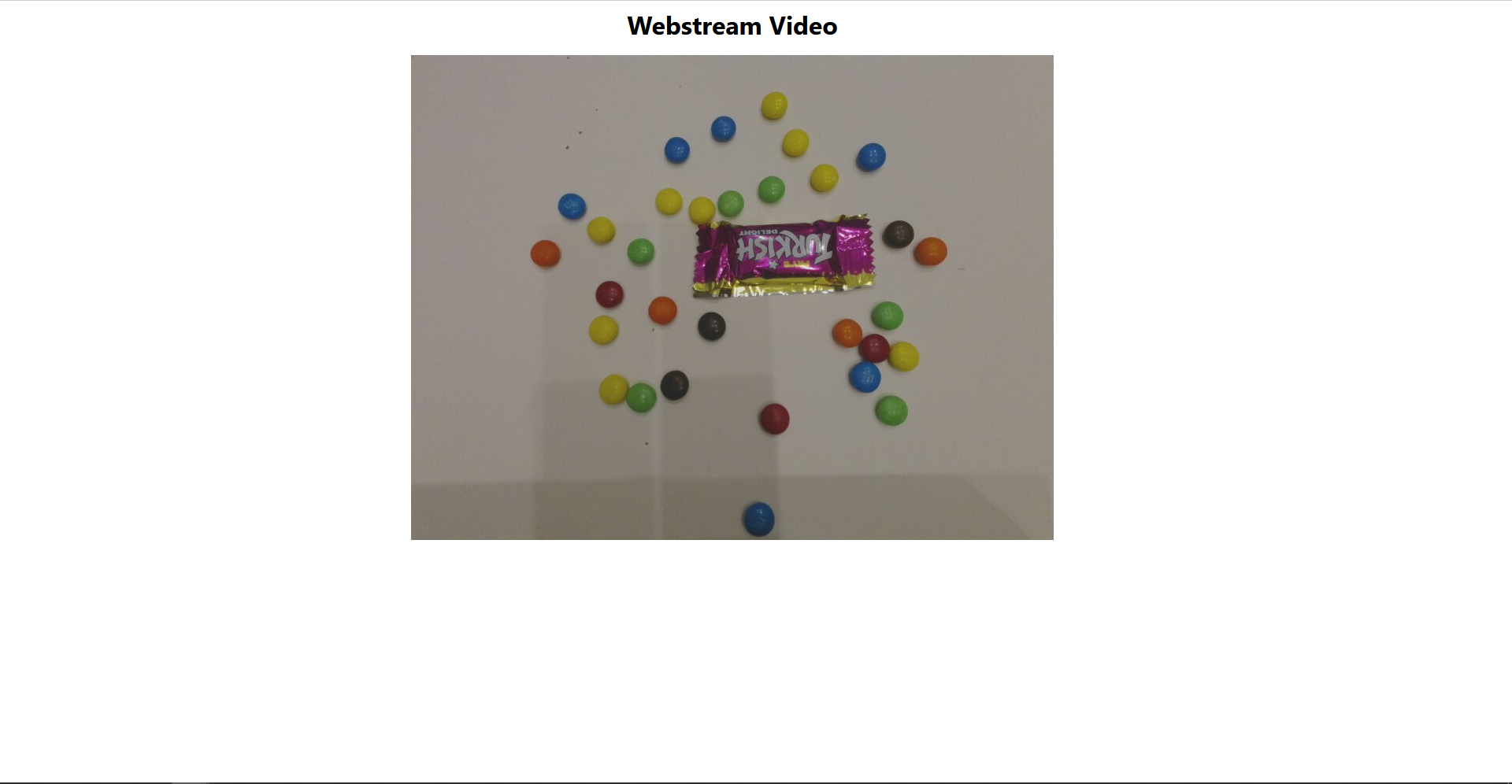
Trialing image capture with M&M’s
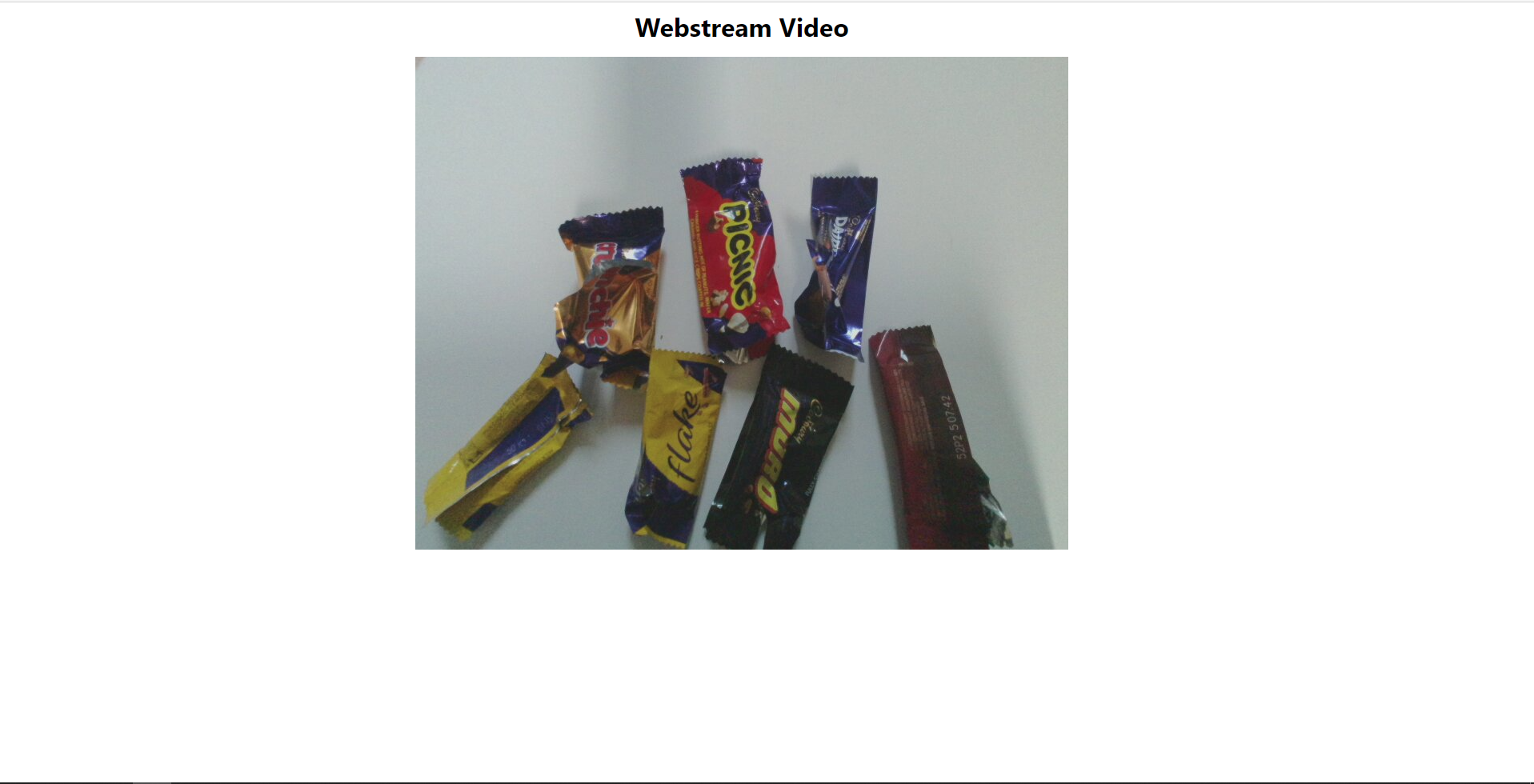
Trialling Image capture with Cadbury Favourites
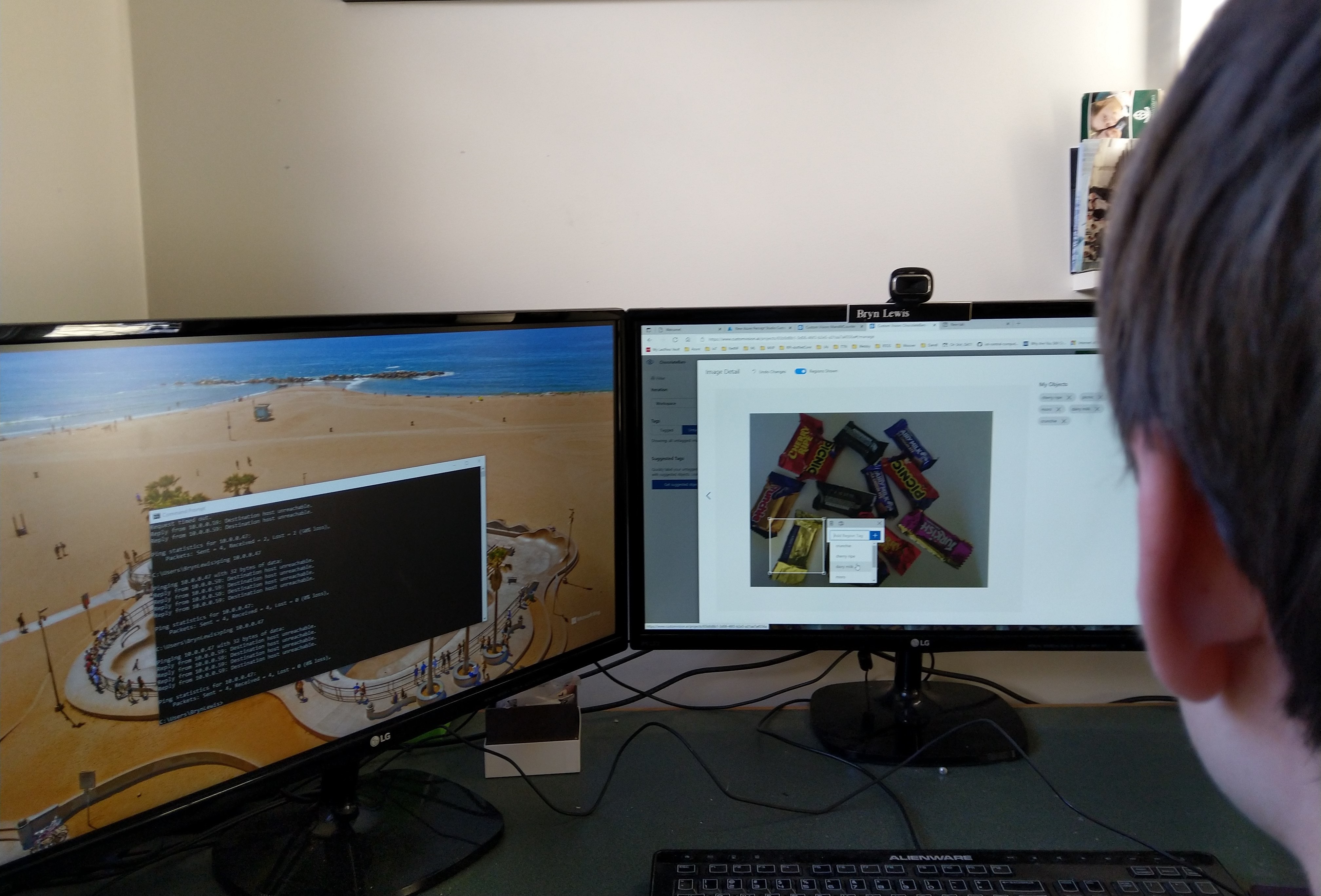
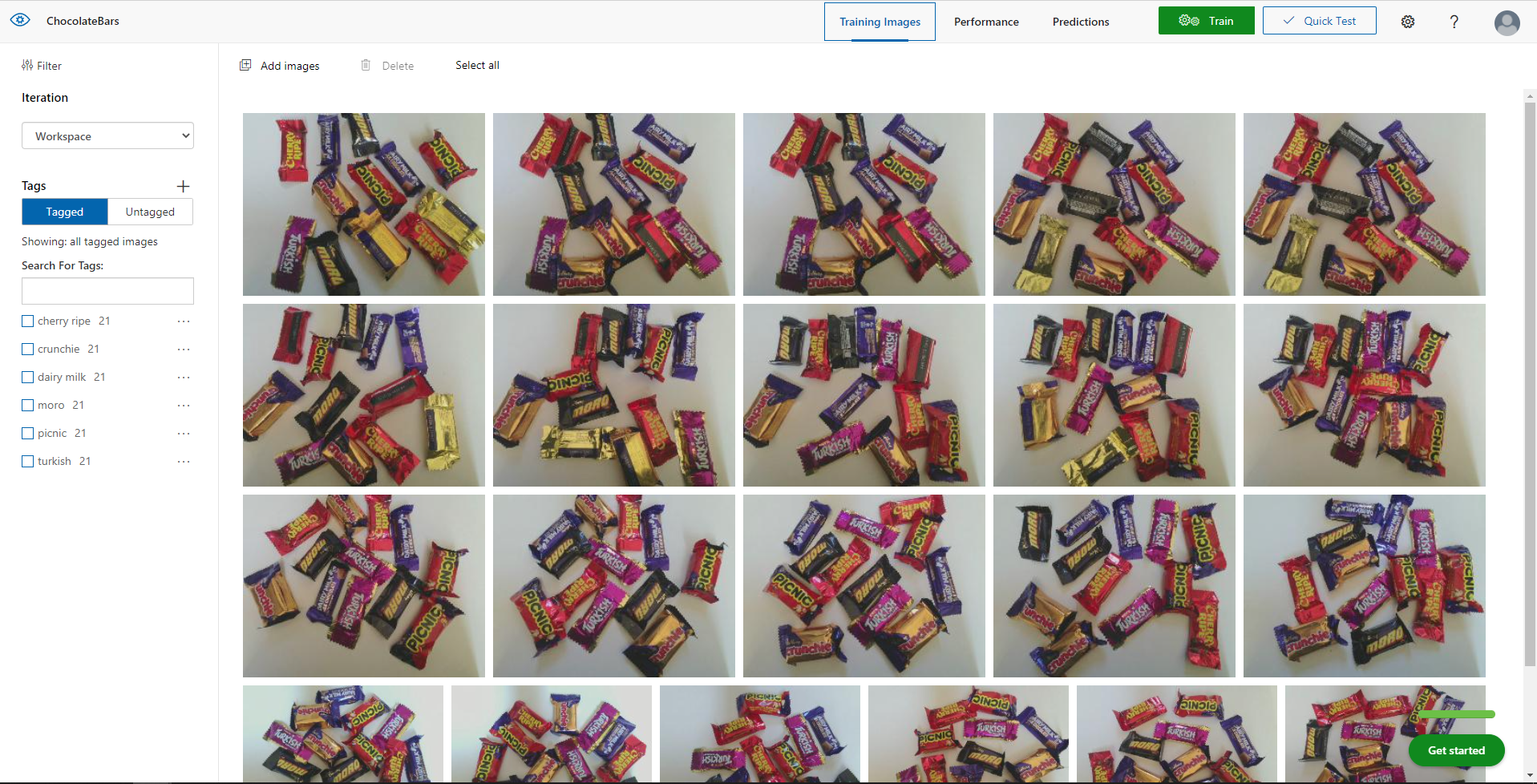
Azure Percept Studio + CustomVision.AI for capturing and marking up images
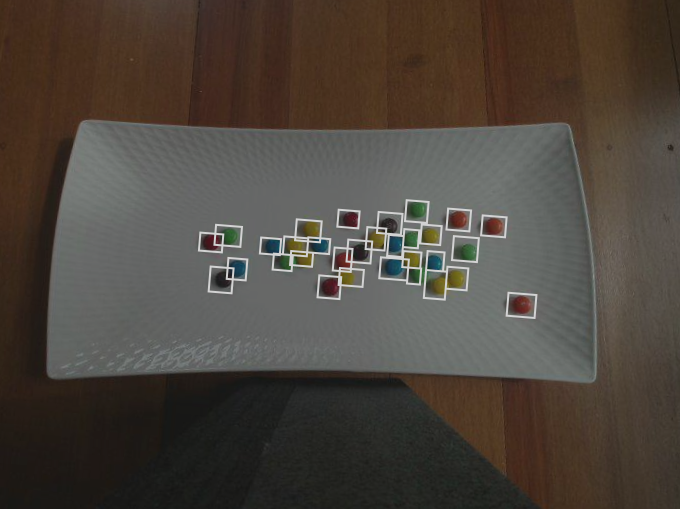
The intern then spent an afternoon drawing minimum bounding rectangles (MBRs) around the different chocolates in the images he had collected.
M&M Size issue
The intern then decided to focus on the chocolate bars after realising they were much easier and faster to markup than the M&Ms.
Cadbury Favourites images before markup
Training
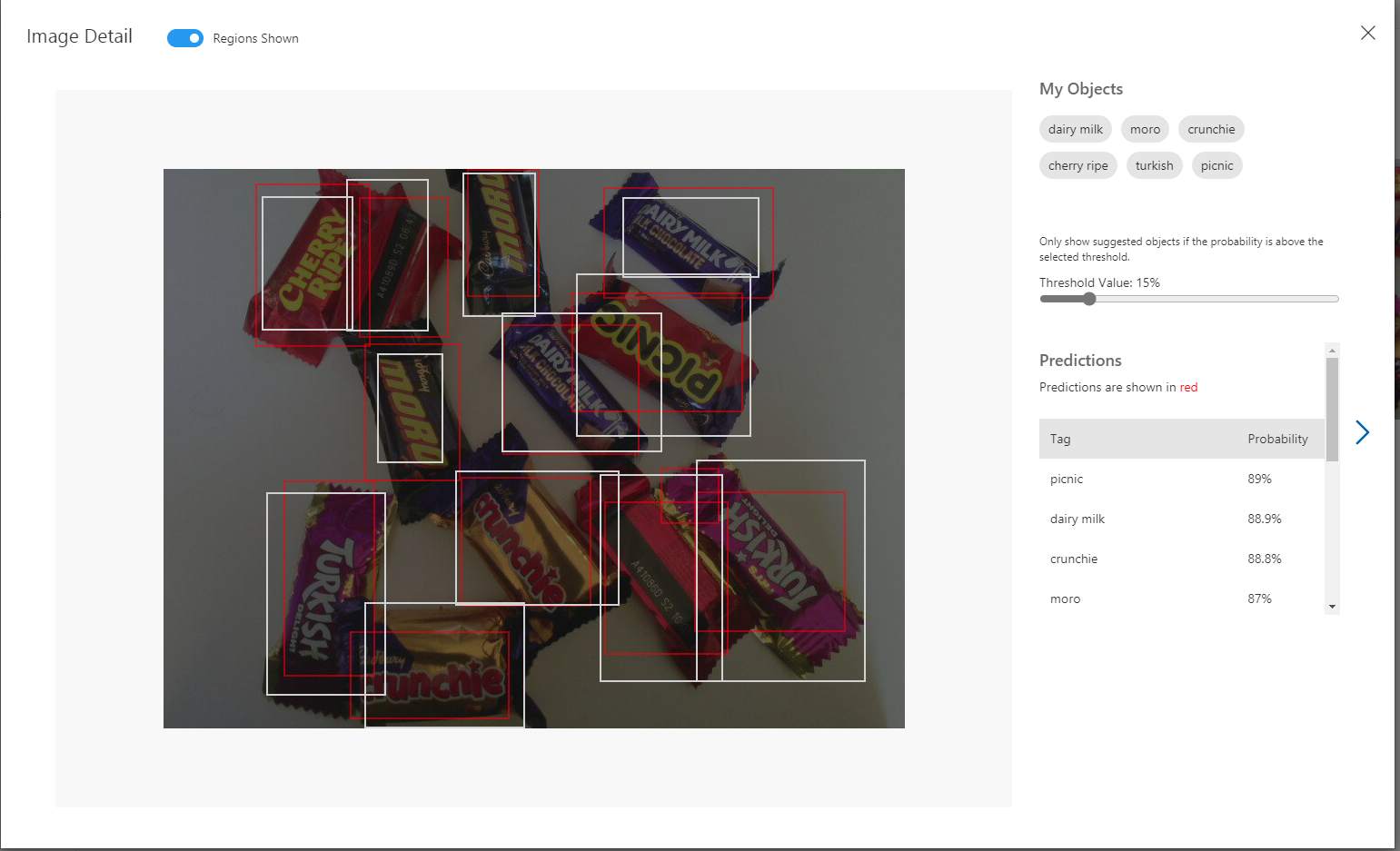
The intern repeatedly trained the model adding additional images and adjusting parameters until the results were “good enough”.
Fine-tuning the Configuration
After using the test rig one evening we found the performance of the model wasn’t great, so the intern collected more images with different lighting, shadows, chocolate bar placements, and orientations to improve the accuracy of the inferencing.
Manual reviewing of object detection results.
Inspecting the Inferencing Results
After several iterations the accuracy of the chocolate bar object detection model was acceptable I wanted to examine the telemetry that was being streamed to my Azure IoT Hub.
In Azure Percept Studio I could view (in a limited way) inferencing telemetry and check the quality and format of the results.
Azure Percept Studio device telemetry
I use Azure IoT Explorer on other projects to configure devices, view telemetry from devices, send messages to devices, view and modify device twinJSON etc. So I used it to inspect the inferencing results streamed to the Azure IoT Hub.
Azure IoT Explorer device telemetry
Summary
In an afternoon the intern had configured and trained a Custom Vision project for me that I could use to to build some “low code” integrations .
Project “Learnings”
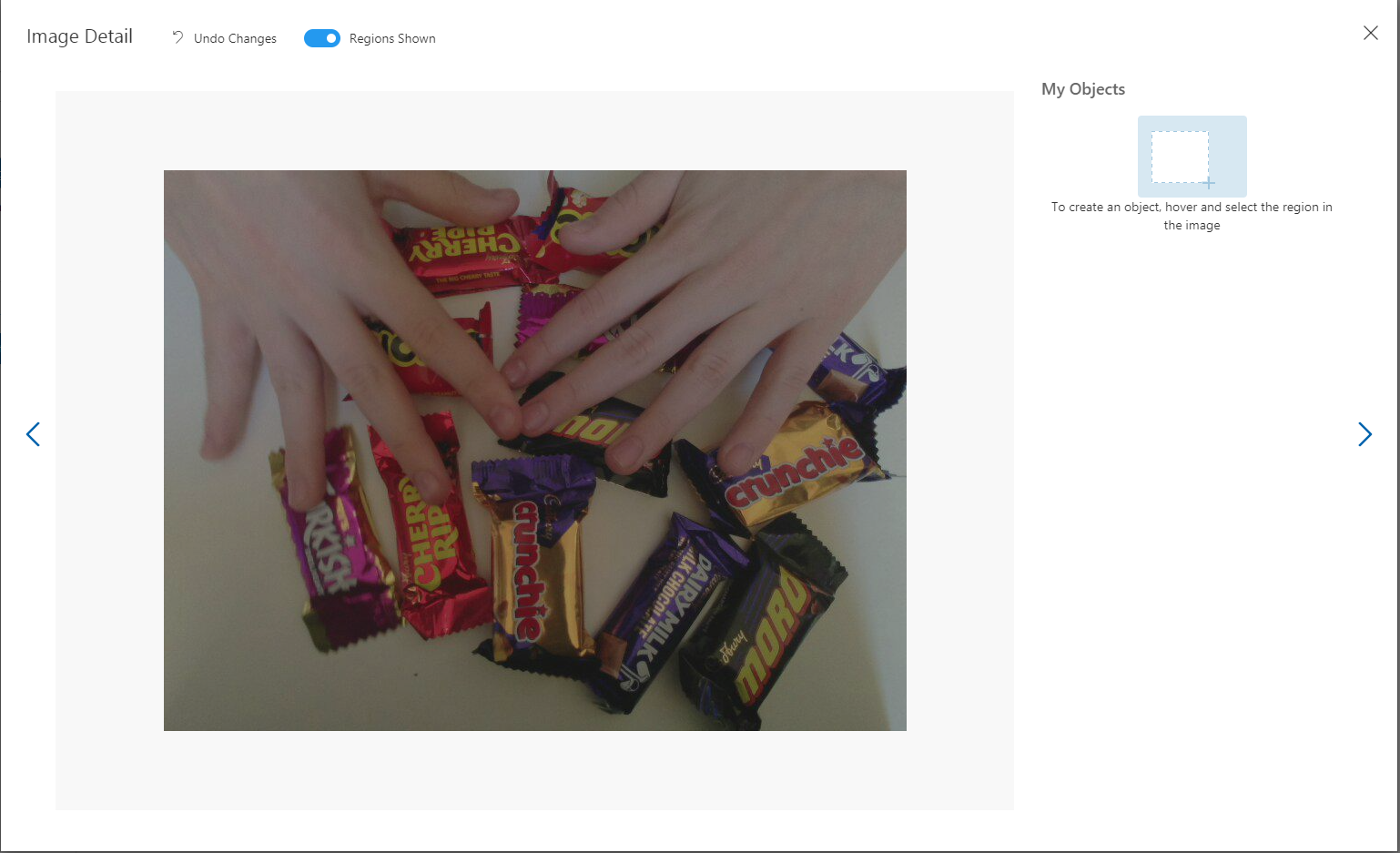
If the image capture delay is too short there will be images with hands.
Captured image with interns hands
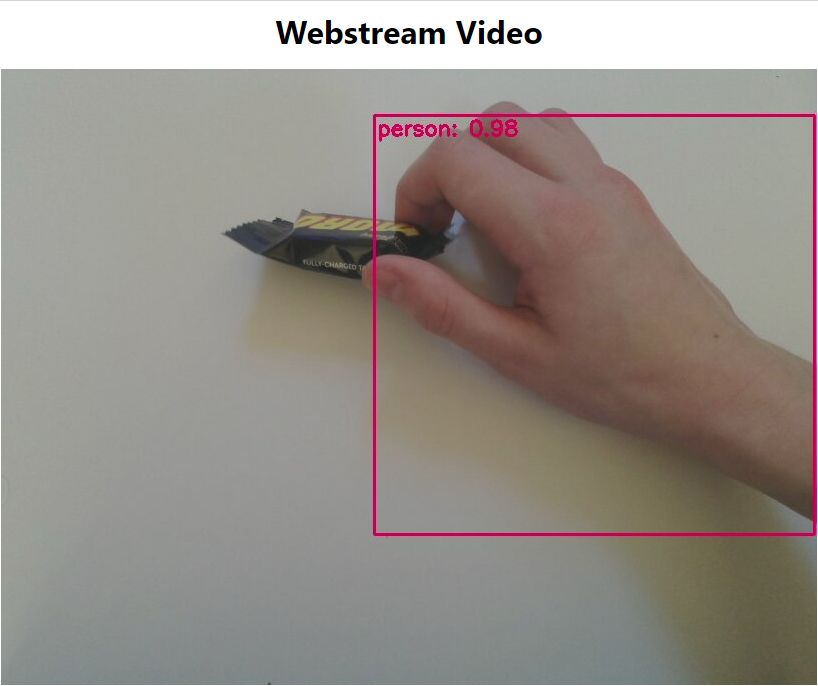
Though, the untrained model did identify the hands
The intern also discovered that by including images with “not favourites” the robustness of the model improved.
Cadbury Favourites with M&Ms
When I had to collect some more images for a blog post, I found the intern had consumed quite a few of the “props” and left the wrappers in the bottom of the Azure Percept packaging.







 devMobile's blog