To comply with the Ultralytics AGPL-3.0 License and to use an Ultralytics Pro plan the source code and models for an application have to be open source. Rather than publishing my YoloV8 model (which is quite large) this is the first in a series of posts which detail the process I used to create it. (which I think is more useful)
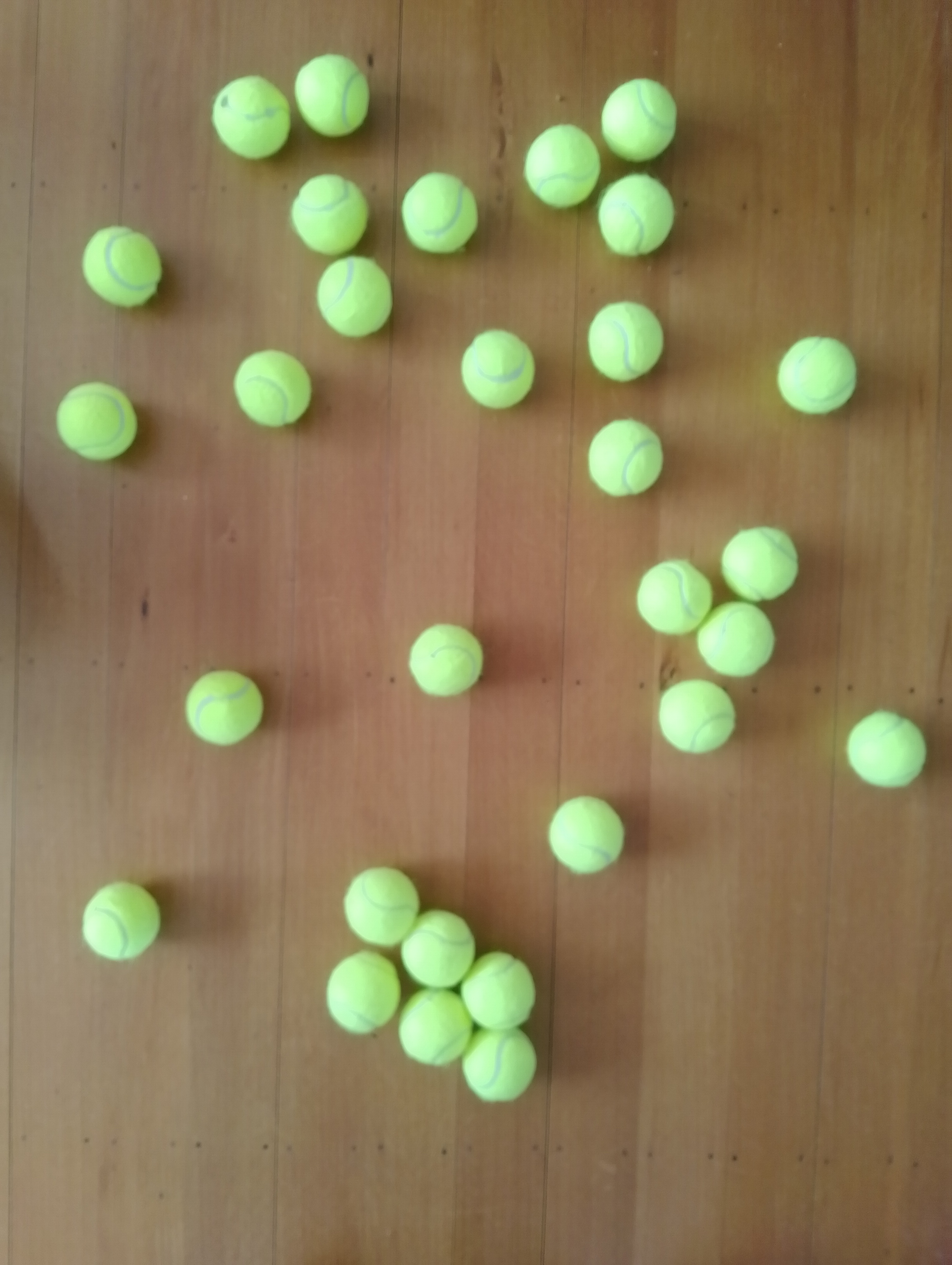
The single test image (not a good idea) is a photograph of 30 tennis balls on my living room floor.
I stared with the “default” yolov8s.onnx model which is included in the YoloV8 nuget package Github repository YoloV8.Demo application.
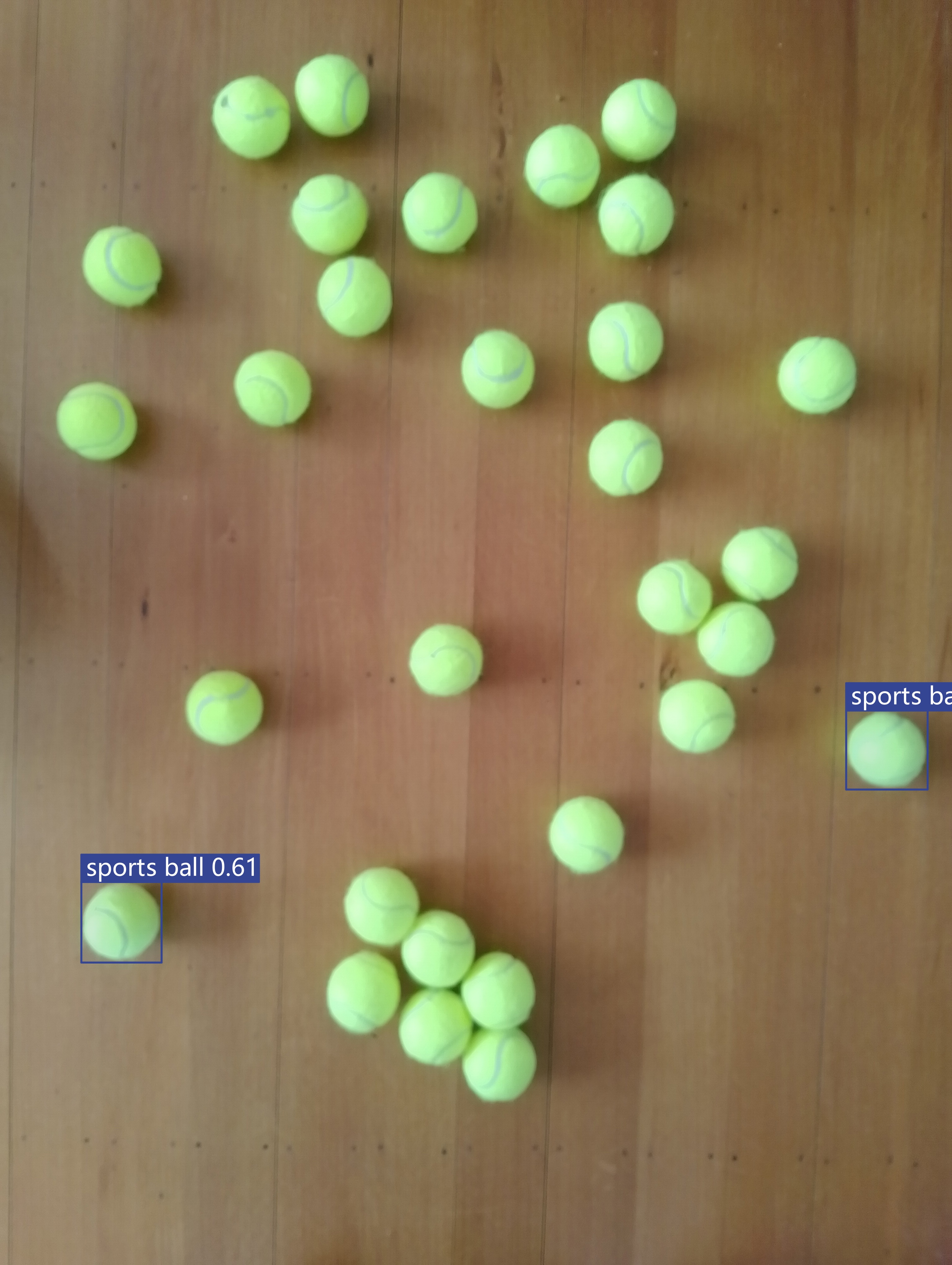
The object detection results using the “default” model were pretty bad, but this wasn’t a surprise as the model is not optimised for this sort of problem.
Roboflow has a suite of tools for annotating, automatic labelling, training and deployment of models as well as a roboflow universe which (according to their website) is “The largest resource of computer vision datasets and pre-trained models”.

I have used datasets from roboflow universe which is a great resource for building “proof of concept” applications.

The first step was to identify some datasets which would improve my tennis ball object detection model results. After some searching (with tennis, tennis-ball etc. classes) and filtering (object detection, has a model for faster evaluation, more the 5000 images) to reduce the search results to a manageable number, I identified 5 datasets worth further evaluation.
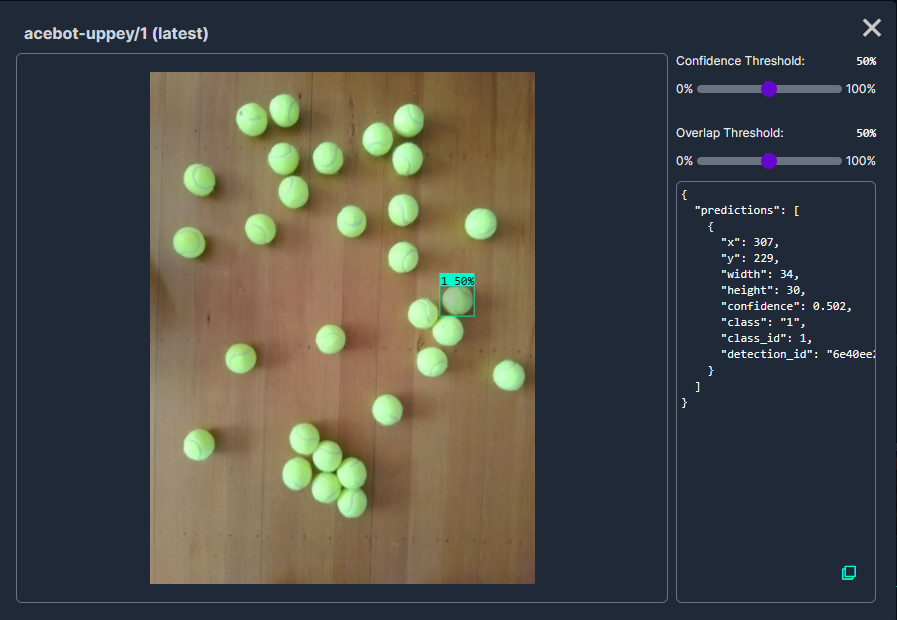
In my scenario the performance of the Acebot by Mrunal model was worse than the “default” yolov8s model.

In my scenario the performance of the tennis racket by test model was similar to the “default” yolov8s model.
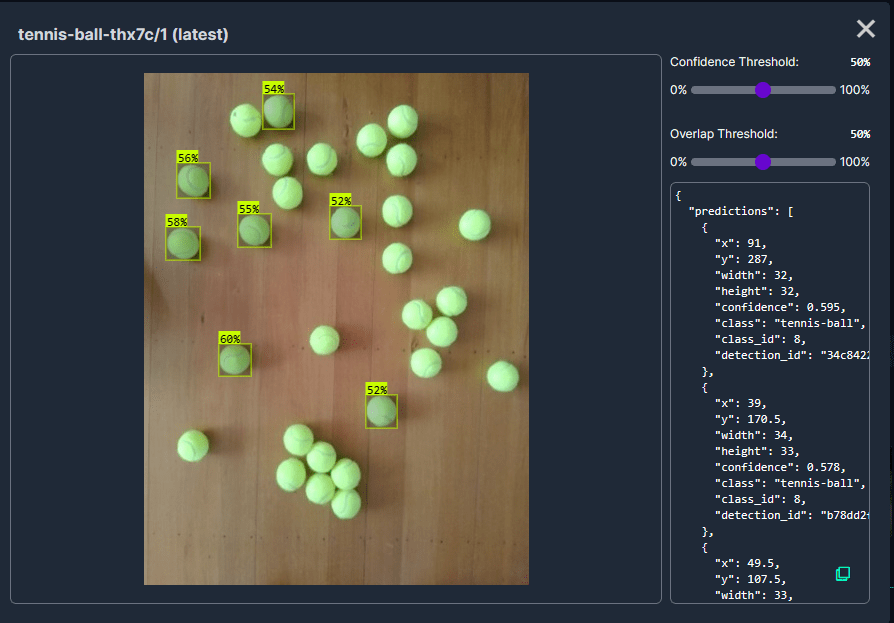
In my scenario the performance of the Tennis Ball by Hust model was a bit better than the “default” yolov8s mode

In my scenario the performance of the roboflow_oball by ahmedelshalkany model was pretty good it detected 28 of the 30 tennis balls.
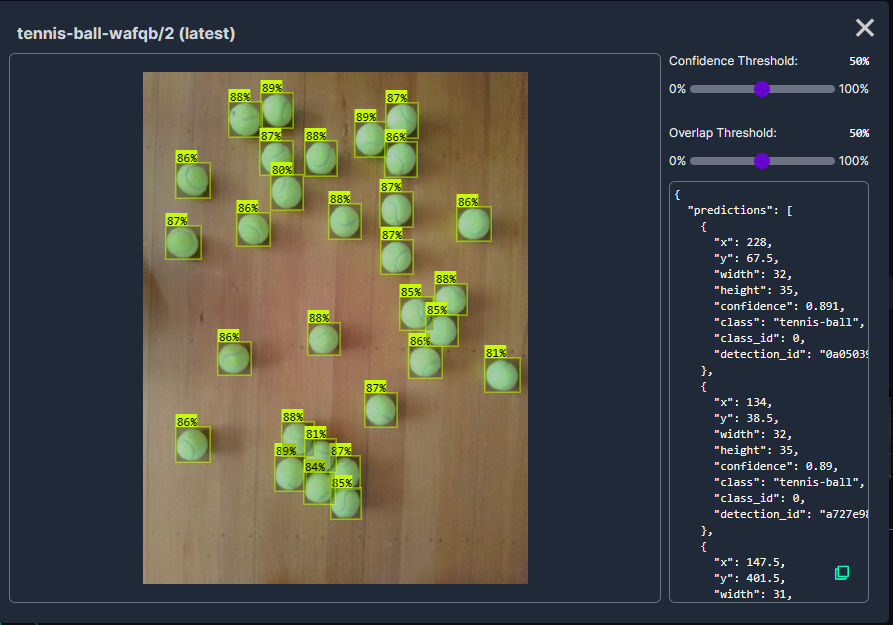
In my scenario the performance of the Tennis Ball by Ugur Ozdemir model was good it detected all of the 30 tennis balls.
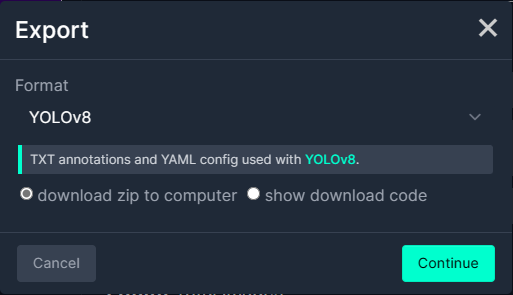
I then exported the Tennis Ball by Ugur Ozdemir dataset in a YoloV8 compatible format so I could use it on the Ultralytics Hub service with my Ultralytics Pro plan to train a model.
This post is not about how create a “good” dataset it is the approach I took to create a “proof of concept” dataset for a demonstration.
 devMobile's blog
Pingback: YoloV8-Training a model using Ultralytics Hub | devMobile's blog
Pingback: YoloV8-Training a model with Ultralytics Hub | devMobile's blog