Random wanderings through Microsoft Azure esp. PaaS plumbing, the IoT bits, AI on Micro controllers, AI on Edge Devices, .NET nanoFramework, .NET Core on *nix and ML.NET+ONNX
// XIAO ESP32S3 + RS485 breakout + Seeed 101991042 (RS-485 Modbus RTU)
// Reads: 0x0100 (calculated distance, mm), 0x0101 (real-time distance, mm),
//        0x0102 (temperature, 0.1°C). Can write 0x0200 (slave address).
// Serial: 9600 8N1 per datasheet. (Default slave addr = 0x01)

//Iot.Device.Modbus (namespace Iot.Device.Modbus.Client)
//using Iot.Device.Modbus;
using Iot.Device.Modbus.Client;
//using Microsoft.Extensions.Logging;
using nanoFramework.Hardware.Esp32;
//using nanoFramework.Logging.Debug;
using System;
using System.Diagnostics;
using System.IO.Ports;
using System.Threading;


namespace SeeedRS485500cmUltrasonicLevelSensor
{
   public class Program
   {
      // === Sensor Modbus params (from Seeed datasheet) ===
      private const byte SlaveAddress = 0x01;      // default
      private const ushort RegCalcDistance = 0x0100;// mm, ~500ms processing
      //private const ushort RegRealDistance = 0x0101;// mm, ~100ms
      private const ushort RegTemperature = 0x0102;// INT16, 0.1°C units
      private const ushort RegSlaveAddress = 0x0200;// R/W address register

      public static void Main()
      {
         ModbusClient _client;

         Console.WriteLine("Modbus: Seeed SKU101991042 Starting");

         Configuration.SetPinFunction(Gpio.IO06, DeviceFunction.COM2_RX);
         Configuration.SetPinFunction(Gpio.IO05, DeviceFunction.COM2_TX);
         // This port number is a bit weird, need to double check in RS485 Sender/Receiver apps
         Configuration.SetPinFunction(Gpio.IO03, DeviceFunction.COM2_RTS);

         var ports = SerialPort.GetPortNames();

         Debug.WriteLine("Available ports: ");
         foreach (string port in ports)
         {
            Debug.WriteLine($" {port}");
         }

         using (_client = new ModbusClient("COM2"))
         {
            _client.ReadTimeout = _client.WriteTimeout = 2000;

            //_client.Logger = new DebugLogger("ModbusClient")
            //{
            //   MinLogLevel = LogLevel.Debug
            //};

            while (true)
            {
               try
               {
                   // 0x0100 Calculated distance (mm). Takes ~500ms to compute per datasheet.
                  short[] calc = _client.ReadHoldingRegisters(SlaveAddress, RegCalcDistance, 1);
                  ushort calcMm = (ushort)calc[0];
                  float calcCm = calcMm / 10.0f;
                  Console.WriteLine($"Calculated distance: {calcMm} mm ({calcCm:F1} cm)");

                  /*
                  // 0x0101 Real-time distance (mm). Faster ~100ms response.
                  short[] real = _client.ReadHoldingRegisters(SlaveAddress, RegRealDistance, 1);
                  short realMm = real[0];
                  float realCm = realMm / 10.0f;
                  Console.WriteLine($"Real-time distance:  {realMm} mm ({realCm:F1} cm)");
                  */

                  // 0x0102 Temperature (INT16, 0.1°C)
                  short[] temp = _client.ReadHoldingRegisters(SlaveAddress, RegTemperature, 1);
                  short tempRaw = unchecked((short)temp[0]); // signed per datasheet
                  float tempC = tempRaw / 10.0f;
                  Console.WriteLine($"Temperature: {tempC:F1} °C");
               }
               catch (Exception ex)
               {
                  Console.WriteLine($"Modbus read failed: {ex.Message}");
               }

               Thread.Sleep(10000);
            }
         }
      }
   }
}
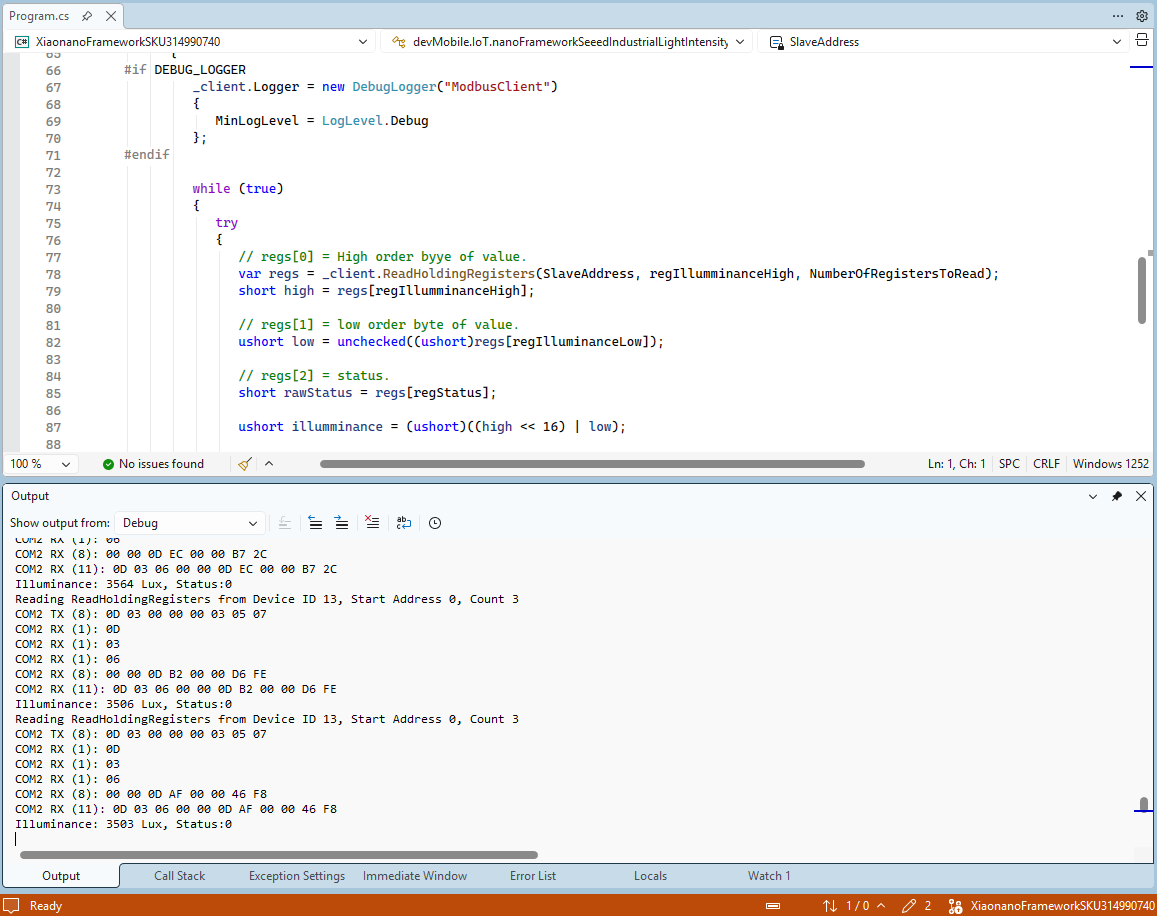
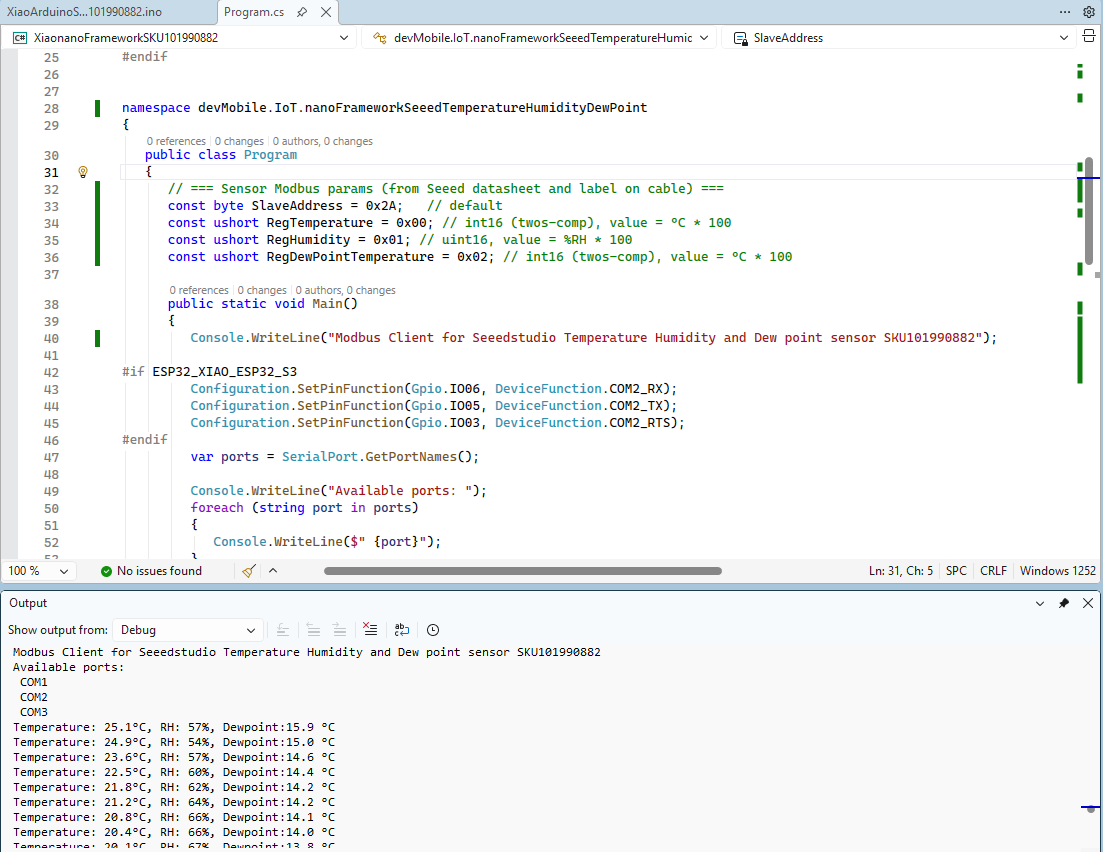
The nanoFramework logging support made debugging connectivity issues much faster. So much so I started with the nanoFramework application then progressed to the Arduino version.
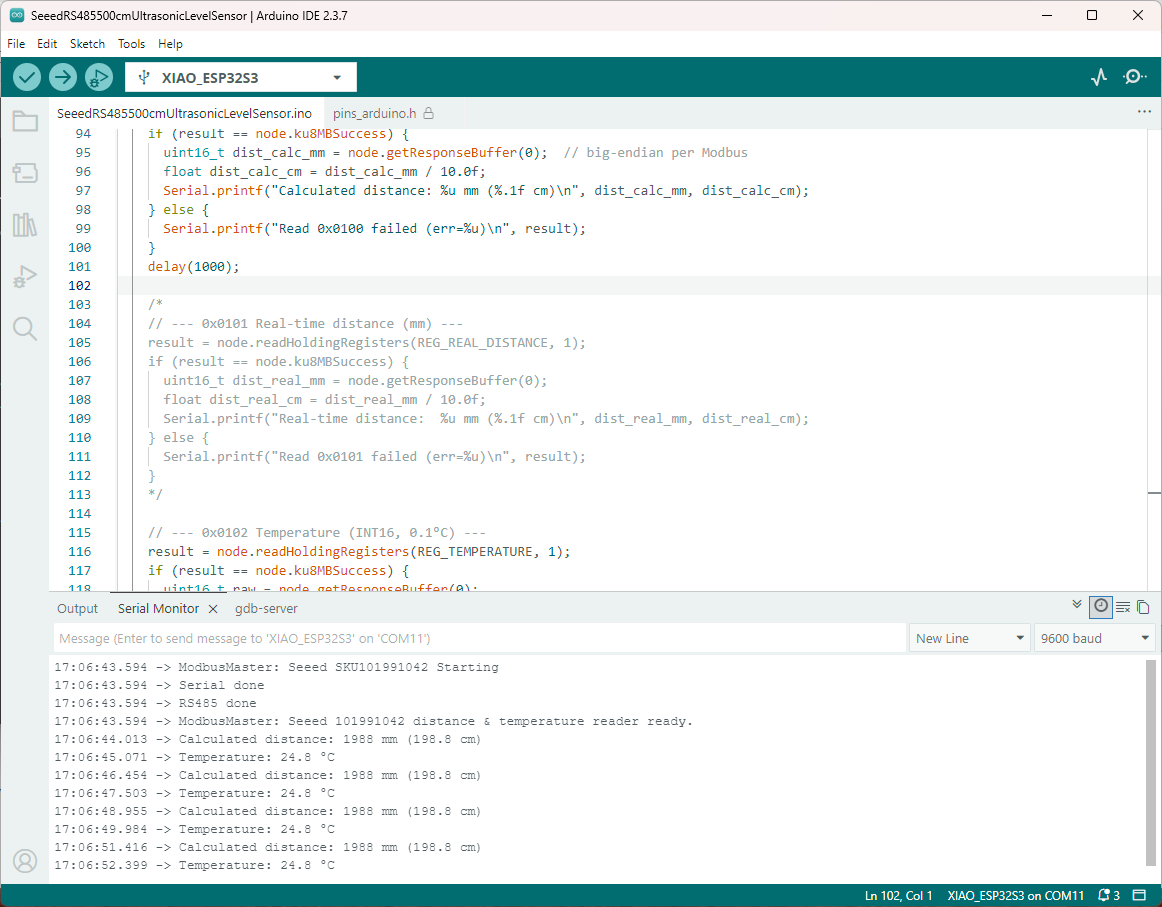
I had to add a short delay between each Modbus sensor value read to stop timeout errors.
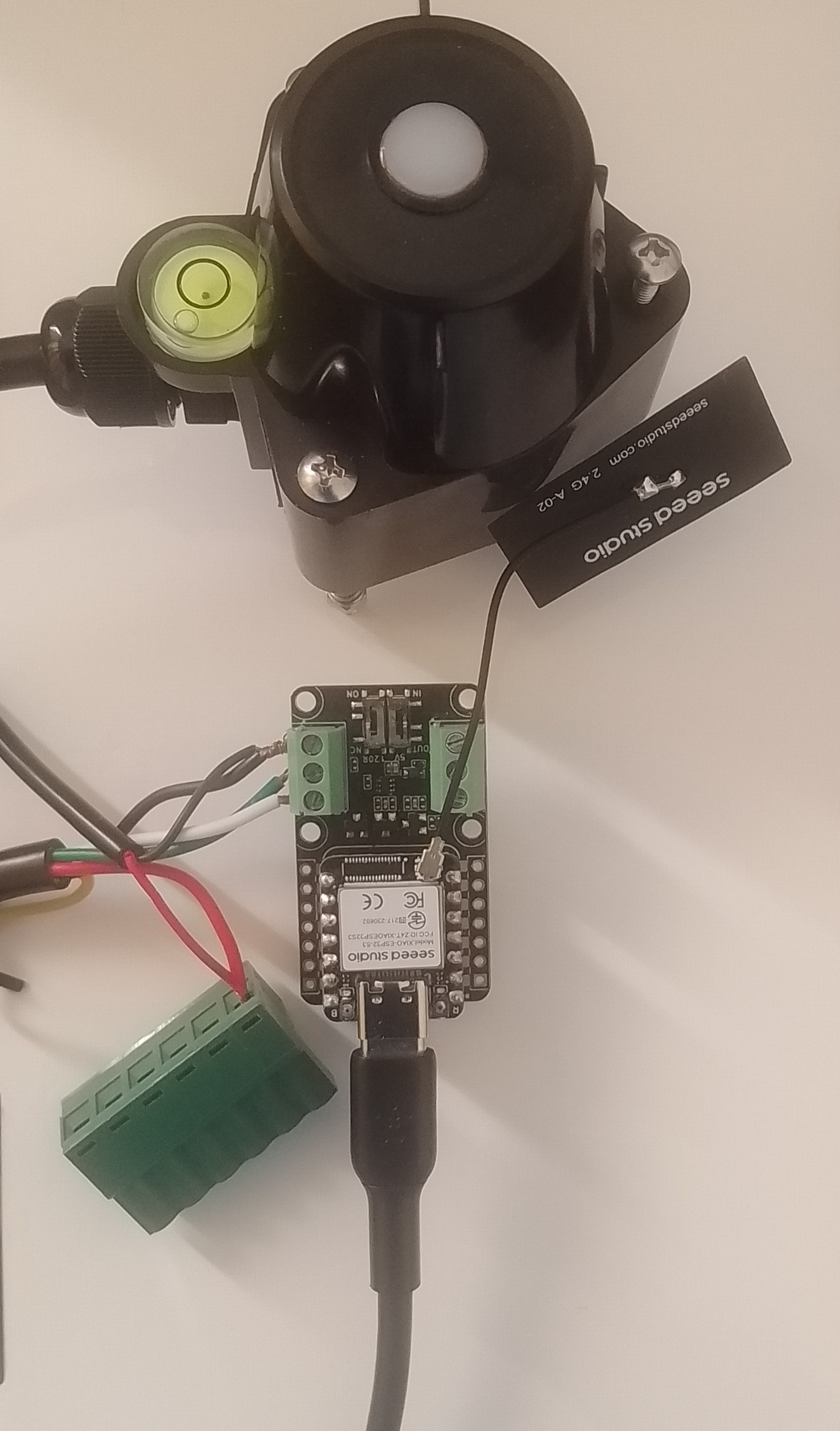
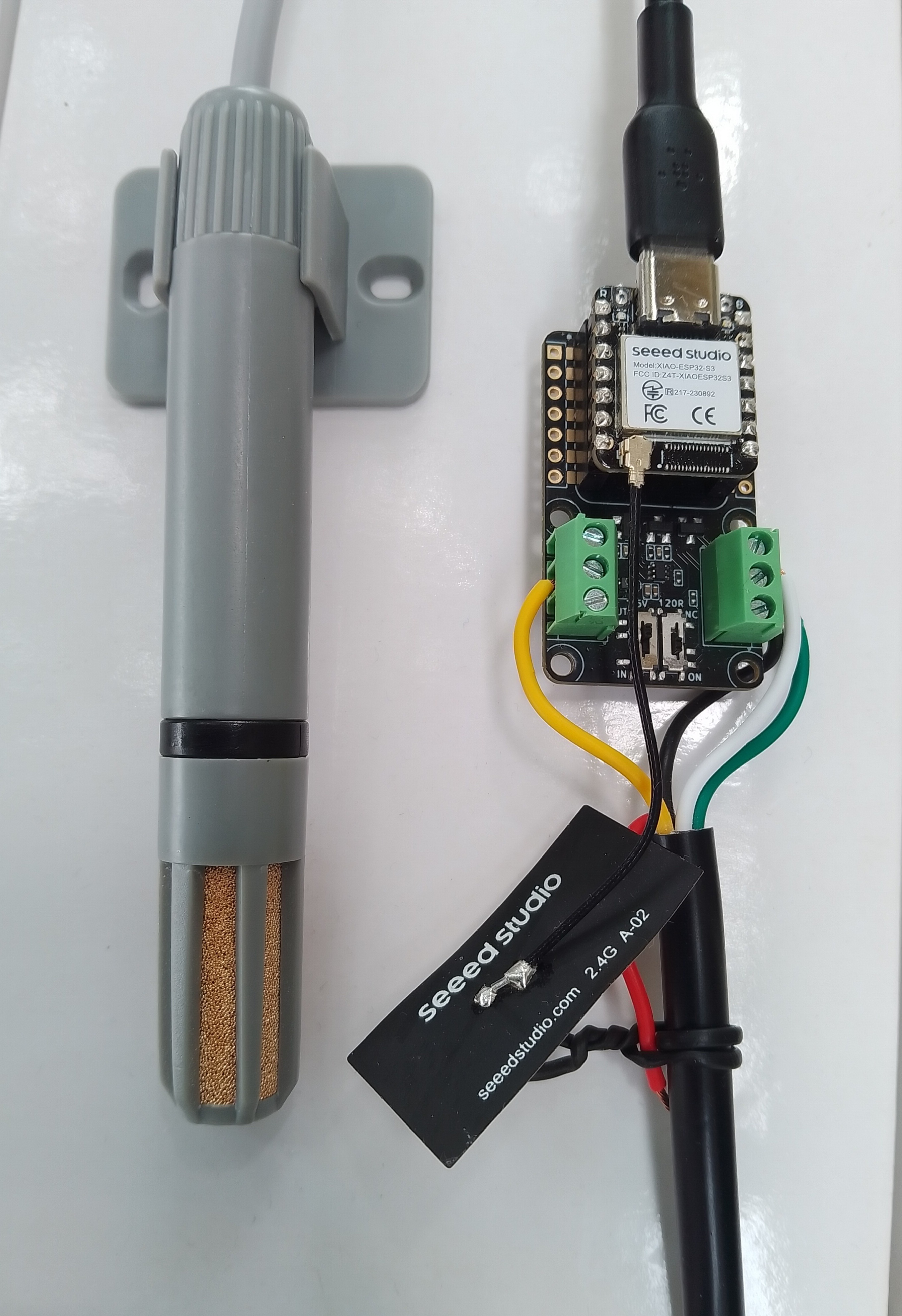

 devMobile's blog