.NET nanoFramework SHT20 library on Github

The full source code (just need to do readme) of my .NET nanoFramework Sensirion SHT20 temperature and humidity(Waterproof) library is now available on GitHub. I have tested the library and sample application with Sparkfun Thing Plus and ST Micro STM32F7691 Discovery devices. (I can validate on more platform configurations if there is interest).

Important: make sure you setup the I2C pins especially on ESP32 Devices before creating the I2cDevice,
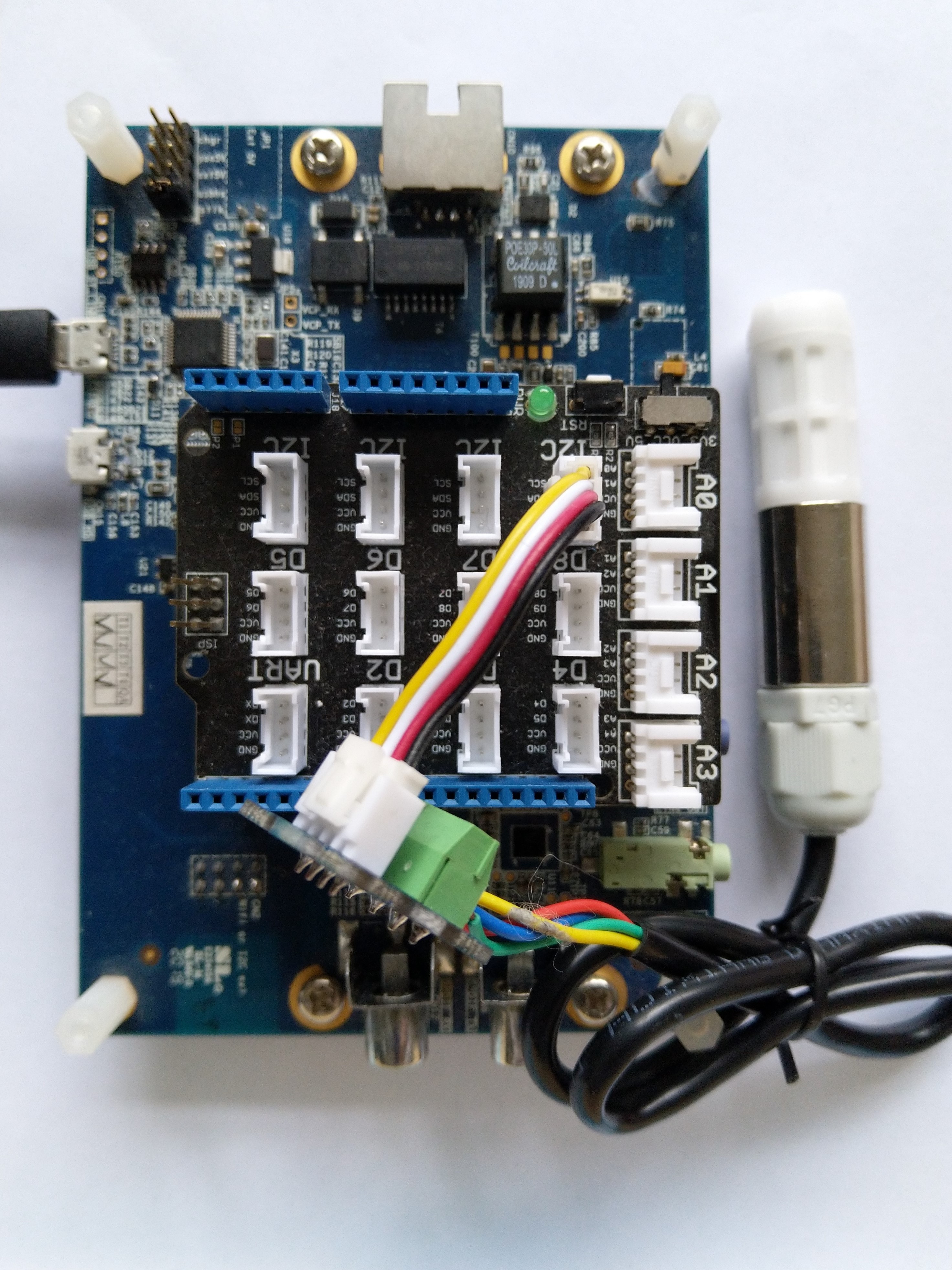
SHT20 +STM32F769 Discovery test rig

The .NET nanoFramework device libraries use a TryGet… pattern to retrieve sensor value, this library throws an exception if reading a sensor value fails. I’m not certain which approach is “better” as reading Sensirion SHT20 temperature and humidity(Waterproof) has never failed The only time reading a value failed was when I unplugged the device which I think is “exceptional”.

//---------------------------------------------------------------------------------
// Copyright (c) March 2023, devMobile Software
//
// Licensed under the Apache License, Version 2.0 (the "License");
// you may not use this file except in compliance with the License.
// You may obtain a copy of the License at
//
//     http://www.apache.org/licenses/LICENSE-2.0
//
// Unless required by applicable law or agreed to in writing, software
// distributed under the License is distributed on an "AS IS" BASIS,
// WITHOUT WARRANTIES OR CONDITIONS OF ANY KIND, either express or implied.
// See the License for the specific language governing permissions and
// limitations under the License.
//
// nanoff --target ST_STM32F769I_DISCOVERY --update 
// nanoff --platform ESP32 --serialport COM7 --update
//
//---------------------------------------------------------------------------------
#define ST_STM32F769I_DISCOVERY 
//#define  SPARKFUN_ESP32_THING_PLUS
namespace devMobile.IoT.Device.Sht20
{
    using System;
    using System.Device.I2c;
    using System.Threading;

#if SPARKFUN_ESP32_THING_PLUS
    using nanoFramework.Hardware.Esp32;
#endif

    class Program
    {
        static void Main(string[] args)
        {
            const int busId = 1;

            Thread.Sleep(5000);

#if SPARKFUN_ESP32_THING_PLUS
            Configuration.SetPinFunction(Gpio.IO23, DeviceFunction.I2C1_DATA);
            Configuration.SetPinFunction(Gpio.IO22, DeviceFunction.I2C1_CLOCK);
#endif

            I2cConnectionSettings i2cConnectionSettings = new(busId, Sht20.DefaultI2cAddress);

            using I2cDevice i2cDevice = I2cDevice.Create(i2cConnectionSettings);
            {
                using (Sht20 sht20 = new Sht20(i2cDevice))
                {
                    sht20.Reset();

                    while (true)
                    {
                        double temperature = sht20.Temperature();
                        double humidity = sht20.Humidity();
#if HEATER_ON_OFF
					    sht20.HeaterOn();
					    Console.WriteLine($"{DateTime.Now:HH:mm:ss} HeaterOn:{sht20.IsHeaterOn()}");
#endif
                        Console.WriteLine($"{DateTime.UtcNow:HH:mm:ss} Temperature:{temperature:F1}°C Humidity:{humidity:F0}% HeaterOn:{sht20.IsHeaterOn()}");
#if HEATER_ON_OFF
					    sht20.HeaterOff();
					    Console.WriteLine($"{DateTime.Now:HH:mm:ss} HeaterOn:{sht20.IsHeaterOn()}");
#endif
                        Thread.Sleep(1000);
                    }
                }
            }
        }
    }
}

I’m going to soak test the library for a week to check that is working okay, then most probably refactor the code so it can be added to the nanoFramework IoT.Device Library repository.
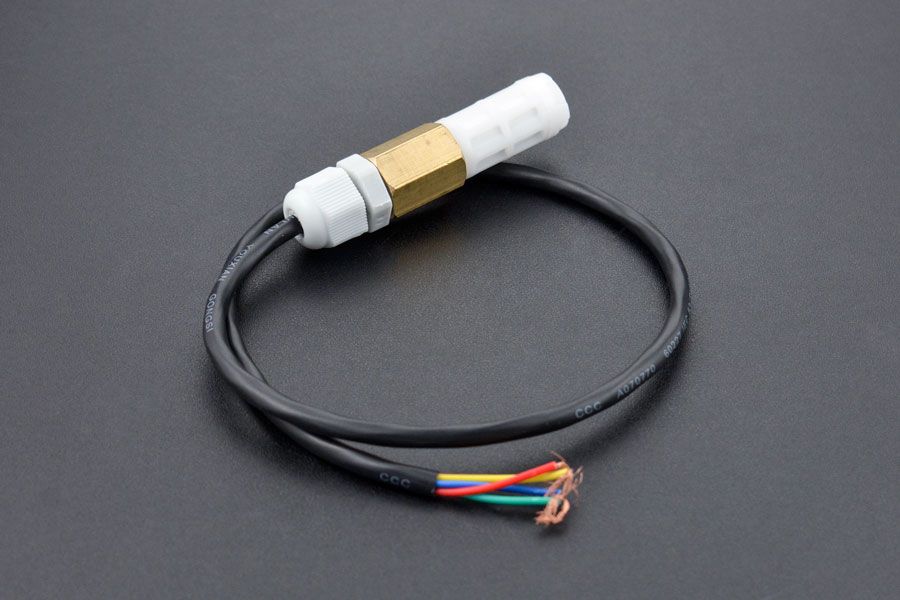
.NET nanoFramework SHT20 Basic connectivity

A couple of years ago I wrote a .NET Core library for the Sensirion SHT20 temperature and humidity(Waterproof) sensor from DFRobot. This .NET nanoFramework version was “inspired” by the .NET Core library version, though I have added some message validation functionality.

DF Robot SHT20 Waterproof sensor

My test setup is a simple .NET nanoFramework console application running on an STM32F7691 Discovery board.

Discovery STM32F769 + SHT20 Testrig

The SH20DeviceI2C application has lots of magic numbers from the SHT20 datasheet and was just a tool for exploring how the sensor works.

 public static void Main()
{
    I2cConnectionSettings i2cConnectionSettings = new(1, 0x40);

    // i2cDevice.Dispose in final program
    I2cDevice i2cDevice = I2cDevice.Create(i2cConnectionSettings);

    while (true)
    {
        byte[] readBuffer = new byte[3] { 0, 0, 0 };

        // First temperature
        i2cDevice.WriteByte(0xF3);

        //Thread.Sleep(50); // no go -46.8
        //Thread.Sleep(60);
        Thread.Sleep(70);
        //Thread.Sleep(90);
        //Thread.Sleep(110);

        i2cDevice.Read(readBuffer);

        ushort temperatureRaw = (ushort)(readBuffer[0] << 8);
        temperatureRaw += readBuffer[1];

        //Debug.WriteLine($"Raw {temperatureRaw}");

        double temperature = temperatureRaw * (175.72 / 65536.0) - 46.85;

        // Then read the Humidity
        i2cDevice.WriteByte(0xF5);

        //Thread.Sleep(50);  
        //Thread.Sleep(60);  
        Thread.Sleep(70);  
        //Thread.Sleep(90);  
        //Thread.Sleep(110);   
                
        i2cDevice.Read(readBuffer);

        ushort humidityRaw = (ushort)(readBuffer[0] << 8);
        humidityRaw += readBuffer[1];

        //Debug.WriteLine($"Raw {humidityRaw}");

        double humidity = humidityRaw * (125.0 / 65536.0) - 6.0;

        //Console.WriteLine($"{DateTime.UtcNow:HH:mm:ss} Temperature:{temperature:F1}°C");
        //Console.WriteLine($"{DateTime.UtcNow:HH:mm:ss} Humidity:{humidity:F0}%");
        Console.WriteLine($"{DateTime.UtcNow:HH:mm:ss} Temperature:{temperature:F1}°C Humidity:{humidity:F0}%");

        Thread.Sleep(1000);
    }
}

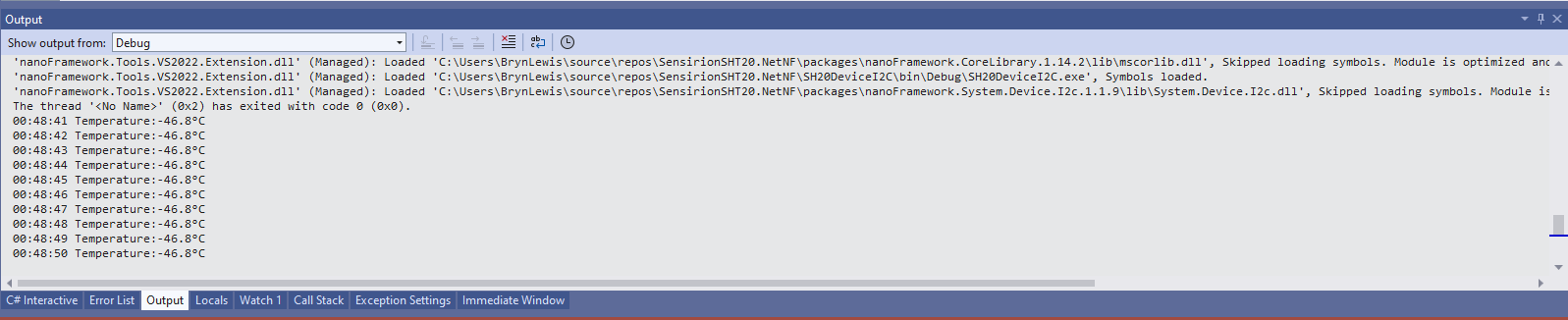
While tinkering with the sensor I found that having a short delay between initiating the temperature reading (TemperatureNoHold = 0xF3 was used so as not to hang up the I2C bus) and reading the value was important.

Temperature value without Thread.Sleep

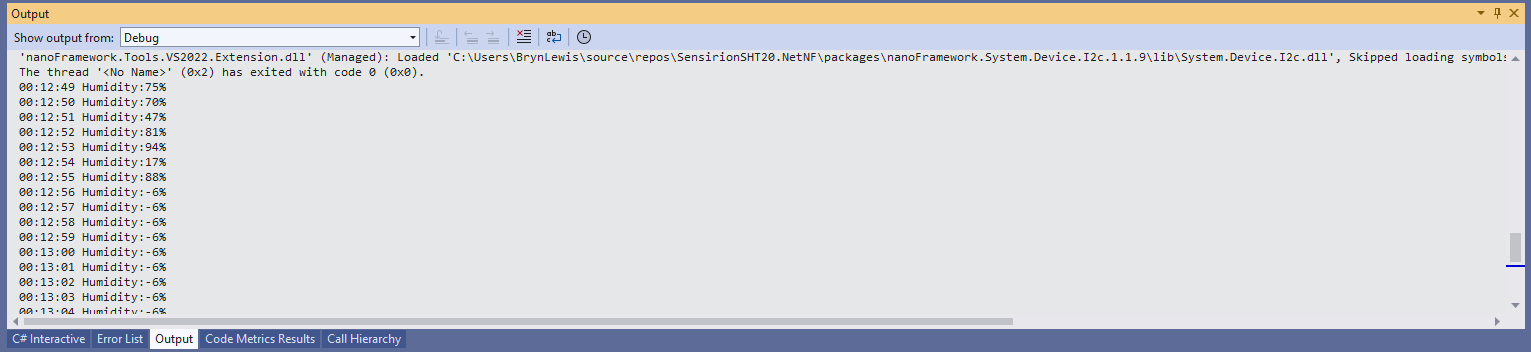
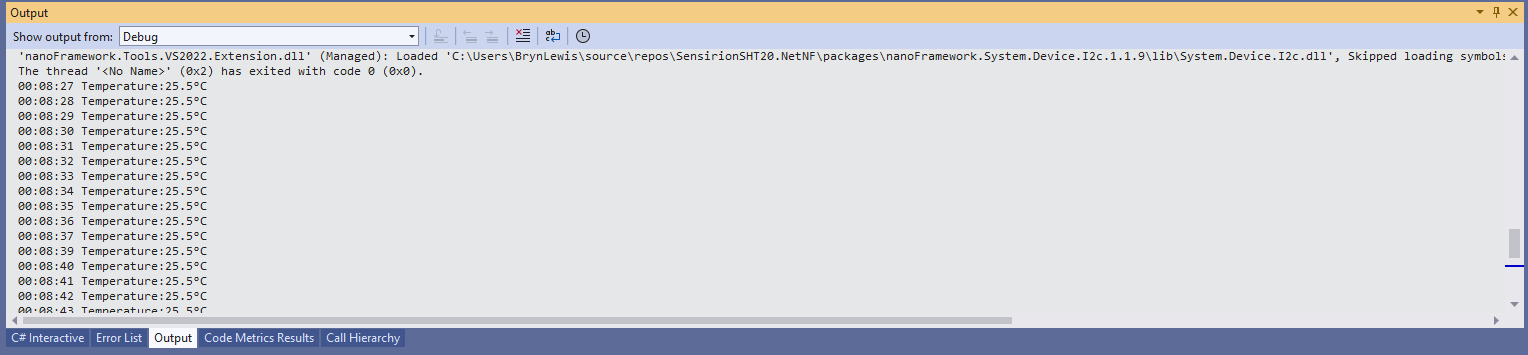
When I ran the application without a Thread.Sleep(70) the temperature and/or humidity the values were incorrect and sometimes quite random.

Temperature value with Thread.Sleep(70)
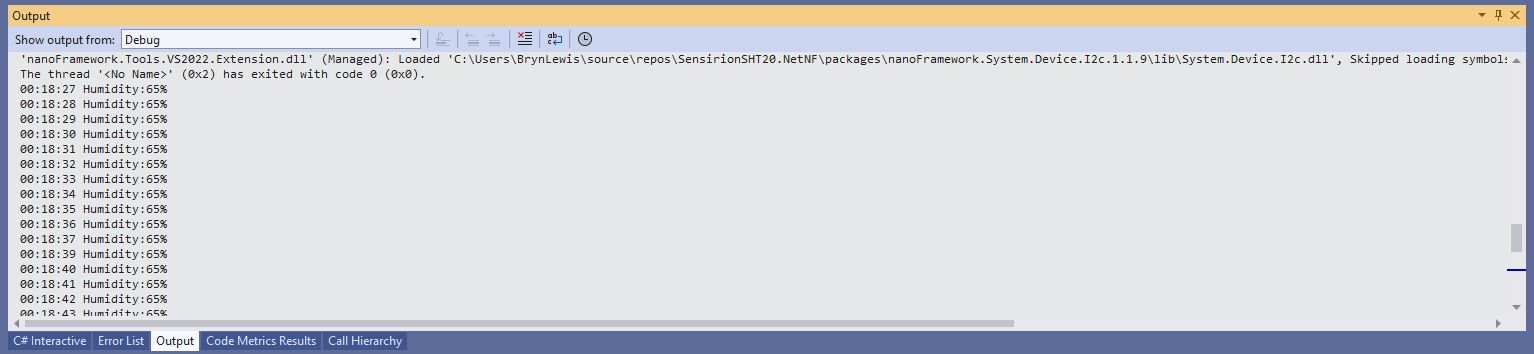
Humidity value without Thread.Sleep
Humidity value with Thread.Sleep(70)
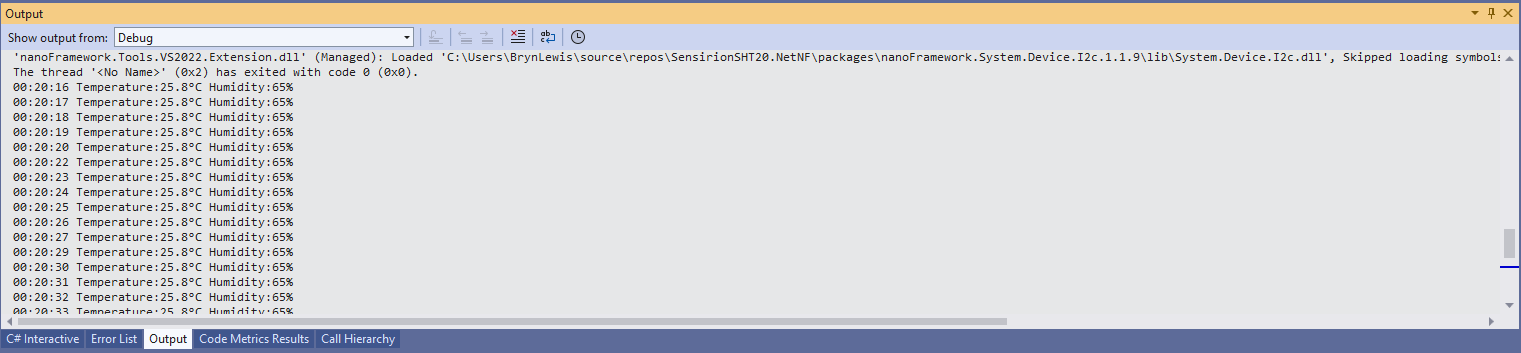
Temperature and Humidity values with Thread.Sleep(70)

The .NET Core library didn’t validate the message payload Cyclic Redundancy Check (CRC) so I have added that in this version

void CheckCrc(byte[] bytes, byte bytesLen, byte checksum)
{
    var crc = 0;

    for (var i = 0; i < bytesLen; i++)
    {
        crc ^= bytes[i];
        for (var bit = 8; bit > 0; --bit)
        {
            crc = ((crc & 0x80) == 0x80) ? ((crc << 1) ^ CrcPolynomial) : (crc << 1);
        }
    }

    if (crc != checksum)
    {
        throw new Exception("CRC Error");
    }
}

The CheckCrc is called in Temperature and Humidity methods.

public double Temperature()
{
    byte[] readBuffer = new byte[3] { 0, 0, 0 };
    if (_i2cDevice == null)
    {
        throw new ArgumentNullException(nameof(_i2cDevice));
    }

    _i2cDevice.WriteByte(TemperatureNoHold);

    Thread.Sleep(ReadingWaitmSec);

    _i2cDevice.Read(readBuffer);

    CheckCrc(readBuffer, 2, readBuffer[2]);

    ushort temperatureRaw = (ushort)(readBuffer[0] << 8);
    temperatureRaw += readBuffer[1];

    double temperature = temperatureRaw * (175.72 / 65536.0) - 46.85;

    return temperature;
}

I’m going to soak test the library for a week to check that is working okay, then refactor the code so it can be added to the nanoFramework IoT.Device Library repository.
Sensirion SHT 20 library for .NET Core 5.0

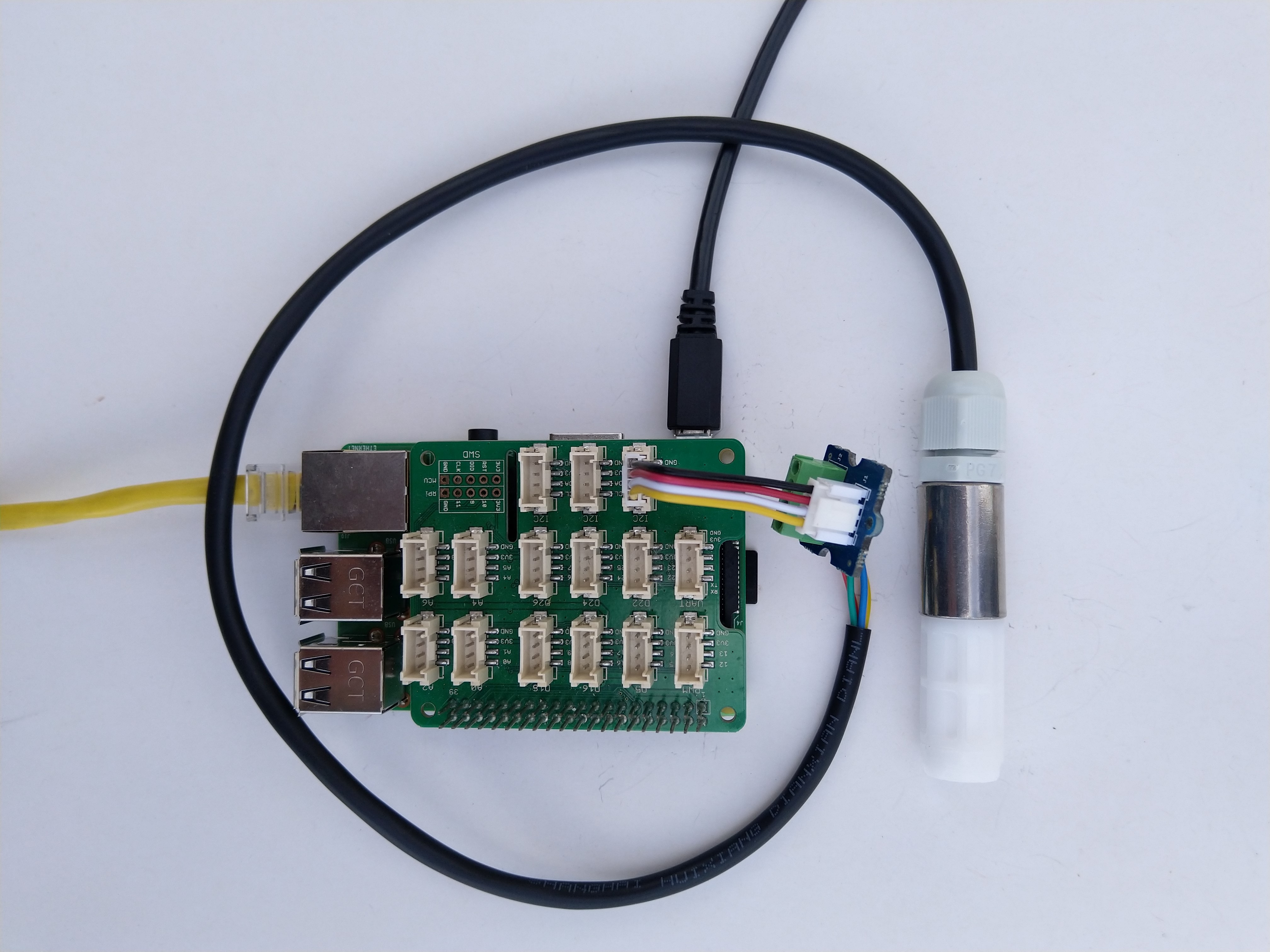
As part of project I needed to connect a Sensirion SHT20 driver to a.NET Core 5 application running on a Raspberry Pi so I wrote this library. For initial testing I used a DF Robot Waterproof SHT20 temperature and humidity sensor, Seeedstudio Gove Base Hat, Grove Screw Terminal, and a Grove – Universal 4 Pin Buckled 5cm Cable.

Sensirion SHT20 connected to Raspberry PI3

I have included sample application in the Github repository to show how to use the library

namespace devMobile.IoT.NetCore.Sensirion
{
	using System;
	using System.Device.I2c;
	using System.Threading;

	class Program
	{
		static void Main(string[] args)
		{
			// bus id on the raspberry pi 3
			const int busId = 1;

			I2cConnectionSettings i2cConnectionSettings = new(busId, Sht20.DefaultI2cAddress);

			using I2cDevice i2cDevice = I2cDevice.Create(i2cConnectionSettings);

			using (Sht20 sht20 = new Sht20(i2cDevice))
			{
				sht20.Reset();

				while (true)
				{
					double temperature = sht20.Temperature();
					double humidity = sht20.Humidity();

#if HEATER_ON_OFF
					sht20.HeaterOn();
					Console.WriteLine($"{DateTime.Now:HH:mm:ss} HeaterOn:{sht20.IsHeaterOn()}");
#endif
					Console.WriteLine($"{DateTime.Now:HH:mm:ss} Temperature:{temperature:F1}°C Humidity:{humidity:F0}% HeaterOn:{sht20.IsHeaterOn()}");
#if HEATER_ON_OFF
					sht20.HeaterOff();
					Console.WriteLine($"{DateTime.Now:HH:mm:ss} HeaterOn:{sht20.IsHeaterOn()}");
#endif

					Thread.Sleep(1000);
				}
			}
		}
	}
}

The Sensiron SHT20 has a heater which is intended to be used for functionality diagnosis – relative humidity drops upon rising temperature. The heater consumes about 5.5mW and provides a temperature increase of about 0.5 – 1.5°C.

Beware when the device is soft reset the heater bit is not cleared.