Swarm Space – Underlying Architecture sorted

After figuring out that calling an Azure Http Trigger function to load the cache wasn’t going to work reliably, I have revisited the architecture one last time and significantly refactored the SwarmSpaceAzuureIoTConnector project.

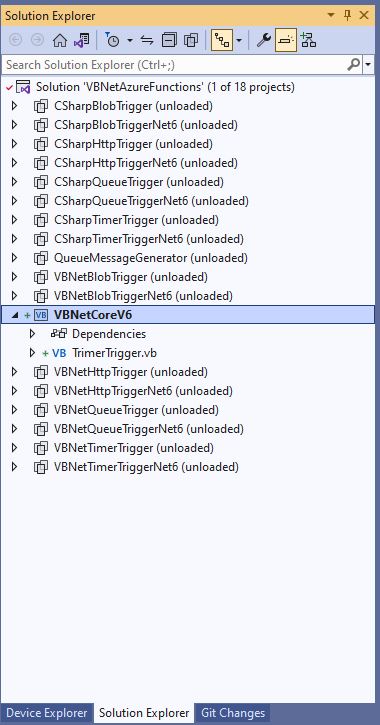
Visual Studio 2022 solution

The application now has a StartUpService which loads the Azure DeviceClient cache (Lazy Cache) in the background as the application starts up. If an uplink message is received from a SwarmDevice before, it has been loaded by the FunctionsStartup the DeviceClient information is cached and another connection to the Azure IoT Hub is not established.

...
using Microsoft.Azure.Functions.Extensions.DependencyInjection;

[assembly: FunctionsStartup(typeof(devMobile.IoT.SwarmSpaceAzureIoTConnector.Connector.StartUpService))]
namespace devMobile.IoT.SwarmSpaceAzureIoTConnector.Connector
{
...
    public class StartUpService : BackgroundService
    {
        private readonly ILogger<StartUpService> _logger;
        private readonly ISwarmSpaceBumblebeeHive _swarmSpaceBumblebeeHive;
        private readonly Models.ApplicationSettings _applicationSettings;
        private readonly IAzureDeviceClientCache _azureDeviceClientCache;

        public StartUpService(ILogger<StartUpService> logger, IAzureDeviceClientCache azureDeviceClientCache, ISwarmSpaceBumblebeeHive swarmSpaceBumblebeeHive, IOptions<Models.ApplicationSettings> applicationSettings)//, IOptions<Models.AzureIoTSettings> azureIoTSettings)
        {
            _logger = logger;
            _azureDeviceClientCache = azureDeviceClientCache;
            _swarmSpaceBumblebeeHive = swarmSpaceBumblebeeHive;
            _applicationSettings = applicationSettings.Value;
        }

        protected override async Task ExecuteAsync(CancellationToken cancellationToken)
        {
            await Task.Yield();

            _logger.LogInformation("StartUpService.ExecuteAsync start");

            try
            {
                _logger.LogInformation("BumblebeeHiveCacheRefresh start");

                foreach (SwarmSpace.BumblebeeHiveClient.Device device in await _swarmSpaceBumblebeeHive.DeviceListAsync(cancellationToken))
                {
                    _logger.LogInformation("BumblebeeHiveCacheRefresh DeviceId:{DeviceId} DeviceName:{DeviceName}", device.DeviceId, device.DeviceName);

                    Models.AzureIoTDeviceClientContext context = new Models.AzureIoTDeviceClientContext()
                    {
                        OrganisationId = _applicationSettings.OrganisationId,
                        DeviceType = (byte)device.DeviceType,
                        DeviceId = (uint)device.DeviceId,
                    };

                    await _azureDeviceClientCache.GetOrAddAsync(context.DeviceId, context);
                }

                _logger.LogInformation("BumblebeeHiveCacheRefresh finish");
            }
            catch (Exception ex)
            {
                _logger.LogError(ex, "StartUpService.ExecuteAsync error");

                throw;
            }

            _logger.LogInformation("StartUpService.ExecuteAsync finish");
        }
    }
}

The uplink and downlink payload formatters are stored in Azure Blob Storage are compiled (CS-Script) as they are loaded then cached (Lazy Cache)

Azure Storage explorer displaying list of uplink payload formatter blobs.
Azure Storage explorer displaying list of downlink payload formatter blobs.
private async Task<IFormatterDownlink> DownlinkLoadAsync(int userApplicationId)
{
    BlobClient blobClient = new BlobClient(_payloadFormatterConnectionString, _applicationSettings.PayloadFormattersDownlinkContainer, $"{userApplicationId}.cs");

    if (!await blobClient.ExistsAsync())
    {
        _logger.LogInformation("PayloadFormatterDownlink- UserApplicationId:{0} Container:{1} not found using default:{2}", userApplicationId, _applicationSettings.PayloadFormattersUplinkContainer, _applicationSettings.PayloadFormatterUplinkBlobDefault);

        blobClient = new BlobClient(_payloadFormatterConnectionString, _applicationSettings.PayloadFormatterDownlinkBlobDefault, _applicationSettings.PayloadFormatterDownlinkBlobDefault);
    }

    BlobDownloadResult downloadResult = await blobClient.DownloadContentAsync();

    return CSScript.Evaluator.LoadCode<PayloadFormatter.IFormatterDownlink>(downloadResult.Content.ToString());
}

The uplink and downlink formatters can be edited in Visual Studio 2022 with syntax highlighting (currently they have to be manually uploaded).

The SwarmSpaceBumbleebeehive module no longer has public login or logout methods.

    public interface ISwarmSpaceBumblebeeHive
    {
        public Task<ICollection<Device>> DeviceListAsync(CancellationToken cancellationToken);

        public Task SendAsync(uint organisationId, uint deviceId, byte deviceType, ushort userApplicationId, byte[] payload);
    }

The DeviceListAsync and SendAsync methods now call the BumblebeeHive login method after configurable period of inactivity.

public async Task<ICollection<Device>> DeviceListAsync(CancellationToken cancellationToken)
{
        if ((_TokenActivityAtUtC + _bumblebeeHiveSettings.TokenValidFor) < DateTime.UtcNow)
        {
            await Login();
        }

        using (HttpClient httpClient = _httpClientFactory.CreateClient())
       {
            Client client = new Client(httpClient);

            client.BaseUrl = _bumblebeeHiveSettings.BaseUrl;

            httpClient.DefaultRequestHeaders.Add("Authorization", $"bearer {_token}");

            return await client.GetDevicesAsync(null, null, null, null, null, null, null, null, null, cancellationToken);
        }
}

I’m looking at building a webby user interface where users an interactivity list, create, edit, delete formatters with syntax highlighter support, and the executing the formatter with sample payloads.

Swarm Space Azure IoT Connector Identity Translation Gateway Architecture

This approach uses most of the existing building blocks, and that’s it no more changes.

Swarm Space – Underlying Architecture Revisited

After figuring out that calling a CS-Script uplink payload formatter inside an Azure Http Trigger function wasn’t going to work I needed a new architecture.

Swarm Space Azure IoT Connector Identity Translation Gateway Architecture

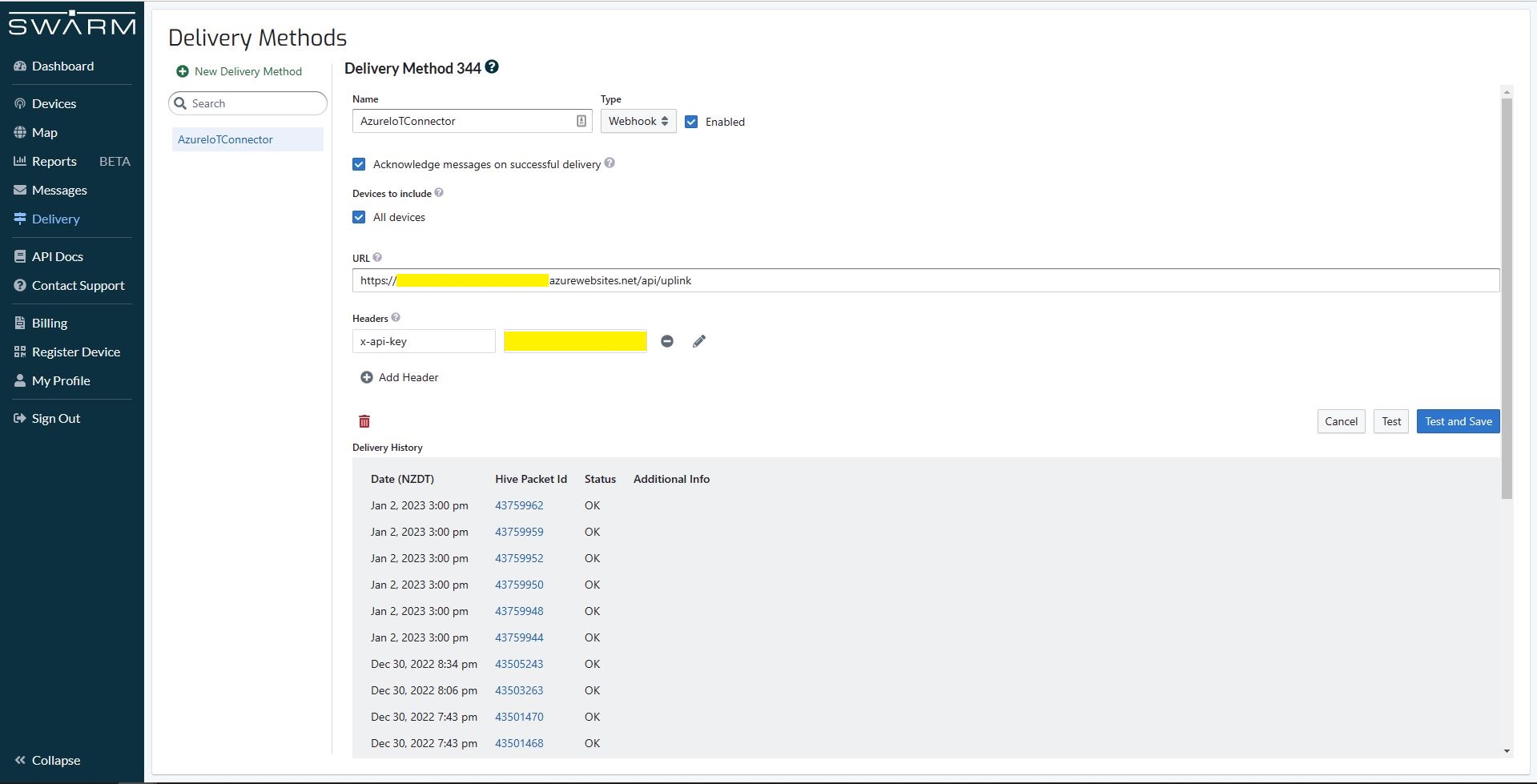
The new approach uses most of the existing building blocks but adds an Azure HTTP Trigger which receives the Swarm Space Bumble bee hive Webhook Delivery Method calls and writes them to an Azure Storage Queue.

Swarm Space Bumble bee hive Web Hook Delivery method

The uplink and downlink formatters are now called asynchronously so they have limited impact on the overall performance of the application.

Azure Functions with VB.Net on .NET Core V6

A year and a half ago I wrote a post about how to build Azure functions with VB.Net and the .NET Framework 4.X. The Microsoft VB team posted about Visual Basic Support for .NET 5.0 in March 2020 then went quiet, so my customer put the project on hold. Since then, a lot has changed .NET Core 3.1 LTS ends December 12, 2022, and .NET Core 5.0 support (no LTS) ended May 10, 2022 so I have ported the samples to .NET Core V6.

The process is similar (but different) to the original approach

The VB.Net Solution from June 2021

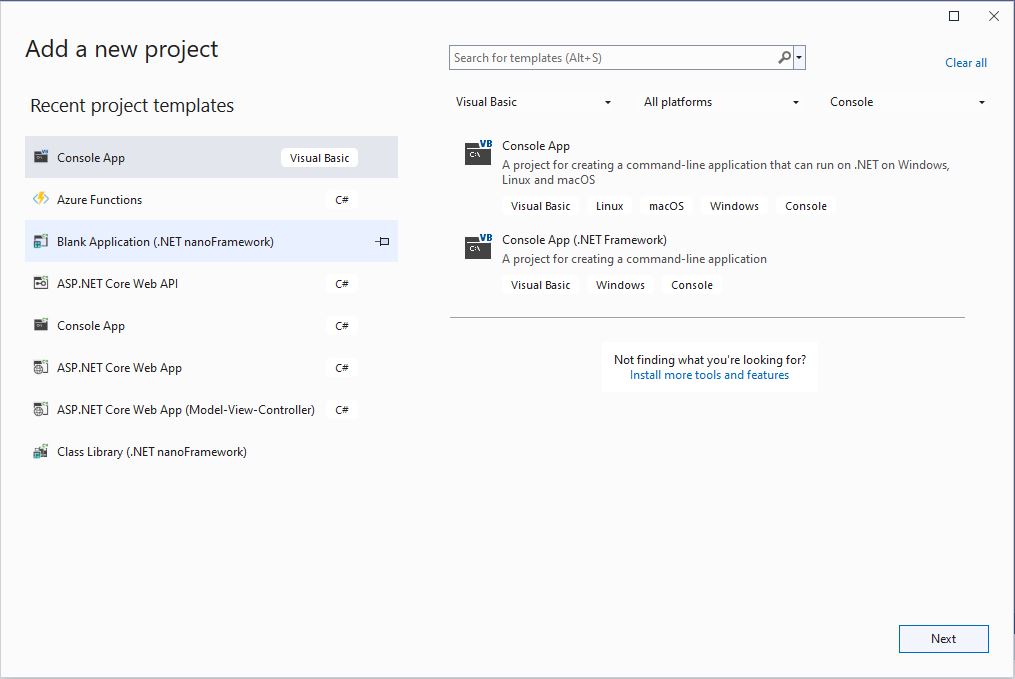
First step is to create a Visual Basic .NET Core V6 console application

Visual Studio 2022 “Add a new project”

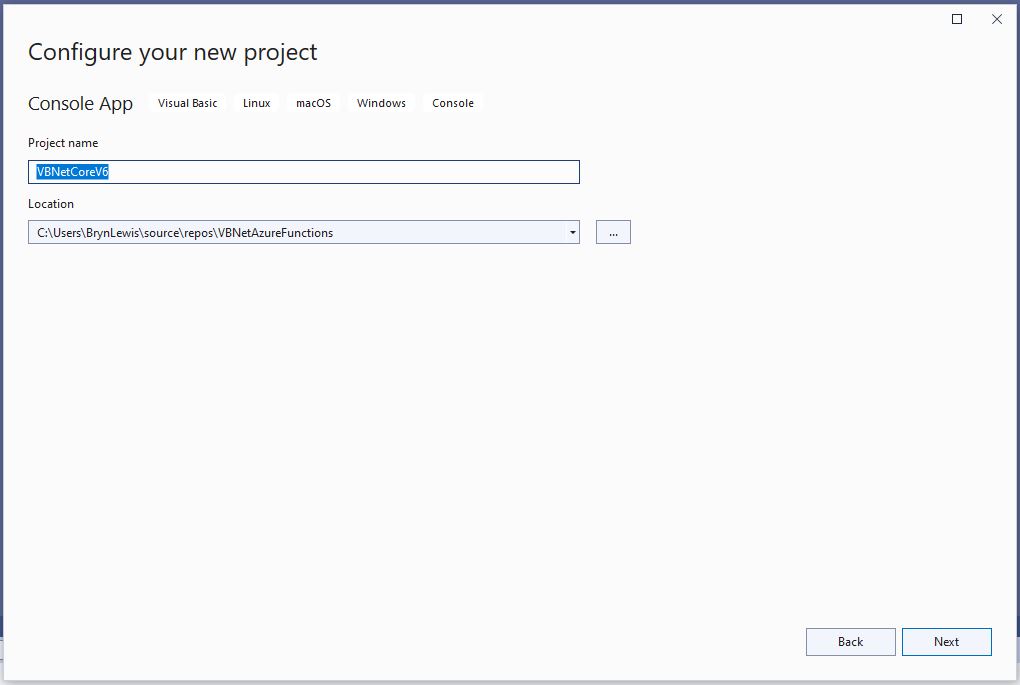
The specify a name for the new project.

Visual Studio 2022 Add Project “Configure your new project”

Then select the version of .NET Core used

Visual Studio 2022 Add Project “Additional information”

Then rename program.cs to a name which highlights that it is a trigger

Visual Studio 2022 rename program.vb to TimerTrigger.vb

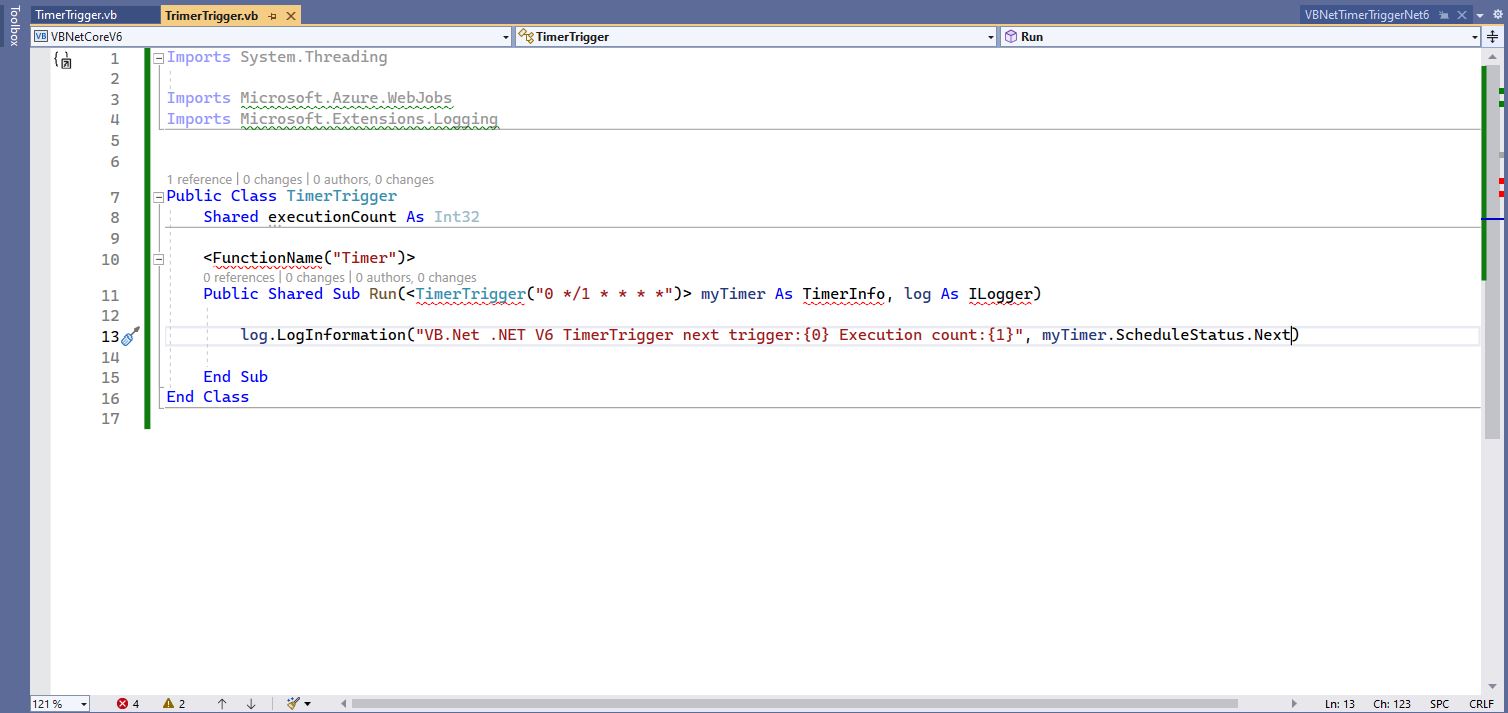
The initial version of the TimerTrigger code was “inspired” by the VB.Net 4.8 version.

'---------------------------------------------------------------------------------
' Copyright (c) November 2022, devMobile Software
'
' Licensed under the Apache License, Version 2.0 (the "License");
' you may Not use this file except in compliance with the License.
' You may obtain a copy of the License at
'
'     http://www.apache.org/licenses/LICENSE-2.0
'
' Unless required by applicable law Or agreed to in writing, software
' distributed under the License Is distributed on an "AS IS" BASIS,
' WITHOUT WARRANTIES Or CONDITIONS OF ANY KIND, either express Or implied.
' See the License for the specific language governing permissions And
' limitations under the License.
'
'---------------------------------------------------------------------------------
Imports System.Threading

Imports Microsoft.Azure.WebJobs
Imports Microsoft.Extensions.Logging


Public Class TimerTrigger
    Shared executionCount As Int32

    <FunctionName("Timer")>
    Public Shared Sub Run(<TimerTrigger("0 */1 * * * *")> myTimer As TimerInfo, log As ILogger)
        Interlocked.Increment(executionCount)

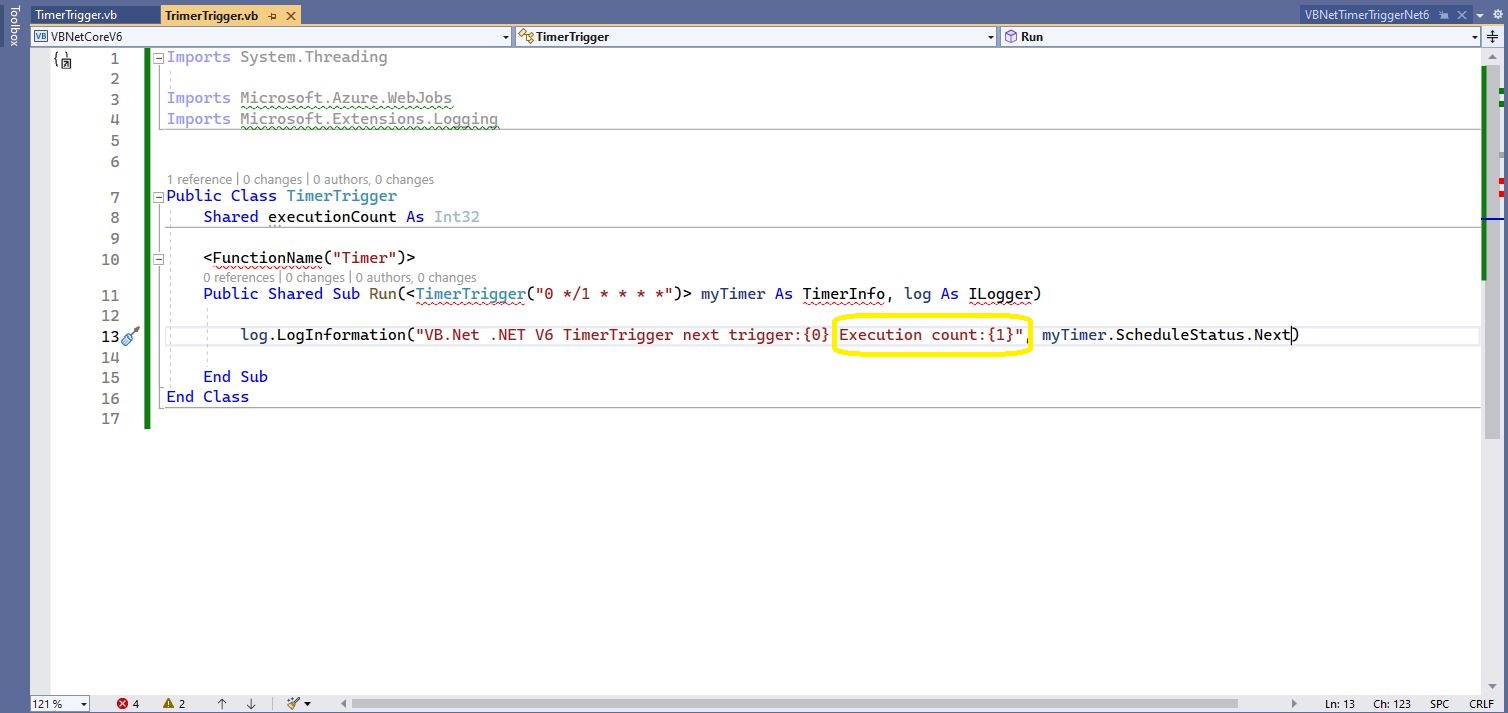
        log.LogInformation("VB.Net .NET V6 TimerTrigger next trigger:{0} Execution count:{1}", myTimer.ScheduleStatus.Next, executionCount)

    End Sub
End Class

Visual Studio 2022 highlighting missing libraries
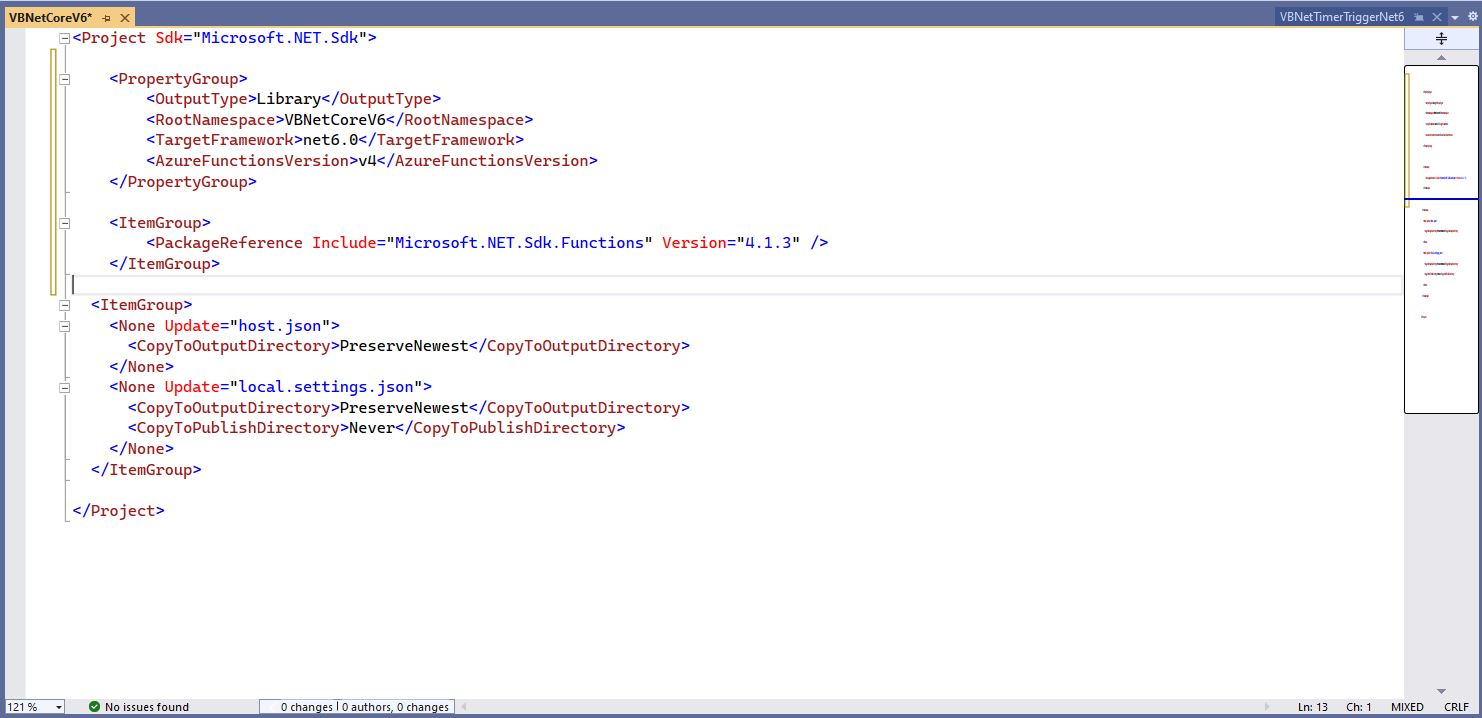
Visual Studio 2022 with additional function SDK references

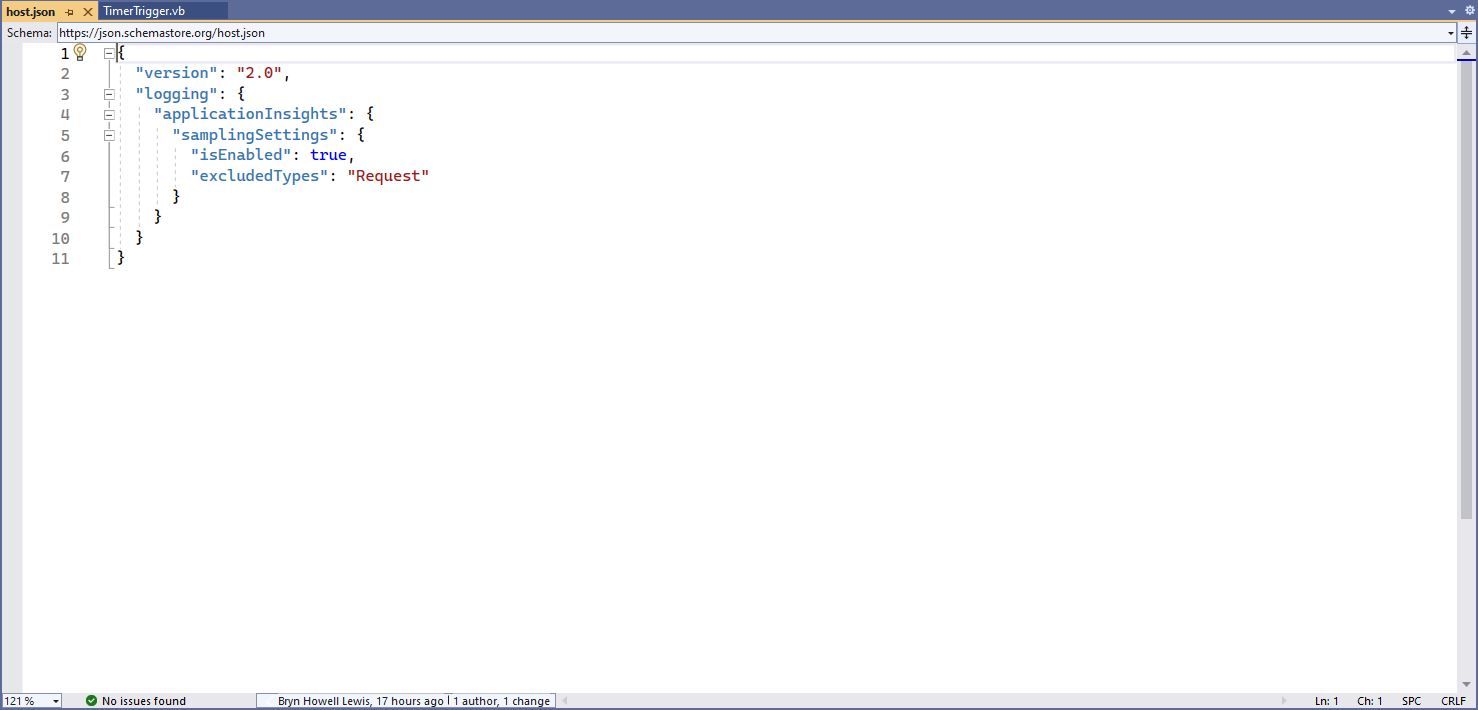
The next step is to add the hosts.json(empty for timer tigger) and localsettings.json to configure the function

Visual 2022 Hosts.json file
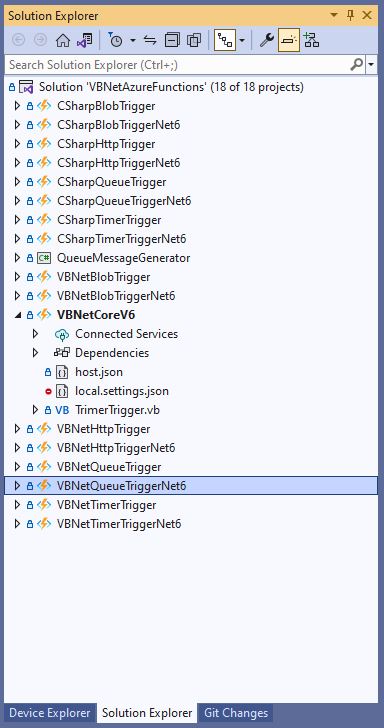
Visual Studio 2022 showing hosts.json & local.settings.json

Then I could run the function in the Azure Functions runtime emulator and “single step” in the Visual Studio 2022 Debugger.

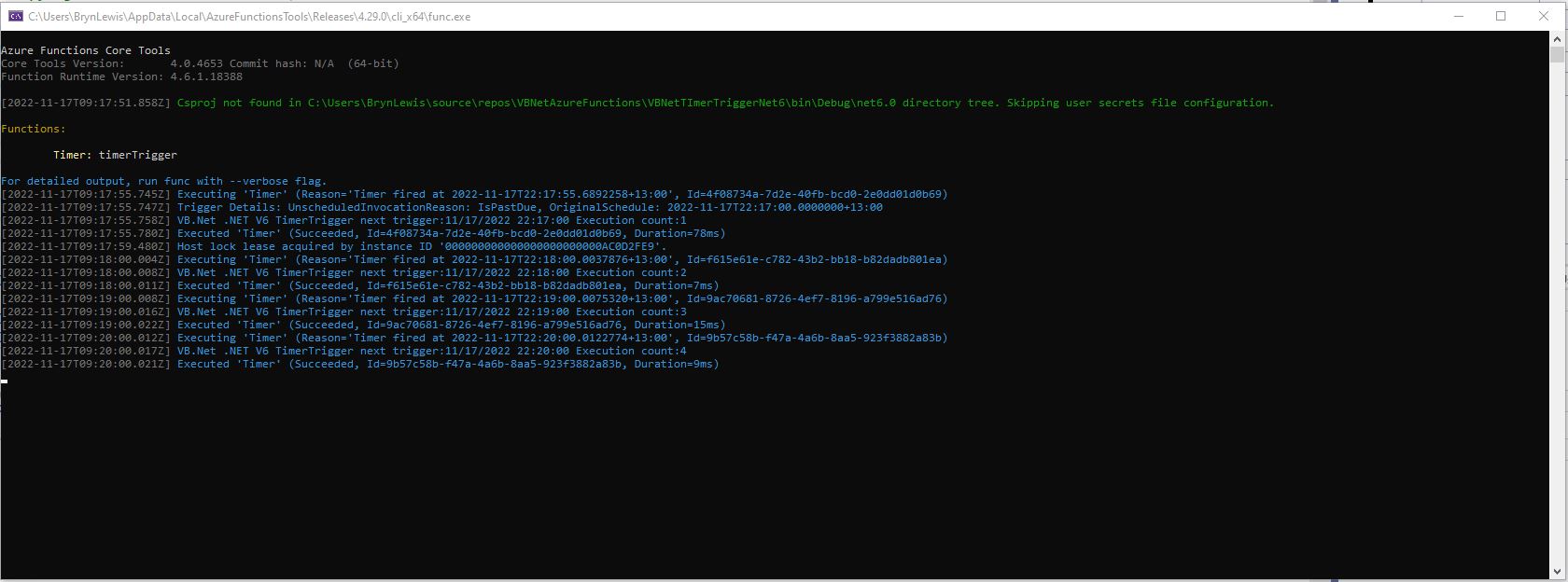
VB.Net .NET Core V6 Timer Trigger running in emulator

For completeness I also built sample BlobTrigger, HttpTrigger and QueueTrigger versions

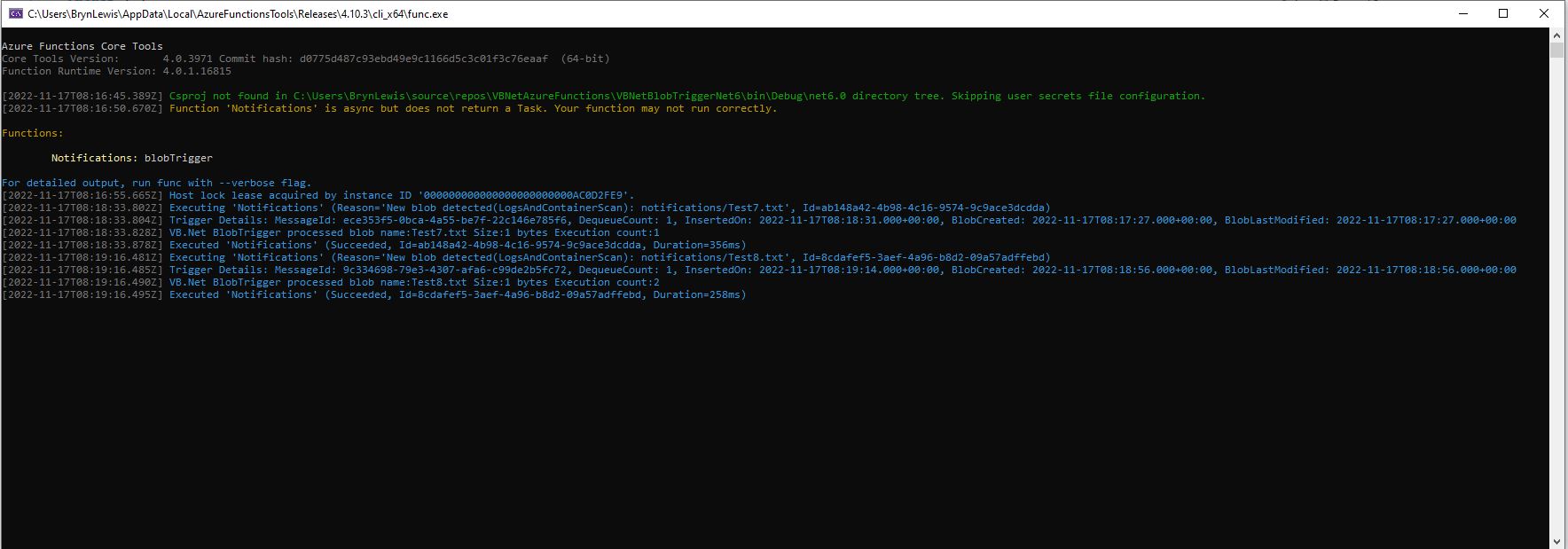
VB.Net .NET Core V6 Blob Trigger running in emulator
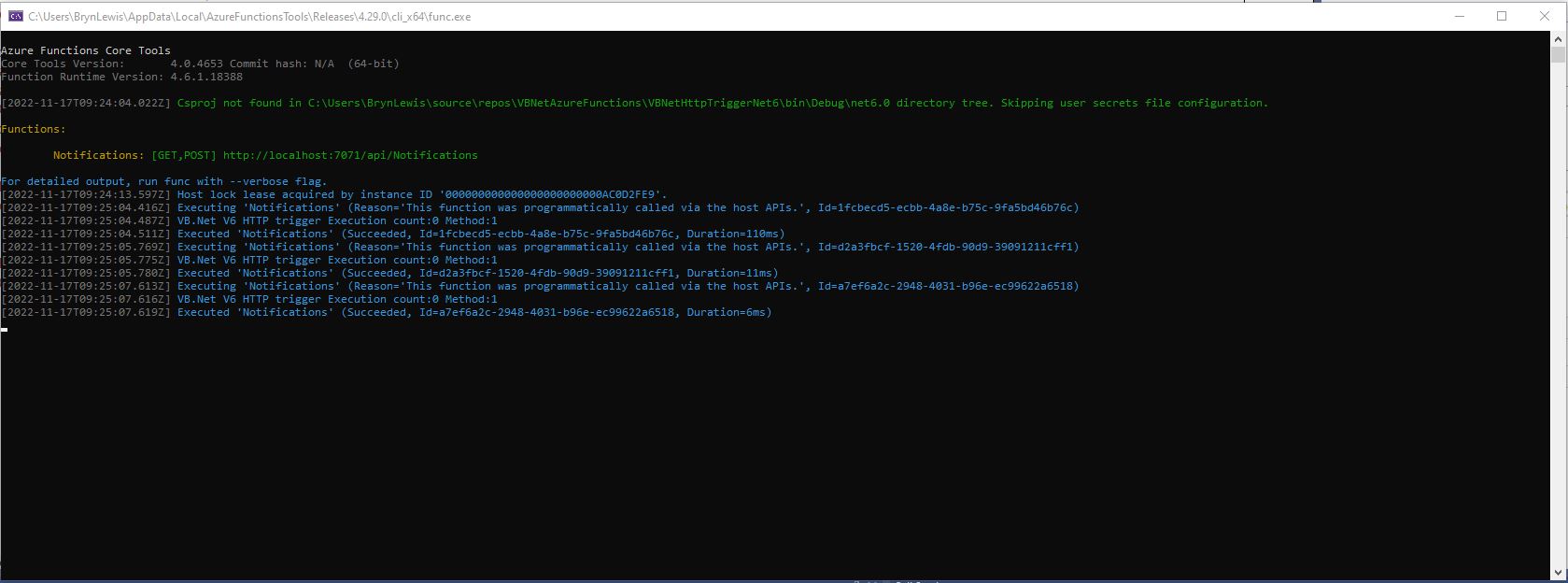
VB.Net .NET Core V6 HTTP Trigger running in emulator
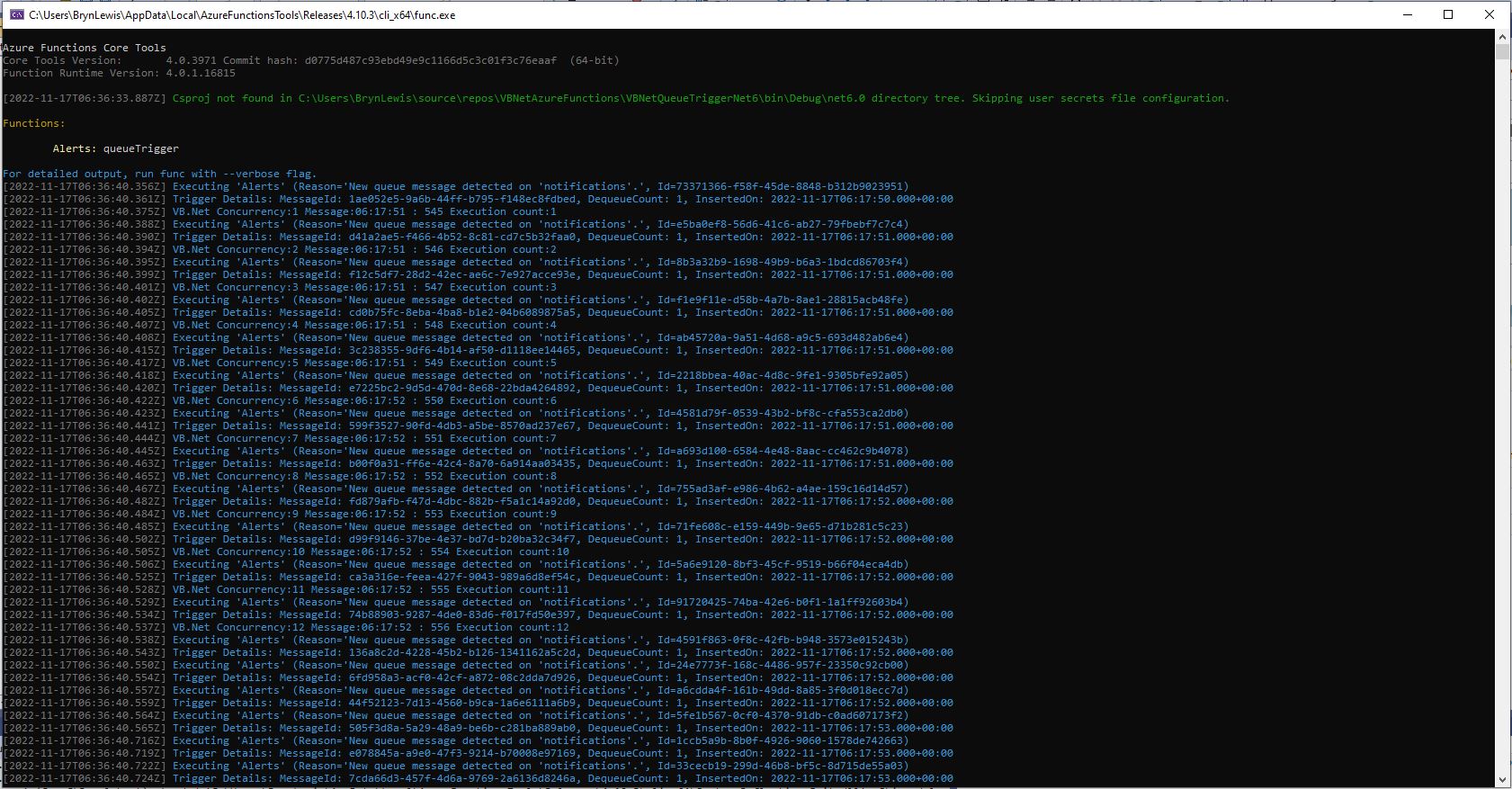
VB.Net .NET Core V6 Queue Trigger running in emulator

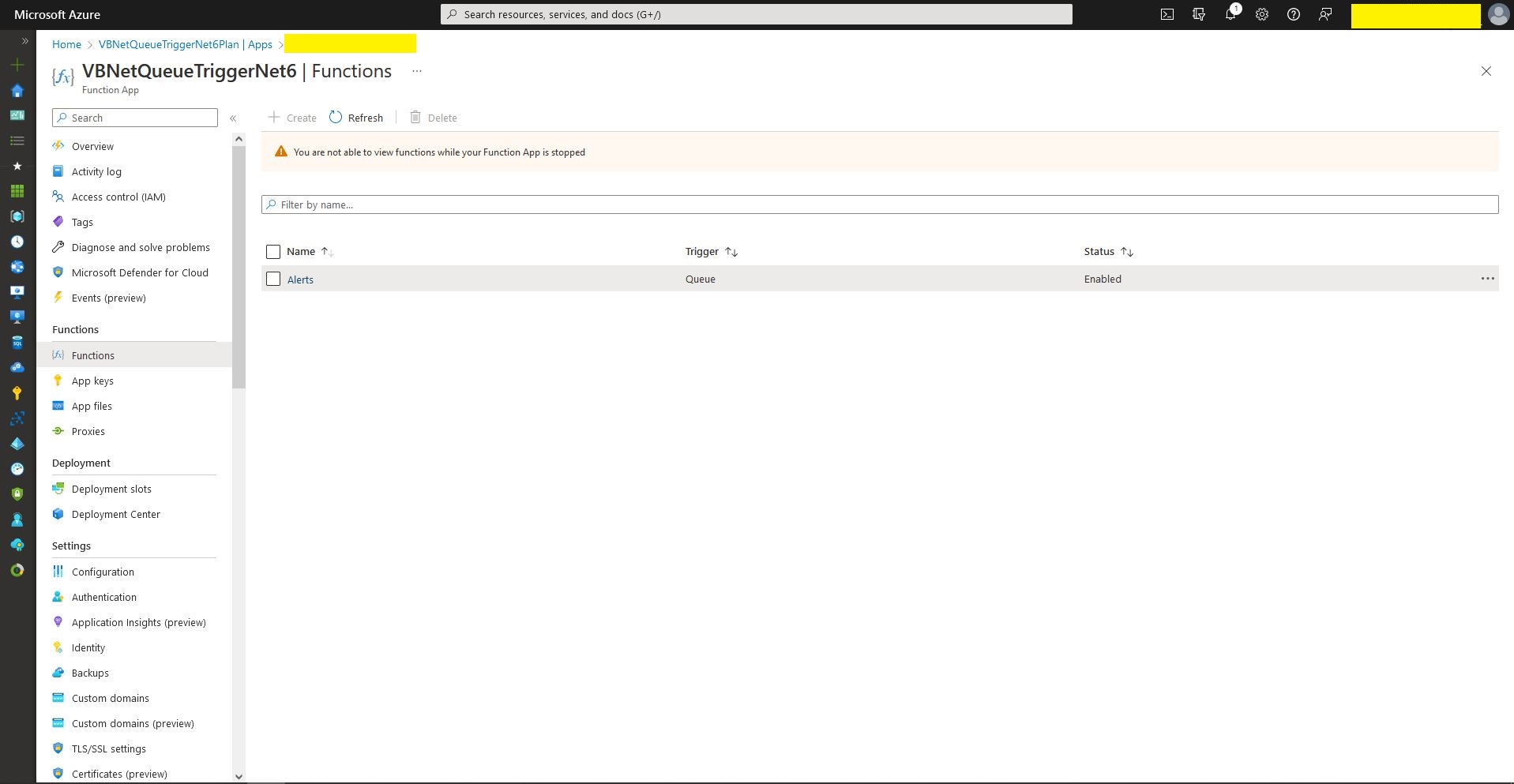
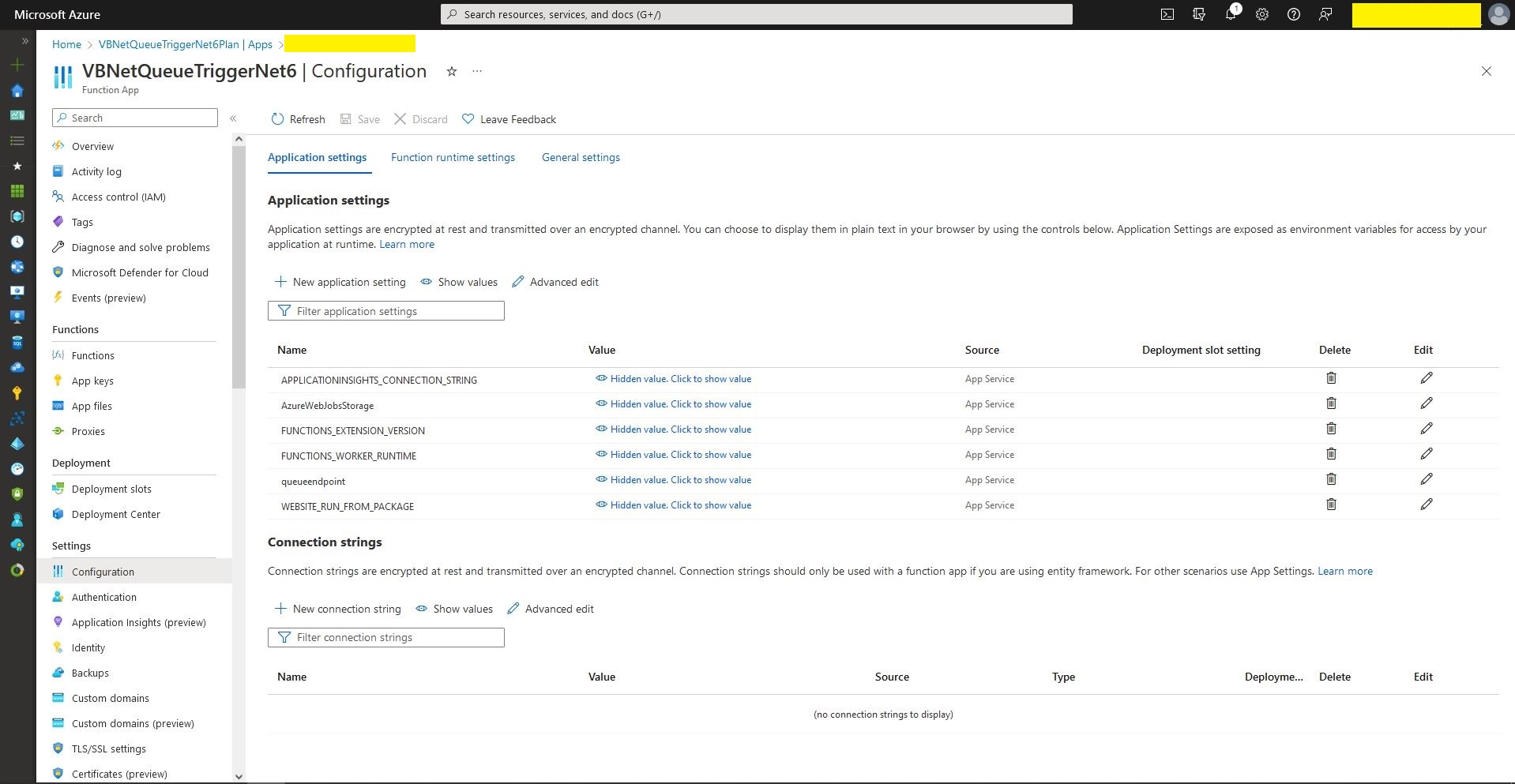
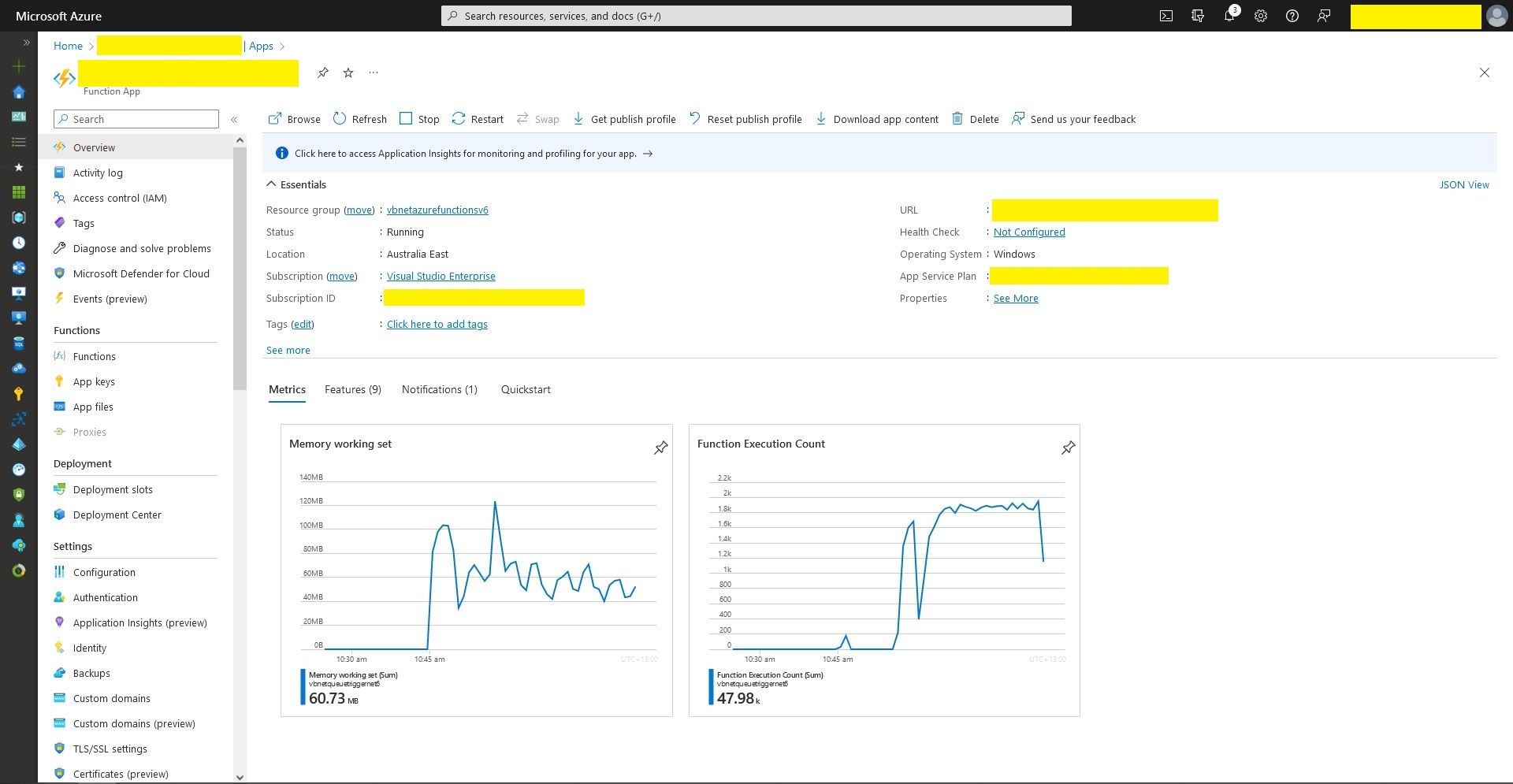
I also deployed the Azure Storage QueueTrigger to Microsoft Azure, configured it, and then stress tested it with multiple instances of my QueueMessageGenerator.

Queue Trigger Function deployment
Queue Trigger configuration
Queue Trigger Throughput 48K messages

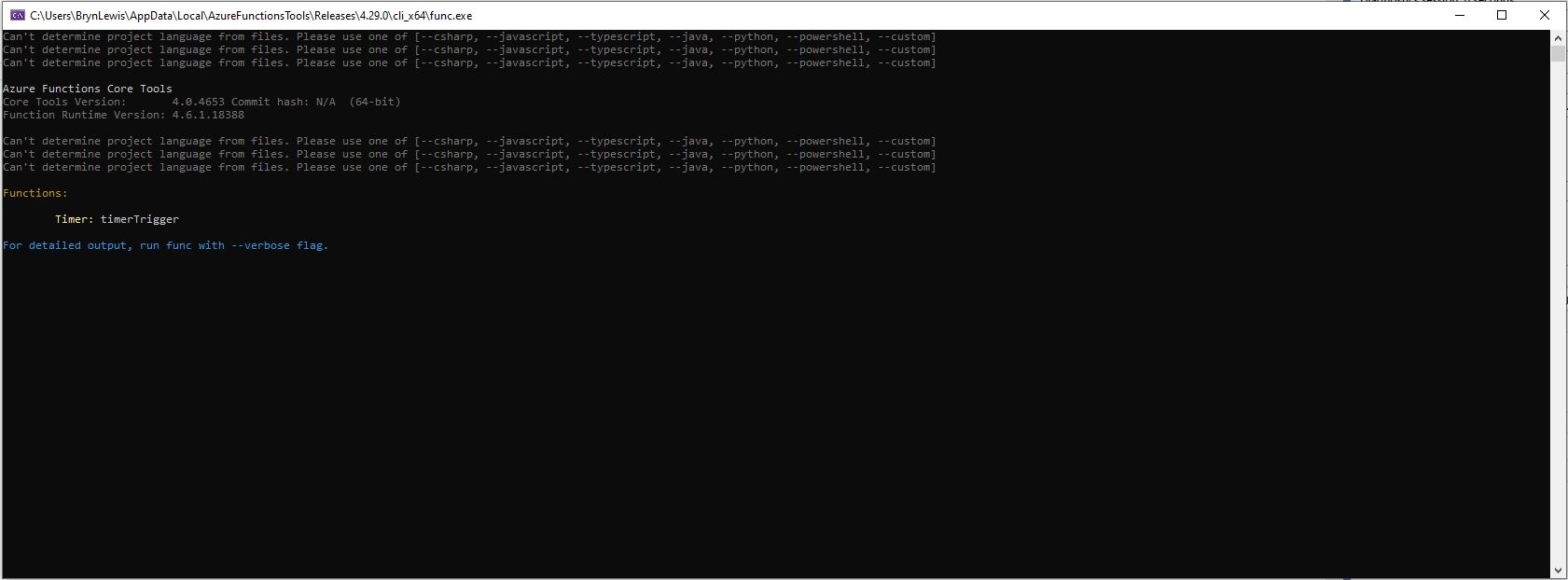
What if it goes wrong…

“Can’t determine project language from files. Please add one of [–csharp, –javascript, –typescript, –java, –powershell, –customer]

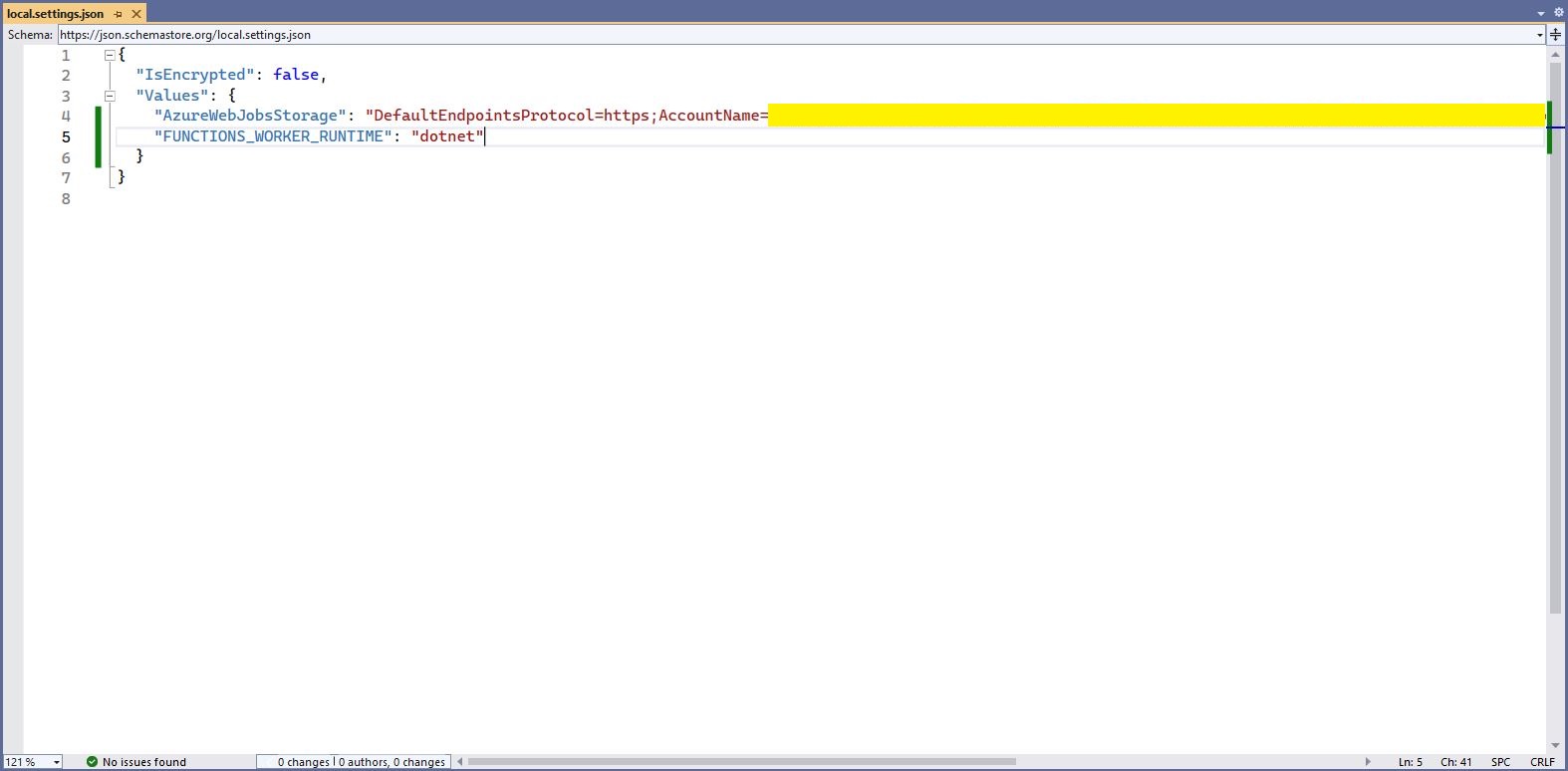
Check “FUNCTIONS_WORKER_RUNTIME” in the local.settings.json file.

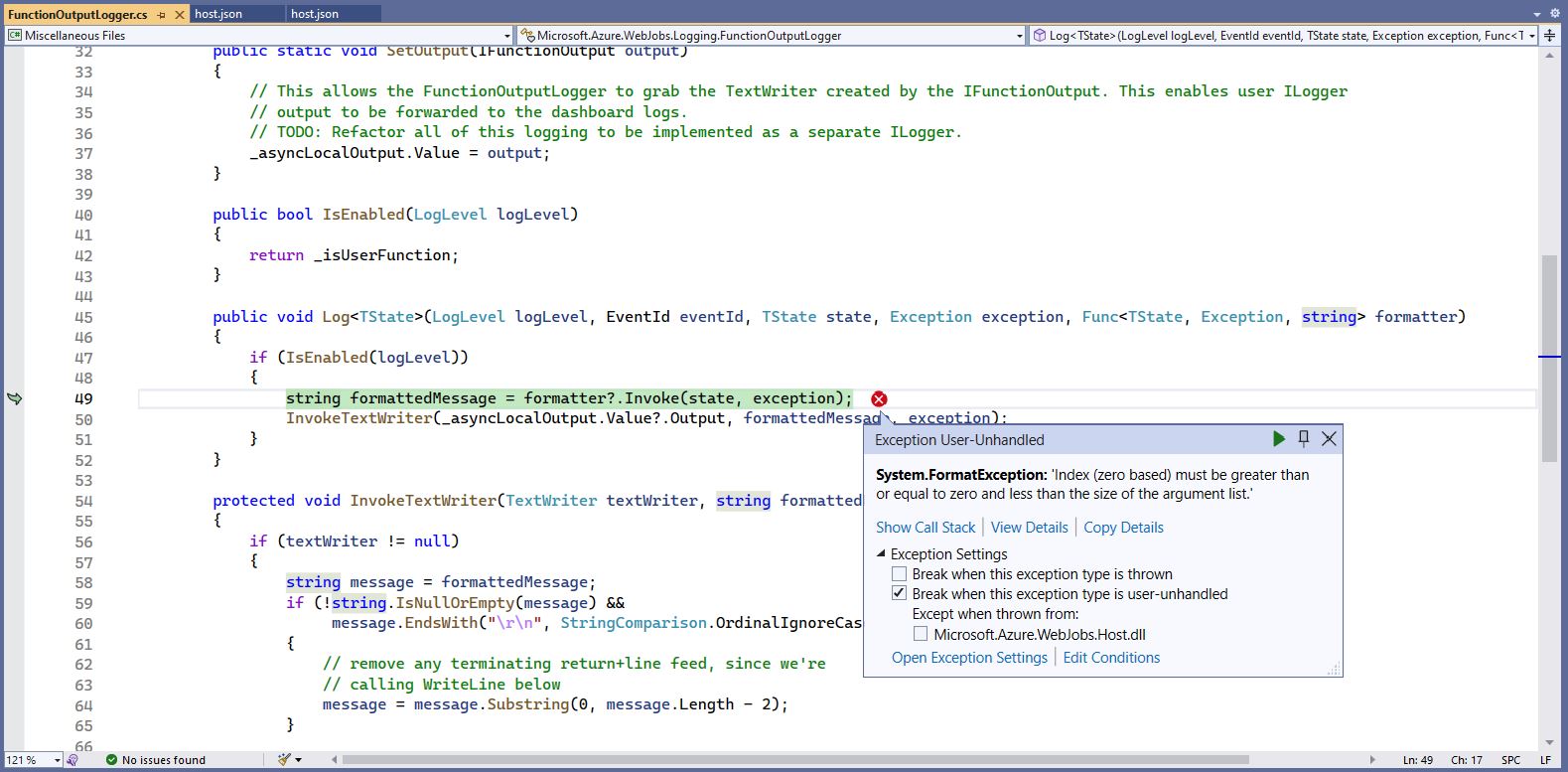
The baked in error logging doesn’t handle broken message formats very well. Look at the call stack or single step through the application to find the message format that is broken

Visual Studio 2022 editor with malformed message highlighted

WARNING

I assume this is not a supported approach so use

“at your own risk”

TTI V3 Connector Azure Storage Queues Paused

After running my The Things Industries(TTI) V3 HTTPStorageQueueOutput application for a week I think there are some problems with my approach so I have paused development while I build another HTTPTrigger Azure Functions based Proof of Concept(PoC).

The HTTPTrigger and Azure Storage Queue OutputBinding based code which inserts messages into an Azure Storage Queue was minimal

[StorageAccount("AzureWebJobsStorage")]
public static class Webhooks
{
	[Function("Uplink")]
	public static async Task<HttpTriggerUplinkOutputBindingType> Uplink([HttpTrigger(AuthorizationLevel.Function, "post")] HttpRequestData req, FunctionContext context)
	{
		var logger = context.GetLogger("UplinkMessage");

		logger.LogInformation("Uplink processed");
			
		var response = req.CreateResponse(HttpStatusCode.OK);

		return new HttpTriggerUplinkOutputBindingType()
		{
			Name = await req.ReadAsStringAsync(),
			HttpReponse = response
		};
	}
}

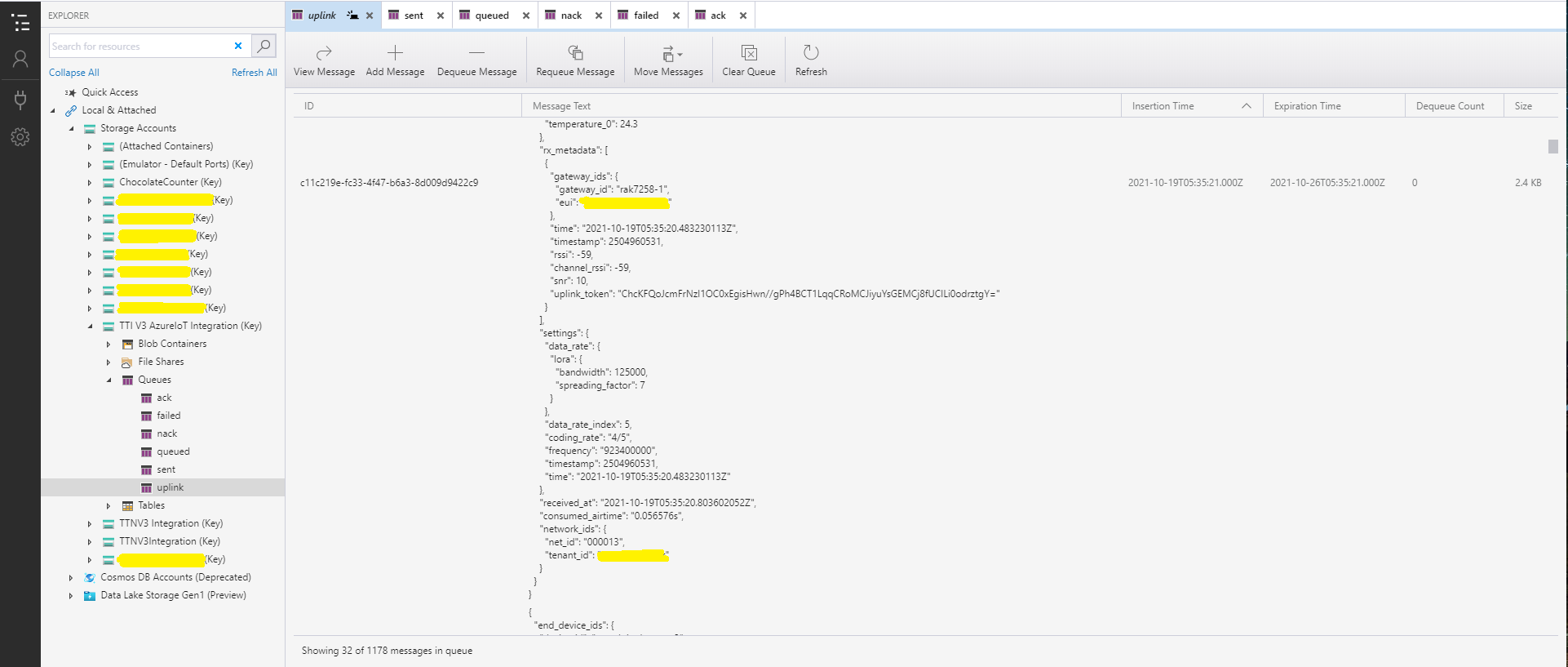
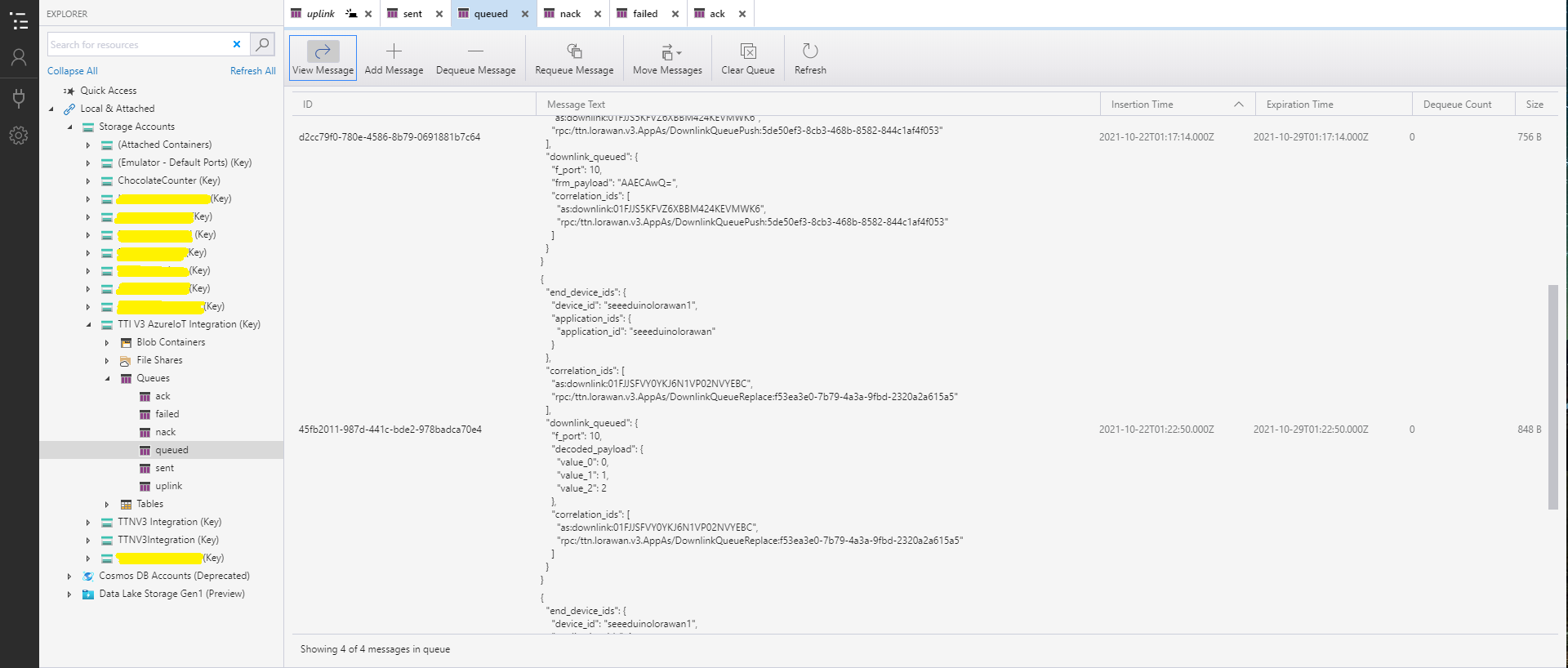
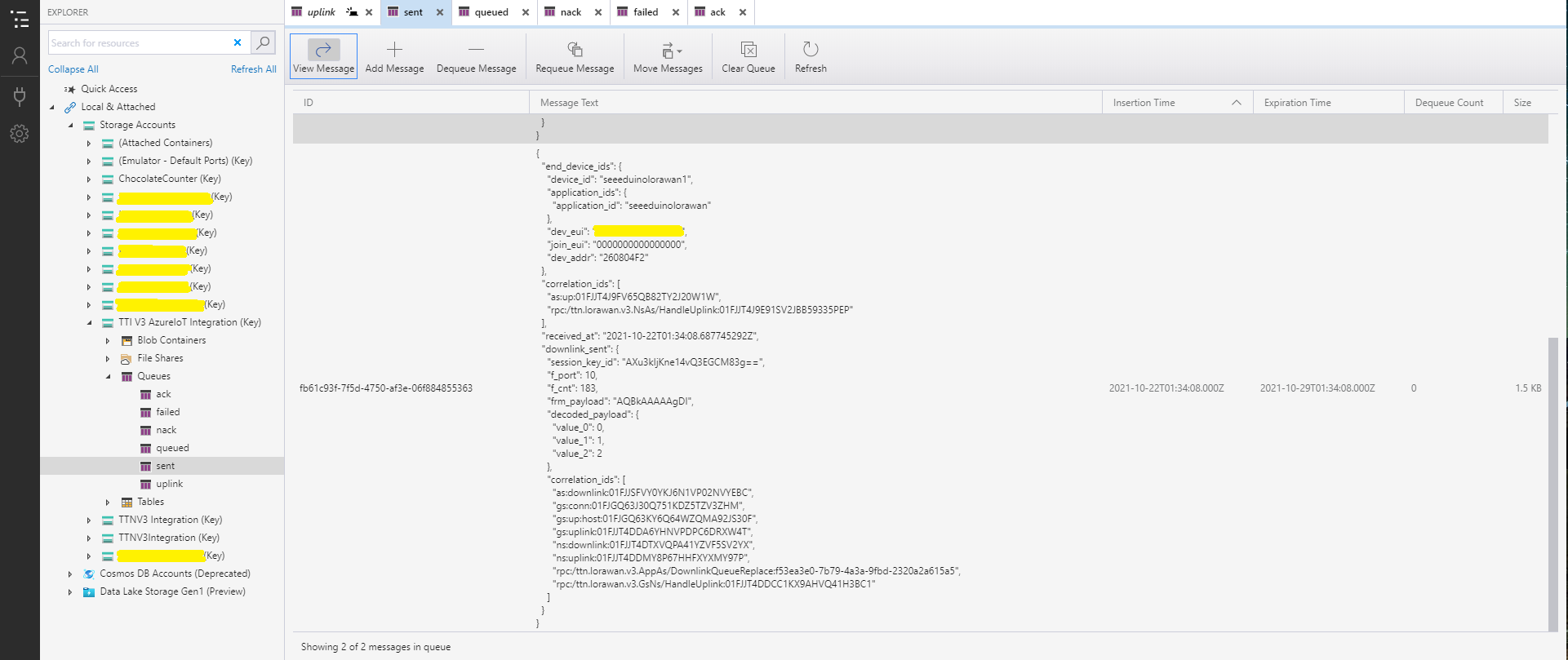
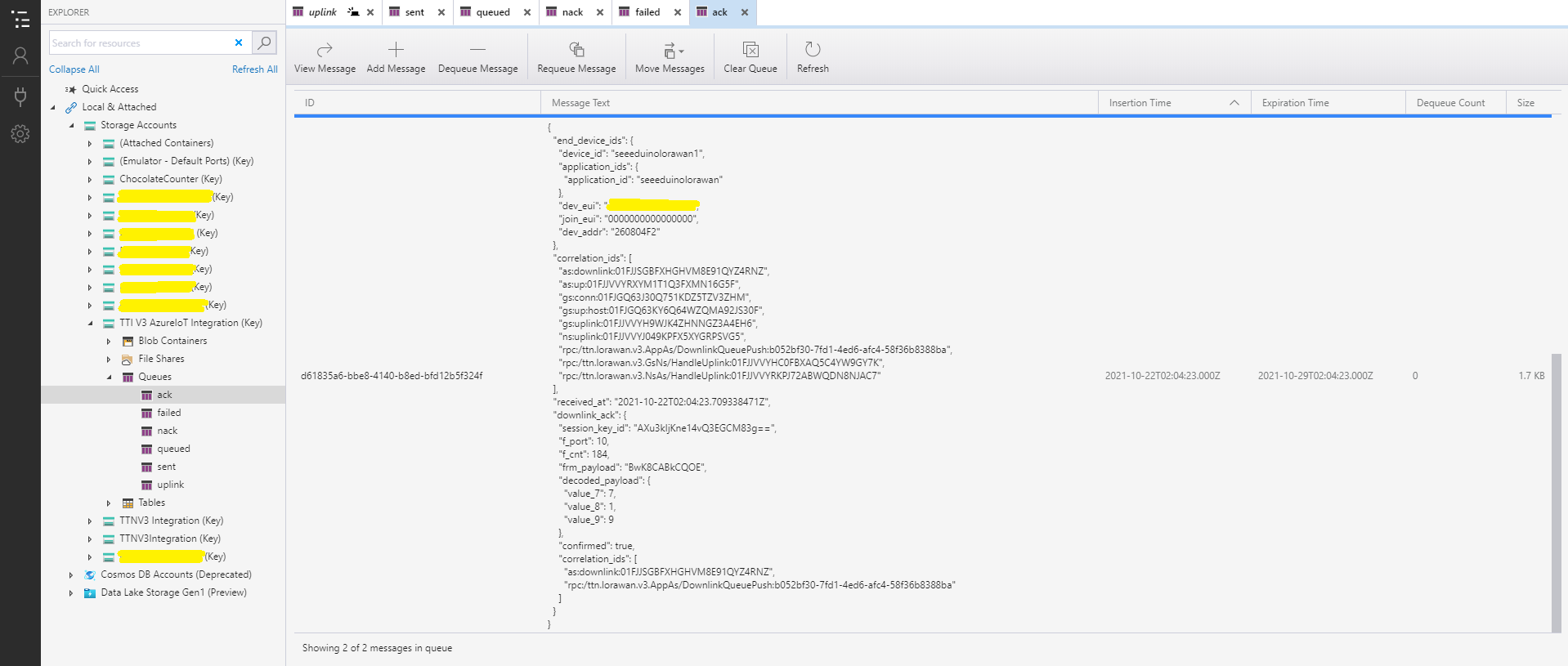
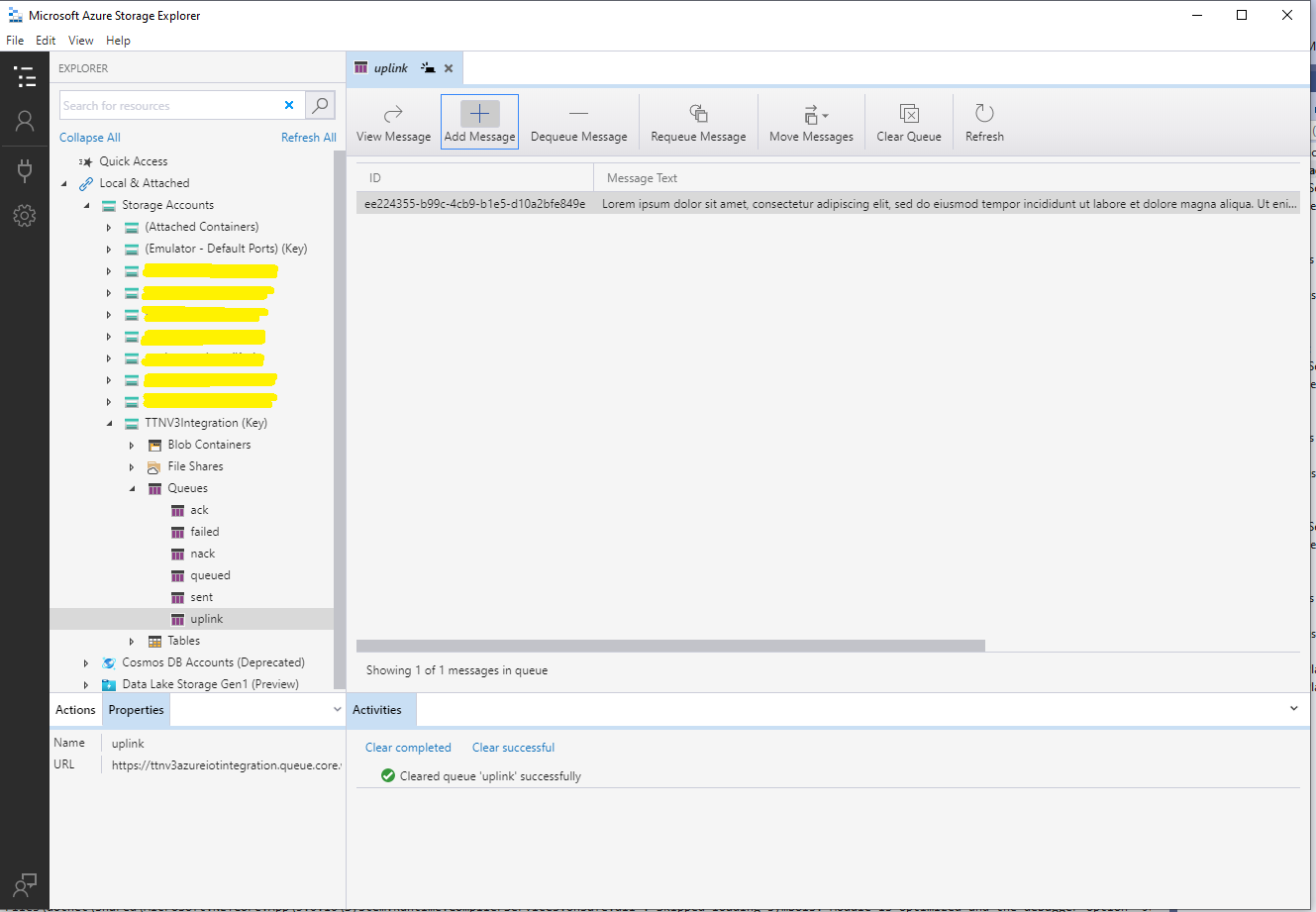
With Azure Storage Explorer I could inspect uplink, queued, sent, and acknowledgment(ACK) messages. It was difficult to generate failed and Negative Acknowledgement (Nack) and failed messages

Azure Storage Explorer displaying Uplink messages
Azure Storage Explorer displaying queued messages
Azure Storage Explorer displaying sent messages
Azure Storage Explorer Displaying Ack messages

After some experimentation I realised that I had forgotten that the order of message processing was important e.g. a TTI Queued message should be processed before the associated Ack. This could (and did happen) because I had a queue for each message type and in addition the Azure Queue Storage trigger binding would use parallel execution to process backlogs of messages. My approach caused issues with both intra and inter queue message ordering

Azure HTTP Trigger Functions with .NET Core 5

Updated .NET Core V6 Version

My updated The Things Industries(TTI) connector will use a number of Azure Functions to process Application Integration webhooks (with HTTP Triggers) and Azure Storage Queue messages(with Output Bindings & QueueTriggers).

On a couple of customer projects we had been updating Azure Functions from .NET 4.X to .NET Core 3.1, and most recently .NET Core 5. This process has been surprisingly painful so I decided to build a series of small proof of concept (PoC) projects to explore the problem.

Visual Studio Azure Function Trigger type selector

I started with the Visual Studio 2019 Azure Function template and created a plain HTTPTrigger.

public static class Function1
{
   [Function("Function1")]
   public static HttpResponseData Run([HttpTrigger(AuthorizationLevel.Function, "get", "post")] HttpRequestData req,
      FunctionContext executionContext)
   {
      var logger = executionContext.GetLogger("Function1");
      logger.LogInformation("C# HTTP trigger function processed a request.");

      var response = req.CreateResponse(HttpStatusCode.OK);
      response.Headers.Add("Content-Type", "text/plain; charset=utf-8");

      response.WriteString("Welcome to Azure Functions!");

      return response;
   }
}

I changed the AuthorizationLevel to Anonymous to make testing in Azure with Telerik Fiddler easier

public static class Function1
{
	[Function("PlainAsync")]
	public static async Task<IActionResult> Run([HttpTrigger(AuthorizationLevel.Anonymous, "get", "post", Route = null)] HttpRequestData request, FunctionContext executionContext)
	{
		var logger = executionContext.GetLogger("UplinkMessage");

		logger.LogInformation("C# HTTP trigger function processed a request.");

		var response = request.CreateResponse(HttpStatusCode.OK);

		response.Headers.Add("Content-Type", "text/plain; charset=utf-8");

		response.WriteString("Welcome to Azure Functions!");

		return new OkResult();
	}
}

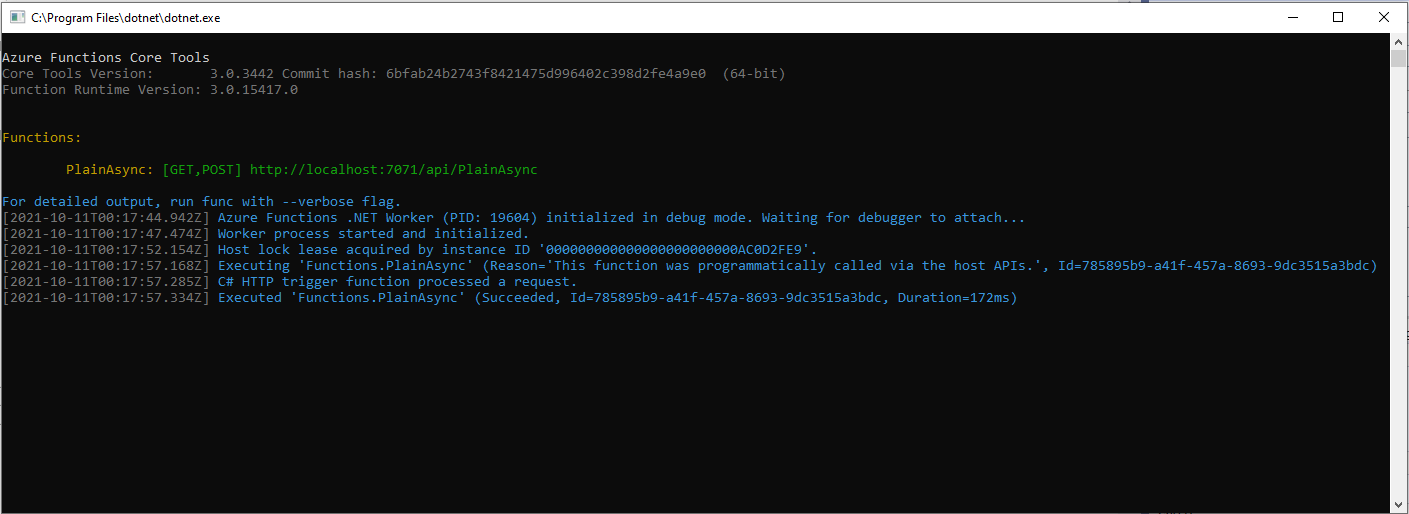
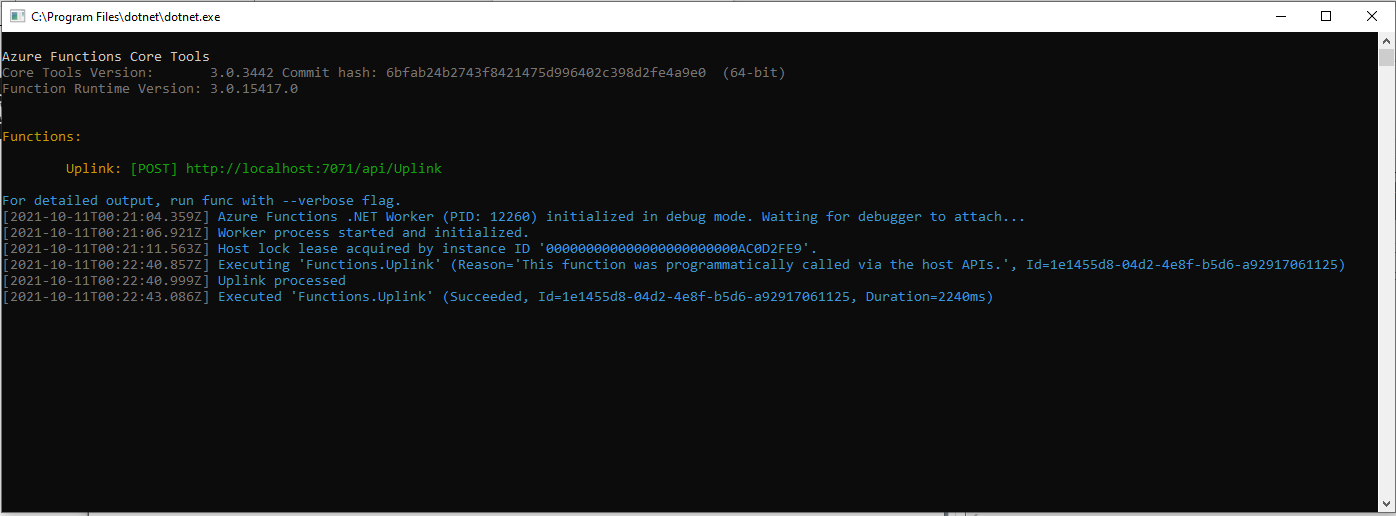
With not a lot of work I had an Azure Function I could run in the Visual Studio debugger

Azure Functions Debug Diagnostic Output

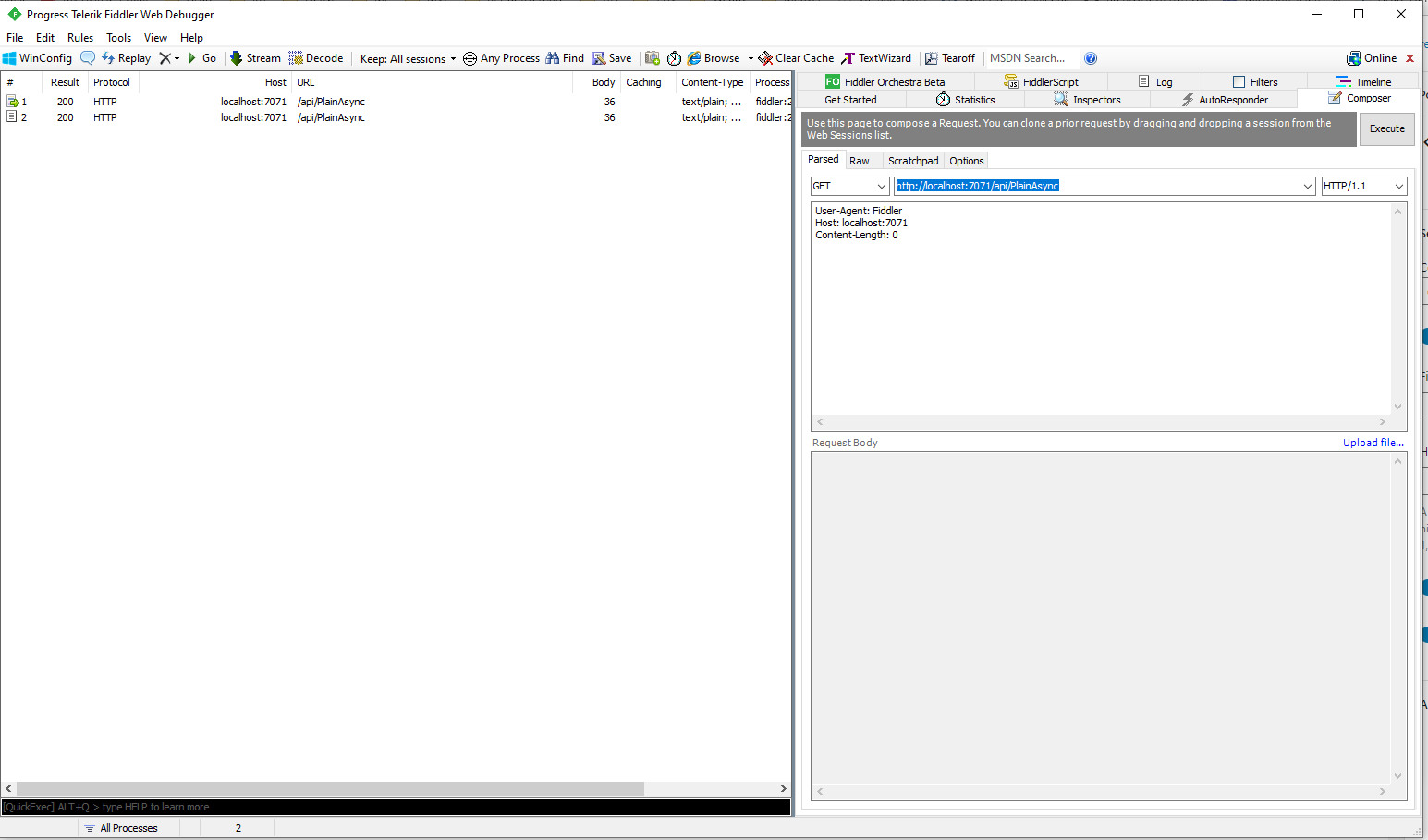
I could invoke the function using the endpoint displayed as debugging environment started.

Telerik Fiddler Composer invoking Azure Function running locally

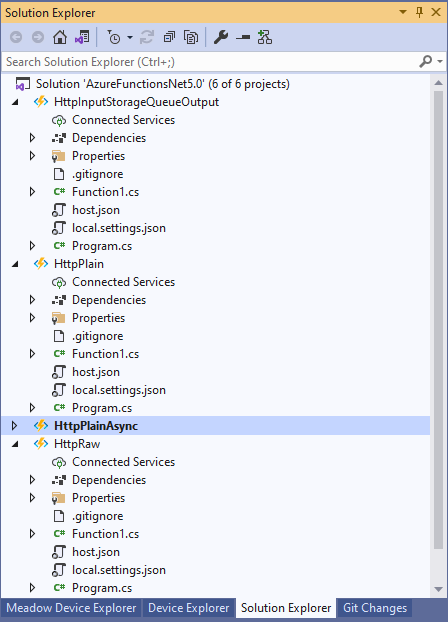
I then added more projects to explore asynchronicity, and output bindings

Azure Functions Solution PoC Projects

After a bit of “trial and error” I had an HTTPTrigger Function that inserted a message containing the payload of an HTTP POST into an Azure Storage Queue.

[StorageAccount("AzureWebJobsStorage")]
public static class Function1
{
	[Function("Uplink")]
	public static async Task<HttpTriggerUplinkOutputBindingType> Uplink([HttpTrigger(AuthorizationLevel.Function, "post")] HttpRequestData req, FunctionContext context)
	{
		var logger = context.GetLogger("UplinkMessage");

		logger.LogInformation("Uplink processed");
			
		var response = req.CreateResponse(HttpStatusCode.OK);

		return new HttpTriggerUplinkOutputBindingType()
		{
			Name = await req.ReadAsStringAsync(),
			HttpReponse = response
		};
	}

	public class HttpTriggerUplinkOutputBindingType
	{
		[QueueOutput("uplink")]
		public string Name { get; set; }

		public HttpResponseData HttpReponse { get; set; }
	}
}

The key was Multiple Output Bindings so the function could return a result for both the HttpResponseData and Azure Storage Queue operations

Azure Functions Debug Diagnostic Output

After getting the function running locally I deployed it to a Function App running in an App Service plan

Azure HTTP Trigger function Host Key configuration

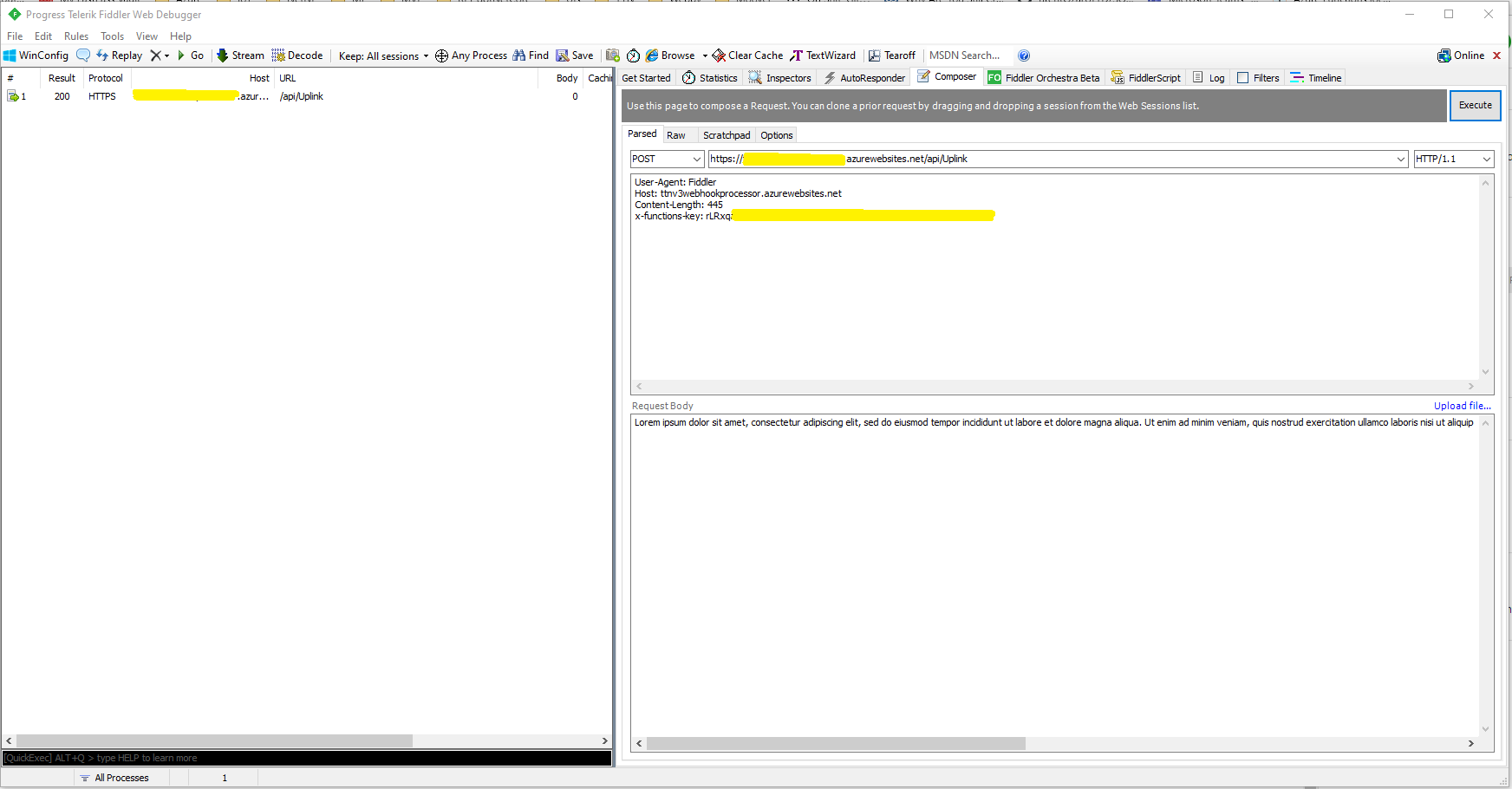
Using the Azure Portal I configured an x-functions-key which I could use in Telerik Fiddler

After fixing an accidental truncation of the x-functions-key a message with the body of the POST was created in the Azure Storage Queue.

Azure Storage Queue Message containing HTTP Post Payload

The aim of this series of PoCs was to have an Azure function that securely (x-functions-key) processed an Hyper Text Transfer Protocol(HTTP) POST with an HTTPTrigger and inserted a message containing the payload into an Azure Storage Queue using an OutputBinding.

Use the contents of this blog post with care as it may not age well.