Xively GPS Location data upload V2

In the previous post I assembled the xively request XML using a StringBuilder rather than using the XML support available in the NetMF. To use the NetMF XML library I needed to add a reference to the DPWS extensions (MFDpwsExtensions) and change the using statement at the top of the module from System.Text to System.Ext.Xml

static void xivelyFeedUpdate(string ApiKey, string feedId, string channel, double latitude, double longitude, double altitude)
{
byte[] buffer;

using (XmlMemoryWriter xmlwriter = XmlMemoryWriter.Create())
{
xmlwriter.WriteProcessingInstruction("xml", "version=\"1.0\" encoding=\"utf-8\"");
xmlwriter.WriteStartElement("eeml");
xmlwriter.WriteStartElement("environment");
xmlwriter.WriteStartElement("location");

xmlwriter.WriteStartAttribute("domain");
xmlwriter.WriteString("physical");
xmlwriter.WriteEndAttribute();

xmlwriter.WriteStartAttribute("exposure");
xmlwriter.WriteString("outdoor");
xmlwriter.WriteEndAttribute();

xmlwriter.WriteStartAttribute("disposition");
xmlwriter.WriteString("mobile");
xmlwriter.WriteEndAttribute();

xmlwriter.WriteStartElement("name");
xmlwriter.WriteString("Location");
xmlwriter.WriteEndElement();

xmlwriter.WriteStartElement("lat");
xmlwriter.WriteString(latitude.ToString("F5"));
xmlwriter.WriteEndElement();

xmlwriter.WriteStartElement("lon");
xmlwriter.WriteString(longitude.ToString("F5"));
xmlwriter.WriteEndElement();

xmlwriter.WriteStartElement("ele");
xmlwriter.WriteString(altitude.ToString("F1"));
xmlwriter.WriteEndElement();

xmlwriter.WriteEndElement();

buffer = xmlwriter.ToArray();
}

try
{
using (HttpWebRequest request = (HttpWebRequest)WebRequest.Create(xivelyApiBaseUrl + feedId + ".xml"))
{
request.Method = "PUT";
request.ContentLength = buffer.Length;
request.ContentType = "text/xml";
request.Headers.Add("X-ApiKey", xivelyApiKey);
request.KeepAlive = false;
request.Timeout = 5000;
request.ReadWriteTimeout = 5000;

// request body
using (Stream stream = request.GetRequestStream())
{
stream.Write(buffer, 0, buffer.Length);                }
using (var response = (HttpWebResponse)request.GetResponse())
{
Debug.Print("HTTP Status:" + response.StatusCode + " : " + response.StatusDescription);
}
}
}
catch (Exception ex)
{
Debug.Print(ex.Message);
}
}

I was expecting the XML libraries to be quite chunky, but on my Netduino Plus 2 there wasn’t a huge size difference, the StringBuilder download was 49K8 bytes and the XMLWiter download was 56K1 bytes.

When I ran the StringBuilder and XMLWriter versions they both had roughly 92K6 bytes of free memory.

Realistically there was little to separate the two implementations
Xively GPS Location data upload V1

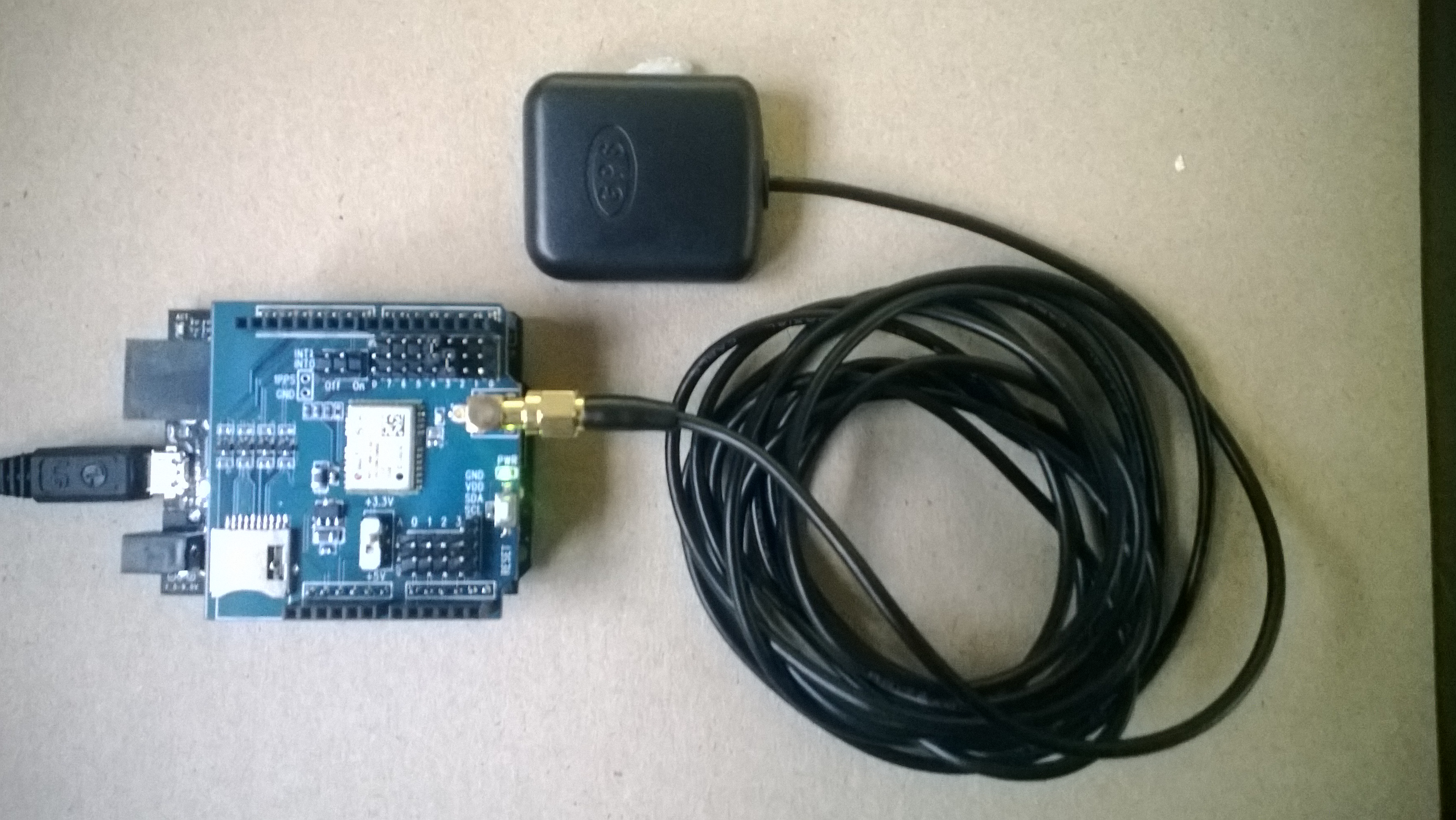
For one of the code club projects we looked at the National Marine Electronics Association (NMEA) 0183 output of my iteadStudio GPS Shield + Active Antenna. We used the NetMF Toolbox NMEA GPS processing code with a couple of modifications detailed here.

IteadStudio GPS

IteadStudio GPS shield and Antenna

For another project we had used Xively a “Public Cloud for the Internet of Things”. The Xively API has support for storing the position of a “thing” and it didn’t look like it would take much effort to extend the original GPS demo to trial this. The xively Location & waypoints API is RESTful and supports JSON & XML

void xivelyFeedUpdate(string ApiKey, string feedId, string channel, double latitude, double longitude, double altitude)
{
try
{
using (HttpWebRequest request = (HttpWebRequest)WebRequest.Create(xivelyApiBaseUrl + feedId + ".xml"))
{
StringBuilder payload = new StringBuilder();
payload.Append(@"<?xml version=""1.0"" encoding=""UTF-8""?><eeml><environment><location domain=""physical"" exposure=""outdoor"" disposition=""mobile""><name>Location</name><lat>");
payload.Append(latitude.ToString("F5"));
payload.Append("</lat><lon>");
payload.Append(longitude.ToString("F5"));
payload.Append("</lon><ele>");
payload.Append(altitude.ToString("F1"));
payload.Append("</ele></location></environment></eeml>");

byte[] buffer = Encoding.UTF8.GetBytes(payload.ToString());

request.Method = "PUT";
request.ContentLength = buffer.Length;
request.ContentType = "text/xml";
request.Headers.Add("X-ApiKey", xivelyApiKey);
request.KeepAlive = false;
request.Timeout = 5000;
request.ReadWriteTimeout = 5000;

// request body
using (Stream stream = request.GetRequestStream())
{
stream.Write(buffer, 0, buffer.Length);
}
using (var response = (HttpWebResponse)request.GetResponse())
{
Debug.Print("HTTP Status:" + response.StatusCode + " : " + response.StatusDescription);
}
}
}
catch (Exception ex)
{
Debug.Print(ex.Message);
}
}

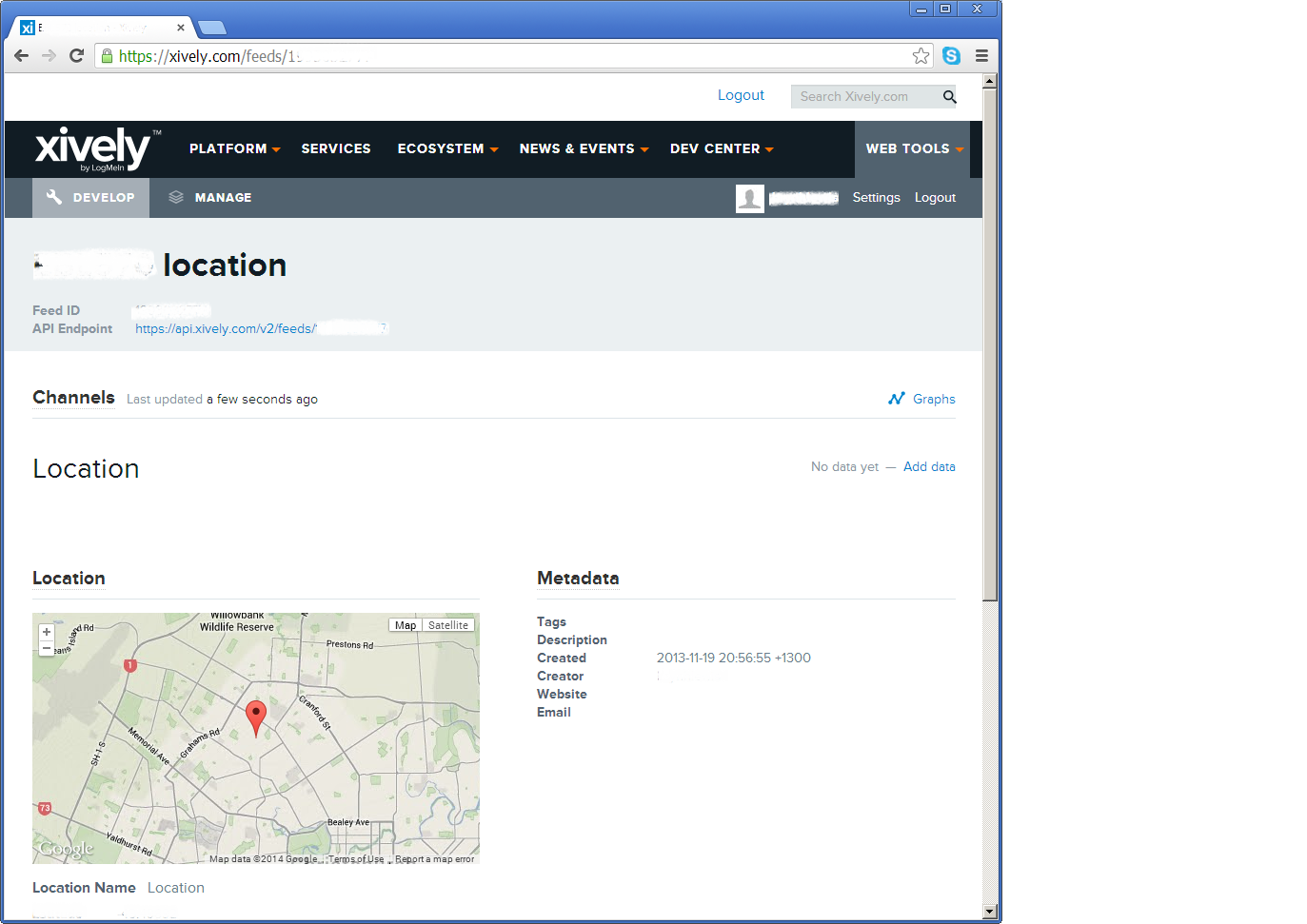
The position of the “thing” is displayed like this

Xively poisition

The position of my car

The XML was constructed using a stringbuilder (NetMF 4.2) as this appeared easier/smaller than using the baked in XML functionality.

Netduino Plus PulseRate Monitor V2

In the final couple of code club sessions we built a pulse rate monitor to show a practical application for the NetMF InterruptPort, and communication between threads using the Interlocked class (Increment & exchange). This was then enhanced to display the data locally and upload it to the cloud to illustrate a basic HTTP interaction and serial communications.

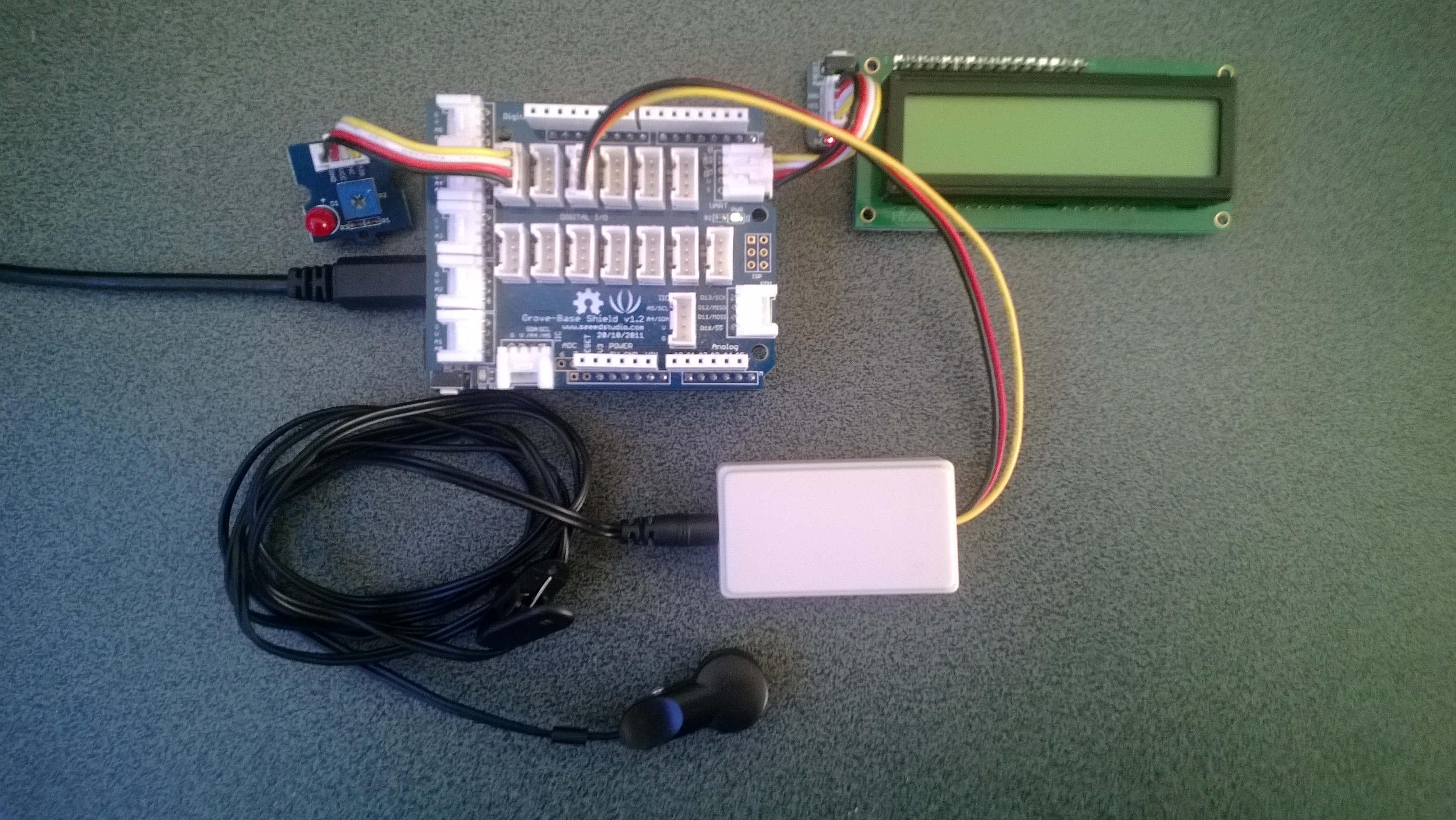
The application displays the approximate pulse rate in Beats Per Minute (BPM) on a 16×2 character LCD display and also uploads the information to a free developer account at Xively a “Public Cloud for the Internet of Things”.

Netduino Plus 2 rate monitor

The xively trial account has a limit of 25 calls a minute, rolling 3 minute average (Dec 2013) which was more than adequate for our application and many other educational projects.

The xively API supports managing products, managing devices,  reading & writing data, reading & wiring metadata, querying historical data and searching for data feeds, using a RESTful approach.

The NetduinoPlus2 has full support for the NetMF system.http and sufficient memory so that there is plenty of room left for an application. If you are using a Netduino Plus (or other NetMF device with limited memory) an approach which reduces memory consumption is detailed here.

The xively data API supports JSON, XML and CSV formats for upload of data and for the pulse rate monitor we used CSV. The following code was called roughly every 20 seconds.

static void xivelyFeedUpdate( string ApiKey, string feedId, string channel, string value )
{
try
{
using (HttpWebRequest request = (HttpWebRequest)WebRequest.Create(xivelyApiBaseUrl+ feedId + ".csv"))
{
byte[] buffer = Encoding.UTF8.GetBytes(channel + "," + value);


request.Method = "PUT";
request.ContentLength = buffer.Length;
request.ContentType = "text/csv";
request.Headers.Add("X-ApiKey", ApiKey);
request.KeepAlive = false;
request.Timeout = 5000;
request.ReadWriteTimeout = 5000;


// request body
using (Stream stream = request.GetRequestStream())
{
stream.Write(buffer, 0, buffer.Length);
}


using (var response = (HttpWebResponse)request.GetResponse())
{
Debug.Print("HTTP Status:" + response.StatusCode + " : " + response.StatusDescription);
}
}
}
catch (Exception ex)
{
Debug.Print(ex.Message);
}
}

The pulse rate information can then displayed by xively in tables and graphs.

Pulse Rate data gaph at xively

Pulse Rate data display

At the end of term presentation several parents and family members were doing press-ups and other exercises to see how high their pulse rate went and how quickly it recovered.

Bill of materials (Prices as at Dec 2013)

HTTPS with NetMF calling an Azure Service Bus endpoint

Back in Q1 of 2013 I posted a sample application which called an Azure Service Bus end point just to confirm that the certificate configuration etc. was good.

Since I published that sample the Azure Root certificate has been migrated so I have created a new project which uses the Baltimore Cyber Trust Root certificate.

The sample Azure ServiceBus client uses a wired LAN connection (original one used wifi module) and to run it locally you will have to update the Date information around line 24.