Provisioning Devices on demand.
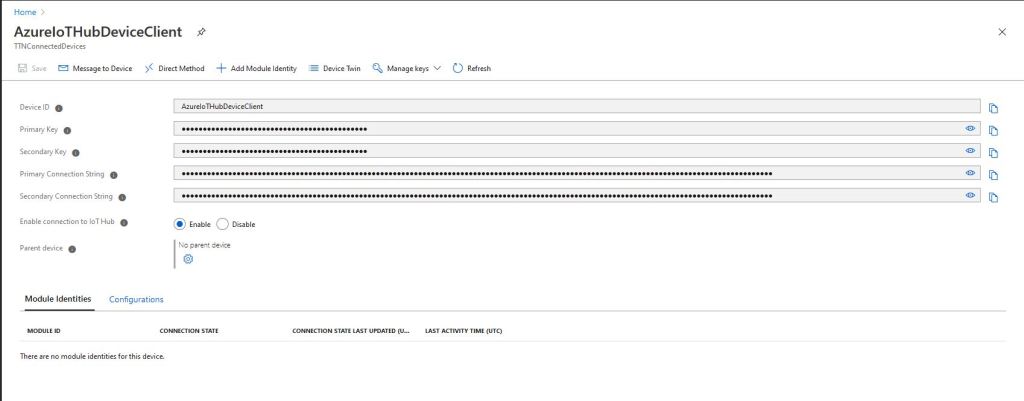
For development and testing being able to provision an individual device is really useful, though for Azure IoT Central it is not easy (especially with the deprecation of DPS-KeyGen). With an Azure IoT Hub device connection strings are available in the portal which is convenient but not terribly scalable.
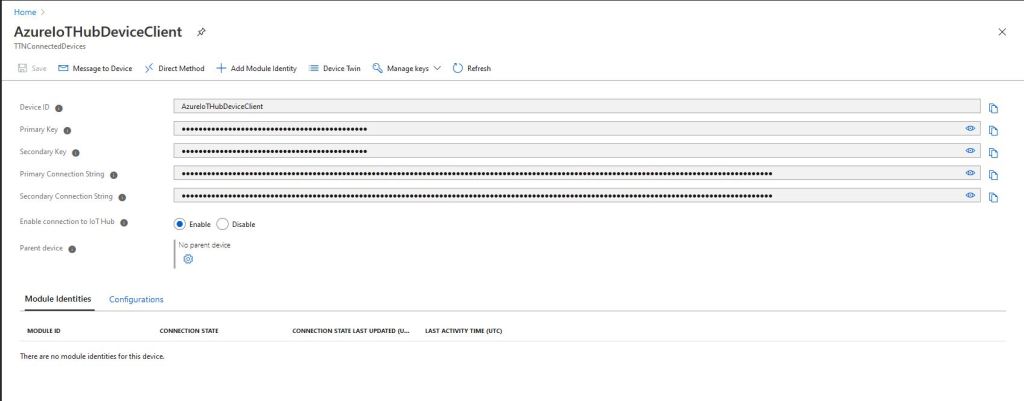
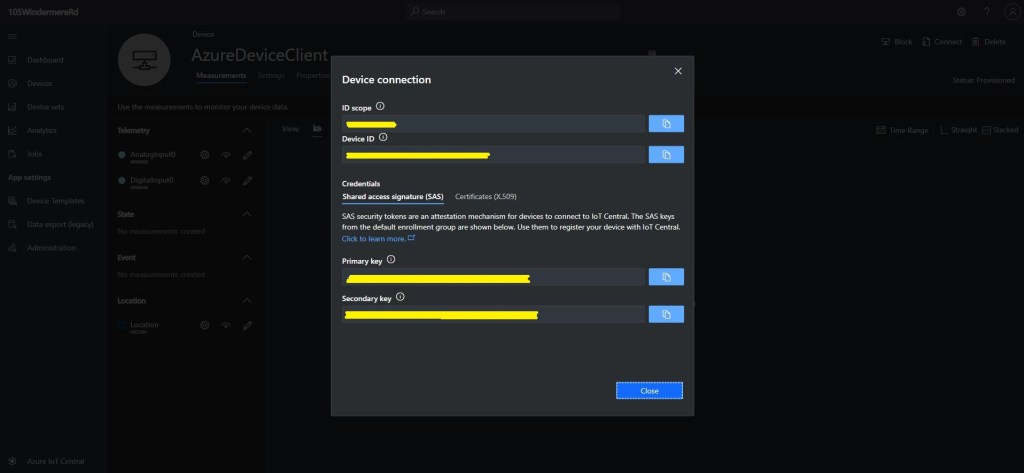
Azure IoT Hub is integrated with, and Azure IoT Central forces the use of the Device Provisioning Service(DPS) which is designed to support the management of 1000’s of devices.
My HTTP Integration for The Things Network(TTN) is intended to support many devices and integrate with Azure IoT Central so I built yet another “nasty” console application to explore how the DPS works. The DPS also supports device attestation with a Trusted Platform Module(TPM) but this approach was not suitable for my application.
My command-line application supports individual and group enrollments with Symmetric Key Attestation and it can also generate group enrollment device keys.
class Program
{
   private const string GlobalDeviceEndpoint = "global.azure-devices-provisioning.net";

   static async Task Main(string[] args)
   {
      string registrationId;
...
      registrationId = args[1];

      switch (args[0])
      {
         case "e":
         case "E":
            string scopeId = args[2];
            string symmetricKey = args[3];

            Console.WriteLine($"Enrolllment RegistrationID:{ registrationId} ScopeID:{scopeId}");
            await Enrollement(registrationId, scopeId, symmetricKey);
            break;
         case "k":
         case "K":
            string primaryKey = args[2];
            string secondaryKey = args[3];

            Console.WriteLine($"Enrollment Keys RegistrationID:{ registrationId}");
            GroupEnrollementKeys(registrationId, primaryKey, secondaryKey);
            break;
         default:
            Console.WriteLine("Unknown option");
            break;
      }
      Console.WriteLine("Press <enter> to exit");
      Console.ReadLine();
   }

   static async Task Enrollement(string registrationId, string scopeId, string symetricKey)
   {
      try
      {
         using (var securityProvider = new SecurityProviderSymmetricKey(registrationId, symetricKey, null))
         {
            using (var transport = new ProvisioningTransportHandlerAmqp(TransportFallbackType.TcpOnly))
            {
               ProvisioningDeviceClient provClient = ProvisioningDeviceClient.Create(GlobalDeviceEndpoint, scopeId, securityProvider, transport);

               DeviceRegistrationResult result = await provClient.RegisterAsync();

               Console.WriteLine($"Hub:{result.AssignedHub} DeviceID:{result.DeviceId} RegistrationID:{result.RegistrationId} Status:{result.Status}");
               if (result.Status != ProvisioningRegistrationStatusType.Assigned)
               {
                  Console.WriteLine($"DeviceID{ result.Status} already assigned");
               }

               IAuthenticationMethod authentication = new DeviceAuthenticationWithRegistrySymmetricKey(result.DeviceId, (securityProvider as SecurityProviderSymmetricKey).GetPrimaryKey());

               using (DeviceClient iotClient = DeviceClient.Create(result.AssignedHub, authentication, TransportType.Amqp))
               {
                  Console.WriteLine("DeviceClient OpenAsync.");
                  await iotClient.OpenAsync().ConfigureAwait(false);
                  Console.WriteLine("DeviceClient SendEventAsync.");
                  await iotClient.SendEventAsync(new Message(Encoding.UTF8.GetBytes("TestMessage"))).ConfigureAwait(false);
                  Console.WriteLine("DeviceClient CloseAsync.");
                  await iotClient.CloseAsync().ConfigureAwait(false);
               }
            }
         }
      }
      catch (Exception ex)
      {
         Console.WriteLine(ex.Message);
      }
   }

   static void GroupEnrollementKeys(string registrationId, string primaryKey, string secondaryKey)
   {
      string primaryDeviceKey = ComputeDerivedSymmetricKey(Convert.FromBase64String(primaryKey), registrationId);
      string secondaryDeviceKey = ComputeDerivedSymmetricKey(Convert.FromBase64String(secondaryKey), registrationId);

      Console.WriteLine($"RegistrationID:{registrationId}");
      Console.WriteLine($" PrimaryDeviceKey:{primaryDeviceKey}");
      Console.WriteLine($" SecondaryDeviceKey:{secondaryDeviceKey}");
   }

   public static string ComputeDerivedSymmetricKey(byte[] masterKey, string registrationId)
   {
      using (var hmac = new HMACSHA256(masterKey))
      {
         return Convert.ToBase64String(hmac.ComputeHash(Encoding.UTF8.GetBytes(registrationId)));
      }
   }
}
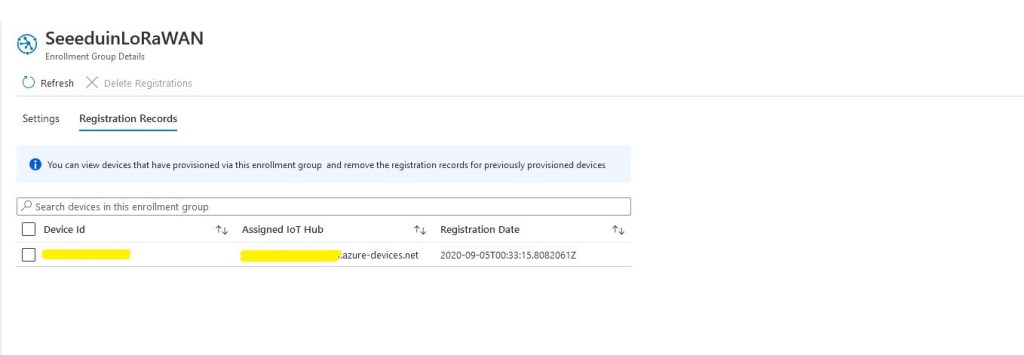
I have five seeeduino LoRaWAN and a single Seeeduino LoRaWAN W/GPS device leftover from another project so I created a SeeeduinoLoRaWAN enrollment group.
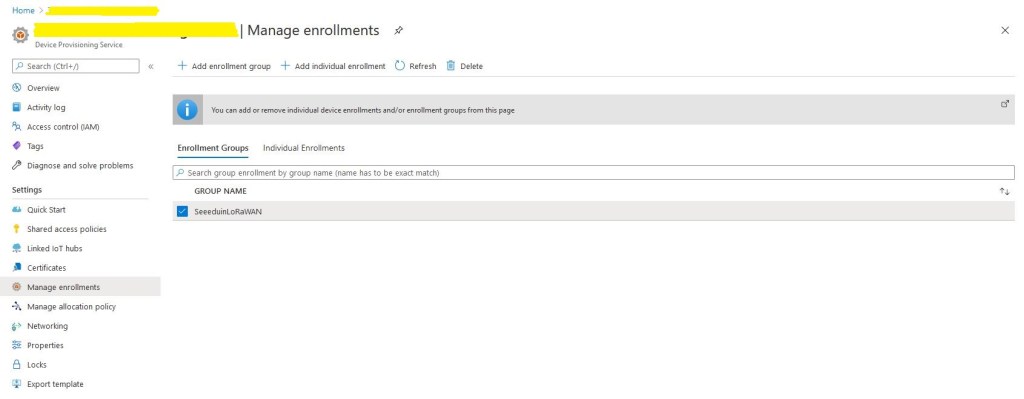
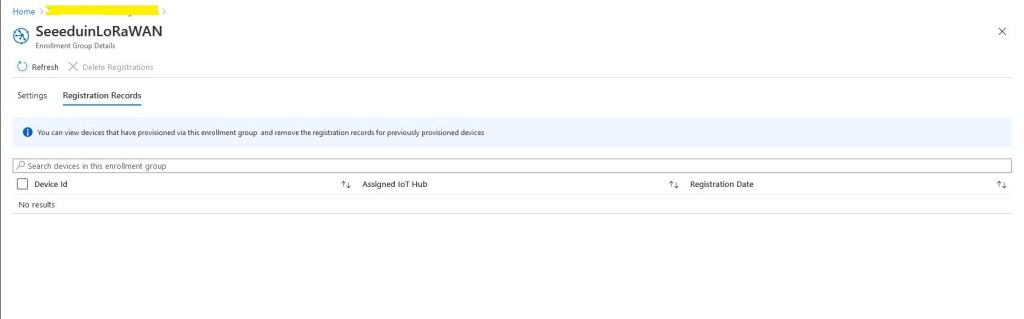
Initially the enrollment group had no registration records so I ran my command-line application to generate group enrollment keys for one of my devices.
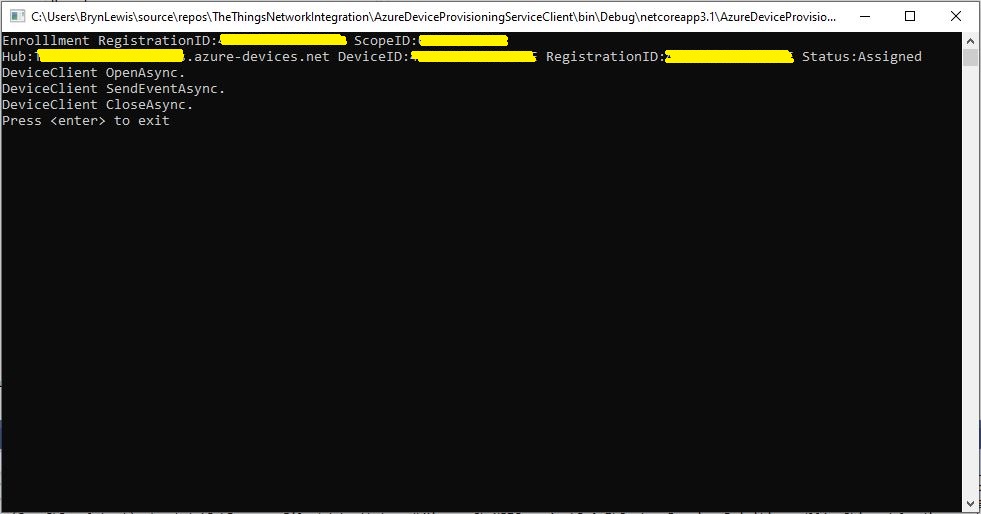
Then I ran the command-line application with my scopeID, registrationID (LoRaWAN deviceEUI) and the device group enrollment key I had generated in the previous step.
After running the command line application the device was visible in the enrollment group registration records.
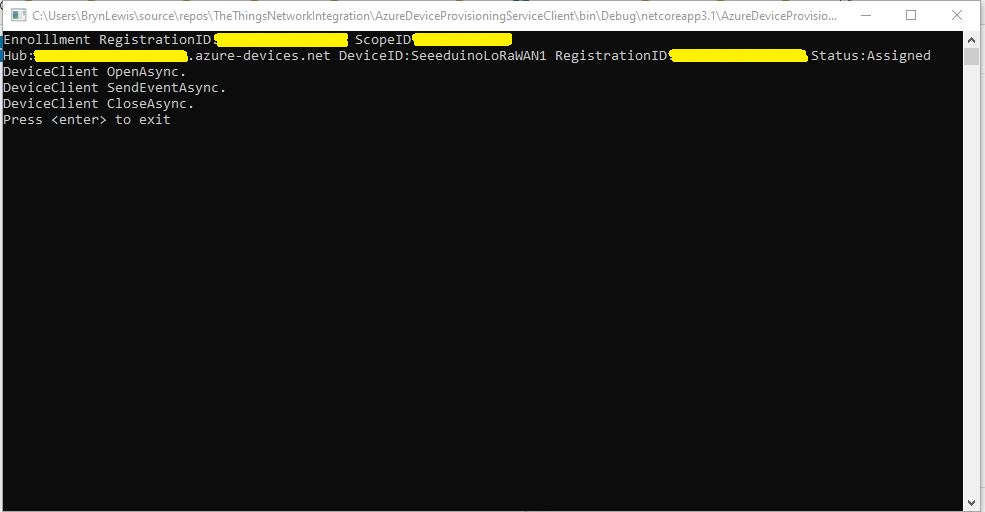
Provisioning a device with an individual enrollment has a different workflow. I had to run my command-line application with the RegistrationID, ScopeID, and one of the symmetric keys from the DPS individual enrollment device configuration.
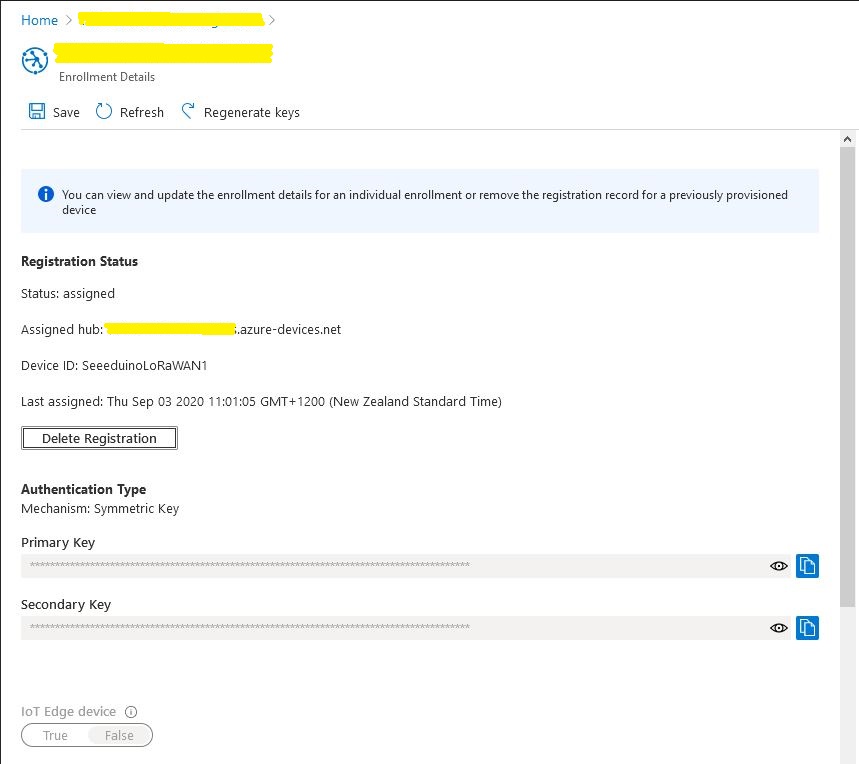
A major downside to an individual enrollment is either the primary or the secondary symmetric key for the device has to be deployed on the device which could be problematic if the device has no secure storage.
With a group enrollment only the registration ID and the derived symmetric key have to be deployed on the device which is more secure.
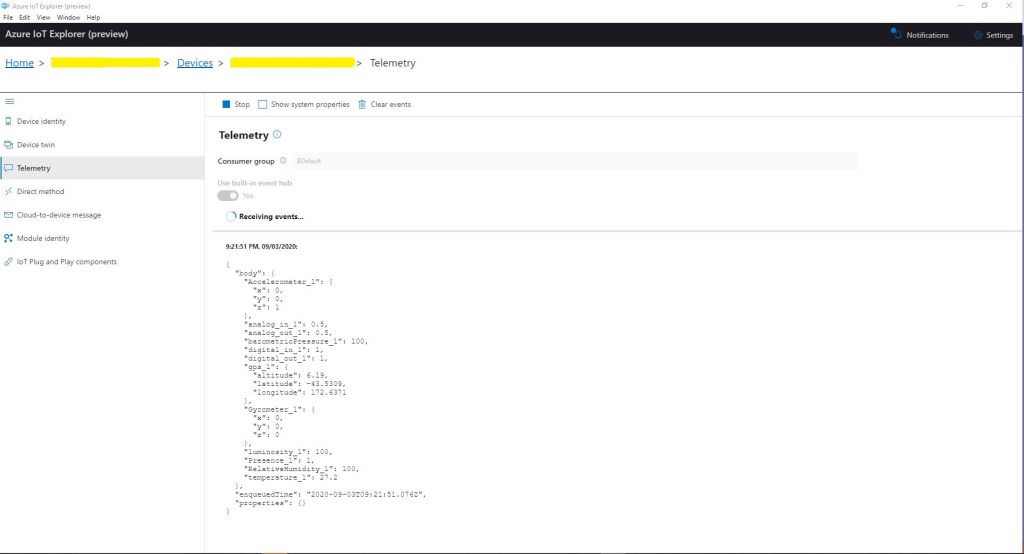
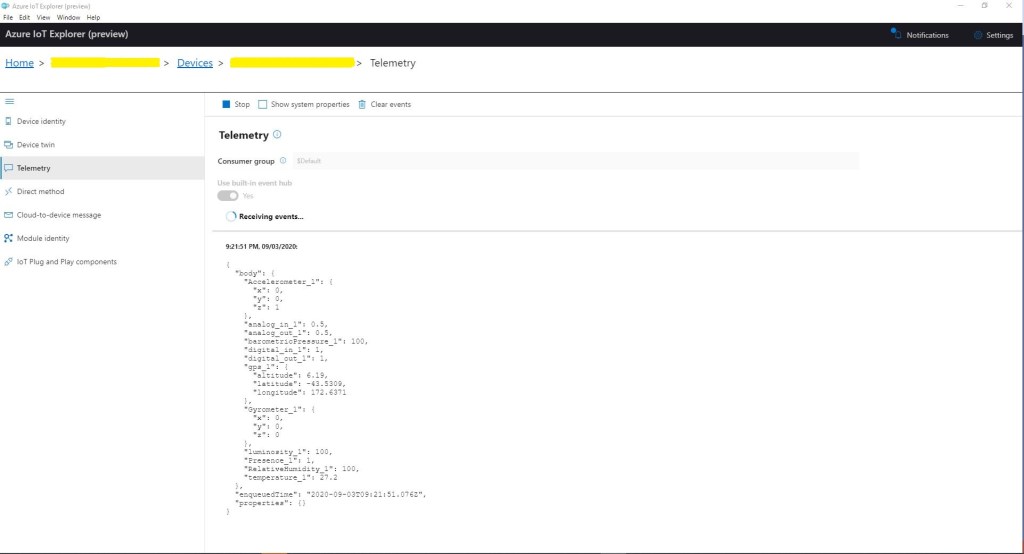
In Azure IoT Explorer I could see messages from both my group and individually enrolled devices arriving at my Azure IoT hub
After some initial issues I found DPS was quite reliable and surprisingly easy to configure. I did find the DPS ProvisioningDeviceClient.RegisterAsync method sometimes took several seconds to execute which may have some ramifications when my application is doing this on demand.

 devMobile's blog