Netduino Electromyograph (EMG)

One of CodeClub’s sponsors is Orion Health so I had been looking for some reasonably priced sensors for health focused projects. We already use the SeeedStudio Heart rate sensor for one of our projects so I ordered a Grove EMG Detector for evaluation.
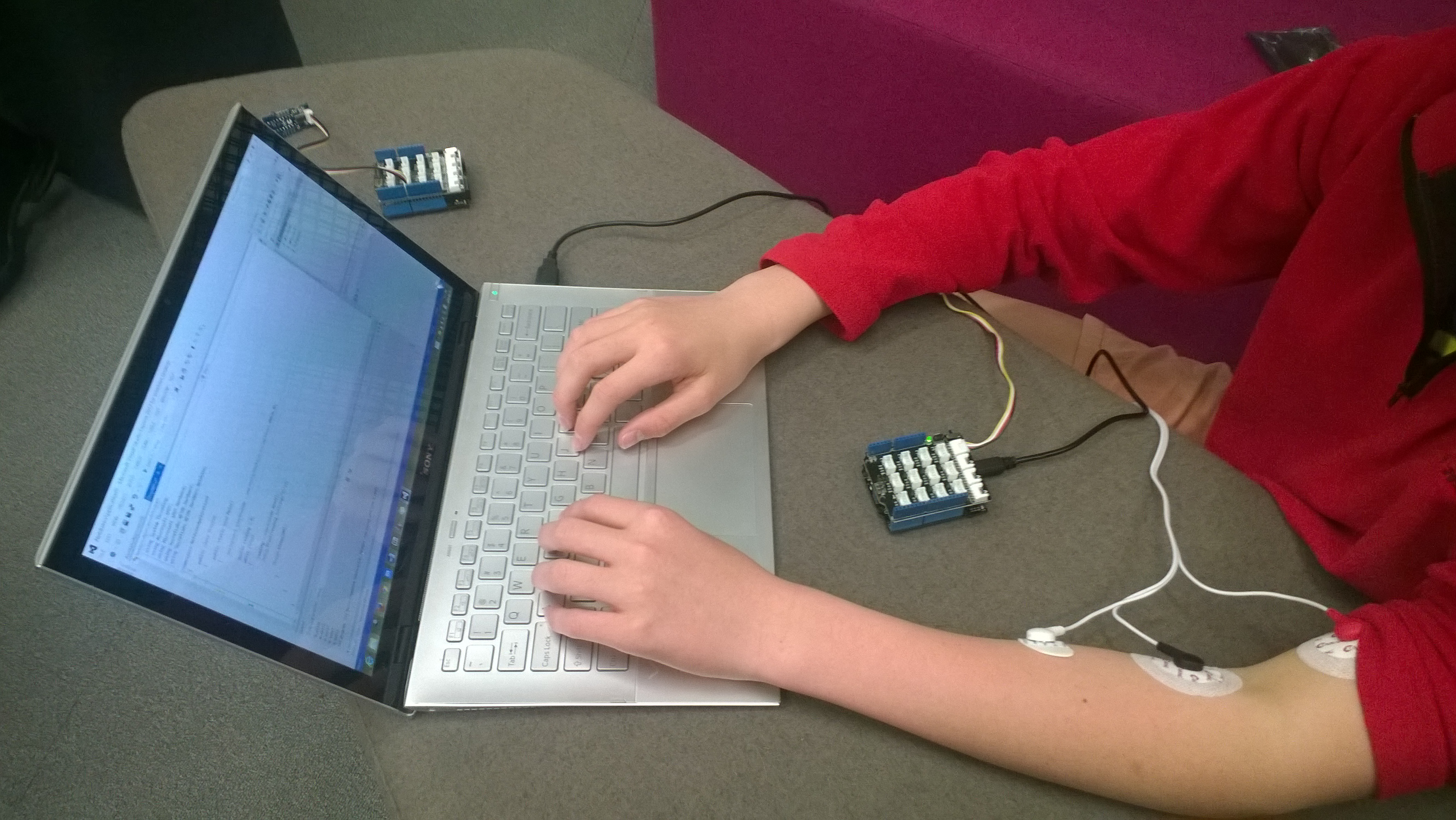
Netduino with Seeedstudio EMG

Netduino with Grove EMG Detector

The EMG detector outputs a single analog signal which we connected to analog input 0. For the proof of concept we averaged for 500 samples to determine the steady state offset.

for (int sampleCounter = 0; sampleCounter < calibrationSampleCount; sampleCounter++)
{
   double value = emg.Read();
   sampleSum += value;
}
offset = sampleSum / calibrationSampleCount ;

We then read the analog input applied the offset and displayed the magnitude of the signal on a Seeedstudio LED bar using code written by Famoury Toure

while(true)
{
   double value = emg.Read() - offset;

   if (value < valueMinimum) { valueMinimum = value; } if (value > valueMaximum)
   {
      valueMaximum = value;
   }
   range = valueMaximum - valueMinimum;

   if (value < 0)
   {
      value = value / valueMaximum * 10.0;
   }
   else
   {
      value = value / valueMinimum * 10.0;
   }

   Debug.Print("Val " + value.ToString("F3") + " Max " + valueMaximum.ToString("F3") + " Min " +valueMinimum.ToString("F3"));

   int bar = 1;
   value = 10.0 - value;
   bar = bar << (int)value ;
   ledBar.setLED((uint)bar);
   Thread.Sleep(100);
   }
}

Bill of Materials (Prices as at October 2014)

The proof of concept worked surprisingly well, the LED illuminated on the LED bar appeared to move in response to arm movements and when I clenched my fist.
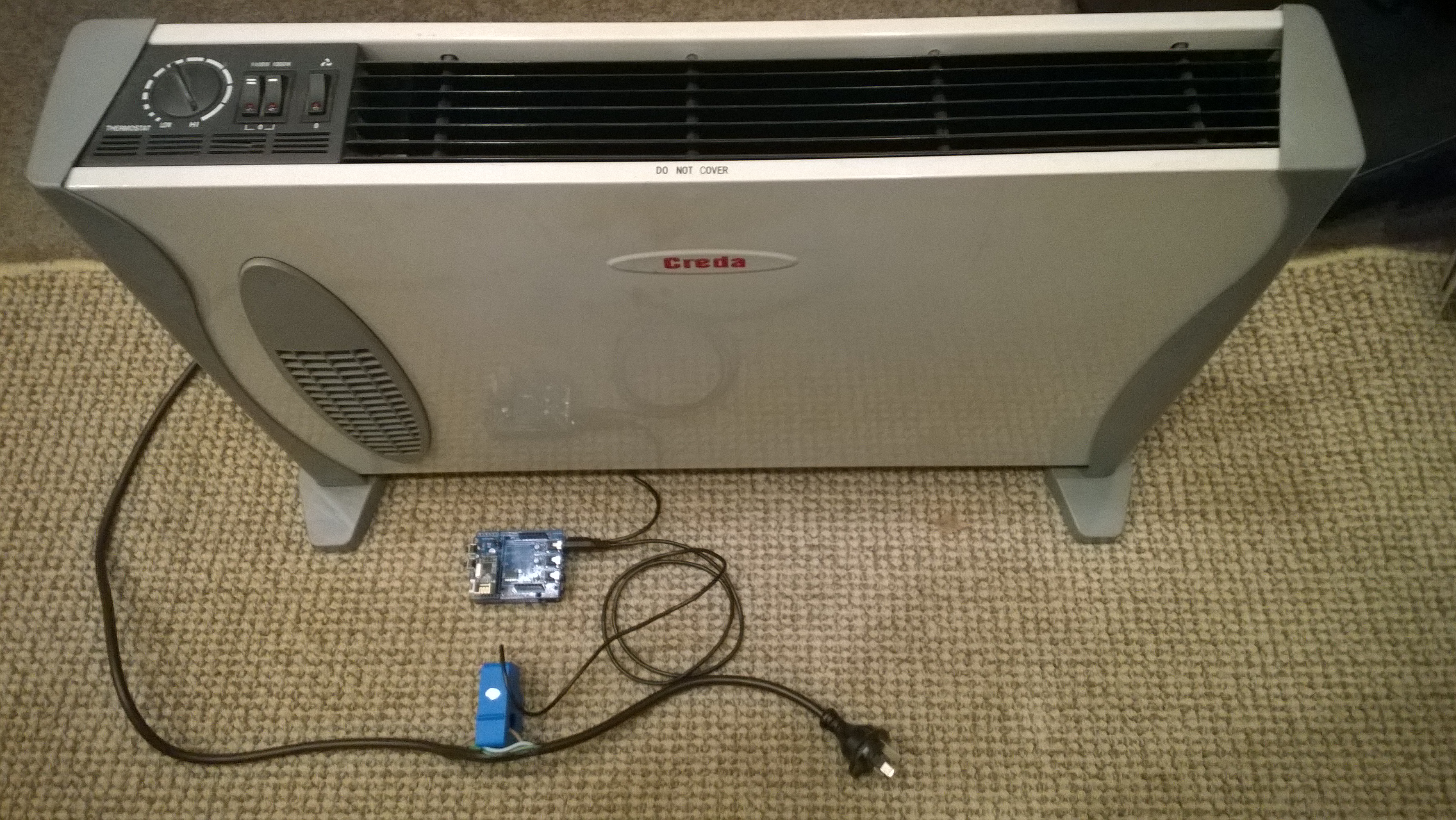
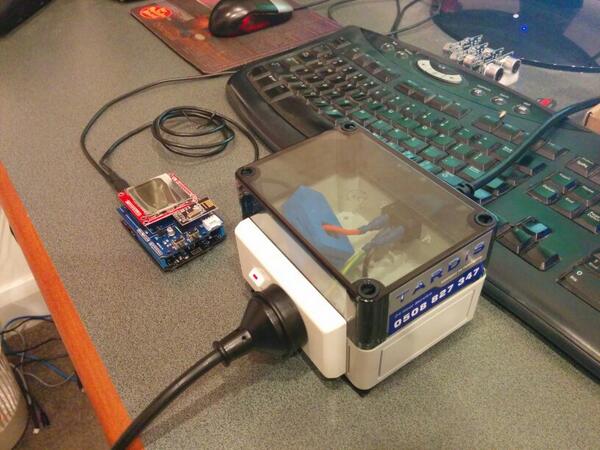
Energy Monitor Shield Sensor Box by Tardis

My initial way of connecting the current sensor for the Energy Monitor Shield was not really suitable for CodeClub. Carefully cutting the insulation with a craft knife and gently pulling out the phase wire could end really badly.

Image

I approached a local company Tardis Communications and they made Code Club these neat enclosures which ensure the students can’t come into contact with any live connections.

Image

Ultrasonic Ranger Distance Measurement

I had been thinking about an Ultrasonic Tape measure as one of the projects for code club. One of the “challenges” we start each evening with was measuring how long the Netduino on board button was pressed using an InterruptPort triggering on both the leading and trailing edges. This challenge implements the core of the code required to use an Ultrasonic Ranger.

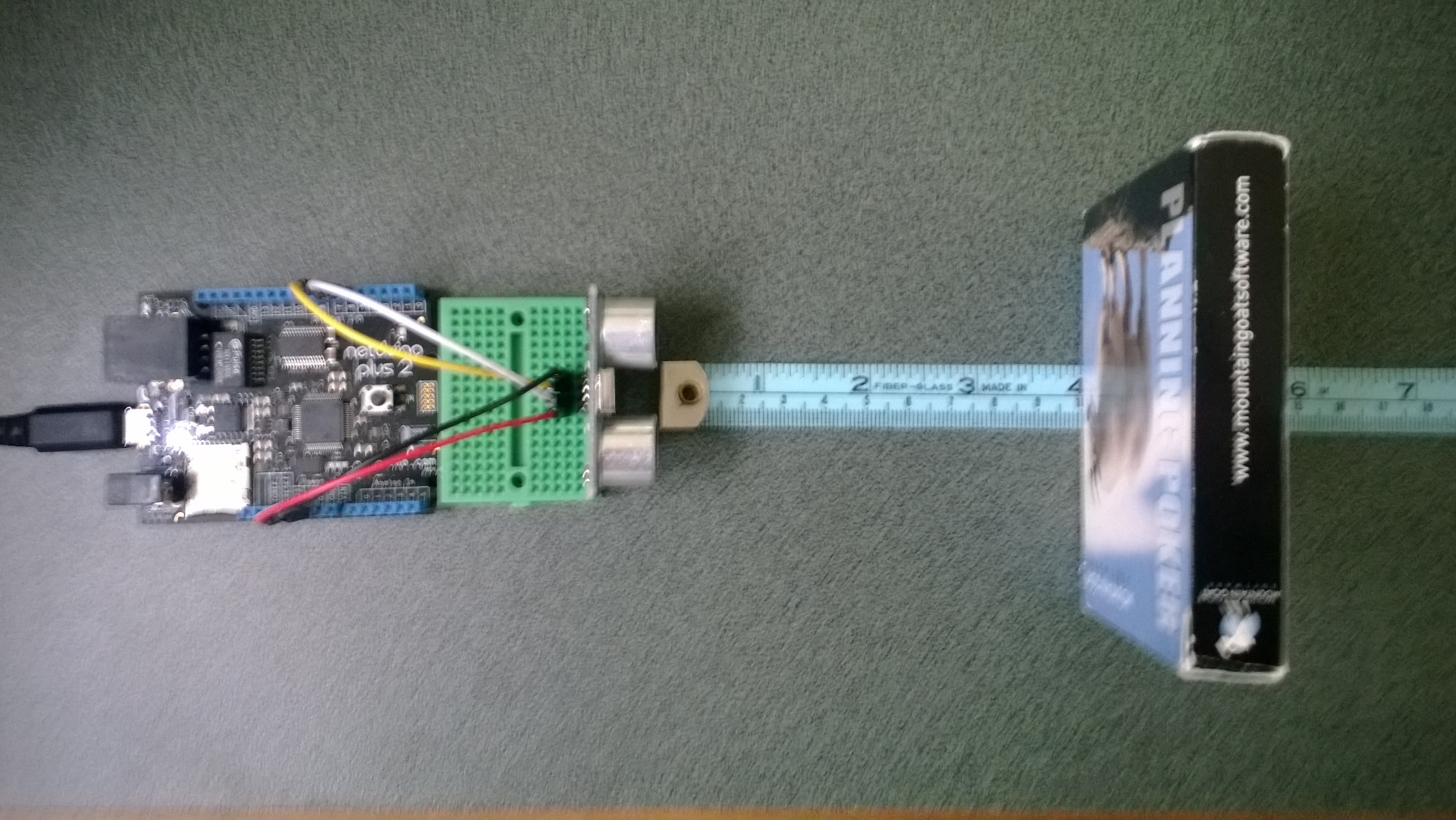
Ultrasonic Ranger connected to Netduino Plus 2

Ultrasonic Ranger Test Rig bill of Materials (April 2014)

A plug and play option would be

To make a measurement the trigger pin is strobed high, then the duration of the pulse on the echo pin represents the distance from the object. The NetMF DataTime structure represents tick as one hundred nanoseconds or one ten-millionth of a second. (There are 10,000 ticks in a millisecond) so the duration in ticks/58 is the distance in millimetres.

public UltraSonicRanger(Cpu.Pin triggerPin, Cpu.Pin echoPin)
{
   #region Diagnostic Assertions
   Debug.Assert(echoPin != Cpu.Pin.GPIO_NONE);
   Debug.Assert(triggerPin != Cpu.Pin.GPIO_NONE);
   Debug.Assert(echoPin != triggerPin);
   #endregion

   triggerOutput = new OutputPort(triggerPin, false);

   echoInterrupt = new InterruptPort(echoPin, true, Port.ResistorMode.Disabled, Port.InterruptMode.InterruptEdgeBoth);
   echoInterrupt.OnInterrupt += new NativeEventHandler(echoInterruptPort_OnInterrupt);
   echoInterrupt.DisableInterrupt();
}

void echoInterruptPort_OnInterrupt(uint data1, uint data2, DateTime time)
{
   if (data2 == 0) // falling edge, end of pulse
   {
      pulseWidthTicks = time.Ticks - pulseStartTicks;
      measurementComplete.Set();
   }
   else
   {
      pulseStartTicks = time.Ticks;
   }
}

Ultrasonic Ranger module source

I was pleasantly surprised by the sub 0.5 cm accuracy of the sensor