ONNXRuntime.AI-Faster R-CNN C# Sample differences

After building Faster R-CCN object detection applications with Copilot and Github Copilot the results when compared with the onnxruntime.ai Object detection with Faster RCNN Deep Learning in C# sample (which hasn’t been updated for years) were slightly different.

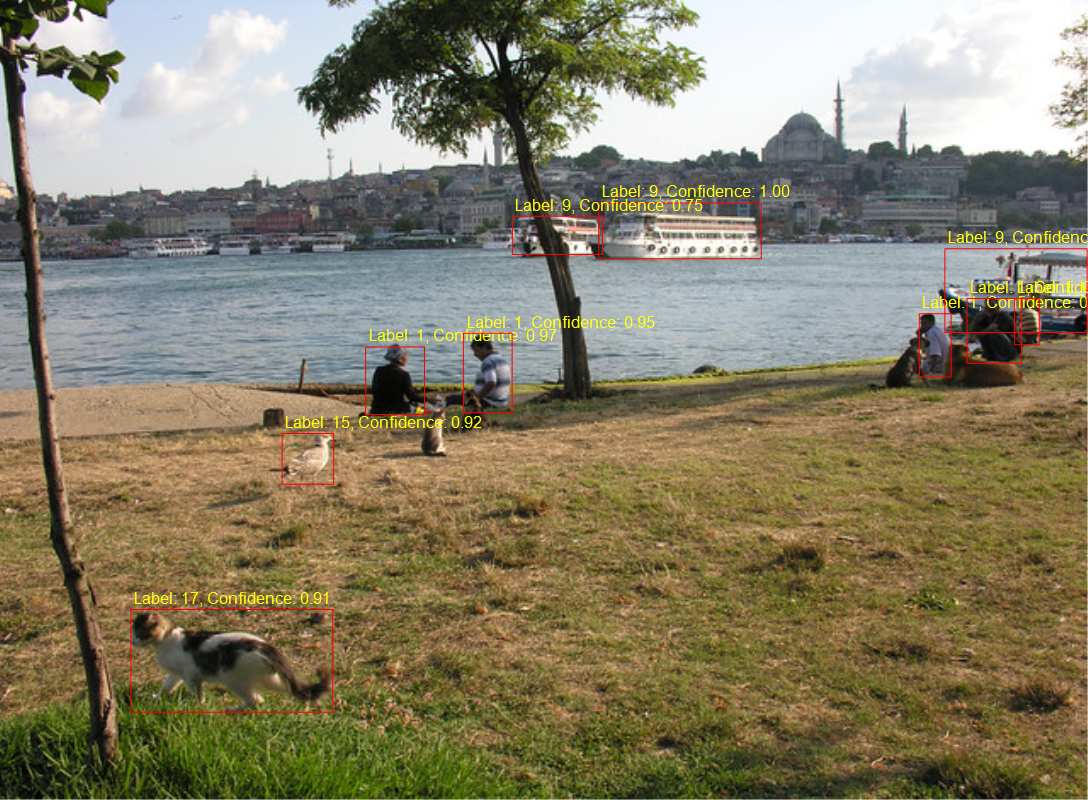
The sample image was 640×480 pixels

The FasterRCNNObjectDetectionApplicationGitHubCopilot application scaled image was initially 1056×800 then 1088×800 pixels.

The initial version the dimensions were “rounded down” to the next multiple of 32

// Calculate scale factor to fit within the range while maintaining aspect ratio
float scale = Math.Min((float)maxSize / Math.Max(originalWidth, originalHeight),
                                (float)minSize / Math.Min(originalWidth, originalHeight));

// Calculate new dimensions
int newWidth = (int)(originalWidth * scale);
int newHeight = (int)(originalHeight * scale);

// Ensure dimensions are divisible by 32
newWidth = (newWidth / divisor) * divisor;
newHeight = (newHeight / divisor) * divisor;

Scaled 1056×800

Then for the second version the dimensions were “rounded up” to the next multiple of 32

// Calculate scale factor to fit within the range while maintaining aspect ratio
float scale = Math.Min((float)maxSize / Math.Max(originalWidth, originalHeight),
                                (float)minSize / Math.Min(originalWidth, originalHeight));

// Calculate new dimensions
int newWidth = (int)(originalWidth * scale);
int newHeight = (int)(originalHeight * scale);

// Ensure dimensions are divisible by 32
newWidth = (int)(Math.Ceiling(newWidth / 32f) * 32f);
newHeight = (int)(Math.Ceiling(newHeight / 32f) * 32f);

Scaled 1088×800
Marked up 1088×800

The FasterRCNNObjectDetectionApplicationOriginal application scaled the input image to 1066×800

Scaled image 1066×800

The FasterRCNNObjectDetectionApplicationOriginal application pillar boxed/padded the image to 1088×800 as the DenseTensor was loaded.

using Image<Rgb24> image = Image.Load<Rgb24>(imageFilePath);

Console.WriteLine($"Before x:{image.Width} y:{image.Height}");

// Resize image
float ratio = 800f / Math.Min(image.Width, image.Height);
image.Mutate(x => x.Resize((int)(ratio * image.Width), (int)(ratio * image.Height)));

Console.WriteLine($"After x:{image.Width} y:{image.Height}");

// Preprocess image
var paddedHeight = (int)(Math.Ceiling(image.Height / 32f) * 32f);
var paddedWidth = (int)(Math.Ceiling(image.Width / 32f) * 32f);

Console.WriteLine($"Padded x:{paddedWidth} y:{paddedHeight}");

Tensor<float> input = new DenseTensor<float>(new[] { 3, paddedHeight, paddedWidth });
var mean = new[] { 102.9801f, 115.9465f, 122.7717f };
image.ProcessPixelRows(accessor =>
{
   for (int y = paddedHeight - accessor.Height; y < accessor.Height; y++)
   {
      Span<Rgb24> pixelSpan = accessor.GetRowSpan(y);
      for (int x = paddedWidth - accessor.Width; x < accessor.Width; x++)
      {
         input[0, y, x] = pixelSpan[x].B - mean[0];
         input[1, y, x] = pixelSpan[x].G - mean[1];
         input[2, y, x] = pixelSpan[x].R - mean[2];
      }
   }
});
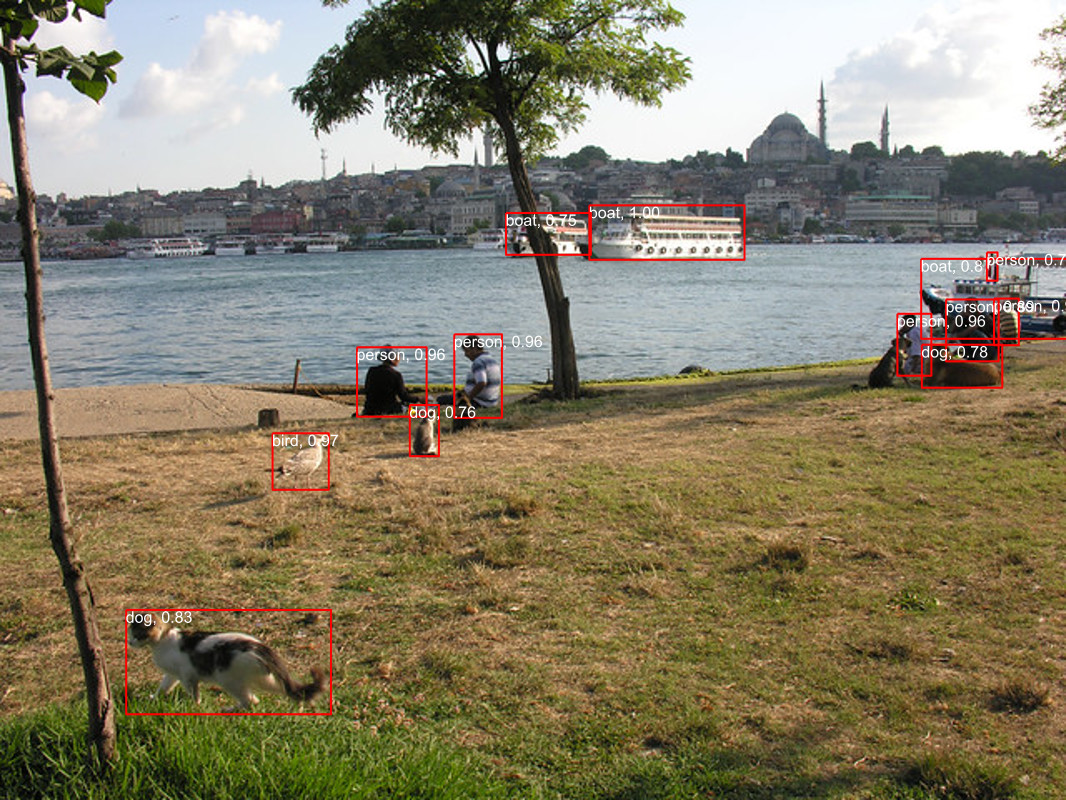
Marked up image 1066×800

I think the three different implementations of the preprocessing steps and the graphics libraries used probably caused the differences in the results. The way an image is “resized” by System.Graphics.Common vs. ImageSharp(resampled, cropped and centered or padded and pillar boxed) could make a significant difference to the results.

ONNXRuntime.AI-Faster R-CNN C# Sample oddness

After building Faster R-CCN object detection applications with Copilot and Github Copilot the results when compared with Utralytics Yolo (with YoloSharp) didn’t look too bad.

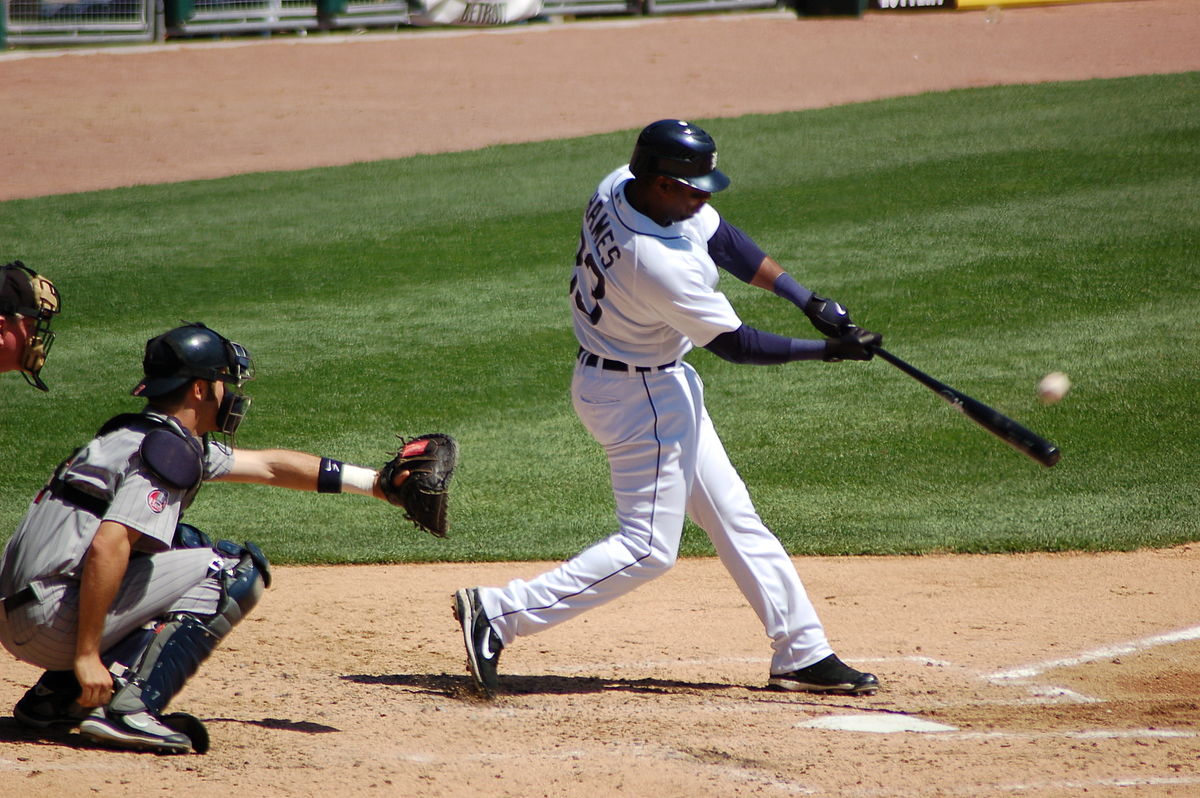
The input image sports.jpg 1200×798 pixels

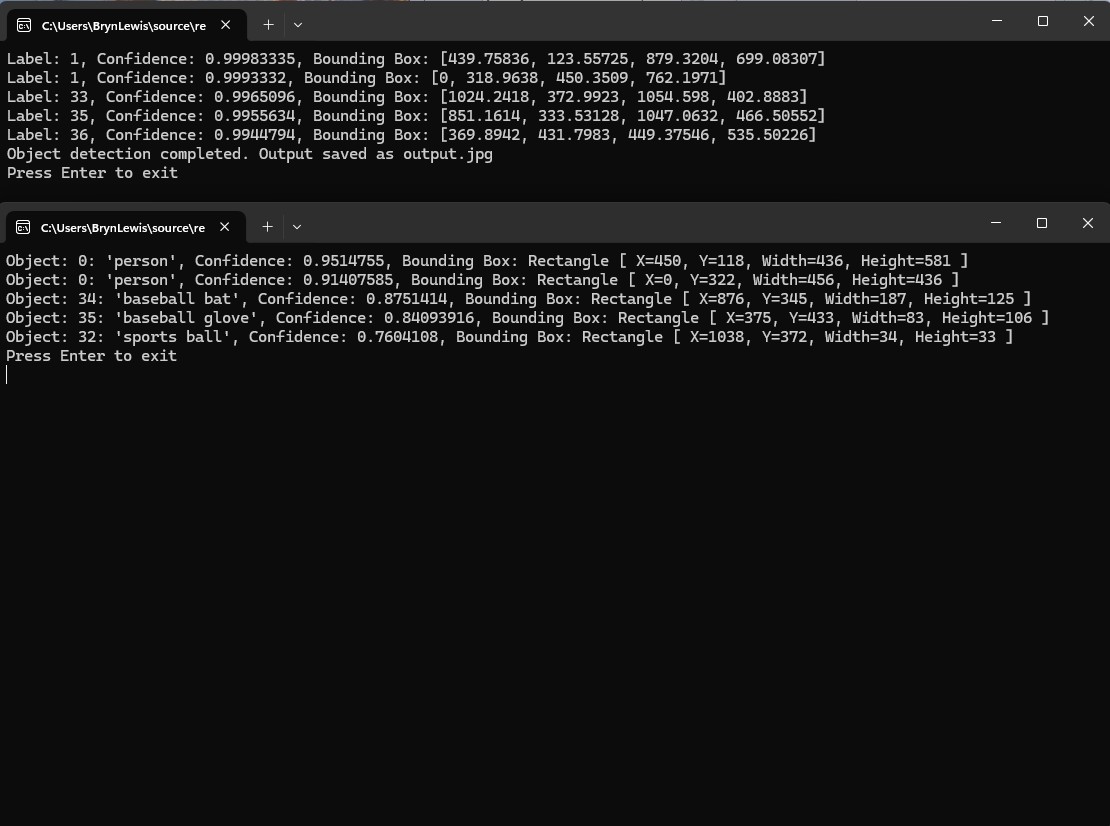
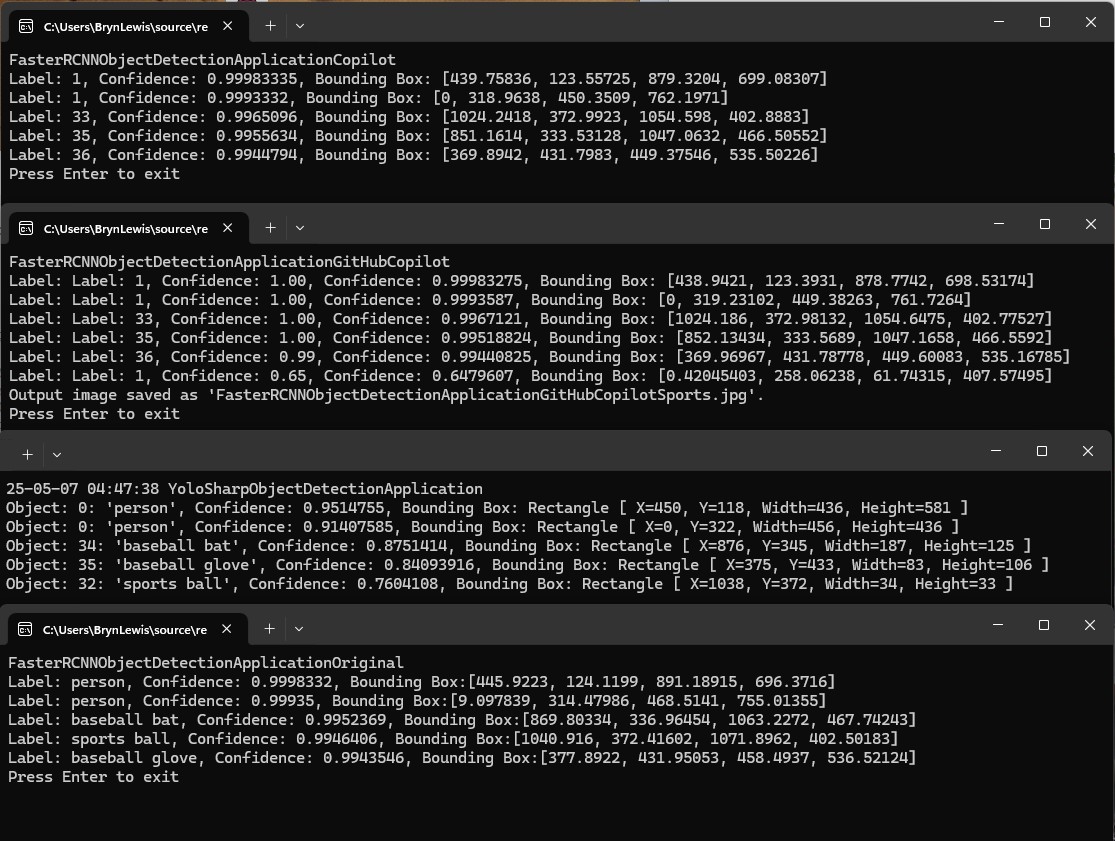
The GithubCopilot FasterRCNNObjectDetectionApplicationCopilot application only generated labels, confidences and minimum bounding box coordinates.

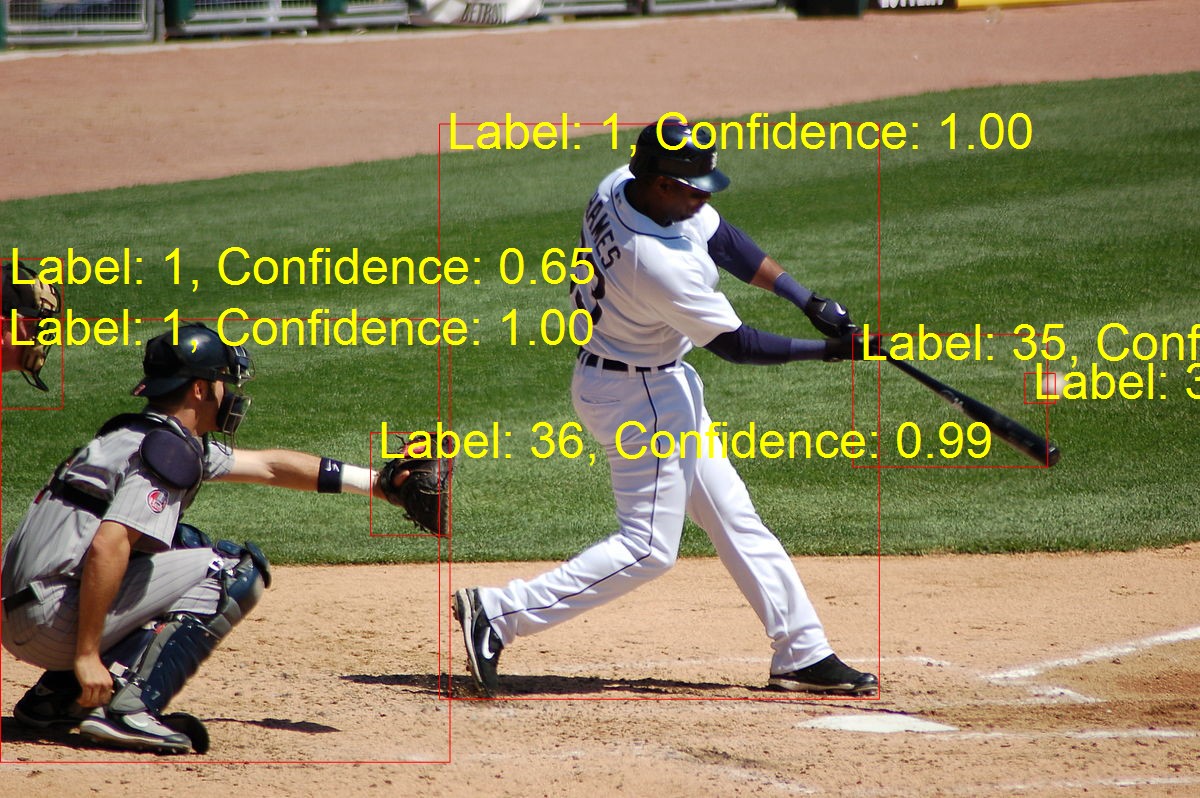
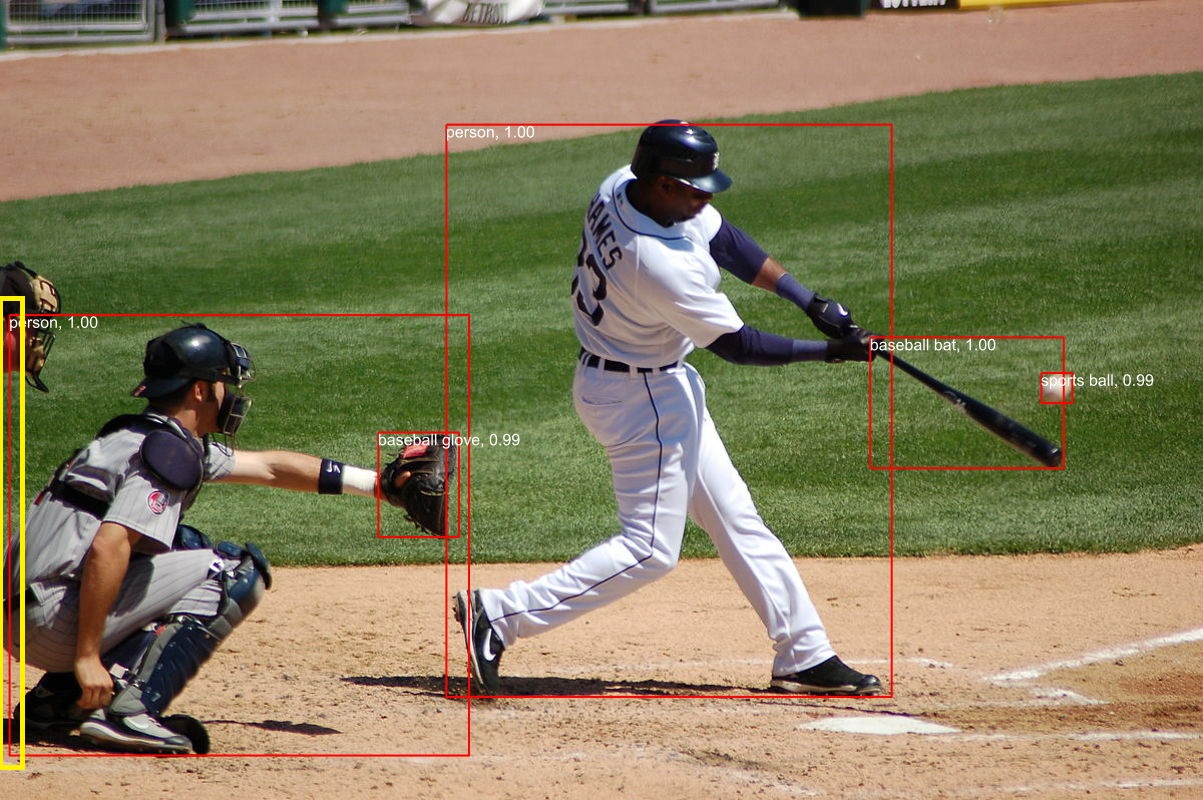
The FasterRCNNObjectDetectionApplicationGitHubCopilot application the marked-up image was 1200×798 pixels

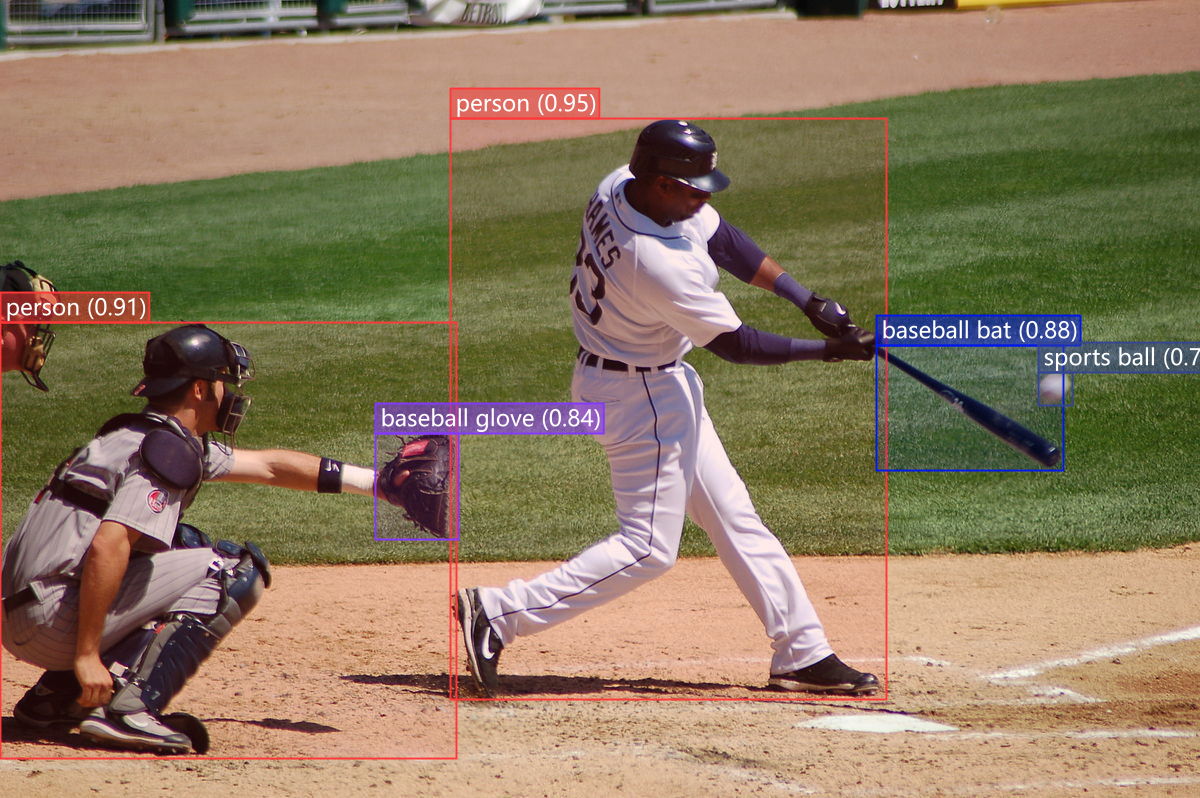
The YoloSharpObjectDetectionApplication application marked-up image was 1200×798 pixels

I went back to the onnxruntime.ai Object detection with Faster RCNN Deep Learning in C# sample source code to check my implementations and the highlighted area on the left caught my attention.

The FasterRCNNObjectDetectionApplicationOriginal application marked up image was 1023×800

I downloaded the sample code which hadn’t been updated for years.

public static void Main(string[] args)
{
   Console.WriteLine("FasterRCNNObjectDetectionApplicationOriginal");

   // Read paths
   string modelFilePath = args[0];
   string imageFilePath = args[1];
   string outImageFilePath = args[2];

   // Read image
   using Image<Rgb24> image = Image.Load<Rgb24>(imageFilePath);

   // Resize image
   float ratio = 800f / Math.Min(image.Width, image.Height);
   image.Mutate(x => x.Resize((int)(ratio * image.Width), (int)(ratio * image.Height)));

   // Preprocess image
   var paddedHeight = (int)(Math.Ceiling(image.Height / 32f) * 32f);
   var paddedWidth = (int)(Math.Ceiling(image.Width / 32f) * 32f);
   Tensor<float> input = new DenseTensor<float>(new[] { 3, paddedHeight, paddedWidth });
   var mean = new[] { 102.9801f, 115.9465f, 122.7717f };
   image.ProcessPixelRows(accessor =>
   {
      for (int y = paddedHeight - accessor.Height; y < accessor.Height; y++)
      {
         Span<Rgb24> pixelSpan = accessor.GetRowSpan(y);
         for (int x = paddedWidth - accessor.Width; x < accessor.Width; x++)
         {
            input[0, y, x] = pixelSpan[x].B - mean[0];
            input[1, y, x] = pixelSpan[x].G - mean[1];
            input[2, y, x] = pixelSpan[x].R - mean[2];
         }
      }
   });

   // Setup inputs and outputs
   var inputs = new List<NamedOnnxValue>
      {
            NamedOnnxValue.CreateFromTensor("image", input)
      };

   // Run inference
   using var session = new InferenceSession(modelFilePath);
   using IDisposableReadOnlyCollection<DisposableNamedOnnxValue> results = session.Run(inputs);

   // Postprocess to get predictions
   var resultsArray = results.ToArray();
   float[] boxes = resultsArray[0].AsEnumerable<float>().ToArray();
   long[] labels = resultsArray[1].AsEnumerable<long>().ToArray();
   float[] confidences = resultsArray[2].AsEnumerable<float>().ToArray();
   var predictions = new List<Prediction>();
   var minConfidence = 0.7f;
   for (int i = 0; i < boxes.Length - 4; i += 4)
   {
      var index = i / 4;
      if (confidences[index] >= minConfidence)
      {
         predictions.Add(new Prediction
         {
            Box = new Box(boxes[i], boxes[i + 1], boxes[i + 2], boxes[i + 3]),
            Label = LabelMap.Labels[labels[index]],
            Confidence = confidences[index]
         });
      }
   }

   // Put boxes, labels and confidence on image and save for viewing
   using var outputImage = File.OpenWrite(outImageFilePath);
   Font font = SystemFonts.CreateFont("Arial", 16);
   foreach (var p in predictions)
   {
      Console.WriteLine($"Label: {p.Label}, Confidence: {p.Confidence}, Bounding Box:[{p.Box.Xmin}, {p.Box.Ymin}, {p.Box.Xmax}, {p.Box.Ymax}]");
      image.Mutate(x =>
      {
         x.DrawLine(Color.Red, 2f, new PointF[] {

                  new PointF(p.Box.Xmin, p.Box.Ymin),
                  new PointF(p.Box.Xmax, p.Box.Ymin),

                  new PointF(p.Box.Xmax, p.Box.Ymin),
                  new PointF(p.Box.Xmax, p.Box.Ymax),

                  new PointF(p.Box.Xmax, p.Box.Ymax),
                  new PointF(p.Box.Xmin, p.Box.Ymax),

                  new PointF(p.Box.Xmin, p.Box.Ymax),
                  new PointF(p.Box.Xmin, p.Box.Ymin)
               });
         x.DrawText($"{p.Label}, {p.Confidence:0.00}", font, Color.White, new PointF(p.Box.Xmin, p.Box.Ymin));
      });
   }
   image.SaveAsJpeg(outputImage);

   Console.WriteLine("Press Enter to exit");
   Console.ReadLine();
}

I then compared the output of the object detection applications and the onnxruntime.ai Object detection with Faster RCNN Deep Learning in C# sample was different.

After some investigation I think the scaling of the image used for inferencing (based on the requirements on the model), then the scaling of the minimum bounding rectangles isn’t quite right.