As part of this series of samples comparing Arduino to nanoFramework to .NET IoT Device “Proof of Concept (PoC) applications, several posts use a SenseCAP CO2, Temperature and Humidity Sensor SKU101991029.
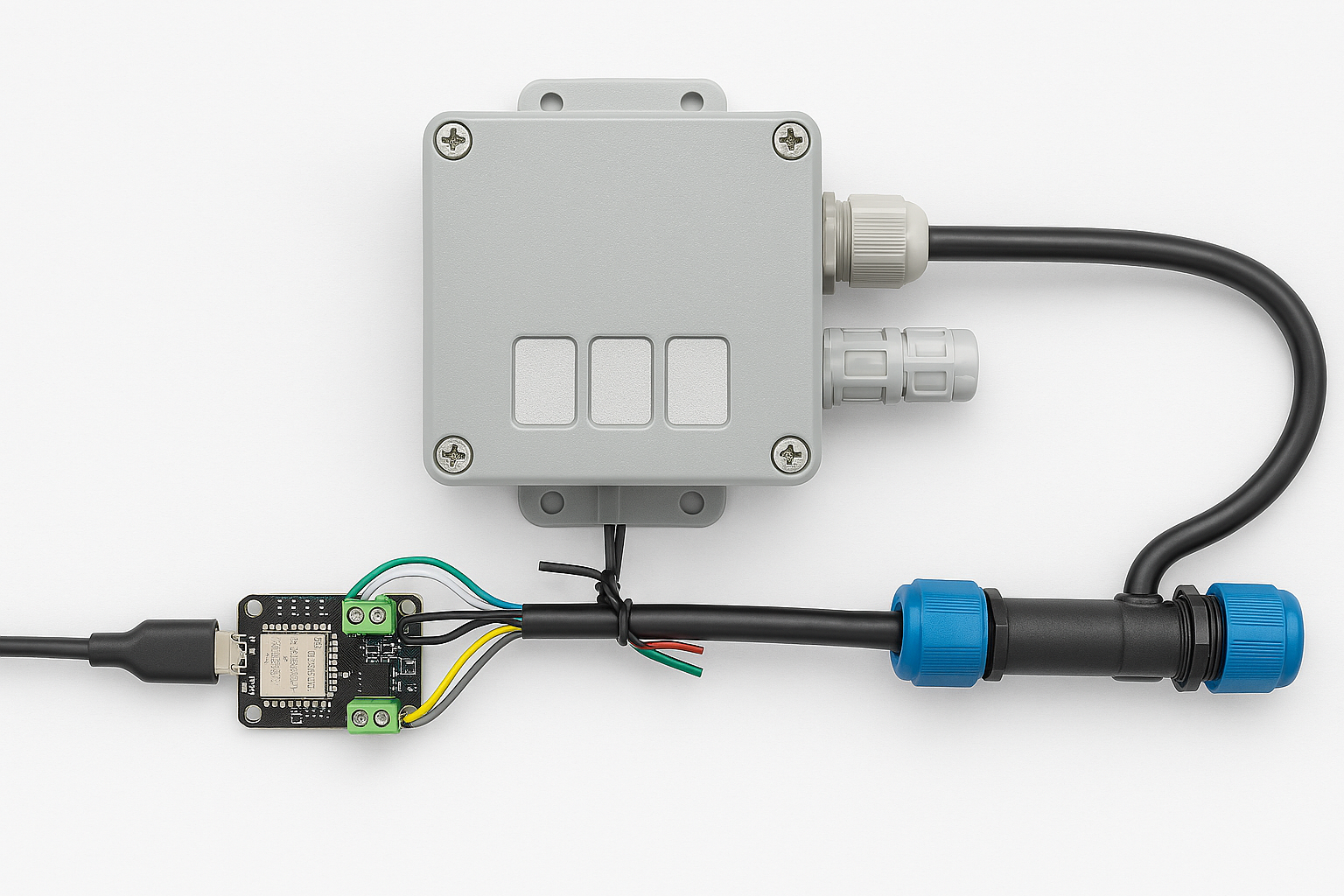
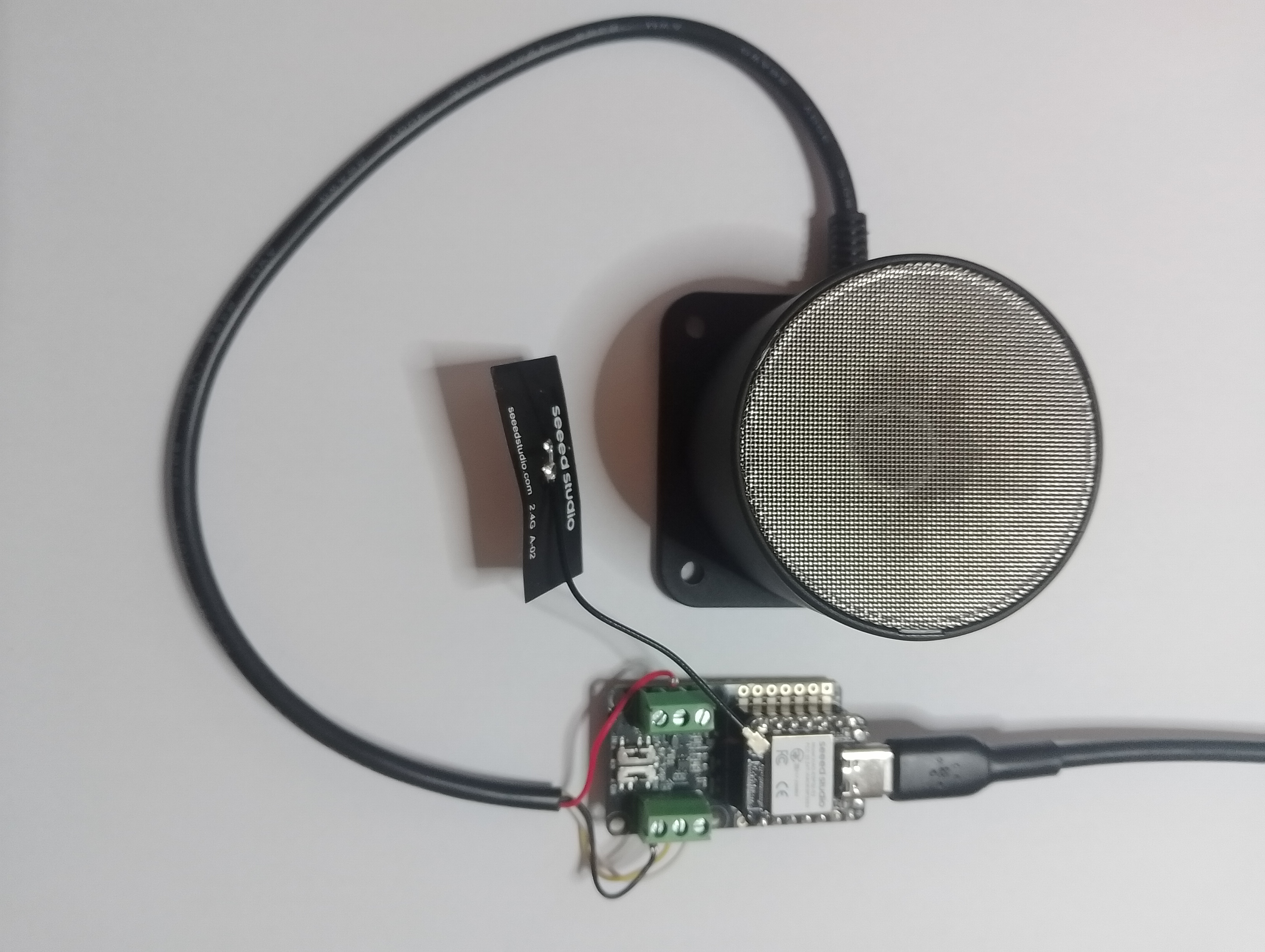
I cut up a spare Industrial IP68 Modbus RS485 1-to-4 Splitter/Hub to connect the sensor to the breakout board. This sensor has an operating voltage of 5V ~ 24V so it can be powered by the 5V output of a RS485 Breakout Board for Seeed Studio XIAO (SKU 113991354)
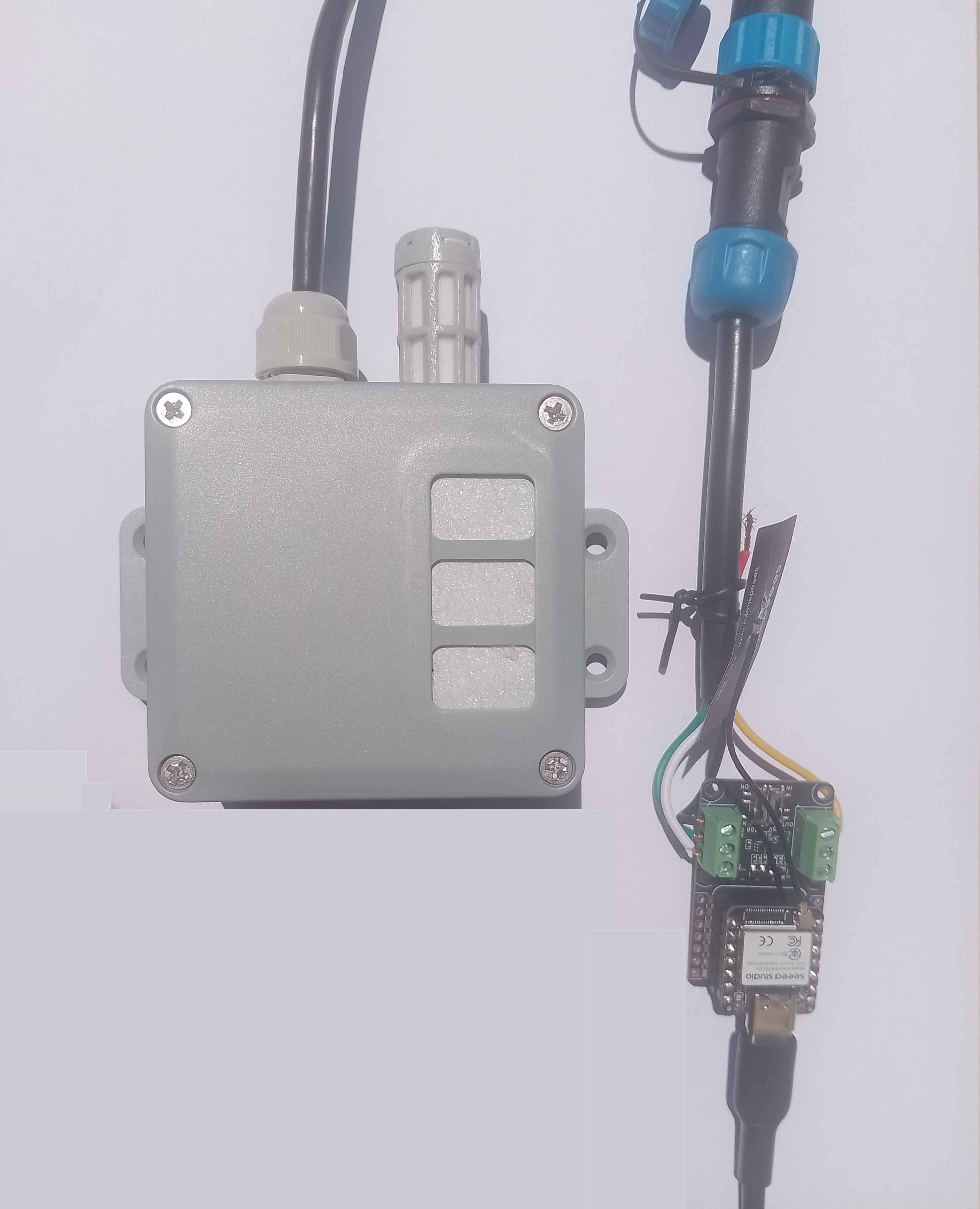
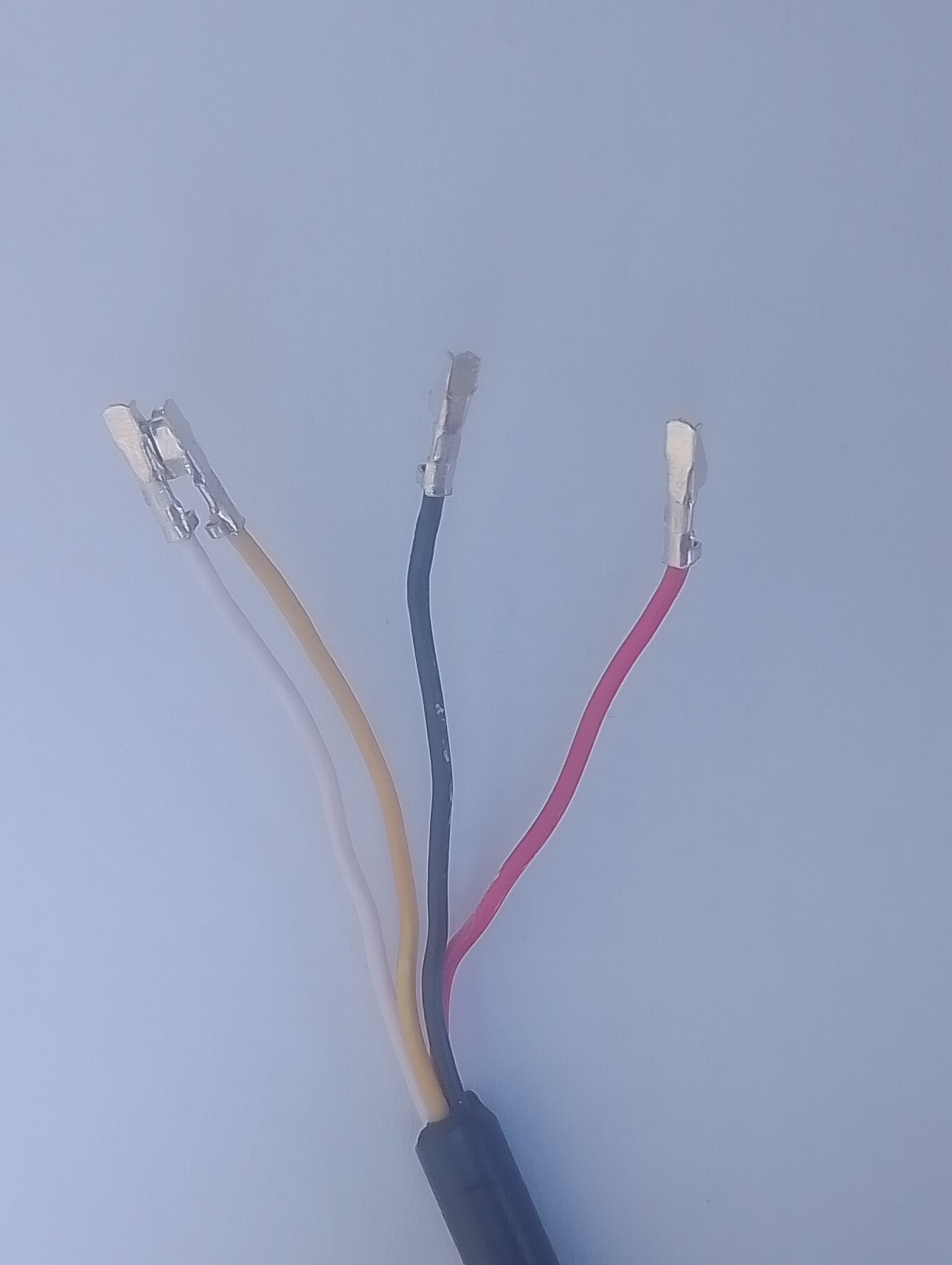
The red wire is for powering the sensor with a 12V power supply so was tied back so it didn’t touch any of the other electronics.
#include <HardwareSerial.h>
#include <ModbusMaster.h>

HardwareSerial RS485Serial(1);
ModbusMaster node;

// -----------------------------
// RS485 Pin Assignments (Corrected)
// -----------------------------
const int RS485_RX = 6;  // UART1 RX
const int RS485_TX = 5;  // UART1 TX
const int RS485_EN = D2;

// Sensor/Modbus parameters (from datasheet)
#define MODBUS_SLAVE_ID 0x2D
#define REG_CO2 0x0000
#define REG_TEMPERATURE 0x0001
#define REG_HUMIDITY 0x0002
#define REG_WARMUP_TIME 0x0021

uint32_t warmUp_Completed;

// Forward declarations for ModbusMaster callbacks
void preTransmission();
void postTransmission();

void setup() {
  Serial.begin(9600);
  delay(5000);

  Serial.println("ModbusMaster: Seeed SKU101991029 starting");

  // Wait for the hardware serial to be ready
  while (!Serial)
    ;
  Serial.println("Serial done");

  pinMode(RS485_EN, OUTPUT);
  digitalWrite(RS485_EN, LOW);  // Start in RX mode

  // Datasheet: 9600 baud, 8N1
  RS485Serial.begin(9600, SERIAL_8N1, RS485_RX, RS485_TX);
  while (!RS485Serial)
    ;
  Serial.println("RS485 done");

  // Tie ModbusMaster to the UART we just configured
  node.begin(MODBUS_SLAVE_ID, RS485Serial);

  // Register callbacks for half-duplex direction control
  node.preTransmission(preTransmission);
  node.postTransmission(postTransmission);

  // --- Read Startup time ---
  uint8_t result = node.readHoldingRegisters(REG_WARMUP_TIME, 1);
  if (result == node.ku8MBSuccess) {
    uint16_t warmUpTime = node.getResponseBuffer(0);
    warmUpTime += 3;
    Serial.printf("Start up time: %u sec\n", warmUpTime);
    warmUp_Completed = millis() + (warmUpTime * 1000);
  } else {
    Serial.printf("Read REG_WARMUP_TIME failed (err=%u)\n", result);
  }
}

// Toggle DE/RE around TX per ModbusMaster design
void preTransmission() {
  digitalWrite(RS485_EN, HIGH);  // enable driver (TX)
  delayMicroseconds(250);        // transceiver turn-around margin
}

void postTransmission() {
  delayMicroseconds(250);       // ensure last bit left the wire
  digitalWrite(RS485_EN, LOW);  // back to receive
}

void loop() {
  float temperature;
  uint16_t humidity;
  uint16_t co2;

  uint8_t result = node.readInputRegisters(0x0000, 3);

  if (result == node.ku8MBSuccess) {
    // --- Read Temperature ---
    uint16_t rawTemperature = node.getResponseBuffer(REG_TEMPERATURE);
    temperature = (int16_t)rawTemperature / 100.0;

    // --- Read Humidity ---
    humidity = node.getResponseBuffer(REG_HUMIDITY);
    humidity = humidity / 100;

    if (warmUp_Completed <= millis()) {
      // --- Read CO2  ---
      co2 = node.getResponseBuffer(REG_CO2);
      Serial.printf("Temperature: %.1f °C Humidity: %u %%RH CO2: %u ppm\n", temperature, humidity, co2);
    }
    else {
      Serial.printf("Temperature: %.1f °C Humidity: %u %%RH\n", temperature, humidity);
    }
  }
  else
  {
    Serial.printf("Modbus error: %d\n", result);
  }

  delay(60000);
}
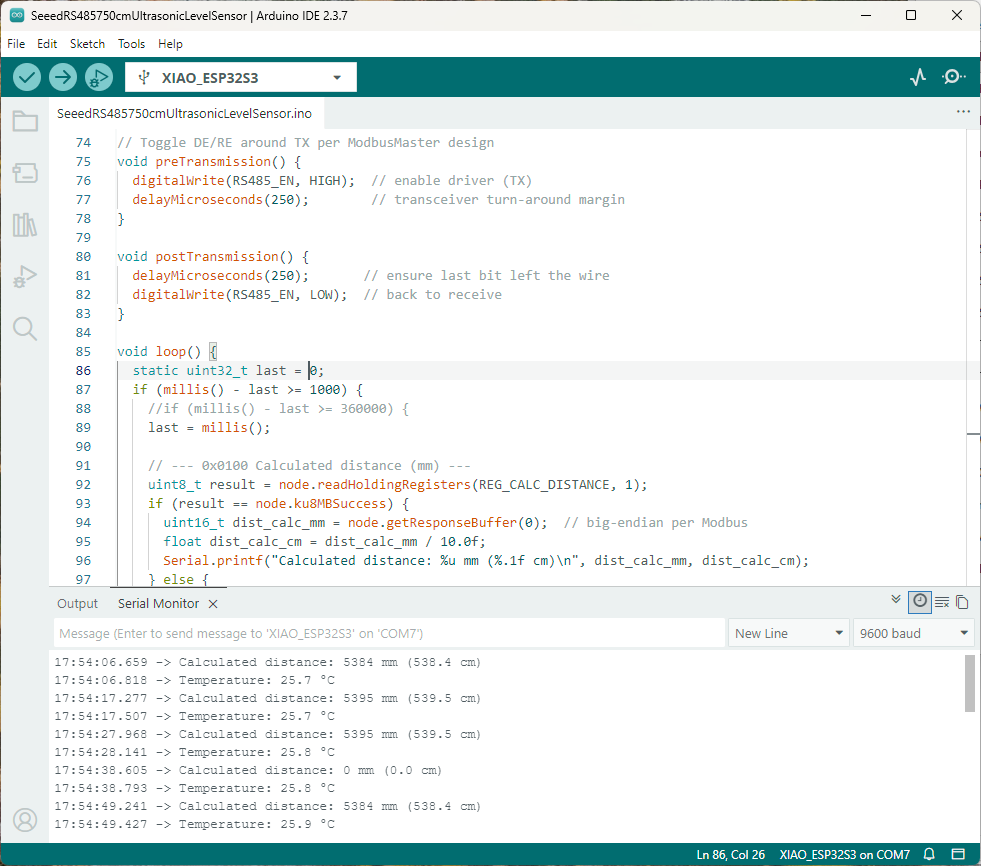
The Arduino ModbusMaster based application worked first time but implementing the CO2 Sensor warm-up time took a couple of attempts.

I did consider trying to fit the Seeed Studio XIAO ESP32-S3 inside the SenseCAP CO2, Temperature and Humidity Sensor but the electronics had been sprayed with a corrosion resistant coating.
Connecting directly (rather than via a breakout board) the VCC+, VCC-, universal asynchronous receiver-transmitter(UART) and transmit enable would have been difficult.






 devMobile's blog