This post covers the usage of my RAK4200LoRaWAN-NetNF library with a RAK3205 WisBlock Wifi Interface Module on a RAK4200 Evaluation Board. This post was delayed because of the issue covered in .NET nanoFramework RAK2305 – RAK4200 Library Usage AS923 Issue. After posting in the RAKWireless formus RAKWireless support very quickly provided updated RAK4200 firmware which fixed the issue.

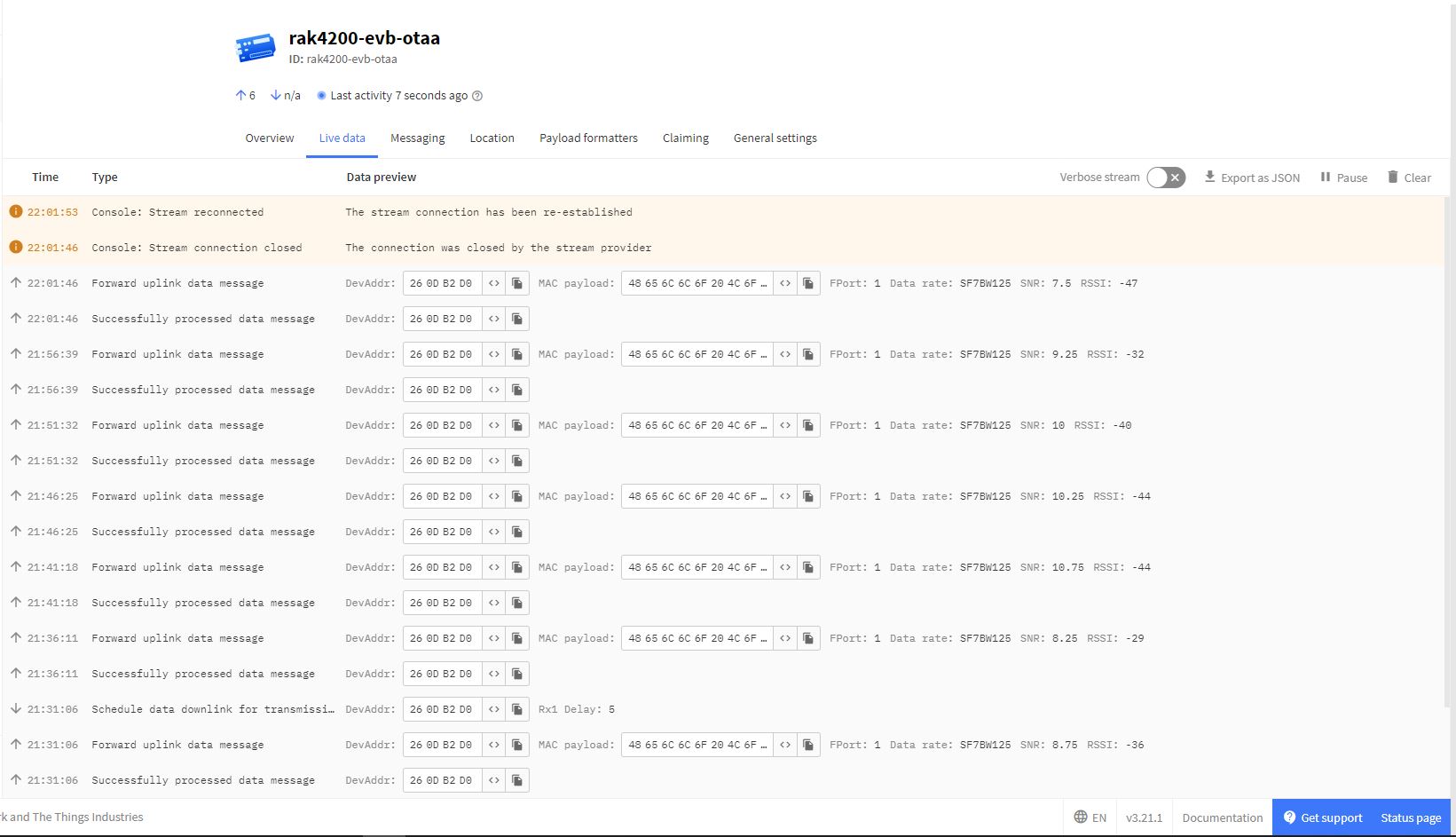
The RAK4200LoRaWANDeviceClient now reliably joins The Things Network, then sends and receives messages.

When I initially deployed the RAK4200LoRaWANDeviceClient the RAK4200LoRaWAN-NetNF library failed in the OtaaInitialise method. I think this was caused by the “at+set_config=lora:work_mode:0” command rebooting the RAK4200 Module. I have commented out the code but may move it to a standalone method if required.
// Set the Working mode to LoRaWAN, not/never going todo P2P with this library.
#if DIAGNOSTICS
Debug.WriteLine($" {DateTime.UtcNow:hh:mm:ss} at+set_config=lora:work_mode:0");
#endif
Result result = SendCommand("Initialization OK", "at+set_config=lora:work_mode:0", CommandTimeoutDefault);
if (result != Result.Success)
{
#if DIAGNOSTICS
         Debug.WriteLine($" {DateTime.UtcNow:hh:mm:ss} at+set_config=lora:work_mode:0 failed {result}");
#endif
	return result;
}
I think it would be reasonable to assume that the device is in the correct mode (the default after a reset to factory) on startup so I removed the LoRa® network work mode configuration code.
 devMobile's blog