While working on my SecurityCameraRTSPClientFFMpegCore project I noticed that every so often after opening the Realtime Streaming Protocol(RTSP) connection with my HiLook IPCT250H Security Camera there was a “Paremeter is not valid” or “A generic error occurred in GDI+.” exception and sometimes the image was corrupted.
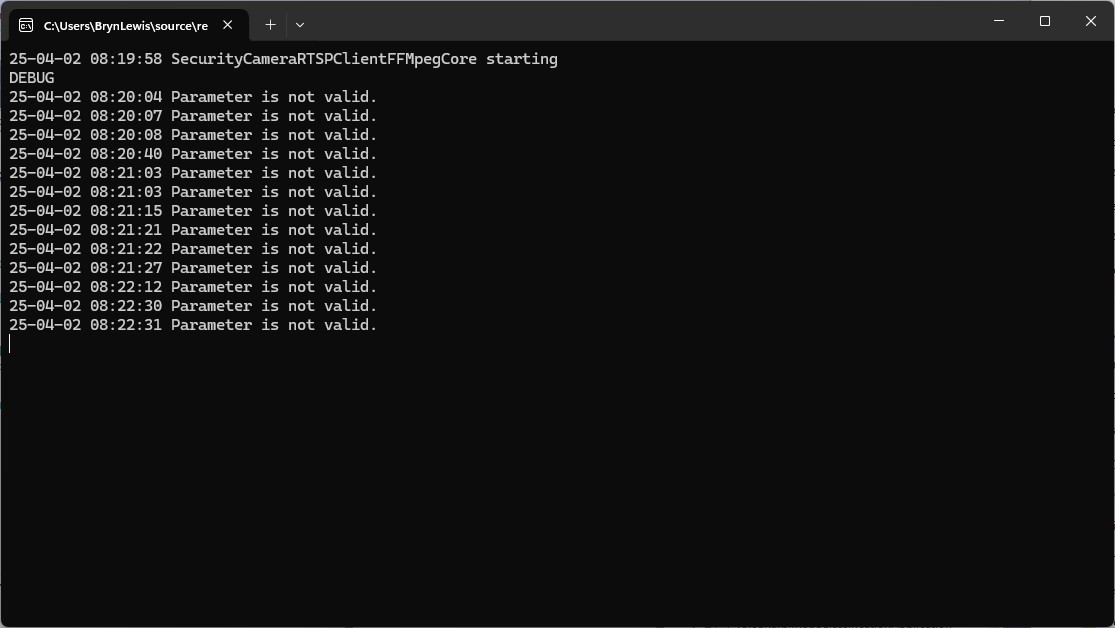
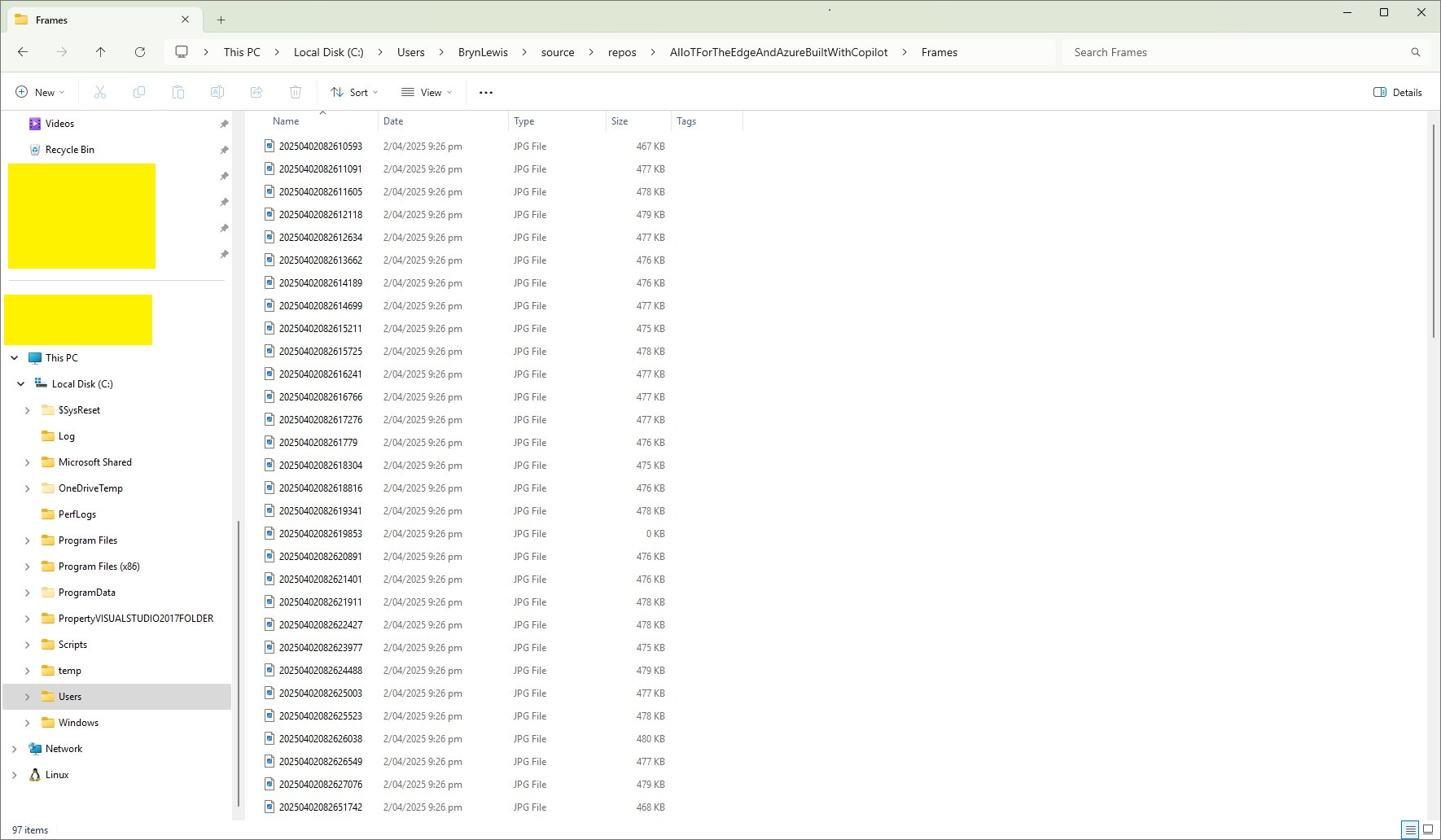
My test harness code was “inspired” by the Continuous Snapshots on Live Stream #280 sample
sing (var ms = new MemoryStream())
{
    await FFMpegArguments
        .FromUrlInput(new Uri("udp://192.168.2.12:9000"))
        .OutputToPipe(new StreamPipeSink(ms), options => options
            .ForceFormat("rawvideo")
            .WithVideoCodec(VideoCodec.Png)
            .Resize(new Size(Config.JpgWidthLarge, Config.JpgHeightLarge))
            .WithCustomArgument("-vf fps=1 -update 1")
        )
        .NotifyOnProgress(o =>
        {
            try
            {
                if (ms.Length > 0)
                {
                    ms.Position = 0;
                    using (var bitmap = new Bitmap(ms))
                    {
                        // Modify bitmap here

                        // Save the bitmap
                        bitmap.Save("test.png");
                    }

                    ms.SetLength(0);
                }
            }
            catch { }
        })
        .ProcessAsynchronously();
}
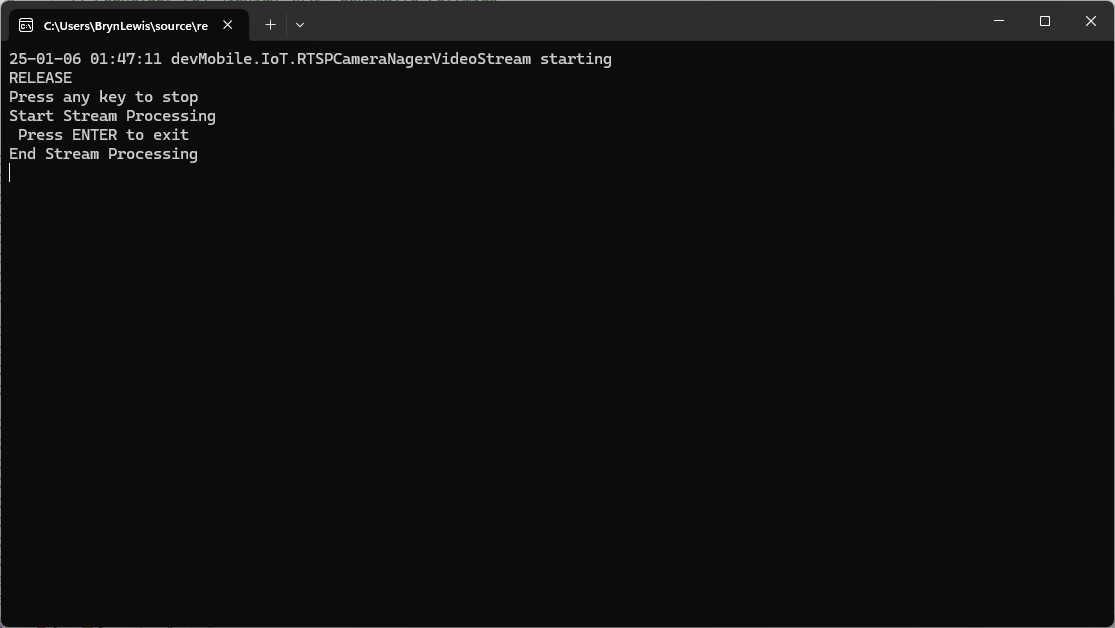
My implementation is slightly different because I caught then displayed any exceptions generated converting the image stream to a bitmap or saving it.
using (var ms = new MemoryStream())
{
   await FFMpegArguments
         .FromUrlInput(new Uri(_applicationSettings.CameraUrl))
         .OutputToPipe(new StreamPipeSink(ms), options => options
         .ForceFormat("mpeg1video")
         //.ForceFormat("rawvideo")
         .WithCustomArgument("-rtsp_transport tcp")
         .WithFramerate(10)
         .WithVideoCodec(VideoCodec.Png)
         //.Resize(1024, 1024)
         //.ForceFormat("image2pipe")
         //.Resize(new Size(Config.JpgWidthLarge, Config.JpgHeightLarge))
         //.Resize(new Size(Config.JpgWidthLarge, Config.JpgHeightLarge))
         //.WithCustomArgument("-vf fps=1 -update 1")
         //.WithCustomArgument("-vf fps=5 -update 1")
         //.WithSpeedPreset( Speed.)
         //.UsingMultithreading()
         //.UsingThreads()
         //.WithVideoFilters(filter => filter.Scale(640, 480))
         //.UsingShortest()
         //.WithFastStart()
         )
         .NotifyOnProgress(o =>
         {
            try
            {
               if (ms.Length > 0)
               {
                  ms.Position = 0;

                  string outputPath = Path.Combine(_applicationSettings.SavePath, string.Format(_applicationSettings.FrameFileNameFormat, DateTime.UtcNow ));

                  using (var bitmap = new Bitmap(ms))
                  {
                     // Save the bitmap
                     bitmap.Save(outputPath);
                  }

                  ms.SetLength(0);
               }
            }
            catch (Exception ex)
            {
               Console.WriteLine($"{DateTime.UtcNow:yy-MM-dd HH:mm:ss.fff} {ex.Message}");
            }
         })
         .ProcessAsynchronously();
}
I have created a Continuous Snapshots on Live Stream Memory stream contains invalid bitmap image #562 to track the issue.
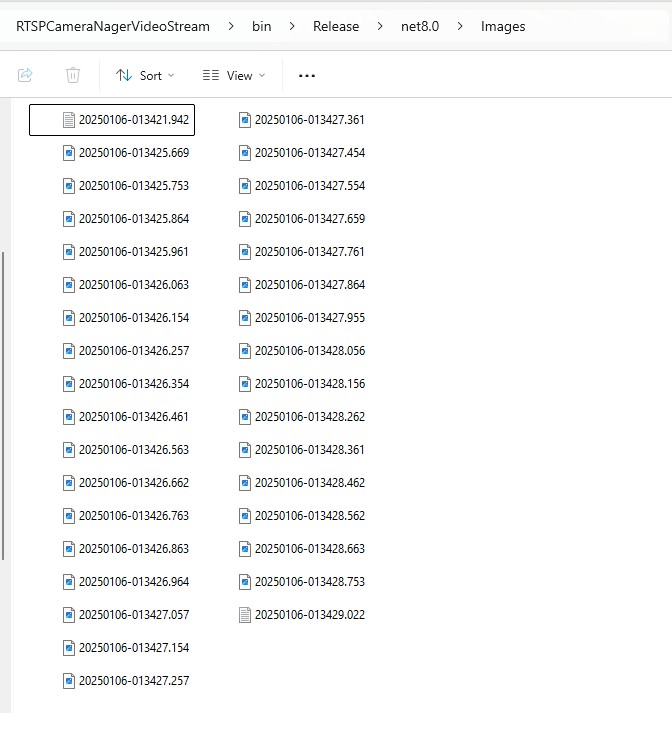
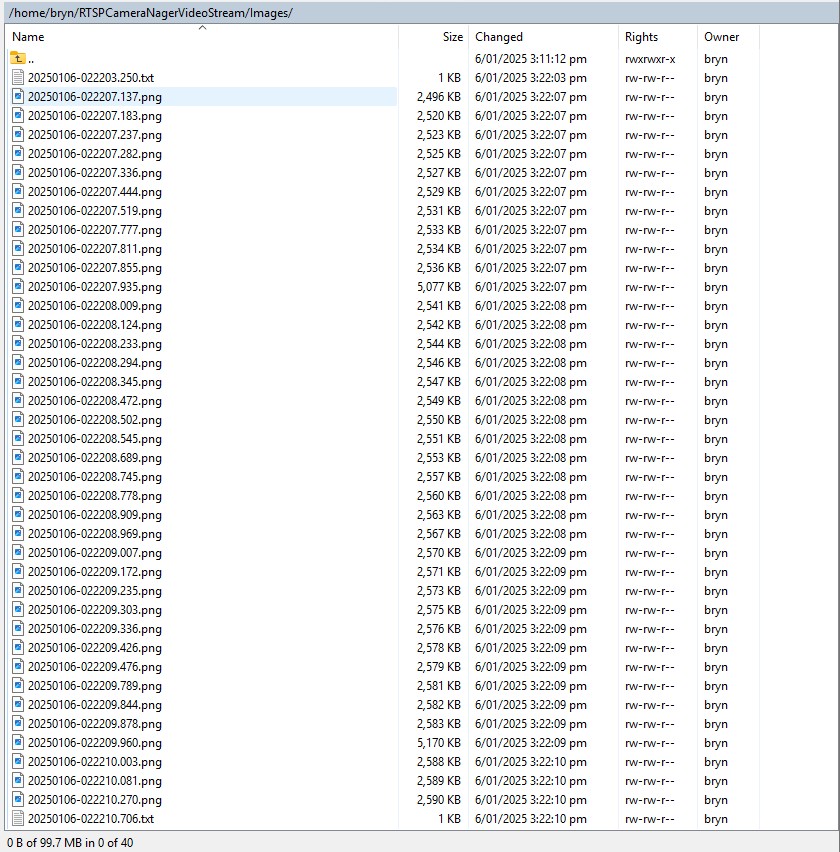
One odd thing that I noticed when scrolling “back and forth” through the images around when there was exception was that the date and time on the top left of the image was broken.
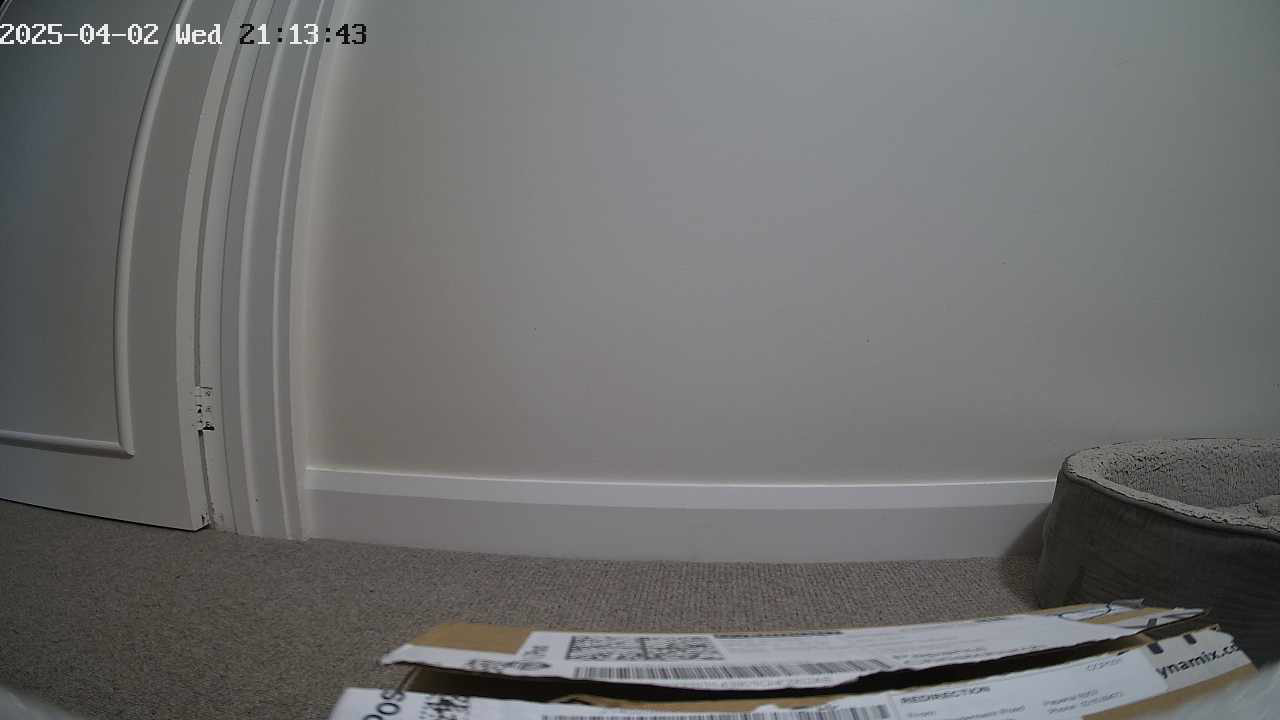
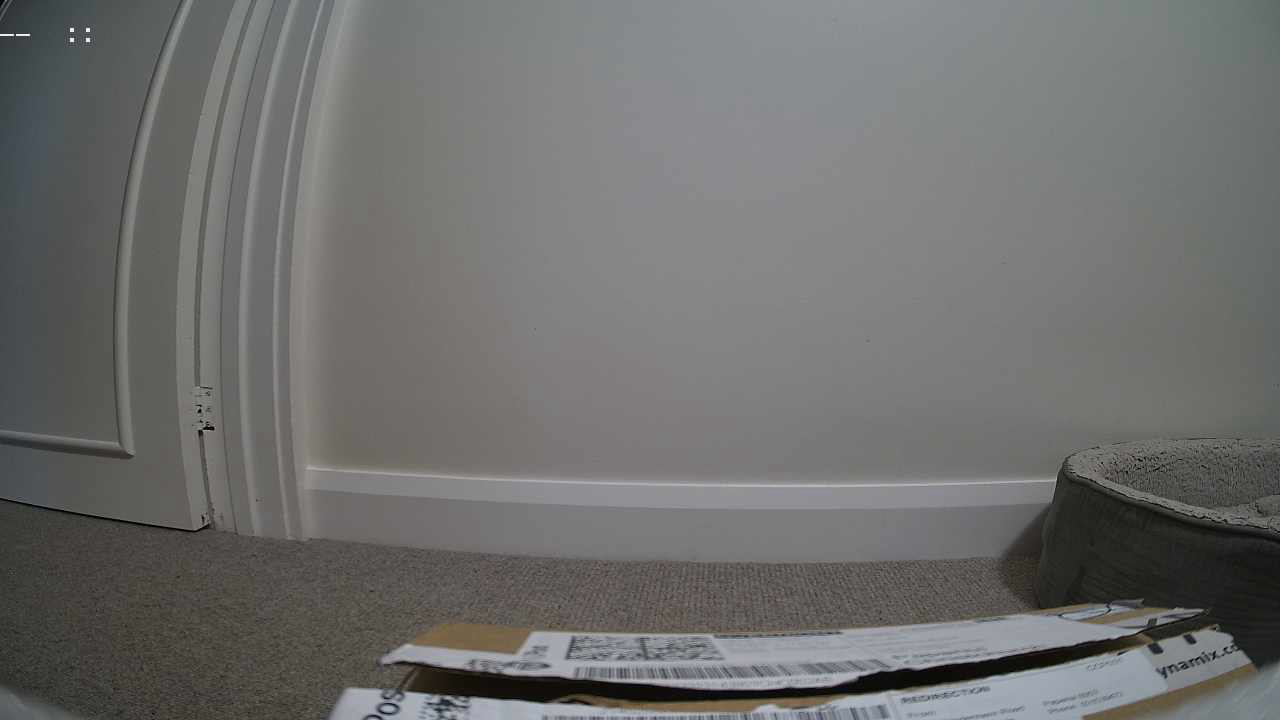
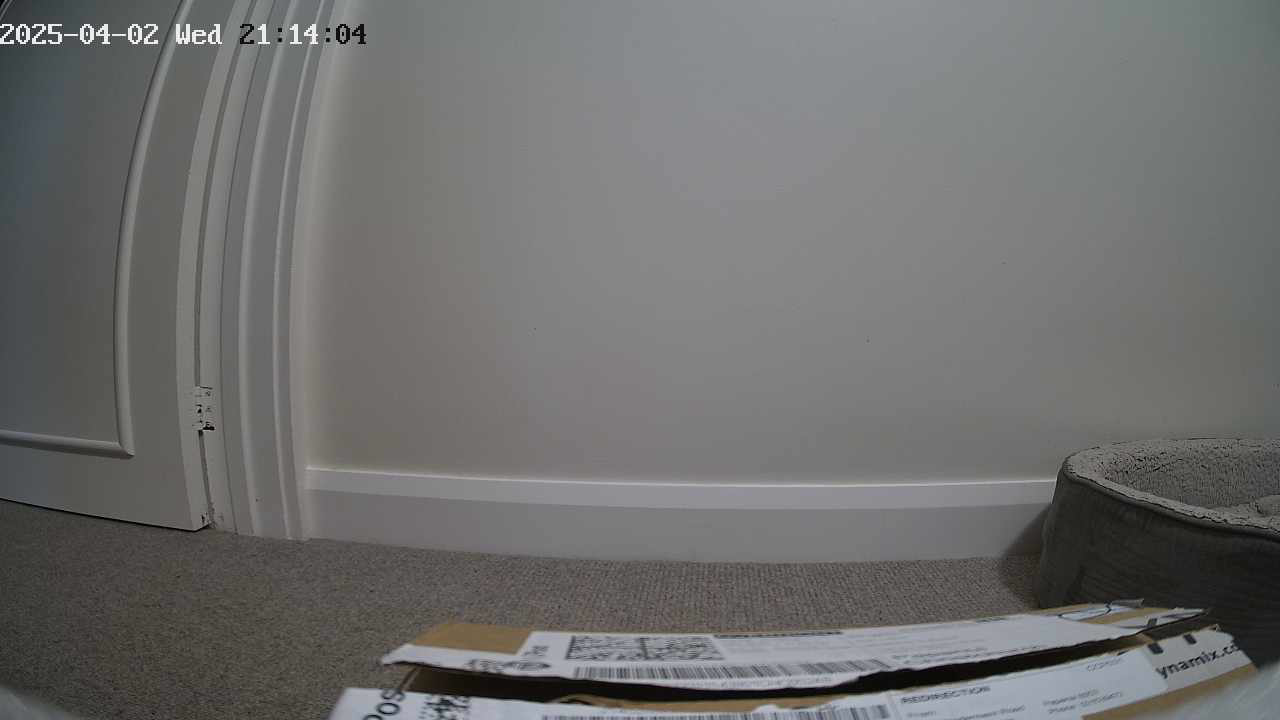
I wonder if the image was “broken” in some subtle way and FFMpegCore is handling this differently to the other libraries I’m trialing.
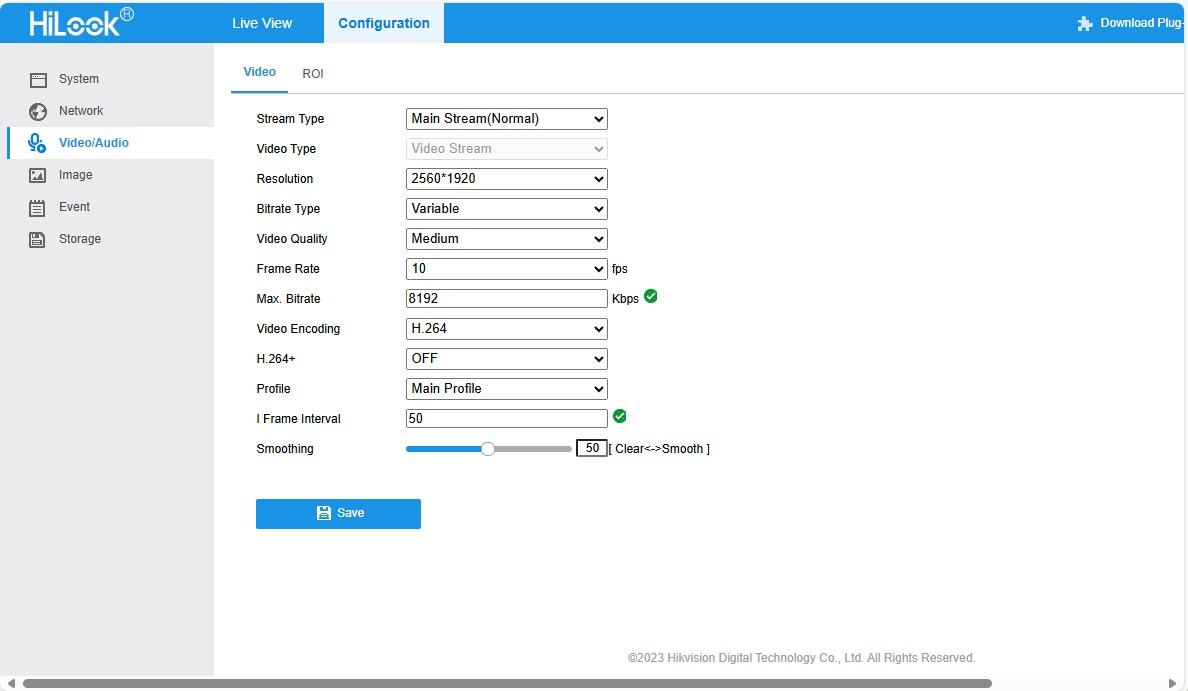
 devMobile's blog