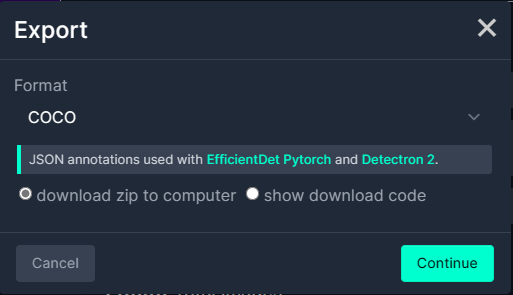
I exported the Tennis Ball by Ugur Ozdemir dataset in a suitable format I could use it to train a model using the Visual Studio 2022 ML.Net support. The first step was to export the Tennis Ball dataset in COCO (Common Objects in Context) format.
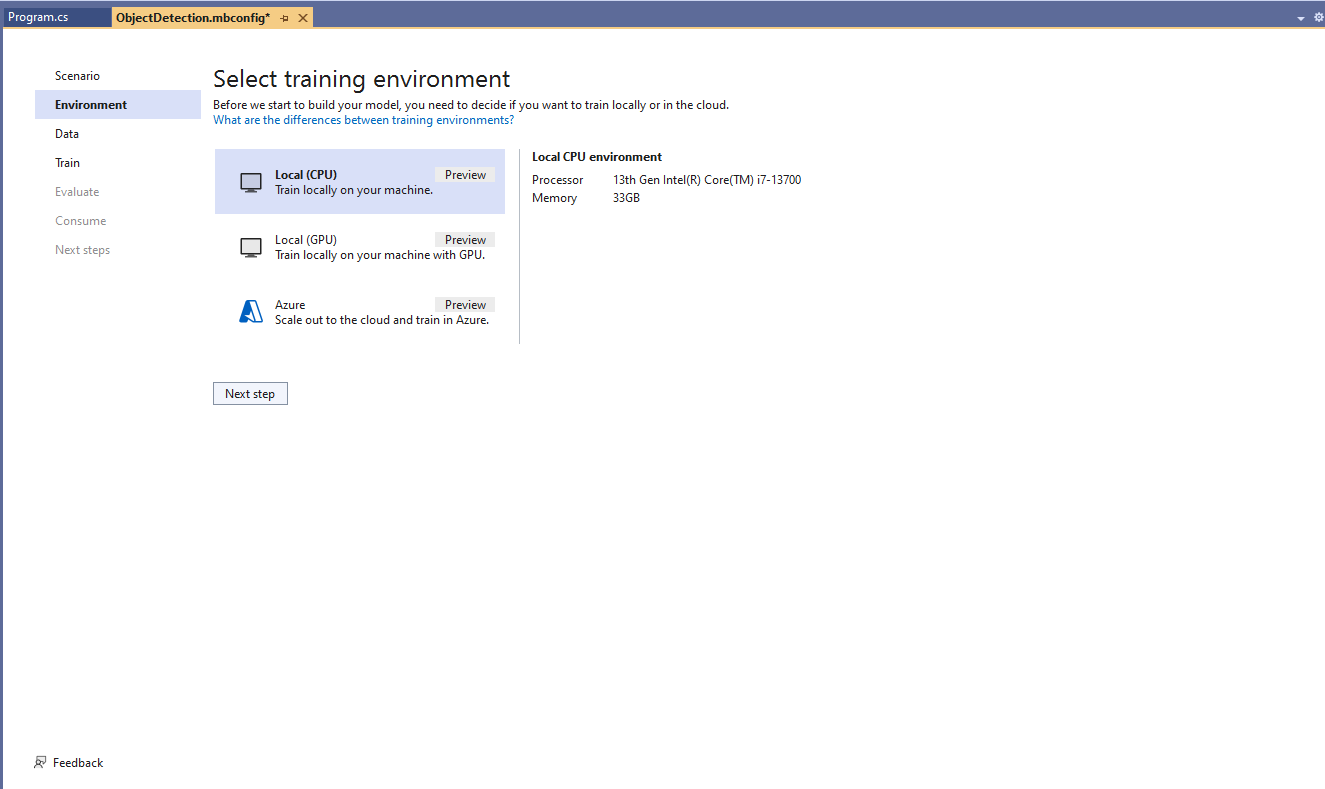
My development box doesn’t have a suitable Local(GPU) and Local(CPU) training failed
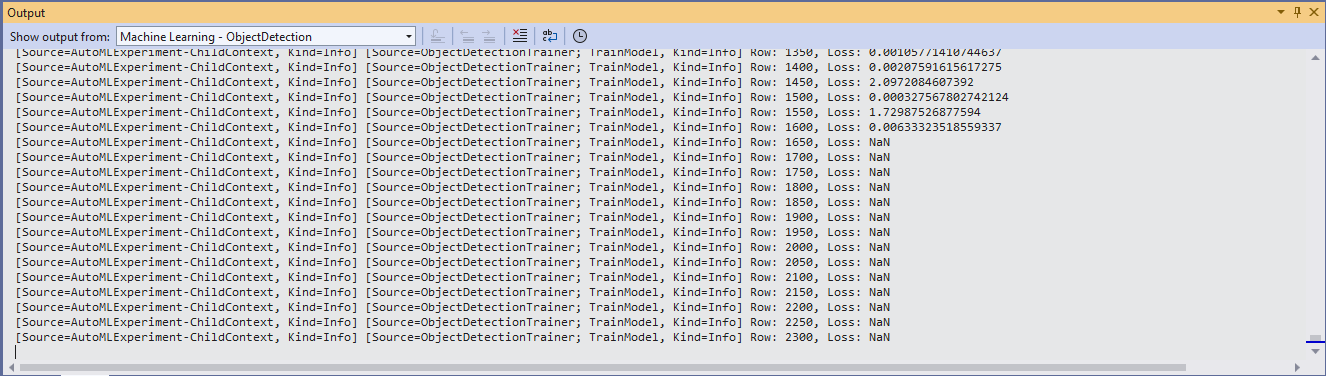
After a couple of hours training the in the Visual Studio 2022 the output “Loss” value was NaN and the training didn’t end successfully.
Training with Local(CPU) failed so I then tried again with ML.Net Azure Machine Learning option.

The configuration of my Azure Machine Learning experiment which represent the collection of trials used took much longer than expected.


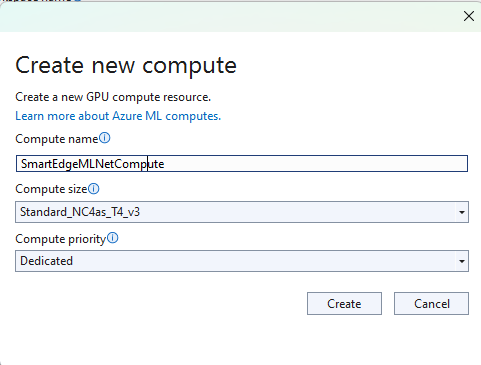

Initially my subscription had Insufficient Standard NC4as_T4_v3 SKUs in Australia East so I had to request a quota increase which took a couple of support tickets.
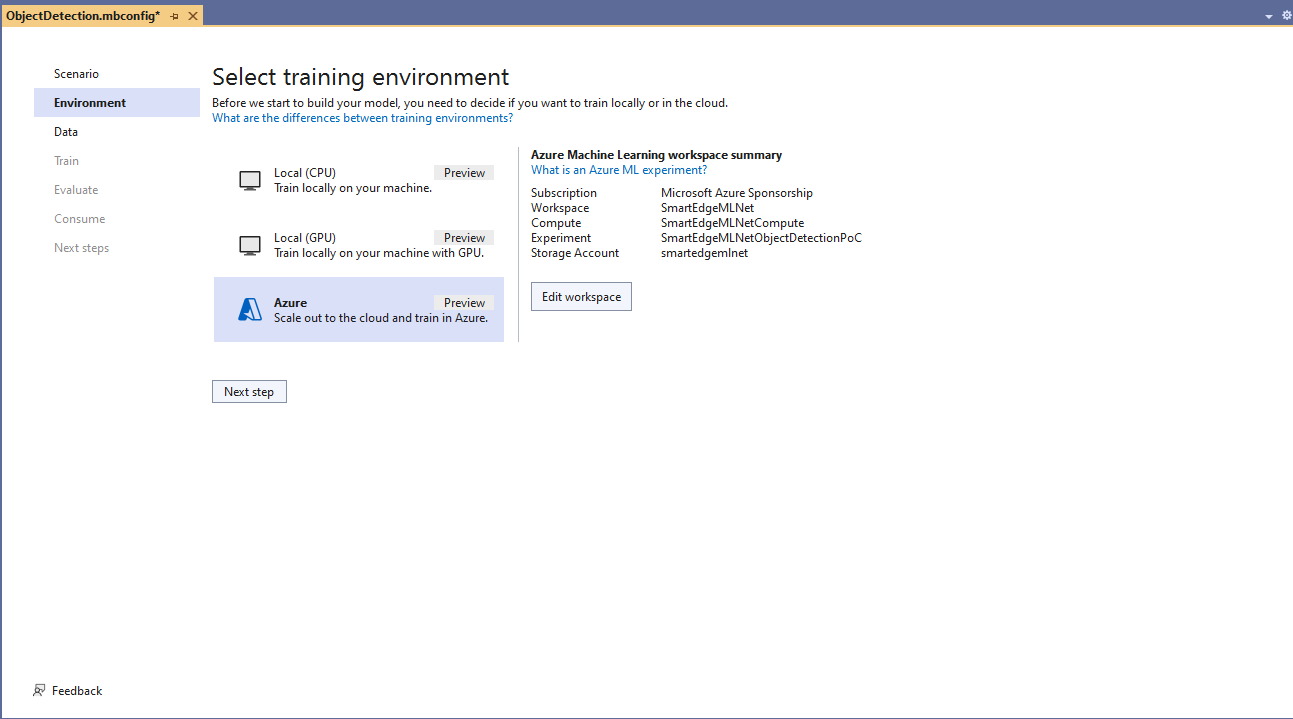

I do wonder why they include Microsoft’s Visual Object Tagging Tool(VOTT) format as an option because there has been no work done on the project since late 2021.

I need to check how the Roboflow dataset was loaded (I think possibly only the training dataset was loaded, so that was split into training and test datasets) and trial different configurations.

I like the machine generated job names “frank machine”, “tough fowl” and “epic chicken”.

I found my Ultralytics YoloV8 model coped better with different backgrounds and tennis ball colours.
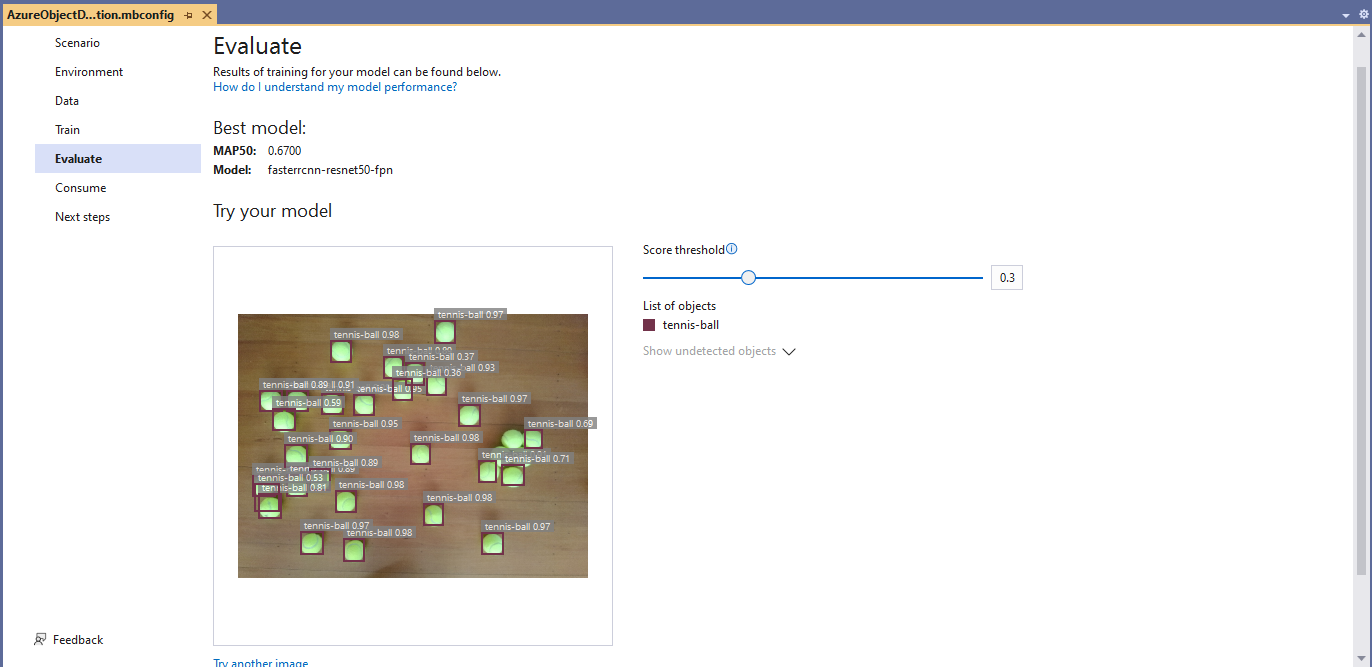
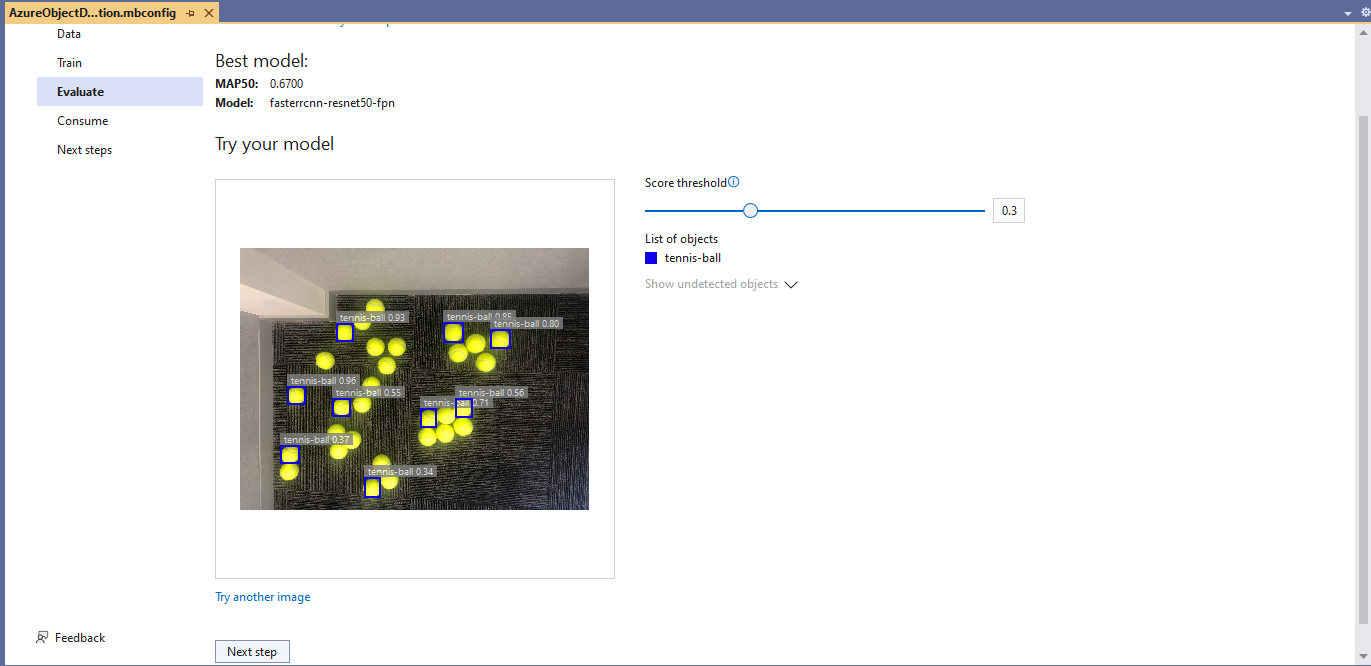
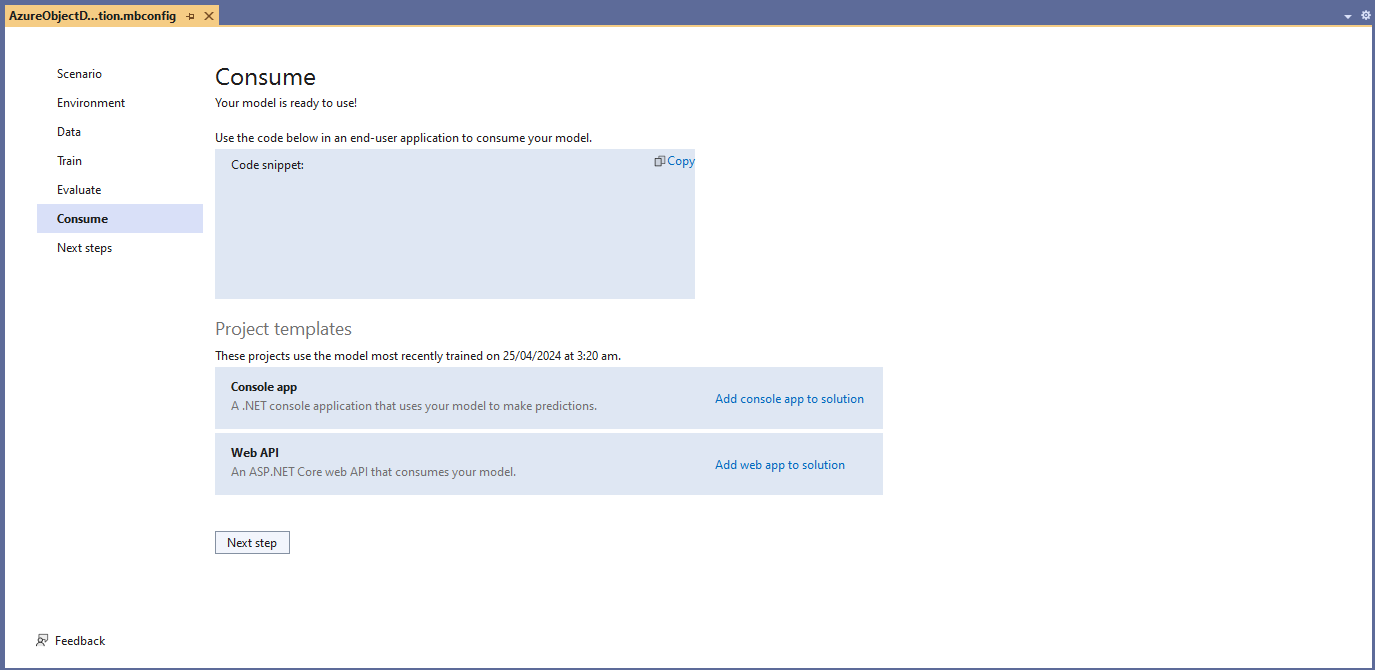
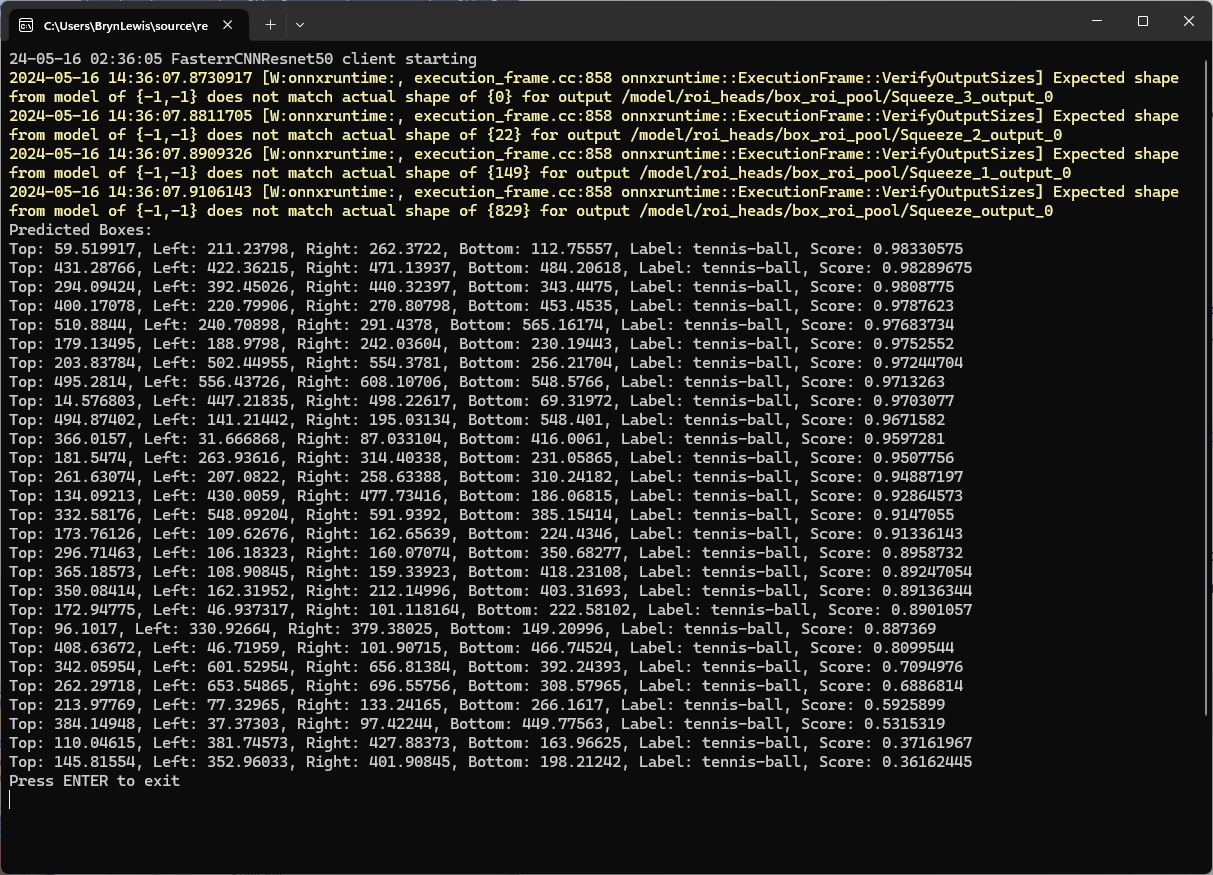
I used the “generated” code to consume the model with a simple console application.
static async Task Main()
{
   Console.WriteLine($"{DateTime.UtcNow:yy-MM-dd HH:mm:ss} FasterrCNNResnet50 client starting");

   try
   {
      // load the app settings into configuration
      var configuration = new ConfigurationBuilder()
            .AddJsonFile("appsettings.json", false, true)
      .Build();

      Model.ApplicationSettings _applicationSettings = configuration.GetSection("ApplicationSettings").Get<Model.ApplicationSettings>();

      // Create single instance of sample data from first line of dataset for model input
      var image = MLImage.CreateFromFile(_applicationSettings.ImageInputPath);

      AzureObjectDetection.ModelInput sampleData = new AzureObjectDetection.ModelInput()
      {
         ImageSource = image,
      };

      // Make a single prediction on the sample data and print results.
      var predictionResult = AzureObjectDetection.Predict(sampleData);

      Console.WriteLine("Predicted Boxes:");
      Console.WriteLine(predictionResult);
   }
   catch (Exception ex)
   {
      Console.WriteLine($"{DateTime.UtcNow:yy-MM-dd HH:mm:ss} MQTTnet.Publish failed {ex.Message}");
   }

   Console.WriteLine("Press ENTER to exit");
   Console.ReadLine();
}
The initial model was detecting only 28 (with much lower confidences) of the 30 tennis balls in the sample images.
I used the “default configuration” settings and ran the model training for 17.5 hours overnight which cost roughly USD24.

This post is not about how train a “good” model it is the approach I took to create a “proof of concept” model for a demonstration.
 devMobile's blog