Introduction
A couple of months ago a web crawler visited every page on my website (would be interesting to know if my Github repositories were crawled as well) and I wondered if this might impact my Copilot or Github Copilot experiments. My blogging about The Azure HTTP Trigger functions with Ultralytics Yolo, YoloSharp, Resnet, Faster R-CNN, with Open Neural Network Exchange(ONNX) etc. is fairly “niche” so any improvements in the understanding of the problems and generated code might be visible.
please write an httpTrigger azure function that uses Faster RCNN and ONNX to detect the object in an image uploaded in the body of an HTTP Post

Github Copilot had used Sixlabors ImageSharp, the ILogger was injected into the constructor, the code checked that the image was in the body of the HTTP POST and the object classes were loaded from a text file. I had to manually add some Nugets and using directives before the code compiled and ran in the emulator, but this was a definite improvement.

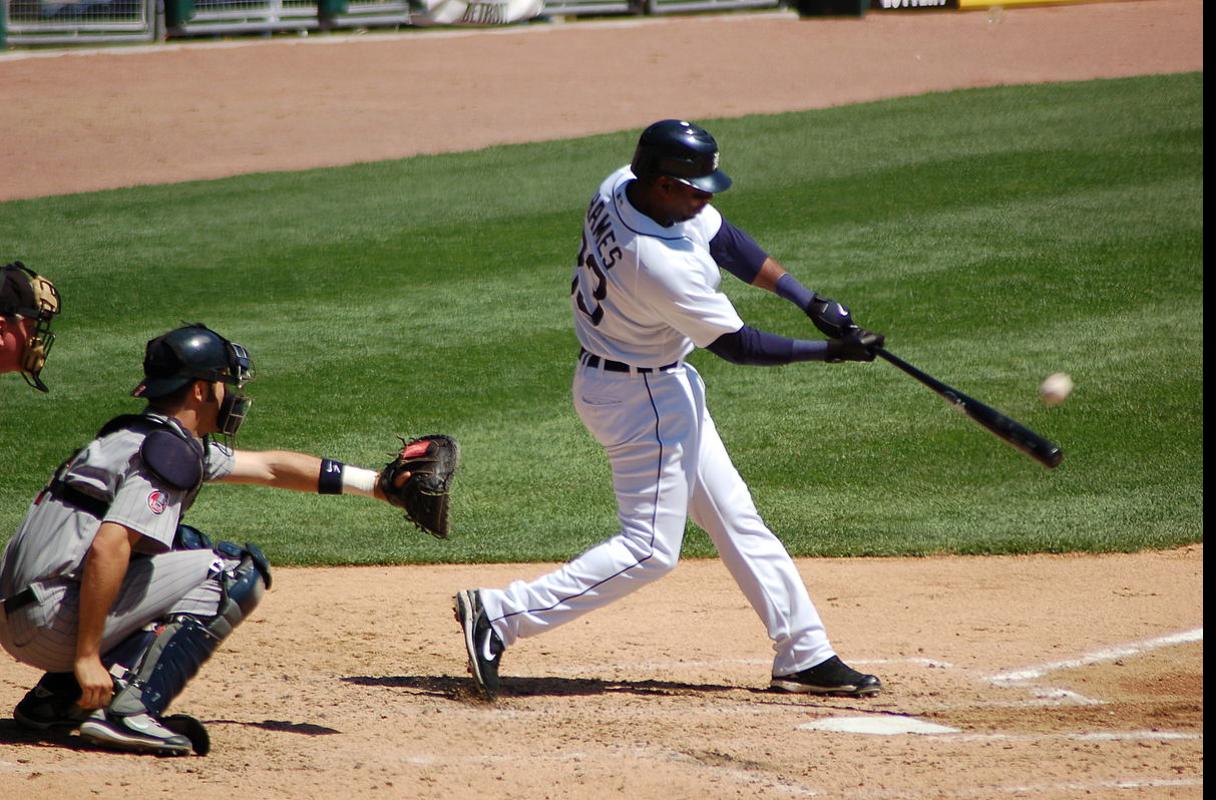
To test the implementation, I was using Telerik Fiddler Classic to HTTP POST my “standard” test image to function.
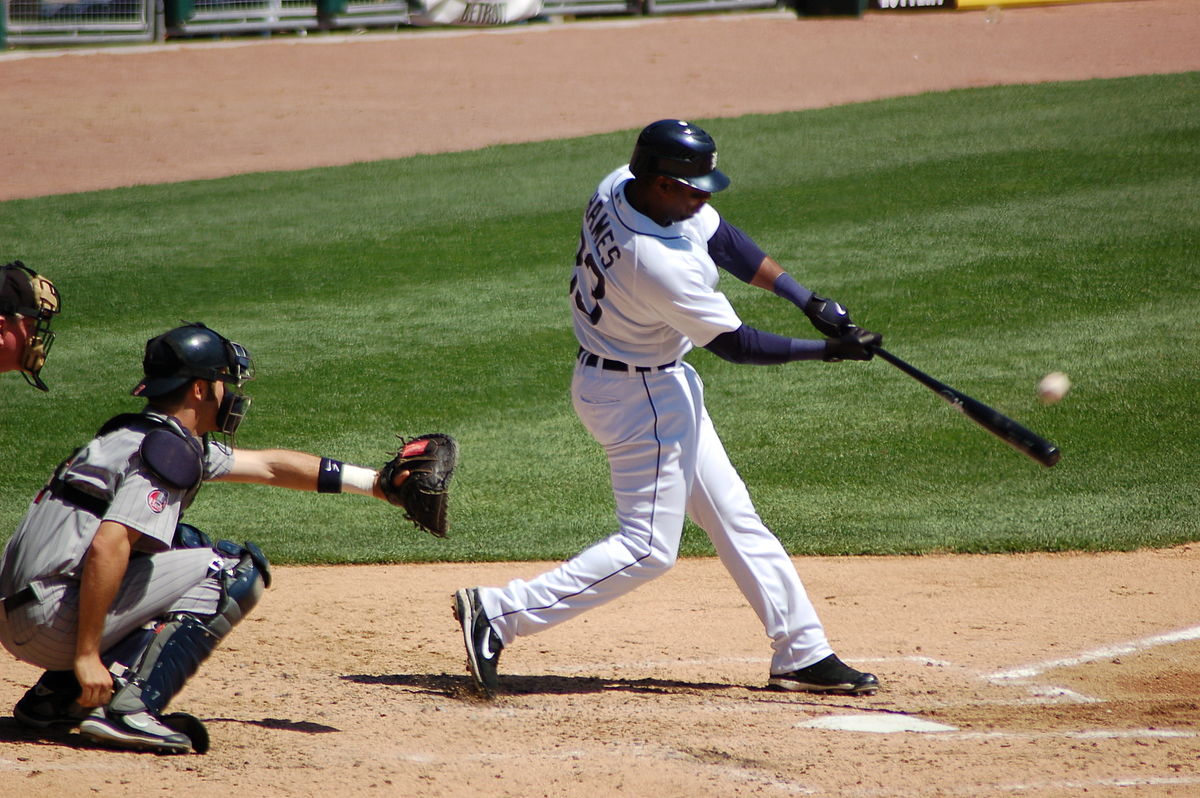

Github Copilot had generated code that checked that the image was in the body of the HTTP POST so I had to modify the Telerik Fiddler Classic request.

I also had to fix up the content-type header

The path to the onnx file was wrong and I had to create a labels.txt file from Python code.

The Azure HTTP Trigger function ran but failed because the preprocessing of the image didn’t implement the specified preprocess steps.
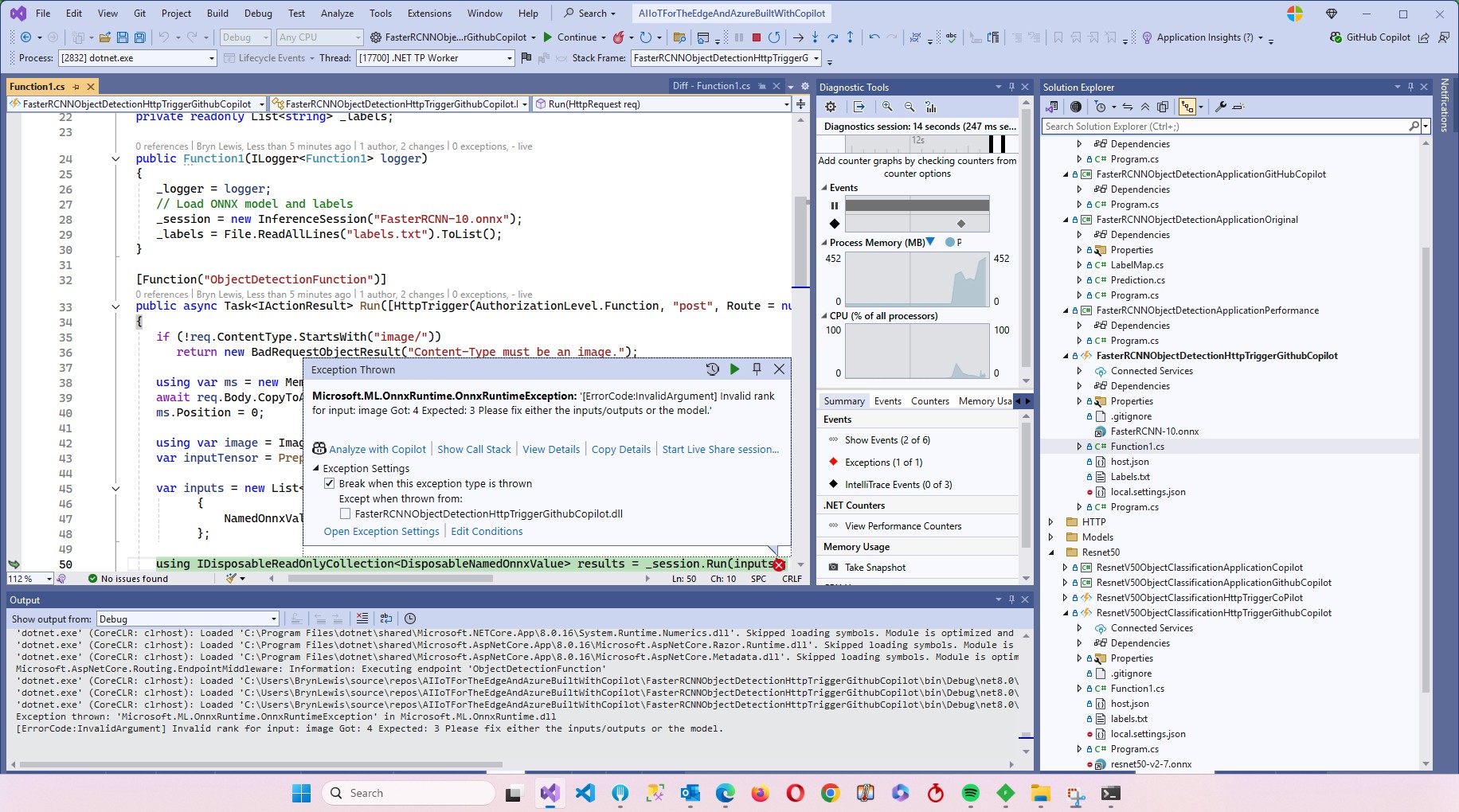
Change DenseTensor to BGR (based on https://github.com/onnx/models/tree/main/validated/vision/object_detection_segmentation/faster-rcnn#preprocessing-steps)
Normalise colour values with mean = [102.9801, 115.9465, 122.7717]
The Azure HTTP Trigger function ran but failed because the output tensor names were incorrect

I used Netron to inspect the model properties to get the correct names for the output tensors

I had a couple of attempts at resizing the image to see what impact this had on the accuracy of the confidence and minimum bounding rectangles.
resize the image such that both height and width are within the range of [800, 1333], and then pad the image with zeros such that both height and width are divisible by 32.
modify the code to resize the image such that both height and width are within the range of [800, 1333], and then pad the image with zeros such that both height and width are divisible by 32 and the aspect ratio is not changed.

The final version of the image processing code scaled then right padded the image to keep the aspect ratio and MBR coordinates correct.
As a final test I deployed the code to Azure and the first time I ran the function it failed because the labels file couldn’t be found because Unix file paths are case sensitive (labels.txt vs. Labels.txt).

The inferencing time was a bit longer than I expected.
// please write an httpTrigger azure function that uses Faster RCNN and ONNX to detect the object in an image uploaded in the body of an HTTP Post
//    manually added the ML.Net ONNX NuGet + using directives
//    manually added the ImageSharp NuGet + using directives
//    Used Copilot to add Microsoft.ML.OnnxRuntime.Tensors using directive
//    Manually added ONNX FIle + labels file sorted out paths
//    Used Netron to fixup output tensor names
// Change DenseTensor to BGR (based on https://github.com/onnx/models/tree/main/validated/vision/object_detection_segmentation/faster-rcnn#preprocessing-steps)
// Normalise colour values with mean = [102.9801, 115.9465, 122.7717]
// resize the image such that both height and width are within the range of [800, 1333], and then pad the image with zeros such that both height and width are divisible by 32.
// modify the code to resize the image such that both height and width are within the range of [800, 1333], and then pad the image with zeros such that both height and width are divisible by 32 and the aspect ratio is not changed.
using Microsoft.AspNetCore.Http;
using Microsoft.AspNetCore.Mvc;
using Microsoft.Azure.Functions.Worker;
using Microsoft.Extensions.Logging;
using Microsoft.ML.OnnxRuntime;
using Microsoft.ML.OnnxRuntime.Tensors;
using SixLabors.ImageSharp; // Couldn't get inteliisense after adding NuGet package
using SixLabors.ImageSharp.PixelFormats; // Couldn't get inteliisense after adding NuGet package
using SixLabors.ImageSharp.Processing; // Couldn't get inteliisense after adding NuGet package


namespace FasterRCNNObjectDetectionHttpTriggerGithubCopilot
{
   public class Function1
   {
      private readonly ILogger<Function1> _logger;
      private readonly InferenceSession _session;
      private readonly List<string> _labels;

      public Function1(ILogger<Function1> logger)
      {
         _logger = logger;
         _session = new InferenceSession("FasterRCNN-10.onnx");
         _labels = File.ReadAllLines("labels.txt").ToList();
      }

      [Function("ObjectDetectionFunction")]
      public async Task<IActionResult> Run([HttpTrigger(AuthorizationLevel.Function, "post", Route = null)] HttpRequest req)
      {
         if (!req.ContentType.StartsWith("image/"))
            return new BadRequestObjectResult("Content-Type must be an image.");

         using var ms = new MemoryStream();
         await req.Body.CopyToAsync(ms);
         ms.Position = 0;

         using var image = Image.Load<Rgb24>(ms);
         var inputTensor = PreprocessImage(image);

         var inputs = new List<NamedOnnxValue>
                  {
                      NamedOnnxValue.CreateFromTensor("image", inputTensor)
                  };

         using IDisposableReadOnlyCollection<DisposableNamedOnnxValue> results = _session.Run(inputs);
         var output = results.ToDictionary(x => x.Name, x => x.Value);

         var boxes = (DenseTensor<float>)output["6379"];
         var labels = (DenseTensor<long>)output["6381"];
         var scores = (DenseTensor<float>)output["6383"];

         var detections = new List<object>();
         for (int i = 0; i < scores.Length; i++)
         {
            if (scores[i] > 0.5)
            {
               detections.Add(new
               {
                  label = _labels[(int)labels[i]],
                  score = scores[i],
                  box = new
                  {
                     x1 = boxes[i, 0],
                     y1 = boxes[i, 1],
                     x2 = boxes[i, 2],
                     y2 = boxes[i, 3]
                  }
               });
            }
         }

         return new OkObjectResult(detections);
      }

      private static DenseTensor<float> PreprocessImage( Image<Rgb24> image)
      {
         // Step 1: Resize so that min(H, W) = 800, max(H, W) <= 1333, keeping aspect ratio
         int origWidth = image.Width;
         int origHeight = image.Height;
         int minSize = 800;
         int maxSize = 1333;

         float scale = Math.Min((float)minSize / Math.Min(origWidth, origHeight),
                                (float)maxSize / Math.Max(origWidth, origHeight));
         /*
         float scale = 1.0f;

         // If either dimension is less than 800, scale up so the smaller is 800
         if (origWidth < minSize || origHeight < minSize)
         {
            scale = Math.Max((float)minSize / origWidth, (float)minSize / origHeight);
         }
         // If either dimension is greater than 1333, scale down so the larger is 1333
         if (origWidth * scale > maxSize || origHeight * scale > maxSize)
         {
            scale = Math.Min((float)maxSize / origWidth, (float)maxSize / origHeight);
         }
         */

         int resizedWidth = (int)Math.Round(origWidth * scale);
         int resizedHeight = (int)Math.Round(origHeight * scale);

         image.Mutate(x => x.Resize(resizedWidth, resizedHeight));

         // Step 2: Pad so that both dimensions are divisible by 32
         int padWidth = ((resizedWidth + 31) / 32) * 32;
         int padHeight = ((resizedHeight + 31) / 32) * 32;

         var paddedImage = new Image<Rgb24>(padWidth, padHeight);
         paddedImage.Mutate(ctx => ctx.DrawImage(image, new Point(0, 0), 1f));

         // Step 3: Convert to BGR and normalize
         float[] mean = { 102.9801f, 115.9465f, 122.7717f };
         var tensor = new DenseTensor<float>(new[] { 3, padHeight, padWidth });

         for (int y = 0; y < padHeight; y++)
         {
            for (int x = 0; x < padWidth; x++)
            {
               Rgb24 pixel = default;
               if (x < resizedWidth && y < resizedHeight)
                  pixel = paddedImage[x, y];

               tensor[0, y, x] = pixel.B - mean[0];
               tensor[1, y, x] = pixel.G - mean[1];
               tensor[2, y, x] = pixel.R - mean[2];
            }
         }

         paddedImage.Dispose();
         return tensor;
      }
   }
}
It took roughly an hour to “vibe code” the function, but it would have taken much longer for someone not familiar with the problem domain.

Summary
The Github Copilot generated code was okay but would be fragile, performance would suck and not scale terribly well.
The Copilot generated code in this post is not suitable for production
 devMobile's blog
Pingback: Cloud AI with Copilot – Faster R-CNN Azure HTTP Function Performance Setup | devMobile's blog