The RTSPCameraNagerVideoStream library had significant latency which wasn’t good as I wanted to trigger the processing of images from the Real-time Streaming Protocol(RTSP) on my Seeedstudio J3011 Industrial device by strobing one of the digital inputs and combine streamed images with timestamped static ones.
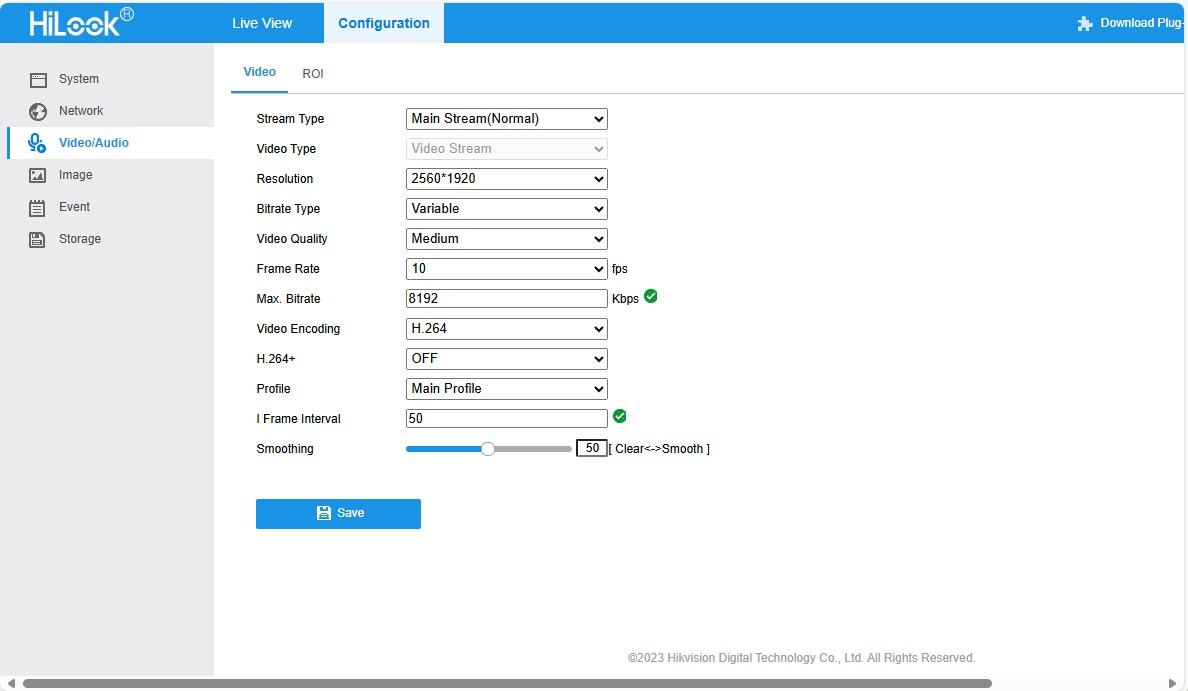
To get a Moving Picture Experts Group(MPEG) stream I had to change the camera channel rather than use than H.264+ video Encoding
RtspCameraUrl”: “rtsp://10.0.0.19/ISAPI/Streaming/channels/102”
The KSAH-42.RabbitOM library looked worth testing so I built a test harness inspired by RabbitOM.Streaming.Tests.ConsoleApp.
client.PacketReceived += (sender, e) =>
{
   var interleavedPacket = e.Packet as RtspInterleavedPacket;

   if (interleavedPacket != null && interleavedPacket.Channel > 0)
   {
      // In most of case, avoid this packet
      Console.ForegroundColor = ConsoleColor.DarkCyan;
      Console.WriteLine("Skipping some data : size {0}", e.Packet.Data.Length);
      return;
   }

   Console.WriteLine($"{DateTime.UtcNow:yy-MM-dd HH:mm:ss.fff} New image received, bytes:{e.Packet.Data.Length}");

   File.WriteAllBytes(Path.Combine(_applicationSettings.SavePath, string.Format(_applicationSettings.FrameFileNameFormat, DateTime.UtcNow)), e.Packet.Data);
};
When I ran my test harness the number of images didn’t match the frame rate configured in the camera
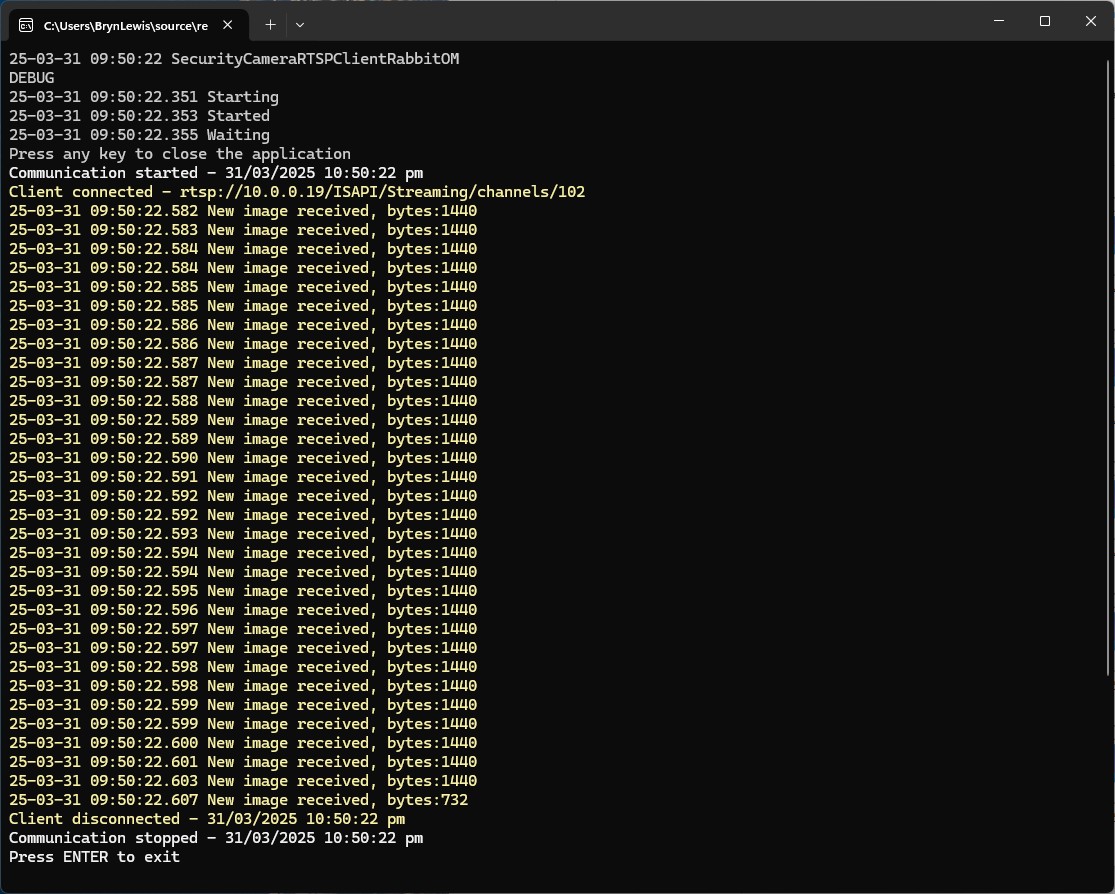
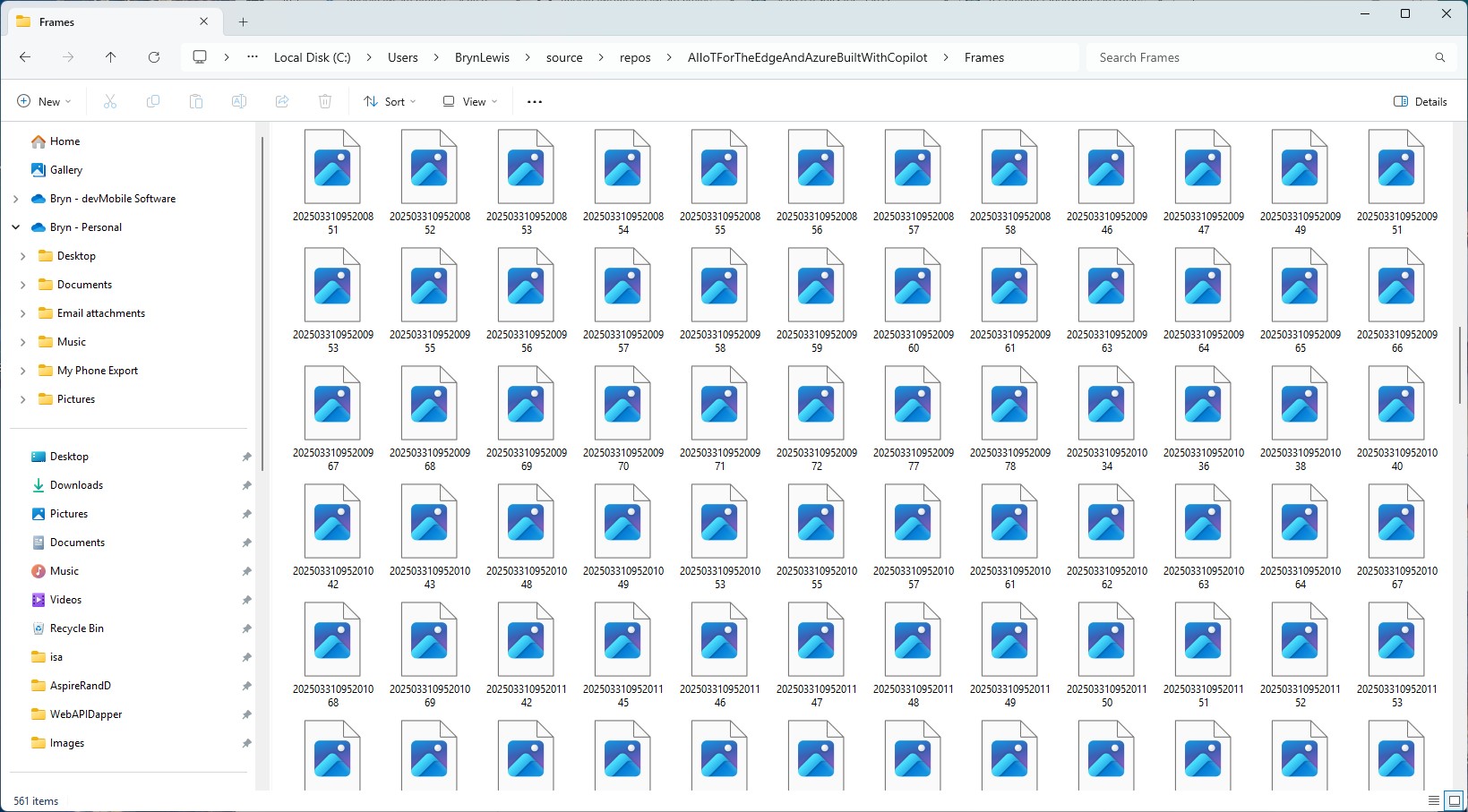
The format of the images was corrupted, and I couldn’t open them
It looked like I was writing RTSP packets to the disk rather than Joint Photographic Experts Group(JPEG) images from the MPEG stream.
There was another sample application RabbitOM.Streaming.Tests.Mjpeg which displayed JPEG images. After looking at the code I figured out I need to use the RtpFrameBuilder class to assemble the RTSP packets into frames.
private static readonly RtpFrameBuilder _frameBuilder = new JpegFrameBuilder();
...
_frameBuilder.FrameReceived += OnFrameReceived;
...
client.PacketReceived += (sender, e) =>
{
   var interleavedPacket = e.Packet as RtspInterleavedPacket;

   if (interleavedPacket != null && interleavedPacket.Channel > 0)
   {
      // In most of case, avoid this packet
      Console.ForegroundColor = ConsoleColor.DarkCyan;
      Console.WriteLine("Skipping some data : size {0}", e.Packet.Data.Length);
      return;
   }

   _frameBuilder.Write(interleavedPacket.Data);
};
private static void OnFrameReceived(object sender, RtpFrameReceivedEventArgs e)
{
   Console.WriteLine($"{DateTime.UtcNow:yy-MM-dd HH:mm:ss.fff} New image received, bytes:{e.Frame.Data.Length}");

   File.WriteAllBytes(Path.Combine(_applicationSettings.SavePath, string.Format(_applicationSettings.FrameFileNameFormat, DateTime.UtcNow)), e.Frame.Data);
}
With the modified code the image size looked roughly the same as the SecurityCameraHttpClient images
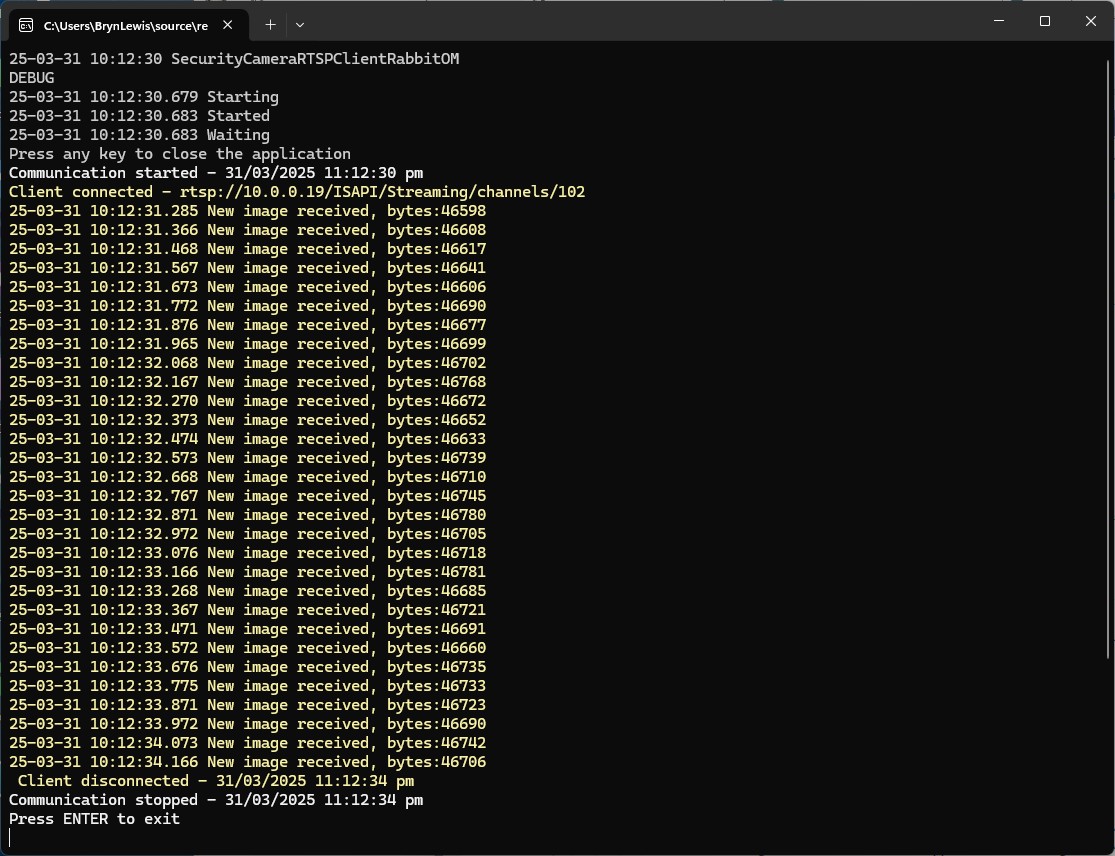
The format of the images was good, and I could open them
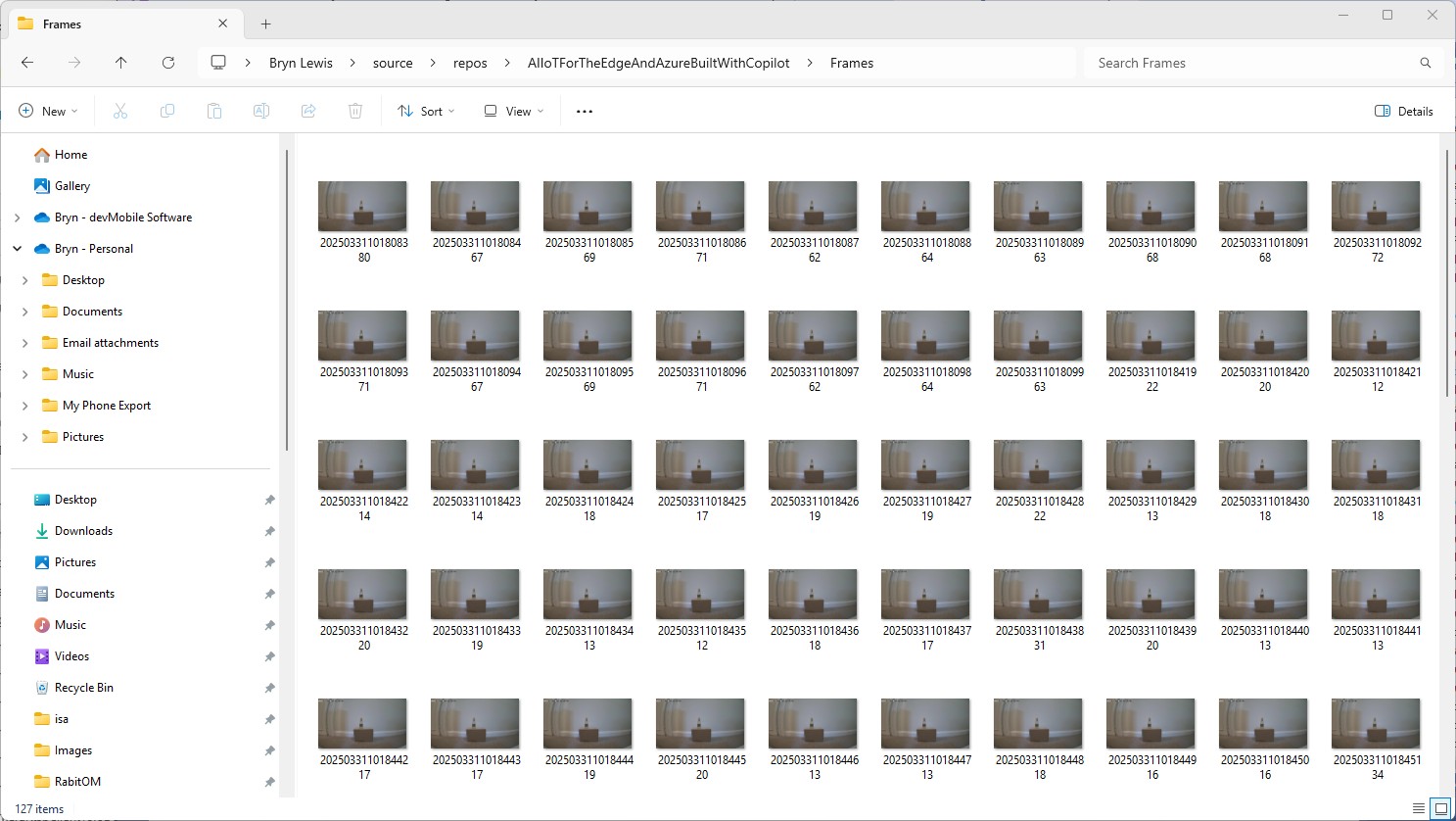
Looks like KSAH-42.RabbitOM might be a good choice as it doesn’t have any external dependencies and the latency is minimal.
 devMobile's blog