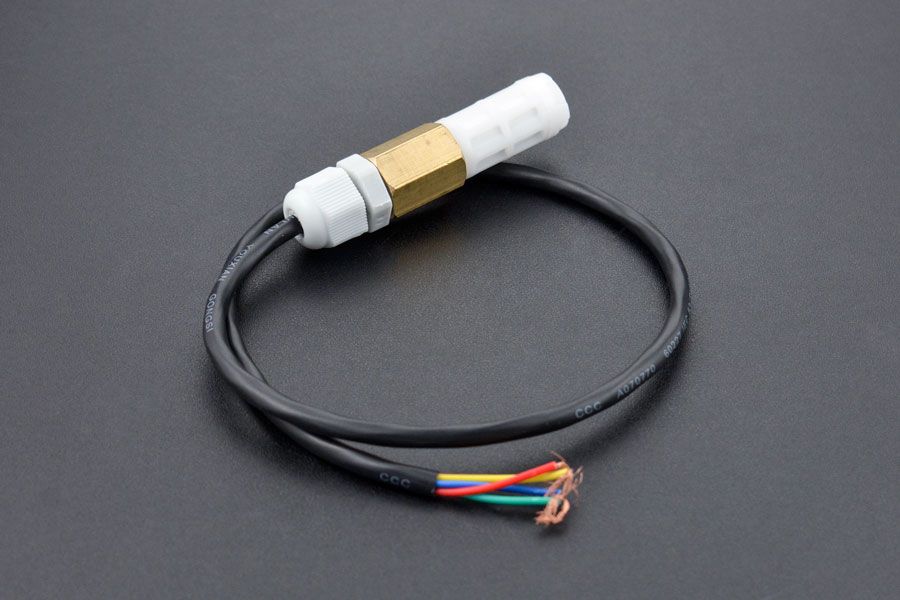
A couple of years ago I wrote a .NET Core library for the Sensirion SHT20 temperature and humidity(Waterproof) sensor from DFRobot. This .NET nanoFramework version was “inspired” by the .NET Core library version, though I have added some message validation functionality.
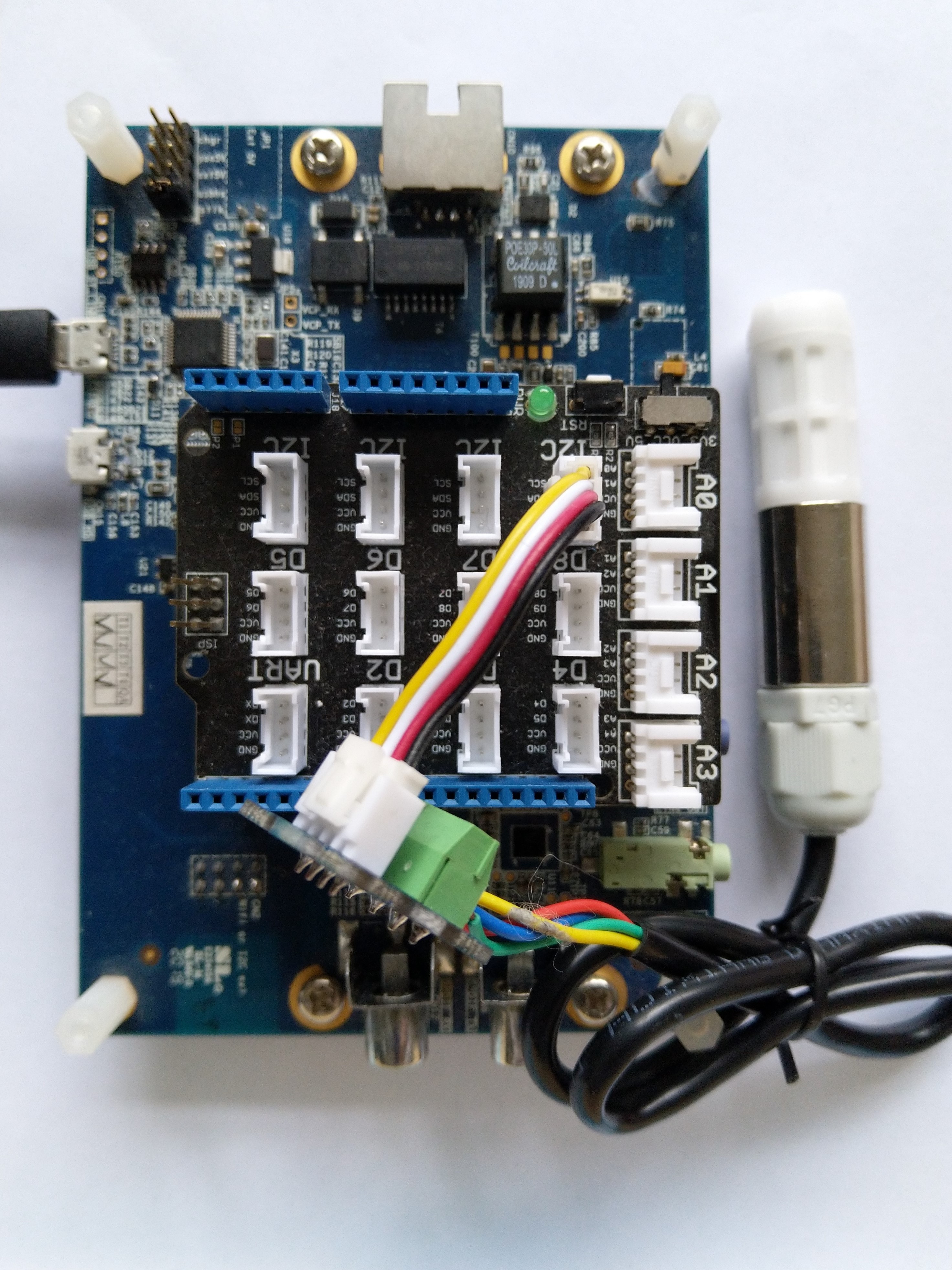
My test setup is a simple .NET nanoFramework console application running on an STM32F7691 Discovery board.
The SH20DeviceI2C application has lots of magic numbers from the SHT20 datasheet and was just a tool for exploring how the sensor works.
 public static void Main()
{
    I2cConnectionSettings i2cConnectionSettings = new(1, 0x40);

    // i2cDevice.Dispose in final program
    I2cDevice i2cDevice = I2cDevice.Create(i2cConnectionSettings);

    while (true)
    {
        byte[] readBuffer = new byte[3] { 0, 0, 0 };

        // First temperature
        i2cDevice.WriteByte(0xF3);

        //Thread.Sleep(50); // no go -46.8
        //Thread.Sleep(60);
        Thread.Sleep(70);
        //Thread.Sleep(90);
        //Thread.Sleep(110);

        i2cDevice.Read(readBuffer);

        ushort temperatureRaw = (ushort)(readBuffer[0] << 8);
        temperatureRaw += readBuffer[1];

        //Debug.WriteLine($"Raw {temperatureRaw}");

        double temperature = temperatureRaw * (175.72 / 65536.0) - 46.85;

        // Then read the Humidity
        i2cDevice.WriteByte(0xF5);

        //Thread.Sleep(50);
        //Thread.Sleep(60);
        Thread.Sleep(70);
        //Thread.Sleep(90);
        //Thread.Sleep(110);

        i2cDevice.Read(readBuffer);

        ushort humidityRaw = (ushort)(readBuffer[0] << 8);
        humidityRaw += readBuffer[1];

        //Debug.WriteLine($"Raw {humidityRaw}");

        double humidity = humidityRaw * (125.0 / 65536.0) - 6.0;

        //Console.WriteLine($"{DateTime.UtcNow:HH:mm:ss} Temperature:{temperature:F1}°C");
        //Console.WriteLine($"{DateTime.UtcNow:HH:mm:ss} Humidity:{humidity:F0}%");
        Console.WriteLine($"{DateTime.UtcNow:HH:mm:ss} Temperature:{temperature:F1}°C Humidity:{humidity:F0}%");

        Thread.Sleep(1000);
    }
}
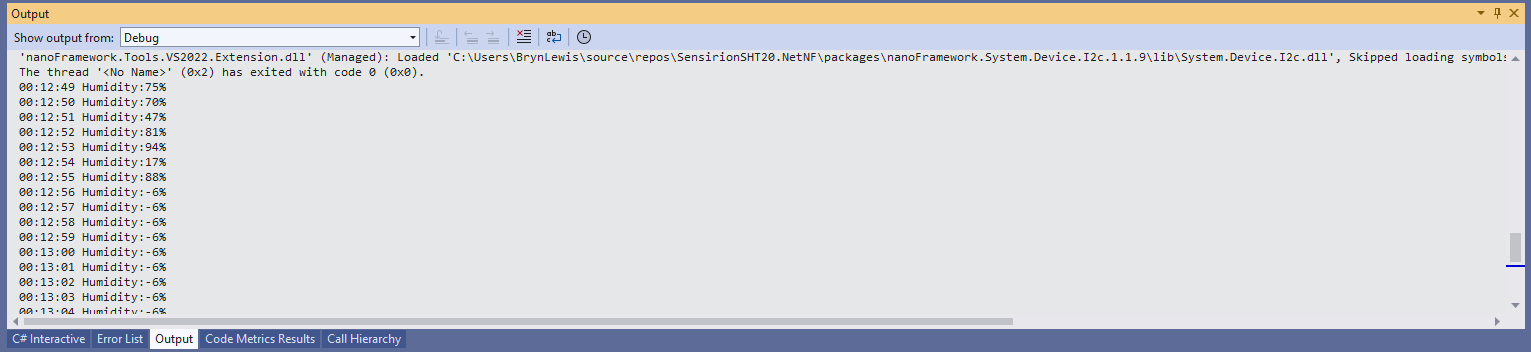
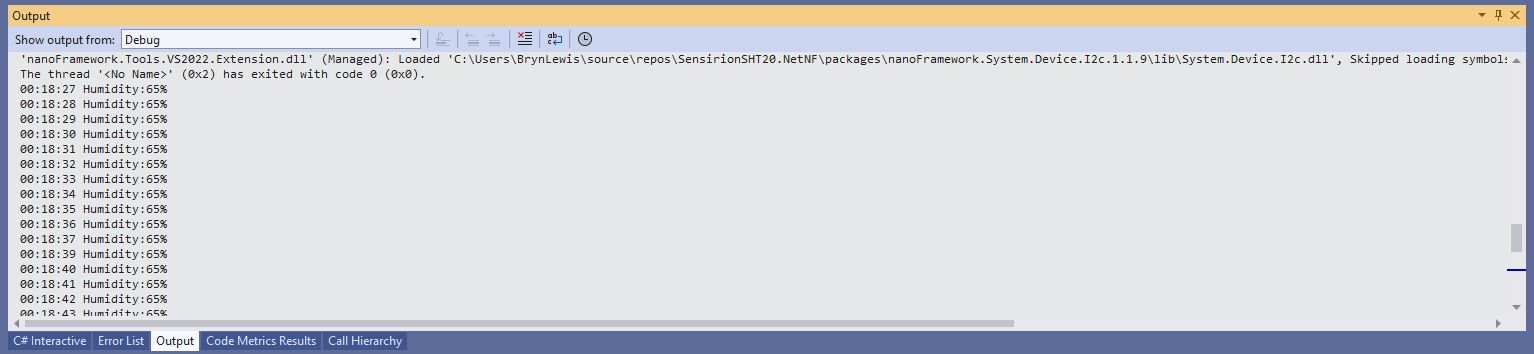
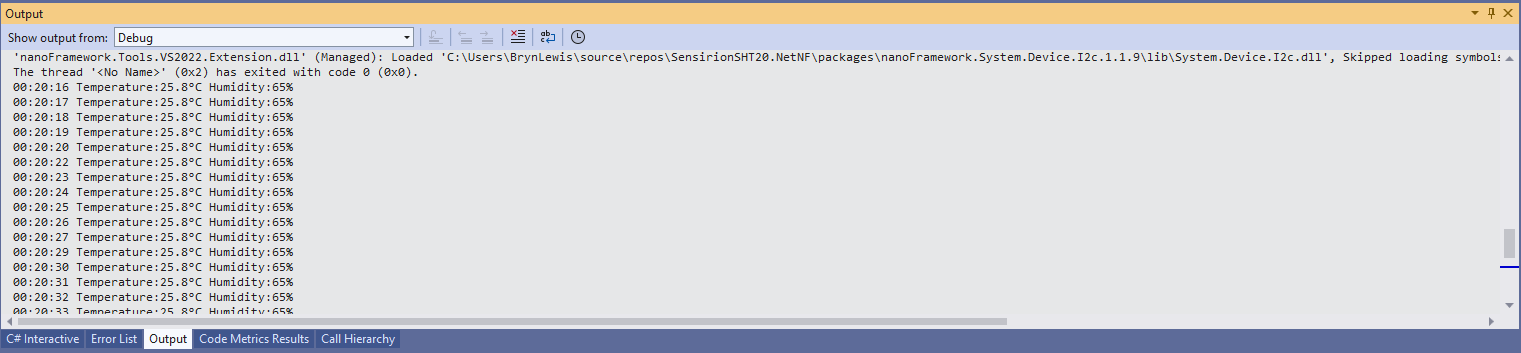
While tinkering with the sensor I found that having a short delay between initiating the temperature reading (TemperatureNoHold = 0xF3 was used so as not to hang up the I2C bus) and reading the value was important.
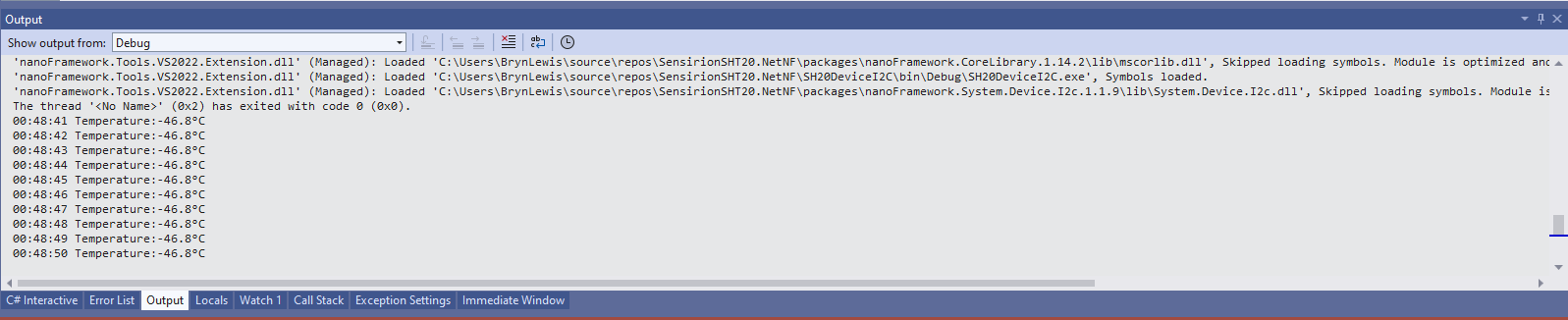
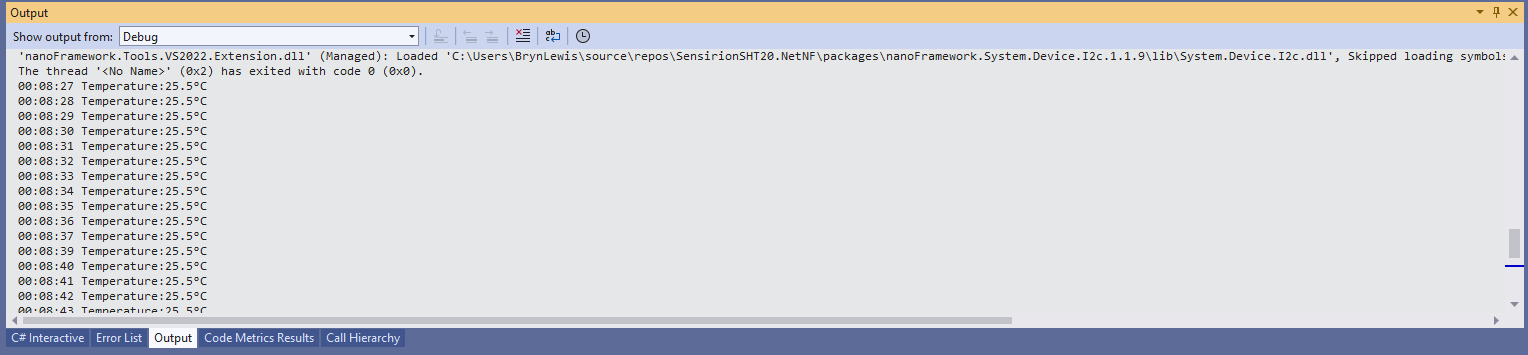
When I ran the application without a Thread.Sleep(70) the temperature and/or humidity the values were incorrect and sometimes quite random.
The .NET Core library didn’t validate the message payload Cyclic Redundancy Check (CRC) so I have added that in this version
void CheckCrc(byte[] bytes, byte bytesLen, byte checksum)
{
    var crc = 0;

    for (var i = 0; i < bytesLen; i++)
    {
        crc ^= bytes[i];
        for (var bit = 8; bit > 0; --bit)
        {
            crc = ((crc & 0x80) == 0x80) ? ((crc << 1) ^ CrcPolynomial) : (crc << 1);
        }
    }

    if (crc != checksum)
    {
        throw new Exception("CRC Error");
    }
}
The CheckCrc is called in Temperature and Humidity methods.
public double Temperature()
{
    byte[] readBuffer = new byte[3] { 0, 0, 0 };
    if (_i2cDevice == null)
    {
        throw new ArgumentNullException(nameof(_i2cDevice));
    }

    _i2cDevice.WriteByte(TemperatureNoHold);

    Thread.Sleep(ReadingWaitmSec);

    _i2cDevice.Read(readBuffer);

    CheckCrc(readBuffer, 2, readBuffer[2]);

    ushort temperatureRaw = (ushort)(readBuffer[0] << 8);
    temperatureRaw += readBuffer[1];

    double temperature = temperatureRaw * (175.72 / 65536.0) - 46.85;

    return temperature;
}
I’m going to soak test the library for a week to check that is working okay, then refactor the code so it can be added to the nanoFramework IoT.Device Library repository.
 devMobile's blog