After hours of fail trying to get nanoMQ TCP bridge running on my Windows11 development system it was time to walk away. I ran nanoMQ with different log levels but “nng_dialer_create failed 9” was the initial error message displayed.
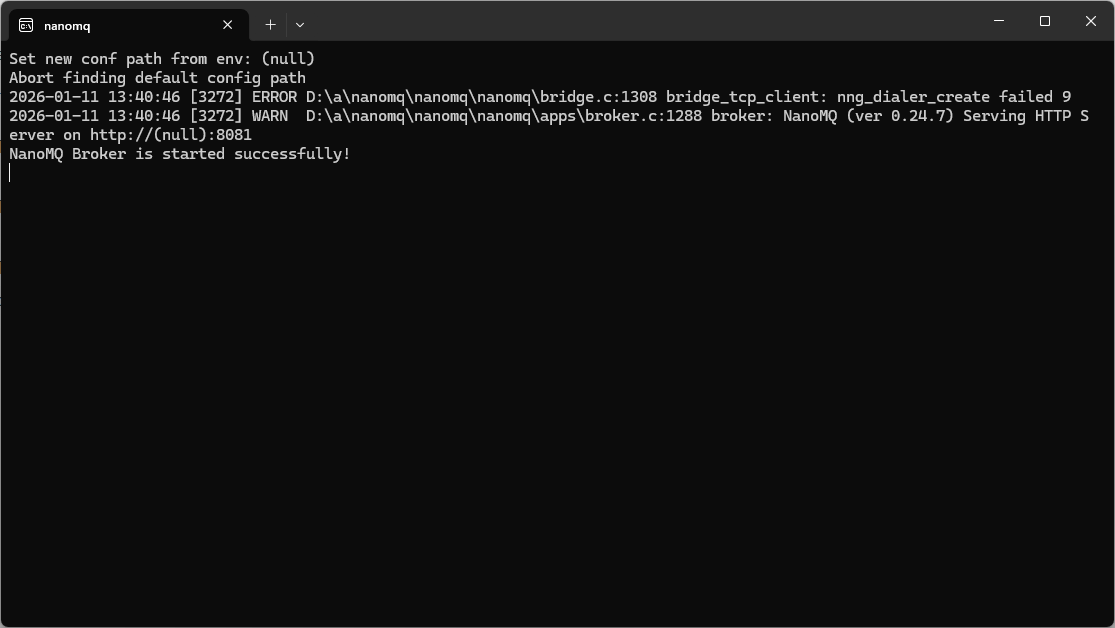
The setup looked good…
bridges.mqtt.MyBridgeDeviceID {
    ## Azure Event Grid MQTT broker endpoint
  server = "tls+mqtt-tcp://xxxx.newzealandnorth-1.ts.eventgrid.azure.net:8883"
  proto_ver   = 5
  clientid    = "MyBridgeDeviceID"
  username    = "MyBridgeDeviceID"
  clean_start = true
  keepalive   = "60s"

  ## TLS client certificate authentication
  ssl = {
    # key_password = ""
    keyfile    = "certificates/MyBridgeDeviceID.key"
    certfile   = "certificates/MyBridgeDeviceID.crt"
    cacertfile = "certificates/xxxx.crt"
  }
  ## ------------------------------------------------------------
  ## Topic forwarding (NanoMQ → Azure Event Grid)
  ## ------------------------------------------------------------
  ## These are the topics your device publishes locally.
  ## They will be forwarded upstream to Event Grid.
  ##
  forwards = [xxxx]

  ## ------------------------------------------------------------
  ## Topic subscription (Azure Event Grid → NanoMQ)
  ## ------------------------------------------------------------
  ## This is the topic your device subscribes to from Event Grid.
  subscription = [xxxx]
}
Turns out the nanomq-windows-x86_64 version is not built with Transport Layer Security(TLS) or Dashboard support enabled and If I had started with my Seeedstudio EdgeBox 200 the configuration would most probably have worked.
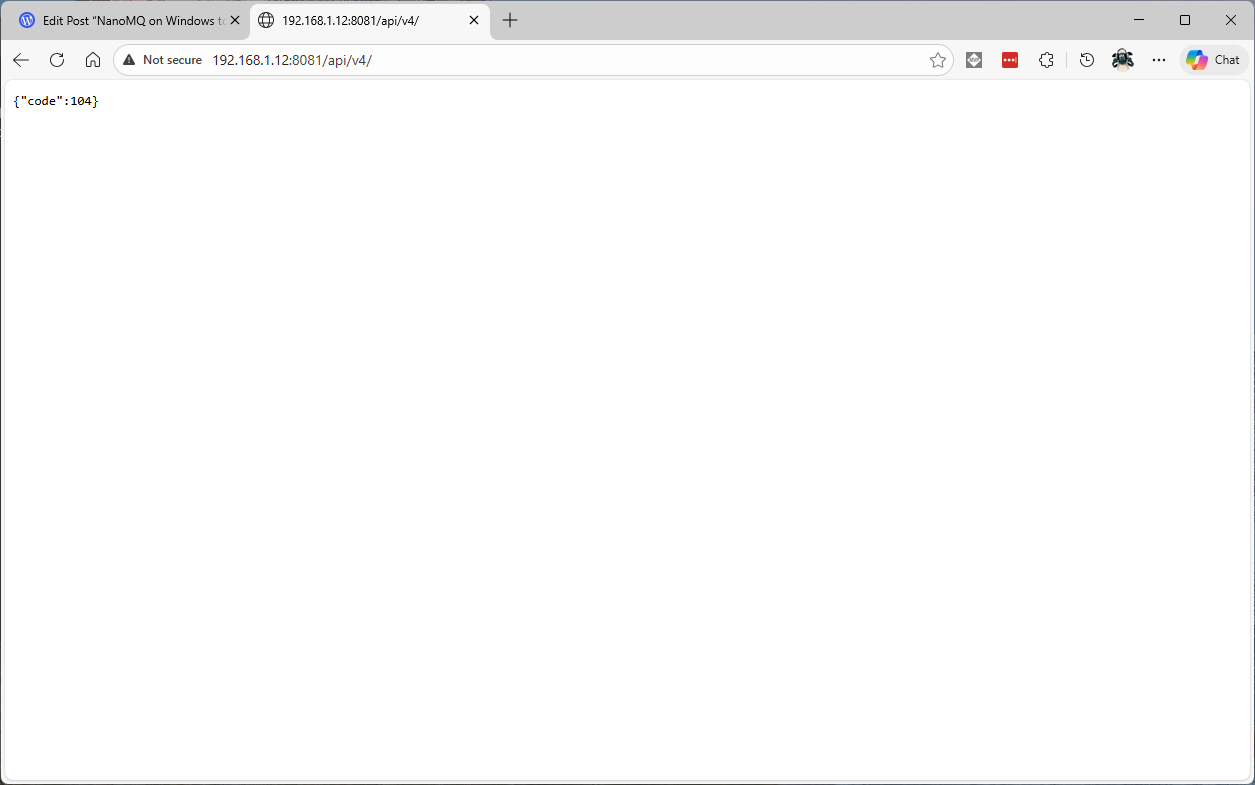
The management API did work, though I don’t understand why they didn’t use a more RESTfull approach e.g. using HTTP Status codes.
 devMobile's blog