Message Transformation in code with HiveMQ Client

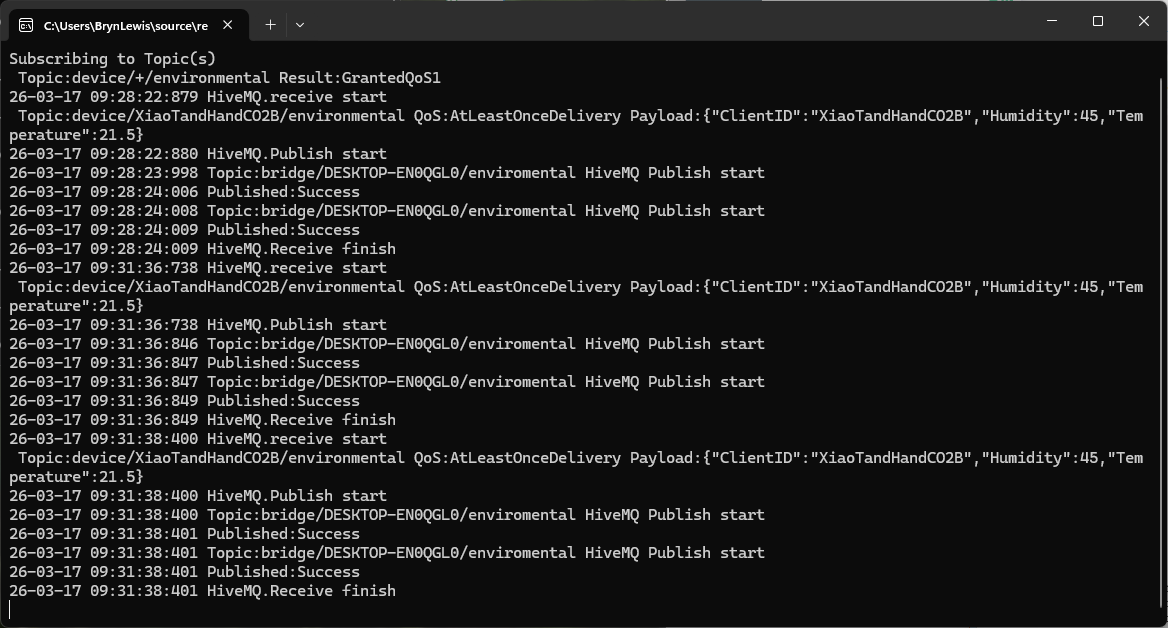
The first prototype of “transforming” telemetry data used C# code complied with the application. The HiveMQClient based application subscribes to topics (devices publishing environmental measurements) and then republishes them to multiple topics.

private static void OnMessageReceived(object? sender, HiveMQtt.Client.Events.OnMessageReceivedEventArgs e)
{
   HiveMQClient client = (HiveMQClient)sender!;

   Console.WriteLine($"{DateTime.UtcNow:yy-MM-dd HH:mm:ss:fff} HiveMQ.receive start");
   Console.WriteLine($" Topic:{e.PublishMessage.Topic} QoS:{e.PublishMessage.QoS} Payload:{e.PublishMessage.PayloadAsString}");

   Console.WriteLine($"{DateTime.UtcNow:yy-MM-dd HH:mm:ss:fff} HiveMQ.Publish start");
   foreach (string topic in _applicationSettings.PublishTopics.Split(',', StringSplitOptions.RemoveEmptyEntries | StringSplitOptions.TrimEntries))
   {
      e.PublishMessage.Topic = string.Format(topic, _applicationSettings.ClientId);

      Console.WriteLine($"{DateTime.UtcNow:yy-MM-dd HH:mm:ss:fff} Topic:{e.PublishMessage.Topic} HiveMQ Publish start ");
      var resultPublish = client.PublishAsync(e.PublishMessage).GetAwaiter().GetResult();
      Console.WriteLine($"{DateTime.UtcNow:yy-MM-dd HH:mm:ss:fff} Published:{resultPublish.QoS1ReasonCode} {resultPublish.QoS2ReasonCode}");
   }
   Console.WriteLine($"{DateTime.UtcNow:yy-MM-dd HH:mm:ss:fff} HiveMQ.Receive finish");
}

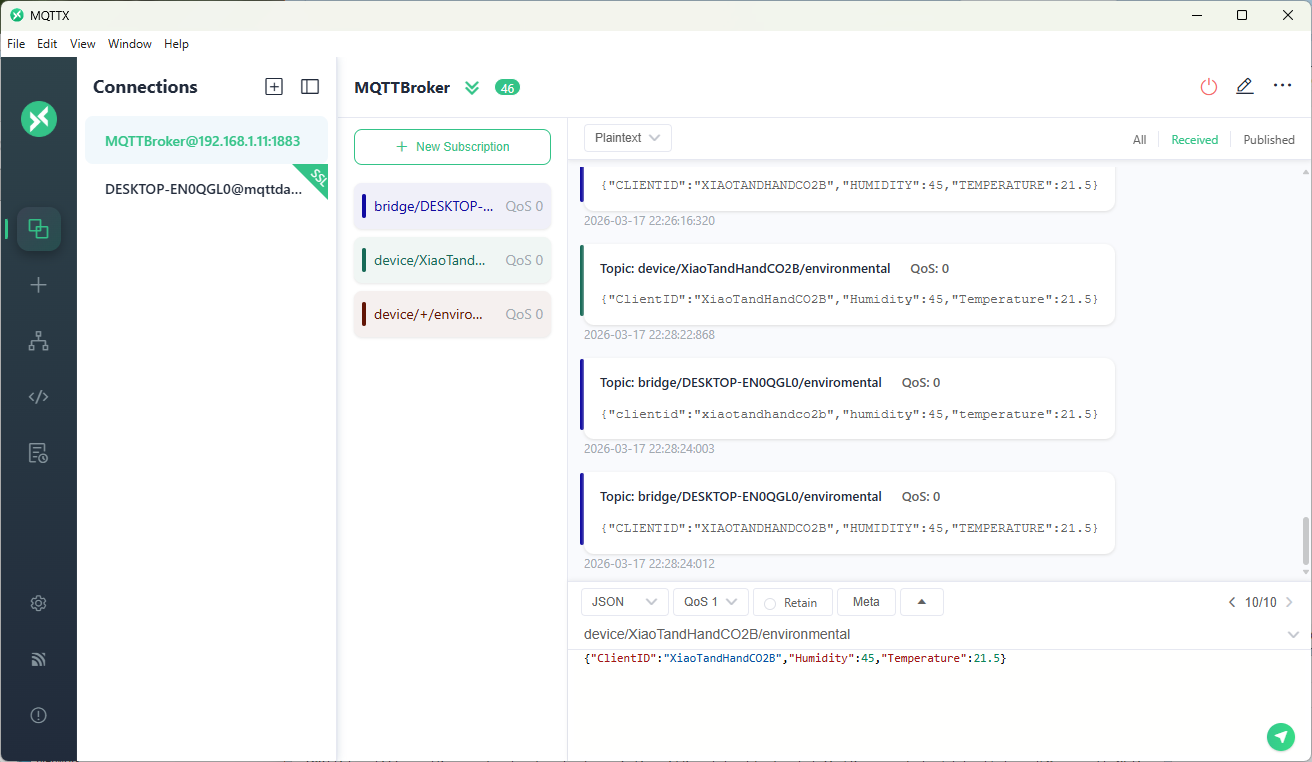
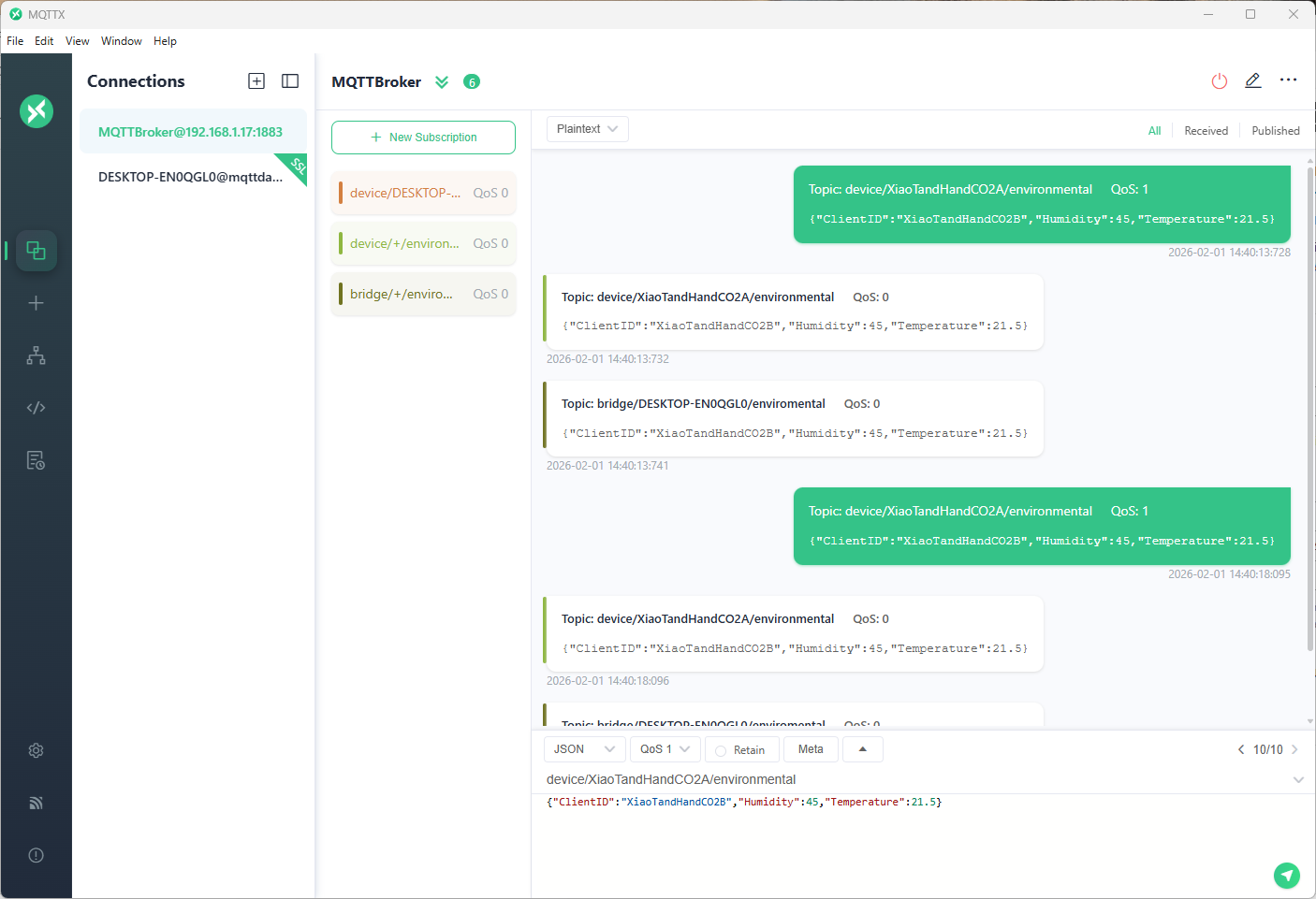
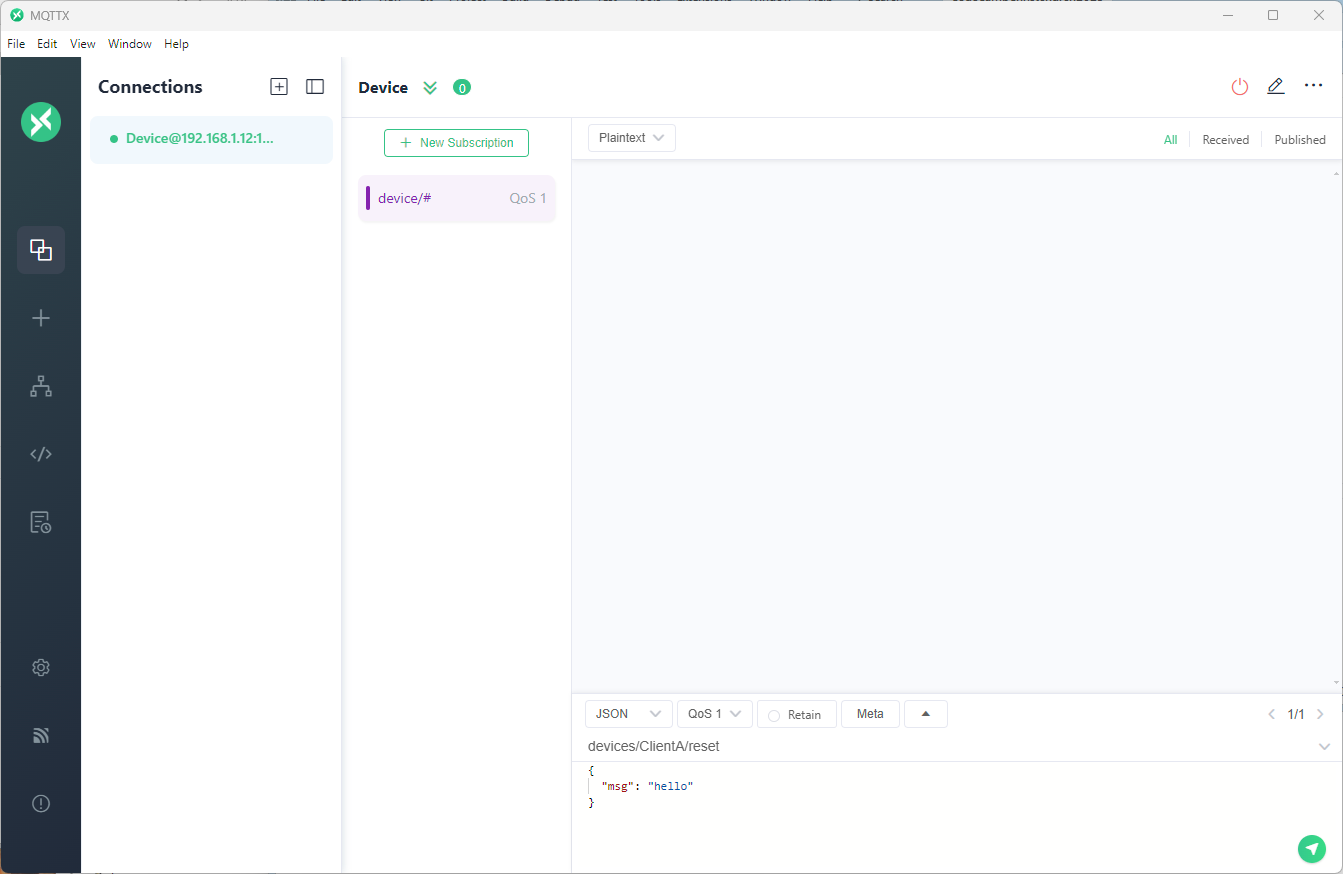
The MQTTX application subscribed to topics that devices (XiaoTandHandCO2A, XiaoTandHandCO2B etc.) and the simulated bridge (DESKTOP-EN0QGL0) published.

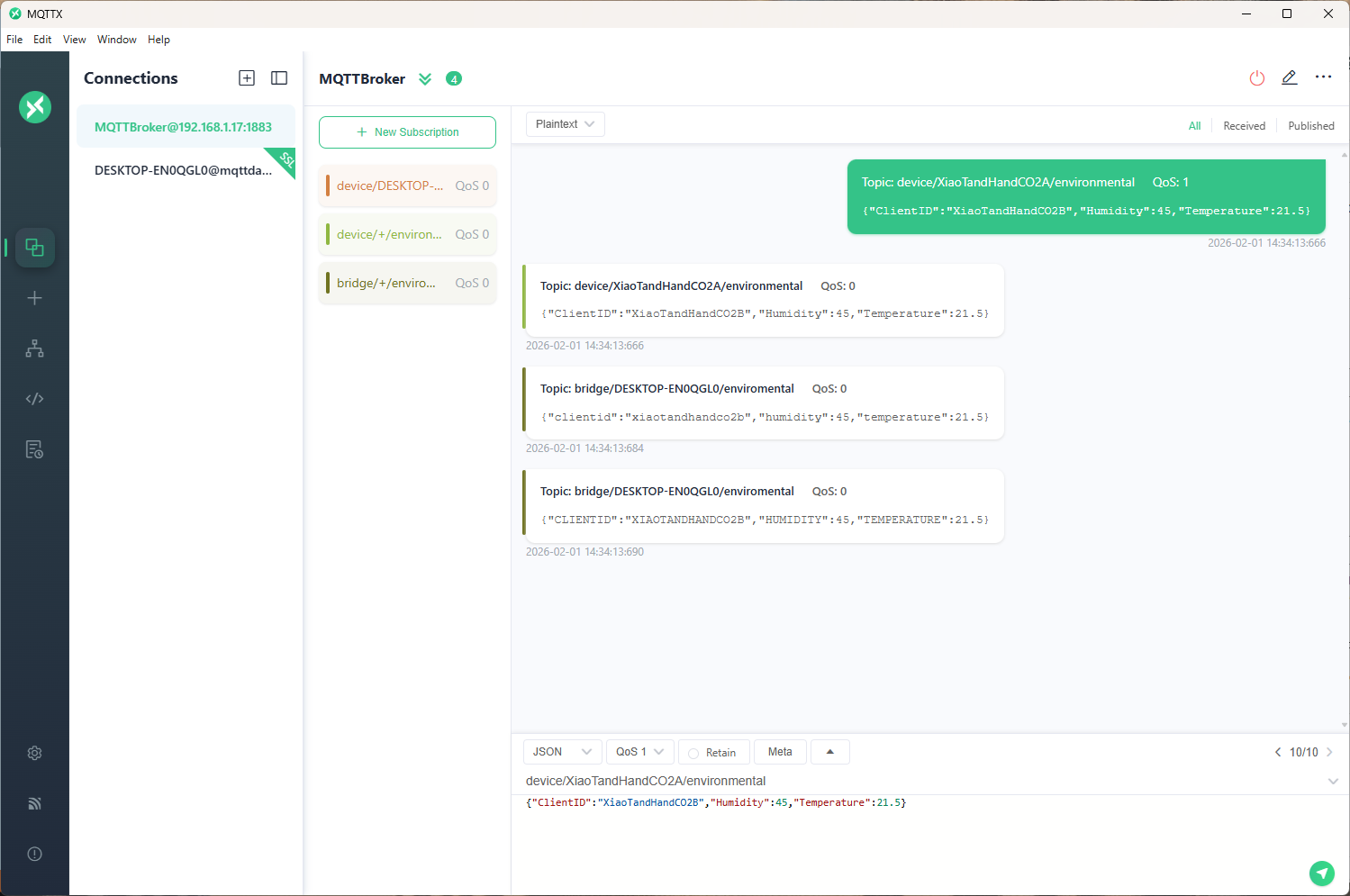
The second prototype “transforms” the telemetry message payloads with C# code that is compiled (with CSScript) as the application starts. The application subscribes to the topics which devices publish (environmental measurements), transforms the payloads, and then republishes the transformed messages to “bridge” topics

private static void OnMessageReceived(object? sender, HiveMQtt.Client.Events.OnMessageReceivedEventArgs e)
{
   HiveMQClient client = (HiveMQClient)sender!;

   Console.WriteLine($"{DateTime.UtcNow:yy-MM-dd HH:mm:ss:fff} HiveMQ.receive start");
   Console.WriteLine($" Topic:{e.PublishMessage.Topic} QoS:{e.PublishMessage.QoS} Payload:{e.PublishMessage.PayloadAsString}");

   Console.WriteLine($"{DateTime.UtcNow:yy-MM-dd HH:mm:ss:fff} HiveMQ.Publish start");
   foreach (string topic in _applicationSettings.PublishTopics.Split(',', StringSplitOptions.RemoveEmptyEntries | StringSplitOptions.TrimEntries))
   {
      e.PublishMessage.Topic = string.Format(topic, _applicationSettings.ClientId);

      foreach (MQTT5PublishMessage message in _evaluator.Transform(e.PublishMessage))
      {
         Console.WriteLine($"{DateTime.UtcNow:yy-MM-dd HH:mm:ss:fff} Topic:{e.PublishMessage.Topic} HiveMQ Publish start ");
         var resultPublish = client.PublishAsync(message).GetAwaiter().GetResult();
         Console.WriteLine($"{DateTime.UtcNow:yy-MM-dd HH:mm:ss:fff} Published:{resultPublish.QoS1ReasonCode} {resultPublish.QoS2ReasonCode}");
      }
   }
   Console.WriteLine($"{DateTime.UtcNow:yy-MM-dd HH:mm:ss:fff} HiveMQ.Receive finish");
}

// This code is compiled as the application starts up, it implements the IMessageTransformer interface
const string sampleTransformCode = @"
using System.Text;
using HiveMQtt.MQTT5.Types;

public class messageTransformer : devMobile.IoT.MqttTransformer.CSScriptLoopback.IMessageTransformer
{
   public MQTT5PublishMessage[] Transform(MQTT5PublishMessage message)
   {
      // Example: echo the payload to a new topic
      var payload = Encoding.UTF8.GetString(message.Payload);


      // Simple transformations: convert to uppercase or lowercase
      var toLower = new MQTT5PublishMessage
      {
         Topic = message.Topic,
         Payload = Encoding.UTF8.GetBytes(payload.ToLower()),
         QoS = QualityOfService.AtLeastOnceDelivery
      };

      var toUpper = new MQTT5PublishMessage
      {
         Topic = message.Topic,
         Payload = Encoding.UTF8.GetBytes(payload.ToUpper()),
         QoS = QualityOfService.AtLeastOnceDelivery
      };

      return new[] { toLower, toUpper };
   }
}";

The sample C# code implements the IMessageTransformer interface and republishes lower and upper case versions of the message.
public interface IMessageTransformer
{
   public MQTT5PublishMessage[] Transform(MQTT5PublishMessage mqttPublishMessage);
}
...
  _evaluator = CSScript.Evaluator.LoadCode<IMessageTransformer>(sampleTransformCode);

The SwarmSpace, and Myriota gateways both use an interface based approach to process uplink and downlink messages. Future versions will include support for isolating processing so that a rogue script can’t crash the application or reference unapproved assemblies

NanoMQ on Windows fail

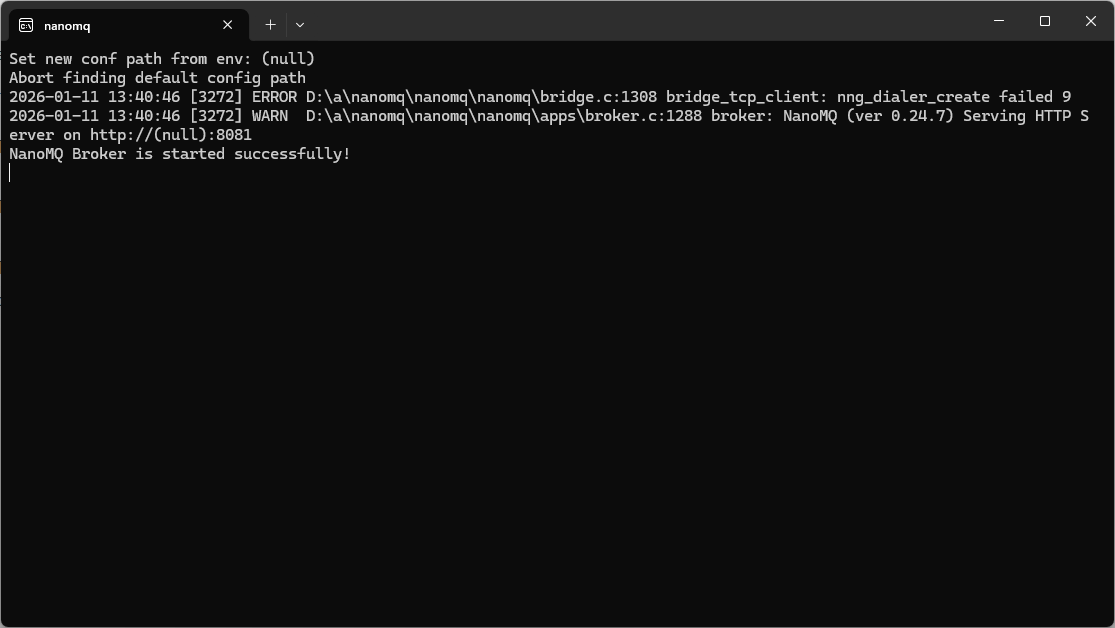
After hours of fail trying to get nanoMQ TCP bridge running on my Windows11 development system it was time to walk away. I ran nanoMQ with different log levels but “nng_dialer_create failed 9” was the initial error message displayed.

The setup looked good…

bridges.mqtt.MyBridgeDeviceID {
    ## Azure Event Grid MQTT broker endpoint
  server = "tls+mqtt-tcp://xxxx.newzealandnorth-1.ts.eventgrid.azure.net:8883"
  proto_ver   = 5
  clientid    = "MyBridgeDeviceID"
  username    = "MyBridgeDeviceID"
  clean_start = true
  keepalive   = "60s"

  ## TLS client certificate authentication
  ssl = {
    # key_password = ""
    keyfile    = "certificates/MyBridgeDeviceID.key"
    certfile   = "certificates/MyBridgeDeviceID.crt"
    cacertfile = "certificates/xxxx.crt"
  }
  ## ------------------------------------------------------------
  ## Topic forwarding (NanoMQ → Azure Event Grid)
  ## ------------------------------------------------------------
  ## These are the topics your device publishes locally.
  ## They will be forwarded upstream to Event Grid.
  ##
  forwards = [xxxx]

  ## ------------------------------------------------------------
  ## Topic subscription (Azure Event Grid → NanoMQ)
  ## ------------------------------------------------------------
  ## This is the topic your device subscribes to from Event Grid.
  subscription = [xxxx]
}

Turns out the nanomq-windows-x86_64 version is not built with Transport Layer Security(TLS) or Dashboard support enabled and If I had started with my Seeedstudio EdgeBox 200 the configuration would most probably have worked.

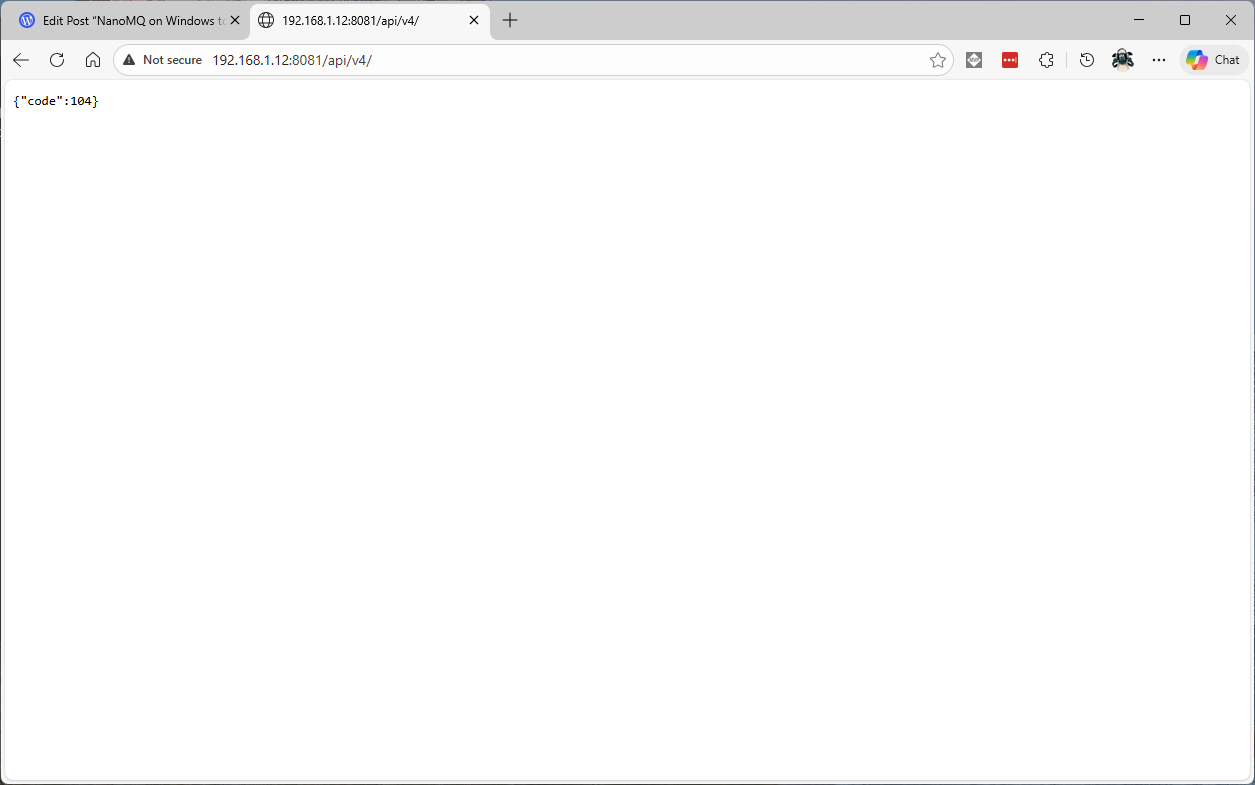
The management API did work, though I don’t understand why they didn’t use a more RESTfull approach e.g. using HTTP Status codes.

NanoMQ with a HiveMQ Client

Most of my applications have focused on telemetry but I had been thinking about local control for solutions that have to run disconnected. In “real-world” deployments connectivity to Azure EventGrid MQTT Broker isn’t 100% reliable (also delay and jitter issues) which are an issue for control at the edge.

The approach to “transforming” telemetry data into “commands” has to be reliable, supportable, testable, scalable and portable (different processor architectures and operating systems). There are several Edge MQTT brokers which meet most, or all of these criteria and this series of posts will use NanoMQ a Linux Foundation Edge project which can run on my development system reComputer Industrial J3011- Fanless Edge AI, and Seeedstudio EdgeBox 200 devices.

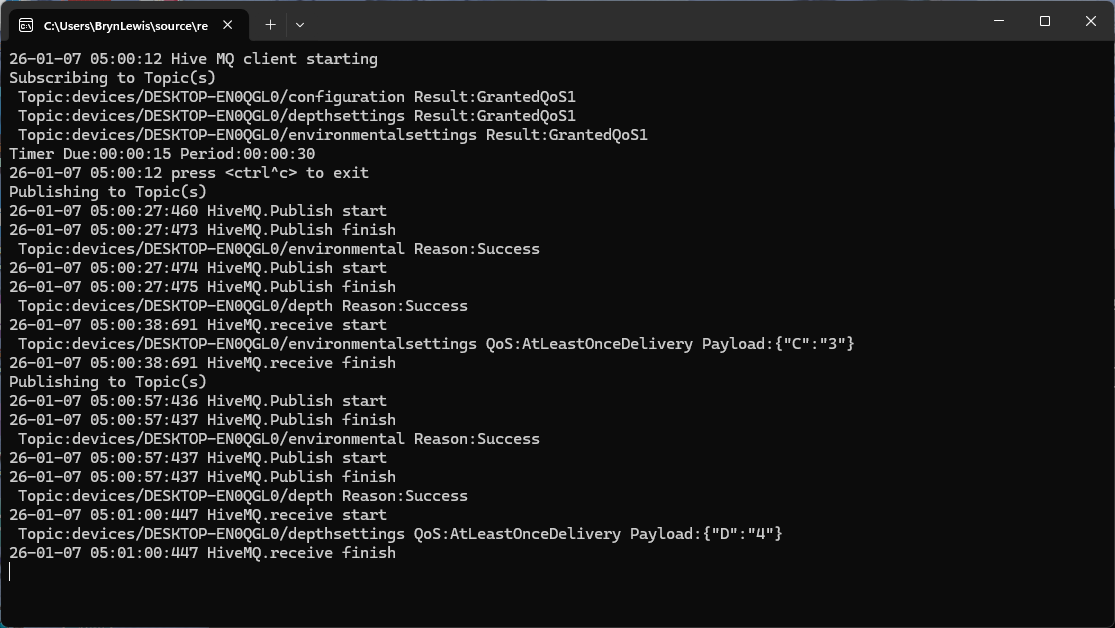
The HiveMQClient application could publish and subscribe to topics

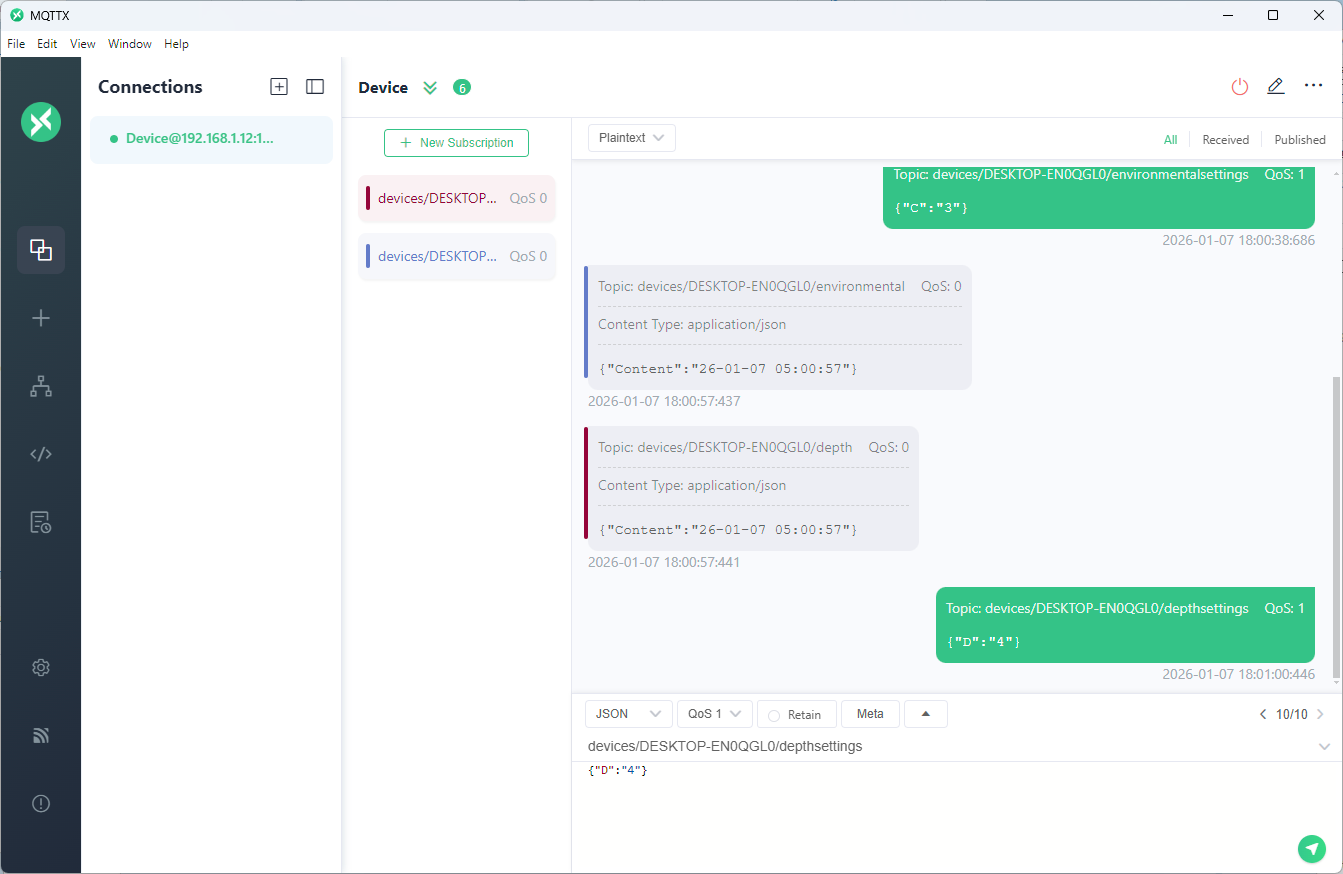
The MQTTX application could also publish and subscribe to topics

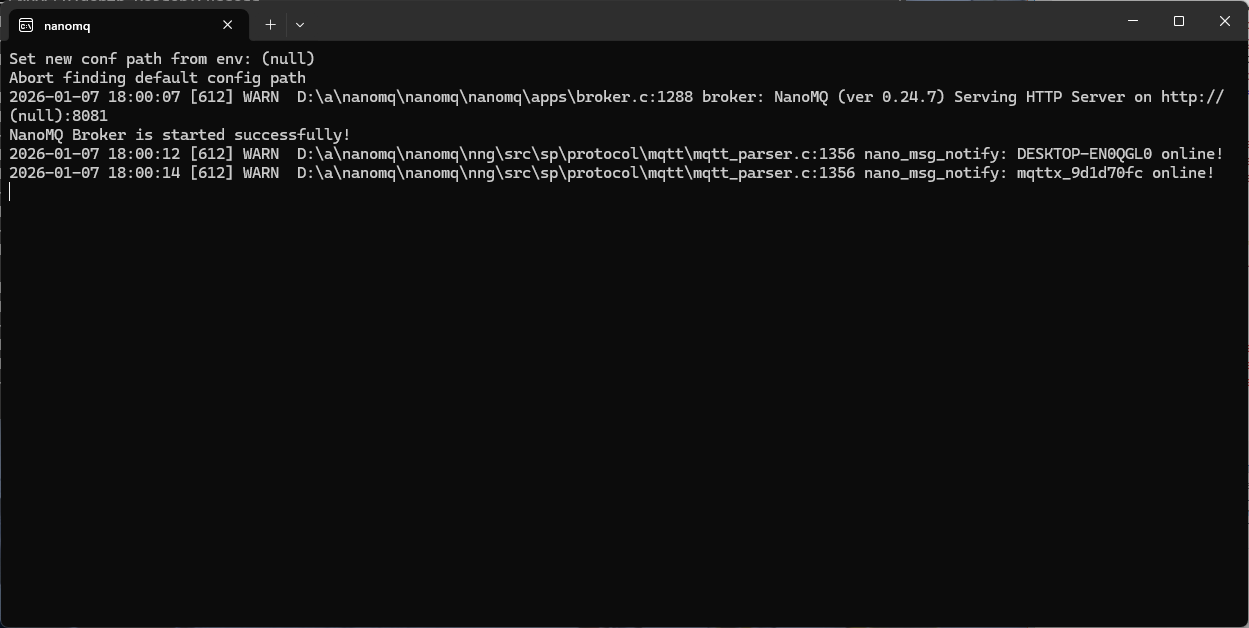
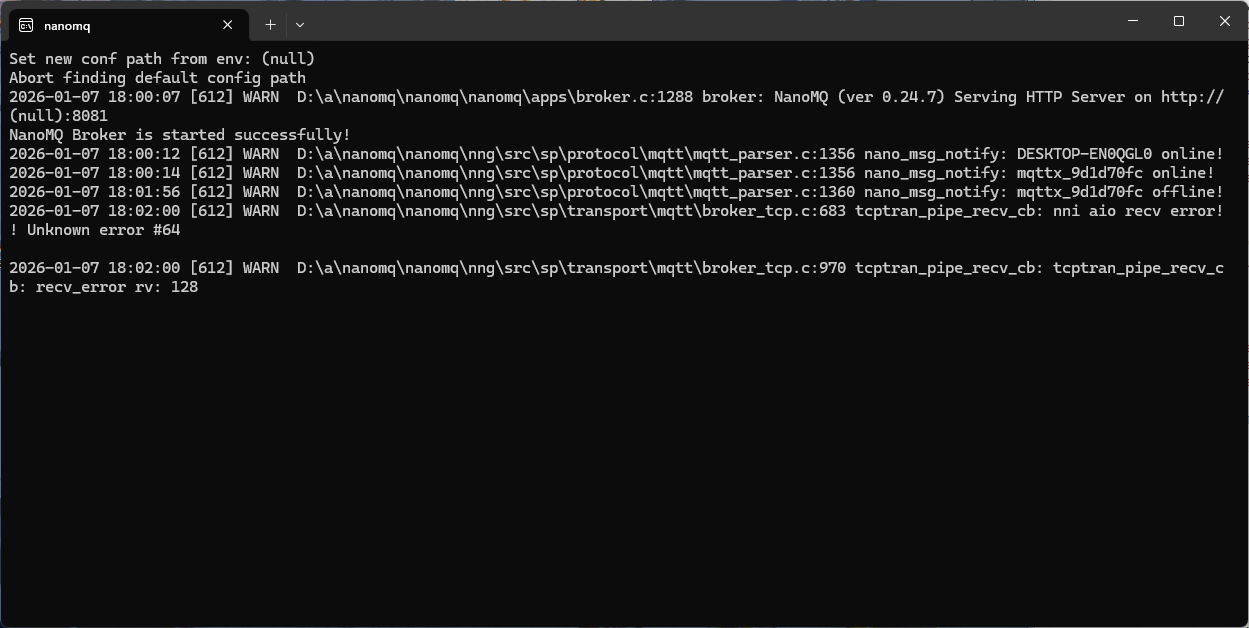
The HiveMQClient application has no way to “gracefully” shutdown which was visible in the NanoMQ console.

I have cut corners, the support for secure connections to nanoMQ is very limited and this setup should only be used for basic proof of concepts

Linux Foundation Edge NanoMQ Setup

Over Christmas I read an article about the Internet of Vehicles(IoV) which got me thinking about “edge brokers”. In “real-world” deployments connectivity to Azure EventGrid MQTT Broker would not 100% reliable so I have been looking at lightweight edge brokers.

A Message Queue Telemetry Transport(MQTT) broker with a small footprint (so it could run on a device like my Seeedstudio Edgebox 200), MQTT V5 support, local message persistence for disconnected operation, X509 certificate mutual authentication (so I could connect to Azure EventGrid MQTT Broker) were requirements. I initially looked at

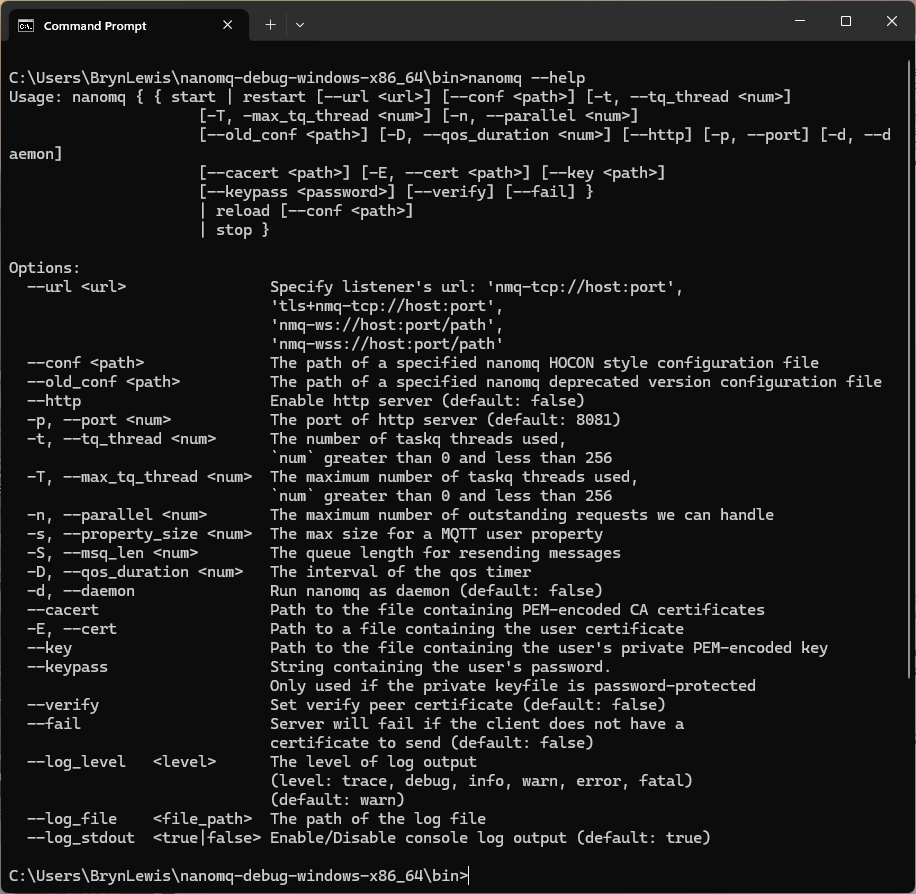
I started by downloading and extracting the Windows X64 version of nanoMQ (started with the debug version).

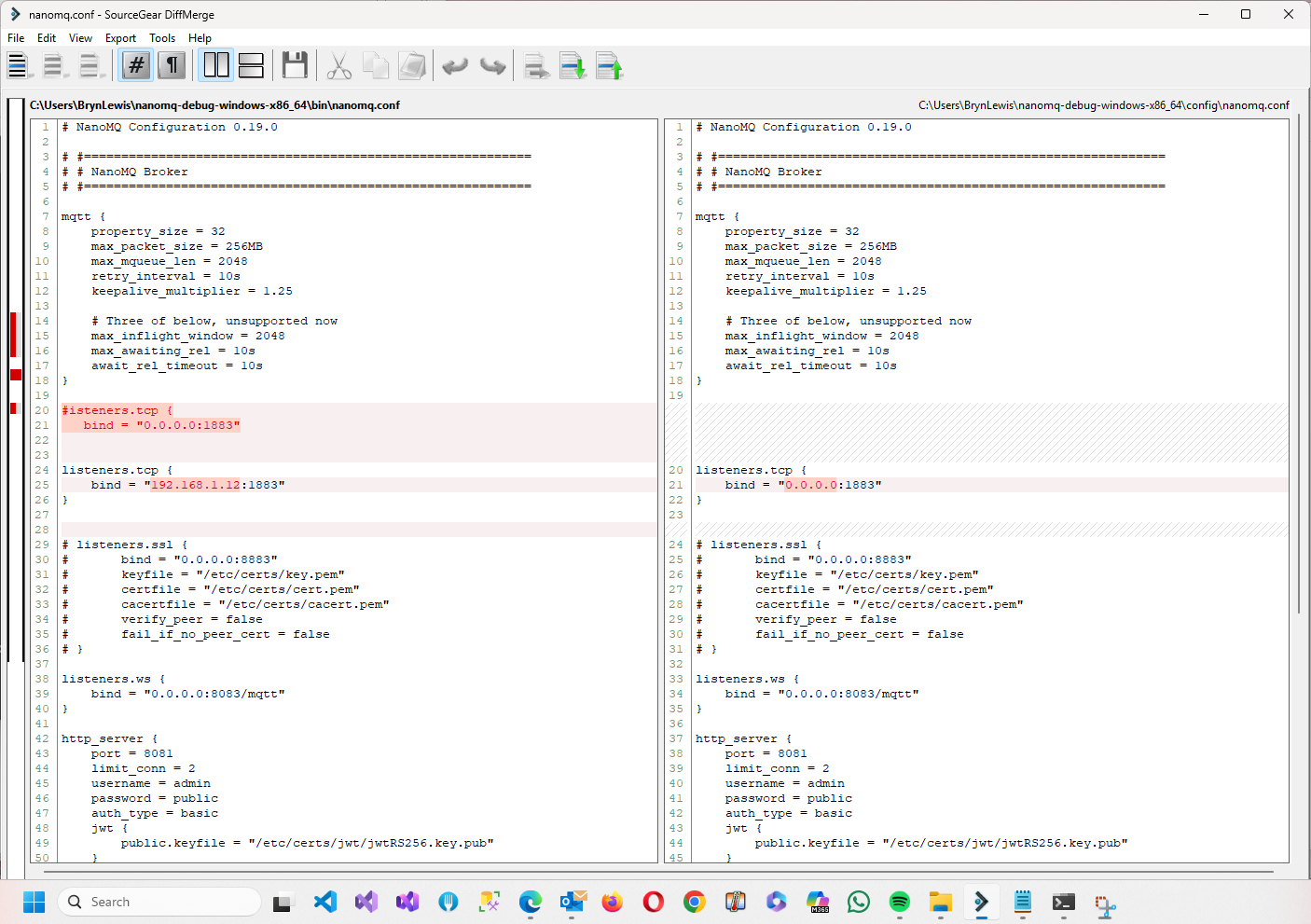
The only change I had to make was the listener configuration.

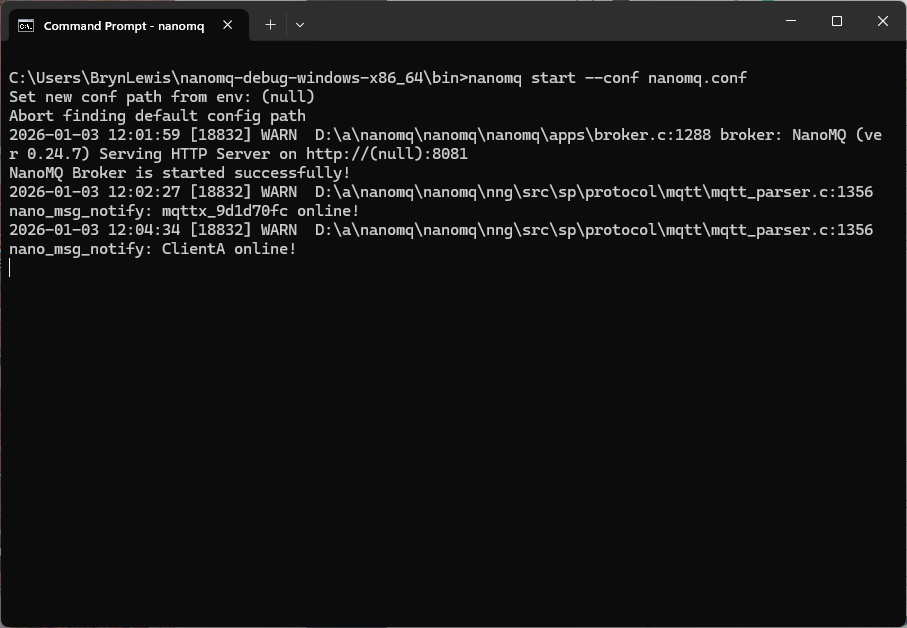
Shortly after launching NanoMQ I could connect to it using MQTTX (from EMQX)

I then modified my nanoFramework Azure Event Grid MQTT broker client to connect to the NanoMQ instance running on my development environment.

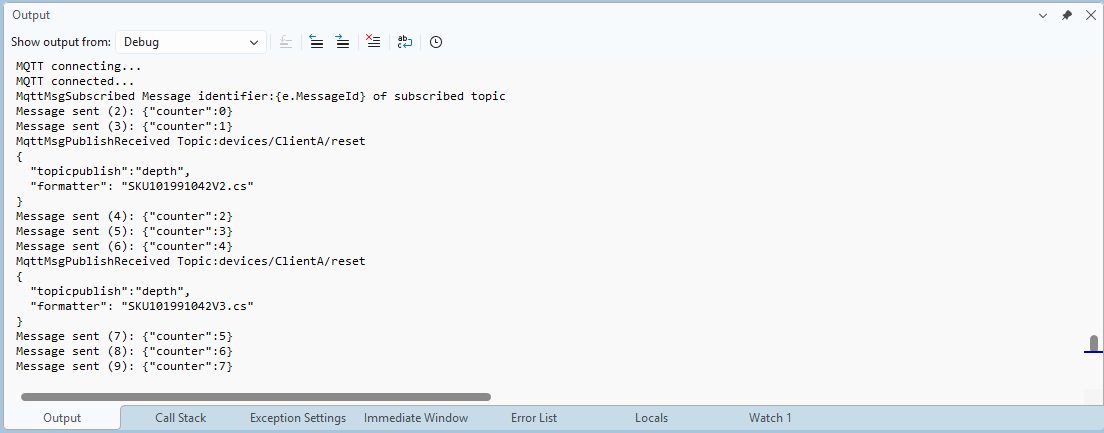
The nanoFramework Azure Event Grid MQTT broker client could publish and subscribe to topics

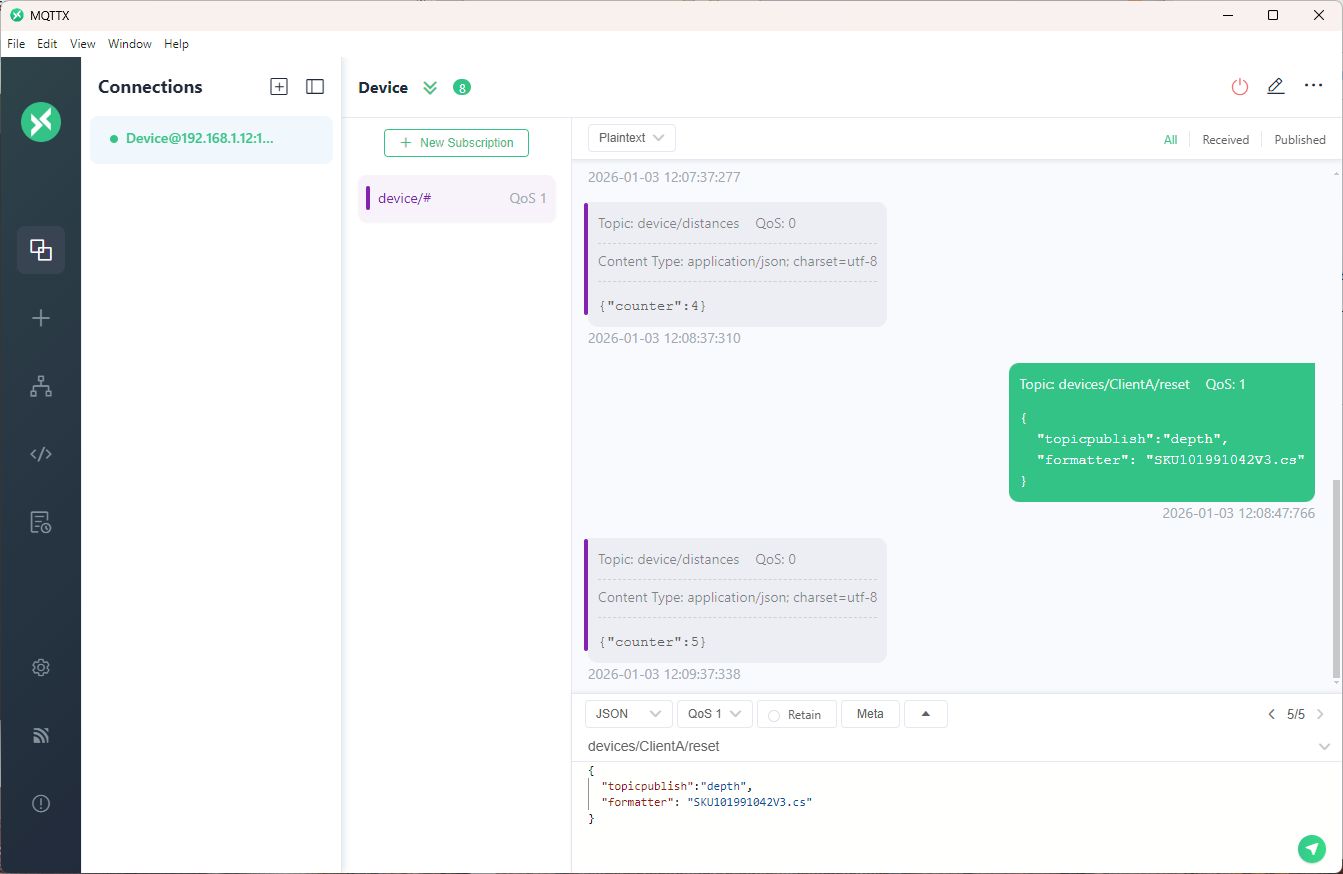
The MQTTX application could also publish and subscribe to topics

Downloading nanoMQ, figuring out the configuration file modifications, and modifying my Azure Event Grid MQTT broker client took less than an hour.

BUT: I cut corners, the support for secure connections to nanoMQ is very limited and this setup should only be used for basic proof of concepts