The Seeedstudio reComputer J3011 has two processors an ARM64 CPU and an Nividia Jetson Orin 8G Coprocessor. To speed up ML.NET running on the Nividia Jetson Orin 8G required compatible versions of ML.NET Open Neural Network Exchange (ONNX) and NVIDIA Jetpack.
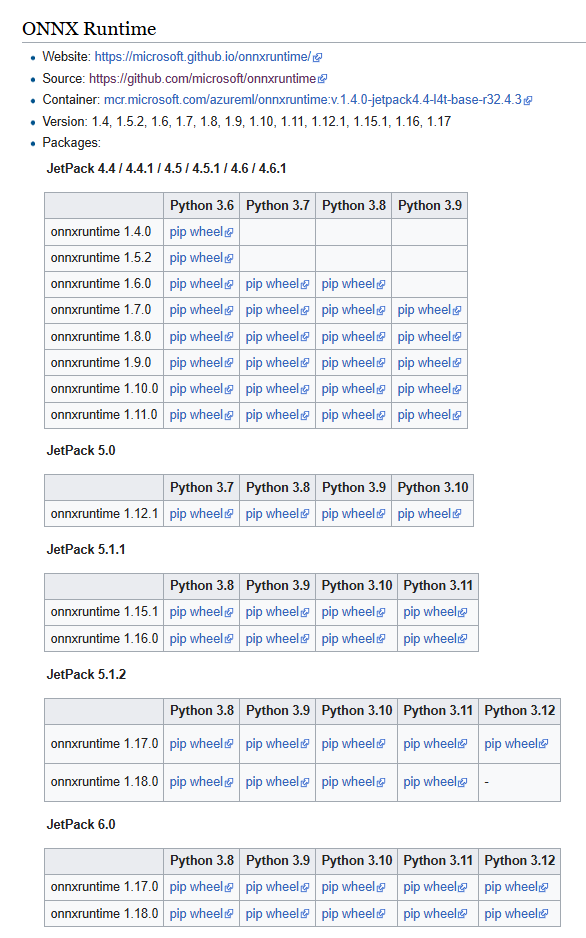
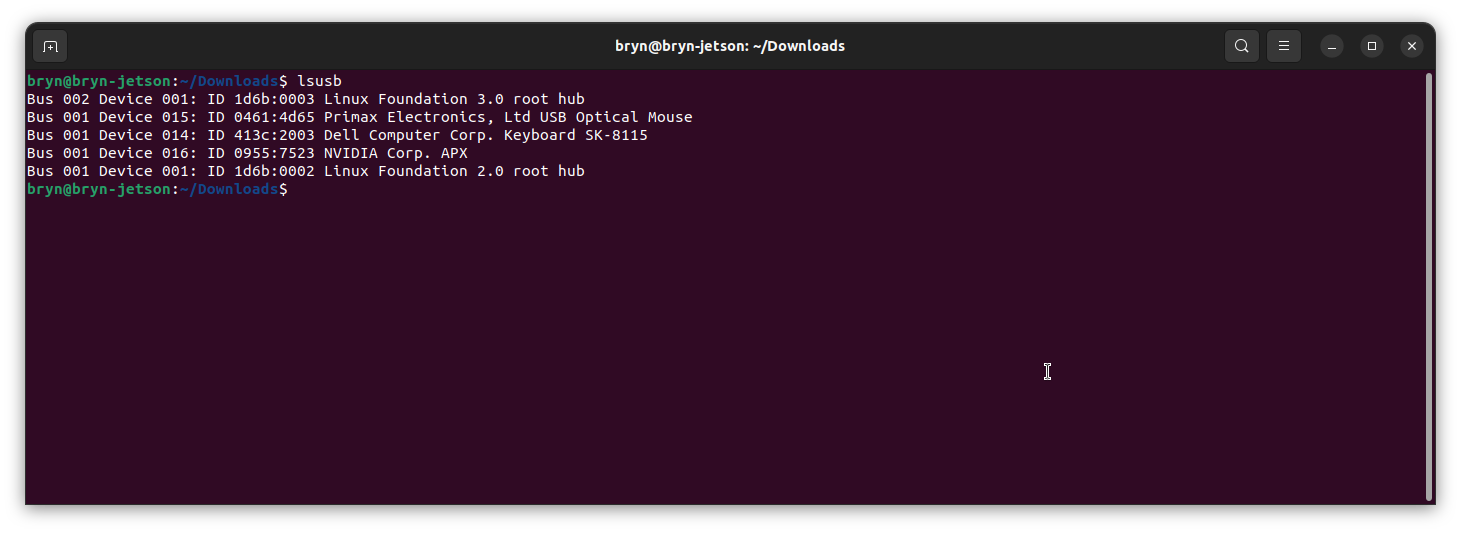
Before installing NVIDIA Jetpack 6 the Seeedstudio reComputer J3011 Edge AI Device has to be put into recovery mode

When started in recovery mode the Seeedstudio J3011 was in list of Universal Serial Bus (USB) devices returned by lsusb
Upgrading to Jetpack 5.1.1 so the device could be upgraded using the Windows subsystem for Linux terminal failed. The NVIDIA SDK Manager downloads and installs all the required components and dependencies.

Installing NVIDIA Jetpack 6 from the Windows subsystem for Linux failed because the version of Ubuntu installed(Ubuntu 24.02 LTS) was not supported by NVIDIA SDK Manager.
Installing NVIDIA Jetpack 6 from a desktop PC running Ubuntu 24.02 LTS failed (the same issue as above) because the NVIDIA SDK Manager did not support that version of Ubuntu. The desktop PC was then “re-paved” with Ubuntu 22.04 LTS and NVIDIA SDK Manager worked.

An NVIDIA Developer program login is required to launch the NVIDIA SDK Manager

Selecting the right target hardware is important if it is not “auto detected”.
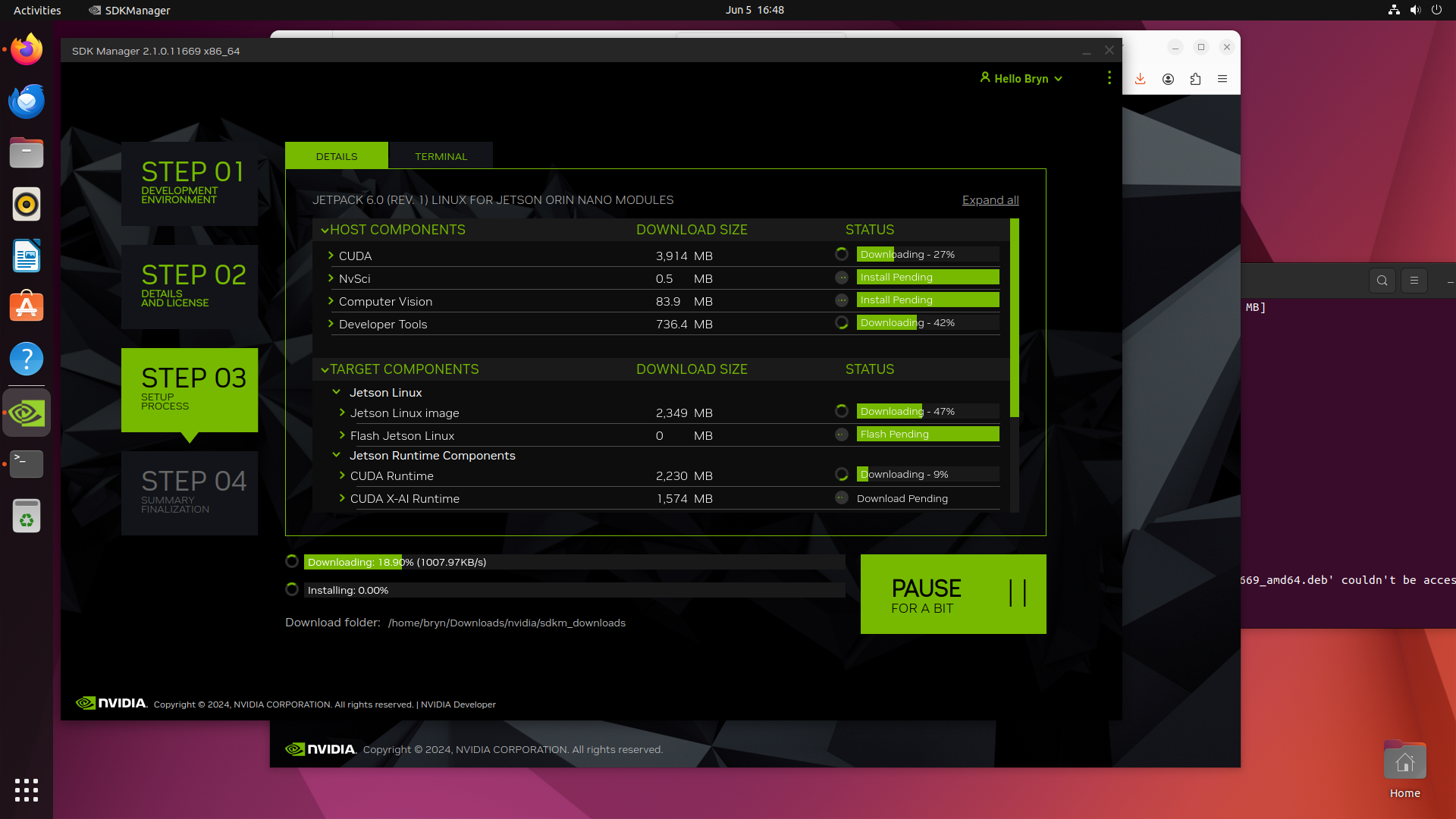
The Open Neural Network Exchange(ONNX) supports the Compute Unified Device Architecture (CUDA) which has to be included in the installation package.

Downloading NVIDIA Jetpack 6 and all the selected components of the install can be quite slow
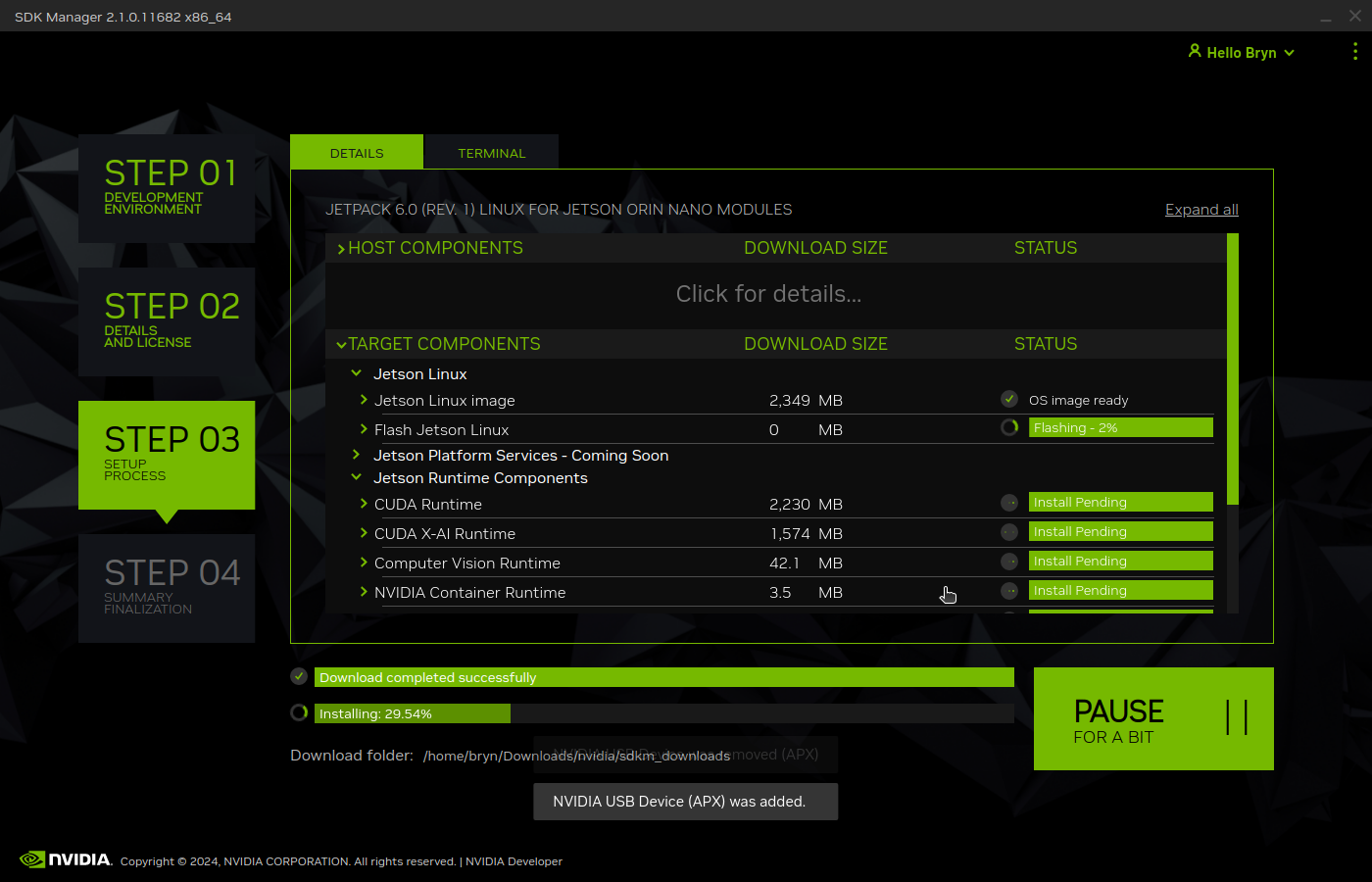
Installation of NVIDIA Jetpack 6 and selected components can take a while.
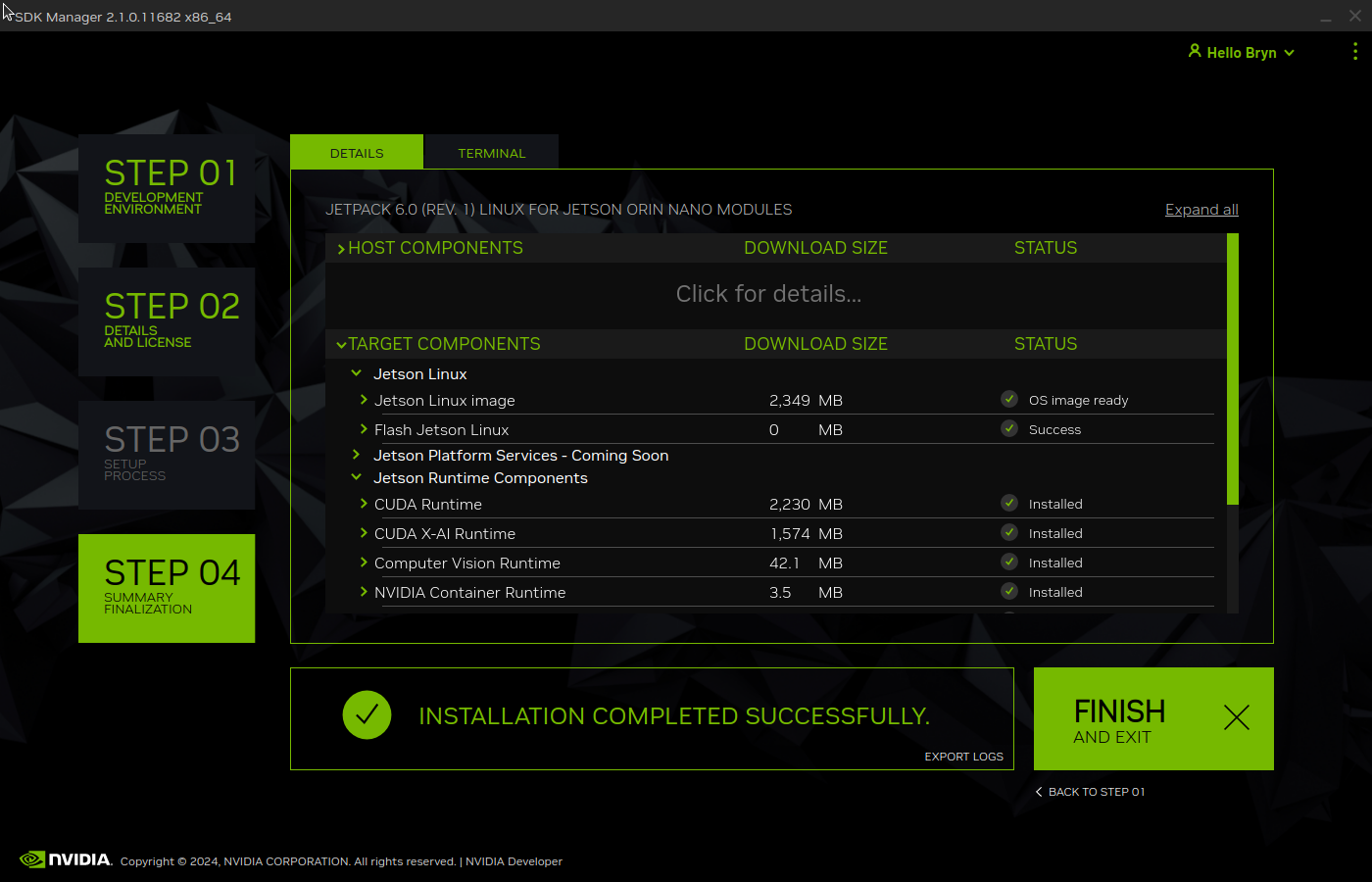
Even though Jetpack 6 is now available for Seeed’s Jetson Orin Devices this process is still applicable for an upgrade or “factory reset”.
 devMobile's blog