The Arduino application for testing Azure Event Grid MQTT Broker connectivity worked on my Seeedstudio EdgeBox ESP100 and Seeedstudio Xiao ESP32S3 devices, so the next step was to modify it to publish some messages.
The first version generated the JSON payload using an snprintf which was a bit “nasty”
static uint32_t sequenceNumber = 0;

void loop() {
  mqttClient.loop();

  Serial.println("MQTT Publish start");

  char payloadBuffer[64];

  snprintf(payloadBuffer, sizeof(payloadBuffer), "{\"ClientID\":\"%s\", \"Sequence\": %i}", MQTT_CLIENTID, sequenceNumber++);

  Serial.println(payloadBuffer);

  if (!mqttClient.publish(MQTT_TOPIC_PUBLISH, payloadBuffer, strlen(payloadBuffer))) {
    Serial.print("\nMQTT publish failed:");
    Serial.println(mqttClient.state());
  }
  Serial.println("MQTT Publish finish");

  delay(60000);
}
I then configured my client (Edgebox100A) and updated the “secrets.h” file
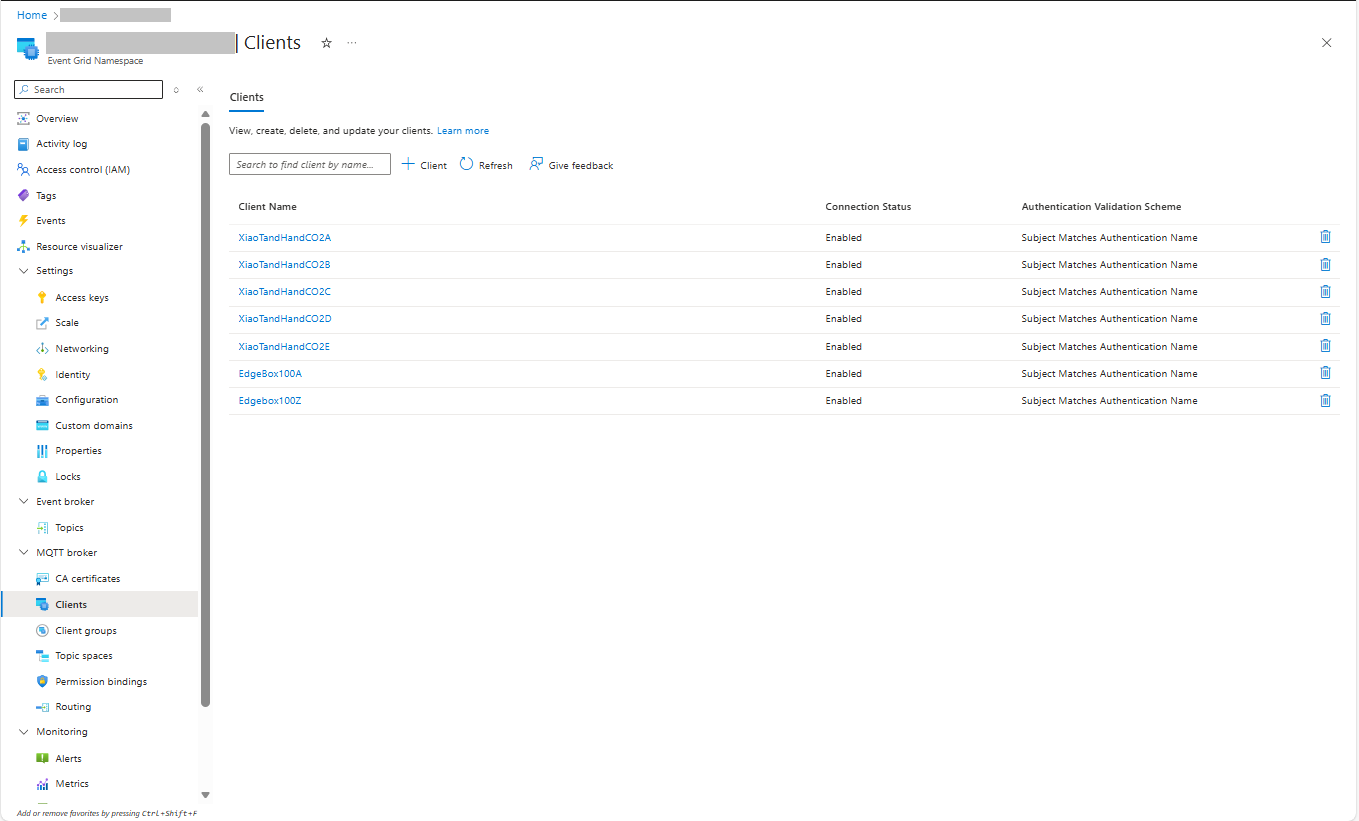
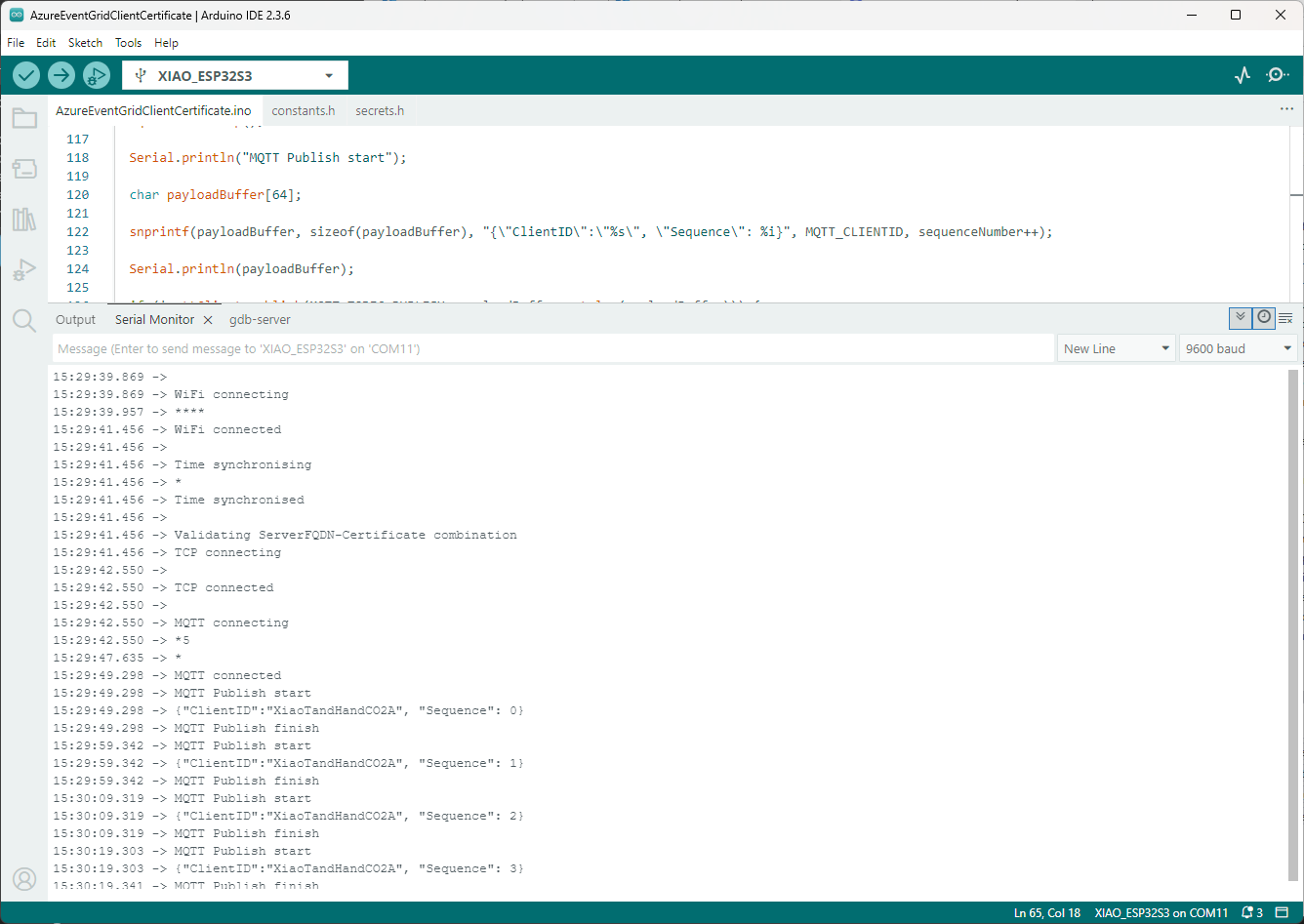
The application connected to the Azure Event Grid MQTT broker and started publishing the JSON payload with the incrementing sequence number.
The second version generated the JSON payload using ArduinoJson library.
static uint32_t sequenceNumber = 0;

void loop() {
  mqttClient.loop();

  Serial.println("MQTT Publish start");

  // Create a static JSON document with fixed size
  StaticJsonDocument<64> doc;

  doc["Sequence"] = counter++;
  doc["ClientID"] = MQTT_CLIENTID;

  // Serialize JSON to a buffer
  char jsonBuffer[64];
  size_t n = serializeJson(doc, jsonBuffer);

  Serial.println(jsonBuffer);

  if(!mqttClient.publish(MQTT_TOPIC_PUBLISH, jsonBuffer, n))
  {
    Serial.println(mqttClient.state());
  }

  Serial.println("MQTT Publish finish");

  delay(2000);
}
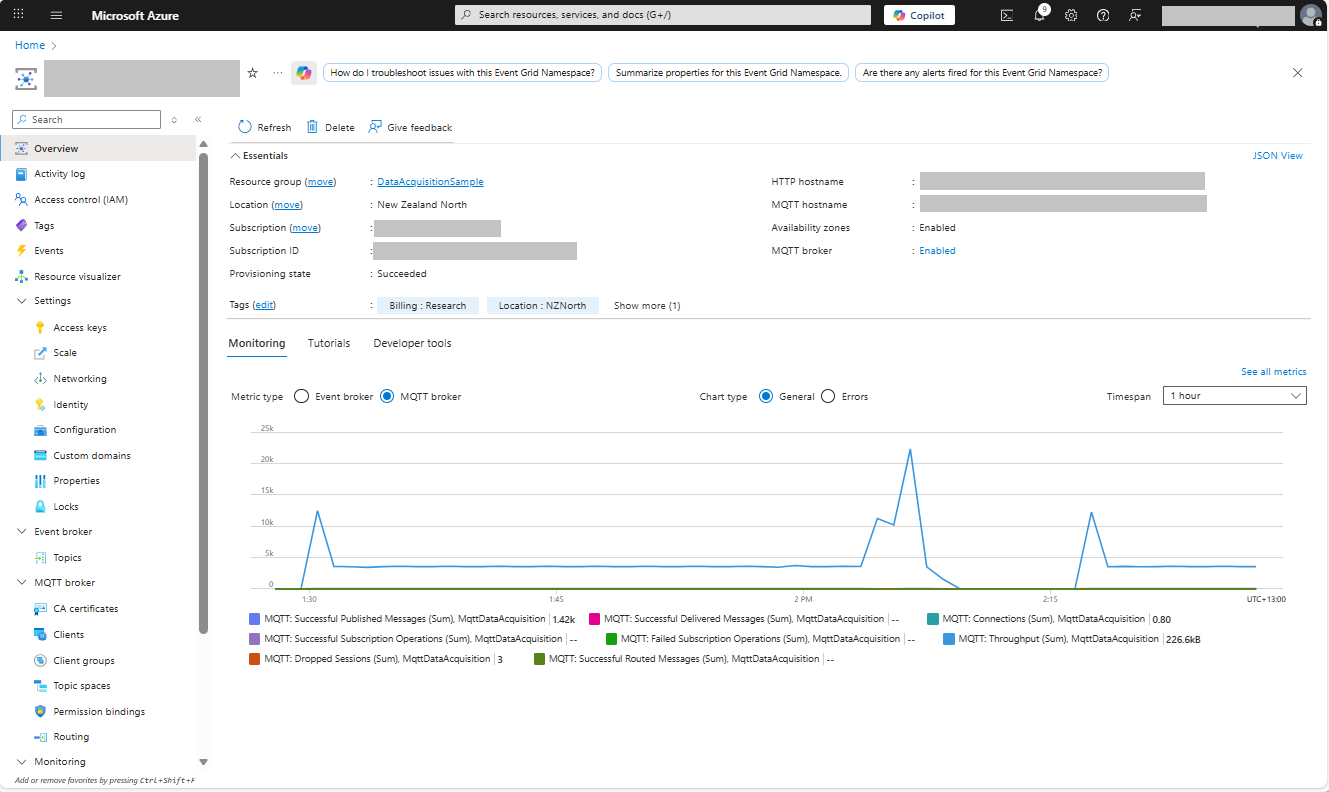
I could see the application was working in the Azure Event Grid MQTT broker metrics because the number of messages published was increasing.
The published messages were “routed” to an Azure Storage Queue where they can be inspected with a tool like Azure Storage Explorer.
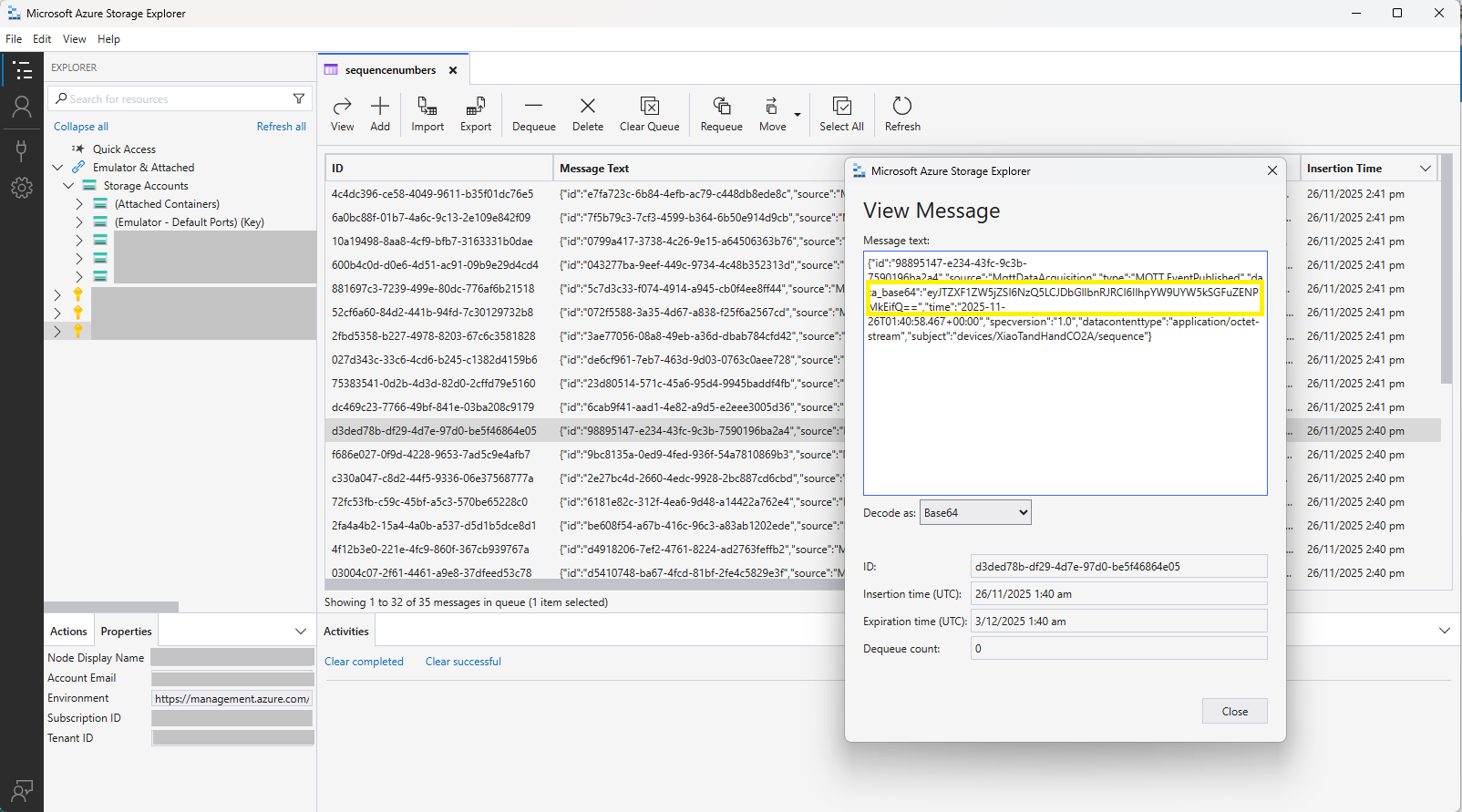
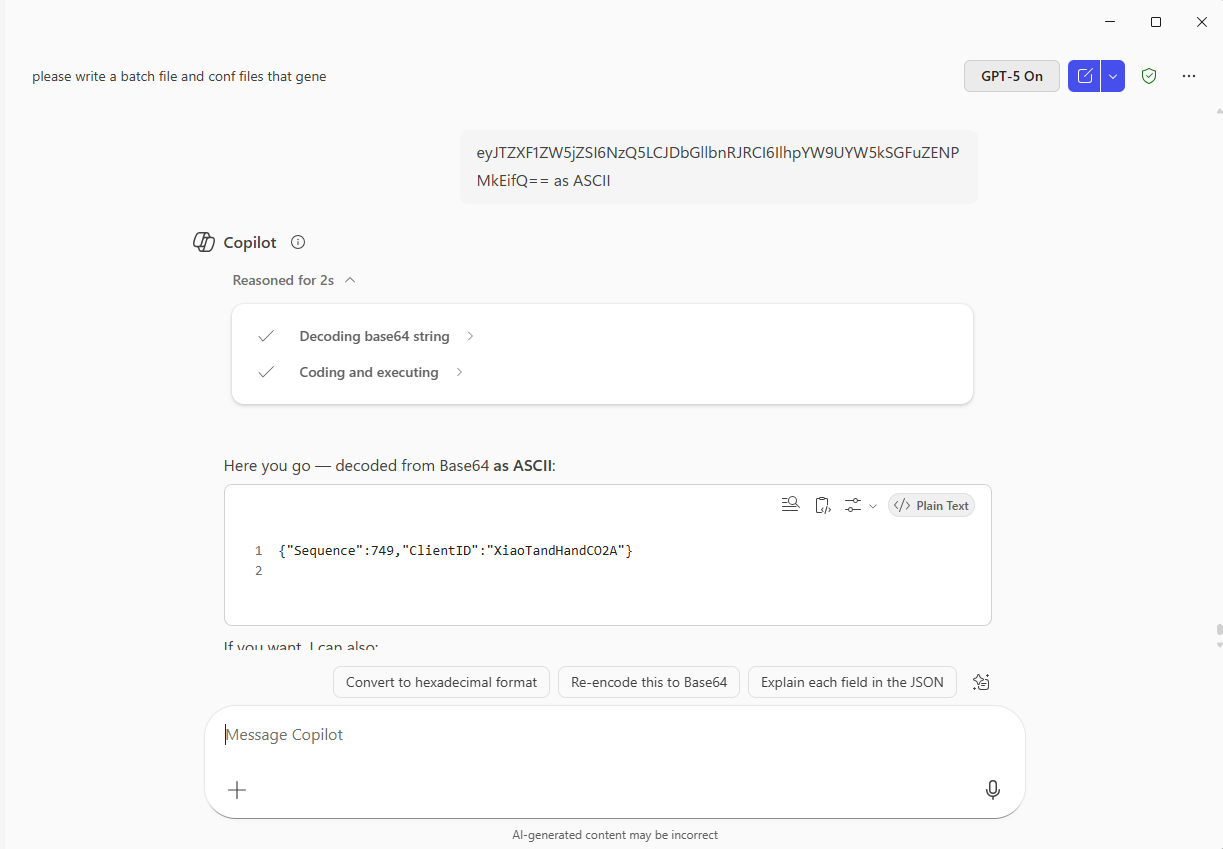
The message payload is in Base64 encoded so I used copilot convert it to text.
In this post I have assumed that the reader is familiar with configuring Azure Event Grid clients, client groups, topic spaces, permission bindings and routing.
Bonus also managed to slip in a reference to copilot.
 devMobile's blog