One of the services I needed to call from my Fez Spider required an HTTPS connection. The HTTP client sample located at
C:\Users\…\Documents\Microsoft .NET Micro Framework 4.2\Samples\HttpClient
shows how to load a certificate and use it when making a request.
There wasn’t a lot of information about getting the required certificate so I decided to document how I did it. On my Windows Server 2k8 box I use either a web browser or the Certificate Manager for exporting certificates. The easiest way is to use your preferred browser to access the service endpoint (To enable the export functionality you need to “Run as administrator”).
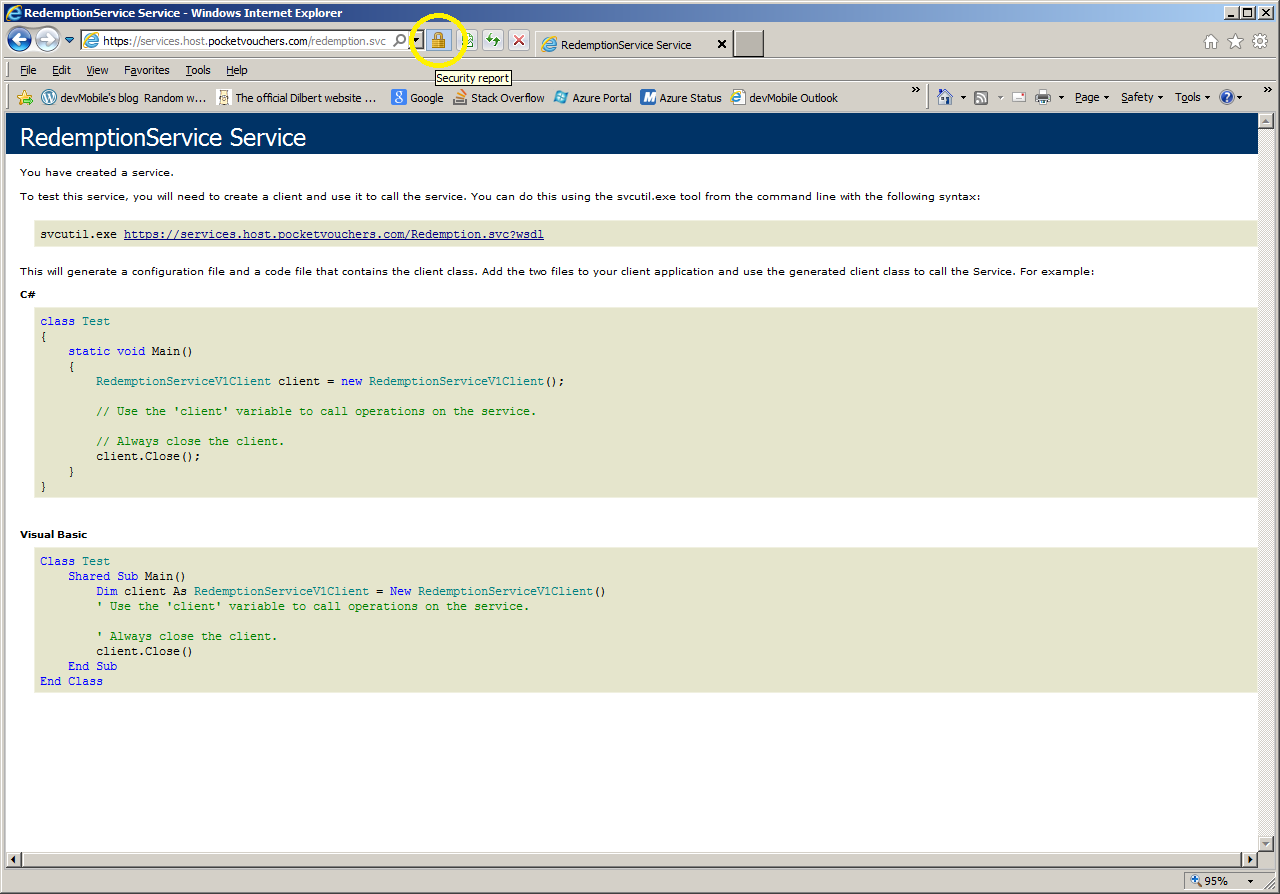
View the certificate

Select the root certificate
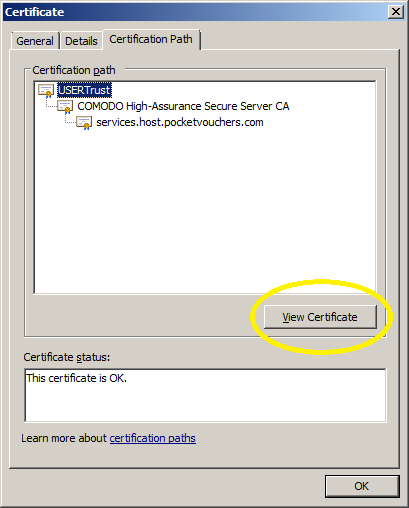
View the root certificate information
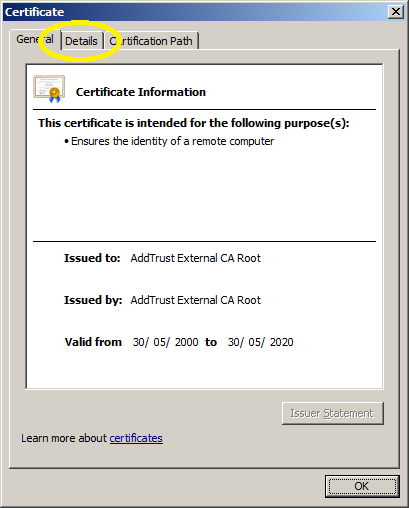
View the root certificate details
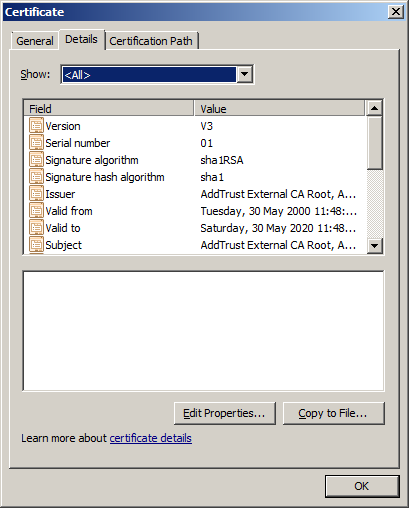
Export the certificate
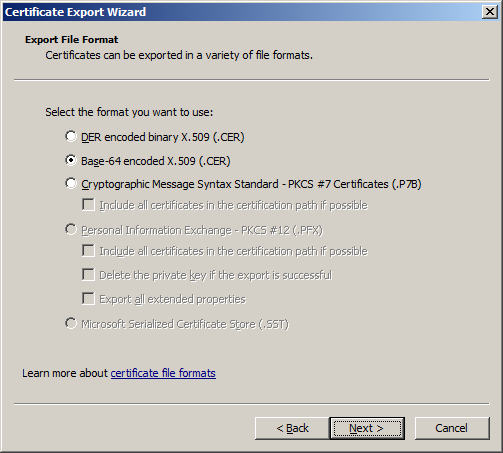
Save CER file in the resources directory of your NetMF Project and then add it to the application resources.
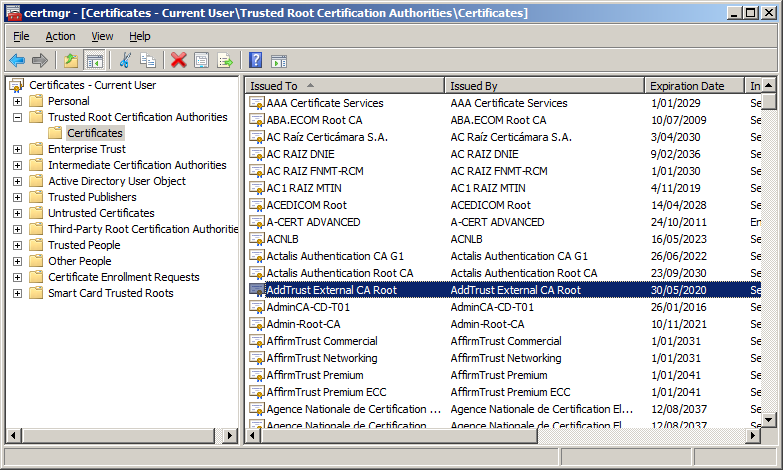
If you know the Root Certification Authority you can export the certificate using Certificate Manager
Don’t forget to Update the SSL Seed using MF Deploy and ensure that the device clock is correct.
I use either an Network Time Protocol (NTP) Client or an RTC (Realtime Clock) module to set the device clock.
Depending on the application and device you might need to set the device clock every so often.
 devMobile's blog
Hi Bryn, thanks for this explanation!
I’m also trying to run the HttpClient sample with https and certificate verification, but I’m keeping getting a System.Net.WebException. I monitored the ethernet traffic with Wireshark and a TLS packet containing “Alert (Level: fatal, Description: Unknown CA)” is seen.
I updated the SSL Seed and set the time manually (should be accurate within 5 seconds or so).
Do you remember if another step is required so that it works?
Pierre
Hi Pierre,
Post loading the sample the Azure Root certificate was migrated so I think the certificate resource in the project will need to be updated.
If that doesn’t work I’ll have a look next week when I’m back from holiday.
Bryn
Ok thanks, enjoy your holidays 🙂
Hi Pierre,
Have posted an updated version of the Azure client which was the smallest sample I could create to demonstrate calling an HTTPS endpoint.
Have a look and try running it on your hardware. (I assume you have Fez spider & LAN module)
All I did was set the SSL seed and included the new root certificate which had been exported as per the instructions in my blog.
Bryn
Hi Bryn,
I will try your sample application on my fez spider, thanks a lot!
Pierre
Pingback: GPS Tracker Azure Service Bus | devMobile's blog
Pingback: Azure Event Hub Updates from a NetMF Device | devMobile's blog